AI Tools for Product Managers: Top Tools and Use Cases
Explore AI tools for product manager workflows, compare options for research, roadmaps, analytics, and prototyping, and learn essential skills and safe-use practices.
AI tools for product manager workflows can make your work easier for areas like product development research, product specification writing, roadmapping, analytics, prototyping, and team communication. But which ones should you experiment with and which ones should you avoid? It depends on your needs, existing tools, and company data policies. In this guide, we'll compare the best tools, share practical prompts, essential skills, and safe-use tips for AI. Finally, we'll show you how to build a working prototype. Bear in mind that although AI speeds up product development work, product managers still decide and execute it.
What is AI for product managers?

Using AI tools for product manager workflows is about integrating AI and smart tools for the generation of content and other tasks such as customer research, product requirements, feedback analysis, and team communication. The main purpose is to reduce repetitive work and increase product decision effectiveness.
This is a two-headed affair. On the one hand is the product manager who uses AI to perform work quickly. On the other is the AI product manager who deals with the development of intelligent technologies. The present guide is targeted mainly at the first group while at the same time touching upon the latter.
It's good at summarizing ideas and information, writing draft documents, identifying patterns in data, and analyzing things. But it's not good at really knowing your customer, understanding your business objectives, or knowing the pain points of your product. That's where your judgment comes in.
As AI takes care of more routine tasks, product managers can focus on what matters most: setting priorities, telling a clear product story, and keeping teams aligned.
AI tools for product managers at a glance
| Workflow | Tool | Best for |
|---|---|---|
| General AI assistance | ChatGPT | Research, brainstorming, writing, and data analysis |
| General AI assistance | Atlassian Rovo | Finding information across Jira and Confluence |
| Customer research | Dovetail | Analyzing customer feedback and interviews |
| Product discovery | Notion AI | Organizing research and product knowledge |
| Product discovery | Perplexity | Competitor research and market analysis |
| PRDs and requirements | Claude | Writing PRDs, user stories, and acceptance criteria |
| PRDs and requirements | ClickUp Brain | Creating requirements and organizing tasks |
| Roadmapping and prioritization | Productboard | Prioritizing features using customer feedback |
| Roadmapping and prioritization | Jira Product Discovery | Scoring ideas and building product roadmaps |
| Product analytics | Amplitude | Analyzing user behavior, funnels, and retention |
| Product analytics | Mixpanel | Tracking KPIs, conversions, and user journeys |
| Meetings and communication | Otter.ai | Meeting notes, transcription, and action items |
| Meetings and communication | Fireflies.ai | Meeting summaries and stakeholder updates |
| Prototyping and custom tools | Enter Pro | Building interactive prototypes and internal product apps |
AI assistants for product managers (Chatbots vs. Embedded tools)
An AI assistant for product manager tasks is like a drafting machine to help you compile documents, compile feedback and analysis summaries, and respond to questions. It's an assistant to help you with your day-to-day product work - not one to make decisions for you.
But not all AI assistants work the same way. Here are three main types:
| Type | Recommended tool | Best for |
|---|---|---|
| General assistant | ChatGPT | Research, brainstorming, writing specs, and summarizing feedback. |
| Embedded assistant | Atlassian Rovo | Finding information across connected documents, tasks, and project tickets. |
| Specialist tool | Dovetail | Analyzing customer interviews, feedback, and research insights. |
ChatGPT — Best general AI assistant
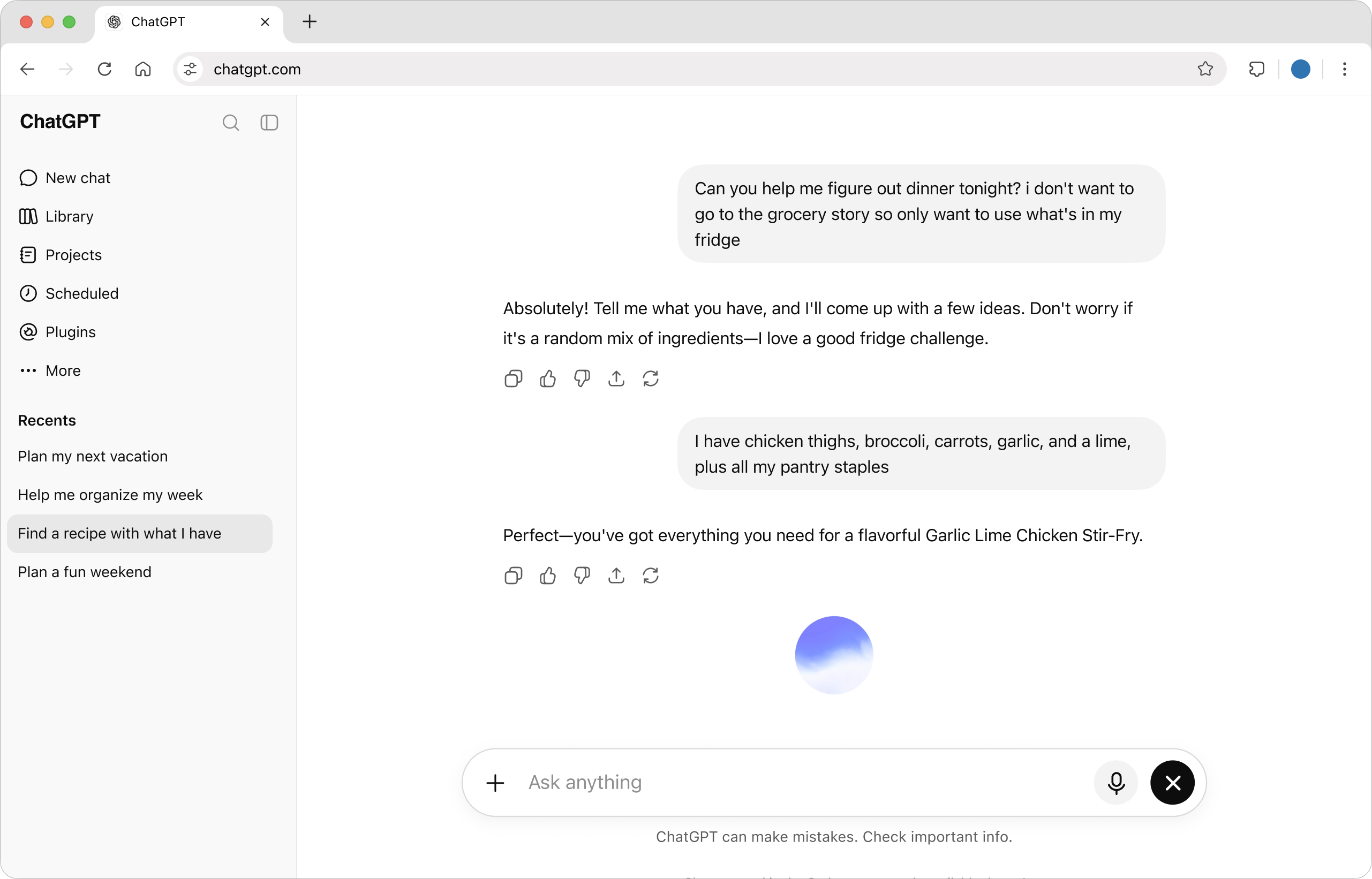
ChatGPT is very useful for product managers. Apart from analyzing customer feedback, ChatGPT can be used for research, brainstorming, and writing product requirement documents (PRDs). ChatGPT's Projects tab can be used to keep all related conversations and documentation together. ChatGPT's Deep Research feature lets you include citations to build detailed reports. Also, one very useful feature of ChatGPT is Data Analysis, which lets you analyze uploaded spreadsheets.
Best for: Product managers who need a flexible assistant for research and documentation.
Atlassian Rovo — Best embedded AI assistant
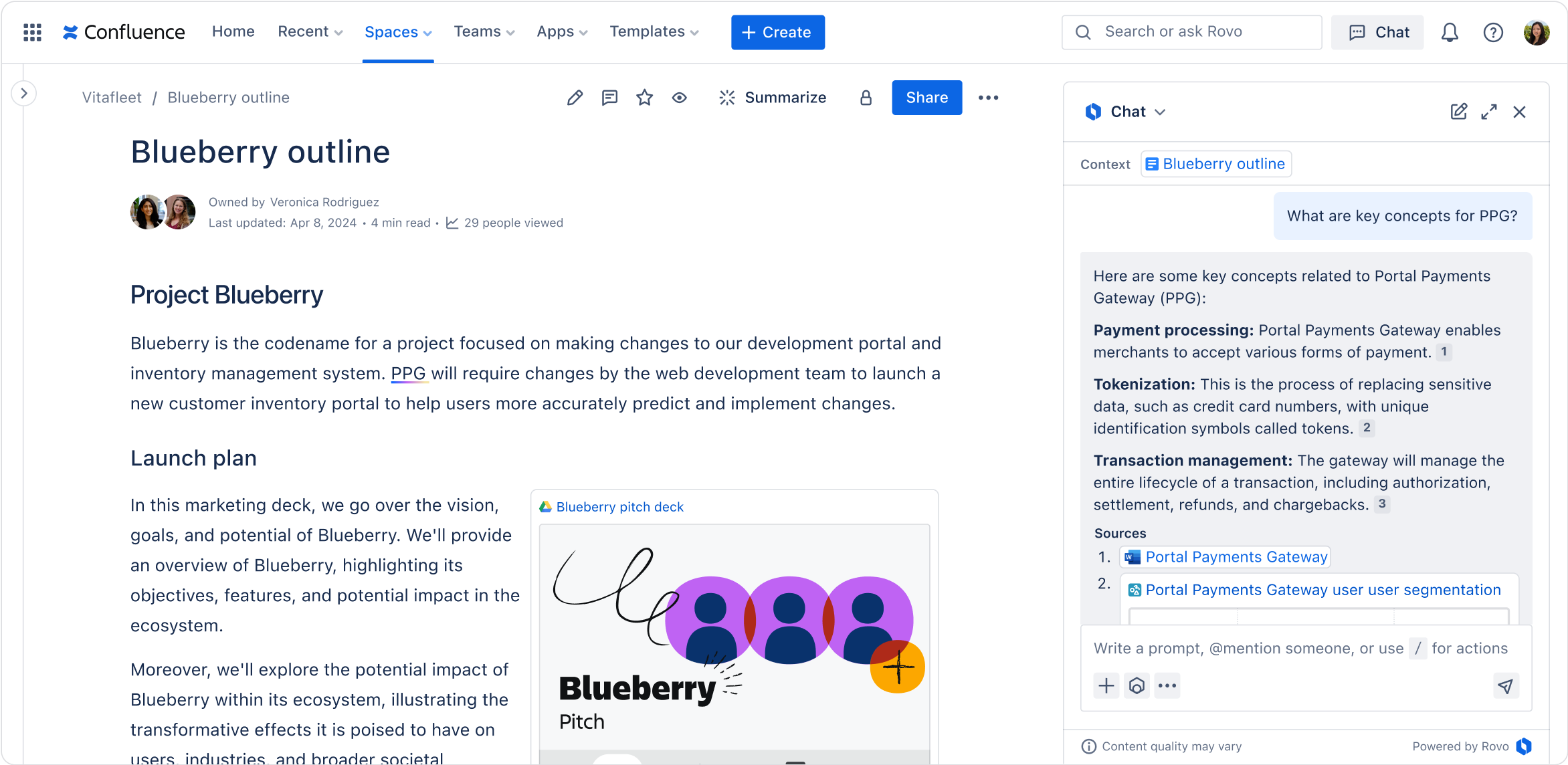
Atlassian Rovo functions inside Jira, Confluence, plus other linked work applications. Rovo Search scans your project tickets and docs for answers. Rovo Chat resolves questions from your team by using the info you already have. Rovo Agents sorts through Jira issues, creates release notes, and automates other mundane project activities.
Best for: Product managers who already use Jira and Confluence and want faster project updates, easier information access, and less manual work.
Dovetail — Best for customer research and feedback analysis
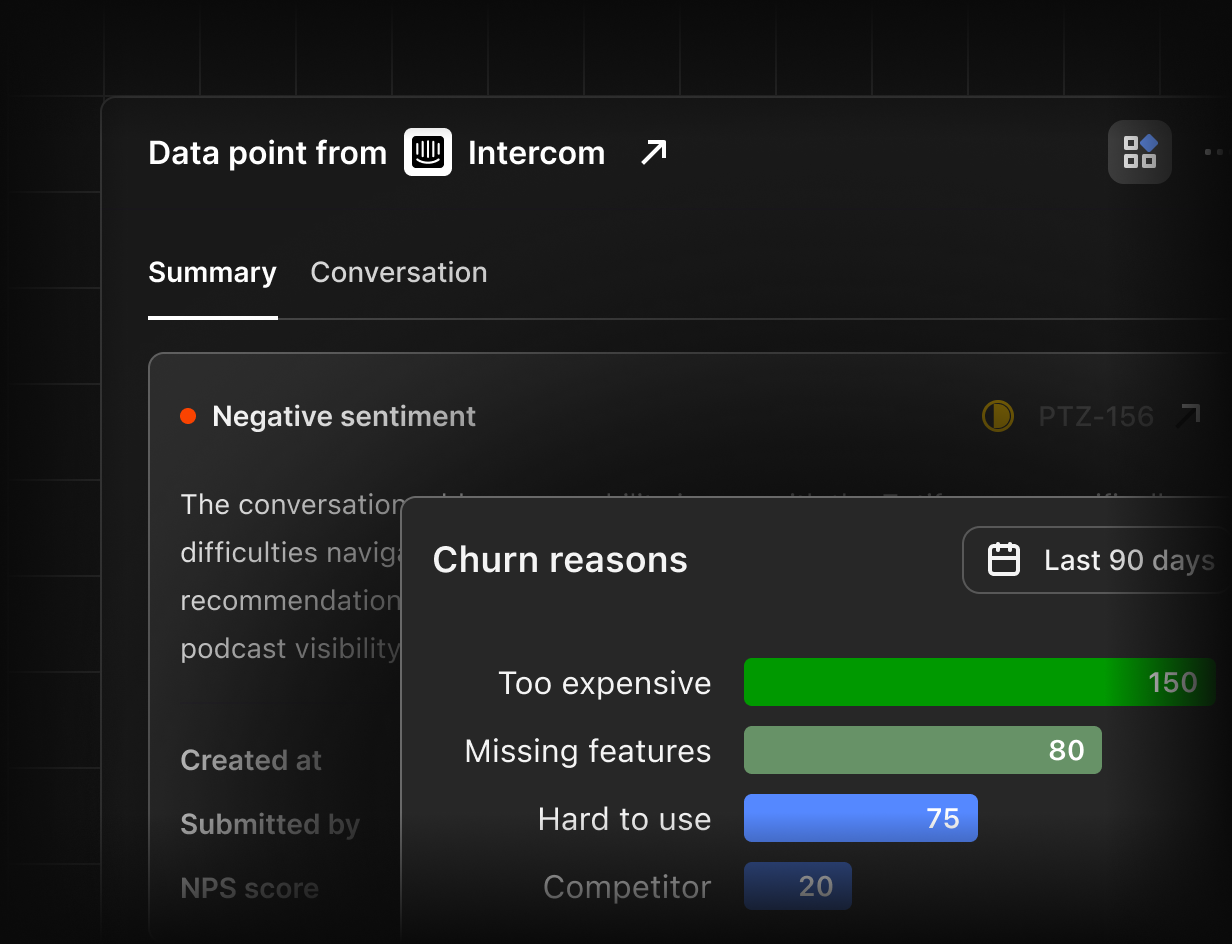
Dovetail is an AI assistant for product managers that helps product managers who want to organize customer interview notes, support tickets, and reviews into actionable insights. Channels automatically cluster reviews into themes, surface trends, and rank ideas based on impact on customers and on the business. Digital Twins allows your team to run simulated customer interviews based on existing research, while Dovetail Agents can help you write product requirements or push tasks into Jira or Linear.
Best for: Product managers who want to understand customer needs, identify feature requests, prioritize ideas, and turn feedback into actionable product decisions.
AI tools for product discovery and research
The first step in product discovery is understanding customers' needs. AI solutions can assist product managers in sifting through interview transcripts, support tickets, and survey responses to identify key issues and trends in feedback. They can also accelerate research on competitors and the market, as well as hypothesis generation.
Here are two useful options for AI for product manager workflow:
| Tool | Best for |
|---|---|
| Notion AI | Summarizing research notes, organizing feedback, and finding common themes. |
| Perplexity | Researching competitors, market trends, and industry information with cited sources. |
Notion AI — Best for organizing product research
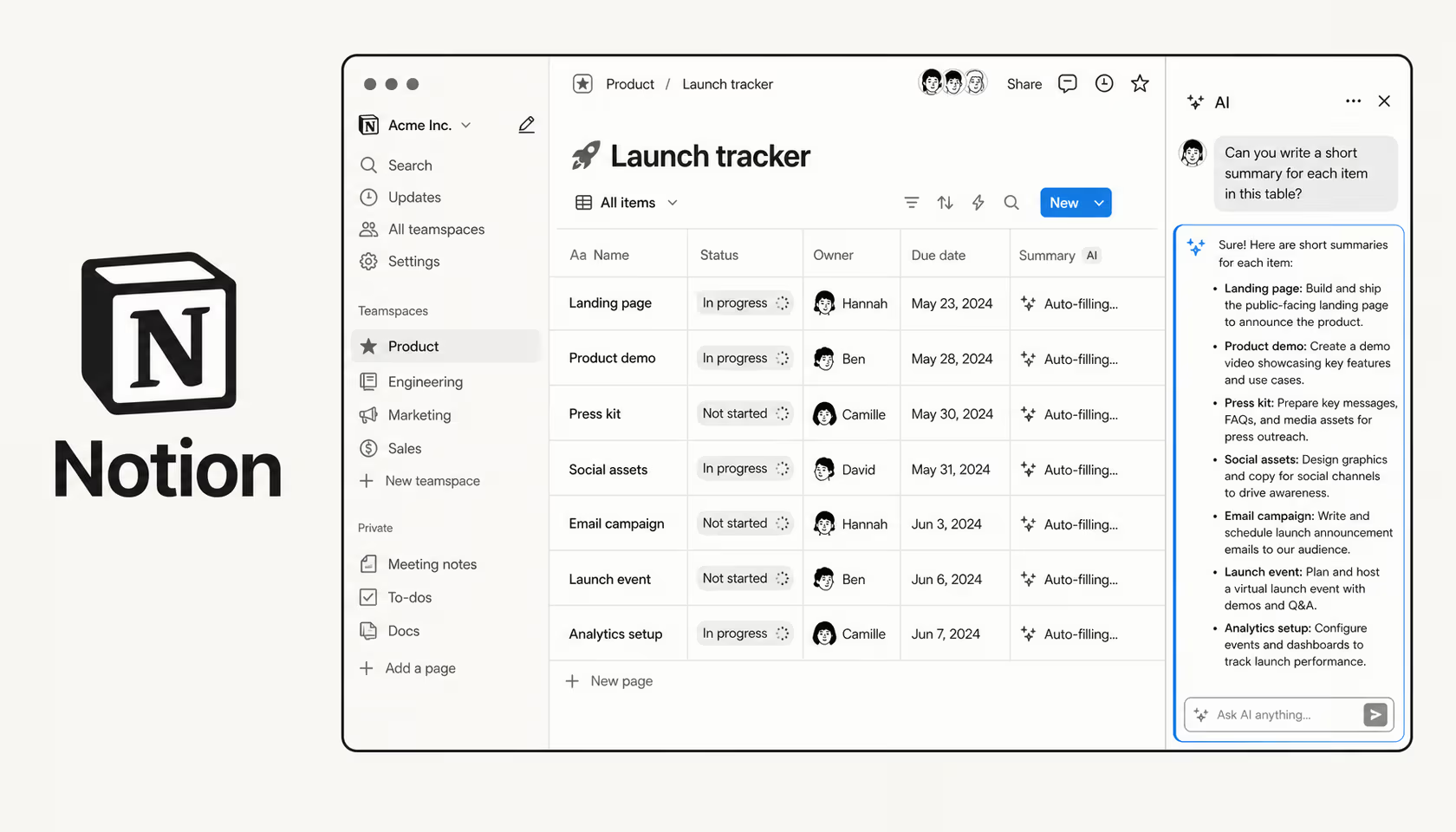
Notion AI allows product managers to keep research, gather customer feedback, and collate product knowledge all in one workspace. Its AI Search enables teams to search across knowledge and get answers with citations, while Custom Agents can be used to do things such as organizing product feedback and creating weekly summaries. Use a shared workspace to store notes, docs and project updates.
Best for: Product managers who want to organize customer research, find information quickly, and automate repetitive research and reporting tasks.
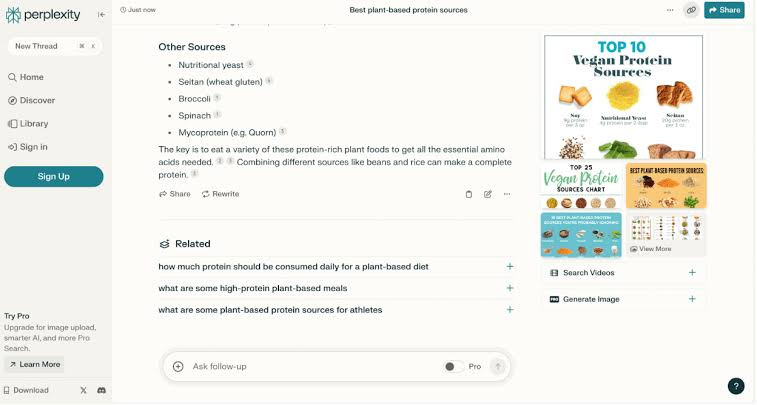
Perplexity — Best for competitor and market research
Perplexity enables product managers to quickly study their competitors, market, and industry with web sources. Pro Search answers questions by presenting cited solutions, whereas the Research mode collects data from several web sources to help write comprehensive reports. Spaces can also be used to categorize research by product, competitor, or project.
Best for: Product managers conducting competitor analysis, exploring market opportunities, and gathering source-backed information before product planning.
AI tools for writing PRDs, user stories, and requirements
Writing the product requirement document (PRD), user stories, and acceptance criteria takes time. With AI tools, you can have first drafts written, your edge cases filled in, and completed tickets turned into release notes. Here are two helpful solutions.
| Tool | Key features | Best for |
|---|---|---|
| Claude | Opus 5.5, Sonnet 5.5, Haiku 5.5, Projects, Artifacts, Claude Docs | Drafting PRDs, user stories, acceptance criteria, and interactive prototypes. |
| ClickUp Brain | AI-powered workspace search, task and document summaries, Super Agents, multiple AI models | Creating requirements from existing tasks, tracking progress, and drafting release notes. |
Claude — Best for drafting product requirements
Claude allows product managers to generate PRDs, user stories, acceptance criteria, and tech docs. It also has advanced AI models that include: Claude Opus 5.5 (reasoning and enhanced capabilities), Sonnet 5.5 (writing, reading, and analysis for everyday use), and Haiku 5.5 (quick summaries). Projects (collects related files and instructions in one place) and Artifacts (let users make interactive prototypes, docs, and diagrams).
Best for: Product managers who need detailed product documentation, structured requirements, and help turning ideas into interactive prototypes.

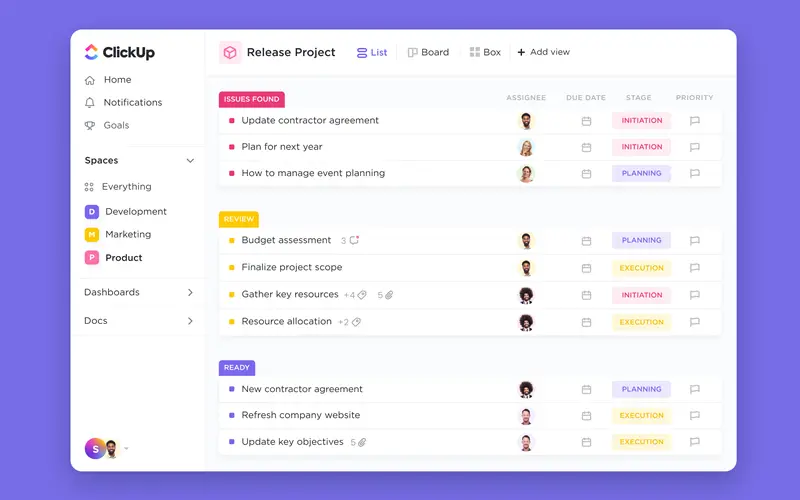
ClickUp Brain — Best for writing requirements for project tasks
ClickUp Brain enables product managers to generate requirements from project conversations, meeting notes, and current work. Create PRDs, user stories, and acceptance criteria with the AI Writer. Generate tickets from project requirements with the Subtask Generator. Visualize and write project summaries with the AI Project Summaries, use Voice and Video Transcription, and use a library of 100+ ready-made prompts and templates to streamline docs.
Best for: Product managers who want to write requirements, break down user stories into tasks, and keep product documentation aligned with ongoing projects.
AI tools for roadmapping and prioritization
Product managers may have to prioritize feature requests and resources. AI can group feedback by themes, prep RICE score inputs, summarize stakeholder requests, and weigh trade-offs before creating a product roadmap.
| Tool | Key features | Best for |
|---|---|---|
| Productboard | AI feedback summaries, Insights, feature prioritization, customer evidence, roadmaps | Prioritizing features based on customer needs and building feedback-driven roadmaps. |
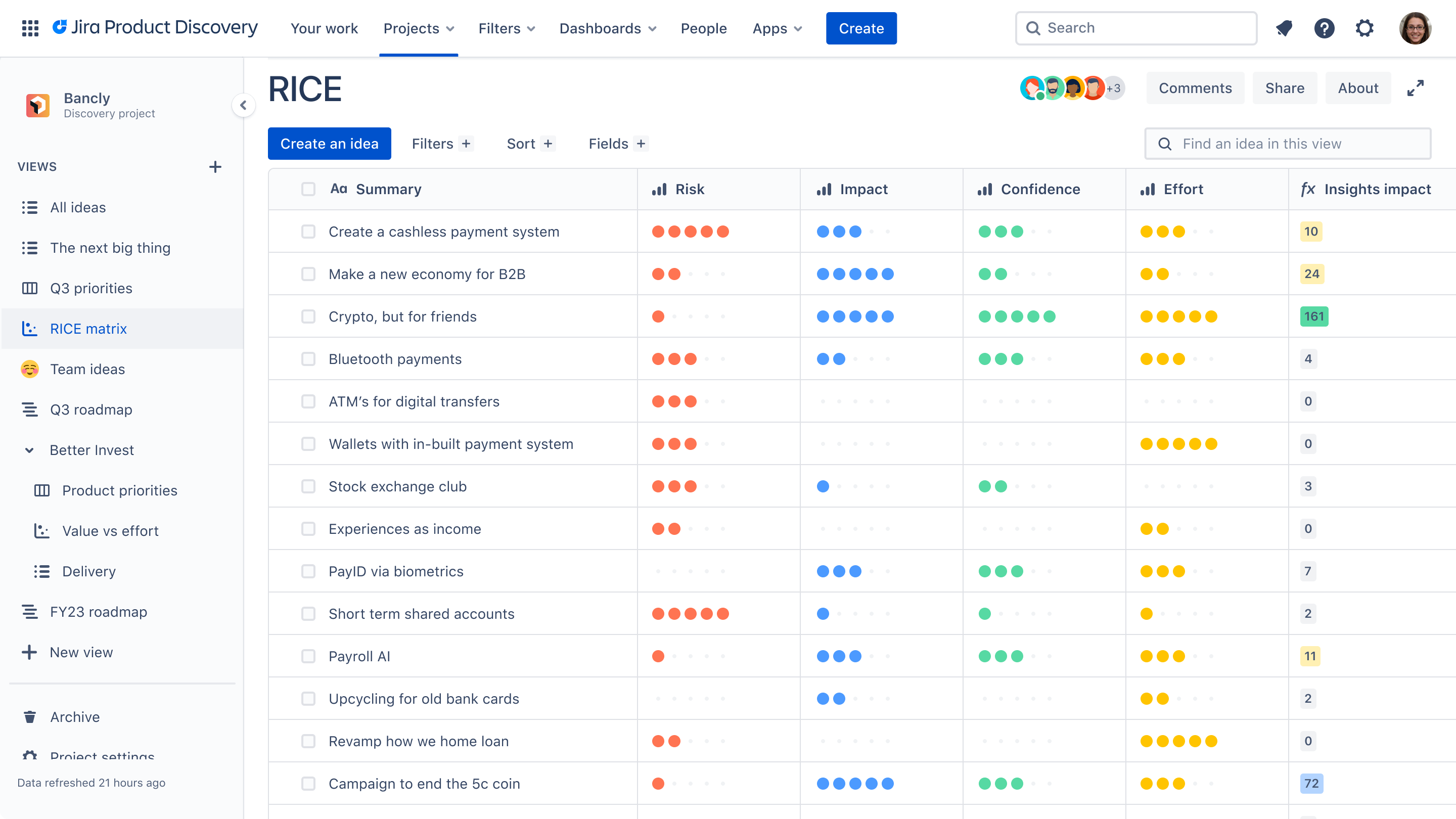
| Jira Product Discovery | Custom scoring fields, Matrix Views, roadmaps, AI-assisted idea refinement, Jira integration | Comparing product ideas, applying RICE scoring, and connecting priorities with development tasks. |
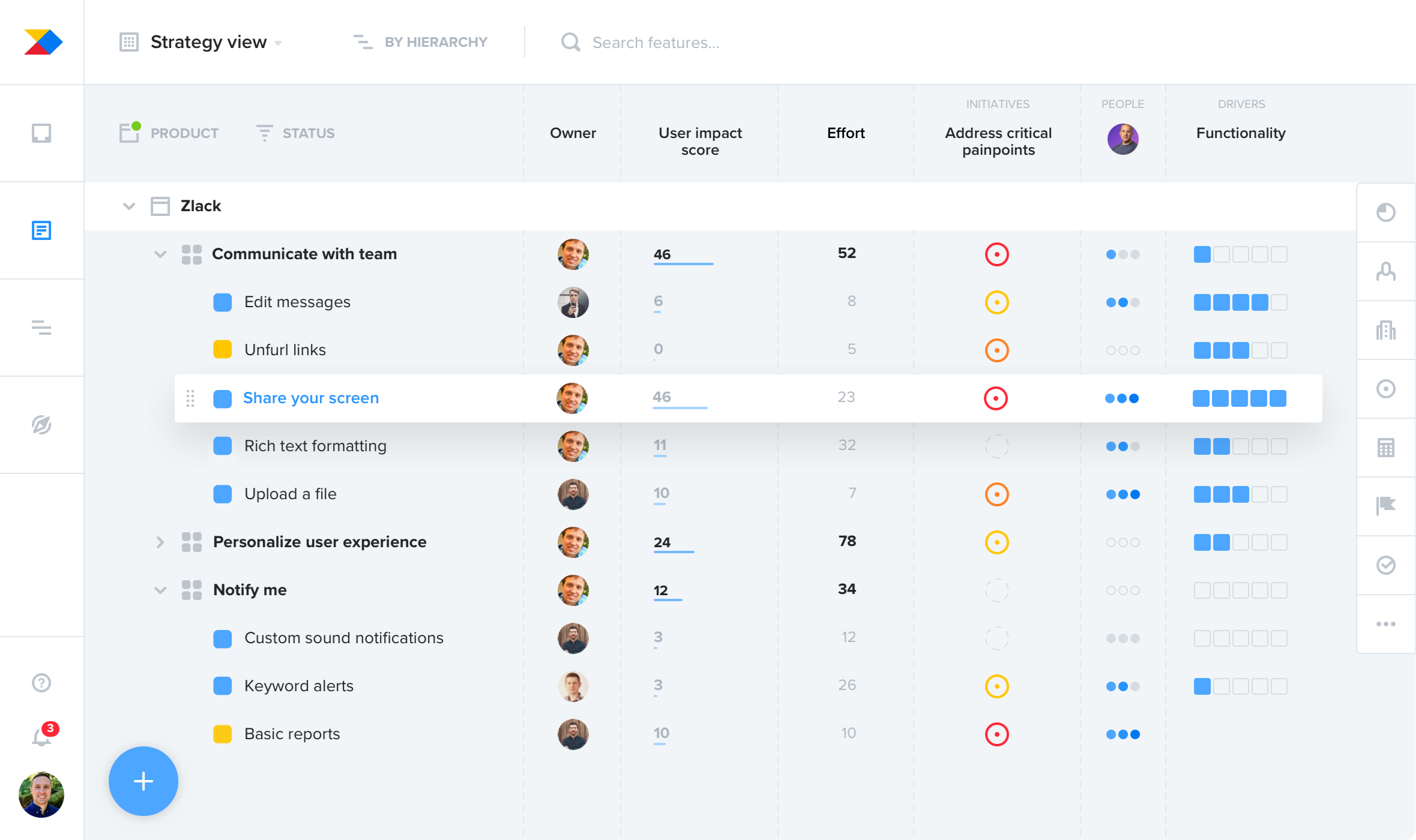
Productboard — Best for feedback-driven roadmapping
Productboard helps product managers prioritize what to build by giving them a better way to connect customer insights to feature planning. Productboard AI uses machine learning to turn feedback into themes, themes into feature ideas, and connect customer needs to product opportunities, while Insights, Prioritization, and Roadmaps help teams compare features and share their plans.
Best for: Product managers who want to prioritize features using customer evidence and build roadmaps that reflect user needs.
Jira Product Discovery — Best for prioritizing product ideas
Jira Product Discovery allows product managers to gather ideas, customer feedback, and feature requests in one central location. Built-in prioritization frameworks and uniform scoring allow teams to compare ideas and assess tradeoffs. Build flexible, shareable roadmaps, utilize AI-based feedback organizations to find customer voices, and link approved ideas to work in Jira.
Best for: Product managers who want to prioritize feature requests, build transparent roadmaps, and keep product discovery connected to development teams.
AI tools for product analytics and data
Product analytics enables managers to understand how customers are using their products. And it can be significantly aided by AI, which can do such things as answer queries in natural language, flag anomalies, detect dropping conversion rates and provide reports on dashboards.
Here are two AI tools to keep an eye on.
| Tool | Key AI features | Best for |
|---|---|---|
| Amplitude | Global Agent, Dashboard Agent, Session Replay Agent, MCP | User behavior, retention, funnels, and usability analysis |
| Mixpanel | Mixpanel Agent, KPI Monitoring, Root Cause Analysis, Experiment Agent | Natural-language analytics, KPI tracking, and product performance insights |
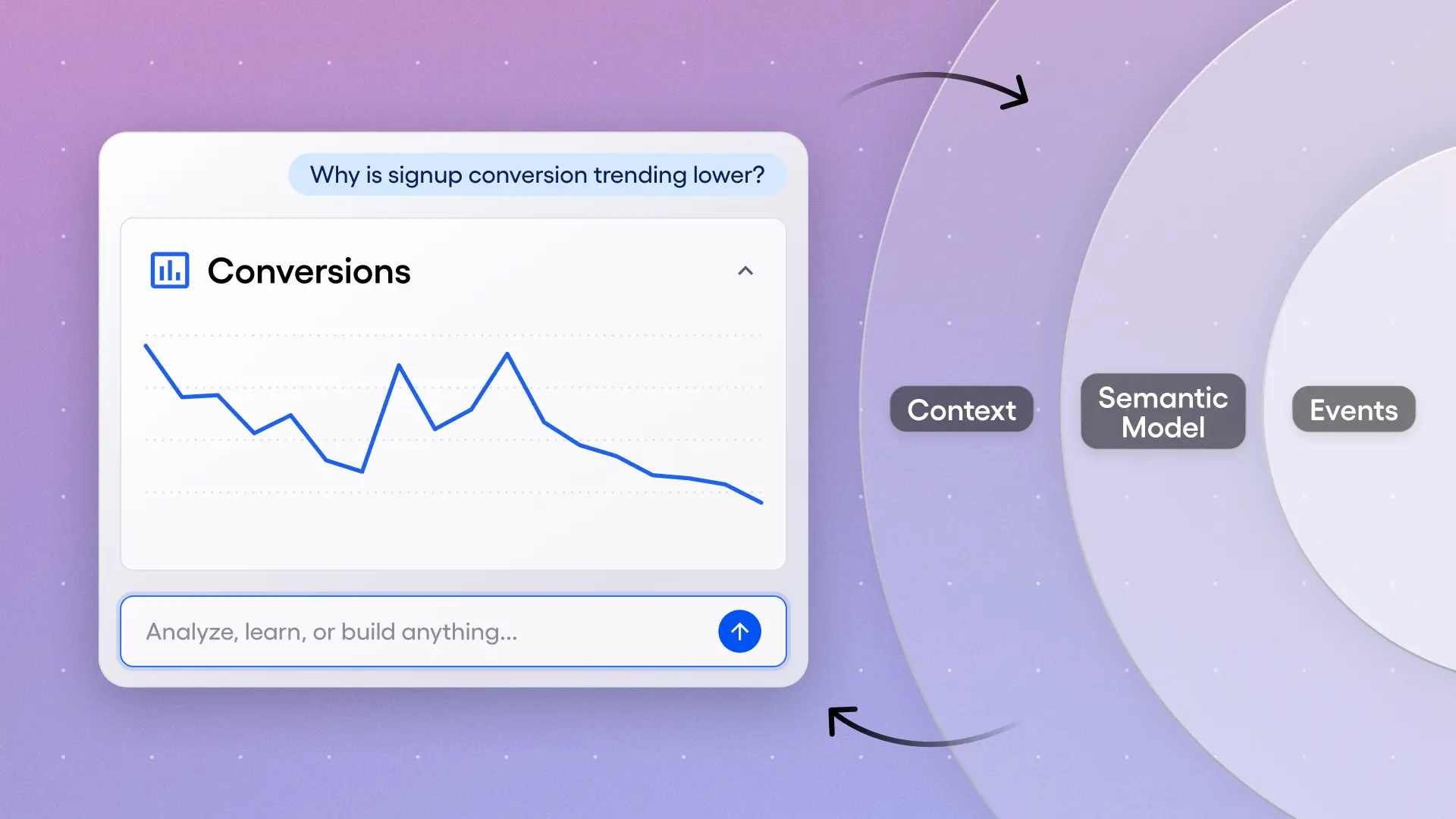
Amplitude — Best for getting user behavior
Amplitude helps product managers understand user flow, retention, and conversion. Amplitude Agent understands your data questions in plain language and presents a dashboard; Dashboard Agent highlights trends, anomalies, and funnel leaks; Session Replay Agent analyzes individual user sessions for usability issues; Amplitude MCP connects your product data with AI assistants such as Claude.
Best for: Product managers who want to track user behavior, investigate conversion drops, and make product improvements based on data.
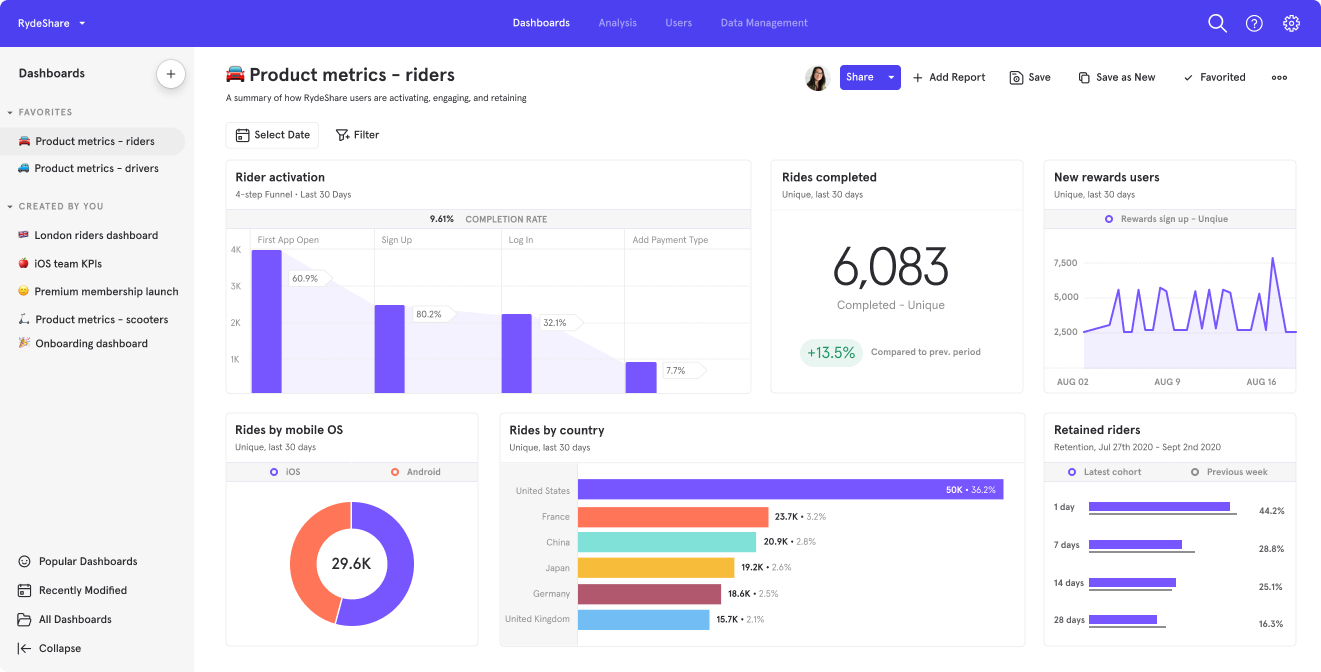
Mixpanel — Best for AI-powered product insights
Mixpanel enables product managers to analyze user behavior, conversions, and where they quit. Mixpanel Agent simplifies interpreting the data, while Metric Trees link product metrics to business outcomes. Session Replay identifies the paths taken by users, and Experiments test product changes. Using Mixpanel MCP, teams access analytics via Claude, ChatGPT, Cursor, or Slack.
Best for: Product managers who want to analyze user behavior, monitor key metrics, and understand how product changes affect engagement, retention, and growth.
AI tools for meetings, communication, and stakeholder updates
AI products can record meetings, identify next steps, compose emails to stakeholders, prepare release notes, and translate a technical update into a straightforward summary for executives or a more detailed version for engineers.
| Tool | Key features | Best for |
|---|---|---|
| Otter.ai | Otter Notetaker, AI Chat, automated summaries, action items, Jira integration | Meeting documentation and task follow-ups |
| Fireflies.ai | AskFred, AI Skills, multilingual transcription, speaker recognition, searchable transcripts | Meeting insights and stakeholder communication |
Otter.ai — Best for meeting notes and action items
Otter.ai allows product managers to record meetings, log decisions, and monitor follow-ups. Otter Notetaker can easily step into any Zoom, Google Meet, or Microsoft Teams calls, and AI Chat can answer questions on previous meetings. Automated Meeting Summaries will summarize discussions, decisions, and action points.
Best for: Product managers who attend frequent meetings and want searchable notes, clear action items, and easier follow-ups.

Fireflies.ai — Best for meeting insights and stakeholder updates
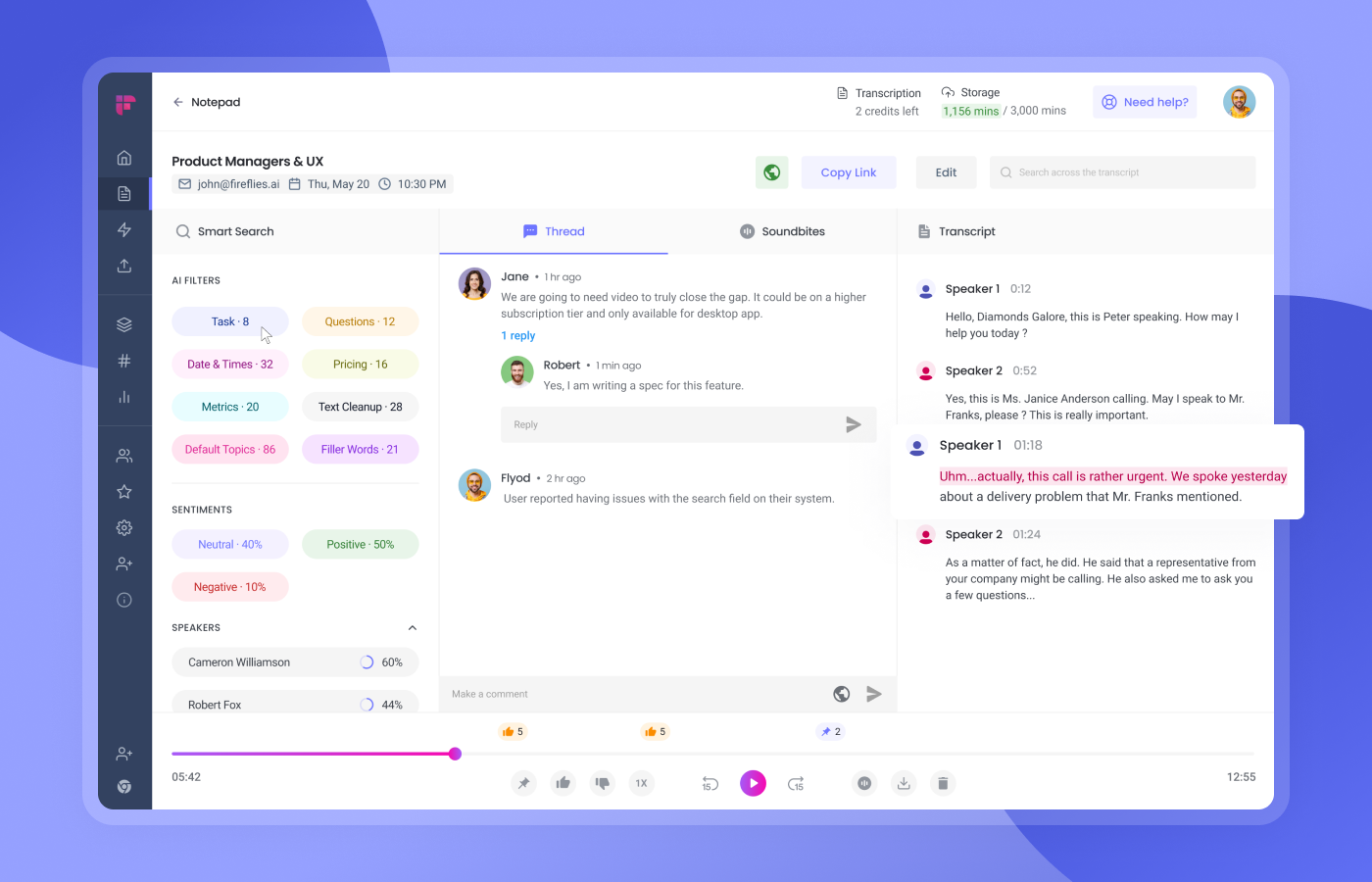
Fireflies.ai records and transcribes meetings in 100+ languages, with speaker ID and summaries. Ask Fred assistant summarizes discussions, pulls out decisions, and writes follow-up emails. AI Skills pre-builds customized meeting notes, and searchable transcripts allow product managers to quickly find all the stakeholder requests and feature conversations.
Best for: Product managers who want to analyze meeting discussions, prepare stakeholder updates, and keep track of product decisions
How to choose AI tools for product managers' work (and use them safely)
With so many options, how do you know which one is worth paying for? The best approach is to find what's slowing you down before choosing an AI tool for product manager tasks.
Here's a quick checklist to help you decide:
- Find your bottleneck: Do you spend hours on end writing PRDs, doing customer research, or taking notes in meetings? Pick a tool that takes care of whatever is bogging you down.
- Test data privacy: Examine what information the tool collects, if your inputs are used for AI development, and your company's data policies. Avoid uploading sensitive customer data into any unapproved tools.
- Check integrations: Does it integrate with the other tools you use in your workflow (e.g., Jira, Notion, Slack, or your analytics platform)?
- Test accuracy: Read summaries, reports, and recommendations for inaccurate facts, made-up details, or prejudiced judgments.
- Cost comparison: Check subscription per-user rate, limits on free tier, AI credits, and other additional charges.
Test one tool on one genuine task before rolling it out to your whole team. What's the lesson? The top AI tool for product managers is not necessarily the one with the most features. It's the one that can help solve a real problem, save time, and keep your company's data secure.
Skills required for an AI product manager
The skill sets needed for AI product manager jobs vary depending on your application of AI. If you're an AI product manager handling AI for your day-to-day work, you need excellent prompting and decision-making skills.
-
Core skills for any PM using AI:
- Prompt writing: Give AI clear instructions, context, constraints, and the desired output format.
- Critical thinking: Review AI-generated content for errors, bias, and incorrect information.
- Data literacy: Understand product metrics, customer behavior, and analytics to make informed decisions.
- Storytelling and communication: Explain product insights clearly and keep stakeholders aligned.
- Responsible AI use: Protect customer privacy, respect intellectual property, and avoid sharing sensitive data.
- Prioritization: Focus on customer needs and business value rather than adding AI just for the sake of it.
Thinking of creating something with artificial intelligence? Here are some extra skills required for AI product manager:
- Understanding AI models: The ability to figure out how neural networks produce their results, as well as identifying their boundaries and typical issues.
- Assessing AI: How good, how truthful, how trustworthy the AI is? And is there a tendency towards bias?
- Working together on data and ML: Training data, testing & improving a system as a team with data scientists and engineers.
- Fundamentally evaluating AI: The need to find the right measure for AI features whose outputs keep changing, e.g., task success rate, error rate, latency, user satisfaction, etc.
Do you need to become a machine learning engineer? Not necessarily. Most AI product management roles require a practical understanding of AI rather than deep model-building expertise.
Build a custom product tool with Enter Pro
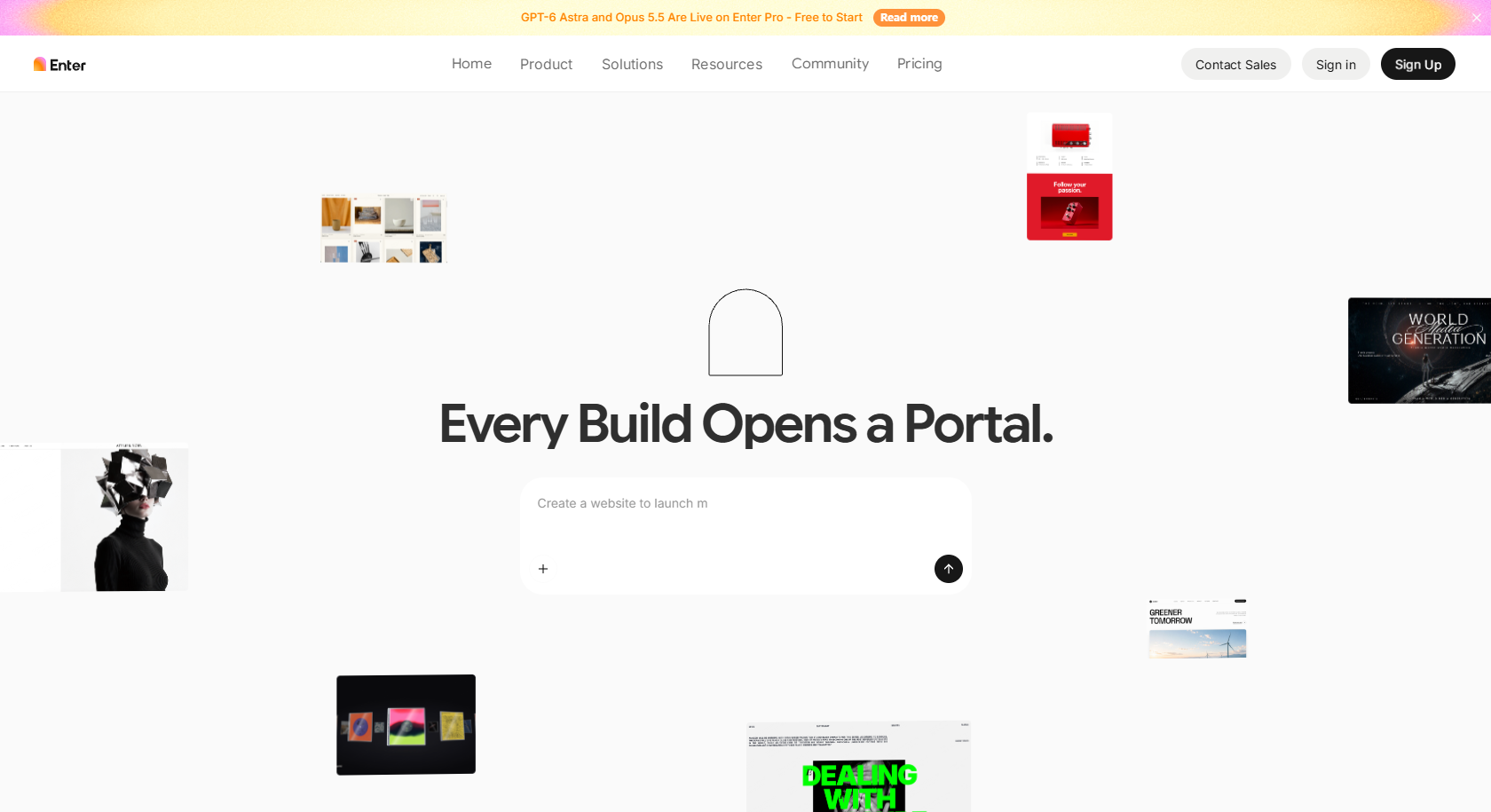
Sometimes product managers need a custom feedback tracker, a demo, or a dashboard but don't have a developer on hand. Enter Pro's AI for Product Managers solution helps turn product ideas and requirements into working prototypes using simple text prompts.
You can build, preview, and publish site pages in minutes! With its Prompt-to-Website Generation feature, you can build linkable, editable pages with navigation. And with Visual Editor, you can build in sections, change the colors, and change page layouts without knowing how to code.
For more complicated projects, use Enter Pro to create AI-assisted web apps and help product managers explore more custom-built apps with interactive capabilities, backend functionality, and databases.
What it's good for: Creating interactive prototypes, testing product concepts, building inexpensive internal tools, and sharing functional demos-all without having to develop from scratch.
Potential examples:
- Feedback prioritization dashboard: Collect feature requests, group them by customer segment, and track supporting evidence, priority, and status.
- Roadmap review portal: Display planned initiatives, product goals, dependencies, and stakeholder comments in one place.
- Feature-validation prototype: Create an interactive demo to test user flows and collect early feedback before development. Explore Enter Pro's prototyping tools for more ideas.
- Internal product operations app: Build custom forms, task trackers, and progress dashboards that match your team's workflow.
Build Product Management Tools
From product idea to testable application with Enter Pro
Step 1: Describe your product management app
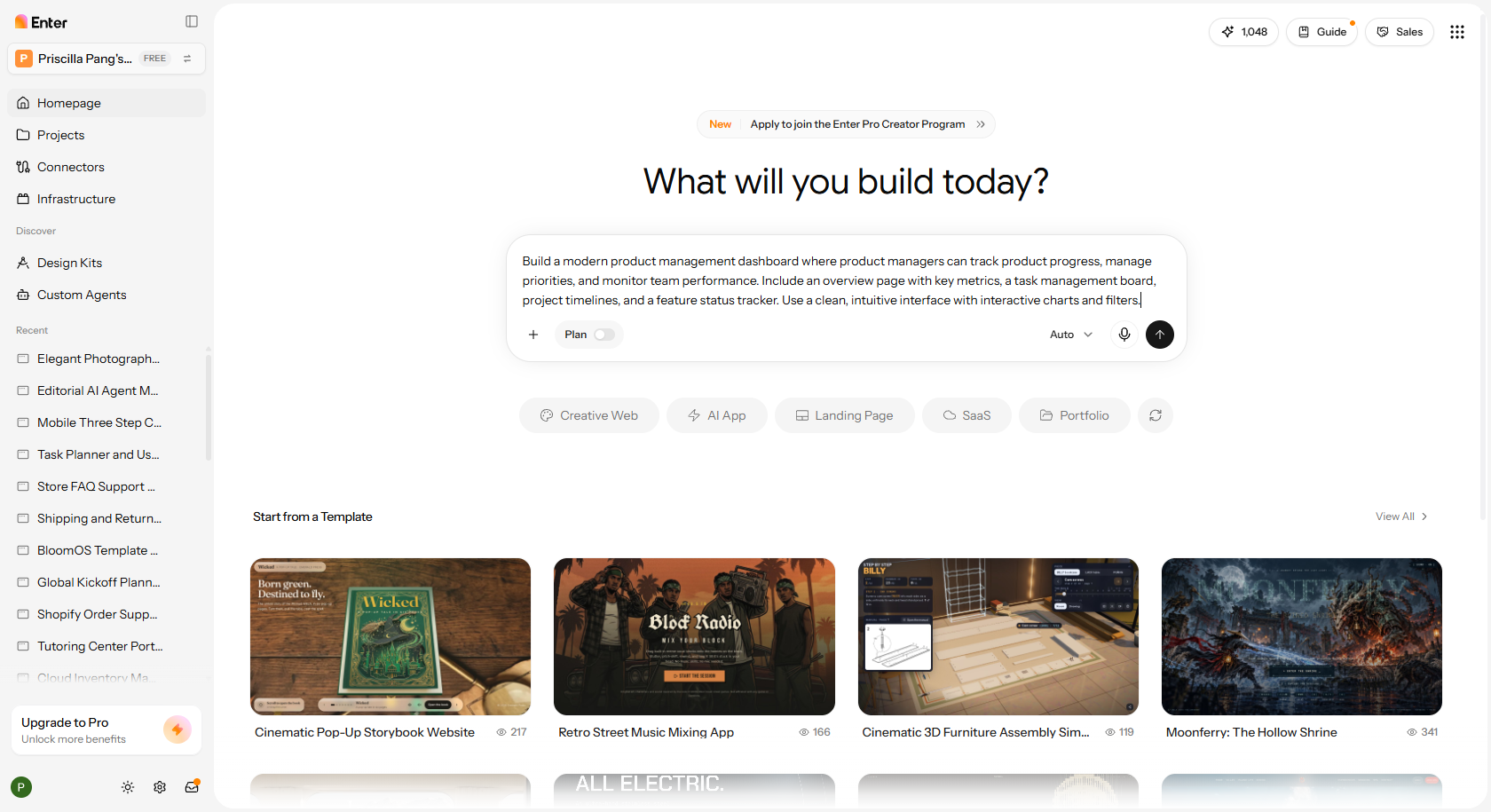
Open Enter Pro and type what kind of app you want to build. Describe who will use it, what pages you need, and what features it should include. For example, you could design a dashboard that will be used for filtering your prioritisation and managing feature requests and product decisions.
Step 2: Refine the generated app interface
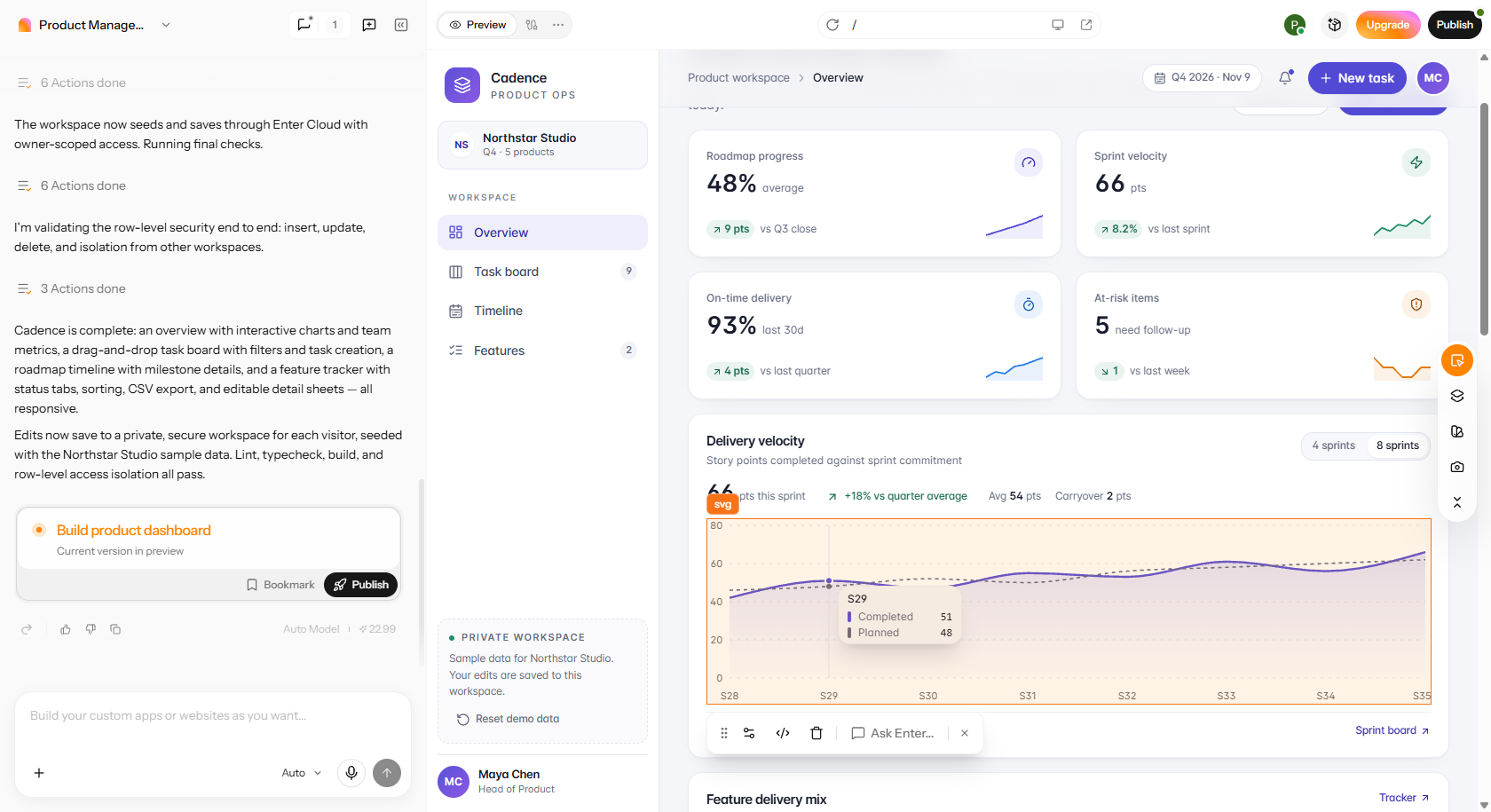
Preview the finished app by editing the sample data with information about your product. Use Enter Pro's Visual Editor to customize layout, colors, text, and controls. Categorize and track feedback by customer type, issue priority and status, and display the best at-a-glance metrics to the right people at the right time.
Step 3: Test and publish your product management app
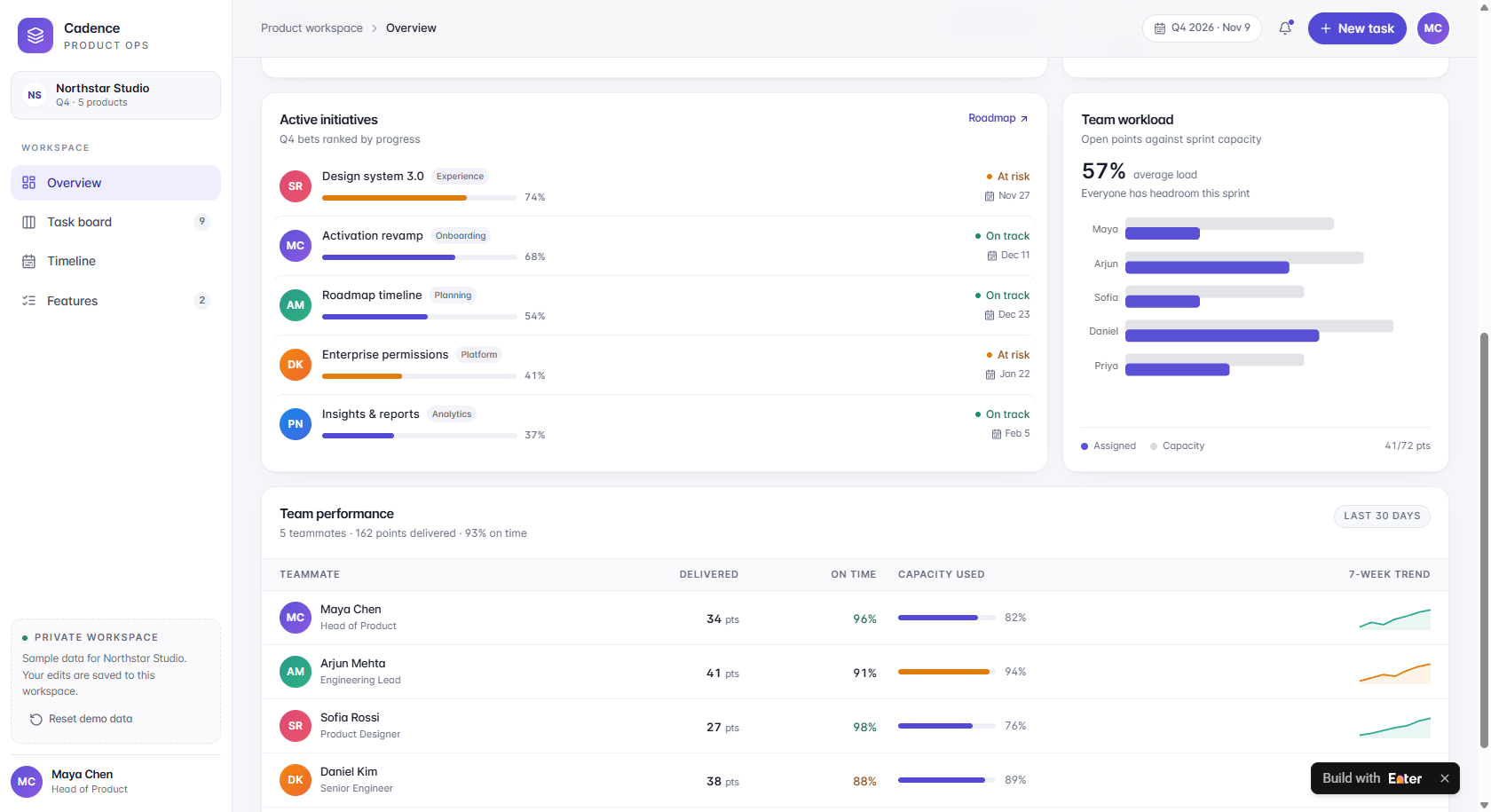
Preview the app on desktop, tablet, and mobile devices. Test feedback forms, RICE calculations, filtering, navigation, and task updates using sample data. Check user permissions and data privacy before adding real customer information.
Build Product Management Tools
Conclusion
AI tools for product managers can help you do all those activities more efficiently. But the correct tool for you is going to depend on how you work, and no AI can replace human judgment. Some AI tools to consider include accuracy, privacy policies, and costs, plus running them through a real task before choosing. If you want to turn your product idea or spec into an interactive prototype, Enter Pro can help your team explore and test it. Try it today to help speed up your product management process!
FAQs about AI tools for product managers
What are the best AI tools for product managers?
Product managers are advised to use AI tools to help them achieve more with their workload. They can take the support of ChatGPT for general tasks, Claude for authoring PRDs, Dovetail for customer research, Productboard for roadmapping, Amplitude for analytics, and Otter.ai for capturing notes from meetings. The perfect choice is the one that best fits your workflow and meets the team's needs.
Will AI replace product managers?
No, not really. AI could really take over boring jobs, data summarisation, and report writing. But as much as AI could replace many jobs, product managers are still needed to understand the customer, plan, prioritise, and focus teams. Tools like Enter Pro can further support product managers by helping them turn ideas into functional apps, dashboards, and internal tools, reducing the time spent on execution.
How do product managers leverage AI in their daily work?
With the help of AI tools, product managers will be able to generate customer feedback, generate user stories, generate PRDs, generate meeting recaps, analyze product metrics, and generate stakeholder updates. So, manual effort is reduced significantly, and product managers will be able to generate work in no time.
Do product managers need technical AI skills?
Not necessarily. In many everyday tasks, being able to ask the right questions (prompting), analyze data, and think critically is enough. But product managers working on AI products are still recommended to learn about model limitations, AI evaluation, and data quality.
Is it safe to paste customer data into AI tools?
It is a matter of the tool's privacy settings and your company's rules. Do not give out personal records, top-secret files, or other types of customer data confidential to unauthorized AI tools. Check, for example, data storage, retention, and training before doing so.
Can a product manager build a prototype with AI?
Of course. Product managers can use AI tools such as Enter Pro to transform their verbal ideas into live prototypes without having to reinvent the wheel. You are able to create a rough sketch of the app, polish up the appearance, test out the functions, and share it with others to get their opinion.