How to Create a Photography Portfolio That Gets You Noticed
Explore the importance, challenges, and how to create a photography portfolio with our article. Enter Pro offers an AI-powered solution to create photography portfolios.
A good photography portfolio highlights your best work, showcases your creative style, and helps to attract potential clients. Discover how to create a photography portfolio, select the right images, and design an impressive website with our detailed article. Explore how Enter Pro's AI-powered tools help you build high-quality photography portfolio websites. You can also customize page layouts, organize photo galleries, and create a professional online presence that reflects your unique photography style.
What is a photography portfolio?
A photography portfolio is a curated collection of your best photographs that depict your creativity, skills, and unique style. It allows you to present your work to potential clients and collaborators. A portfolio can include multiple styles, such as portraits, weddings, landscapes, and commercial photography. You can make it a website, digital gallery, or printed book. Nowadays, a website is the best option. The main goal is to showcase your expertise and leave a lasting impression on the viewers.
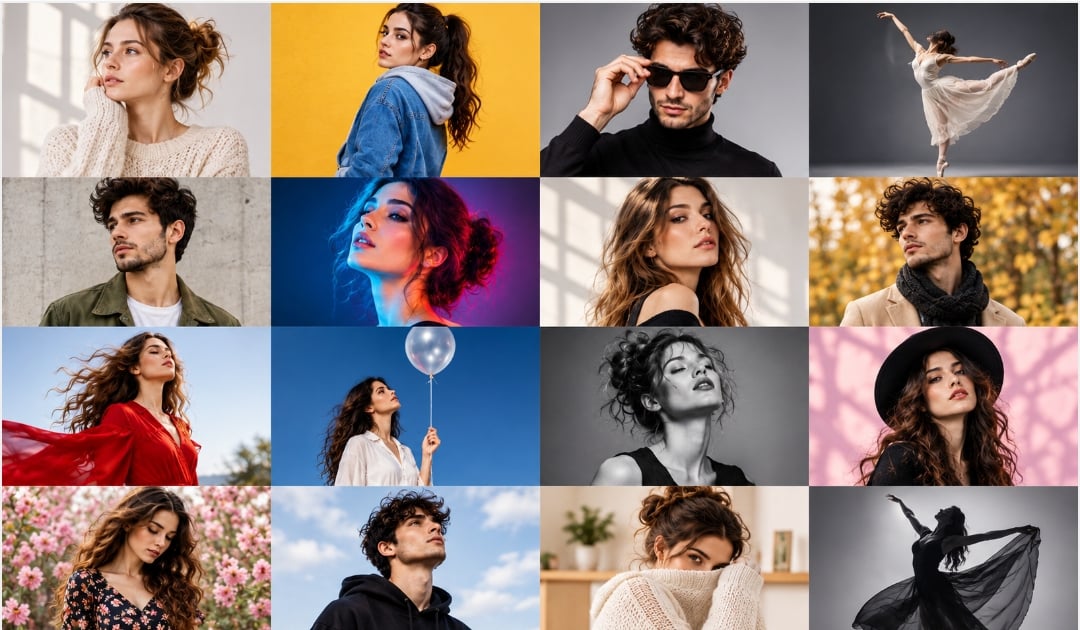
Why should you create a photography portfolio?
- Showcase your best work: Highlight your strongest photographs to show your creativity, skills, and unique visual style to potential clients. Select the photos that reflect the type of photography you wish to pursue professionally.
- Attract new clients: A professional portfolio helps clients understand your capabilities and whether your photography matches their needs. It also provides them with a clear picture of what to expect when hiring you.
- Build credibility: Creating a portfolio for photography makes you look more professional and builds trust with your potential customers. To strengthen your reputation further, include client testimonials and your best projects.
- Stand out from competitors: A distinctive portfolio showcases your artistic approach and helps you to differentiate yourself from other photographers. Thoughtful presentation, consistent editing, and original composition further make your work memorable.
- Track your creative growth: Regularly updating your portfolio helps you to evaluate your progress, identify your strengths, and refine your photography style. Constantly reviewing your older and newer work also reveals areas where you can improve your strategy.
How to create a photography portfolio in 8 steps
Creating an attractive photography portfolio helps you highlight your skills and attract potential clients. From defining your audience to optimizing and promoting your website, every step matters. Follow these 8 steps to create a high-quality portfolio that depicts your creativity and makes your work stand out.
Step 1: Define your target audience
Begin by identifying the clients or viewers you want to attract with your photography portfolio. Consider whether you wish to work with individuals, businesses, brands, or publications. Research their photography preferences, expectations, and visual style. Understanding your audience helps you choose relevant images and present your work effectively. It also makes your work more appealing to potential clients.

Step 2: Select your photography niche
The next step in creating a photography portfolio is choosing a niche that matches your skills, interests, and overall creative style. Focus on genres like portraits, weddings, landscapes, fashion, wildlife, or product photography. Specializing in a specific area helps you develop a recognizable identity. It also makes your portfolio more appealing to clients seeking specific photography services. To demonstrate your expertise in the best way possible, highlight your strongest work.

Step 3: Choose your best photographs
Review your work carefully and shortlist photographs that best showcase your creativity and skills. Choose high-quality and eye-catching photos that reflect your chosen photography niche. Focus on composition, lighting, clarity, and visual appeal when selecting. Remove duplicate photos and weaker shots that don't add value to your portfolio. A carefully curated collection makes a strong impression and keeps the viewers engaged.
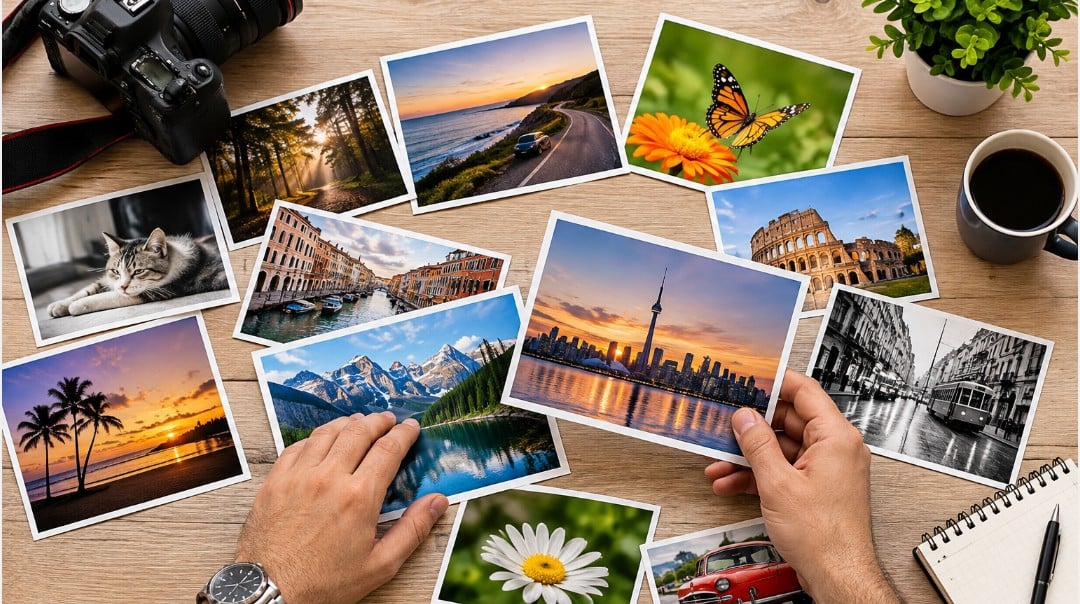
Step 4: Organize images into collections
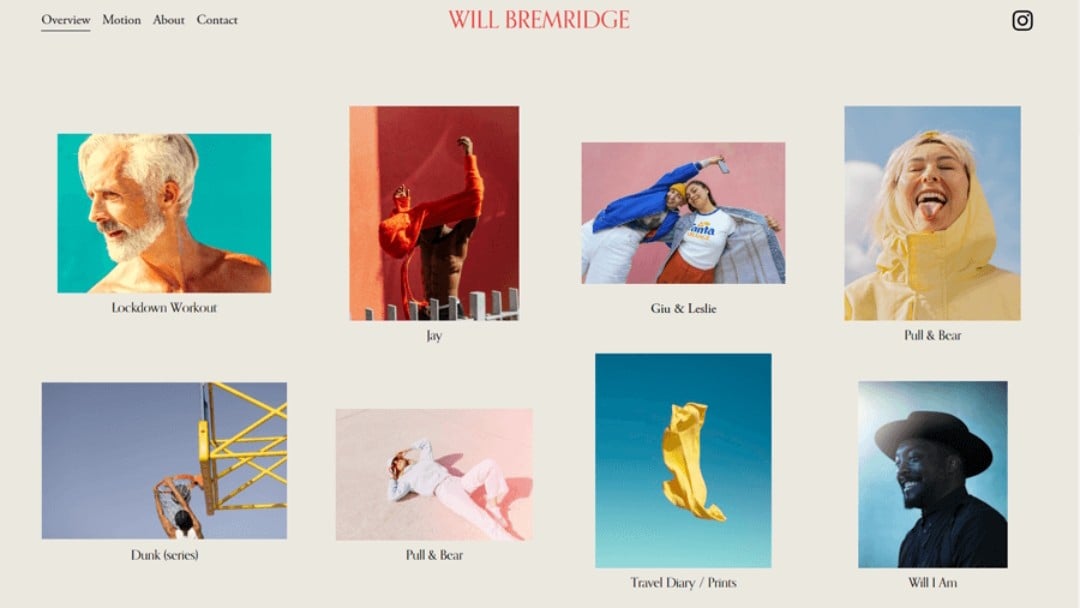
Group your images into collections on the basis of themes, subjects, or photography styles. For instance, you can create separate galleries for portraits, weddings, landscapes, and product photography. Arrange the photos in a logical sequence to create a smooth viewing experience. Keep each collection visually consistent and easy to navigate. Well-organized galleries help visitors quickly find the work they want to see.
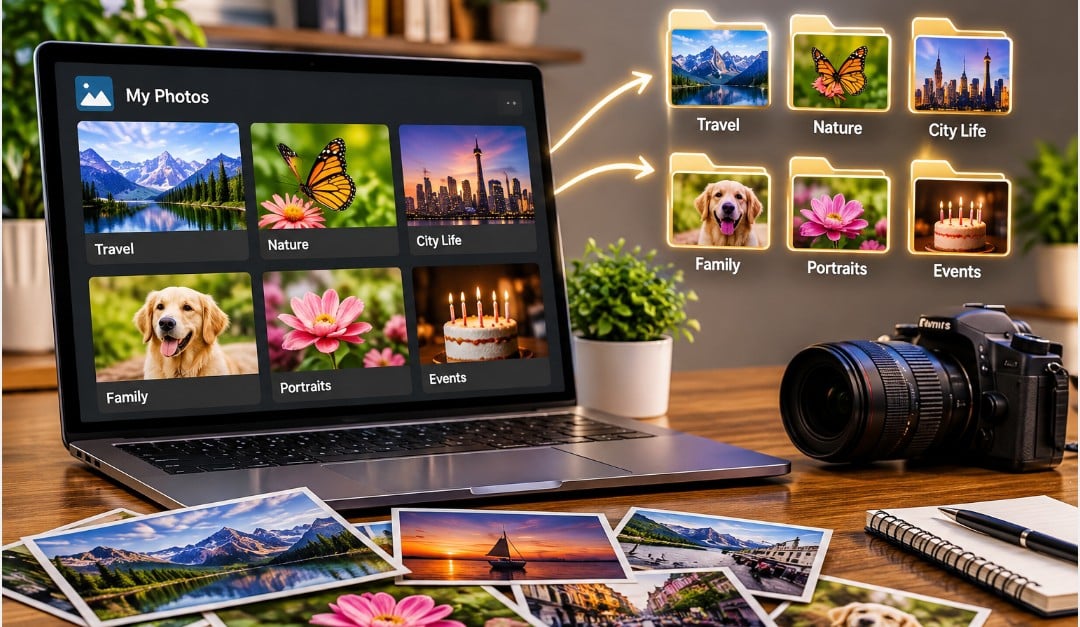
Step 5: Edit images consistently
Use a consistent editing style to give your photography portfolio a professional and cohesive look. Adjust the lighting, color, contrast, and exposure to enhance image quality. Utilize similar tones and filters across photographs within the same collection. Avoid excessive editing, which changes the natural appearance of the photos. Consistent editing helps to establish your creative identity and makes your portfolio visually attractive.
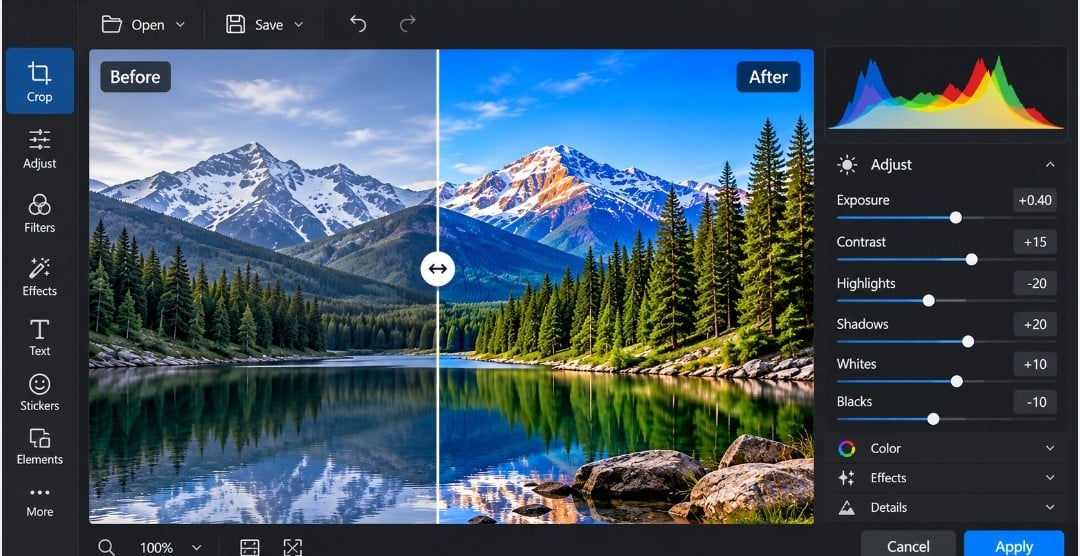
Step 6: Choose your portfolio format
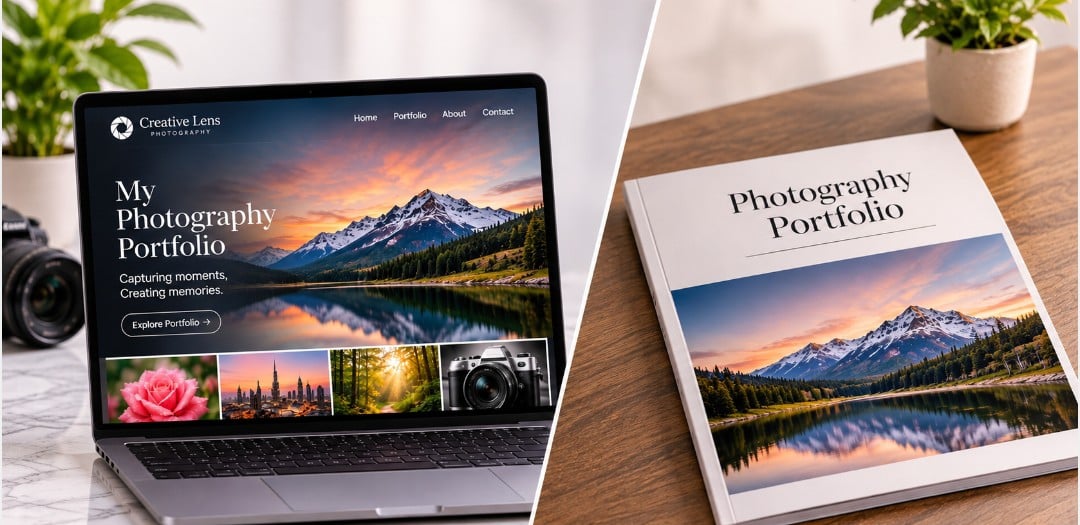
Decide how you want to present your photography work to potential clients and viewers. A professional photography website is an excellent option, letting you showcase galleries, share your contact details, and reach a wider audience. You can also consider printed portfolio books for in-person meetings, exhibitions, or client presentations. Select a format that suits your budget, audience, and goals. You can also combine both formats to make your photos accessible online and offline.
Step 7: Make a clean portfolio design
Choose a simple and professional layout that focuses on your photographs. Avoid unnecessary animations, cluttered elements, and distracting backgrounds that compete with your images. Add clear "About" and "Contact" pages so visitors can learn about your experience and reach you easily. Use intuitive navigation so users can explore different galleries without confusion. Ensure that your website is mobile-friendly and displays the photos properly across various screen sizes.
Step 8: Optimize and promote your portfolio
Enhance your portfolio's visibility by using the relevant SEO keywords in page titles, descriptions, and headings. Add descriptive alt text to your photos so that search engines can better understand the content and improve accessibility. Optimize image file sizes to ensure the website loads quickly. Share your photography work across different social media platforms, like Instagram, LinkedIn, and Pinterest. Promote your latest work regularly to attract potential clients and expand your audience.

These are the top 8 steps for creating a photography portfolio. What if, instead of designing a portfolio website, you could make a complete website with the help of AI? For this purpose, Enter Pro stands out as the best AI-powered tool, which is discussed below.
Enter Pro - Create photography portfolio websites with the power of AI
Enter Pro is an AI-powered website builder that lets photographers create professional portfolio websites without extensive coding or web development skills. Its AI website builder turns simple text prompts into customized websites, making it easy to showcase your photos, organize creative projects, and build an online presence. Its visual tools also let you customize the layout and design to match your photography style. So, explore Enter Pro today to build your photography portfolio with AI.
| Component | Build Your App |
|---|---|
| Web.Text | Build Photography Portfolio Websites |
| Web.Href | https://enter.pro/workspace/ |
Why should you choose Enter Pro?
- 100% code ownership: Enter Pro gives you full ownership of your website's source code. You can edit, modify, and manage your projects without being restricted to a specific platform.
- Rich AI models: Enter Pro offers multiple AI models, like Claude Opus 5.5, Claude Sonnet 5.5, GPT-6 Astra, GPT-6.1 Sol, GPT-6 Luna, and DeepSeek V4 Pro for various development tasks, helping you generate code, build applications, and enhance your projects.
- Prompt to website/app building: Convert ordinary text prompts into functional websites and applications without extensive programming knowledge. Just describe your requirements, and let Enter Pro create high-quality websites and apps.
- Website templates: Choose from ready-made website templates to simplify development and create professional-looking websites. Customize the layout and design elements to match your brand and project needs.
Steps to use Enter Pro for creating a photography portfolio online
Step 1: Enter your prompt
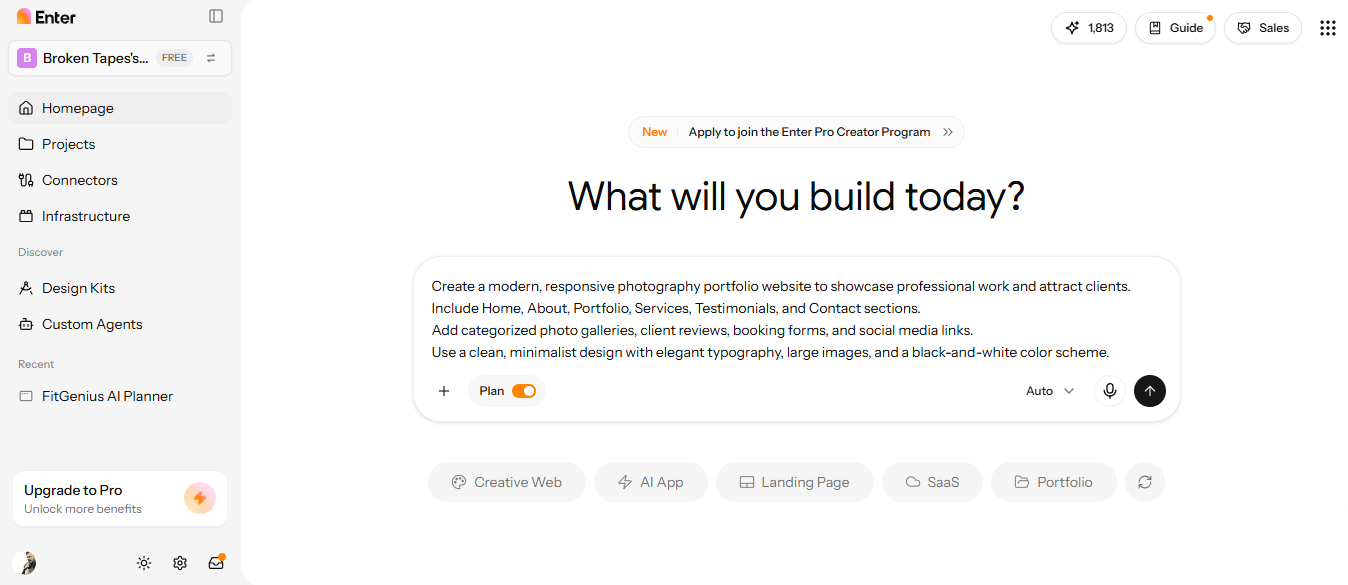
To build a photography portfolio website with Enter Pro, first open Enter Pro and describe your website requirements in the provided dialogue box. Clearly mention its purpose, target audience, required pages, key features, and preferred design. A clear description helps the AI build a website that matches your business needs. Click the "Generate" button to start generating the website.
Step 2: Build the photography portfolio website
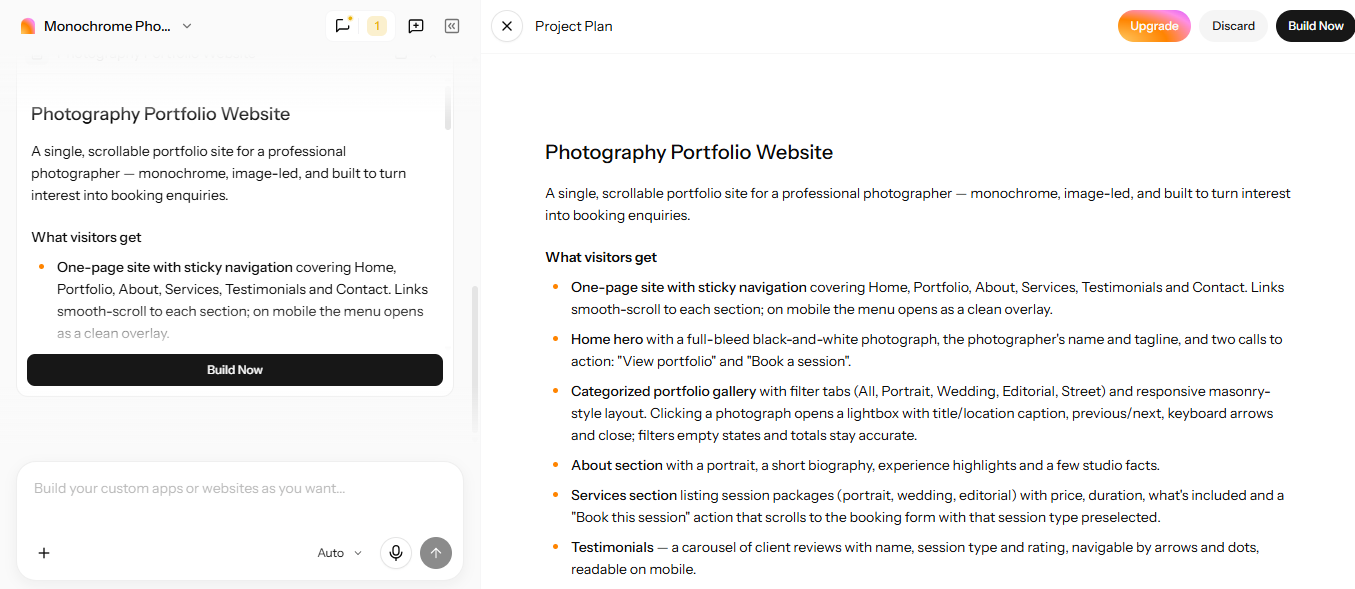
Once you have submitted your prompt, Enter Pro's AI will work for a few minutes and generate a complete description based on your initial prompt. Review the description and make any necessary changes you want. Finally, click the "Build Now" option to generate the website layout.
Step 3: Customize and publish the portfolio site
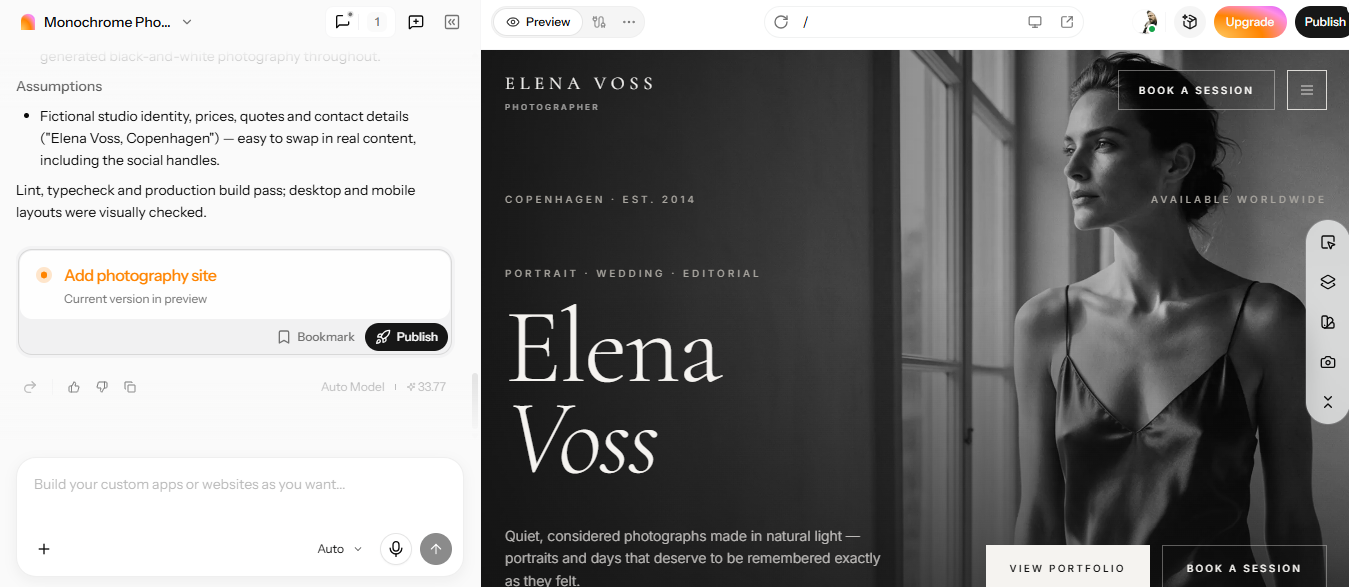
Once the photography portfolio is generated, you can edit it with additional prompts to meet your requirements. Once you are satisfied with the generated output, click the "Publish" button in the top-right corner of the screen to publish your website.
Things I wish I knew before creating impressive photography portfolios
- Prioritize quality over quantity: Choose only your strongest photographs to make your portfolio impactful and memorable. A smaller collection of exceptional photos works better than a vast gallery of average shots. Focus on showcasing your skills, creativity, and the ability to deliver professional-quality results.
- Maintain a consistent editing style: Utilize a consistent editing approach to establish your visual identity. Keep colors, lighting, tones, and contrast consistent across your portfolio. This creates a polished look and helps clients recognize your unique style.
- Use high-resolution photos: Select high-resolution photos that showcase your work clearly and professionally. Sharp details, accurate colors, and proper images help to create a strong impression. However, optimize image file sizes to keep your website loading fast. Tools like Enter Pro help you build a professional portfolio website that displays your photos clearly and in an organized way.
- Tell stories through your photos: Arrange your photographs to communicate emotions, experiences, or meaningful moments. Use sequences that guide the viewers through a visual narrative, instead of presenting unrelated images. Storytelling can make your portfolio more interactive and memorable.
- Keep your portfolio design minimal: Utilize a clean layout with easy navigation and enough white space to keep the focus on your photos. Avoid excessive animations, distracting colors, and unnecessary design elements. A minimal layout makes your work quite easy to explore.
- Update your portfolio regularly: Remove outdated or weaker photos and add your latest photographs to keep your photography portfolio relevant. Highlight different photography styles, techniques, and recent achievements to showcase your growth. Tools like Enter Pro make it effortless to create and update your portfolio as your photography experience grows.
| Component | Build Your App |
|---|---|
| Web.Text | Build Photography Portfolio Websites |
| Web.Href | https://enter.pro/workspace/ |
Conclusion
In conclusion, creating a photography portfolio is vital for highlighting your creative skills, building credibility, and attracting potential clients. From selecting your best photographs and choosing a niche to organizing galleries and designing a professional website, every step helps you build a high-quality portfolio. You should also keep a consistent editing style, use high-resolution photos, and update your portfolio regularly. If you want to create a professional photography portfolio without extensive coding, Enter Pro is a great option, offering AI-powered website creation, customizable designs, and ready-made templates. So, try Enter Pro today and turn your portfolio ideas into impressive portfolio websites easily.
FAQs about how to create a photography portfolio
How many photos should a good photography portfolio include?
When creating a photography portfolio, include about 15-25 of your strongest photographs. This is enough variety to highlight your skills without overwhelming the viewers. Select photos that show your style, creativity, and technical skills. In general, you should prioritize quality and relevance over the total number of photographs.
How to create a photography portfolio for free without coding?
You can create a photography portfolio online for free using free website builders that provide ready-made templates and drag-and-drop editors. Begin by choosing a suitable template, uploading your best photographs, and organizing them into galleries. Alternatively, you can choose AI-powered tools, like Enter Pro, to make high-quality photography portfolio websites without coding.
What makes a photography portfolio stand out?
A photography portfolio mainly stands out through high-quality photos, creative compositions, and a consistent visual style. Showcasing various techniques and unique perspectives helps to depict your photography skills. A clean layout, organized galleries, and interactive storytelling enhance the viewing experience. Include your best and most distinctive projects to leave a lasting impression on the viewers.
How often should I update my photography portfolio?
Update your photography portfolio every 3 to 6 months, or whenever you finish significant projects. Replace outdated photos with recent work that better represents your current skills and style. Regular updates show professional growth and keep your portfolio relevant. Review your website periodically to ensure your photos and contact details are up to date.
What mistakes should I avoid when creating a photography portfolio for college?
When creating a photography portfolio for college, avoid including too many photographs, low-resolution photos, or unrelated projects that don't showcase your skills. Don't use excessive editing, inconsistent styles, or distracting website designs. Ensure that your photographs comply with the college's submission guidelines and highlight your creativity. Also, don't copy other photographers' work or present someone else's photos as your own.
Which are the best platforms for creating a digital photography portfolio?
Popular platforms for creating a digital photography portfolio include Adobe Portfolio, WordPress, and Enter Pro. Among these, Enter Pro stands out because it is the easiest and lets you create high-quality website portfolios with simple text prompts. You can also refine the portfolio with additional instructions and customize the design to fit your needs. So, Enter Pro is the best tool for creating digital photography portfolios without coding.