
Best 6 SaaS Website Builders for Rapid Scaling in 2026
Compare SaaS website builders for 2026 by SEO, pricing, speed, design control, and scale. See hands-on test results, free plans, and options for SaaS teams.
Three months ago, a solo SaaS founder asked me which no-code tool he should trust to build his product's website without outgrowing it in a year. I didn't have one confident answer, so I spent the following weeks testing the field myself. This article is the result: a hands-on comparison of six SaaS website builder options, run through the same brief, the same five pages, and the same five criteria. SEO controls, pricing, design control, and long-term scalability all get tested side by side here, not summarized from marketing pages.
What is a SaaS website builder and what should it do?
A SaaS website builder is a platform that lets a software company design, publish, and update its marketing site without routing every change through a developer. For most SaaS teams, that means a homepage, a features page, a pricing page, a blog, and a signup flow that can go live and change independently of the product's own codebase.

Not every builder in this category does the same job. Traditional marketing platforms such as Webflow or Squarespace focus purely on the public-facing pages: layout, content, and design. A smaller group of newer tools goes further, handling backend logic, user accounts, and databases alongside the marketing pages, which matters once a product needs its website and its application built on the same foundation.
Across general forum discussions among SaaS founders, two priorities come up more than any other: how fast a site can go live, and whether non-developers can update it afterward. Design flexibility and backend depth tend to matter more once a team is further along, which is part of why there's no single best website builder for SaaS that fits every stage.
How I evaluated website builders for SaaS
Hands-On Testing Methodology
I have spent the better part of the past 18 months building and rebuilding SaaS marketing sites as a product designer, which means I have hit the limits of most major builders at least once. For this comparison, I ran all six platforms through the exact same brief on a MacBook Pro (M2, 16GB RAM): build a five-page site consisting of a homepage, features, pricing, blog, and a signup flow, using identical copy and placeholder assets.
During the process, I closely monitored realistic friction points that only surface after extended use, such as vague error messages when connecting custom domains, UI lag when managing large CMS collections, and the navigation bottlenecks that occur when moving between visual canvas modes and backend settings.
The SaaS Implementation Case: Bridging Marketing and Product UI
Because SaaS websites are a unique field that requires connecting public marketing pages with private application data, standard landing page tests often fall short. To explicitly test how well these platforms handle actual software implementation, I designed a specific case study: building a B2B analytics portal alongside the marketing site.
To establish a measurable benchmark for this capability, I looked at how easily a founder can transition a user from a public SEO landing page into a secure software environment. Using Enter Pro as the baseline for this specific test, I pulled a functional user login flow and a data display dashboard directly from their website templates. Instead of coding every visual element manually, I customized the authenticated user dashboard and the public pricing page simultaneously using cohesive UI components sourced from their Design Kit. This provided a realistic standard for measuring whether the other platforms in this list could actually support both a frontend site and a product backend in one unified workspace.
Evaluation Criteria
Each platform was scored against five critical dimensions that dictate long-term success:
- Ease of Use: The learning curve for a non-developer and the clarity of the interface.
- CMS & Content Management: How efficiently the platform handles an ongoing blog and programmatic SEO routing.
- Design Flexibility: How much visual freedom the builder allows before hitting a rigid template ceiling.
- Code Ownership & Integrations: Whether the code and data stay portable, and how smoothly it connects to payment gateways and databases.
- Pricing: The realistic, measured cost to scale from a free validation tier to an active SaaS business.
| Platform | Ease of use | CMS & content management | Design flexibility | Scalability | Code ownership & integrations | Pricing |
|---|---|---|---|---|---|---|
| Webflow | Moderate learning curve | Strong, built-in CMS collections | High | High | Limited export, strong APIs | Free tier; paid plans scale with CMS and traffic |
| Enter Pro | Easy, prompt-driven start | Template-based, growing | High, visual editor plus code | High, backend built in | Exportable React and Tailwind code | Free to start; check site for current tiers |
| Framer | Easy | Lightweight CMS | High for visuals | Moderate | No code export | Free single-project plan; paid tiers for domains |
| WordPress | Moderate, plugin setup | Strongest for high-volume content | High via themes and plugins | High | Full code and hosting ownership | Hosting cost varies; plugin fees separate |
| Wix Studio | Easy to moderate | Good, not as deep as Webflow | High | Moderate | Limited export | Scales by traffic and feature tier |
| Squarespace | Very easy | Clean, simple blog | Moderate | Moderate | No code export | All-in-one monthly pricing |
6 Best no-code website builders for SaaS companies
After running my five-page test build across all six platforms, their real strengths and limits became obvious. Here is my breakdown of how each performed and the trade-offs you'll face as you scale.
Webflow
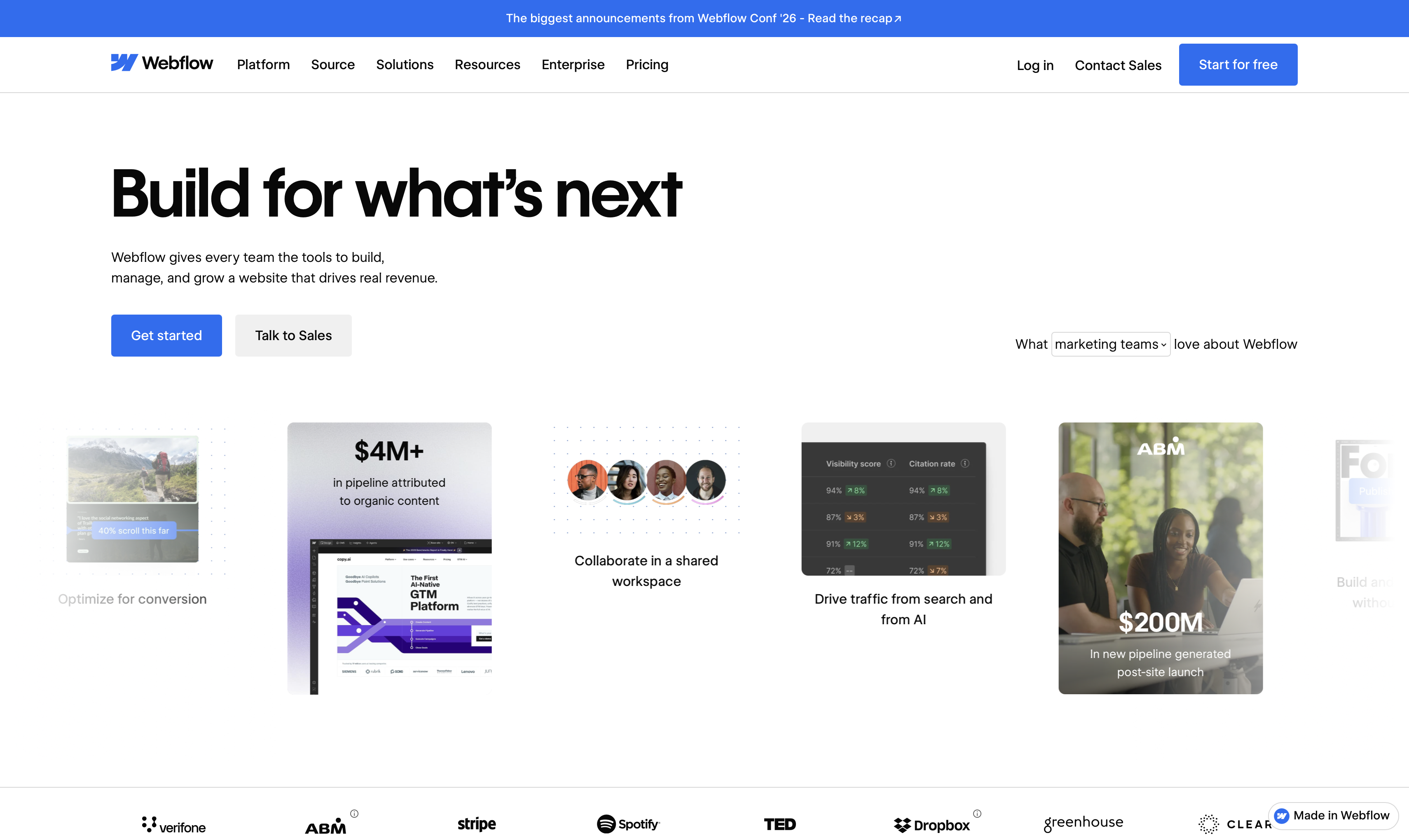
Webflow remains the best no code website builder for SaaS companies. Building the five-page brief took about three hours, most of it setting up CMS collections for the blog, which pays off once content volume grows. The canvas has a real learning curve: placing and nesting elements precisely takes longer than with simpler drag-and-drop tools.
| Pros | Con |
|---|---|
| Deep design control without the need for hand-coding • Robust built-in CMS that scales well for growing blogs • Strong native SEO settings | Steeper learning curve compared to simple drag-and-drop tools • Precise placement and nesting of elements is time-consuming |
Pricing: Webflow's free tier covers a limited site; paid plans scale with CMS and traffic needs. See Webflow's pricing page for current rates.
Enter Pro
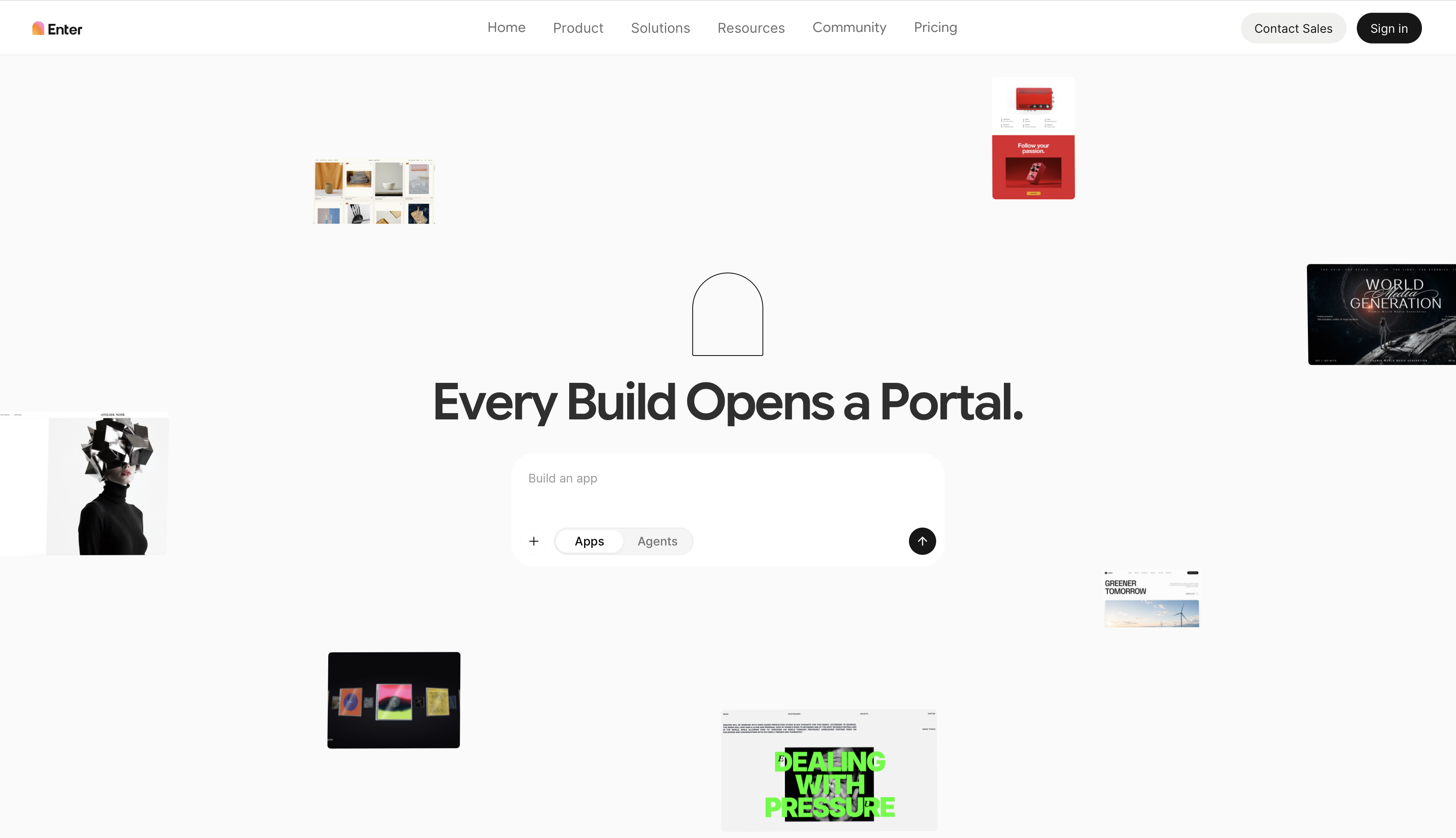
Enter Pro removes the usual split between a marketing site and the product itself. Building the same five-page brief took under an hour: the AI website builder drafted the homepage, features, and pricing layout from a single prompt, leaving mostly copy edits to finish by hand. What stood out was how closely the visual editor and the underlying code stayed in sync, so adding a signup form backed by stored data didn't require switching tools.
| Pros | Con |
|---|---|
| AI builder drafts full page layouts directly from text prompts • Visual editor stays tightly synced with exportable code • Build the custom website from a ready-made website template instead of a blank page | Manual mapping for custom databases |
Pricing: Enter Pro's starting pricing is $16/month; see Enter Pro's pricing page before scaling a production site on it.
Framer
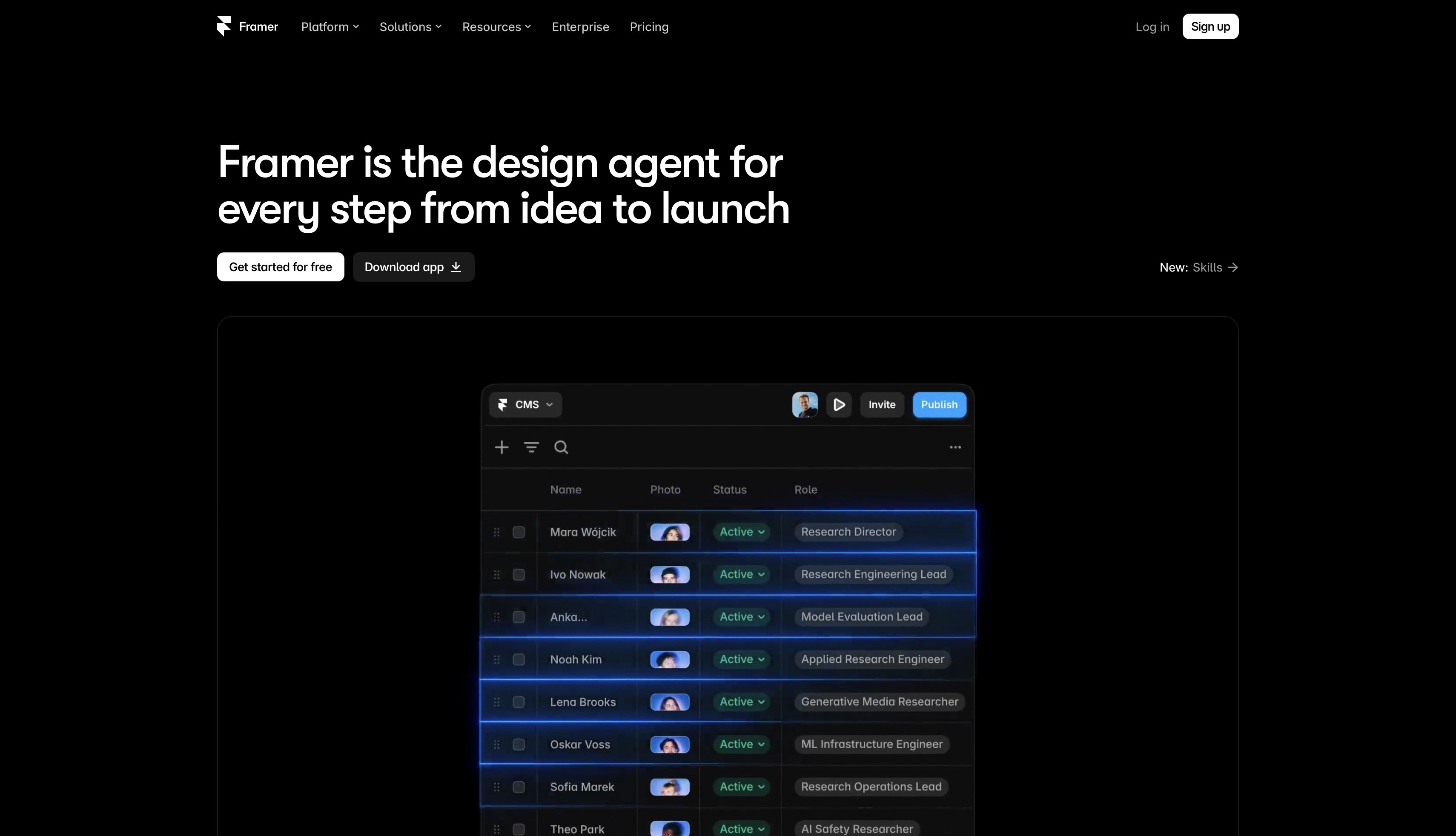
Framer earns its reputation for motion. Replicating the brief took under two hours, with hero animations assembled from built-in presets rather than custom code. Content operations are the weak point: the blog needed workarounds once the post count passed a handful of entries, since its CMS is lighter than Webflow's or WordPress's.
| Pros | Con |
|---|---|
| High-quality, built-in presets for fast, polished animations • Extremely quick process for publishing landing pages • Offers a strong selection of modern templates | Lightweight CMS struggles to handle growing content volume • Managing a large blog requires inefficient workarounds |
Pricing: Framer's free plan covers one project; paid tiers add custom domains. See Framer's pricing page for current rates.
WordPress
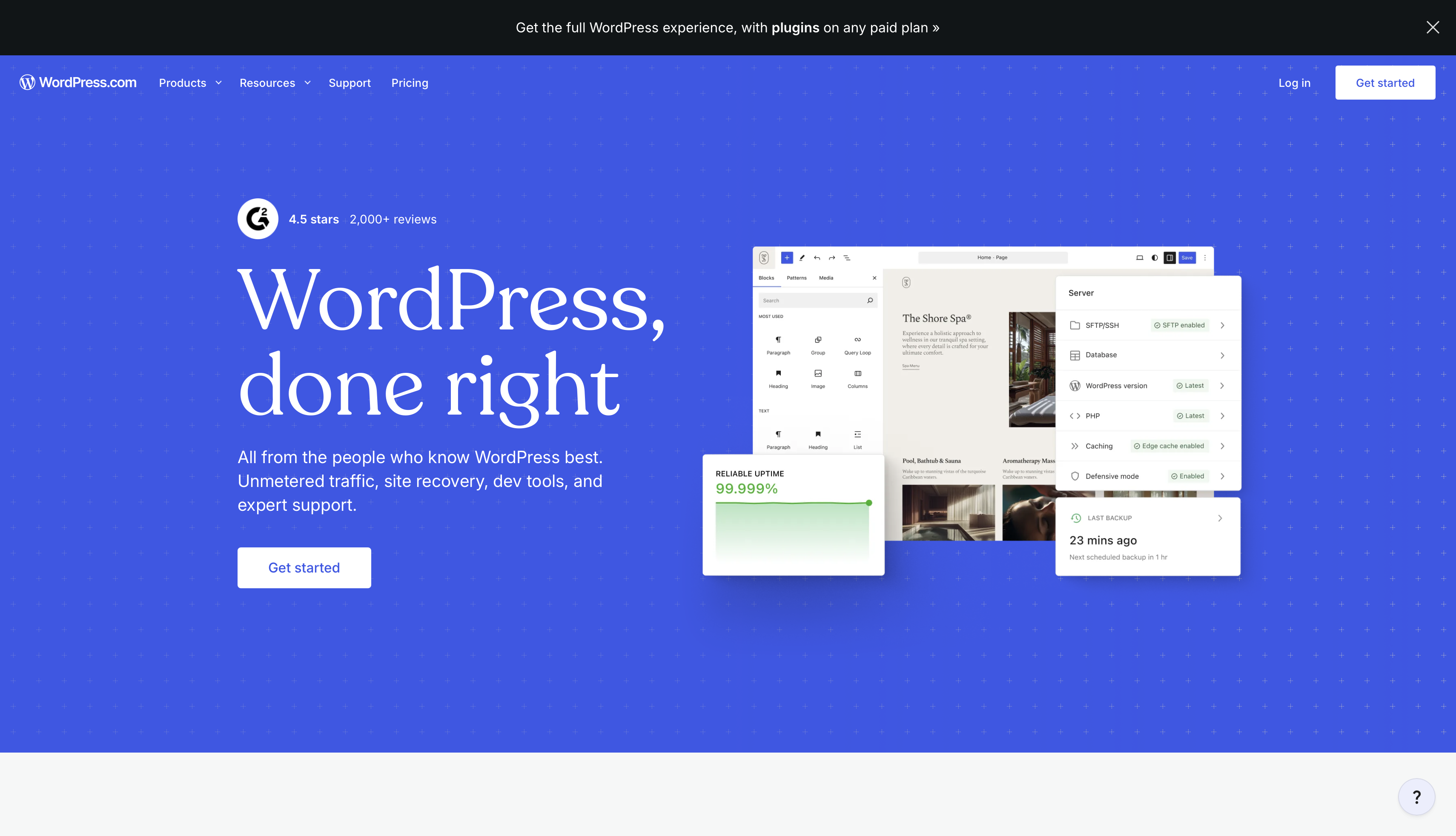
WordPress remains the most content-capable option tested, using its native block editor and a standard theme rather than a separate page-builder plugin. Publishing five pages and a working blog took about two and a half hours, most of it spent configuring SEO and caching plugins rather than building the pages themselves. That plugin dependency is also the biggest risk: site speed and reliability swing on which plugins get installed and how well they're maintained.
| Pros | Con |
|---|---|
| Massive ecosystem of plugins and themes for endless functionality • The most capable option for high-volume blogging and content • Provides full ownership of hosting and the underlying code | Site speed and reliability are highly vulnerable to plugin choices • High dependency on plugins requires constant maintenance and upkeep |
Pricing: Self-hosted WordPress software is free; the real cost is hosting, a theme, and any premium plugins. See WordPress.com's pricing page for current rates if you'd rather have WordPress.com manage hosting for you.
Wix Studio
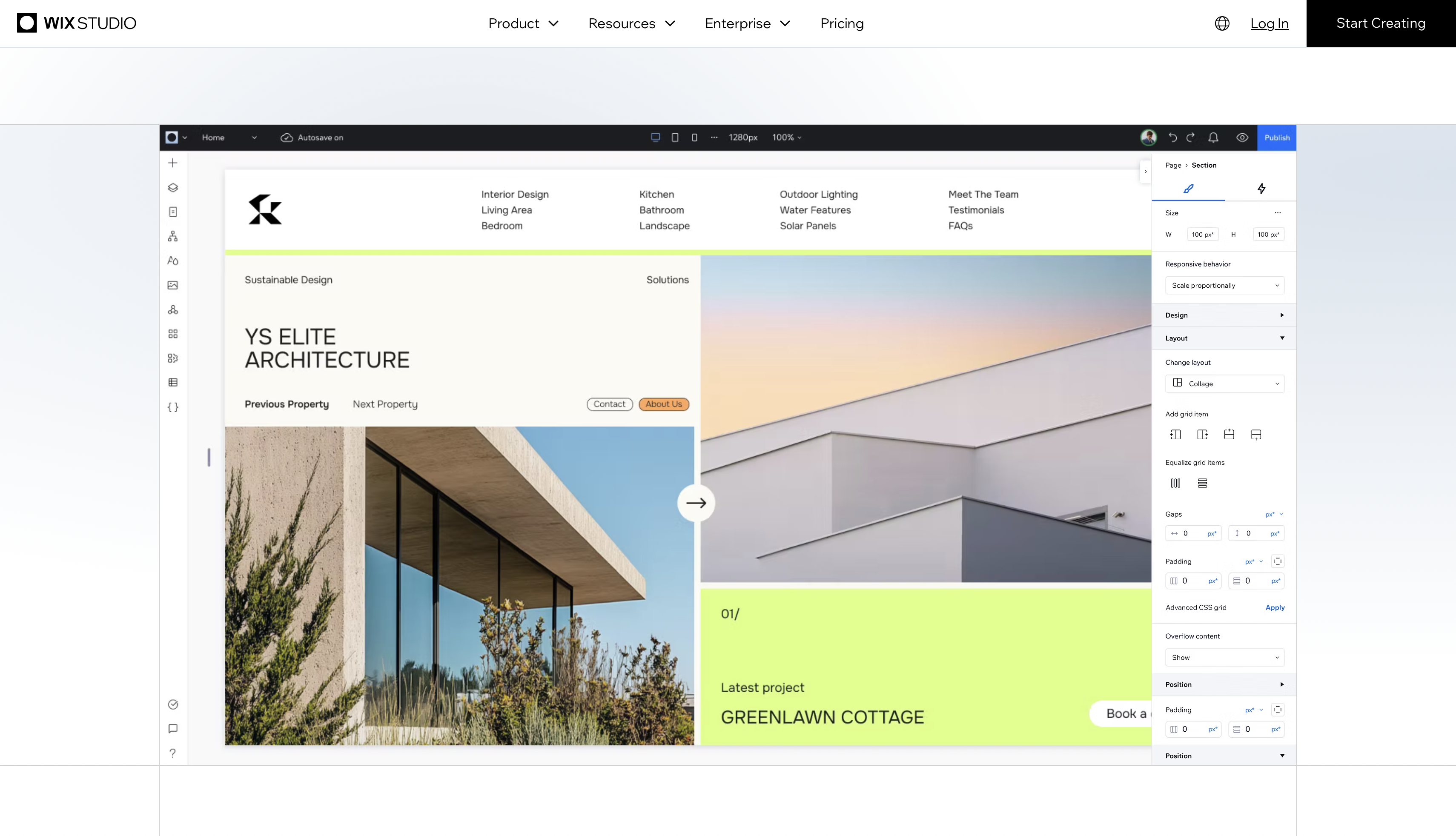
Wix Studio sits between Webflow's depth and Squarespace's simplicity. The same five pages went up in about two hours, with enough design flexibility to avoid feeling templated while staying approachable for a non-designer. Content depth is where it lags: the CMS handles a blog fine but doesn't match Webflow's structured collections at scale.
| Pros | Con |
|---|---|
| Excellent balance of design freedom and beginner-friendly ease of use • Features built-in hosting and collaborative editing tools • Highly approachable for non-designers avoiding a rigid template feel | CMS depth and structured collections lag behind dedicated platforms • Managing content at a massive scale is less efficient |
Pricing: Wix Studio's plans scale by traffic and feature tier; see Wix Studio's pricing page for current rates.
Squarespace
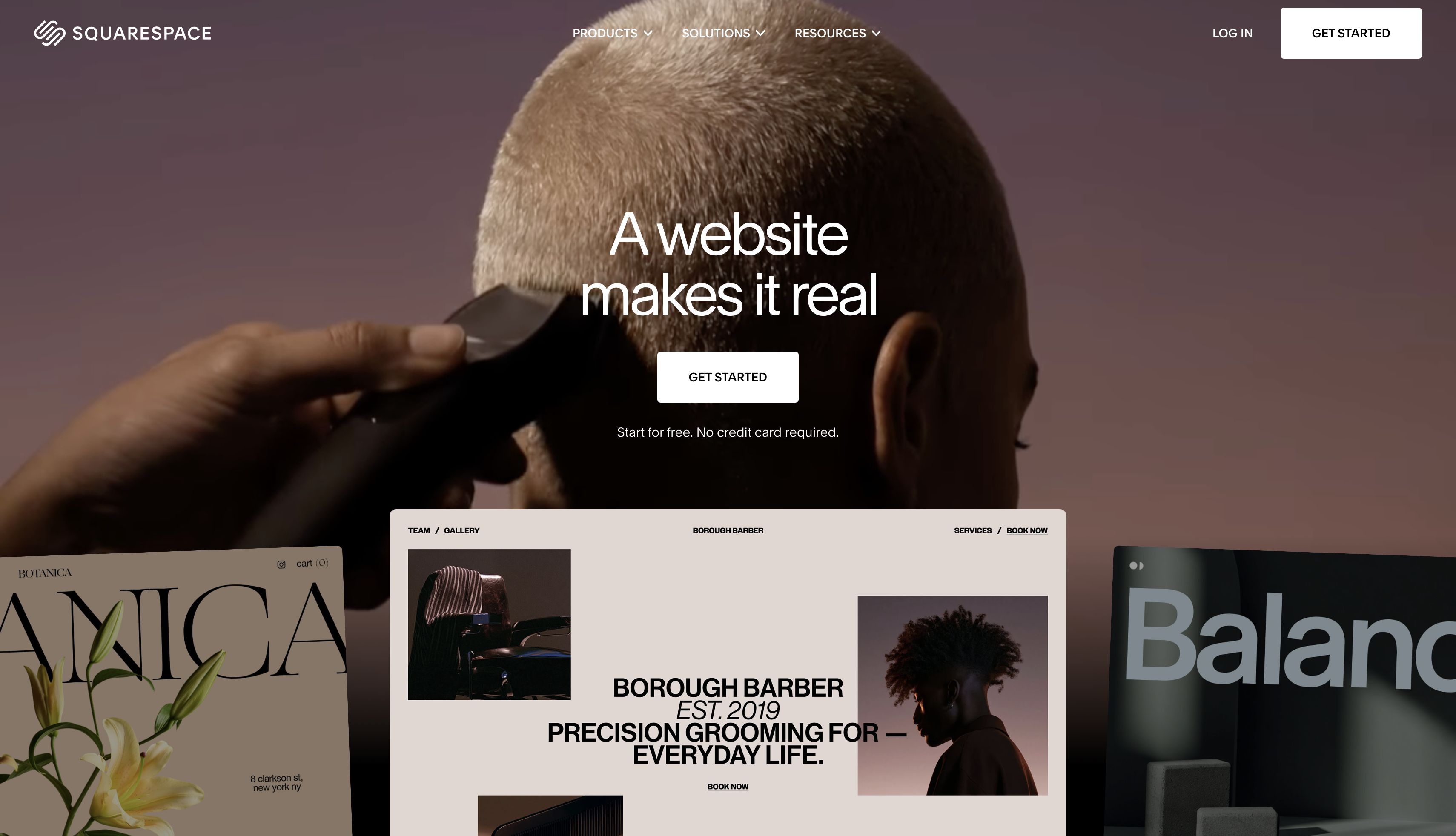
Squarespace is the fastest of the six to a presentable result. The full brief, blog included, was live in under ninety minutes, almost entirely from its own templates. The tradeoff shows the moment a page needs to break from that structure; custom layouts require real workarounds.
| Pros | Con |
|---|---|
| The fastest builder for getting a presentable site live • Relies on strong, professionally designed built-in templates • Incredibly simple process for standard, structured builds | Breaking away from default template structures requires frustrating workarounds • Rigid layouts heavily restrict deep custom design control |
Pricing: Squarespace bundles hosting and a domain into one monthly price; see Squarespace's pricing page for current tiers.
Teams building outside the SaaS category can weigh a wider set of general-purpose options, compared by industry and use case, since these six are evaluated specifically against SaaS marketing needs.
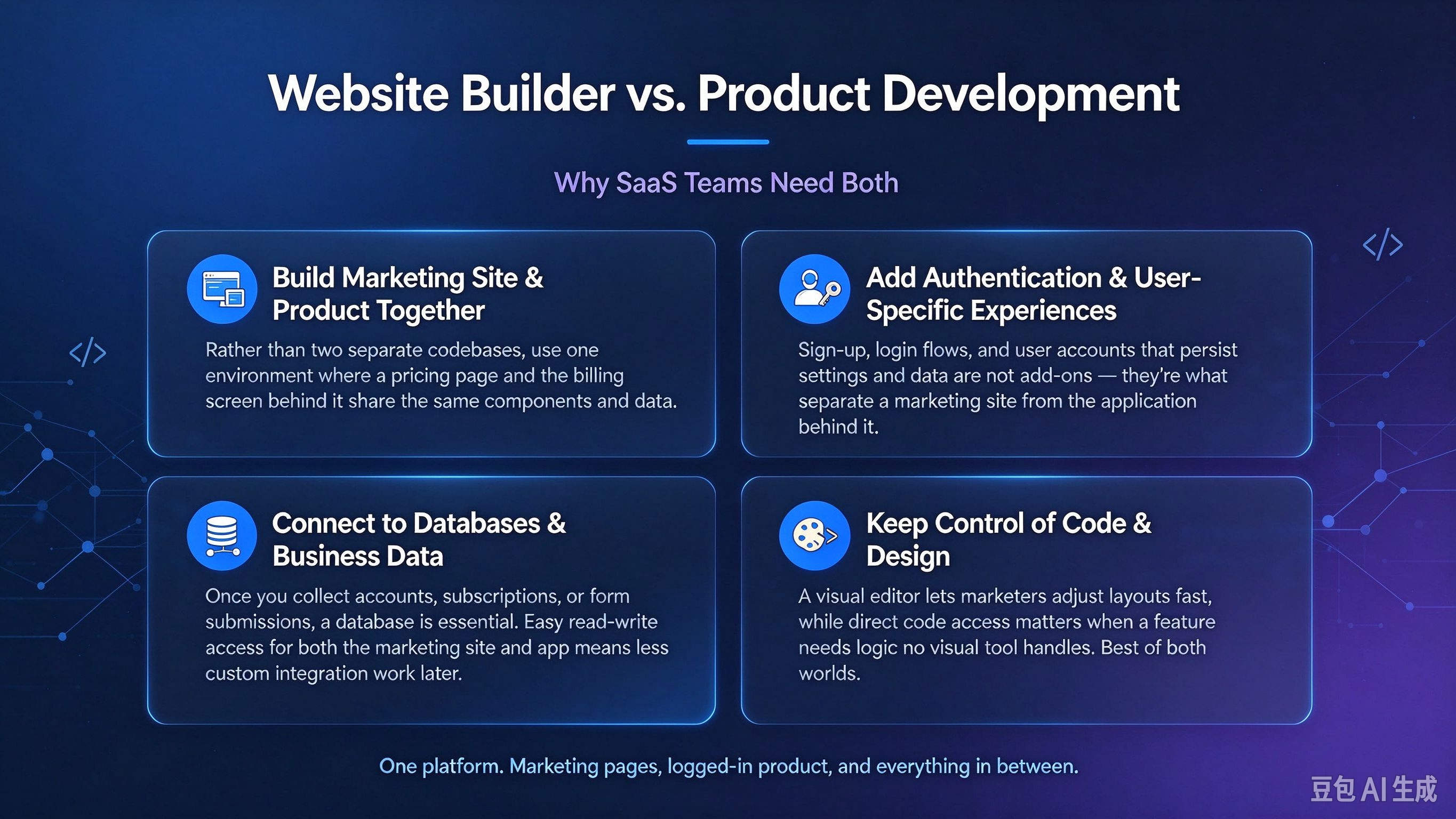
Website builder vs. Product development: Why SaaS teams need both
A marketing site and the product itself often start as two separate builds on two separate platforms. That split works early on, but it tends to multiply work as both sides grow.
Build the marketing site and product experience together
Marketing site and product UI usually begin as separate codebases: one for public pages, another for the logged-in application. Rather than treating them as unrelated projects, teams can look for a single environment that handles both, so a pricing page and the billing screen behind it share the same components and the same data.
Add authentication and user-specific experiences
SaaS products almost always need visitors to sign in and see something different once they do. Sign-up and login flows, plus user accounts that persist settings and data, aren't add-ons for a software product; they're part of what separates a marketing site from the application behind it.
Connect your website to databases and business data
Once a product is collecting accounts, subscriptions, or form submissions, a database stops being optional. Where that data lives, and how easily both the marketing site and the application can read and write to it, shapes how much custom integration work a team takes on later.
Keep control of your code and design
Flexibility compounds as a SaaS product grows. A visual editor gives marketers a fast way to adjust layouts without opening a code editor, while direct code access matters once a feature needs logic no visual tool handles. Enter Pro pairs both: a visual editor for routine page edits, with developers still able to work directly in the generated code when something deeper is needed.
How to choose the right SaaS website builder for your use case
The right pick depends on a product's stage, not just its budget.
- Rapid prototyping and MVP validation
The need: a simple landing page live fast, to test an idea and collect early signups before writing product code.
The pick: Squarespace gets a polished, basic site live in a few hours. If that test needs a working signup portal, Enter Pro launches a functional prototype just as fast, starting from a website template instead of a blank page.
- Design-led growth and premium visuals
The need: high-end aesthetics, custom interactions, and animation.
The pick: Framer dominates here, giving design-focused startups a fast, interactive marketing presence, trading some backend depth for visual polish.
- Scaling collaborative teams
The need: marketing autonomy over the CMS without routing every change through engineering.
The pick: Webflow or Wix Studio offer agency-grade visual control. Where marketing and engineering need the same stack, Enter Pro splits the difference: a visual editor for marketers and direct code access for developers.
- High-volume SEO and content engines
The need: programmatic SEO, large resource libraries, and complex publishing workflows.
The pick: WordPress remains the standard for SaaS companies publishing hundreds of articles to drive inbound traffic.
- Unifying marketing sites and product UI
The need: escaping disconnected tech stacks and outgrowing a basic landing-page builder.
The pick: Enter Pro fits once a team wants backend logic, user accounts, and exportable code supporting both the marketing pages and the product, built in one workspace.
Conclusion
Across all six SaaS website builders, the deciding factor was rarely raw feature count; it was how well each SaaS website builder matched the product's actual stage. Webflow and Wix Studio suit teams that want visual control without writing code. Framer wins on pure design speed. WordPress still leads for content-heavy SEO strategies. Squarespace gets a simple site live fastest. None of these is universally best; The right choice is the one that matches what the business needs to ship next. But if you have no coding experience and want to customize sites manually, Enter Pro is a good choice.
FAQs about SaaS website builder
What is the best no code website builder for SaaS companies?
There's no single best no-code website builder for SaaS companies; it depends on priorities. Webflow and Wix Studio suit visual-first marketing teams, Framer suits design-led launches, WordPress suits content-heavy SEO strategies, and platforms combining a website builder with backend logic suit teams that want the site and product on one stack.
Is there a free SaaS website builder?
Several SaaS website builder options include a free tier. Wix, Framer, and Squarespace all offer limited free plans, usually restricted by custom domains, page count, or branding. AI-native builders also offer free credits to test a build before committing to a paid plan.
Can a website builder create the actual software product?
Traditional website builders like Webflow, Squarespace, and Framer are built for marketing pages, not application logic. A smaller group of newer platforms extends further, adding databases and authentication, so the same environment supports both the public site and parts of the actual product.
Which no-code platform is best for search engine optimization?
WordPress remains the strongest option for a high-volume content strategy, thanks to its mature SEO plugin ecosystem. Webflow is a close alternative for teams that want clean, built-in SEO controls without managing plugins, for a smaller set of well-structured pages.
Can I export my website code to avoid platform lock-in?
Code export varies by platform. Most template-based builders keep a site's code proprietary, so leaving means rebuilding elsewhere. Some newer AI-native builders generate standard code, such as React and Tailwind, that can be exported and hosted independently, reducing long-term lock-in risk.
What is the difference between a marketing site and a web application?
A marketing site is the public set of pages that explain a product and convert visitors into signups. A web application is the logged-in product itself, where authenticated users interact with features and their own data. SaaS companies typically need both. No matter which one, you can create it with Enter Pro.
How can I build a SaaS website?
Building a SaaS website starts with mapping the pages a buyer needs: a homepage, features, pricing, and a signup path. A no-code or AI-native platform like Enter Pro can then generate and host those pages, with a CMS for blog content and, where needed, authentication and a database.