

Role-Based Access Control
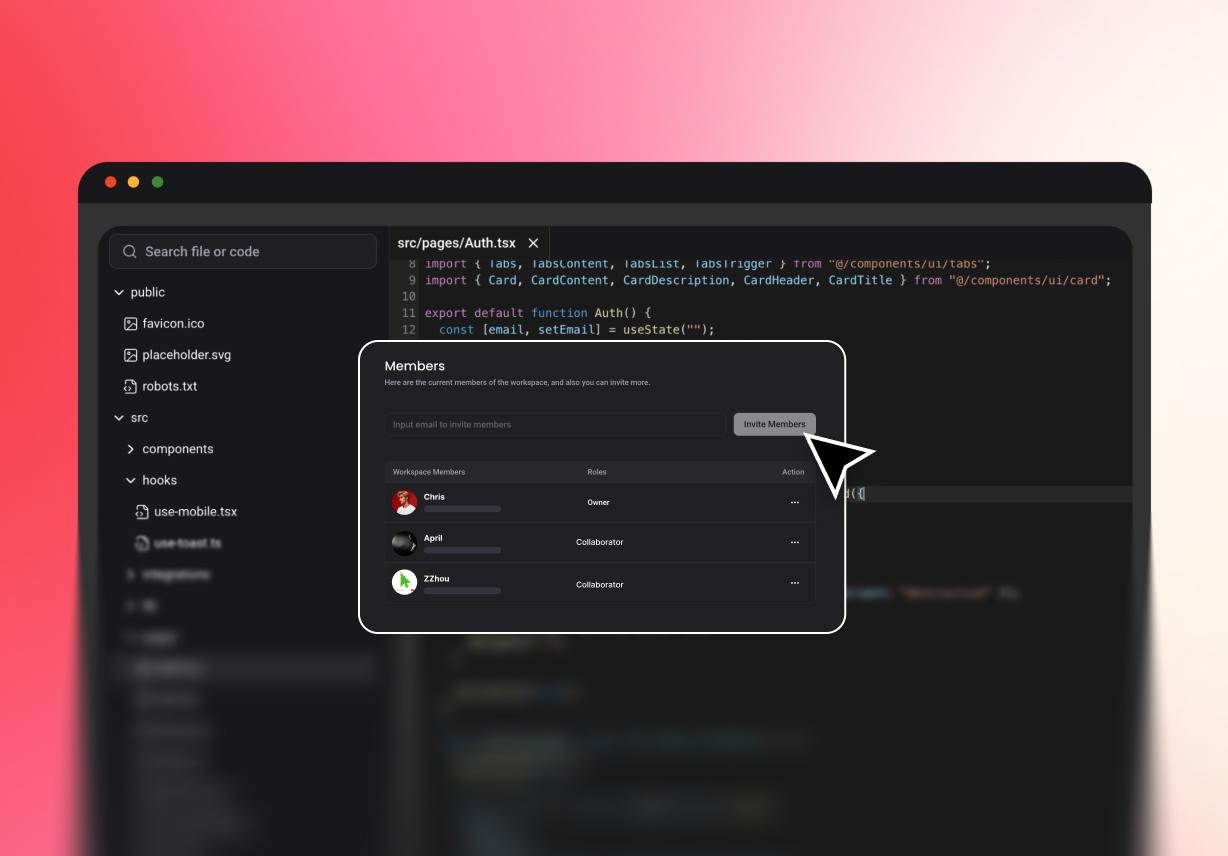
Different people need different levels of access. That is true in almost every team. Project owners can choose who can access the workspace and who cannot.

Write, share, and run code online in real-time. Work together seamlessly with AI suggestions, shared editors, and cloud storage.
Send a preview link when you want quick feedback. The team members do not need to open the entire project to verify progress or generate code again. It makes the review easy and time-saving

GitHub support helps teams connect coding work more smoothly. This keeps development closer to familiar workflows and version handling. That gives cooperative coding a stronger connection to real team habits.
Teams can review project history and follow how work has changed. This gives collaborators a better context before making updates or suggestions, helping connect teams across longer projects.
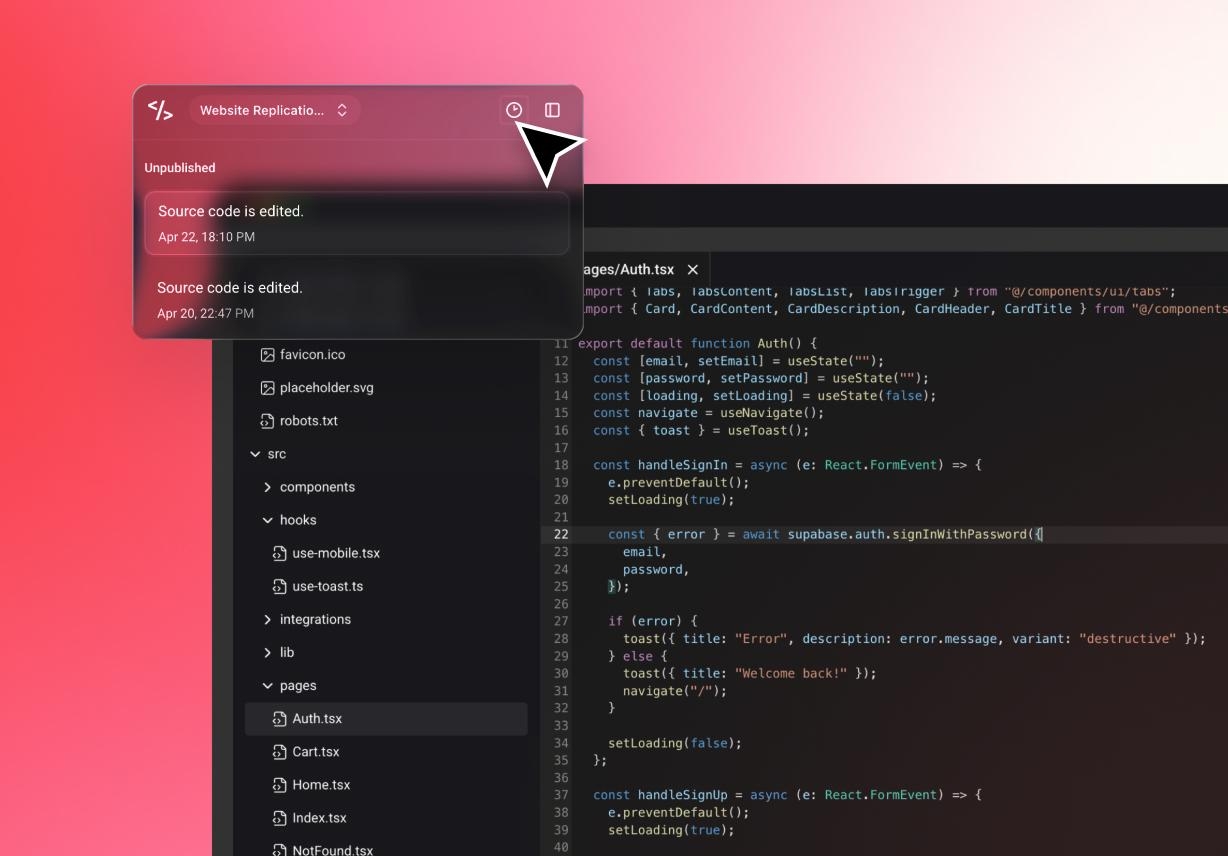
Editing code is only one part of the work. Project details and earlier decisions also matter during review. Keeping them together makes the workflow easier to follow.
Different people need different levels of access. That is true in almost every team. Project owners can choose who can access the workspace and who cannot.

Project data should stay protected in transit and storage. That should be a basic part of any shared workflow. Encryption helps protect code and project files while teams work with their AI coding assistants.

Built-in logs help teams track changes and review what happened across the project. Version history also gives users a safer way to cross-check.

Waiting slows down software work. Shared access helps reduce that. When teammates can review progress early, projects move forward with fewer pauses. Preview links, GitHub connection, and project visibility all help speed up the cycle.

Teamwork is also how people learn. Shared work gives junior and senior members more room to grow. When projects are visible, newer team members can follow changes, understand decisions, and learn from the pace of real work.

History should stay easy to follow. Our version of history gives teams a clearer view of progress and earlier states. That helps people work with more confidence, especially when projects change back and forth.
Enter Pro can generate code snippets or full scripts from prompts. This gives teams a workable base before review begins.
Next, users can invite project members or send preview links for feedback. This keeps collaboration tied to the project itself.
Teams can review the project, follow changes, and keep version history visible. This supports smoother progress across edits and updates.

Create a responsive website online from a prompt with Enter’s AI website builder. Customize every page, preview the result, and publish without code.
September 24, 2026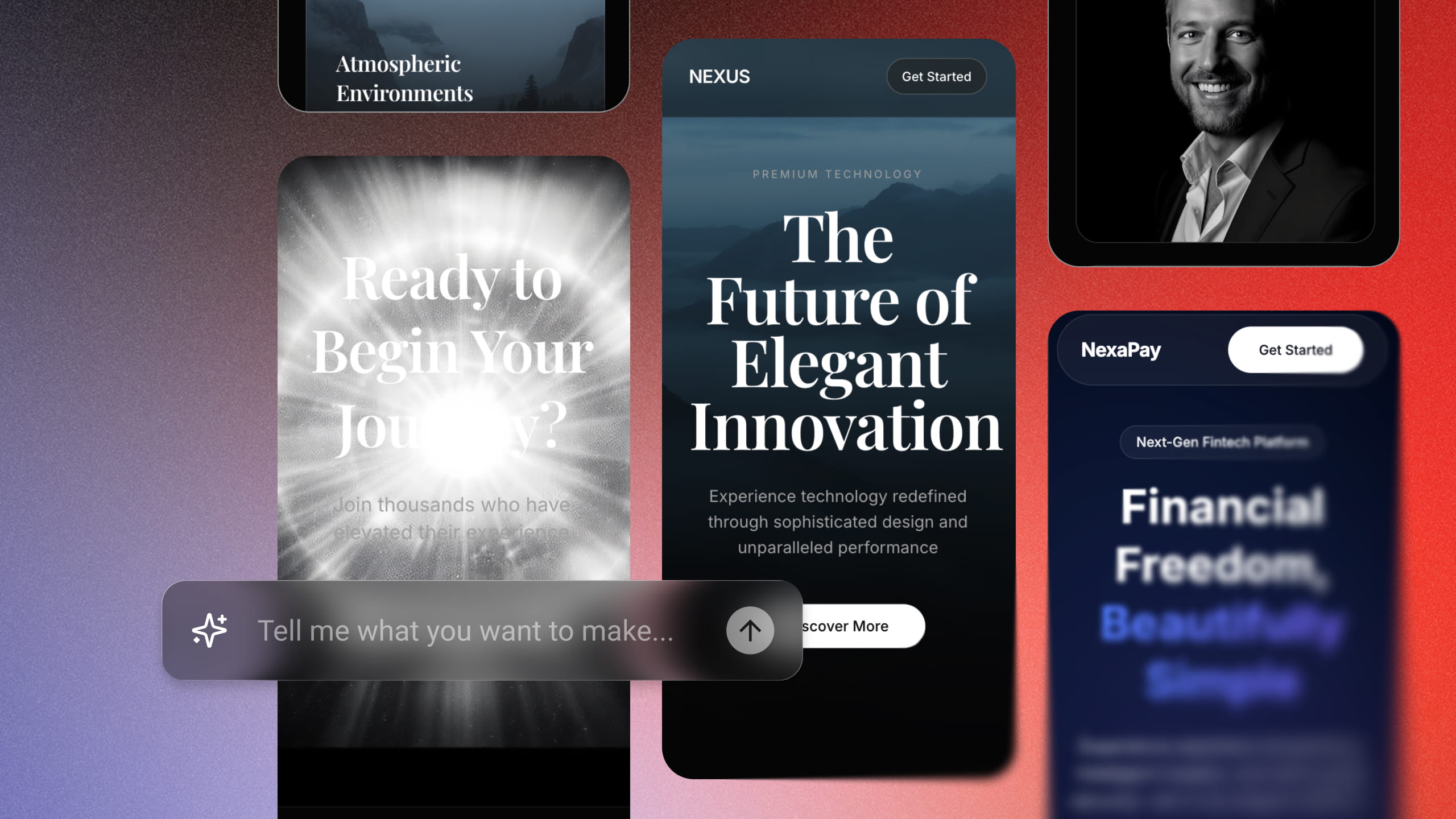
Turn an idea into a responsive React web app with Enter’s AI app builder. Sign up, start with free credits, refine your app, and publish without coding.
September 21, 2026
Build a working full-stack MVP in days—no code required. Just enter a single prompt and let AI do the rest. Join 10,000+ founders building for free today.
September 20, 2026
Skip tedious setup times. Describe your internal dashboard or workflow and watch Enter Pro generate it in minutes. No SQL, no widgets to configure.
September 20, 2026
Looking to build the perfect portfolio website for your brand? Discover how Enter helps you build a flawless, AI-powered design portfolio in no time.
September 20, 2026
Turn your concept into a high-converting storefront in seconds. Experience how Enter Pro leverages AI to transform your business vision into reality.
September 20, 2026