

Step 1: Describe Your Wedding Website
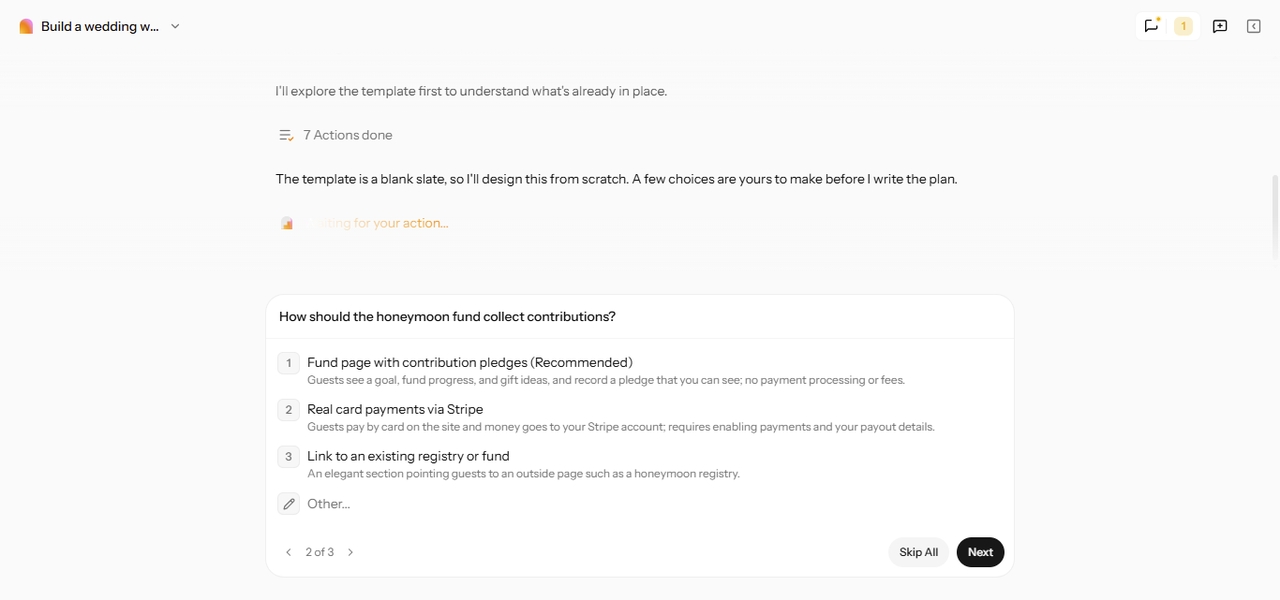
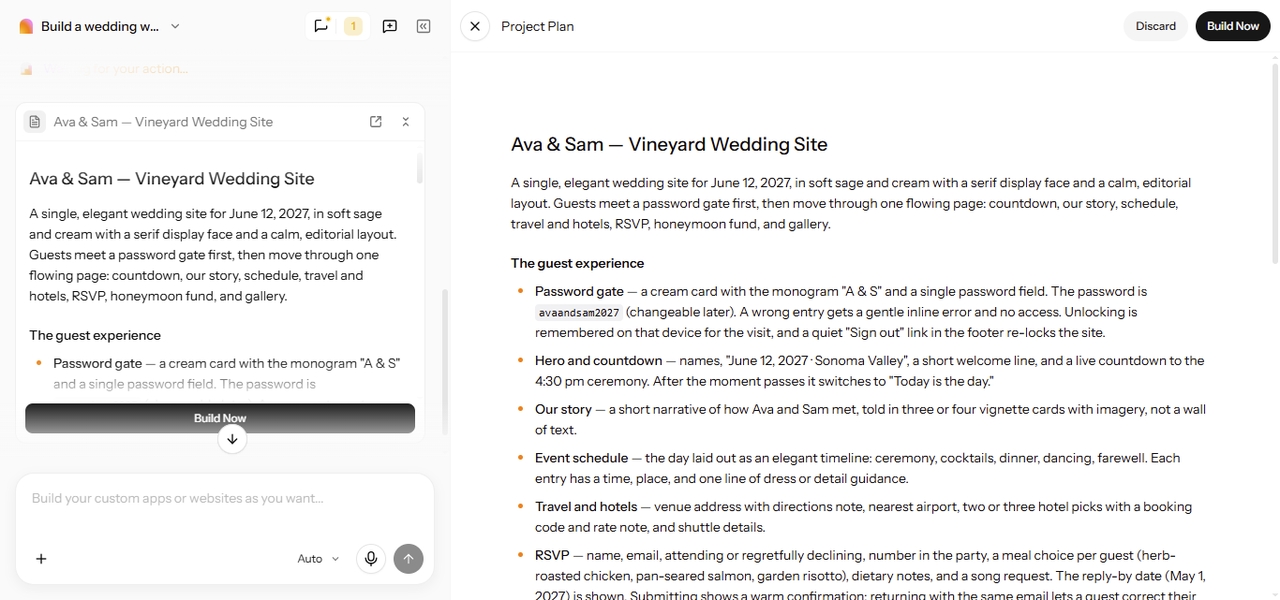
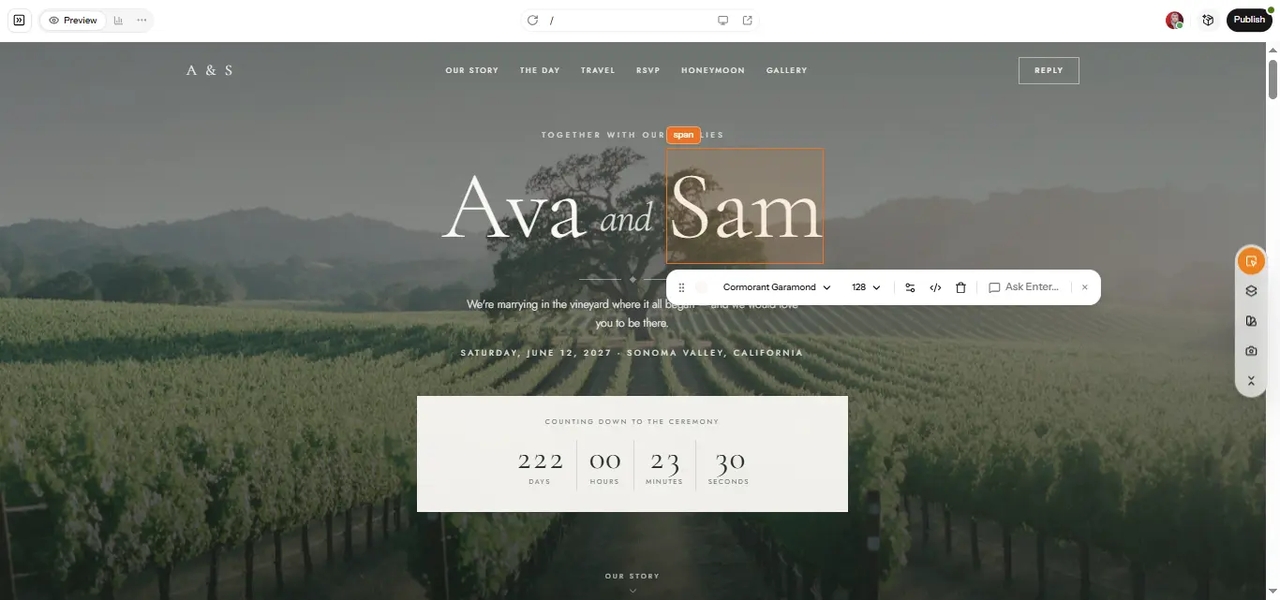
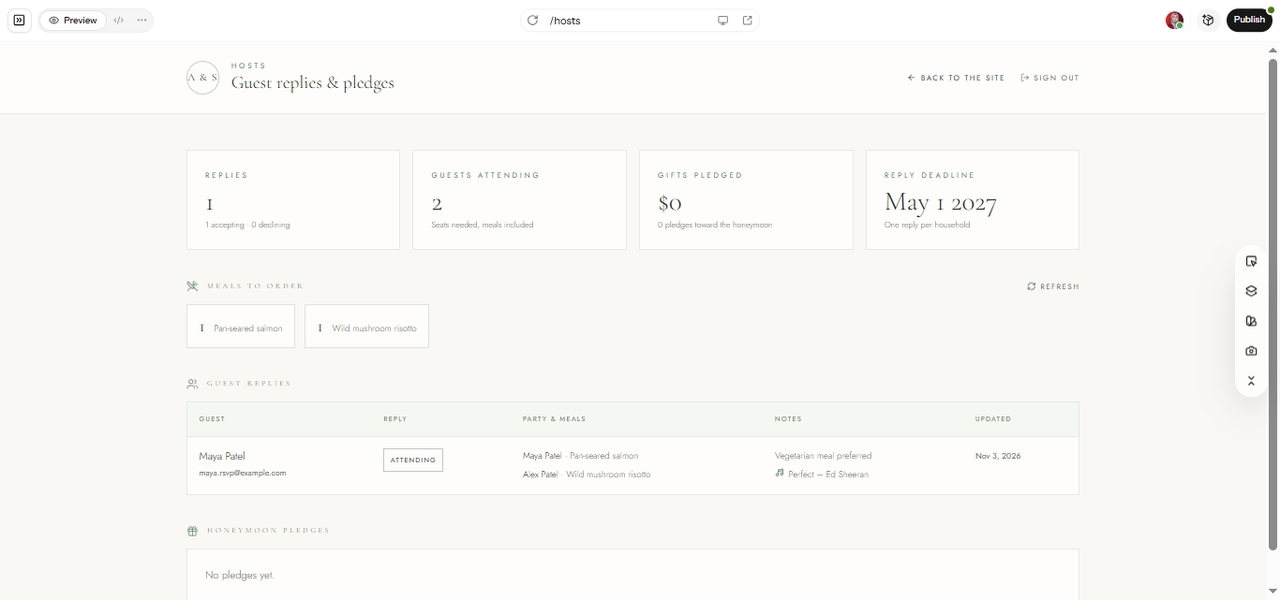
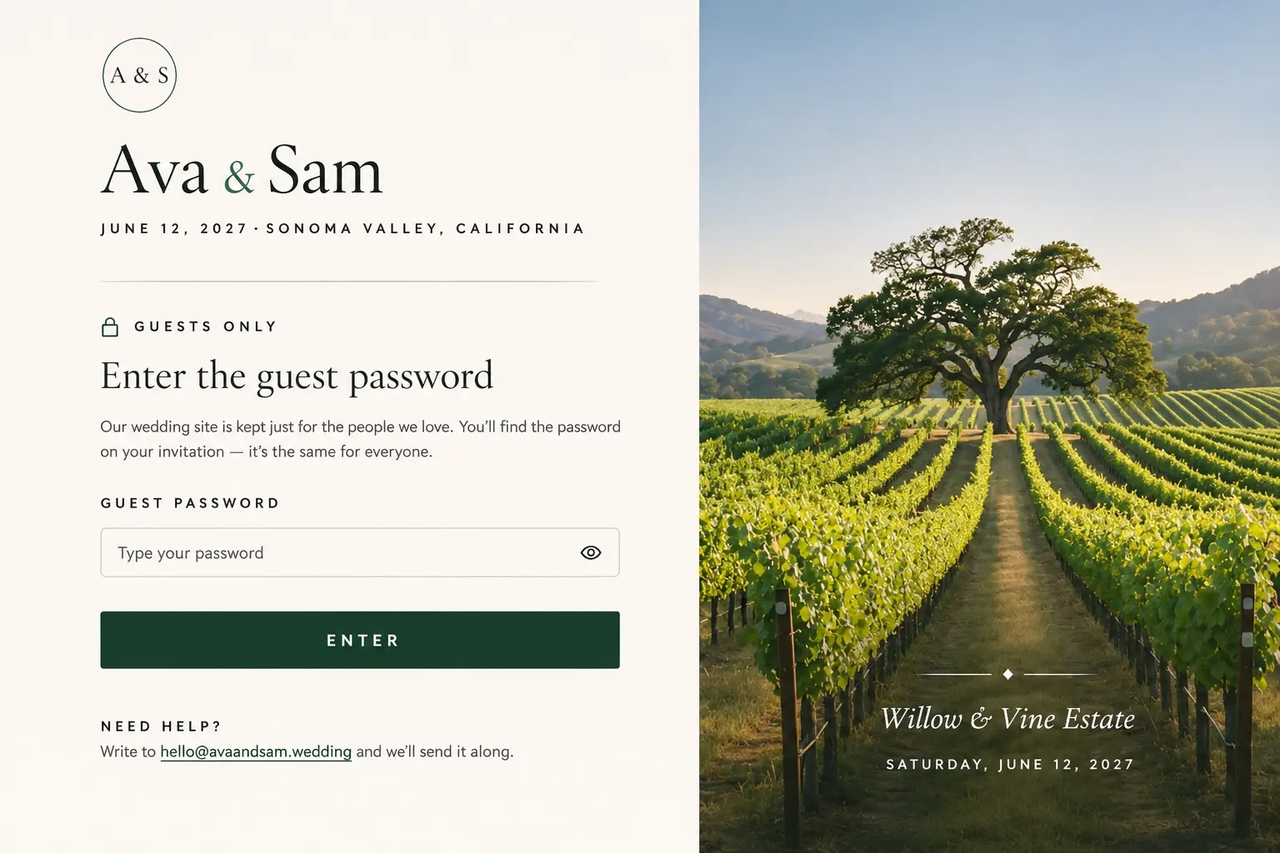
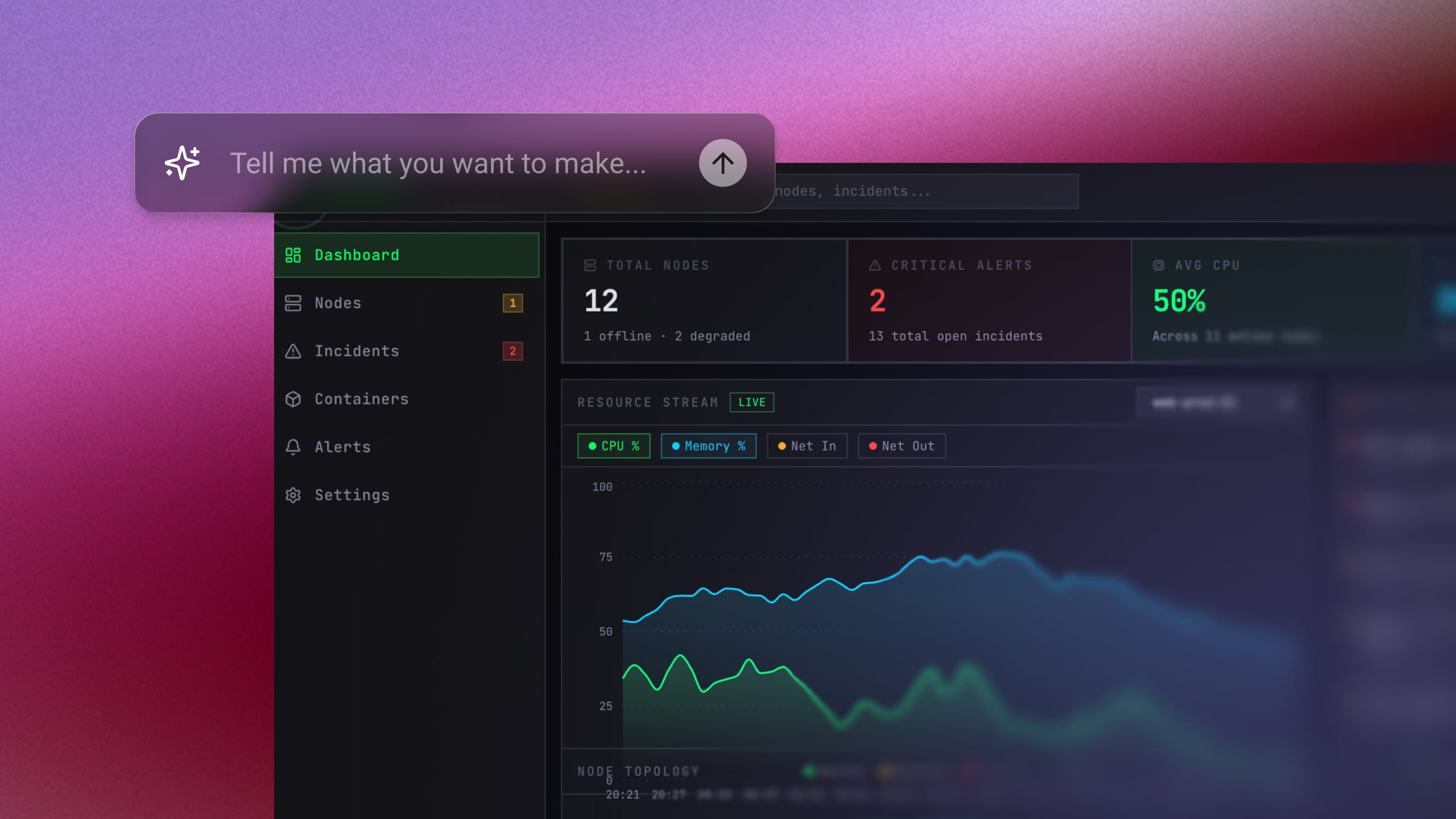
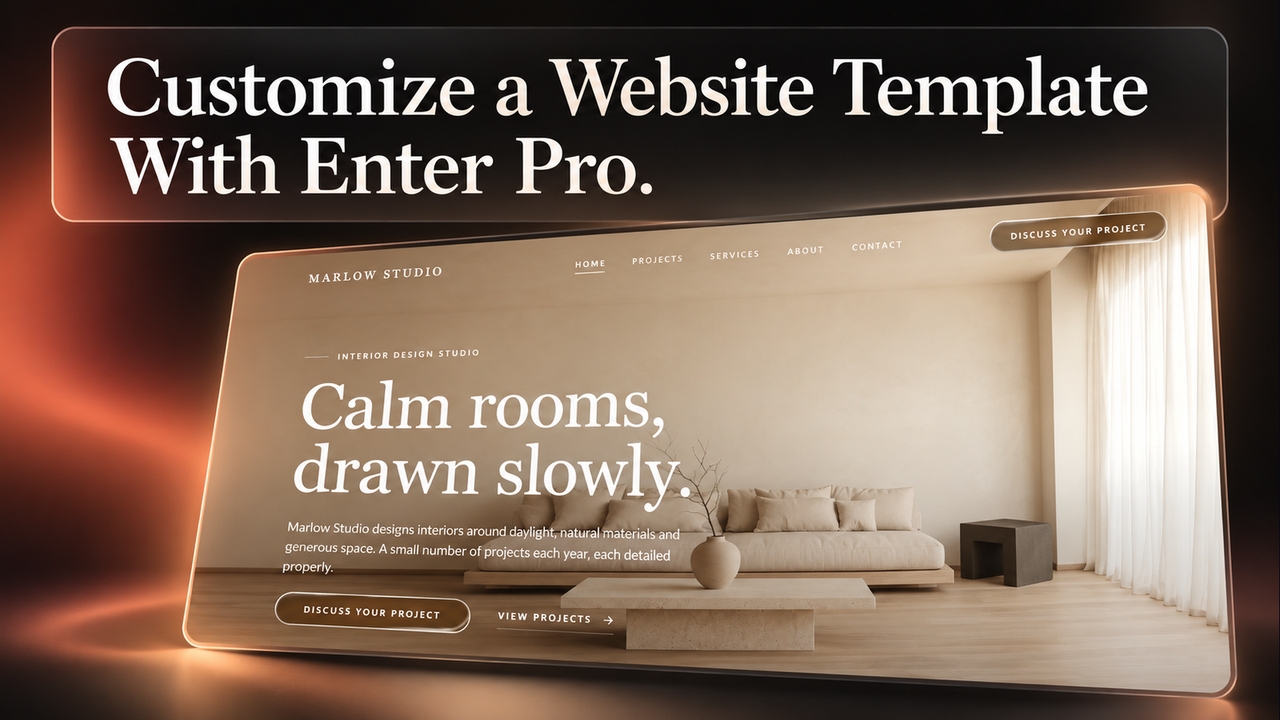
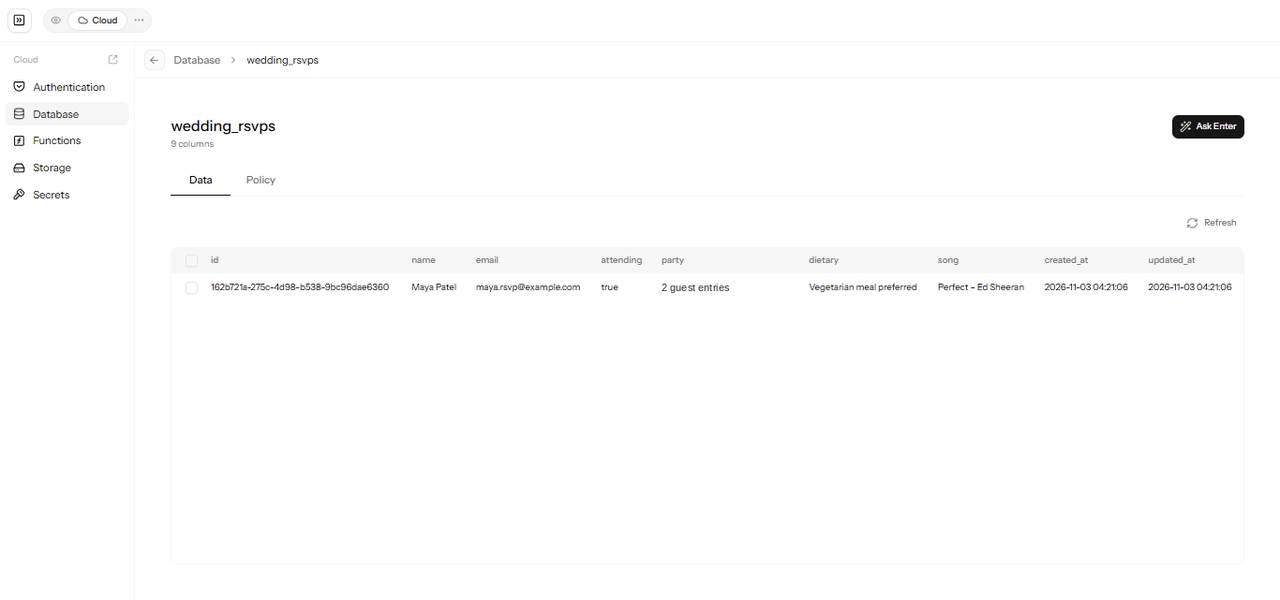
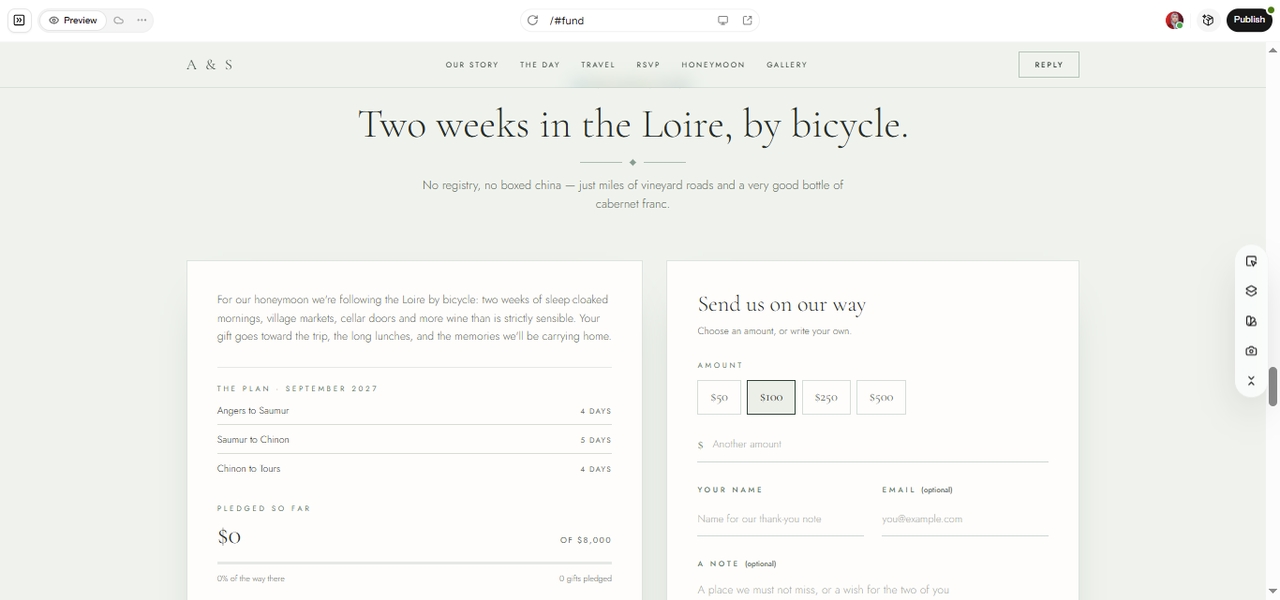
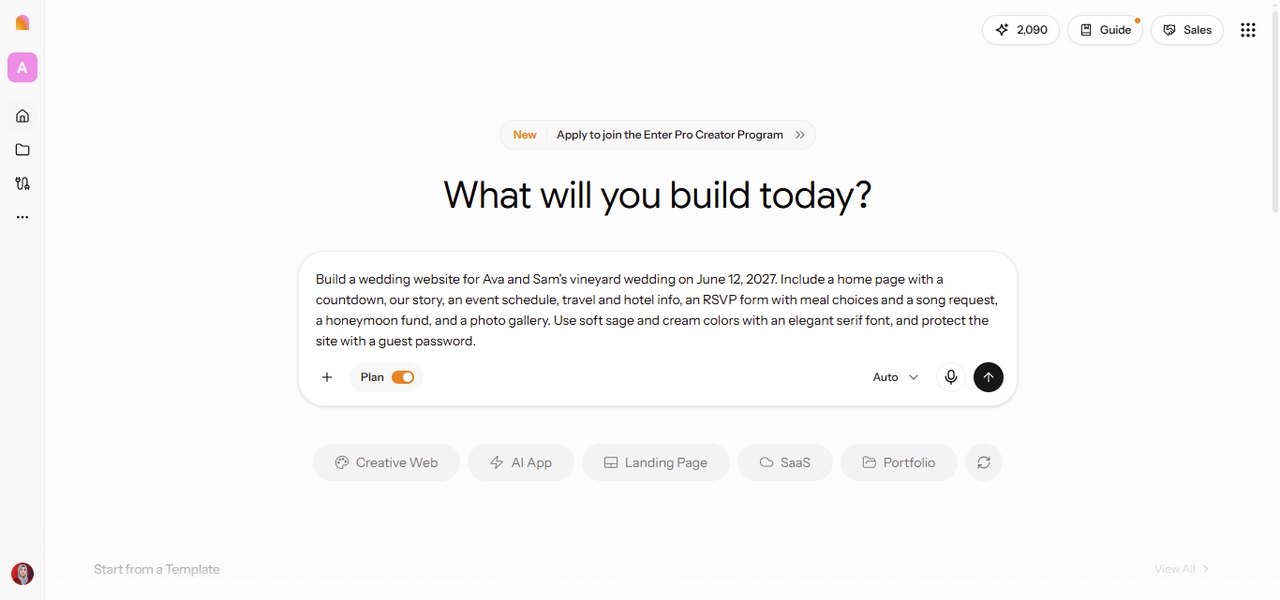
Open the Enter workspace, switch on Plan Mode, and describe the pages, guest features, and style you want. Mention the date, the venue, and anything guests need to know or do. A few clear sentences are enough to start, and you can add details later. Example prompt: Build a wedding website for Ava and Sam's vineyard wedding on June 12, 2027. Include a home page with a countdown, our story, an event schedule, travel and hotel info, an RSVP form with meal choices and a song request, a honeymoon fund, and a photo gallery. Use soft sage and cream colors with an elegant serif font, and protect the site with a guest password.