7 Best AI Coding Assistant Platforms for Modern Developers
Looking for the best AI coding assistant? Compare top tools, navigate AI coding assistant pricing changes, and build apps faster with smart coding agents today
The software world is moving fast, and the way we build digital products has completely changed. You no longer need to write every line of syntax to deploy a world-class application. Thanks to the shift from manual typing to AI-driven generation, getting an app off the ground is easier than ever.
But with so many options out there, how do you select the top tools in a crowded market? From solo founders and designers sketching out ideas to enterprise engineering teams pushing massive updates, understanding these tools—and navigating recent AI coding assistant pricing changes—is critical.
Quick Answer: The Best AI Coding Assistants at a Glance
-
Replit: Best for collaborative cloud coding and instant deployment.
-
Enter Pro: Best for no-code, full-stack app creation and deployment.
-
v0.dev: Best for rapid frontend UI generation using Tailwind CSS.
-
Bolt.new: Best for in-browser, full-stack sandbox environments.
-
Lovable.dev: Best for human-centric, conversational code generation.
-
Blackbox.ai: Best for real-time snippet search and problem-solving.
-
Youware: Best for integrating AI into existing enterprise workflows.
AI Coding Assistant Tools Comparison
| Tool | Coding required | Standout feature | Code ownership/Export |
|---|---|---|---|
| Enter Pro | No-Code | Visual Editor & App Remix | 100% Exportable Source Code |
| Replit | Yes (AI Assisted) | Built-in cloud IDE | Hosted on Replit/Exportable |
| v0.dev | Low-Code | Natural Language to UI | Copy-Paste/Vercel Deploy |
| Bolt.new | Low-Code / Yes | Browser WebContainers | Netlify Deploy/Exportable |
| Lovable.dev | Low-Code | Conversational App Building | Direct GitHub Sync |
| Blackbox.ai | Yes | Global Snippet Search | Stays in your local IDE |
| Youware | No-Code | Built-in YouBase Auth | Downloadable HTML/CSS/JS |
Deep Dive: Top 7 AI-Powered Coding Assistants
While a beautiful layout sets the perfect tone for your application, managing the actual backend details requires a bit more structure. From keeping your databases perfectly organized to securely handling user payments, here are a few smart tools that can make the entire development process significantly easier.
- Enter Pro
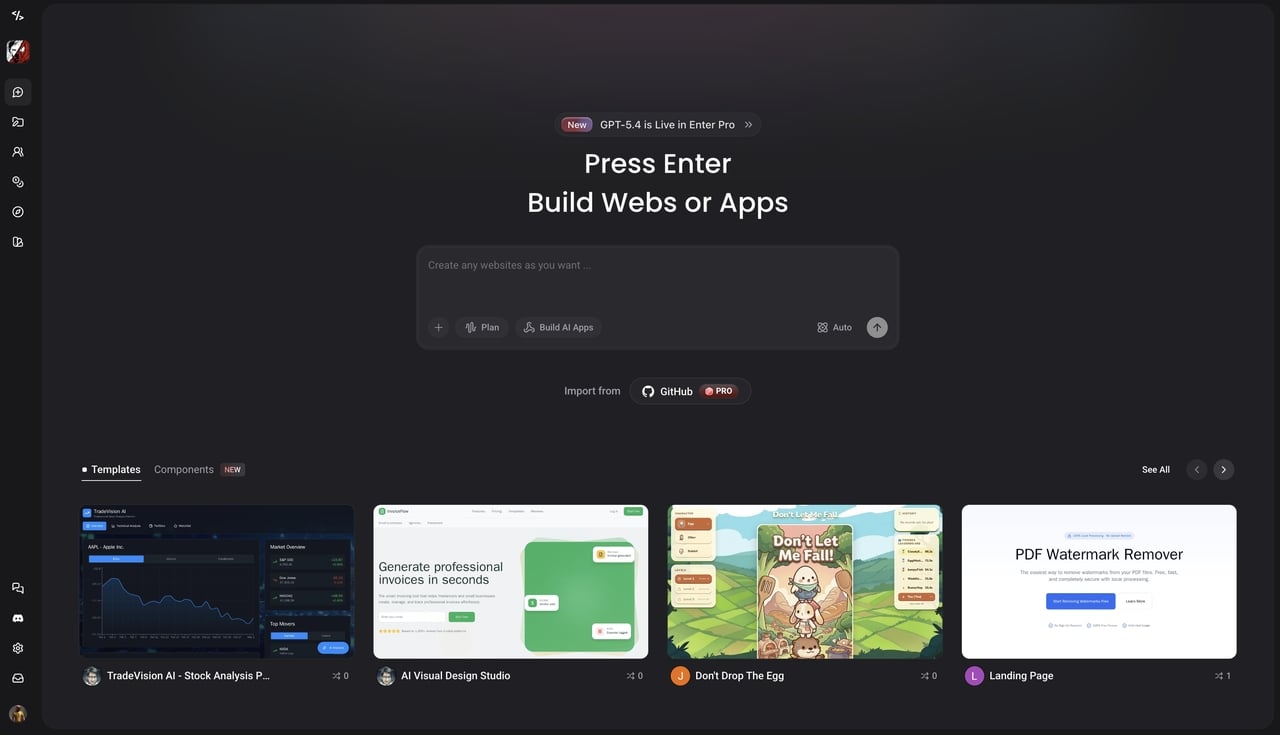
Enter Pro is an SMB-friendly AI coding agent that turns anyone into a full-stack developer. Acting as your virtual technical co-founder, it bypasses complex logic with professional templates and built-in integrations. Whether you are a PM, designer, or founder, you can deploy scalable, database-backed applications instantly using simple natural language.
Key Features:
-
Visual Editor: Click any part of your app to change its style and code instantly without typing.
-
Model Freedom: Switch between top AI models like Claude 3.5 Sonnet and Gemini Pro anytime.
-
The Ultimate Template Marketplace & App Remix: Copy the best community templates with one click to get a full working app.
-
Production-Ready Integrations Ecosystem: Easily connect your app to tools like Stripe, Supabase, and Google Analytics.
Pricing: Start free (includes 100 daily AI credits), Starter plan at $18/month (billed annually); Pro plan at $35/month (billed annually); Enterprise plan with Custom pricing.
- Replit
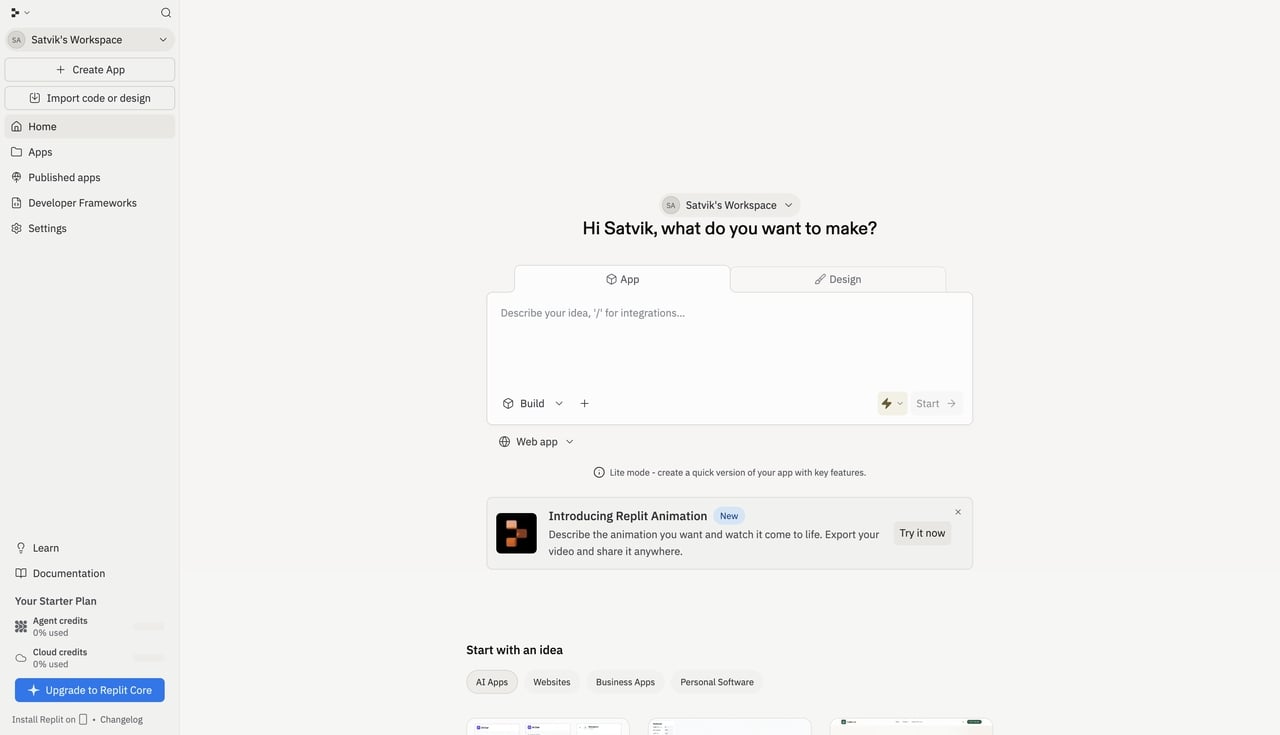
Replit is an industry standard in the development community, highly regarded for its cloud-based development environment and team collaboration features. It removes the friction of setting up local dev environments, allowing you to jump straight into coding. With its powerful machine learning models, developers can generate code, debug errors, and ship projects incredibly fast. If you are looking for an all-in-one workspace that lives entirely in your browser, Replit is a top-tier choice.
Key Features:
-
Built-in Cloud IDE: Code and launch apps from your browser without downloading heavy software.
-
Replit Agent: An independent AI that builds and tests full apps for you.
-
Real-Time Collaboration: Work with your team at the same time, just like in Google Docs.
-
One-Click Deployments: Put your app live on the internet with a single click.
Pricing: Free Starter plan; Core plan at $20/month; Pro plan at $100/month; Enterprise plan with custom pricing.
- v0.dev (by Vercel)
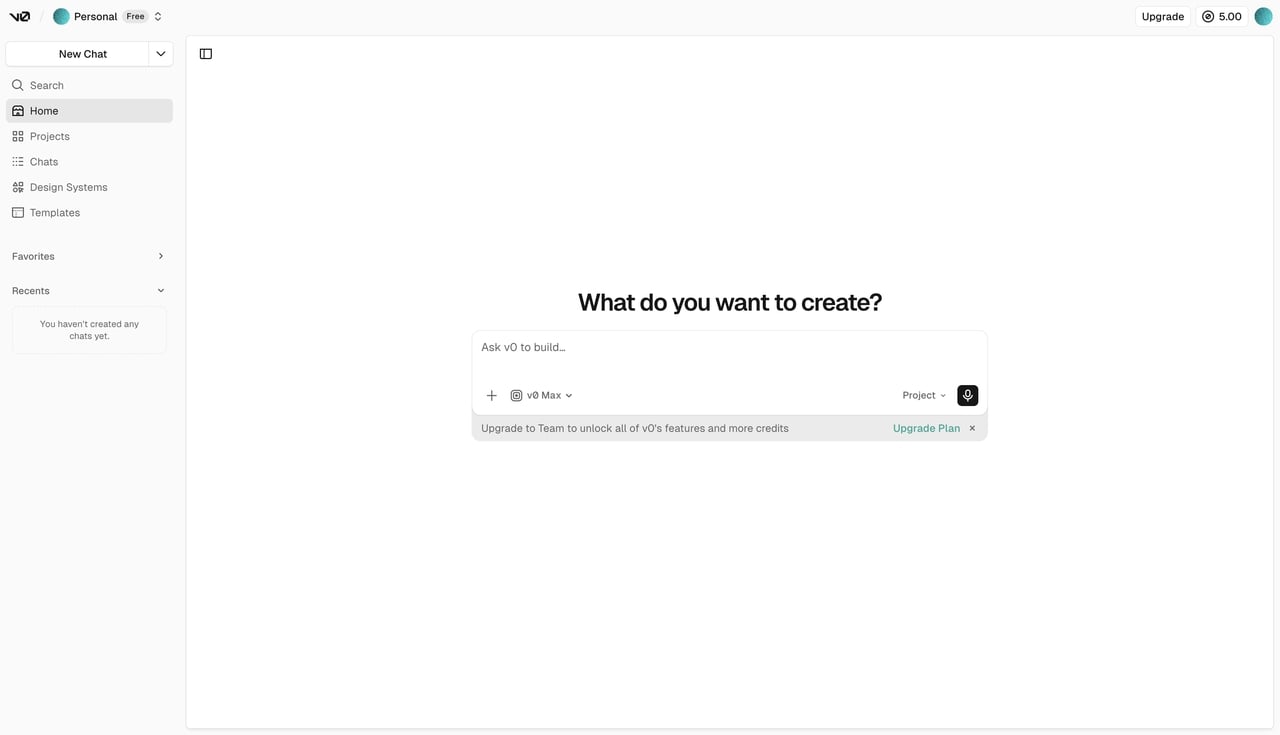
v0.dev revolutionizes frontend UI design by transforming text prompts into production-ready React and Tailwind CSS components. It completely eliminates endless CSS tweaking. You can rapidly prototype, visually refine your layouts, and export the generated elements directly into your codebase for a seamless workflow.
Key Features:
-
Natural Language UI Generation: Turn your text ideas into clean code for your app's design.
-
Seamless Vercel Integration: Put your designs live on the internet quickly using Vercel.
-
Visual Design Mode: See and change your designs before you export the code.
-
Figma Import: Turn your visual mockups from Figma directly into working code.
Pricing: Free tier ($5 monthly credits); Premium plan at $20/month; Team plan at $30/user/month; Business plan at $100/user/month; Enterprise plan with custom pricing.
- Bolt.new
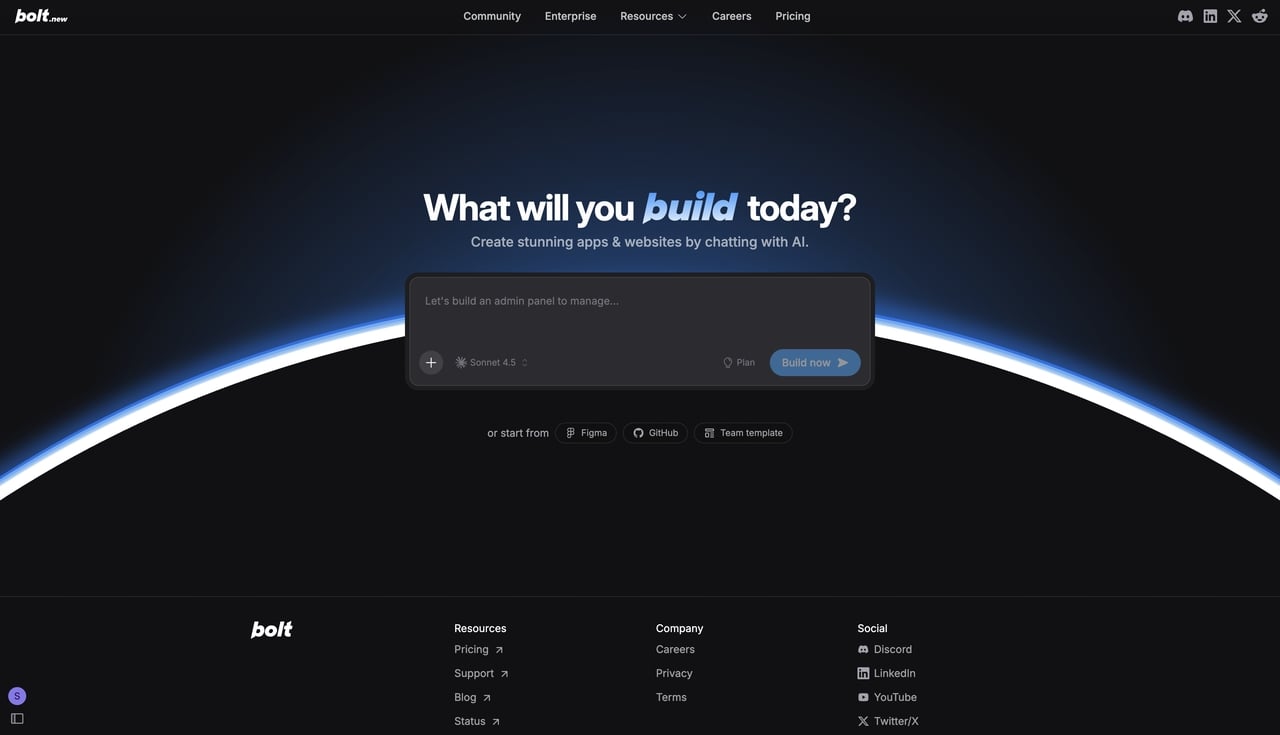
Bolt.new lets developers instantly spin up full-stack Node.js environments directly in the browser using powerful WebContainers. By skipping tedious local dev setups, you can connect to robust databases, share live sandbox prototypes securely, and easily export your agile projects straight to production.
Key Features:
-
Browser-Based WebContainers: Build full apps in your browser without downloading heavy software.
-
Native Backend Integration: Connect your app to databases like Supabase easily.
-
Instant Sandbox Sharing: Send a safe link so your team can see your live project.
-
Flexible Export Options: Put your app live on Netlify or download the code.
Pricing: Free tier (1M tokens/mo); Pro plan starting at $25/month; Teams plan at $30/member/month; Enterprise plan with custom pricing.
- Lovable.dev
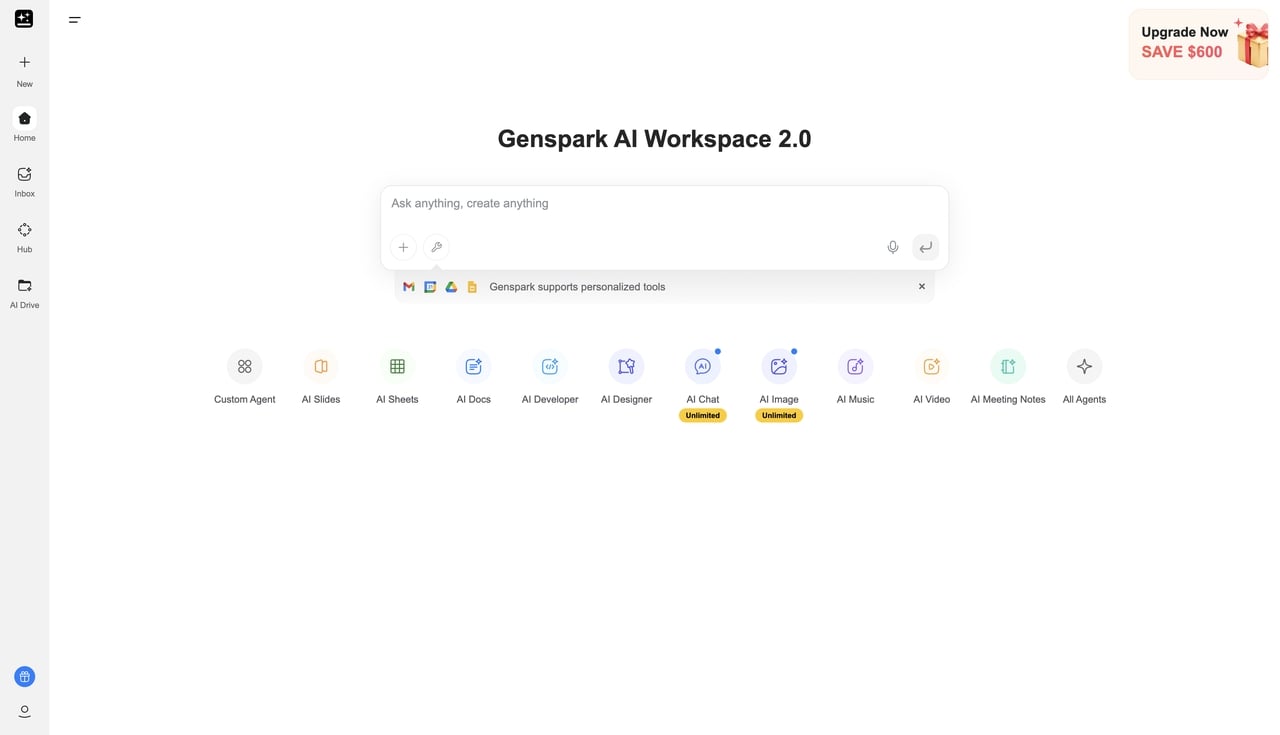
Lovable.dev accelerates rapid prototyping through highly conversational AI interactions. By using simple, human-centric language, you can generate full-stack applications and watch the AI modify your frontend and backend in real time. It is perfect for creators who want app development to feel as intuitive as chatting.
Key Features:
-
Conversational App Building: Use plain English to build working apps and tests.
-
Real-Time Live Previews: See your app update instantly as the AI writes the code.
-
Direct GitHub Integration: Save your code automatically to GitHub so you do not lose it.
-
Built-in Backend Architecture: The tool sets up your databases and rules automatically.
Pricing: Free tier (5 daily credits); Plus plan at $24.99/month; Pro plan at $249.99/month.
- Blackbox.ai
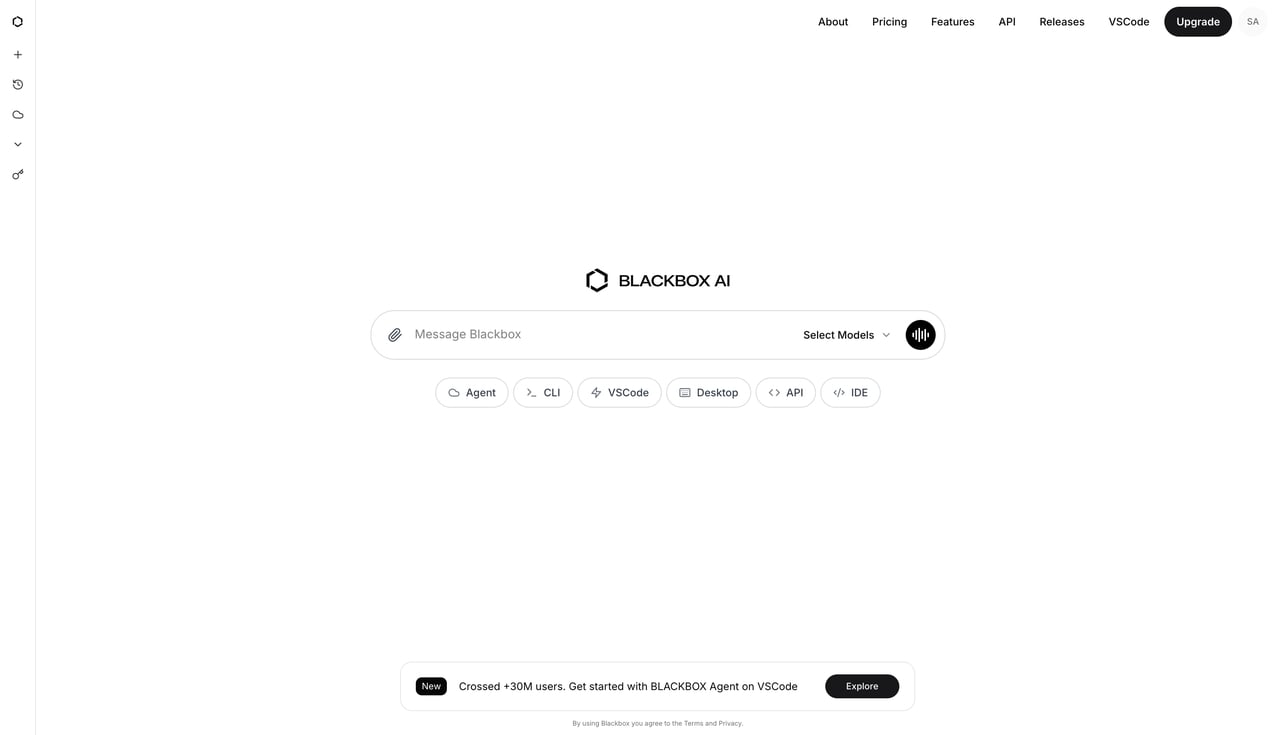
Blackbox.ai is a powerhouse coding AI assistant that instantly pulls the right code snippets from millions of open-source repositories. Integrating deeply into IDEs like VS Code and Jupyter, it provides highly accurate code completion and bug-solving capabilities, so you never have to break your workflow to find an answer.
Key Features:
-
Deep IDE Integrations: Works inside your favorite code editor to help you type faster.
-
Multi-Model Access: Use top AI models like GPT-4o and Claude 3.5 Sonnet right where you code.
-
Code Snippet Search: Find quick answers from open-source projects to fix bugs fast.
-
Desktop and Voice Agents: Use your voice or a desktop app to code hands-free.
Pricing: Free tier; Pro plan at $2/month; Pro Plus at $20/month; Pro Max at $40/month.
- Youware
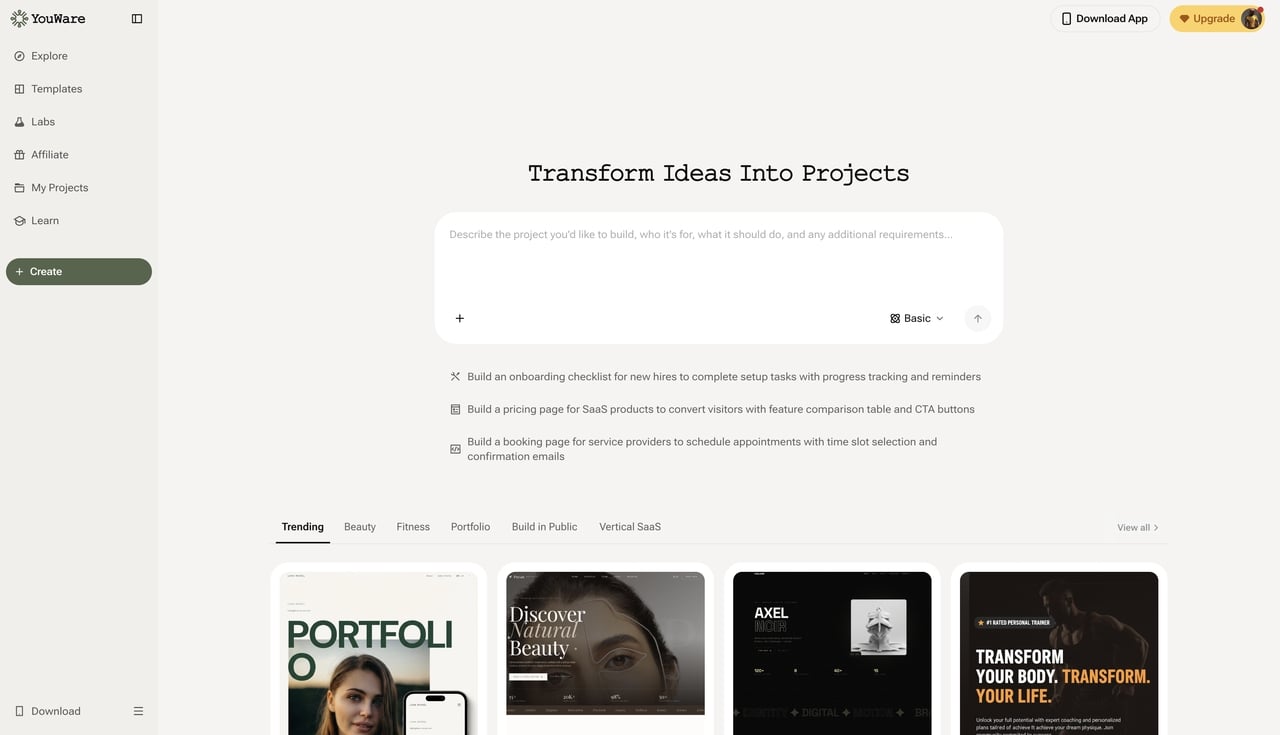
Designed for enterprise teams, Youware automates repetitive coding tasks to help you build custom internal tools effortlessly. Using simple text or voice commands, this zero-code platform natively handles complex database management and user authentication, allowing you to rapidly deploy secure, mobile-first business applications.
Key Features:
-
AI-Driven App Builder: Turn ideas into working websites and apps using just your voice or text.
-
Built-in YouBase: Manages your databases and user logins without needing extra tools.
-
Mobile-First Creation: Use the Youware phone app to build and fix your projects anywhere.
-
100% Code Ownership: Download all your code files so you can host your app wherever you want.
Pricing: Free tier (up to 300 monthly AI credits); Pro plan at $17/month; Ultra plan starting at $50/month.
How to Choose the Right AI Coding Assistant Tool
Selecting the right tool can be challenging. There are so many choices, and making the wrong pick can waste a lot of time. To solve your daily work problems, look at these five critical elements before you decide.

- Match the Tool to Your Technical Expertise
First, think about what you already know how to do. Do you need a highly technical tool that writes code in a text editor, or an easy-to-use visual builder? If you do not have a formal engineering background, finding the best no code app builder should be your core priority. Tools like Enter rely on natural language and visual editing. You just point, click, and type in plain English to get the job done, which eliminates the need to navigate complex programming logic.
- Navigate AI Coding Assistant Pricing Changes
Software budgets are shifting fast right now. In the past, you paid a flat monthly fee. Now, with recent AI coding assistant pricing changes, many platforms have moved to unpredictable token-based billing—meaning they charge you for every single word or action. To avoid huge surprise bills, evaluate whether a pay-as-you-go model or a simple all-inclusive subscription works best for your startup's budget.
- Evaluate Full-Stack vs. Frontend Capabilities
Before you buy, ask yourself what you actually need to build. Are you just building a polished user interface (the frontend), or do you need a deployed backend with a database? Tools like v0.dev are amazing for design. However, AI-powered coding assistants like Bolt.new and Enter Pro build the entire design, database, secure logins, and server logic all at the same time.
- Prioritize Code Ownership and Portability
Being locked into a single company (known as vendor lock-in) is a massive problem for growing apps. Some platforms do not let you take your code with you if you leave. You must ensure your AI-assisted coding platform allows you to export your source code cleanly without any hidden tricks or proprietary wrappers. This gives you the freedom to host your app on your own servers later on.
- Verify Workflow and Integration Support
The best AI coding assistants fit seamlessly into your existing habits. You do not want to learn a completely new system from scratch. Check if the tool natively syncs with the software you already use. Top-tier tools will connect to GitHub to save your work, link to popular databases like Supabase, or integrate with payment gateways like Stripe right out of the box.
Conclusion
AI coding assistants play a vital role in AI software development, helping teams transform ideas into functional applications faster than ever. We explored 7 top tools offering unique capabilities depending on your technical skills and project complexity. As these technologies evolve, platforms like Enter Pro introduce intelligent automation that generates full-stack components and accelerates the transition from concept to a working product. So, why wait? Start with Enter** **and bring your innovative app ideas to life.
FAQs
- What is the best AI coding assistant for beginners?
Easy no-code platforms like the Enter Pro AI coding assistant and v0.dev are excellent choices. You do not need to memorize complex syntax. You just point, click, and type in natural language instead of traditional programming code. This makes learning much faster.
- Can an AI-assisted coding tool build a full-stack app?
Yes. Some tools only make the front design, but platforms like Bolt.new, and Enter Pro build the design, the database, and the logic all together at the same time.
- Do I own the code generated by an AI coding assistant?
It strictly depends on the platform you choose. Always check the rules before you start. You should make sure the tool lets you keep 100% of your code, so you are never stuck using only their service. Tools like Enter Pro allow for full exportability.