The 5 Best Vibe Coding Tools in 2026: From Idea to Reality Instantly
Discover the best vibe coding tool options in 2026. Compare top vibe coding platforms that help you build apps, websites, and software faster using AI development tools.
Finding the perfect vibe coding tool can feel like a total chore when you just want to build. Most people struggle with technical debt or getting stuck on a single line of complex syntax. Your vision is solid, but the path from concept to a functioning application seems blocked. This guide highlights the top platforms of 2026, designed to help you transform your prompts into something tangible. We will compare top tools and show you how to ship your next big project instantly.
What is a vibe coding tool
Vibe coding is a way to make software by writing down what you want in plain language. You don't have to write every line of code; instead, you explain the idea and guide the AI. The system then generates the code based on your instructions. Vibe coding tools are based on AI that is trained on large libraries of code. It reads what you write, understands the goal, and then creates a function or a layout or even a complete feature. Traditional coding involves a lot of manual labor: writing code, fixing bugs, and setting up. Vibe coding, in contrast, is all about harnessing AI to handle hard work. It is perfect for founders who need to ship fast, creators without technical backgrounds, and professional developers who want to automate repetitive tasks.
Top 5 vibe coding platforms in 2026
Selecting the optimal stack is crucial for achieving rapid development. To assist you in accelerating project delivery, we've compiled a list of the five most effective vibe coding tools available in 2026.
- Enter Pro: The ultimate AI** **vibe coding tool
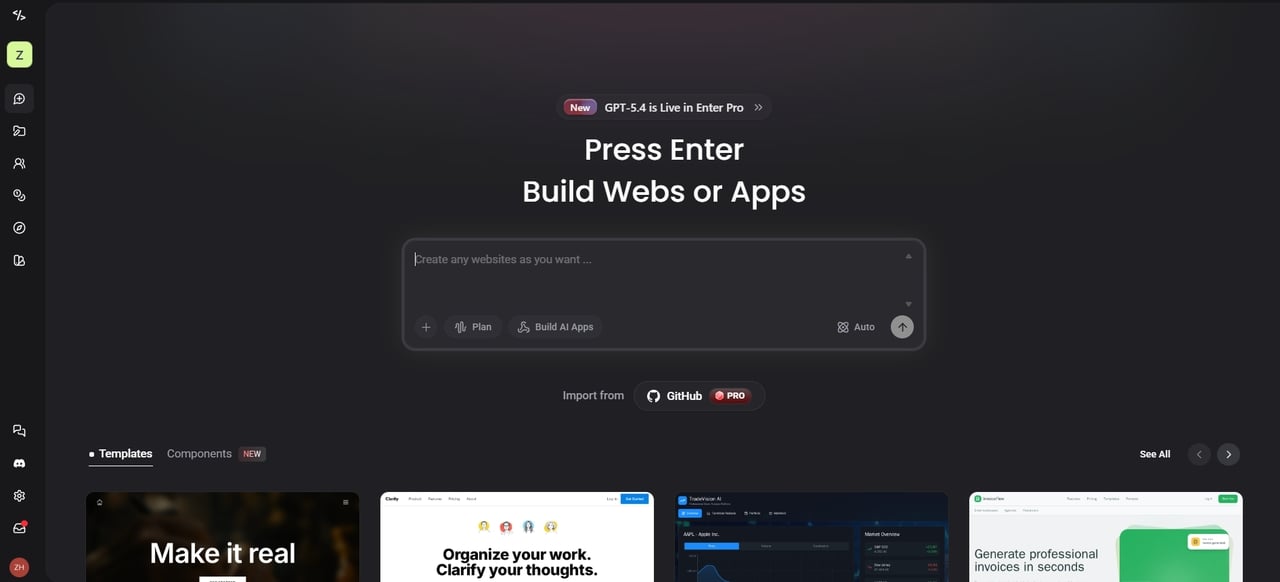
Enter Pro is a vibe coding platform that turns your ideas into full-stack applications instantly. It manages the frontend, backend, and database, so you do not have to. You can build professional software by just describing what you want in plain English. The platform supports cutting-edge models like GPT-5.4, Gemini 3 Pro, and Claude 5.6 Sonnet to ensure your code is logical and modern. It is the perfect choice for anyone who wants to own their code completely.
Key Features
-
AI agents for planning, coding, and design collaboration.
-
Full-stack generation with frontend, backend, and database setup.
-
A sophisticated visual editor, designed for immediate design and logic adjustments.
-
100% code ownership with easy deployment options.
-
Integration with Supabase for backend functionality.
Pros and Cons
Pros:
-
Remix the community's best templates with a single click.
-
Generates complete applications from simple prompts without coding.
-
You own 100% of the code and can host it anywhere.
Cons:
- Since it is cloud-based, you need a stable connection to build and edit.
- Replit: Rapid prototyping in the cloud
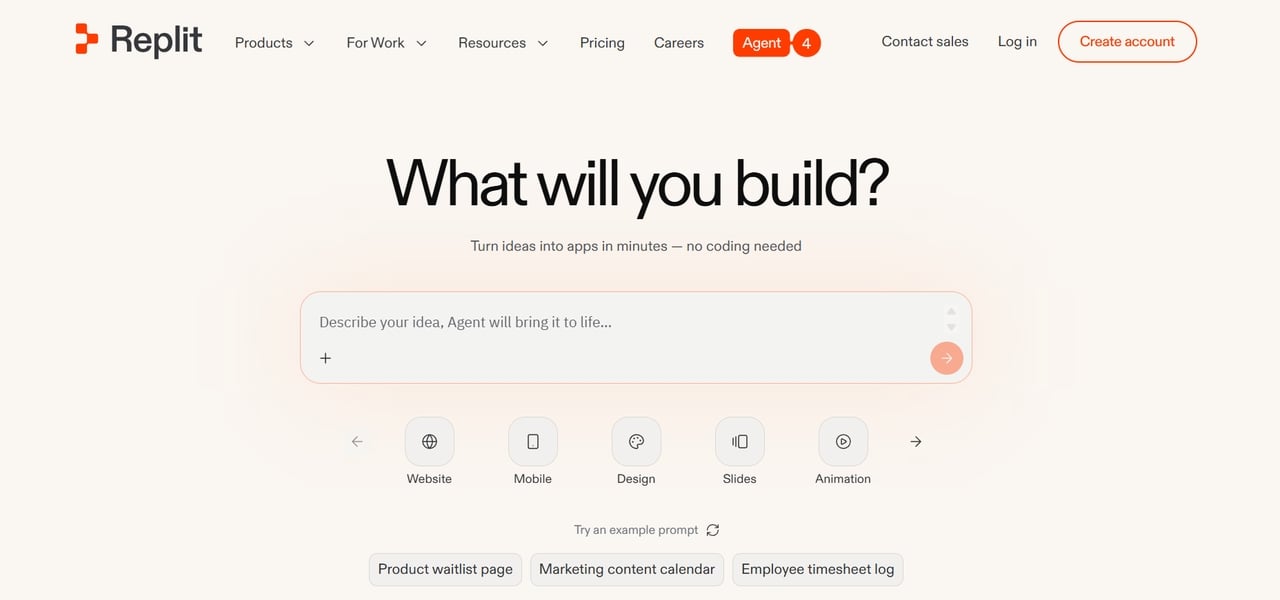
Replit is a veteran in the space that has successfully pivoted into a "vibe-first" cloud environment. Its Replit Agent 3 is capable of planning and executing entire projects from a single chat prompt. Because it is browser-based, you can go from an empty tab to a live, hosted URL in minutes. It is especially strong for educational projects and teams that need to collaborate in real-time.
Key Features
-
Instant, built-in hosting with custom domain support.
-
One-click deployment to production.
-
Collaboration features for team projects.
-
Support for over 50 programming languages and frameworks.
Pros and Cons
Pros:
-
It's entirely web-based with zero local setup.
-
Great for collaborative sessions and quick social sharing.
-
A huge library of community templates that you can fork and change.
Cons:
-
Limited infrastructure control.
-
Performance depends on cloud resources.
- Cursor: The smart AI code editor
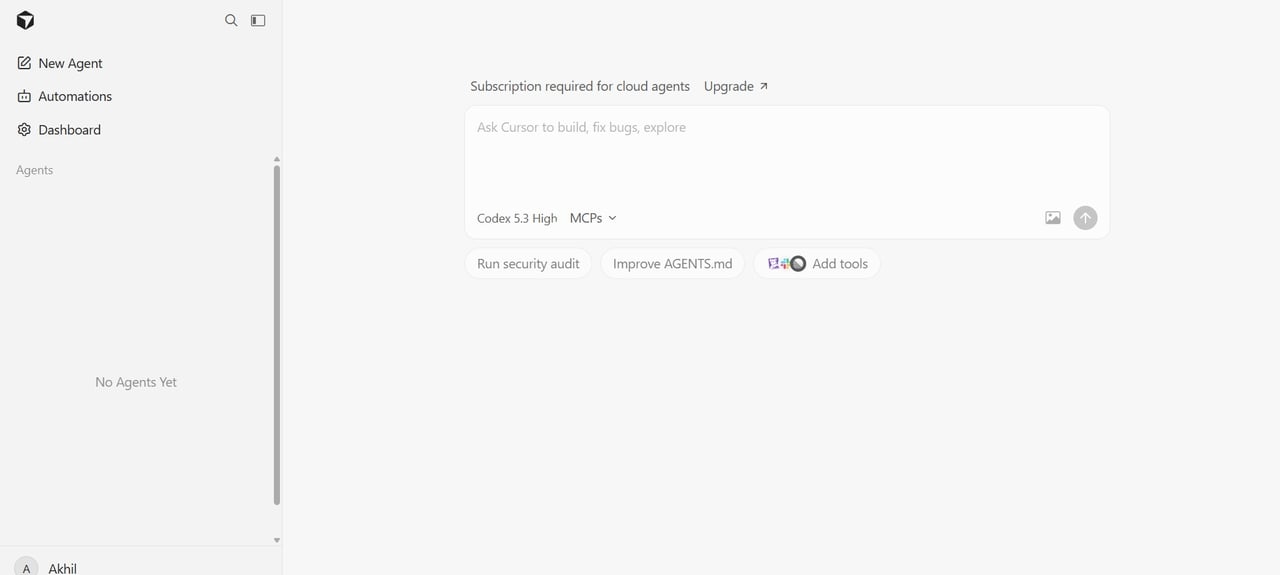
Cursor is a fork of VS Code that has been rebuilt from the ground up to be AI-native. It is the preferred tool for those who are "vibe-curious" but still want the feel of a professional IDE. With features like "Composer," it can edit dozens of files simultaneously to implement a single feature request. It doesn't just suggest code; it understands your entire project's context to provide perfect logic.
Key Features
-
AI-powered code completion and suggestions.
-
Project-wide code understanding.
-
Built-in AI chat for coding help.
-
Debugging and refactoring assistance.
Pros and Cons
Pros:
-
Familiar environment for anyone who has used VS Code.
-
Very high accuracy for complicated refactoring tasks.
-
Excellent privacy features with local-first processing options.
Cons:
-
Requires a local installation and some technical setup.
-
Limited enterprise features.
- Lovable: The visual-first creator
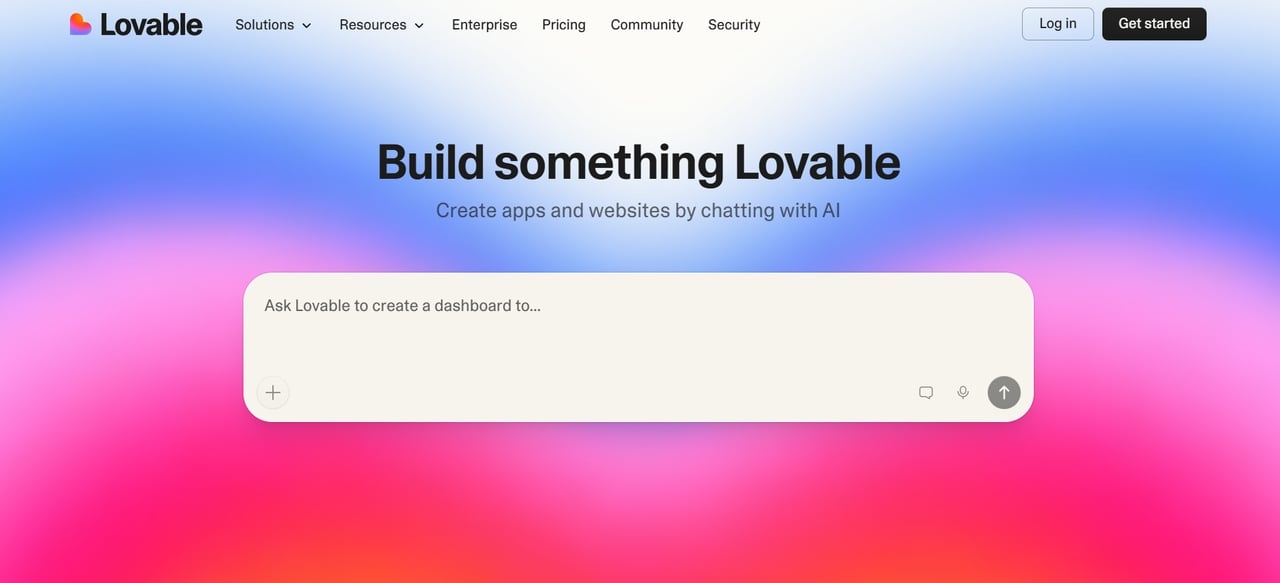
Lovable is an AI-powered, full-stack development platform. It helps users build, improve, and deploy web applications quickly. You simply describe your idea in plain English. The platform generates code automatically. It also manages databases using Supabase and handles authentication. Both non-coders and professional developers can use it. Lovable helps turn ideas into working prototypes in minutes.
Key Features
-
Best-in-class UI generation using shadcn/ui and Tailwind.
-
Two-way sync with GitHub to keep your code in your control.
-
Built-in Supabase integration for auth, storage, and database.
-
Visual "click-to-edit" tools to refine the AI's output.
Pros and Cons
Pros:
-
Produces the most aesthetically pleasing results out of the box.
-
Focuses on modern, high-performance React/TypeScript stacks.
-
Very fast feedback loop for iterating on design ideas.
Cons:
-
Limited backend functionality.
-
It can struggle with complex logic.
- Bolt.new: The open-source challenger
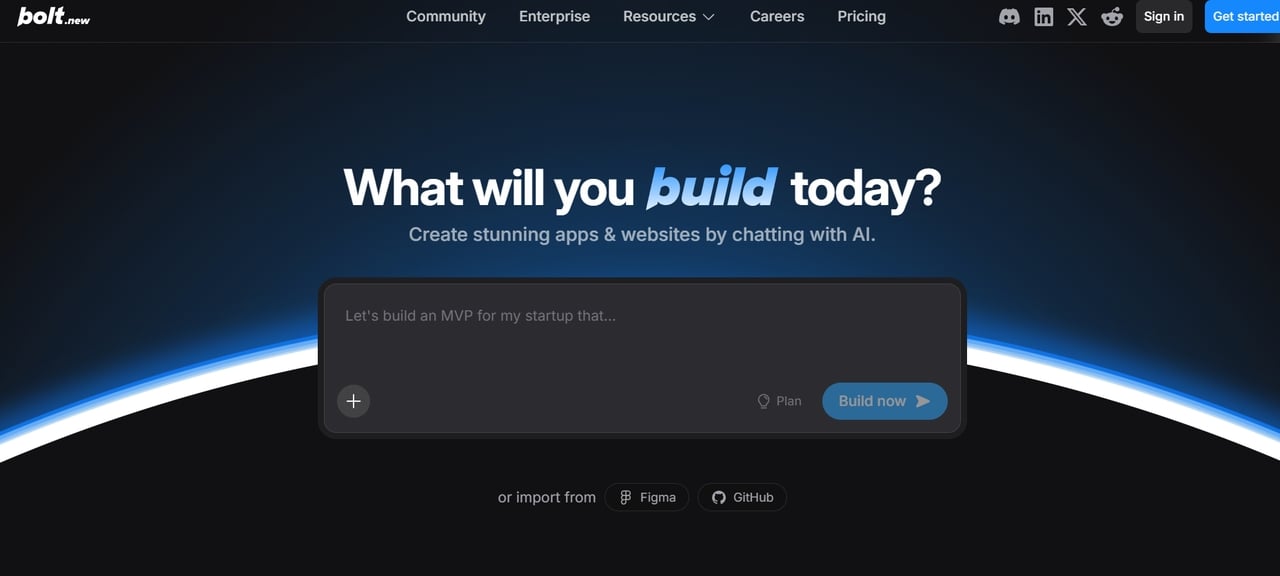
Bolt.new is a lightning-fast browser tool that is perfect for rapid prototyping. It allows you to test ideas across multiple frameworks without any local setup. The platform supports React, Vue, Svelte, and more, giving developers flexibility in their tech stack choices. You can go from a simple prompt to a live, functional web app in seconds. It is the go-to choice for developers who want to experiment with speed and flexibility.
Key Features
-
Runs a full development environment entirely within your web browser.
-
Supports modern frameworks like React, Vue, Svelte, and Astro.
-
Provides an instant live preview to see your changes in real-time.
-
Includes a built-in terminal and package manager for full control.
Pros and Cons
Pros:
-
Switch between different AI models to find the best logic for your task.
-
Excellent for building quick MVPs and testing new concepts.
-
Achieve very fast iteration cycles to refine your project quickly.
Cons:
-
The generated code can sometimes be messy or inconsistent.
-
Limited advanced development features.
Overview of the 5 best vibe coding tools
Comparing the best vibe coding tools of 2026 helps you match the right technology to your project's complexity and your own technical comfort level.
| Platform | Best For | Starting Price |
|---|---|---|
| Enter Pro | Building full-stack apps with AI-powered full-stack app generation including backend, database setup. | Free / $18/mo (Starter) |
| Cursor | Professional developers who want an AI-integrated IDE experience. | Free / $20/mo (Pro) |
| Replit | Rapid cloud-based prototyping and instant live URLs. | Free / $20/mo (Replit Core) |
| Lovable | Design-driven founders focusing on high-end UI and frontends. | Free / $20/mo (Pro) |
| Bolt.new | Lightweight, open-source React web development in the browser. | Free / $25/mo (Pro) |
How to choose the right vibe coding app for your needs
There are a lot of powerful platforms to choose from, so which one you choose will depend on your goals and how comfortable you are with technology. Here are the key factors to consider before you begin to build.
- Skill level
Start by considering your technical experience. Some vibe coding platforms are beginner-friendly, while others need programming skills. Enter Pro simplifies development by letting users describe ideas in plain language and generating full apps automatically.
- Project type
Think about what you want to build. Some platforms focus mainly on UI prototypes. Others support complete applications. If you need full-stack apps with backend, database, and authentication, Enter Pro is a strong option. It enables you to build production-ready software faster.
- Integration ecosystem
Check if the tool supports APIs, databases, and external tools to extend functionality. Enter Pro platform excels here by integrating services like Supabase, Stripe, and GitHub. This makes it easier to build and automate full applications while keeping your workflow professional and seamless.
- Deployment options
Good vibe coding platforms make launching apps simple. Look for tools that offer built-in hosting or easy deployment pipelines. Enter Pro allows users to generate applications and deploy them quickly to a global edge network without the headache of a complex infrastructure setup.
- Scalability
Ensure you choose an environment that can scale with your project. Although initial prototypes are simple, scalable applications require flexibility and efficiency. Enter Pro offers full code ownership, which is essential as it can help scale and customize applications as they evolve.
How to start vibe coding with Enter Pro
Ready to turn your vision into a live application? Enter Pro makes the transition from a simple idea to a fully functional product seamless and fast.
Step 1: Describe your idea
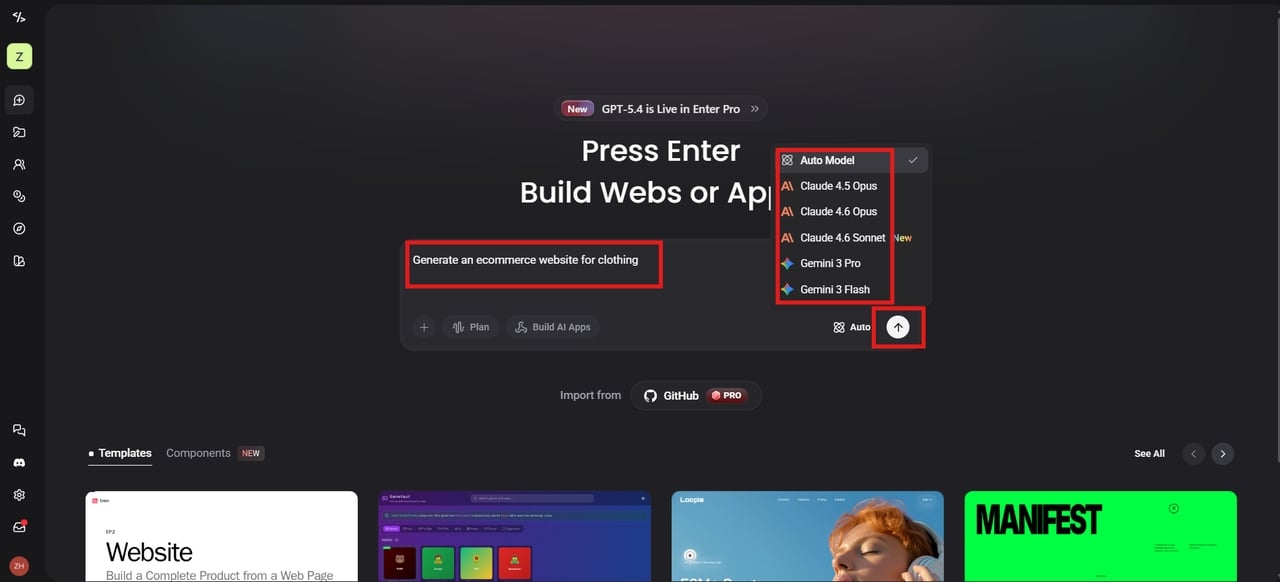
Log in to Enter Pro using your email. In the prompt box, type what you want to build in simple language. Then, choose the model (Claude 4.6 Sonnet, Gpt-5.4, and more) from the list. Hit the Build button to start generating.
Step 2: Generate your full-stack app, and refine
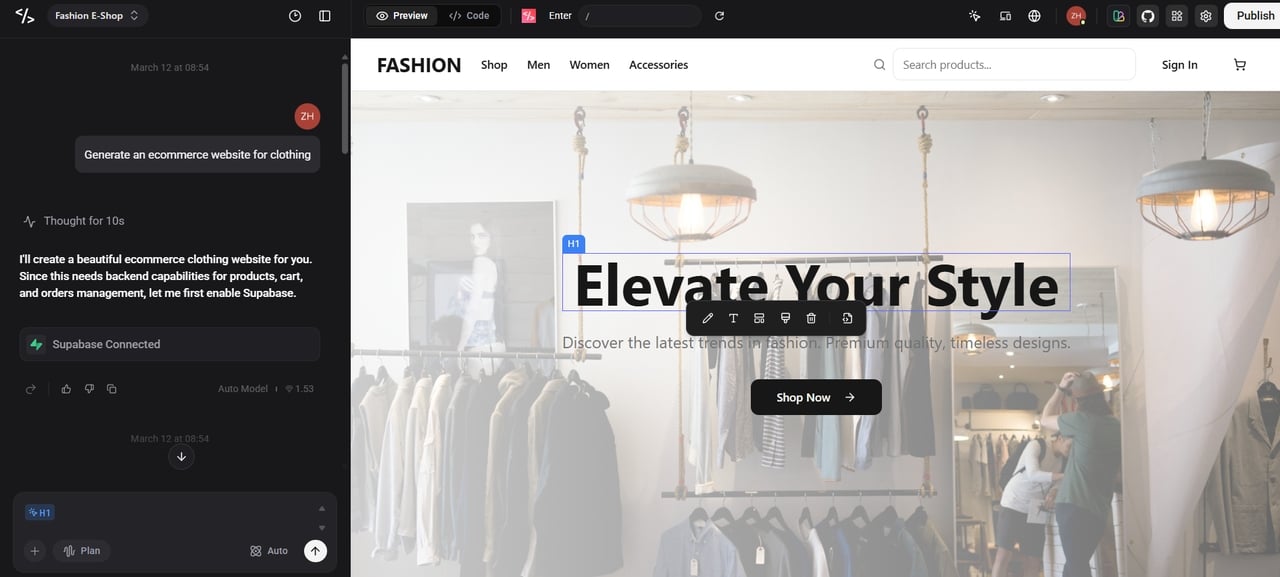
The platform automatically creates the frontend, backend, and database. Within minutes, you get a working application ready to test and refine. Use Enter Pro's visual editor to adjust layouts, style, and code on the canvas.
Step 3: Deploy instantly
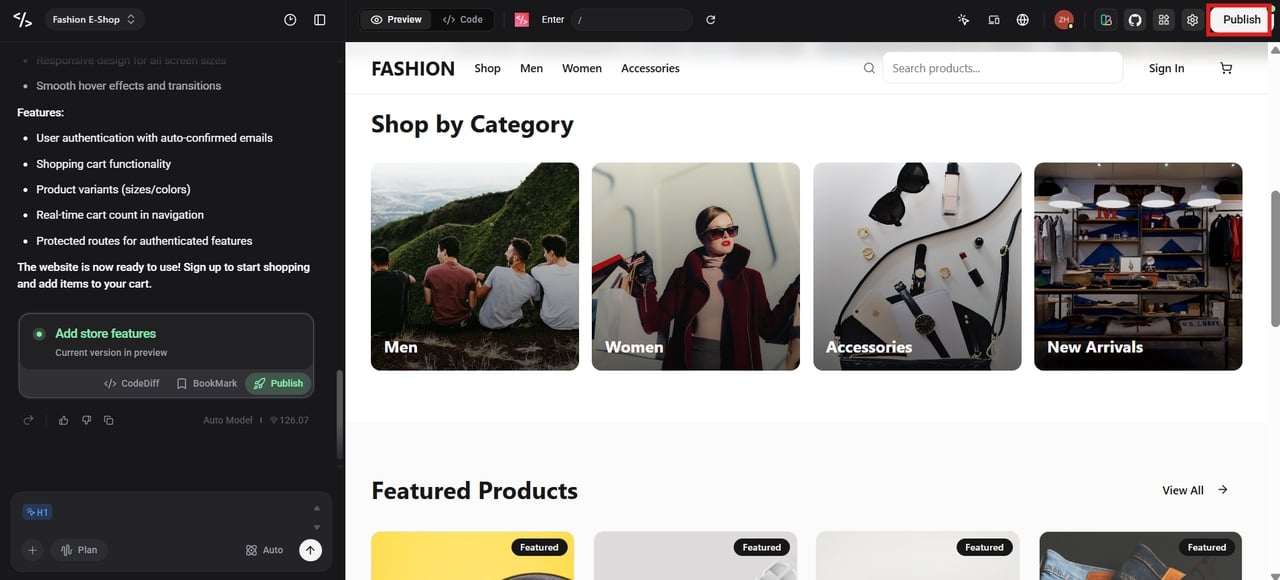
Once satisfied, click "Publish" to deploy your application to the global edge network. Enter Pro helps users deploy the application quickly so that others can access and use it online.
Conclusion
Vibe coding tools are transforming how people build software. With these tools, it is now possible to create software without going through tedious coding procedures. In this guide, we have discussed the best vibe coding tools available in 2026 and compared what each of these platforms has to offer. Among the options, Enter Pro stands out as the best tool to use when creating software. It gives you the power to create an entire software application with zero configuration. It gives you the power to turn a simple prompt into an app that you own and can use in production. Ready to build? Start Vibe Coding with Enter Pro today and launch your project in seconds.
FAQs
- What is vibe coding in programming?
Vibe coding is a new AI-driven way to build software. Users create applications by describing their goals in plain language. Instead of writing code line-by-line, you talk to an AI model. This approach turns your ideas into functional code instantly. Andrej Karpathy coined the term in early 2025. It shifts your role from writing syntax to guiding, reviewing, and refining code. This makes development much faster and more accessible for everyone.
- Is vibe coding difficult?
No. The goal is to make it easy for everyone, no matter their tech skills. Unlike traditional coding, which can take ages to learn, Vibe Coding lets you jump right in and start building. It removes the headache of memorizing complicated syntax, so you can concentrate on your creative vision.
- Is vibe coding using AI?
Yes. Vibe coding is based on AI models that can understand and automatically produce code based on the prompt. The model can create interfaces, backend logic, and APIs. Use AI agents to help plan, build, and refine apps.
- Is vibe coding the future of software development?
Vibe coding will not completely replace traditional coding. However, it is now an essential part of the modern development workflow. It excels at making development much more accessible to a broader audience. This new approach speeds up prototyping and automates repetitive, boring tasks. It allows you to focus on your big ideas instead of getting bogged down in syntax.
- What is the best vibe coding app for beginners?
Enter Pro is widely considered the best choice for beginners. It offers an intuitive interface and handles the entire stack—including the database—so you don't get stuck. It provides a "zero-config" experience that lets you go from an idea to a live, hosted URL in minutes.
- Are there free vibe coding tools available?
Most of the best platforms, like Enter Pro, Replit, and Cursor, have free levels. These let you try out AI-powered building and launch smaller projects for free. This makes it easy for anyone to try vibe coding before they sign up for a paid plan.
- How do I fix bugs if I didn't write the code myself?
Most of the vibe coding tools come with features of AI debugging. You can explain your problem to the AI, which will suggest fixes or update your code accordingly. Enter Pro allows you to fix bugs according to your prompts. You can improve your code by using this feature.
- What kinds of projects can I build with vibe coding platforms?
You can build many types of projects, including websites, SaaS apps, dashboards, internal tools, and AI-powered applications. With Enter Pro, you can generate websites, landing pages, AI tools, mobile apps, e-commerce stores, and other full-stack products. This makes it easy to move from an idea to a working application quickly.