
9 Best Code Editors in 2026: Top Picks for Every Developer
Searching for the best code editor? We tested free and paid options for Mac, Windows, Linux, and Python to help you pick the right editor for your workflow in 2026.
Choosing the right AI code editor can impact how well you write, test, and manage software. Today, editors provide everything from comprehensive extensions to integrated AI support, providing developers with more choices than ever. The right choice depends on your language, project, experience, and workflow. I made a review of the best code editors in 2026, emphasizing their strengths, weaknesses, and best uses to help you find the right fit.
How I tested the best code editors
To evaluate each editor under consistent conditions, I ran the same test process across macOS (Apple Silicon), Windows 11, and Ubuntu Linux. I used the same Python and JavaScript repositories across the code editors, as well as a natural language product brief for no-code platforms, evaluating each tool across four key areas.
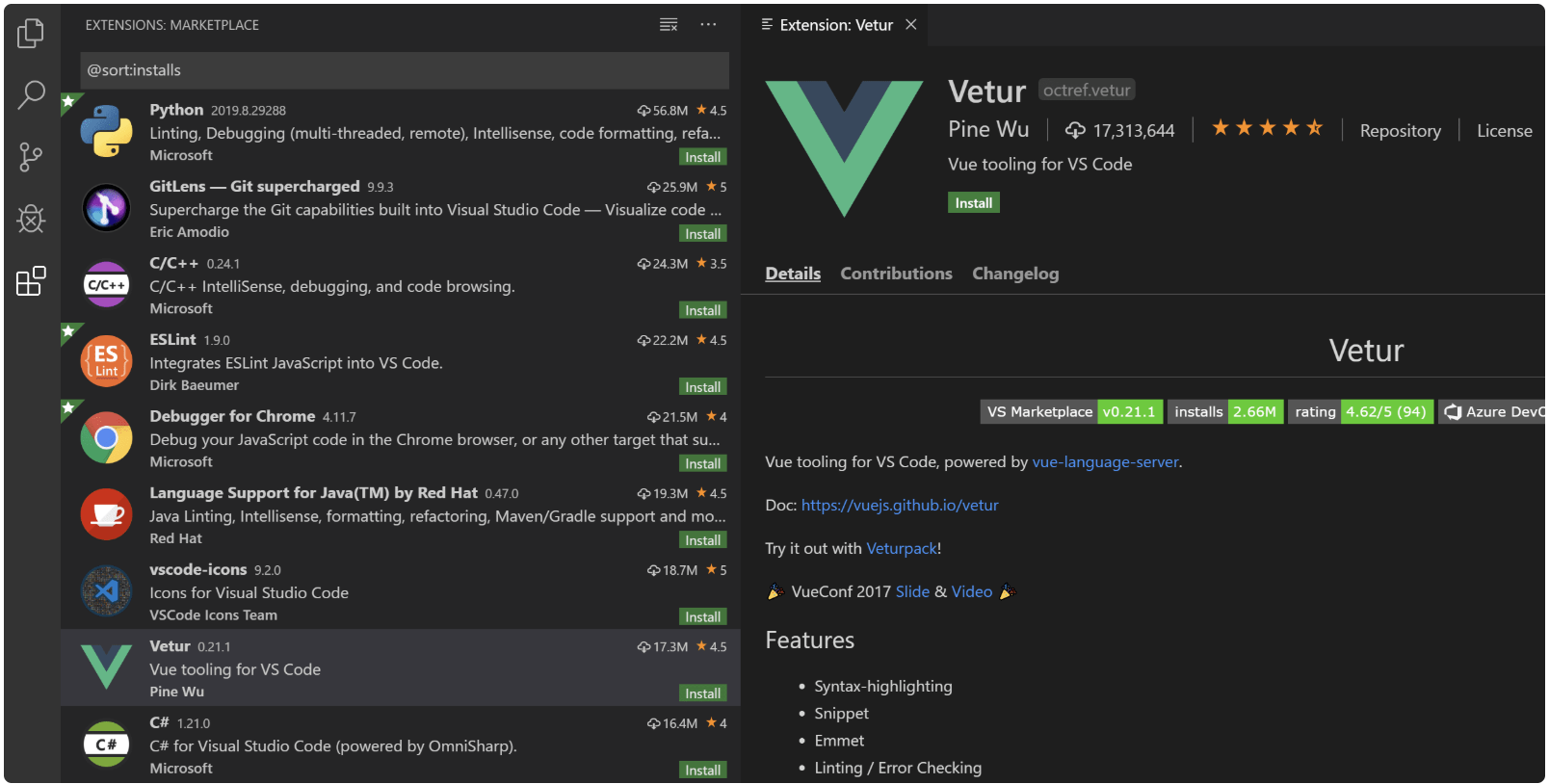
Step 1: Set up the development environment
I started with a clean installation of each editor and configured it for everyday development. I installed Python and JavaScript language support, configured formatting tools such as Black and Prettier, and set up Git version control. I also checked how easily extensions could be found and how much time was needed to get each editor ready for development.
Step 2: Test coding and file handling
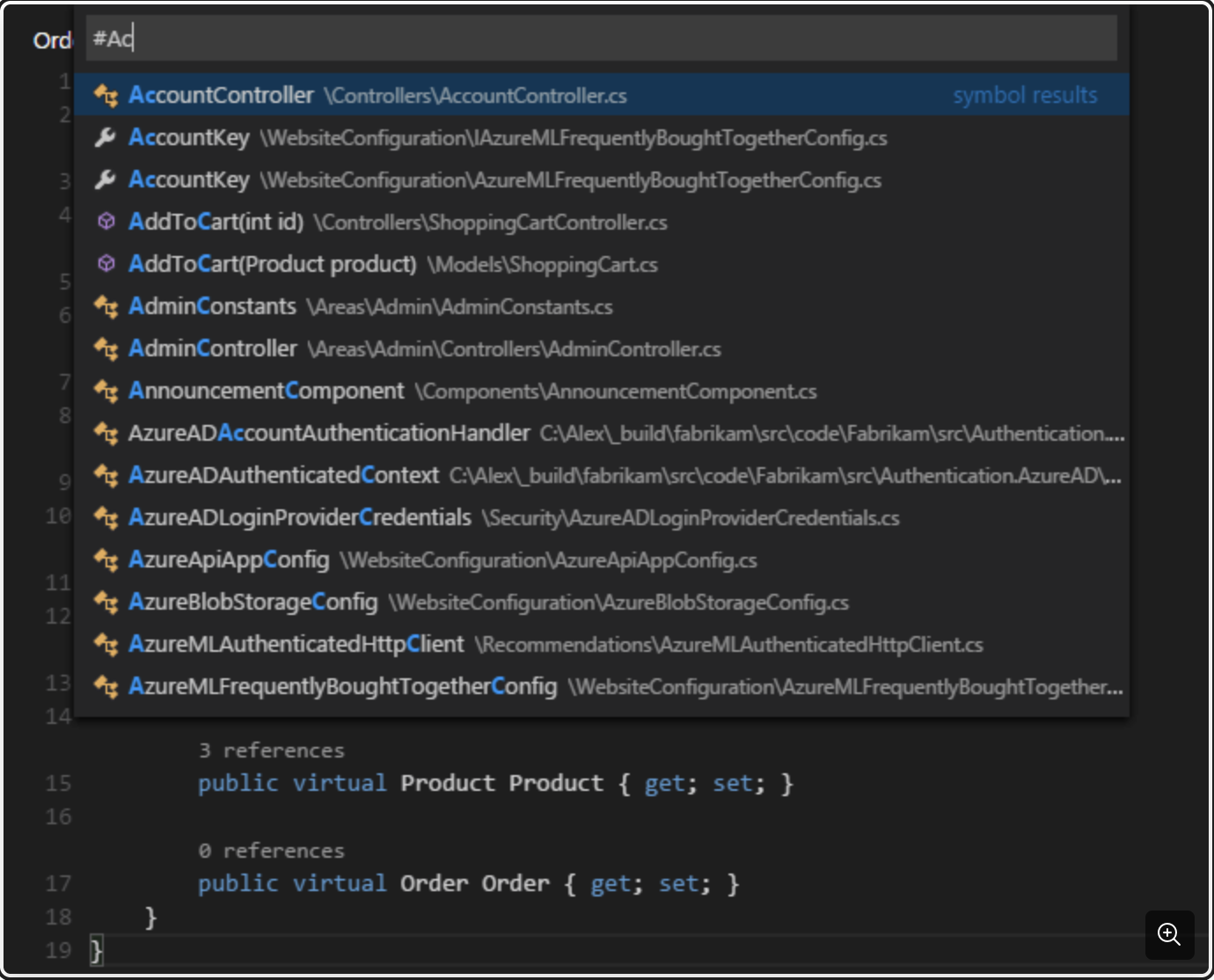
Next, I opened the same Python and JavaScript projects in each editor and tested common coding tasks, including syntax highlighting, code navigation, search, and editing. I also opened larger files and multi-folder projects to assess responsiveness, ran global search queries, and compared startup time, search speed, scrolling, and general editor performance.
Step 3: Test AI coding assistance and prompt execution
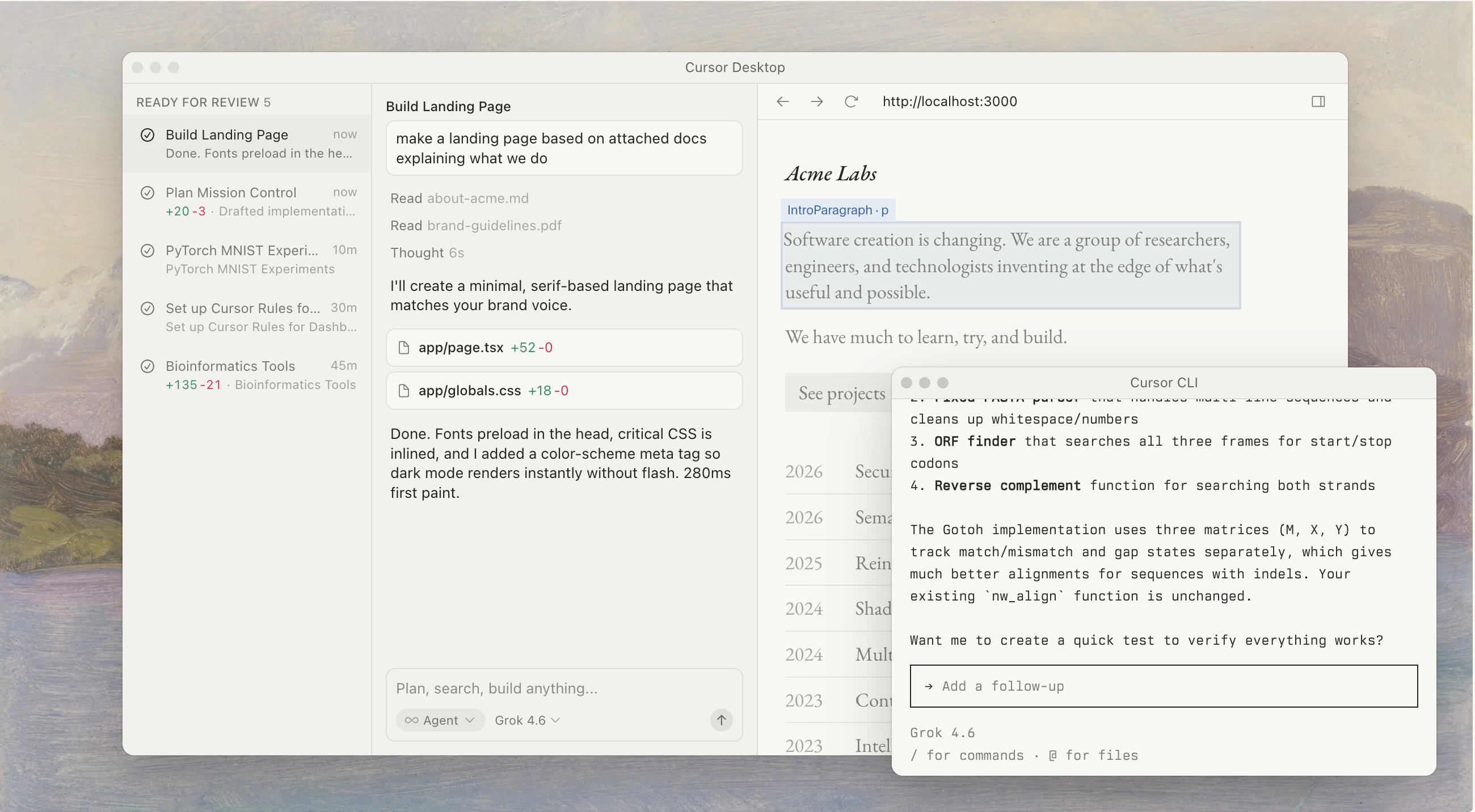
For editors with AI features and no code builders, I used identical prompts to evaluate assistance quality. I asked traditional editors to generate a Python REST API endpoint using Flask and refactor an asynchronous JavaScript function.
Step 4: Test debugging and terminal workflows
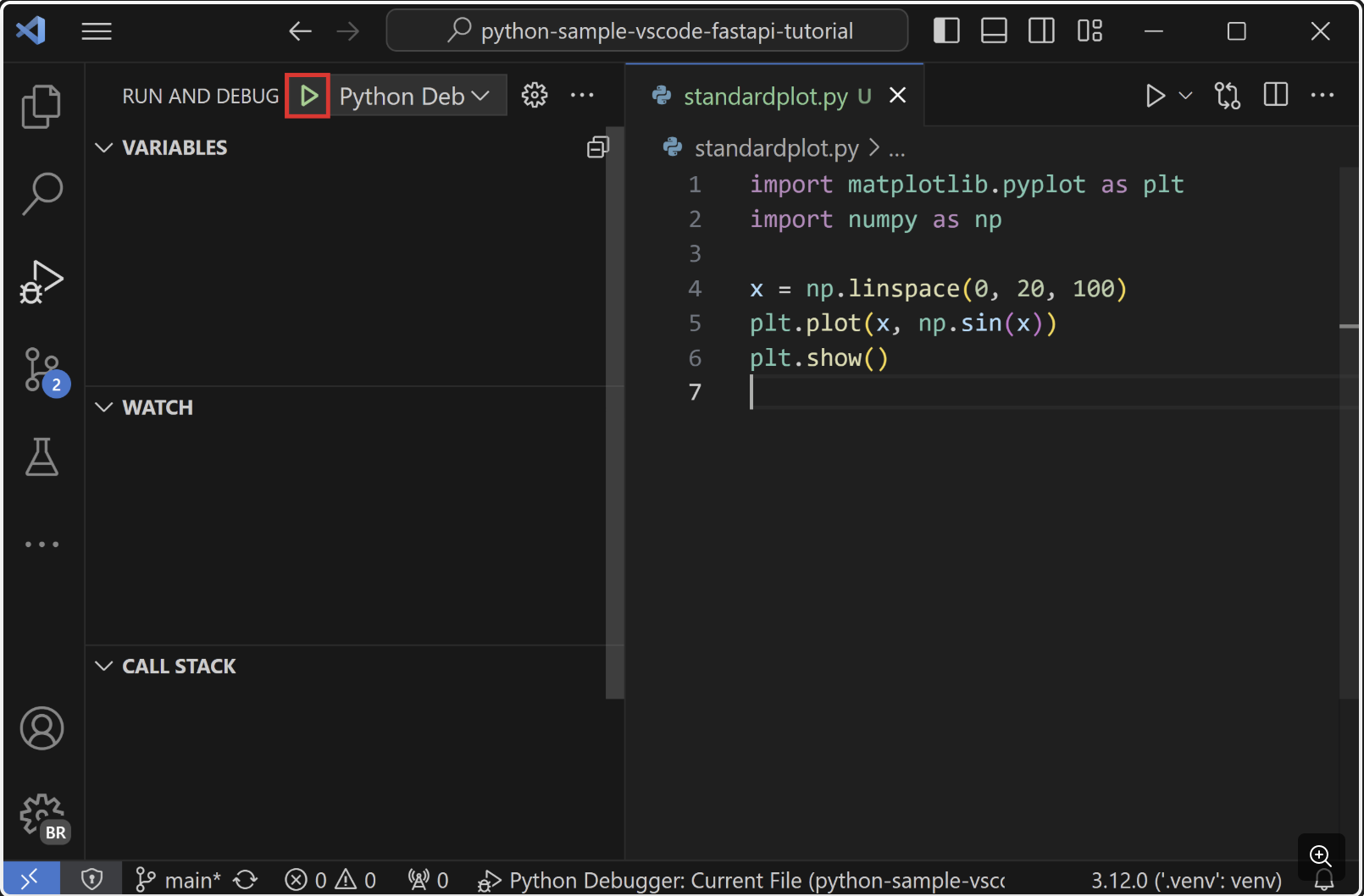
Finally, I tested the development tools used to run and troubleshoot code. I set breakpoints, stepped through code during execution, and inspected variables while debugging a Python project. I also used the integrated terminal to run development commands and compared debugger setup, variable inspection, and terminal responsiveness across the editors.
Quick comparison: best code editors at a glance
Here is a brief comparison of the best code editors:
| Editor | AI & automation | Performance | Ease of use | Customization | Language support | Pricing |
|---|---|---|---|---|---|---|
| Visual Studio Code | Strong | Fast | Easy | Excellent | Broad | Free |
| Cursor | Excellent | Fast | Easy | Excellent | Broad | Free; paid from $20/month |
| Zed | Strong | Excellent | Easy | Strong | Broad | Free; paid from $10/month |
| Sublime Text | Limited | Excellent | Easy | Strong | Broad | Free evaluation; paid license from $80 |
| Notepad++ | Limited | Excellent | Very easy | Moderate | Broad | Free |
| Neovim/Vim | Strong | Excellent | Steep | Excellent | Broad | Free |
| PyCharm | Strong | Good | Easy | Excellent | Python-focused | Free; paid from $10/month |
| Nova | Moderate | Fast | Easy | Strong | Broad | $99 + tax; $49/year after first year |
| CodeSandbox/Replit | Strong | Good | Very easy | Strong | Broad | Free; paid from $15/month |
The best code editors in 2026
Visual Studio Code
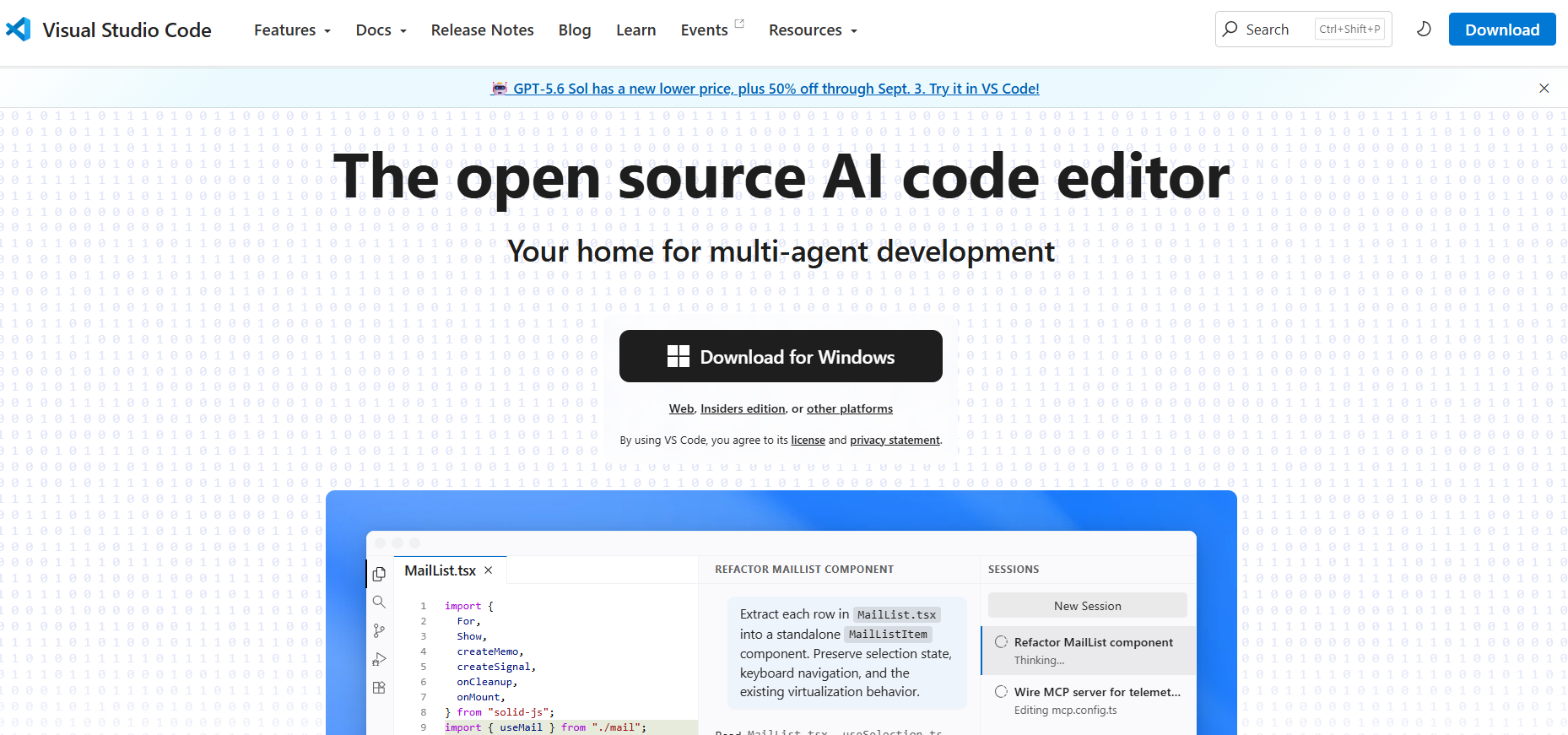
Visual Studio Code is a good online code editor for developers working with different languages and project types. It supports Git, debugging, extensions, a wide range of development tools, and allows you to customize the workspace as your needs change. It is flexible enough to be used for small scripts or large application projects.
Pricing: Free
| Pros | Cons |
|---|---|
| Large extension ecosystem | Can become cluttered with extensions |
| Supports many languages and frameworks | Uses more resources than lightweight editors |
| Built-in Git and debugging tools | |
| Highly customizable |
Best for: Most developers who want a flexible, general-purpose editor.
Cursor
Cursor builds AI assistance directly into the coding workflow. You can use it to understand unfamiliar code, generate new code, work across larger parts of a project, and make changes using natural-language instructions. It is particularly useful for developers who want AI to play an active role in everyday development.

| Plan | Price | Key details |
|---|---|---|
| Hobby | Free | No credit card required, limited Agent requests, access to Composer |
| Individual | $20/month | Extended Agent limits, generous Grok limits, frontier model access, Grok Bot, MCPs, skills, hooks, cloud agents, and usage-based Bugbot billing |
| Teams | $40/user/month | Everything in Individual, plus centralized billing and administration, team marketplace, shared-context cloud agents and automations, and agentic code reviews |
| Enterprise | Custom | Everything in Teams, plus pooled usage, invoice/PO billing, SCIM seat management, repository/model/MCP access controls, auto-run/browser/network controls, audit logs, and service accounts |
| Pros | Cons |
|---|---|
| AI assistance is central to the coding workflow | Heavy AI usage can require a paid plan |
| Can work with codebase context | AI-generated code still needs review |
| Natural-language code generation and editing | Less useful if you don't need AI assistance |
| Includes AI chat and autocomplete |
Best for: Developers who want an AI-assisted code editor.
Zed
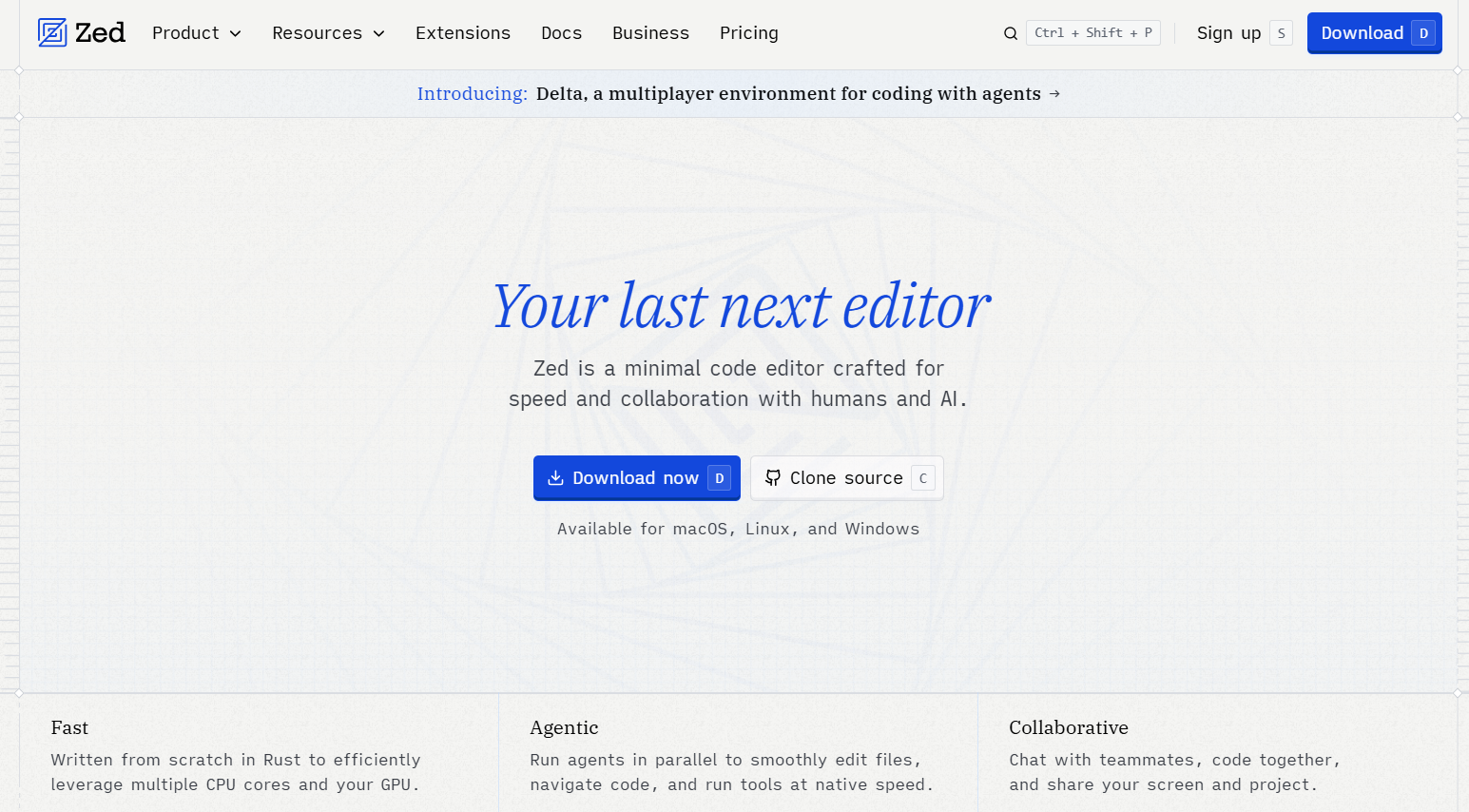
Zed code text editor focuses on speed, responsiveness, and a clean interface while bringing AI capabilities into the development workflow. Its streamlined design appeals to developers who want less overhead between themselves and their code. However, its ecosystem is smaller than VS Code's, so some extensions and integrations may not be available.
| Plan | Price | Key details |
|---|---|---|
| Personal | $0 forever | 2,000 accepted edit predictions; unlimited use with your API keys or external agents such as Claude Agent and Codex CLI |
| Pro | $10/month | Unlimited edit predictions; $5 of tokens included; usage-based billing beyond the included $5 |
| Business | $30/seat/month | Org-wide AI model policies, data governance controls, unified spend visibility, unlimited edit predictions, and role-based access controls |
| Pros | Cons |
|---|---|
| Fast and responsive | Smaller ecosystem than VS Code |
| Clean, minimalist interface | Fewer extensions and integrations |
| Strong AI capabilities | Some workflows may require adjustment |
| Good fit for focused coding workflows |
Best for: Developers who prioritize speed, minimalism, and AI-assisted coding.
Sublime Text
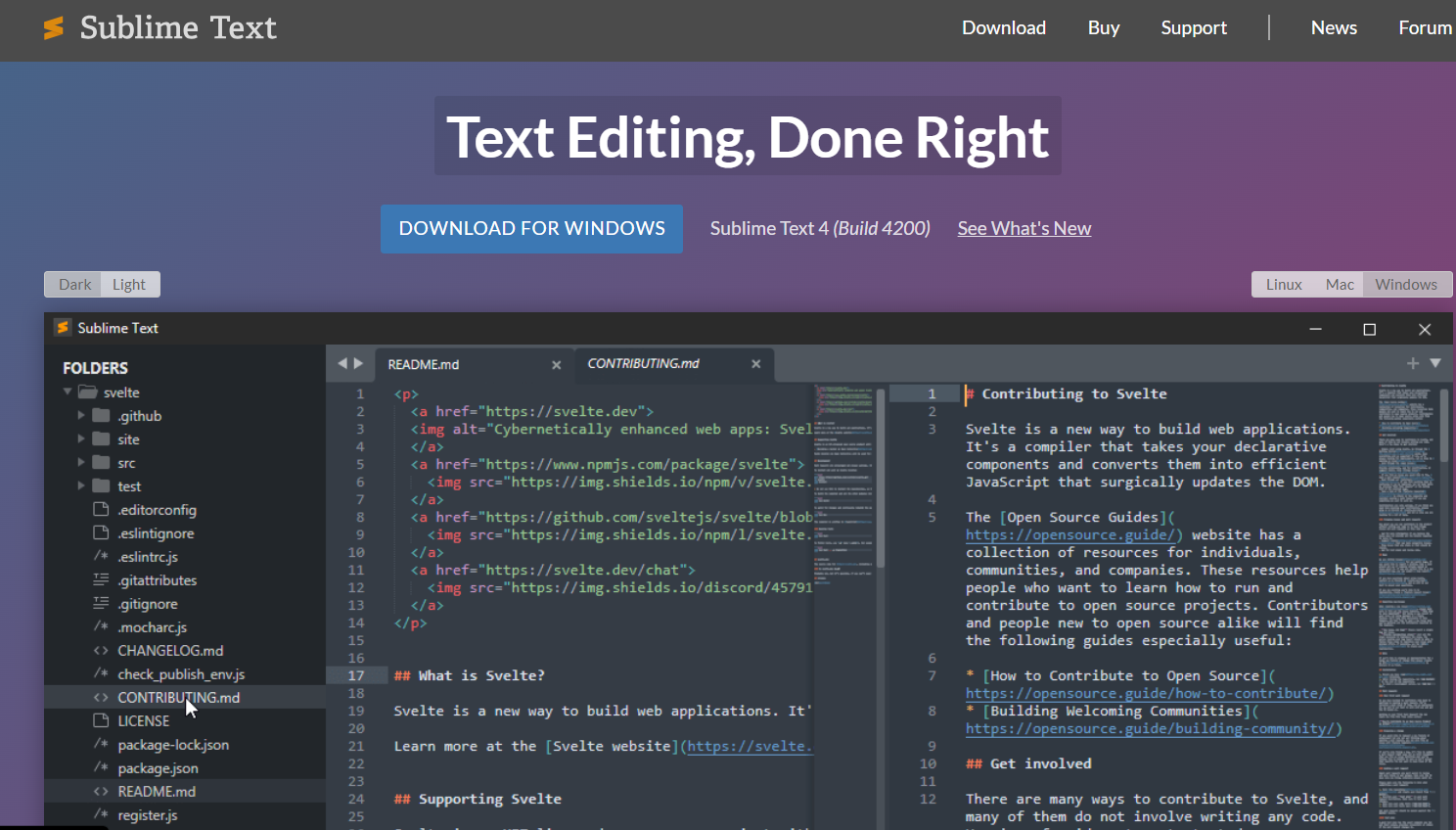
Sublime Text is a lightweight source code editor for Windows. It is focused on fast startup, responsive editing, and customization. It does not make it a full IDE, but it handles large files efficiently and supports packages that extend its functionality. Its more straightforward approach makes it a great option for developers who need a fast environment for writing and editing code.
| Plan | Price | Key details |
|---|---|---|
| Sublime Text | $80 | Standard individual license upgrade (covers 3 years of updates) |
| Sublime Merge | $80 | Standard individual license upgrade (covers 3 years of updates) |
| Sublime Text & Merge Bundle | $152 | Combined bundle option (You can also upgrade to the bundle from either an existing standalone Sublime Text or Sublime Merge license) |
| Pros | Cons |
|---|---|
| Very fast startup and performance | Limited native AI capabilities |
| Lightweight | Some functionality depends on packages |
| Handles large files well | Not designed as a full development environment |
| Highly customizable through packages and settings |
Best for: Developers who want a fast, focused source code editor.
Notepad++
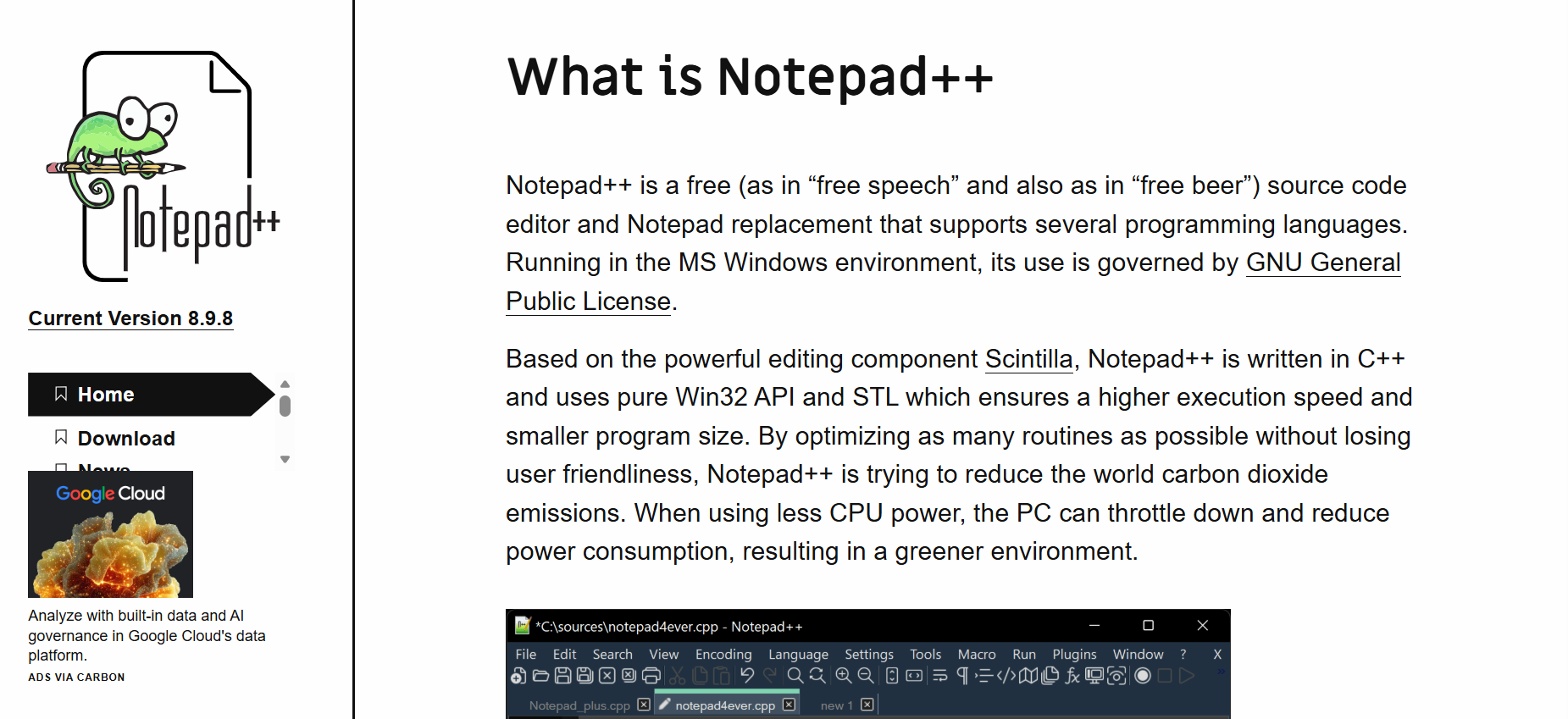
Notepad++ is a lightweight code editor for Windows users who need to make quick changes without opening a full development environment. It supports many programming and markup languages and works well for scripts, configuration files, and smaller coding tasks. Its simplicity is useful when speed matters more than extensive project tooling.
Pricing: Free.
| Pros | Cons |
|---|---|
| Free to use | Primarily designed for Windows |
| Extremely lightweight | Limited AI capabilities |
| Opens files quickly | Lacks the development tools of a full IDE |
| Supports many programming and markup languages | Less suitable for complex projects |
Best for: Windows users who need a lightweight source code editor.
Neovim/Vim
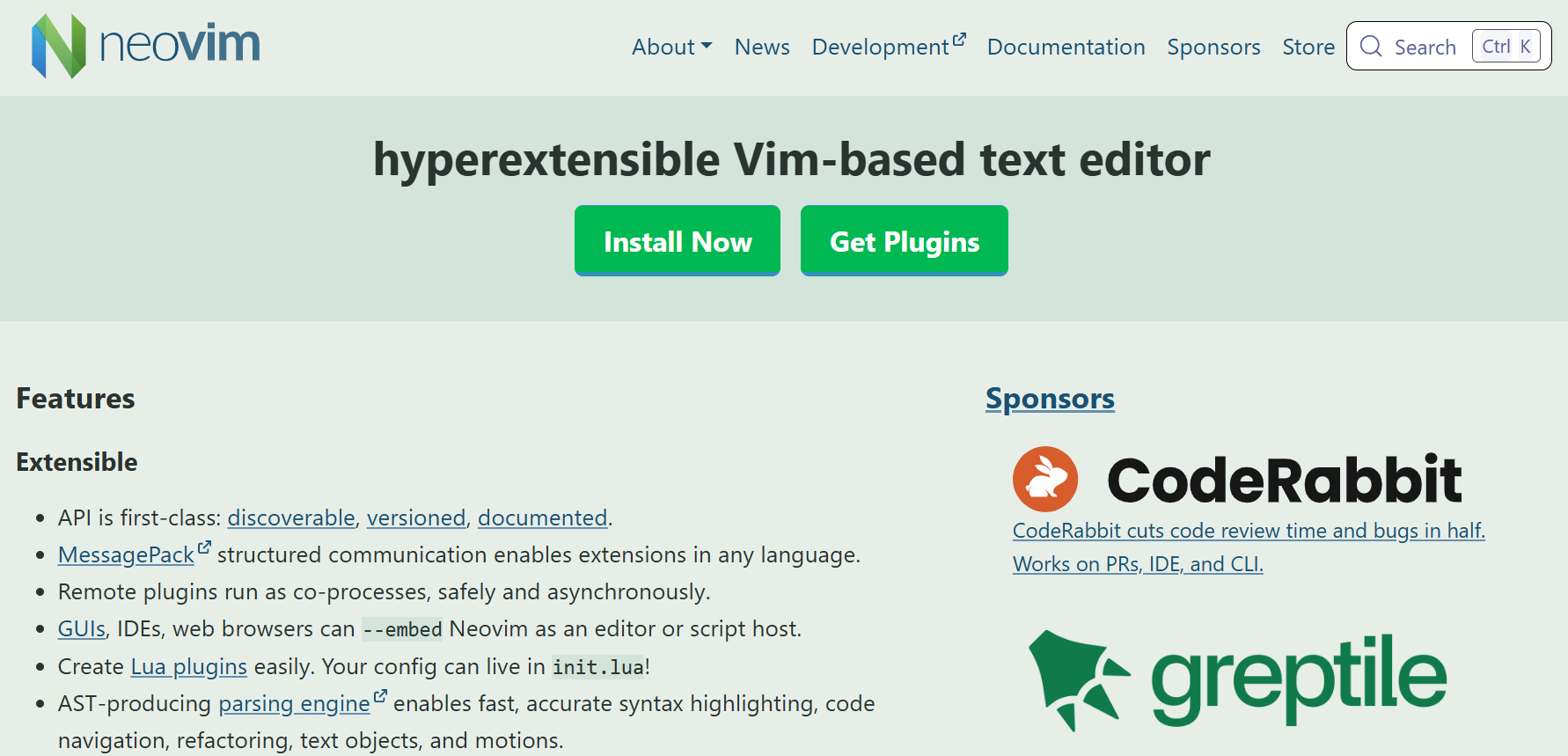
Neovim and Vim are designed around keyboard-driven development, giving experienced users precise control over editing and navigation. Their extensive customization makes it possible to build a workflow around your own habits and tools. The trade-off is the learning curve, which can make these editors considerably less approachable for developers new to command-based editing.
Pricing: Free.
| Pros | Cons |
|---|---|
| Extremely fast and lightweight | Steep learning curve |
| Powerful keyboard-driven workflow | Initial configuration can take time |
| Highly customizable | Less approachable for beginners |
| Works particularly well in terminal-based environments | Requires familiarity with commands and shortcuts |
Best for: Experienced developers who want speed and keyboard control.
PyCharm
PyCharm is for developers using Python as their primary language who need more than a simple code editor. It has tools for project management, debugging, testing, and refactoring. It is especially useful as Python projects become more complex. This extra feature also makes it heavier than simpler editors that are designed mainly for writing code.

| Plan | Price | Key details |
|---|---|---|
| PyCharm Pro ; (For Organizations) | $299.00 per user/year | Advanced support for data and web professionals (AI Free included) |
| PyCharm Pro ; (For Individual Use) | First year: $109.00 ; Second year: $87.00 ; Third year onwards: $65.00 | Includes perpetual fallback license |
| Pros | Cons |
|---|---|
| Excellent Python support | Heavier than lightweight editors |
| Built-in debugging and testing tools | More functionality than some users need |
| Strong refactoring capabilities | Less general-purpose than VS Code |
| Useful project management features | Some features depend on the edition |
Best for: Python developers who want a full development environment.
Nova
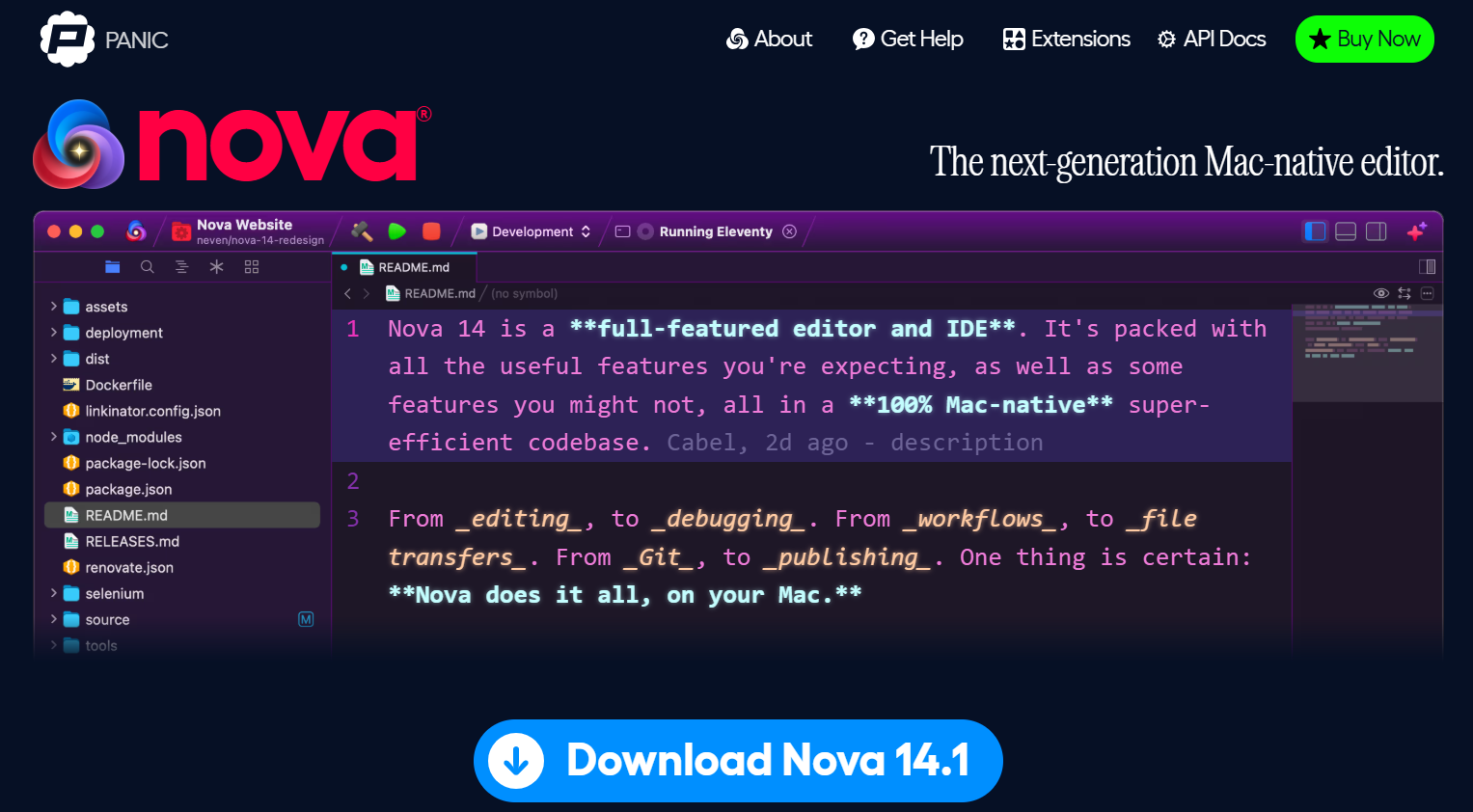
Nova is a Mac-first code editor built for a polished native experience on macOS. It has a responsive interface, customization, and tools for web design and other coding workflows. And that’s also its biggest weakness, its focus on the platform. Developers who work on Windows or Linux regularly might prefer a cross-platform solution such as VS Code.
| Plan | Price | Key details |
|---|---|---|
| New License | $99 | Includes a perpetual license for the app + 1 full year of free updates |
| Renewal/ Upgrade | $49 / year | Optional extension for another year of updates (you keep access to your current version if you don't renew) |
| Free Trial | $0 | 30-day fully functional trial |
| Pros | Cons |
|---|---|
| Designed specifically for macOS | Available only on Mac |
| Polished native Mac experience | Smaller ecosystem than VS Code |
| Fast and responsive | Not focused on AI-first development |
| Good customization options | Less suitable for cross-platform teams |
Best for: Mac users who want a dedicated code editor.
CodeSandbox/Replit
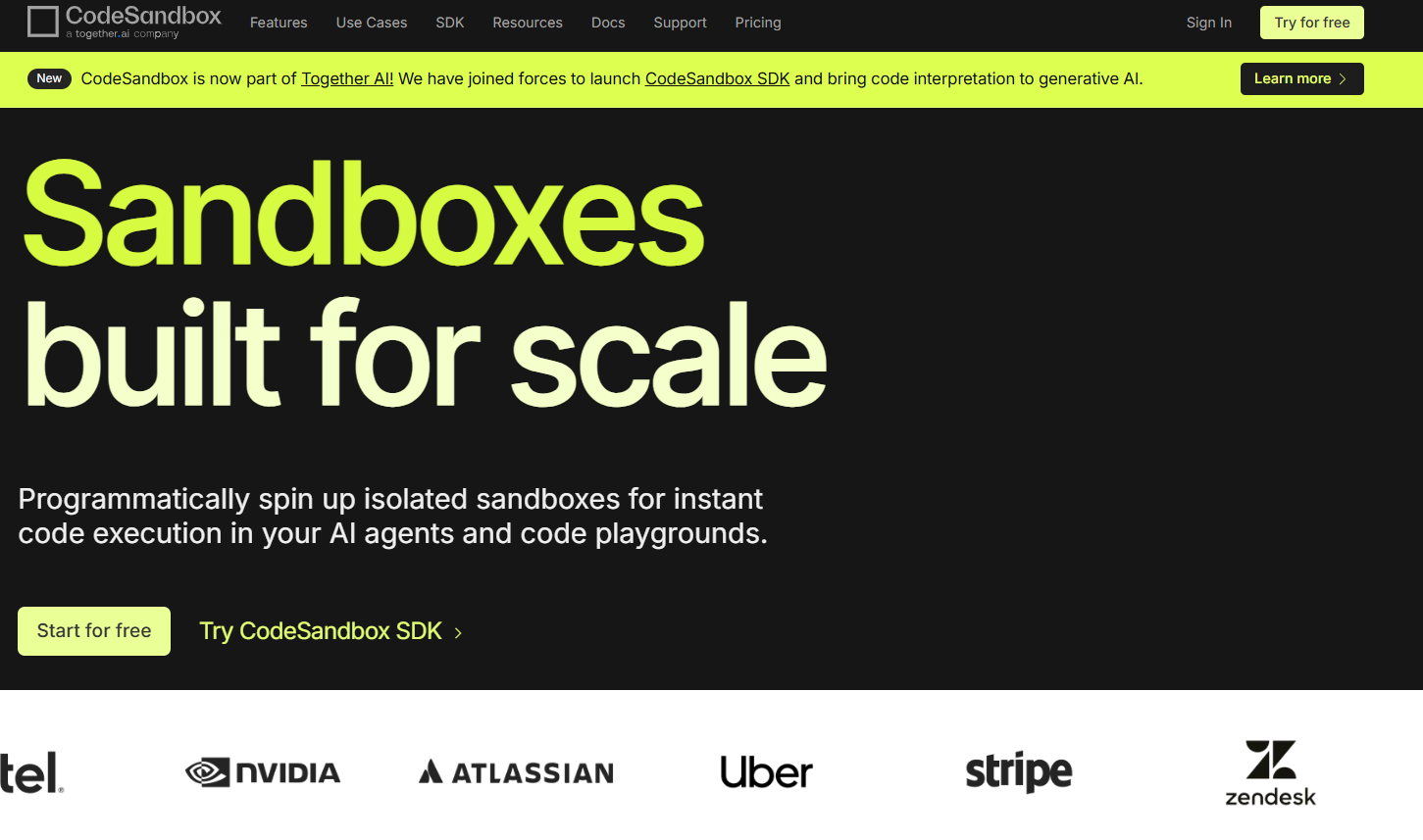
CodeSandbox and Replit bring development into the browser, so you can start coding without setting up a local editor. They work well for learning, prototypes, experiments, and collaboration. If you want browser-based development with AI assistance, an AI coding assistant can also reduce the amount of manual coding involved.
| Plan | Price | Key details |
|---|---|---|
| Build | $0 | For learning and experimenting; includes 5 members and 40 hours of monthly VM credits |
| Scale | From $170/month per workspace | Includes everything in Build, with up to 20 members and additional usage for scaling projects |
| Enterprise | Custom | Designed for custom deployments, with unlimited members and enterprise-level capabilities |
| Pros | Cons |
|---|---|
| Runs directly in the browser | Less control than a local development environment |
| No traditional local setup required | Many workflows depend on internet access |
| Useful for prototypes and experiments | Can be less suitable for large or complex projects |
| Convenient for collaboration | Advanced capabilities may require a paid plan |
| Includes AI-assisted development features |
Best for: Beginners, prototypes, collaborative work, and online coding.
How to choose the best code editor for your workflow
The right AI assisted code editor depends on more than the number of features it offers. Consider these factors before making your choice:
- Operating system: Make sure the editor is compatible with your OS. Nova is Mac-based, Notepad++ is Windows-focused, and Neovim/Vim is great for Linux and terminal-based environments. VS Code is cross-platform, so if you work cross-platform, it works with more platforms.
- Experience level: Newbies may want an editor with a simple interface, easy setup, and good documentation. Neovim/Vim is more for seasoned developers who want more control and a keyboard-driven workflow. Sublime Text is fast, and VS Code is nice for starters.
- Project requirements: Think about the languages and tools you use most. Python developers may get more from PyCharm's specialized tooling, while developers working across multiple languages may prefer VS Code or Cursor.
- Budget: There are many good free options such as VS Code, Notepad++, and Neovim. Paid editors or plans can make sense if you need specialized development features or more AI use.
- AI assistance: Decide how central AI should be in your workflow. Cursor is built around AI-assisted development, Zed combines AI features with a focus on speed, and VS Code lets you add AI capabilities according to your needs.
What's the difference between a code editor and an IDE?
The main difference is how much development functionality comes built in. A code editor focuses primarily on writing and editing code, while an IDE combines code editing with tools such as debugging, testing, project management, and refactoring.
| Feature | Code editor | IDE |
|---|---|---|
| Primary purpose | Write and edit code | Develop and manage complete projects |
| Typical tools | Syntax highlighting, extensions, code navigation | Debugging, testing, refactoring, project management |
| Examples | VS Code, Sublime Text, Notepad++ | PyCharm, Visual Studio |
| Flexibility | Usually more modular | More functionality built in |
| Setup | Often lighter | Usually more extensive |
The line between the two has become less obvious. VS Code, Cursor, and Zed can add enough extensions or built-in features to handle tasks traditionally associated with IDEs. PyCharm takes the opposite approach by providing a more complete development environment from the start.
If you want to skip both traditional editors and IDEs, Enter Pro's visual editor offers another way to approach software building.
What developers are saying (Community feedback)
There is no clear consensus that one code editor is best for every developer. Community comparisons tend to highlight different trade-offs, particularly between established editors with mature ecosystems and newer tools focused on speed and AI-assisted development.
What people like
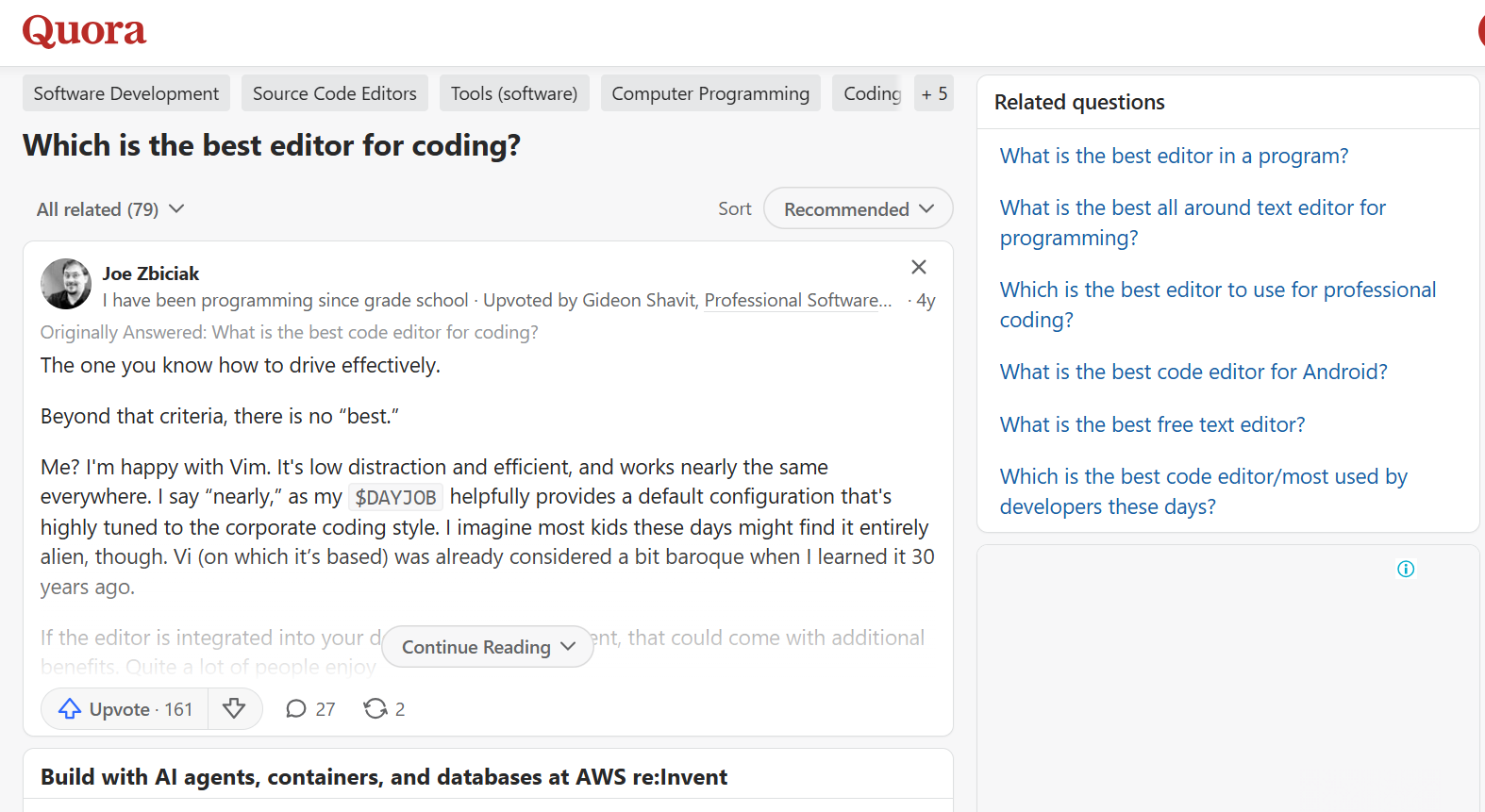
A Quora user with a lot of programming experience put it simply: "The one you know how to drive well." They say there is no one "best" editor and explain that they like Vim because it is a low-distraction, efficient workflow and works consistently across environments. That's part of the reason why seasoned developers tend to prefer familiarity and productivity over simply picking the editor with the most features.
Common complaints
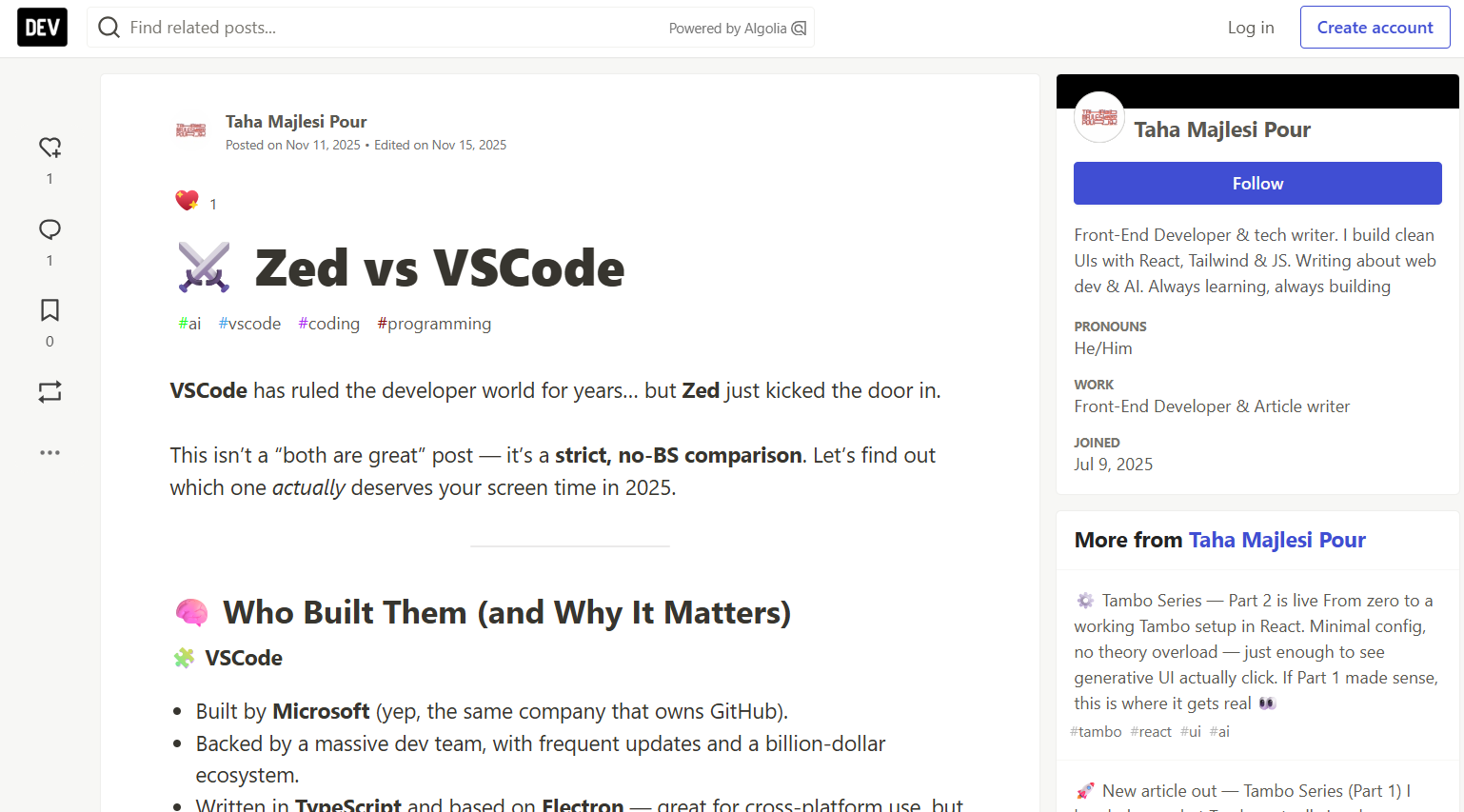
The DEV Community comparison "Zed vs VSCode" introduces Zed as a new challenger to VS Code, noting that VS Code has been the leader in the developer landscape for years. The article does touch on the question of whether the newer approach in Zed can offer enough benefits to justify leaving an established editor, so ecosystem maturity and existing workflows are relevant considerations when switching tools.
Overall, the two sources point to the same broader takeaway: there is no single code editor that works best for everyone. Your preferred workflow, familiarity, project requirements, and the features you actually use all matter. And if you would rather avoid choosing, configuring, and working inside a traditional code editor altogether, Enter Pro offers an alternative approach to building software with AI.
Don't want to touch a code editor at all? Try Enter Pro
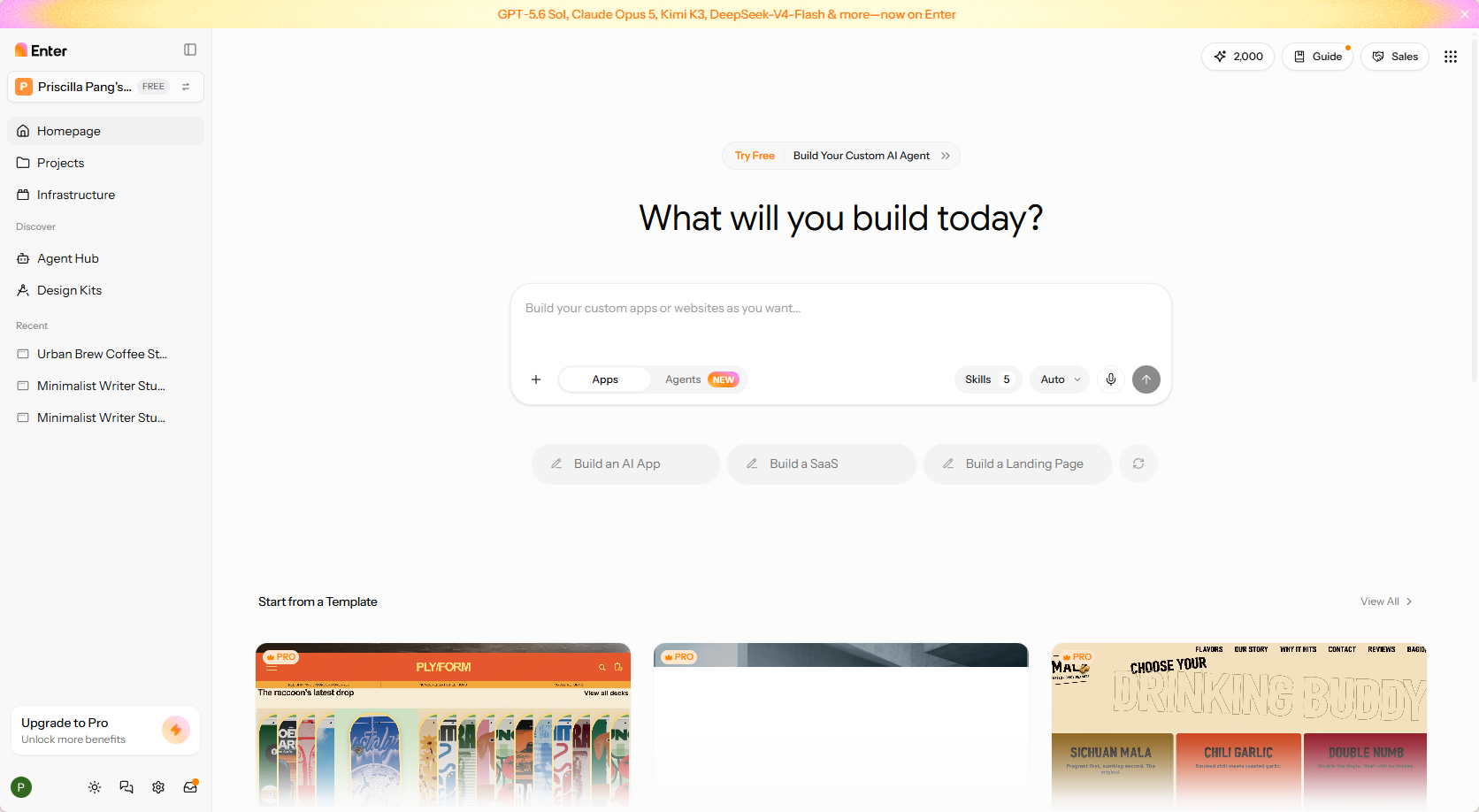
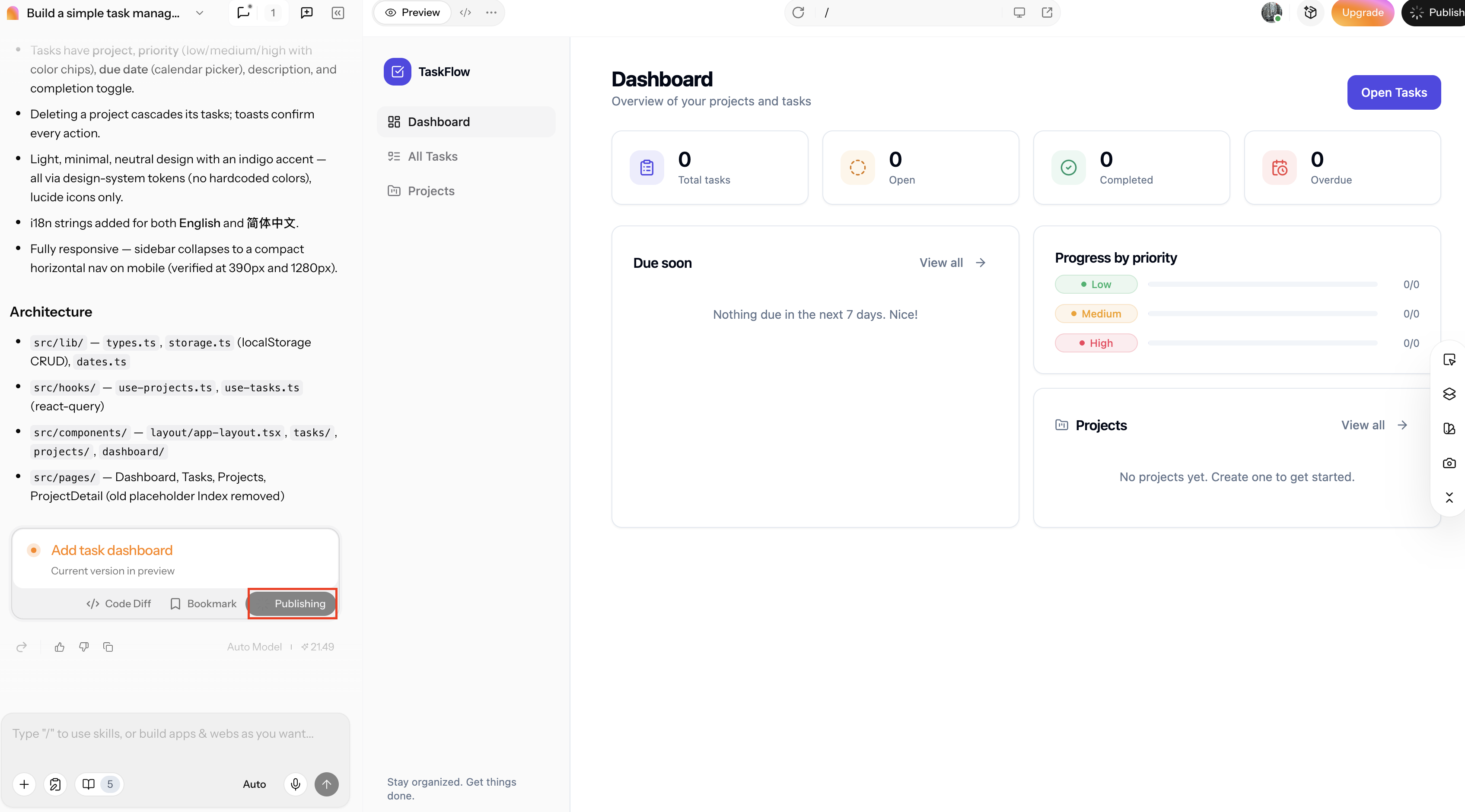
If your goal is to build an app or website rather than learn a code editor, Enter Pro offers a different approach. I tested Enter Pro and found that I could describe what I wanted to create in natural language and use AI to turn the idea into software without manually managing the code. I could also use its visual editor to make changes to the generated app, which made it easier to refine the result without returning to a traditional coding workflow. Its workflow includes planning and full-stack capabilities, helping you focus on your product and user experience instead of managing code yourself.
Key features
After testing Enter Pro, I found that its main strength is how it combines AI-assisted development with tools that let you shape the result as you go. Here are the features that stood out most during my testing:
- AI architectural "Plan" mode: When I tested Enter Pro, I could use Plan mode to work through the app's structure and requirements before starting the build. This gave me a clearer starting point before moving into development.
- True full-stack mastery: In my testing, Enter Pro handled the application-building process across the full stack without requiring me to manage each technical layer separately. This allowed me to focus more on what the application needed to do than on the underlying implementation.
- The 60-minute founder experience: I found the workflow useful for moving from an initial product idea toward a working application without spending most of the time on setup and coding details. This can be particularly useful for founders and people building their own products.
- Software sovereignty & custom workforces: During my testing, I could retain control over the software while using AI workforces to handle building and refinement tasks. This gives you more flexibility to continue developing the product as it evolves.
How to build an app with Enter Pro without code editing
Step 1: Describe and plan your app
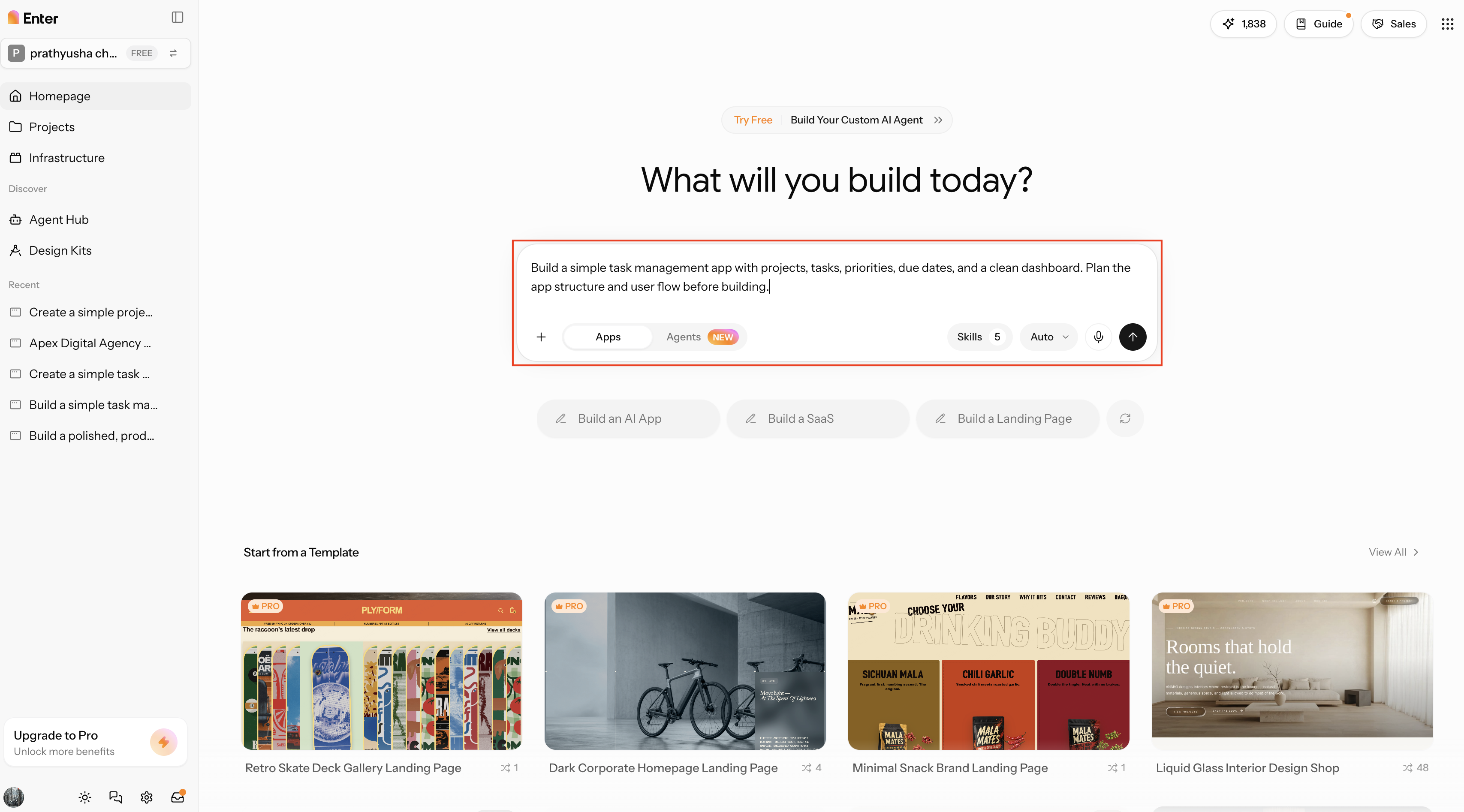
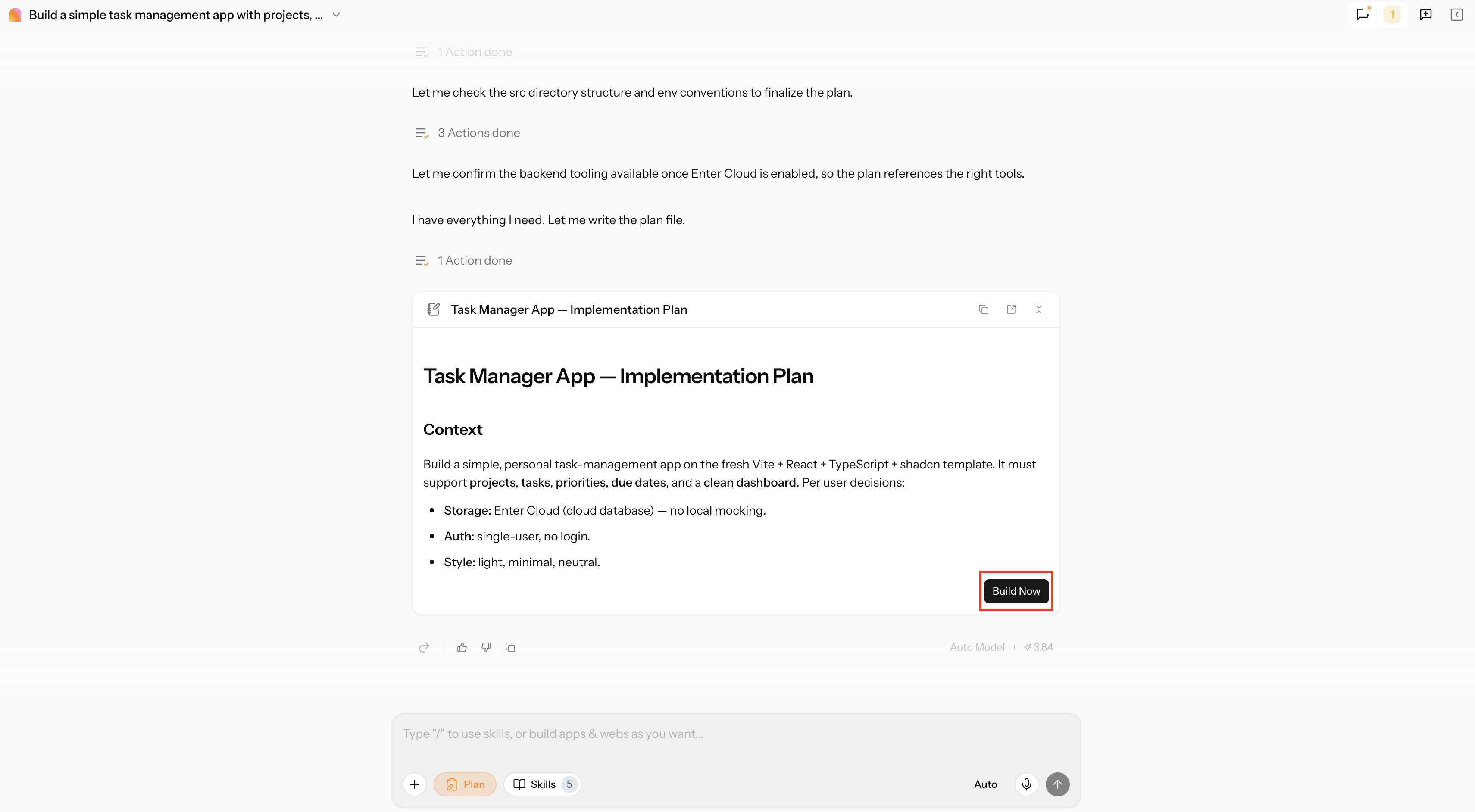
Describe what you want to build in natural language, including its purpose, key features, and user experience. Then use Enter Pro's AI architectural Plan mode to define the app's structure, review the approach, and clarify requirements before building.
Step 2: Build and edit the app visually
Allow Enter Pro to develop the app to your specs and check the results. Leverage its visual editing features to modify the interface, polish the design, and change things without manually editing source code.
Step 3: Refine and continue building
Please review the first version, identify the changes that need to be made, and communicate those changes to Enter Pro. Develop your product by iterating on features and customer satisfaction, without having to take care of individual code files.
Conclusion
Visual Studio Code remains the strongest all-purpose choice for most developers, while Cursor is a better fit for AI-heavy workflows and Zed appeals to developers who care about speed and a clean interface. Neovim, Sublime Text, Notepad++, Nova, and PyCharm each make more sense when your operating system, language, or preferred workflow points you in a particular direction. If the goal is to build software rather than learn a code editor, Enter Pro gives you another easy option: Describe what you want to create and use AI to build it.
FAQs about the best code editor
Is there a better editor than VS Code?
There can be, depending on your workflow. Cursor is a good pick for AI-assisted coding, Zee is a good choice if you want speed, and Neovim is great if you are a keyboard-driven developer. Enter Pro is an AI-powered solution for those who want to build software without having to work directly in a code editor.
What is the best free code editor?
For most developers, the best free all-rounder is Visual Studio Code, with its support for many languages, Git tools, debugging, and a huge extension ecosystem. Neovim is better for skilled developers who want a keyboard-centric workflow, but Notepad++ is better for lightweight Windows editing.
What is the best code editor for Mac?
Nova is a good choice for Mac users looking for a dedicated editor made specifically for macOS. VS Code is a better choice if you work on multiple operating systems or want access to a bigger extension ecosystem and more development tooling.
What is the best code editor for Windows?
The best general-purpose option for Windows, with great language support, extensions, debugging, and Git tools. Visual Studio Code. Notepad++ is a better option for small source-code editing jobs, quick scripts, configuration files, or if you just need a lightweight editor.
What is the best code editor for Linux?
Neovim or Vim is a good choice for experienced Linux users who like keyboard-driven, terminal-based workflows and a lot of customization. If you want a graphical interface, wide language support, and a large choice of extensions, VS Code is easier to approach.
What is the best code editor for Python?
PyCharm is the strongest Python-focused option because it includes project, debugging, testing, and refactoring tools. VS Code is more flexible for developers who work across several languages. If your goal is to build an application without managing the code yourself, Enter Pro provides another approach using AI.
Is Xcode or VS Code better?
Xcode is the better choice for Apple-specific development because it is built around Apple's development ecosystem. VS Code is more suitable for general-purpose, cross-platform development.
Can I use a code editor online without installing anything?
Yes. CodeSandbox and Replit let you write and work with code in a browser, which is useful for learning, prototyping, and collaboration. If you want to go a step further and build an app without traditional code editing, Enter Pro lets you describe what you want to create and use AI to help build it.