
Autonomous delivery
From prompt to verified implementation.
Enter Code reads the relevant files, makes the edits, and checks the result before it hands work back to you.
Any stack. Any project. Any output. All from your terminal.
Available on macOS, Linux, and Windows.
// Core features
Short prompts become concrete edits, verified answers, and fixes you can trust.
Autonomous delivery
Enter Code reads the relevant files, makes the edits, and checks the result before it hands work back to you.
Codebase understanding
Ask about architecture, data flow, or side effects and get precise responses grounded in the code that actually exists.
How does the billing flow work across checkout, webhook, and seat sync?
checkout.ts → billing-service.ts → stripe-webhook.ts → seat-manager.ts
Enter Code follows the request path, related mutations, and async reconciliation logic before answering.
Root cause and rollback
Enter Code traces failures, patches the code, adds regression coverage, and lets you rewind if you want a different path.
Any stack, any output
Enter Code works across Go, Python, Rust, Java, TypeScript — backend services, CLI tools, mobile apps, data pipelines, infrastructure code. If it lives in a repo, Enter Code can build it.
// How it works
Skills, Memory, Rewind, and MCP — the infrastructure that makes autonomous work usable.
Skills
Define coding standards, architecture patterns, and test strategies in Markdown. Enter Code reads your Skills before every task, so it follows your team's conventions instead of generic best practices.
Memory
Your tech stack, architecture decisions, and naming conventions are remembered across every session. Not chat history — structured knowledge that compounds.
Rewind
Every file change creates an automatic checkpoint. One command restores code and conversation state together. Let Enter Code try bold approaches — rollback is instant.
MCP
Connect external systems through Model Context Protocol — issue trackers, databases, design tools, APIs. Enter Code reaches beyond the codebase into every part of your workflow.
// Install
Install the CLI, open a repo, and let Enter Code work against the code that matters.
Command line
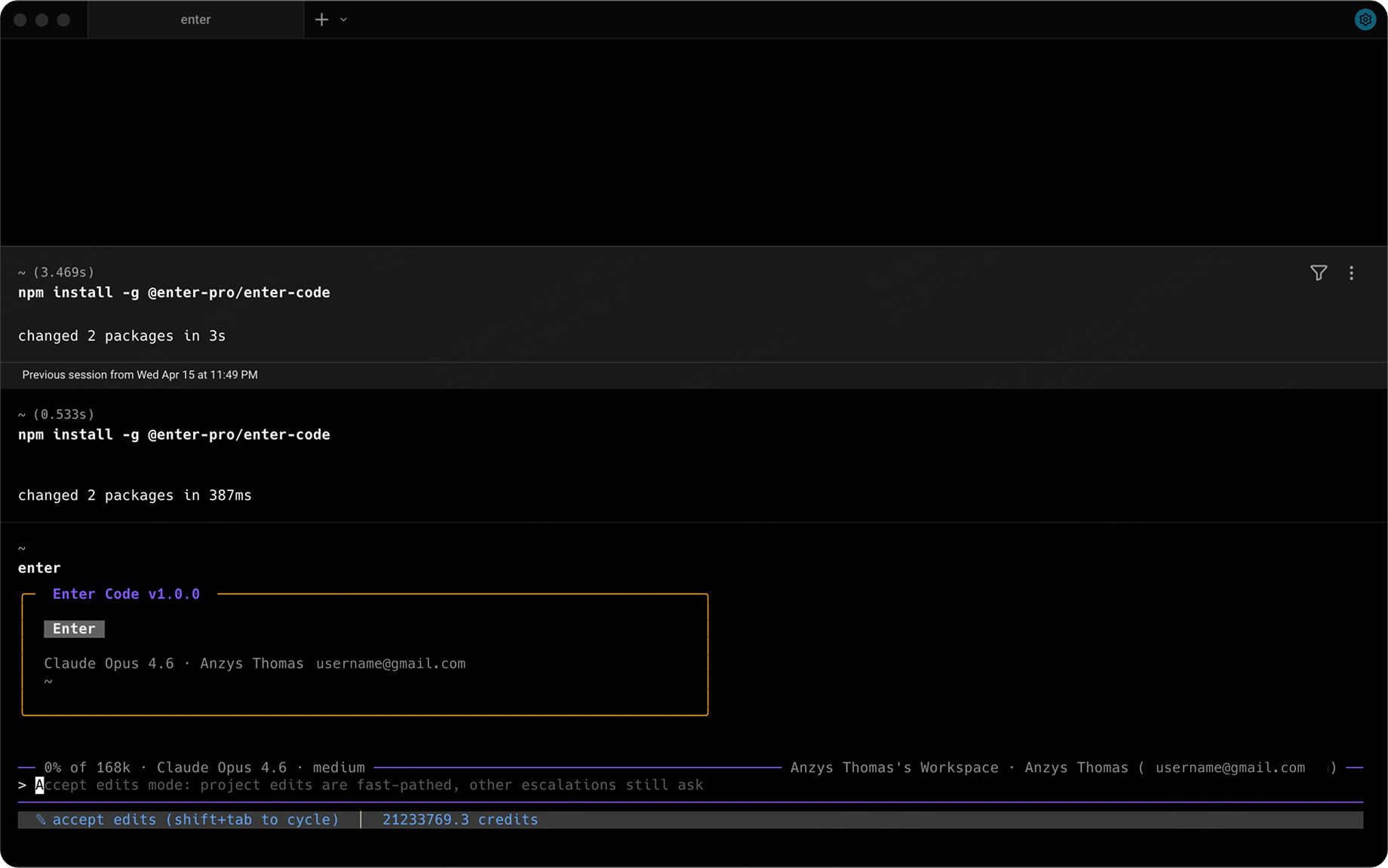
Install with npm, then run enter in any project to launch. Your browser opens automatically for authentication — no extra commands needed.
Documentation
Quickstart, permissions, worktree, skills, and MCP live in one place.
Open docsFirst session
Start with repo understanding, then move into features, fixes, refactors, and review.
View quickstart// FAQ
The practical details before you install.