Best AI Solutions for Business - Which is the Best for You
Compare the top AI solutions for business, from customer service to custom AI apps, plus a framework for choosing what actually fits your team and budget.
AI solutions for business range from single-purpose tools, such as a website chatbot or a meeting-notes assistant, to full platforms that add AI across a whole department, and custom-built AI apps designed around one company's workflow. The hard part isn't finding AI tools. It's knowing which type fits the problem in front of you and what it will really cost to run. This guide explains the three tiers of AI business solutions, compares the top tools by category with starting prices, picks out options for small teams, and walks through when to buy, when to adopt a platform, and when to build your own.
What are AI solutions for business?
An AI solution is software that uses artificial intelligence to automate or speed up a business task: answering customer inquiries, writing marketing copy, analyzing data, routing support tickets, or screening job candidates. Most AI solutions for business fall into one of three tiers, and the tier matters more than the brand name because it decides how fast you can start, how much the tool can be adapted, and who controls its roadmap.
| Tier | What it is | Examples | Trade-off |
|---|---|---|---|
| Point tool | One AI tool for one job | Tidio chatbot, Jasper copywriting, a meeting-notes assistant | Fast and cheap to start; limited to the vendor's roadmap |
| Platform/suite | Several AI features under one login | Salesforce Agentforce, Databricks | Broad coverage; ties you to one ecosystem and its pricing |
| Custom build | An AI app or agent built for your exact workflow | Internal support agent, custom approval tool | Fits the process exactly; needs more upfront setup |
Most companies end up with a mix: a few point tools for common jobs, one platform they already pay for, and a custom tool for the one process nothing else handles well.
Quick comparison: business AI tools at a glance
The table below groups the tools covered in this guide by the business problem they solve.
| Use case | Example tools | Starting price | Best for |
|---|---|---|---|
| Customer service | Tidio, Salesforce Agentforce for Service, Amazon Connect | Tidio free (50 billable conversations/mo) | Teams handling repetitive support questions |
| Sales | Gong, Qualified, Clay | Clay free (500 actions + 100 data credits/mo) | Sales teams that want better leads and call insights |
| Marketing | Jasper, Copy.ai, Synthesia | Synthesia free Basic plan; Jasper from $59/seat/mo (annual) | Teams producing content at volume |
| Process & operations automation | Zapier, Lindy, ClickUp Brain, Asana AI Studio | Zapier free (100 tasks/mo); Lindy from $29.99/user/mo | Ops teams removing manual, repeat steps |
| Data & analytics | Tableau, ThoughtSpot, DataRobot | ThoughtSpot from $25/user/mo (annual); DataRobot by quote | Teams that want answers without writing queries |
| HR & recruiting | Agentforce for Employees, Deel AI | Deel AI included with Deel products | Growing teams and companies hiring across countries |
| Custom AI apps & agents | Enter Pro | Free credits to start; check current plans | Workflows no off-the-shelf tool fits |
Note: Figures and data are current as of October 2026. Pricing changes often, so confirm current plans on each vendor's official pricing page before you buy.
Top AI tools for business by category
The tools below are grouped by the business problem they solve, so you can jump straight to the category that matches your bottleneck.
Customer service and support
AI agents now answer routine customer questions around the clock and route the rest to a human with the conversation history attached. This is usually the fastest place to see a return, because support teams answer the same questions every day.
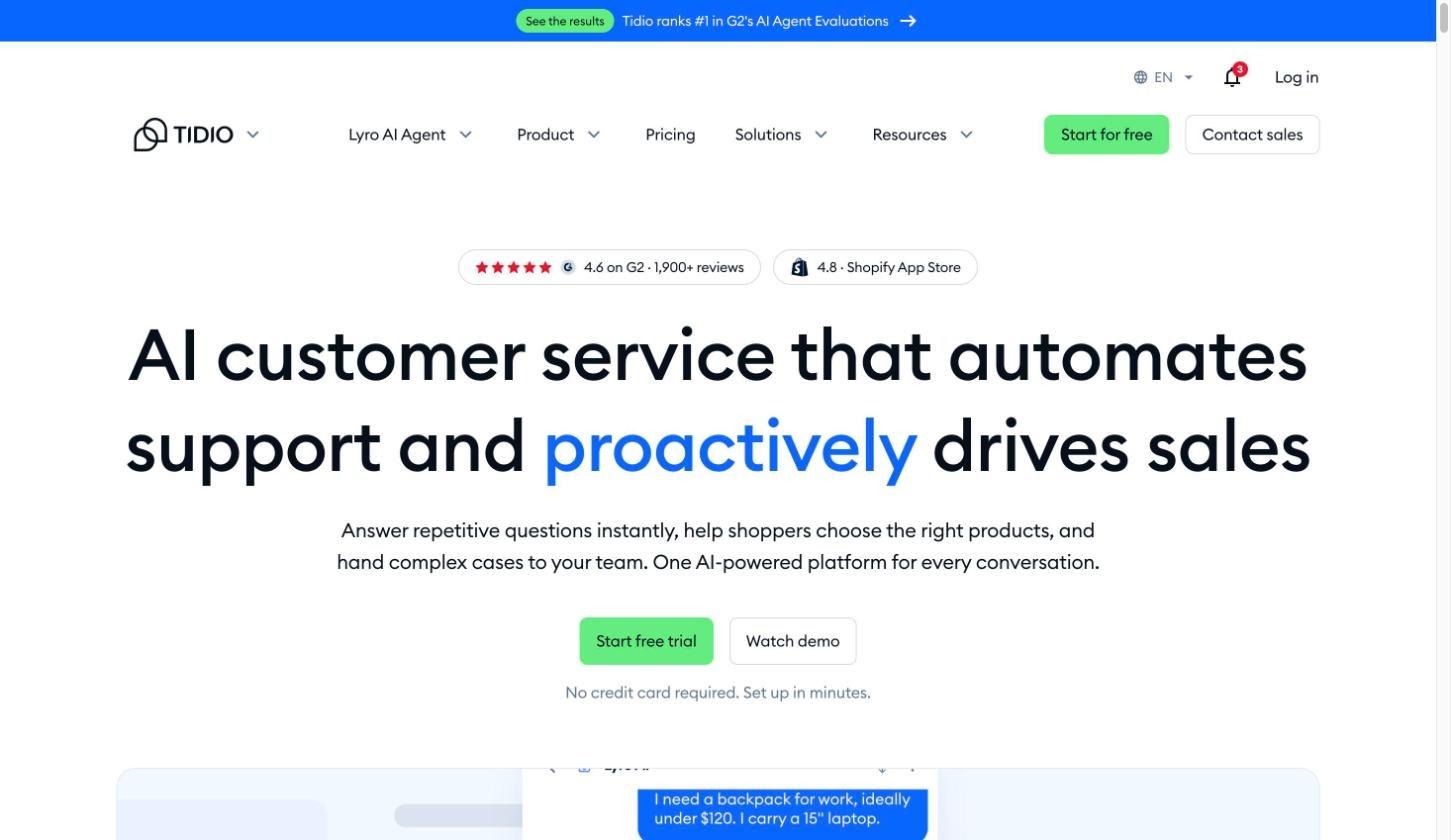
- Tidio: A no-code AI chatbot for website chat, email, and social messages, with its Lyro AI agent answering from your own help content. The free plan covers 50 billable conversations a month, and Lyro replies don't count toward that limit.
- Salesforce Agentforce for Service: Autonomous AI agents that answer customers 24/7, resolve cases, and hand off to human agents with full context, working on the CRM data your team already uses. Salesforce rebranded Service Cloud as Agentforce Service in 2025.
- Amazon Connect: AWS's cloud contact center, with built-in AI agents (launched as Amazon Q in Connect) for self-service and real-time agent assist. It uses pay-per-channel pricing with AI included, with no seat licenses.
- Real example: Lippert, a manufacturer of RV and marine components, trained a support assistant on its product documentation, past service cases, and video content from field experts. According to its Databricks customer story, ramp time for new agents dropped from six months to about four weeks, an 85% reduction.
| Tool | Starting price | Best for |
|---|---|---|
| Tidio | Free (50 billable conversations/mo); Starter from $24.17/mo billed annually; Lyro AI Agent from $32.50/mo | Small online stores and service businesses |
| Agentforce for Service | $2 per conversation, or Flex Credits ($500 per 100,000 credits) | Companies already on Salesforce |
| Amazon Connect | Usage-based: about $0.038/min for voice and $0.01/message for chat | Contact centers that want pay-as-you-go pricing |
Best for: businesses with a high volume of repeat questions, such as order status, returns, shipping times, and opening hours.
Sales and marketing
Sales tools find and qualify leads and analyze calls; marketing tools produce content faster. Both still need a person to check the output before it reaches a customer.
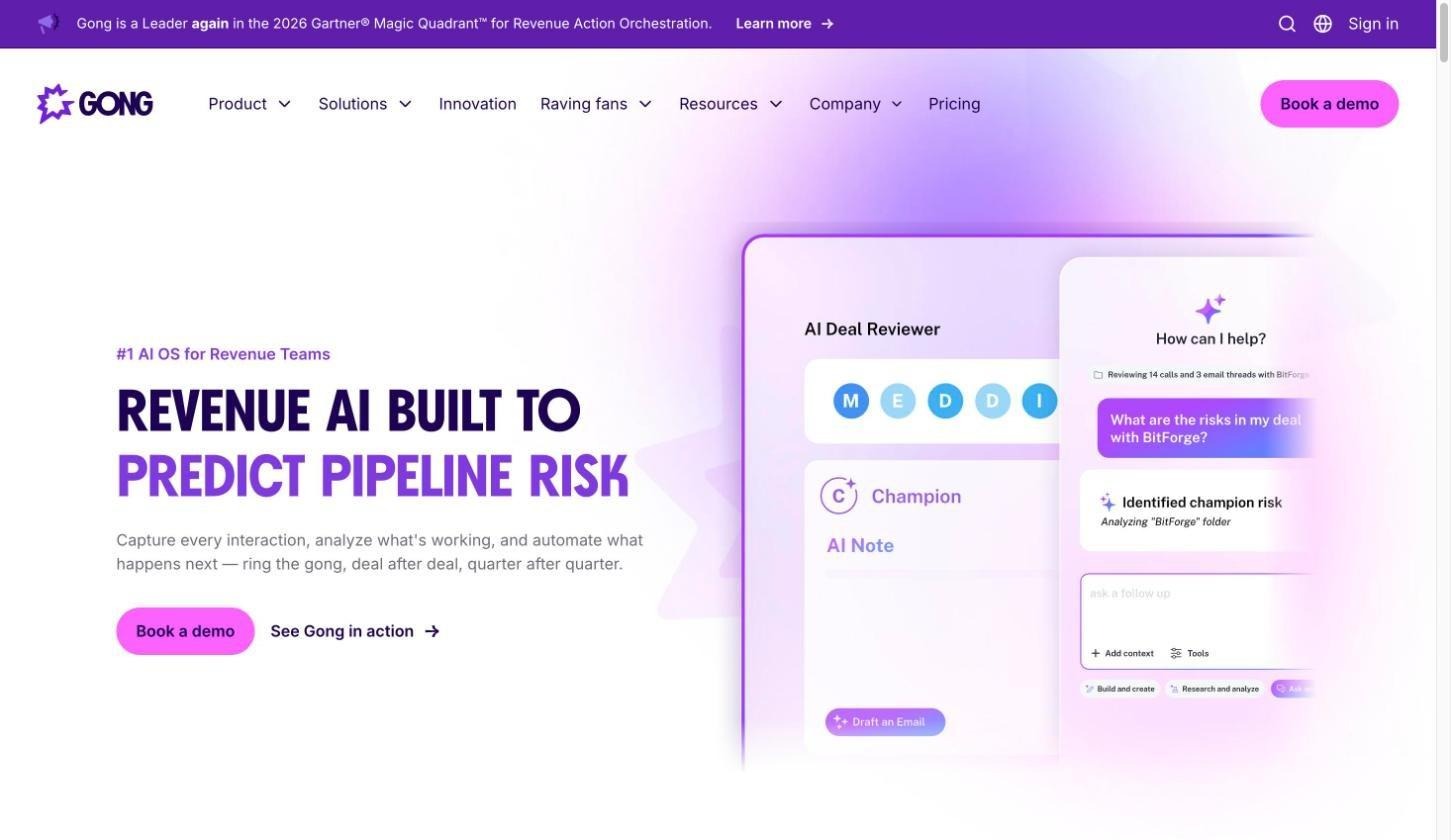
- Gong: Records and analyzes sales calls, flags at-risk deals, and surfaces coaching moments for managers. Pricing is by quote, based on per-user licenses plus a platform fee.
- Clay: Enriches prospect data from 100+ data providers and pushes it into your CRM. The free plan includes 500 actions and 100 data credits a month.
- Jasper and Copy.ai: On-brand blog, SEO, and social copy at scale. Jasper Pro costs $69/seat/month, or $59 billed annually, with a 7-day trial. Copy.ai has repositioned as a go-to-market AI platform and no longer lists a free plan; its Chat plan starts at $29/month.
- Synthesia: AI video for training and marketing without a camera crew. There's a free Basic plan with watermarked videos, Starter at $19/month, and Pro (formerly Creator) at $89/month.
- Real example: Phone-case brand CASETiFY unified its ad-platform, transactional, and website behavior data into a single source of truth. Its Databricks customer story reports double-digit year-over-year growth in repeat-customer revenue and a 10–15% improvement in marketing budget efficiency.
| Tool | Starting price | Best for |
|---|---|---|
| Gong | By quote | Sales teams with recorded calls to analyze |
| Clay | Free (500 actions + 100 data credits/mo) | Building and enriching lead lists |
| Jasper | $59/seat/mo billed annually; 7-day trial | Brand-consistent marketing copy |
| Synthesia | Free Basic plan; Starter $19/mo | Training and explainer videos |
Best for: small sales teams and marketers producing content at volume.
Process and operations automation
Business process automation handles a defined workflow from start to finish, such as invoice processing, approvals, or contract review. Day-to-day operations tools help teams find information and spot problems faster. AI solutions for business operations usually need both: one to move work through a process, and one to keep the team informed.
- Zapier: Connects 9,000+ apps so non-technical teams can build automations, and now adds Zapier Agents, Chatbots, and Copilot on top. The free plan includes 100 tasks a month and two-step Zaps.
- Lindy: Multi-step AI agents across email, meetings, and documents, with approval steps for sensitive actions. There's no ongoing free plan: new accounts get a 7-day trial with $50 in credits, and paid plans start at $29.99 per user per month.
- ClickUp Brain: Finds answers across a team's existing docs and tasks, and drafts updates. AI add-ons start at $9 per user per month on annual billing.
Common AI solutions for business process automation by industry include invoice processing and contract review in finance, prior authorization in healthcare, and shipping documents in logistics.
| Tool | Starting price | Best for |
|---|---|---|
| Zapier | Free (100 tasks/mo); Professional from $19.99/mo | Connecting apps without code |
| Lindy | $29.99/user/mo; 7-day trial with $50 credits | Multi-step AI agents with approvals |
| ClickUp Brain | $9/user/mo add-on (annual) | Teams are already working in ClickUp |
Best for: ops teams spending hours on copy-paste work between apps.
Data and analytics
Natural-language analytics tools let people who aren't analysts ask questions of company data and get charts back.
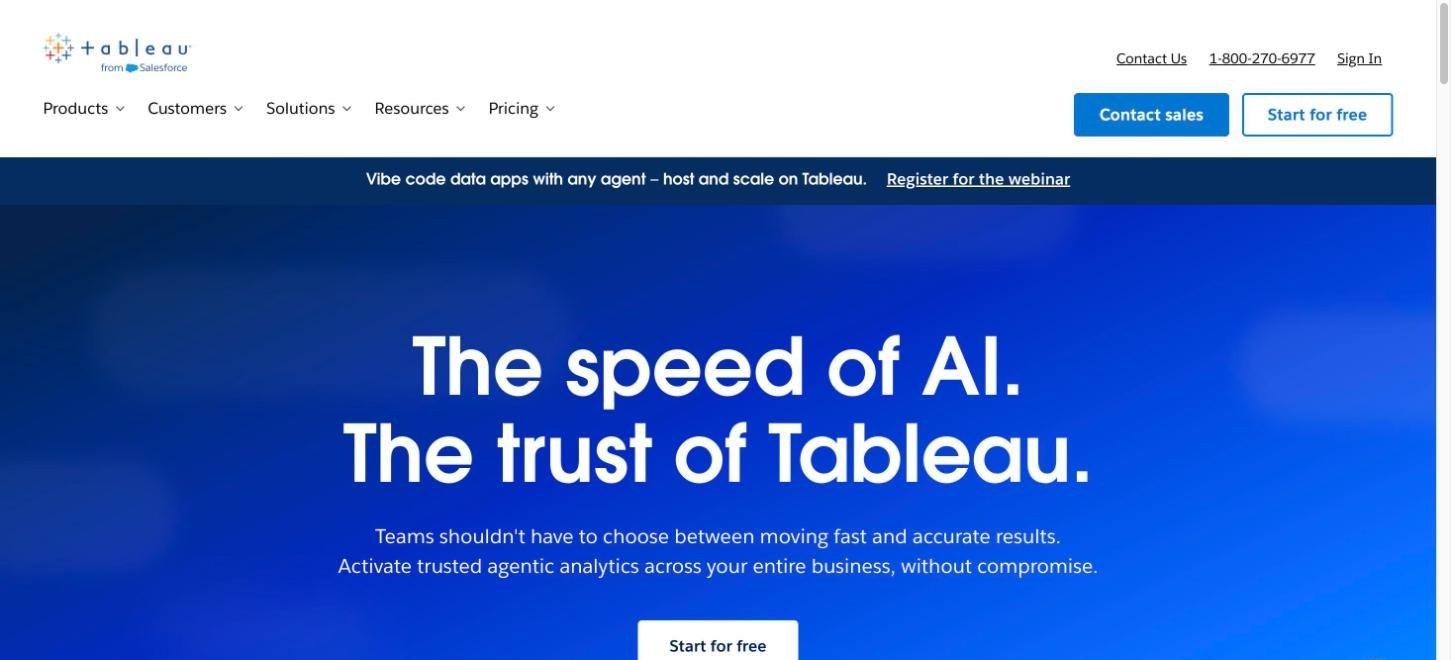
- Tableau: Tableau Pulse, included in the Standard edition, sends AI-generated metric digests and insights. Tableau Agent, which answers plain-English questions, comes with Tableau+, Cloud+, or Tableau Next (from $40 per user per month), not the Standard Creator seat.
- ThoughtSpot: Search-style analytics with interactive Liveboards and Spotter, its AI analyst agent. Plans start at $25 per user per month on annual billing.
- DataRobot: Automates building predictive models without a full data science team. Pricing is by quote.
- Real example: Red Hat built an internal marketing intelligence platform called MINE. Its Databricks customer story reports a 70% improvement in time-to-insight and roughly 34,000 hours saved a year.
| Tool | Starting price | Best for |
|---|---|---|
| Tableau | Viewer $15/user/mo, Creator $75/user/mo (annual); Tableau Next from $40/user/mo | Companies that already report in Tableau |
| ThoughtSpot | From $25/user/mo (annual) | Self-serve questions on live data |
| DataRobot | By quote | Predictive models without a data science team |
Best for: teams that rely on reports but don't have a dedicated analyst.
HR and recruiting
AI handles routine HR questions and speeds up hiring admin, which frees HR staff for the conversations that need a person.
- Salesforce Agentforce for Employees: Employee-facing agents inside Salesforce and Slack that answer questions such as PTO balances and run routine workflows. Pricing uses Flex Credits plus a $5 per user license.
- Slack-based HR bots: Onboarding checklists, milestone shout-outs, and review reminders inside the workspace employees already use.
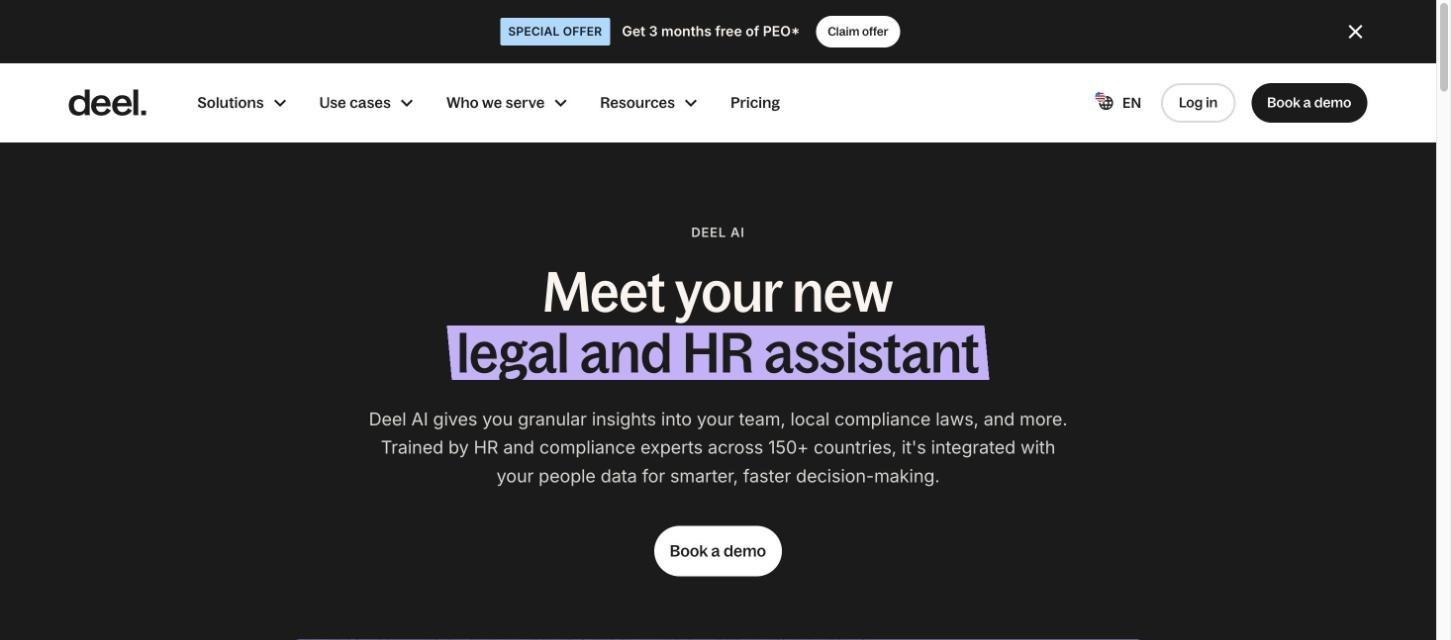
- Deel AI: Answers questions on local employment and compliance rules, drawing on Deel's legal and HR experts across 150+ countries. It's included with all Deel products.
- Common uses: resume screening, candidate matching, interview scheduling, and policy questions.
- Responsible use: keep a human in the loop for hiring decisions, test screening tools for bias, and keep an audit trail of how candidates were ranked.
Best for: growing teams and businesses hiring outside their home country.
AI solutions for small business
Small business AI solutions don't need a server, a data science team, or model training. Several tools have free plans that are enough to test one workflow before paying anything:
- Free plans worth starting with:
- Zapier's free plan for basic two-step automations (100 tasks a month)
- Tidio's free plan for customer chat (50 billable conversations a month)
- Clay's free plan for lead lists (500 actions and 100 data credits a month)
- Synthesia's free Basic plan for short training videos
- Free trials: Lindy offers a 7-day trial with $50 in credits, which is enough to test one multi-step agent.
- Realistic setup time: a few hours per tool to connect accounts, set rules, and test real data.
- What "no IT team required" really means: drag-and-drop or plain-language setup, but someone still owns the configuration and checks the output every week.
- Where to start: pick the single most repetitive task, such as answering FAQs, data entry, or follow-up emails, and automate that first.
For most owners, the best AI solutions for small businesses are the ones that remove an hour of repeat work a day, not the ones with the longest feature list.
Custom AI solutions vs off-the-shelf tools
Off-the-shelf tools cover common jobs well, but every business has at least one process that doesn't fit a template. That's where custom AI business solutions come in.
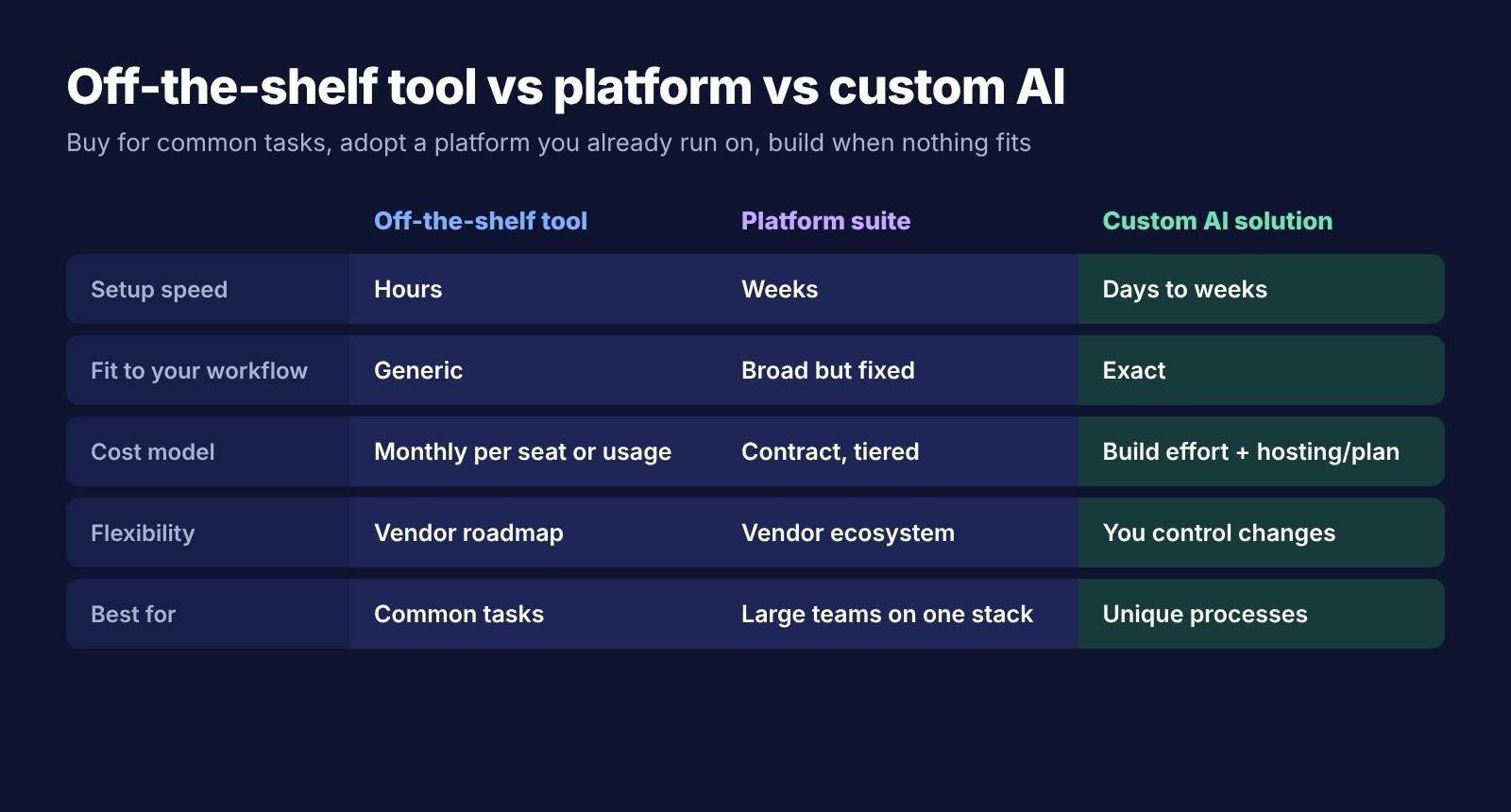
| Off-the-shelf tool | Platform suite | Custom AI solution | |
|---|---|---|---|
| Setup speed | Hours | Weeks | Days to weeks |
| Fit to your workflow | Generic | Broad but fixed | Exact |
| Cost model | Monthly per seat or usage | Contract, tiered | Build effort + hosting or plan |
| Flexibility | Vendor roadmap | Vendor ecosystem | You control changes |
| Best for | Common tasks | Large teams on one stack | Unique processes |
- Buy if: the task is common, such as support chat, meeting notes, or copywriting, and a tool already does it well.
- Choose a platform if: you already run on that ecosystem, for example, a Salesforce CRM, and want AI across several departments.
- Build custom if: your workflow is specific enough that no tool fits, you've outgrown your current platform, or you want to own logic and data. AI app builders have made custom AI solutions for business far cheaper than hiring a development team; For example, you can describe an approvals dashboard or a reporting tool to an internal tool builder and get a working first version the same day.
How to choose the right AI solution for your business
Choosing AI for business solutions works best when you start with the problem rather than the tool.
- Start with the problem: name the bottleneck, such as slow ticket replies, manual data entry, or missed lead follow-ups, before comparing tools.
- Check data readiness: messy or siloed data slows any AI project more than the choice of tool.
- Match your team's skills: no-code tools suit non-technical teams; Custom builds need a technical owner or a builder platform.
- Check integrations: confirm the tool connects to your CRM, inbox, calendar, and docs.
- Compare total cost: price it on the scale you'll reach in a year, not just the entry tier. Usage-based pricing (per conversation, task, or credit) can grow faster than seat pricing.
- Confirm security and compliance: check where customer, health, or financial data is stored and who can access it.
- Set a baseline metric: record hours spent or response time before rollout so you can measure impact afterward.
Common mistakes when adopting AI in your business
Using AI solutions in business goes wrong in predictable ways:
- Picking a tool before defining the problem: the team ends up with a demo that impressed no one in production.
- Underestimating data cleanup and integration work: the AI is only as good as the documents and records it can reach.
- No internal owner: without one person responsible for adoption, usage fades after the first month.
- Calling a pilot a success without measuring it: compare results against the baseline you recorded, not against a feeling.
- Stacking tools that don't share data: several disconnected AI tools create duplicate work instead of removing it.
Build a custom AI solution for your business with Enter Pro
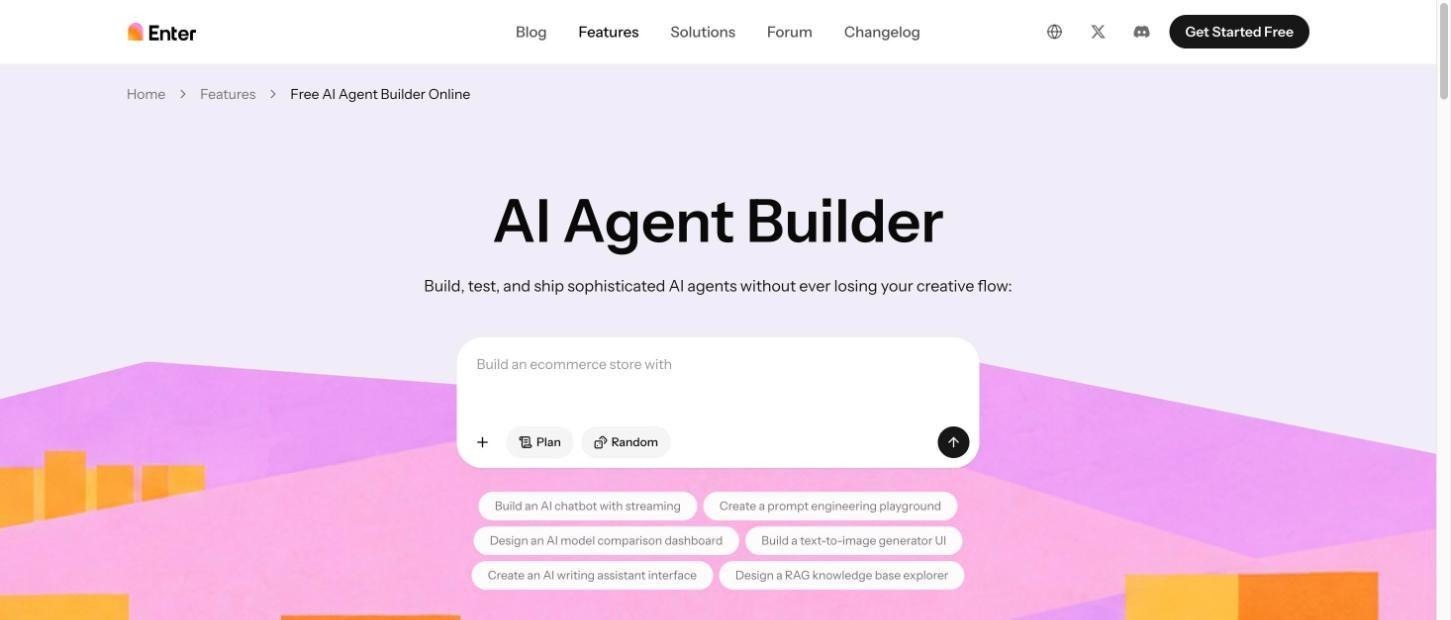
When no off-the-shelf tool fits the workflow, Enter Pro is a way to build your own without hiring a development team. You describe the process, agent, or app in plain language, and Enter Pro generates a working full-stack app or AI agent that you can edit, test, and publish. It's one of the three paths covered above, not a replacement for every tool: buy common tools, and build only where your process is different.
Key features
- AI agent builder: Create multi-step agents for support, operations, or internal workflows by chatting with the AI agent builder.
- AI app builder: Turn a prompt into a full-stack business app with a front end, back end, and database using the AI app builder.
- Plan mode: Before any code is generated, Plan mode maps user flows and the data structure and asks clarifying questions, so you can correct the plan first.
- Collaborative coding: Invite team members, set who can access the workspace, and share preview links through collaborative coding.
How to build a custom AI tool with Enter Pro
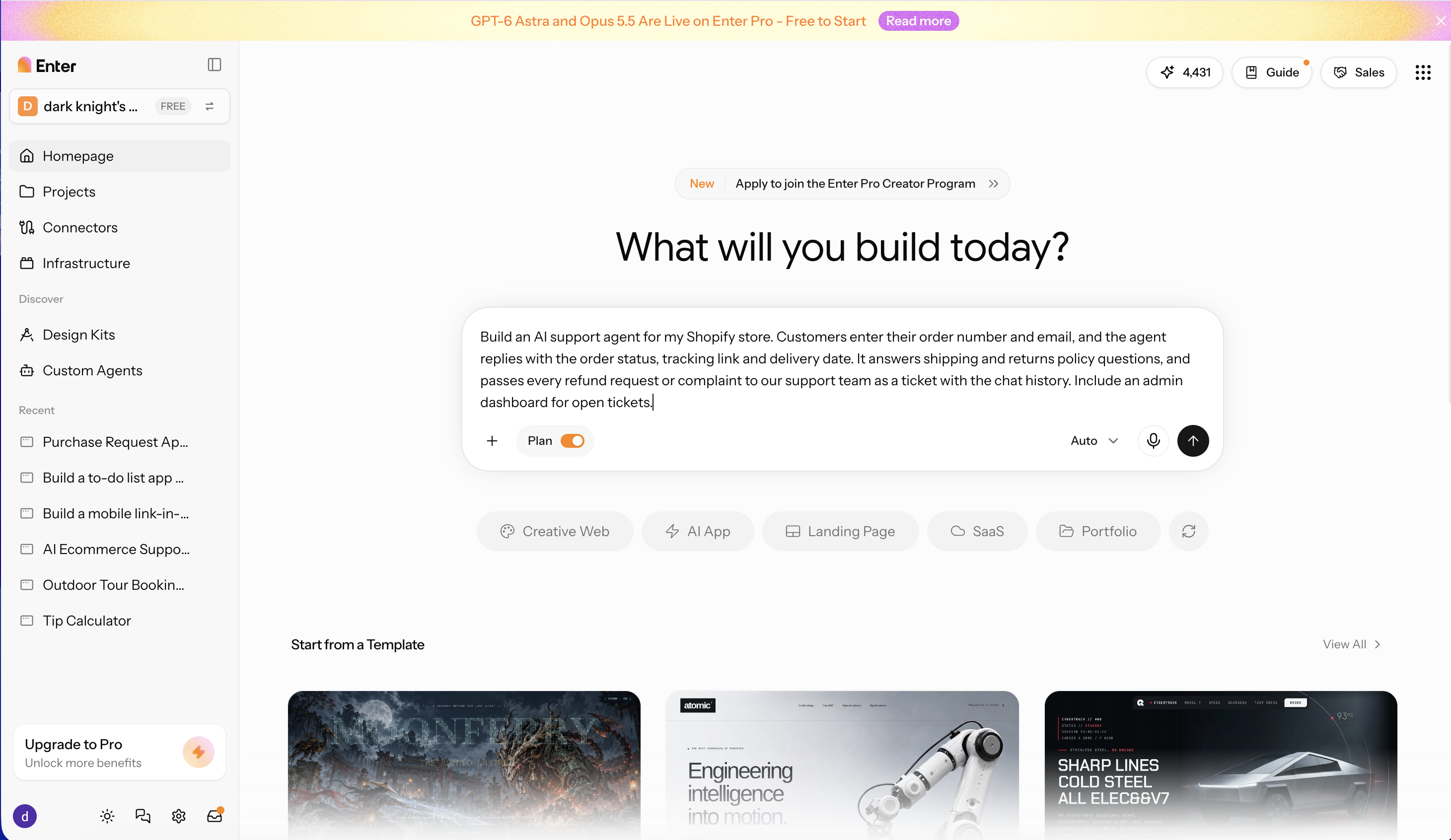
Step 1: Describe your business tool
Enter the workflow, the people who will use it, the data it needs, and the outcome you want. For example, an agent that answers order-status questions from your Shopify data and hands refunds to a person.
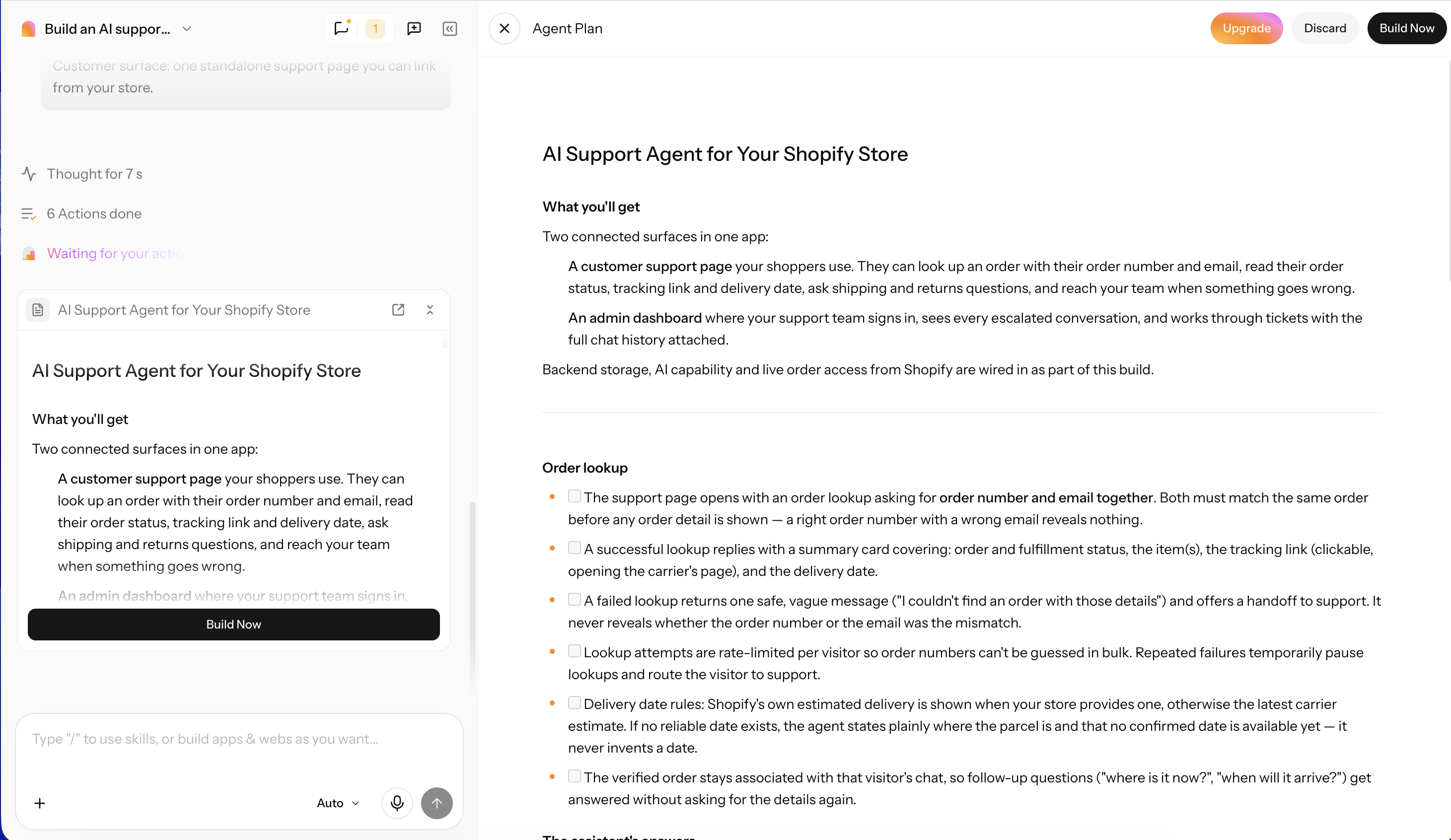
Step 2: Review the plan and generate
Check the Plan mode output, including the pages, data model, and user roles, then generate the app or agent.
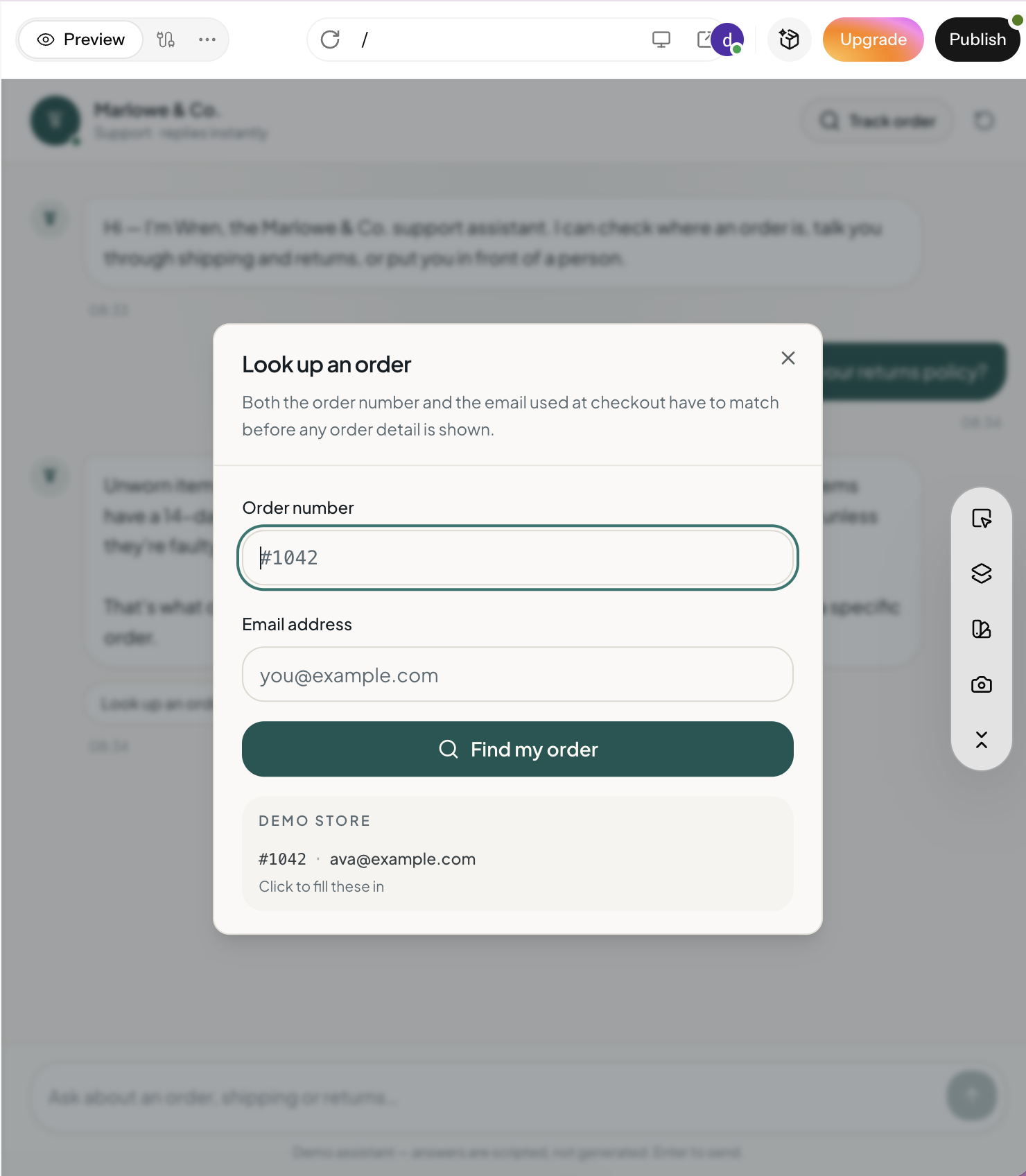
Step 3: Customize, test, and publish
Adjust the layout and logic in the visual editor or with follow-up prompts, test it with real examples from your business, then publish and share it with your team.
Conclusion
AI solutions for business aren't one product. They cover customer service, sales and marketing, operations automation, data and analytics, and HR, and each category has proven tools at different price points, from free plans to quote-only enterprise contracts. Start with the specific problem your team faces, check your data and your team's skills, and pick the tier that fits: a ready-made tool, a platform you already use, or a custom build. If your workflow doesn't match any off-the-shelf option, Enter Pro lets you build a custom AI app or agent around the way your business already works. Try it now to start your business!
FAQs about AI business tools
How much do AI solutions cost for a small business?
Many tools have free plans that cover a first workflow, such as Zapier (100 tasks a month), Tidio (50 billable conversations a month), and Clay (500 actions a month). Paid plans for single tools typically run from about $20 to $70 per user or per month, while platform suites are priced by contract or usage. Budget for the plan you'll need at full use, not just the entry tier.
What are the best AI solutions for small businesses with no technical team?
No-code tools such as Tidio for customer chat, Zapier for app integrations, Synthesia for training videos, and Clay for lead generation can help teams handle routine tasks without coding. If you need a tool designed around your own business process, Enter Pro's AI app builder lets you describe the app in plain language and generate an editable web app.
Can AI solutions automate business processes and operations?
Yes. Tools such as Zapier and Lindy can automate workflows like invoice approvals, lead routing, and follow-up emails, while ClickUp Brain helps teams find information faster. You can also use Enter Pro to build a custom web app around a specific business workflow. Keep human approval steps for sensitive actions such as payments and customer refunds.
Is it better to buy an AI tool or build custom AI business solutions?
Buy when the task is common and a tool already handles it well, such as support chat or copywriting. Build when your workflow is specific, you've outgrown your current tools, or you want to own the logic and data. Many businesses do both.
What is the best AI system to use for business?
There isn't one best system for every company. The right choice depends on the problem: a chatbot such as Tidio for support, Gong for sales calls, Zapier for automation, or Tableau and ThoughtSpot for analytics. Companies already invested in one ecosystem, such as Salesforce, often get the most from that platform's built-in AI. For businesses that need an application tailored to their own workflows, Enter Pro's AI app builder is another option.
How to use AI to improve business operations?
Start with one repetitive, measurable task, such as data entry or answering internal questions, and record how long it takes today. Automate it with a no-code tool, check the output weekly, and expand to the next task once you've seen a measurable gain against that baseline.