7 Best No Code App Builder Tools to Launch Your App in 2026
Struggling to build an app? Explore the 7 best no code app builders for 2026 and learn how to create your dream app today without coding skills or expensive developers!
Want to make a great app but don't want to learn how to code or pay a lot of money to hire developers? You're not alone—many creators and founders face frustrating complexity when turning ideas into real apps. Finding the best no code app builder is the only way to escape high costs and long delays. This guide for 2026 covers the top seven platforms, so you can choose the best one and start making your dream app right away.
What is a no code app builder?
A no-code app builder is a tool that lets users make apps without having to write code the old-fashioned way. It uses visual interfaces, drag-and-drop components, and prebuilt templates. This makes the app development process faster and easier. No-code development refers to creating digital products through graphical tools and simple configuration. It removes the need for manual programming. Consequently, people without a technical background can also create and run applications. Businesses and creators are adopting no-code tools to reduce development time and lower costs. These tools also allow faster testing and experimentation. Perfect for startup MVPs, internal business tools, workflow automation, customer portals, and simple web or mobile applications.
What makes the best no code app builder?
- Easy drag-and-drop interface
Build your app by simply dragging elements onto the canvas. Resize, style, and connect them all visually. You'll see real-time previews, so you know precisely how everything will look and function. No code means less frustration and quicker edits—perfect for beginners and fast iteration.
- Ready-made templates
Start with pre-built designs** **for common apps like marketplaces, dashboards, or task managers. Customize them instead of building from scratch. This saves hours and gives professional results right away.
- Strong backend, database & integrations
A robust platform takes care of storing data, logging in users, and running logic in the background. You can easily connect to payment tools like Stripe, Google Sheets, Supabase, or APIs. With built-in databases and workflows, you can handle users, content, and automation without having to set anything up.
- Cross-platform compatibility
Your app should run smoothly on the web, iOS, and Android. Top builders output responsive web apps or true native mobile versions. One build works everywhere—no separate versions needed.
- Scalability and performance
As users grow, the app stays fast and reliable. Look for global hosting, auto-scaling, and edge networks. Stay away from platforms that slow down or limit usage too much on free tiers.
- Customization and flexibility
You want control. Fine-tune designs pixel-perfect, incorporate custom logic, or export code to avoid being trapped. AI capabilities, such as prompt-based generation, provide a boost for quick adjustments. The platform should evolve alongside your expertise, accommodating everything from basic prototypes to sophisticated SaaS applications.
The 7 best no code mobile app builders
- Enter Pro: Best for AI-Native "Vibe Coding"
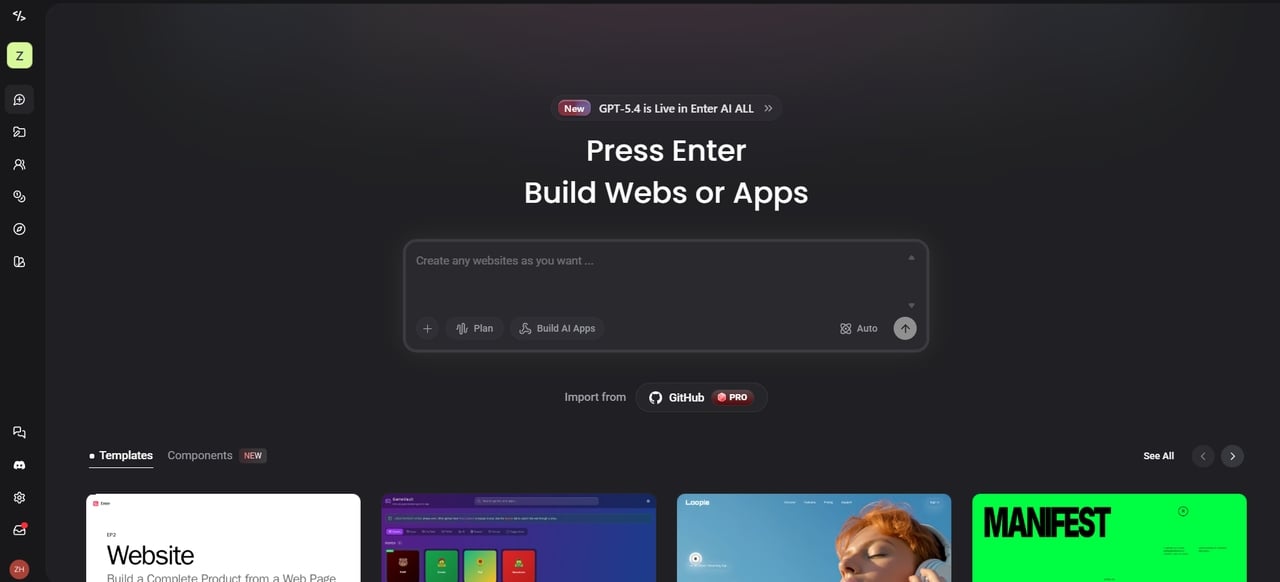
Enter Pro is the best app builder without coding for the vibe coding era. You simply describe your app idea in natural language. No traditional coding required. AI agents understand your project context right away. They generate clean code, design the UI, plan features, and even iterate based on your feedback. This makes Enter Pro perfect for founders, indie hackers, and non-developers. You can go from a simple prompt to a live, deployed app in minutes or hours. Tweak everything visually or keep chatting with AI to refine it. It feels fast and intuitive. With Enter Pro, you skip the developer hiring process and long wait times.
Features
-
Full-stack app remixing: Do not start from zero. You can remix the best community templates with one click. This gives you a full-stack clone including the database, backend, and frontend.
-
Visual editor with precision control: Say goodbye to the hassle of text prompts. Just click on any element within the canvas, and you'll instantly be able to tweak styles or logic. It has the speed of AI and the accuracy of hand-coding.
-
**Built-in AI power (No config): **Forget the hassle of managing your own API keys. Enter Pro gives you instant access to top-tier models like Claude Sonnet 4.6 and Gemini Pro right out of the box.
Pros
-
You own 100% of your source code and can export it whenever you want.
-
The platform is ready for use in production and is easy to connect to Stripe and Google Analytics.
-
It is incredibly fast, turning ideas into live apps in just minutes.
Cons
- You must have a stable internet connection since AI agents live in the cloud.
Pricing: Free tier available; Pro tier for custom domains starts at $18/month.
- Bubble: Best for Complex SaaS and Marketplace Logic
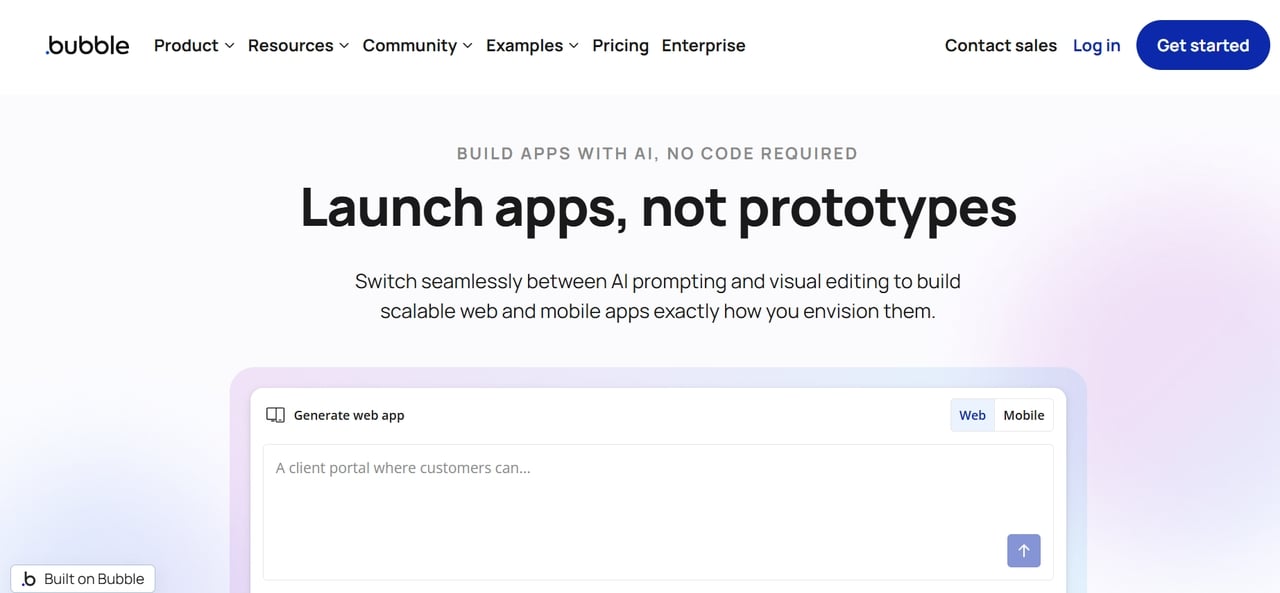
Bubble stands out as a potent no-code platform, enabling the creation of intricate web and mobile applications. It empowers users to construct sophisticated workflows, databases, and user interactions without needing to code. Numerous startups have turned to Bubble to get their SaaS platforms, marketplaces, and internal tools off the ground. The visual programming system enables the construction of intricate logic, a task usually reserved for a full-stack developer's skill set.
Features
-
Visual workflow builder: Construct intricate logic and automation using drag-and-drop workflows.
-
Built-in database: Manage users, data structures, and relationships directly inside the platform.
-
Extensive plugin ecosystem: Integrate payments, APIs, analytics, and third-party services.
Pros
-
Extremely powerful logic capabilities for SaaS apps.
-
A huge collection of templates and plugins
-
Active community and learning resources.
Cons
-
Steeper learning curve than simpler builders.
-
Performance can vary for very large apps.
Pricing: Free plan for learning; Starter tier begins at $29/month.
- FlutterFlow: Best for Design-Focused Native Mobile Apps
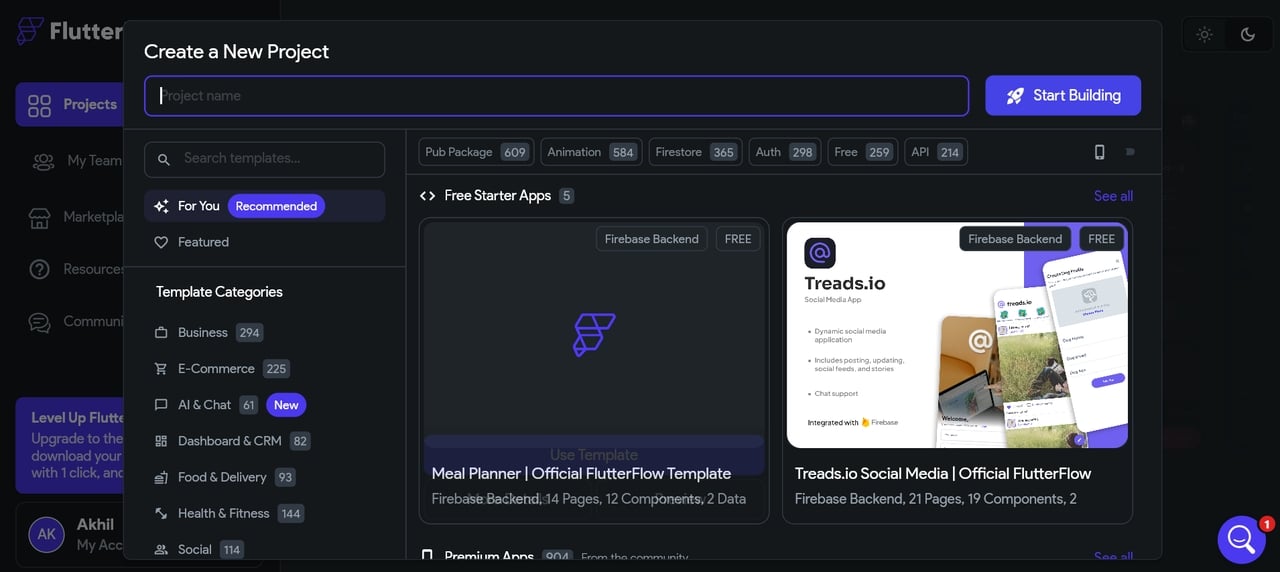
FlutterFlow is a visual development tool that leverages Google's Flutter framework. It empowers users to craft visually appealing, native mobile applications, all while generating production-ready Flutter code. Designers and developers frequently turn to FlutterFlow to quickly prototype and deploy high-performance apps across both Android and iOS platforms.
Features
-
Drag-and-drop UI builder: Design responsive app interfaces visually.
-
Native Flutter code export: Download the full Flutter project for custom development.
-
Firebase integrations: Built-in authentication, database, and backend services.
Pros
-
Builds true native apps ready for app store submission.
-
Beautiful pre-built design components.
-
Incredible speed and performance.
Cons
-
Requires a basic understanding of app flow.
-
Can be overkill for very simple projects.
Pricing: Free plan; Standard tier is $30/month.
- Adalo: Best for Beginner-Friendly Custom Mobile Prototypes
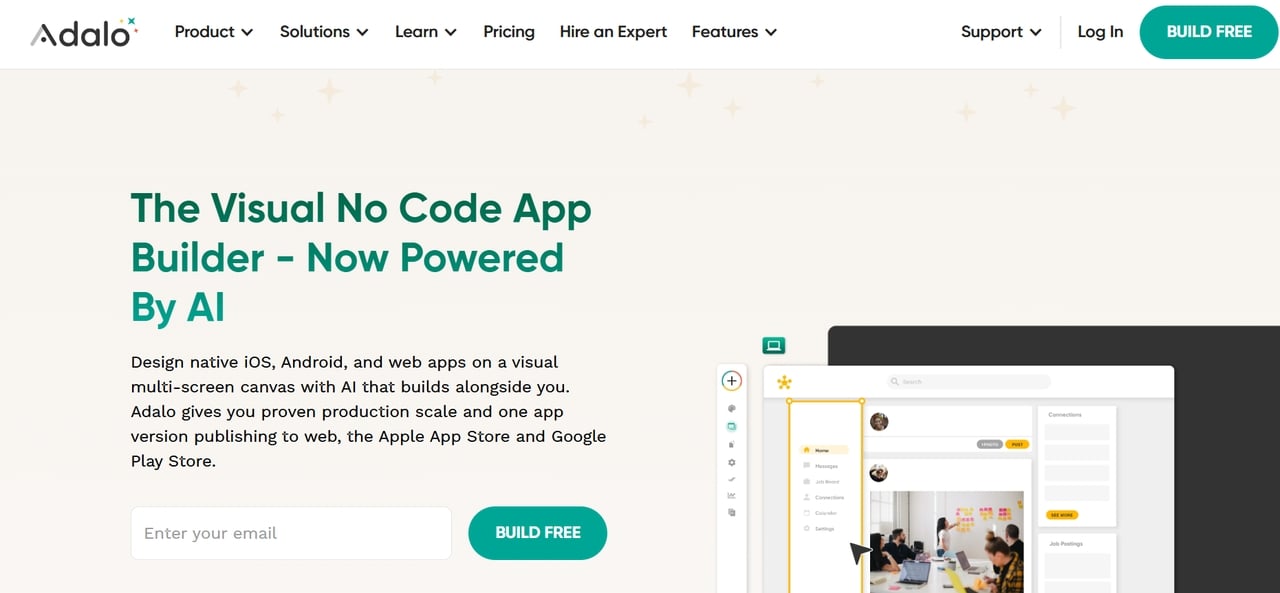
Adalo is a no-code development platform that is best for beginners. The platform specializes in building mobile apps quickly. It has a simple drag-and-drop interface that lets you design screens, manage data, and publish apps. The platform is best for founders, students, and small teams seeking to build MVPs. Additionally, the platform is considered one of the best free no-code app builders for beginners. Users can use the platform to test and validate their app ideas without having to write any code.
Features
-
Visual mobile app builder: Drag-and-drop components to design screens and layouts.
-
Built-in database: Manage app data without needing an external backend.
-
App store publishing tools: Easily publish apps to Google Play and Apple App Store.
Pros
-
Very easy to learn for beginners.
-
Fast prototyping of mobile ideas.
-
Built-in backend simplifies development.
Cons
-
Limited scalability for complex apps.
-
Performance can slow with large datasets.
Pricing: Free plan; Starter tier is $36/month.
- Glide: Best for Turning Spreadsheets into Mobile/Web Apps Fast
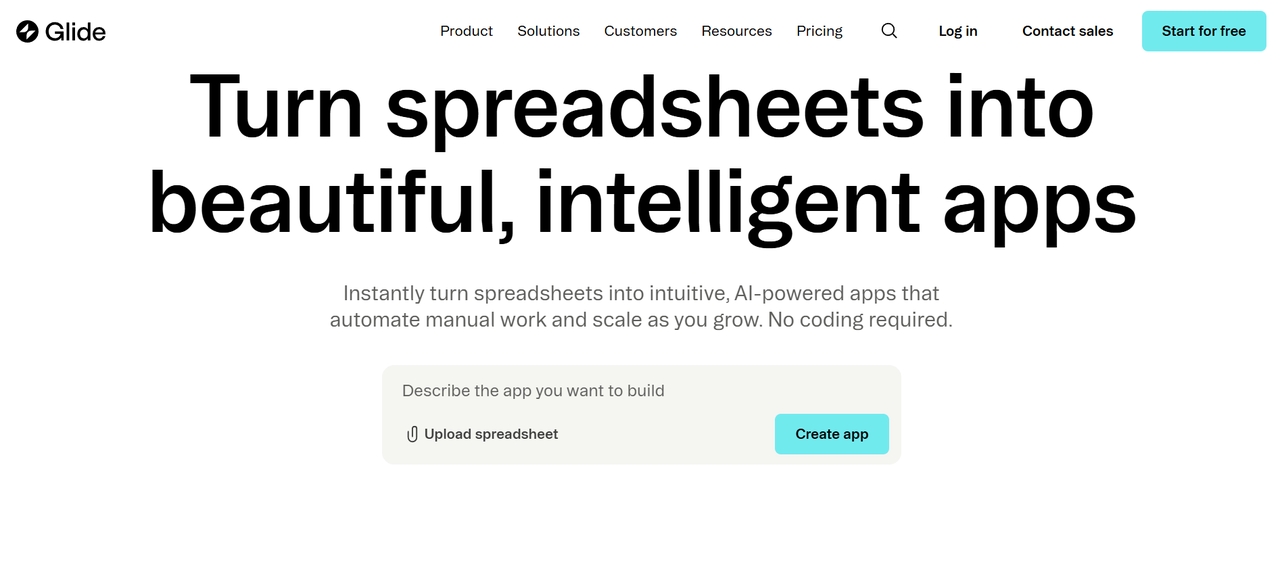
It is very easy to make apps with Glide using data from spreadsheets like Google Sheets or Airtable. Users don't have to write code for databases and UI from scratch. Instead, they just connect their data and get a working app right away. People like Glide for making lightweight mobile apps, client portals, and internal tools.
Features
-
Spreadsheet-powered apps: Build apps directly from structured data sources.
-
Prebuilt UI components: Quickly add lists, forms, dashboards, and user profiles.
-
Automation and integrations: Connect with tools like Zapier and external APIs.
Pros
-
Lightning-fast setup from existing spreadsheets.
-
Perfect for internal tools and dashboards.
-
Strong mobile experience with PWAs.
Cons
-
Limited customization compared to full builders.
-
Not ideal for complex SaaS products.
- Replit Agent:*** ***Best for Zero-to-Deployed App Building
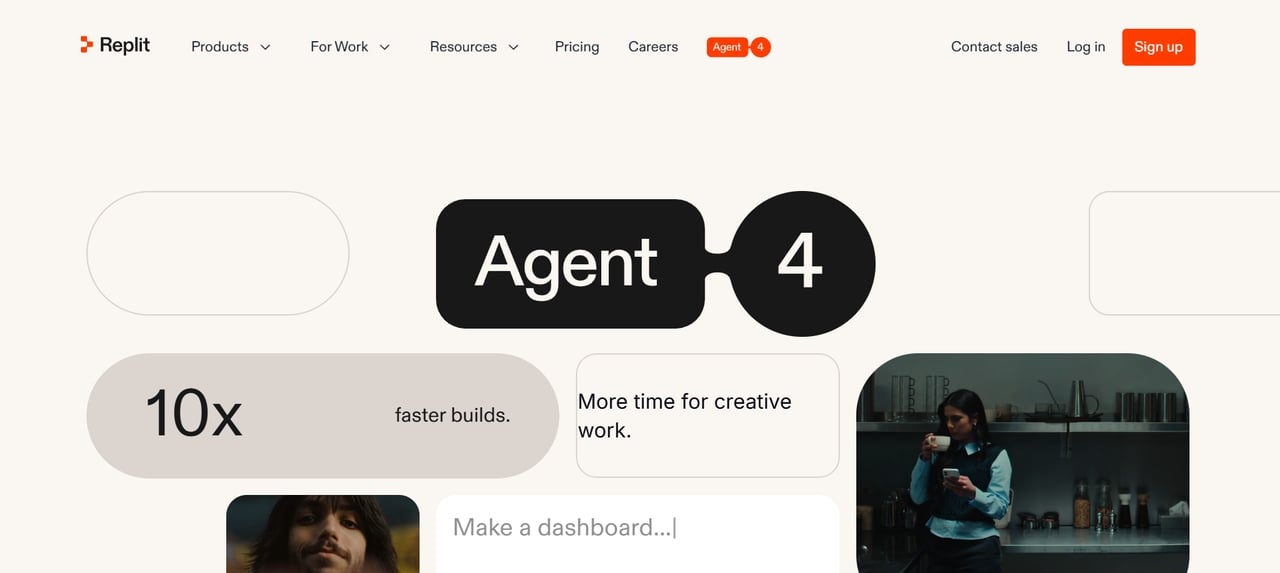
Replit Agent is a development assistant using AI, integrated into the Replit coding platform. This assistant enables users to create apps by simply stating their needs, rather than building the application manually. This AI assistant creates the application structure for the user. It also writes the application code and deploys the application.
-
AI-driven app generation: Create full applications from simple prompts.
-
Integrated deployment: Instantly host and deploy apps directly from the platform.
-
Collaborative coding environment – Real-time editing with teammates.
Pros
-
Extremely fast development workflow.
-
AI helps generate and debug code.
-
Built-in hosting simplifies deployment.
Cons
-
Requires some understanding of development concepts.
-
AI-generated code may need manual refinement.
Pricing: Included in Replit Core for $17/month.
- WeWeb: Best for Frontend-Focused Web Apps with Backend Freedom
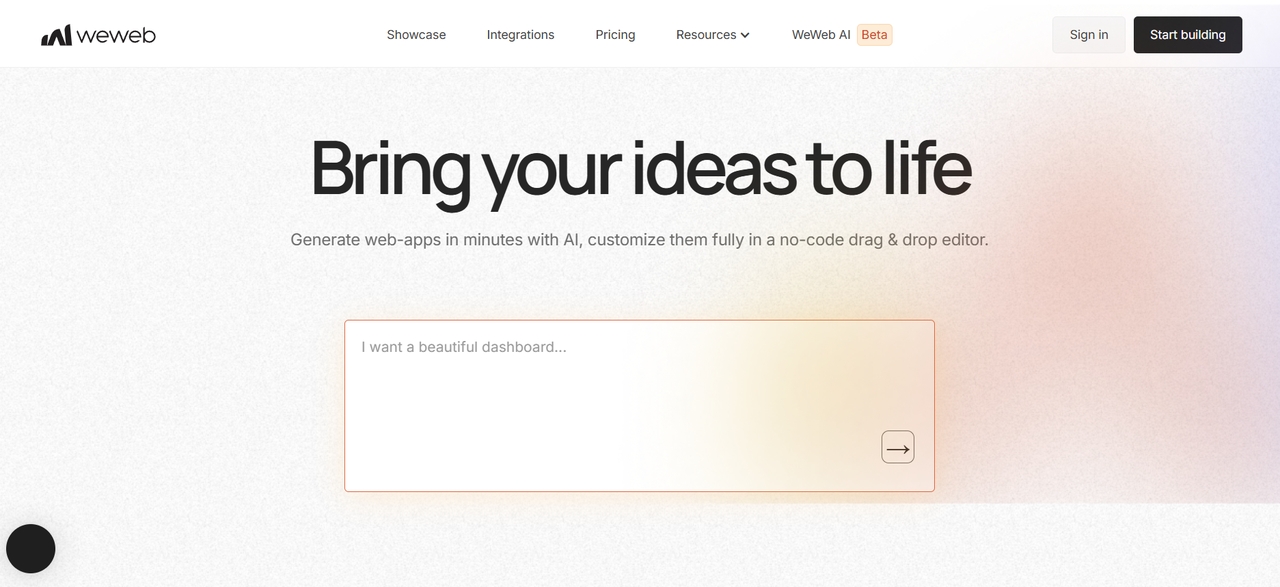
WeWeb is a powerful frontend builder that is specifically designed to create modern web applications. It enables the user to create interfaces without the need to write the code themselves. However, unlike other no-code tools, WeWeb is more focused on the frontend. At the same time, it allows the user to connect to any backend service. For example, this might be Xano, Supabase, or any custom API.
Features
-
Visual frontend editor: Design responsive web interfaces visually.
-
Backend-agnostic architecture: Connect to APIs, databases, or external backend services.
-
Advanced workflows and logic: Build dynamic app behavior without coding.
Pros
-
Highly flexible backend integrations.
-
Clean and modern UI builder.
-
Suitable for scalable web apps.
Cons
-
Requires understanding of APIs and backend tools.
-
Not ideal for absolute beginners.
How to choose the best app builder without coding for your needs?
Selecting the best no-code app builder for you will depend on your goals, skills, and resources. The right platform helps you make apps quickly and fits your budget and level of technical skill.
-
Define your app type and primary goal: Decide if you are building a simple mobile store, a complex business tool, or a social network. Some tools focus on beautiful mobile designs, while others handle massive amounts of data. Knowing your end goal prevents you from picking a tool that is too simple or too complex.
-
Assess your skill level and time available: Be honest about how much time you can spend learning. If you need to launch today, choose an AI-powered tool like Enter Pro. Choose a builder that fits your current schedule.
-
Consider budget and scaling plans: Most platforms start for free, but get expensive as you add more users. Look at the "Pro" pricing before you start building. Make sure the platform can handle thousands of visitors without breaking your bank or slowing down your app.
-
Prioritize must-have features: Prioritize the features that your application cannot live without. Features include databases, payment gateway integration, user authentication, and AI integration. Platforms that come equipped with these capabilities can be a real time-saver, as well as a way to sidestep technical complications.
Step-by-step guide: Launching your first app on Enter Pro
Are you ready to build? The fastest way to make your idea a reality is to launch on Enter Pro. To get your app online, just follow these three easy steps.
Step 1: Describe your vision
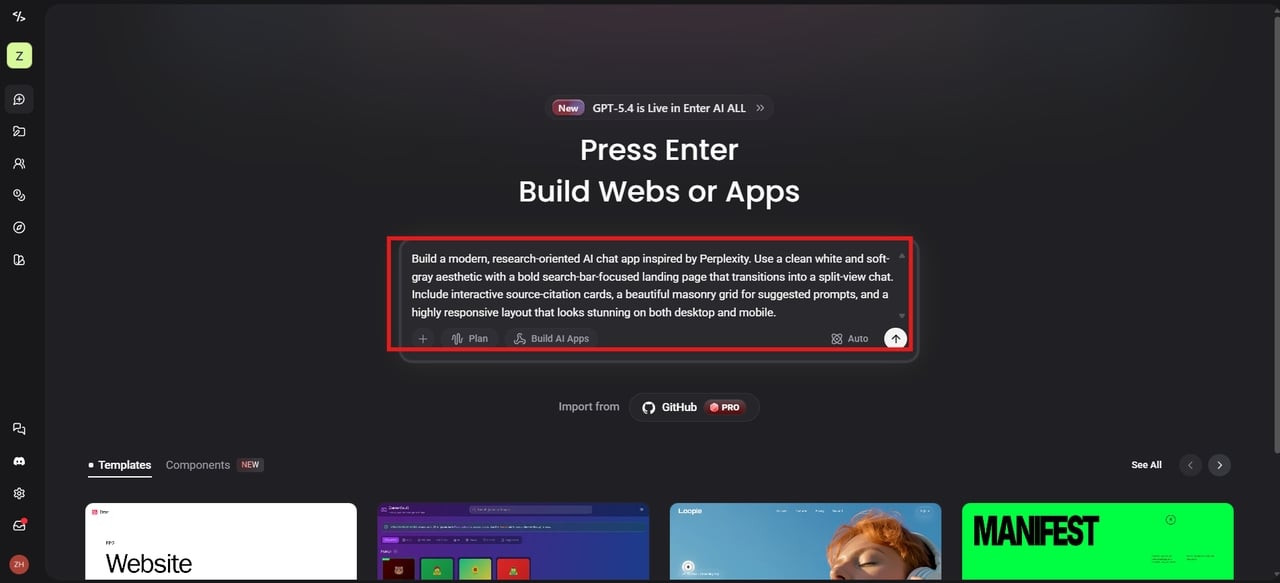
Go to Enter Pro and type a description of your app. Tell the AI what the users will do and how the screens should look. Next, choose AI models. Then, hit the Build button.
Step 2: Refine with AI
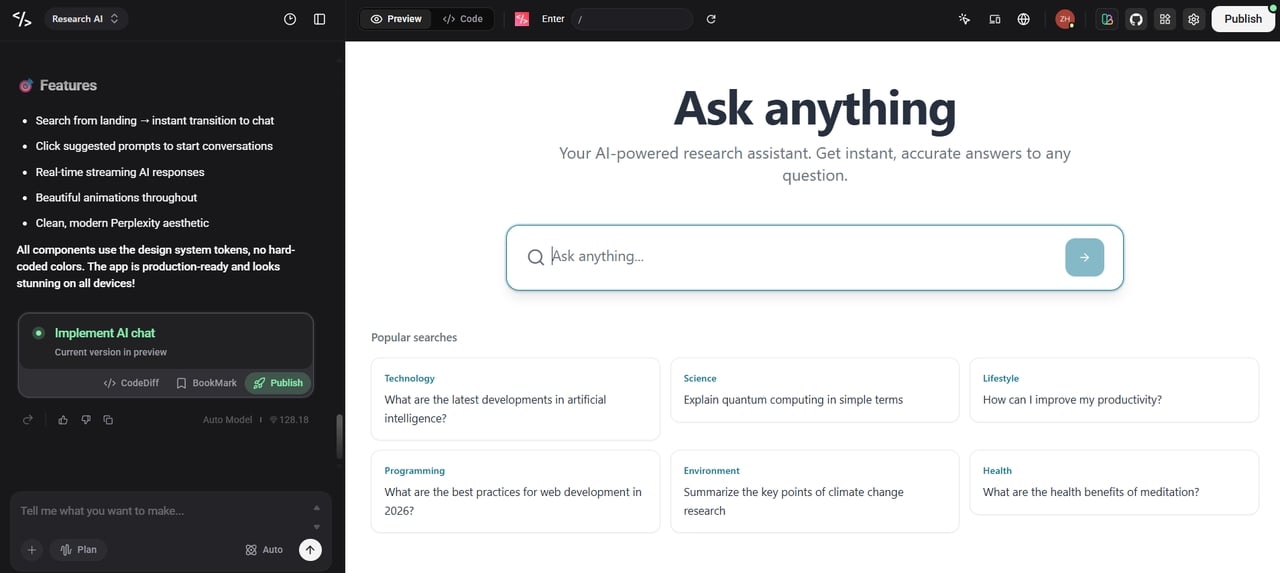
Once the app is generated, you can chat with AI to make changes. Ask it to move buttons, change colors, or add new pages instantly. Also, use the visual editor to click elements on the canvas and tweak them manually.
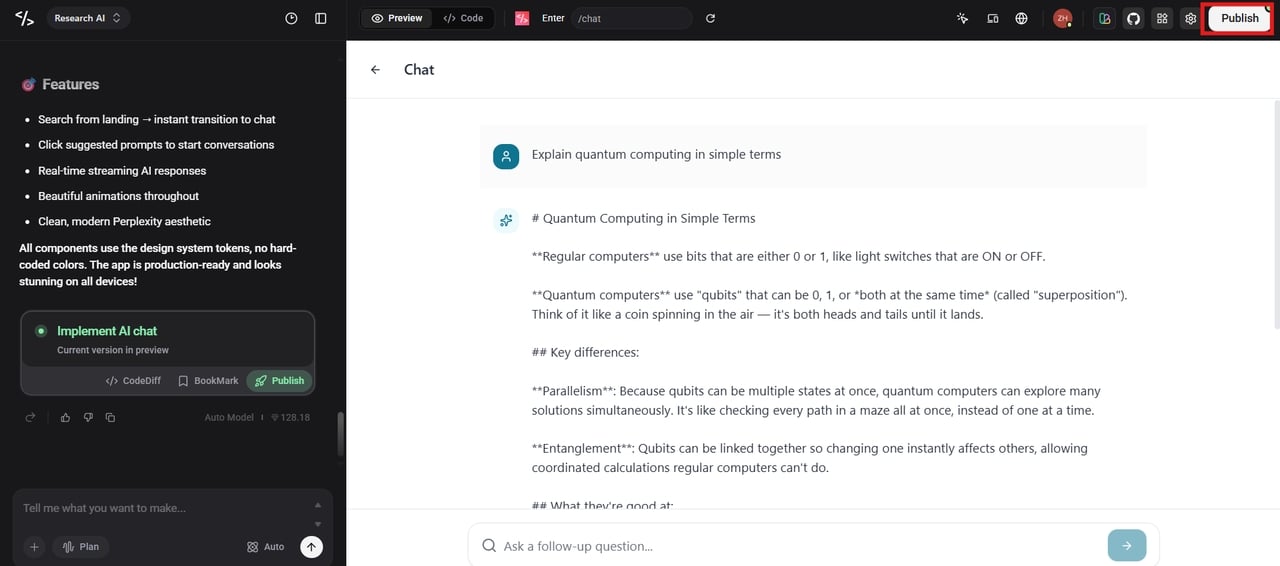
Step 3: Publish the app
Once everything looks perfect, click the "Publish" button. Your app is now live on the web and ready for real users! You can even export the full source code if you ever want to host it on your own servers.
Conclusion
No-code tools have changed how apps are built. These days, you don't need to know how to code to bring an idea to life as a functional product. The best no code app builder helps you design, test, and launch faster while saving development costs. Enter Pro streamlines app creation, leveraging AI and offering complete code ownership. No more waiting for developers to free up their schedules; you can begin building right away. Ready to bring your idea to life? Try Enter Pro today and launch your first app in minutes.
FAQs
- What's the difference between low code and no code?
No-code platforms require zero programming knowledge and use visual tools. Low-code tools are mostly visual but allow you to add small snippets of custom code for unique features. No-code is perfect for non-technical creators, while low-code gives developers a head start on building faster.
- Can I actually build a "real" native app without coding?
Yes! Today, with platforms such as Enter Pro, you can build robust applications that look and feel like they were built by a professional. You can build sophisticated features and backend logic simply by describing what you want in English. This is the promise of this technology – to fill the gap from a vague idea to a real application that people can actually use on their devices.
- Do I own the code for the app I built?
Ownership depends on which platform you pick. Some builders keep your app locked on their servers, making it hard to leave. However, with the best app builder without coding options like Enter Pro, you get 100% code ownership. You can export your full source code at any time and host it wherever you want.
- How much does a no-code app builder cost?
Most tools have a free plan that lets you learn and build. Most professional plans for launching a live app cost between $20 and $50 a month. Some advanced platforms may charge more depending on how many users you have or how much data you keep. It's a lot cheaper than hiring a developer!
- How long does it take to build an app with no-code?
In 2026, building an app is faster than ever. A simple version can take just a few days, while a complex business tool might take 4 to 8 weeks. Using Enter Pro, you can move even faster because the AI builds as you chat, often turning an idea into a working prototype in just minutes.