The 7 Best Website Builders in 2026: Build Your Online Presence
Discover the 7 best website builders of 2026! From user-friendly designs to powerful e-commerce features, find the perfect platform to launch your site today.
Are you ready to dive in and finally launch your very own website? That's a significant achievement! However, with the multitude of choices available, selecting the best website builder can seem overwhelming. But fear not; we've already sifted through the clutter. We've compiled a list of the best website creators, helping you find the ideal fit for your business and ensuring you don't waste a dime on the wrong one.
What is a website builder?
A website builder is a tool that can help you create a website without having to write code. It uses ready-made templates and drag-and-drop editors to make designing pages fast. Most website builders come with hosting, domain connection, and other features such as SEO optimization and analytics. This means you can manage everything from one place. Today's AI website builders also automatically generate layouts, texts, and images based on what you input into them. This has made it easier to create a website. Whether it's a blog, a portfolio, or a business, a website builder can make it easy to do it all.
Key features to look for in the best website builder
Finding the best website creator means knowing which tools will actually grow your business. Here are the basic features you must look for.
- Ease of use
A good website builder should be simple and intuitive. Drag-and-drop editors, ready templates, and guided setup help beginners build quickly without coding. Easy navigation reduces effort and lets you focus on content instead of technical steps.
- SEO tools
SEO tools are essential for boosting your site's search engine rankings. Look for built-in tools that help you edit meta titles, descriptions, and image alt text. These built-in features are designed to increase your site's visibility, attract organic traffic, and generally make it easier for people to find your website.
- Responsive design/templates
Most people browse the web on their phones today. Your builder should provide a responsive design that expands or shrinks as per the screen size. This keeps your professional image clear, whether it's seen on a laptop or a phone.
- E-commerce tools
E-commerce tools are a must-have if you're looking to sell online. These tools should include features like payment gateways, product pages, and inventory management. These tools will help you conduct business online in a seamless manner.
- Pricing and free plans
When you start a new project, the budget is important. Ensure that there is transparent pricing with no hidden fees for hosting and security. A free plan or trial is a good way to test the features before spending your hard-earned money.
7 best website builders in 2026
- Enter Pro: best AI website builder for no-code building
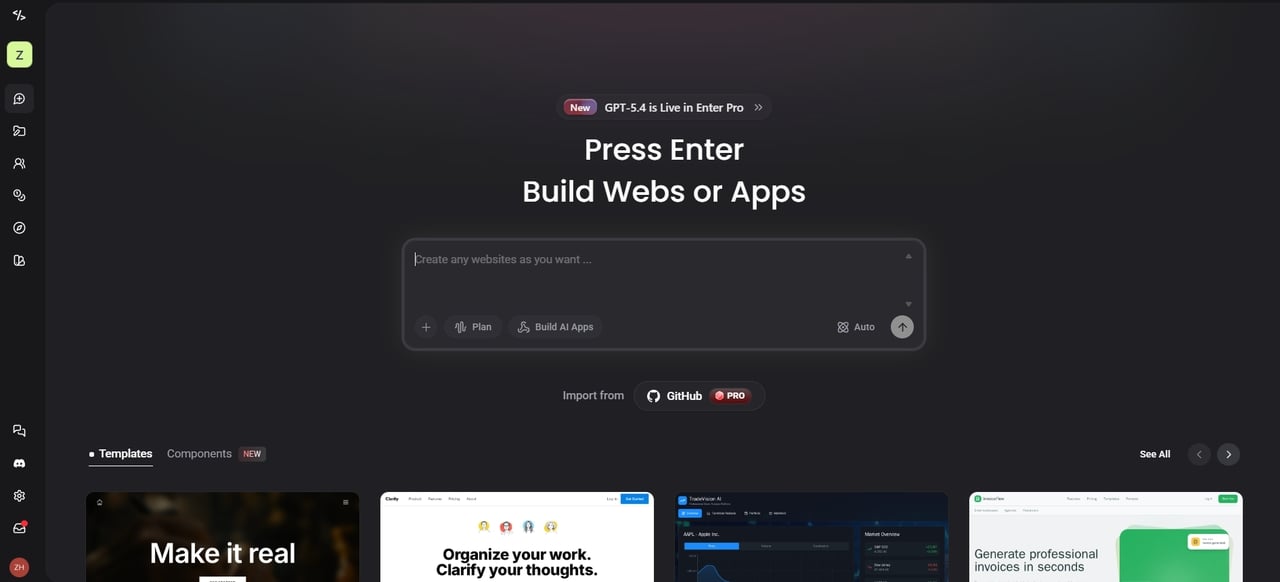
Enter Pro is the best website building platform, taking the industry by storm with its lightning-fast AI. It uses frontier models like GPT-4o, Claude 4.6 Sonnet, and Gemini 3.1 Pro to turn a simple idea into a complete website. It doesn't just give you a generic template; it builds a full-stack site with custom backend features based on your goals. You can go from a single prompt to a live URL without writing any code. With one click, your site launches onto a global edge network for insane speeds. It is perfect for those who value modern aesthetics and "vibe-coding" over complex settings.
Key Features
-
Chat with the AI Dev Agent to generate sites and apps from simple descriptions.
-
Visual editor with live preview for easy tweaks to layout, colors, and elements.
-
Built-in backend, database, storage, and integrations like Stripe or Supabase.
-
Export clean code and one-click deploy to custom domains.
Pros
-
Super fast—no coding means ideas turn live in minutes.
-
AI agents handle tough parts like planning and coding for you.
-
Great for beginners and teams with real-time collab and full ownership.
Cons
- You must have a stable internet connection since AI agents live in the cloud.
- Wix: best website builder for creative freedom
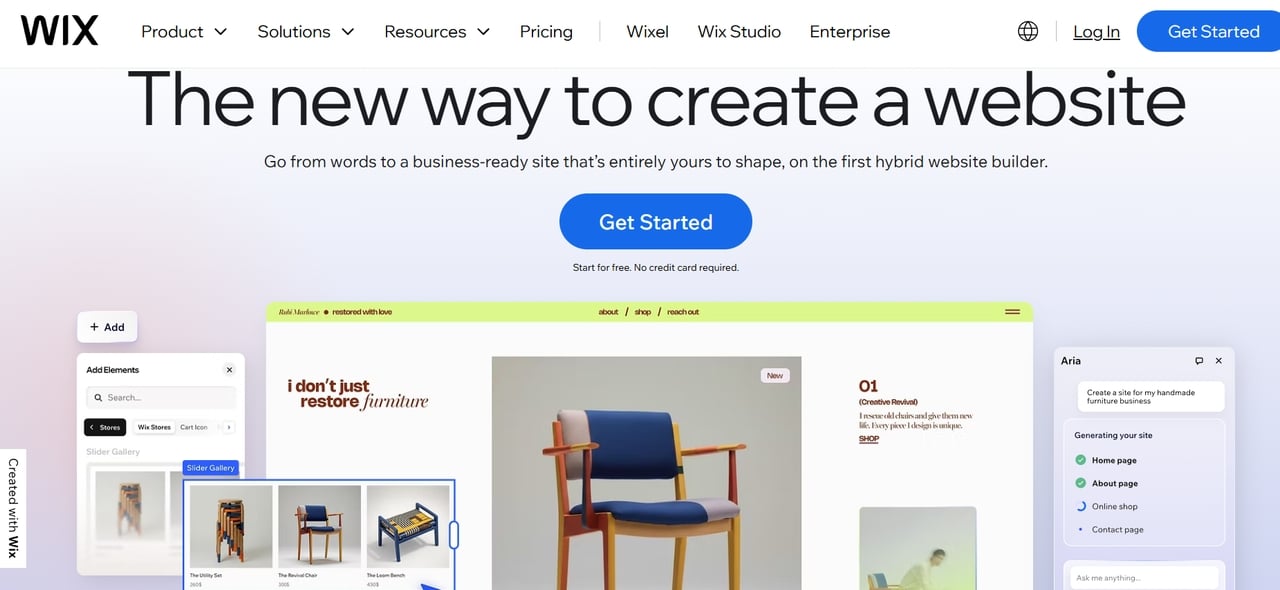
Wix is a massive platform that lets you build exactly what you imagine. It is the best website to build a website if you want to move every button and image with pixel-perfect precision. With over 900 templates and a huge app market, you can create anything from a simple blog to a complex business site. You can create unique layouts without coding skills. It also offers AI tools to speed up setup.
Key Features
-
True pixel-perfect drag-and-drop editor for total layout freedom.
-
Huge library of modern, customizable templates with built-in animations.
-
Velo platform for those who want to add custom code.
-
Massive app market with extras like forms, bookings, and advanced galleries.
Pros
-
Total creative control over every single page element.
-
Huge library of free images and design assets.
-
Excellent scaling options for growing small businesses.
Cons
-
Once you pick a template, you cannot switch it easily.
-
The huge number of features can feel overwhelming at first.
- Squarespace: best website builder for design
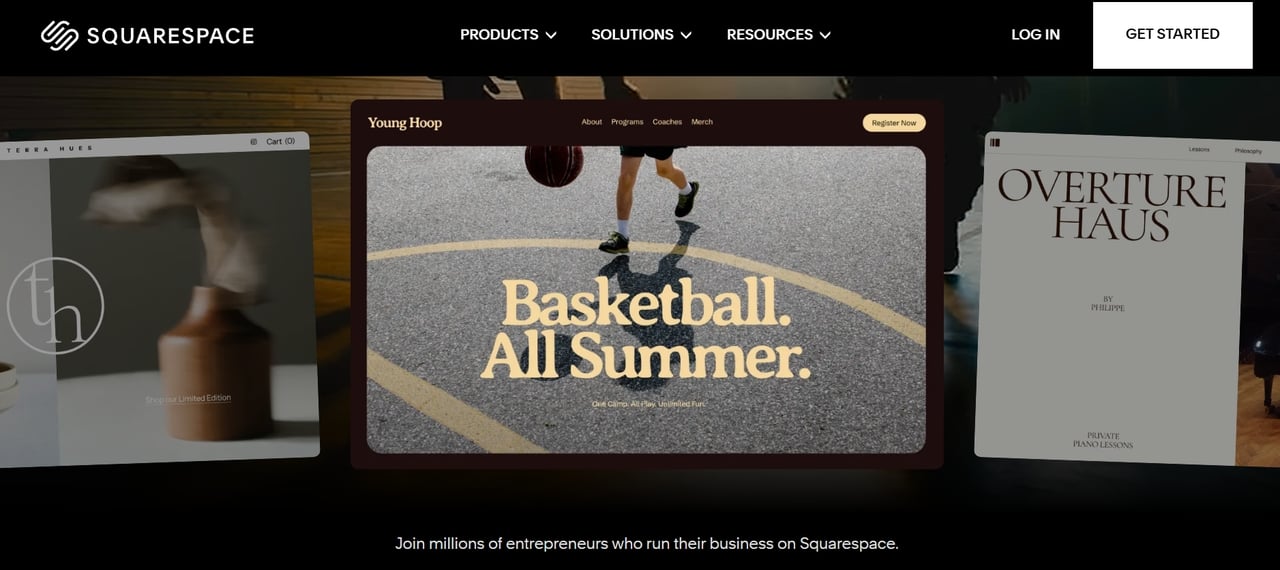
Squarespace is where beauty meets function, making it the best site builder for anyone who wants a stunning online presence. It is famous for its award-winning, high-end templates that look like they were made by a professional agency. Whether you are an artist, photographer, or boutique owner, Squarespace ensures your site stays sleek, modern, and perfectly polished across every device.
Key Features
-
Beautiful, professionally designed templates.
-
Drag-and-drop editor with easy customization.
-
Built-in blogging, scheduling, and content blocks for easy storytelling.
-
Fluid Engine editor for precise placement and responsive tweaks.
Pros
-
Easy to use, even for beginners.
-
All-in-one platform with hosting and built-in tools.
-
Excellent mobile app that lets you manage and edit your site while traveling.
Cons
-
There is no free-forever plan, though they offer a 14-day trial to test features.
-
The editor has a slight learning curve because it prioritizes high-end design layouts.
- Hostinger: best website builder for budget-conscious users
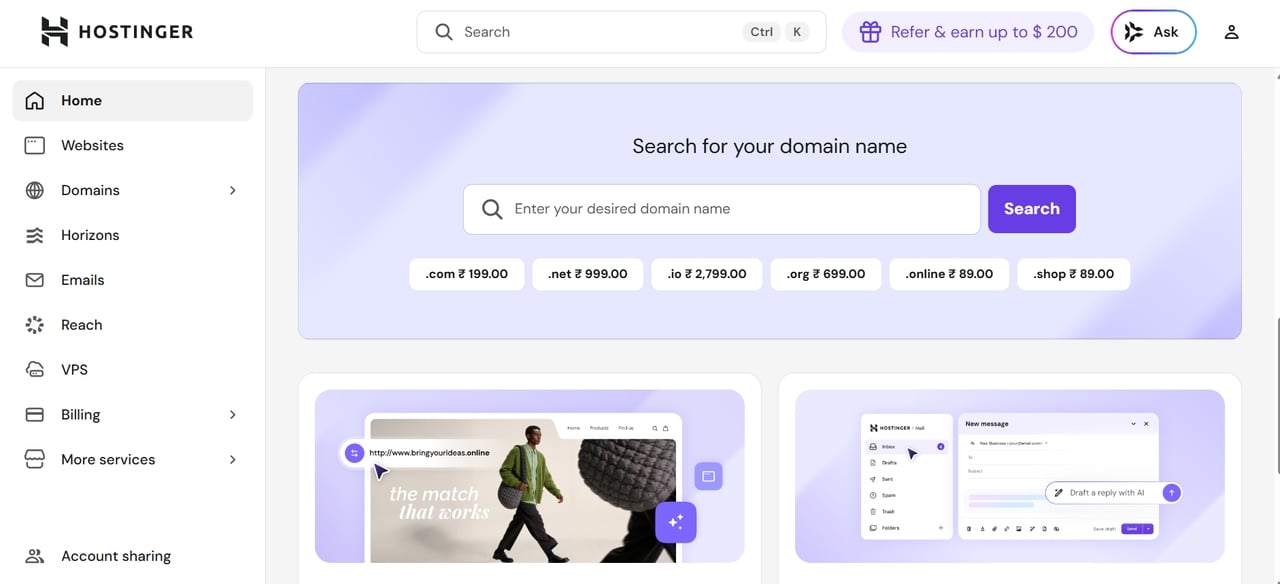
If you want to go online without breaking the bank, then Hostinger is your go-to service. It has an extremely affordable all-in-one plan that comes with fast hosting and a great AI builder. Not only that, but it is perfect for startups because you can get a beautiful professional website with just a few dollars each month. It is the best site maker when you need to create a website with a tight budget but without sacrificing quality.
Key Features
-
The AI website builder creates a ready site from your text prompt in seconds.
-
Very affordable plans with free domain on most tiers and fast hosting included.
-
Drag-and-drop editor plus heatmaps to see what visitors click most.
-
Built-in SEO tools, SSL encryption, and email setup.
Pros
-
Extremely low prices make it easy to start without risk.
-
Extremely fast page loading speeds thanks to advanced server technology.
-
Simple, clutter-free editor that is very easy for absolute beginners to master.
Cons
-
You cannot switch to a different template once your website is live.
-
Some advanced features require upgrading to higher tiers.
- Shopify: best web builder for scalable e-commerce
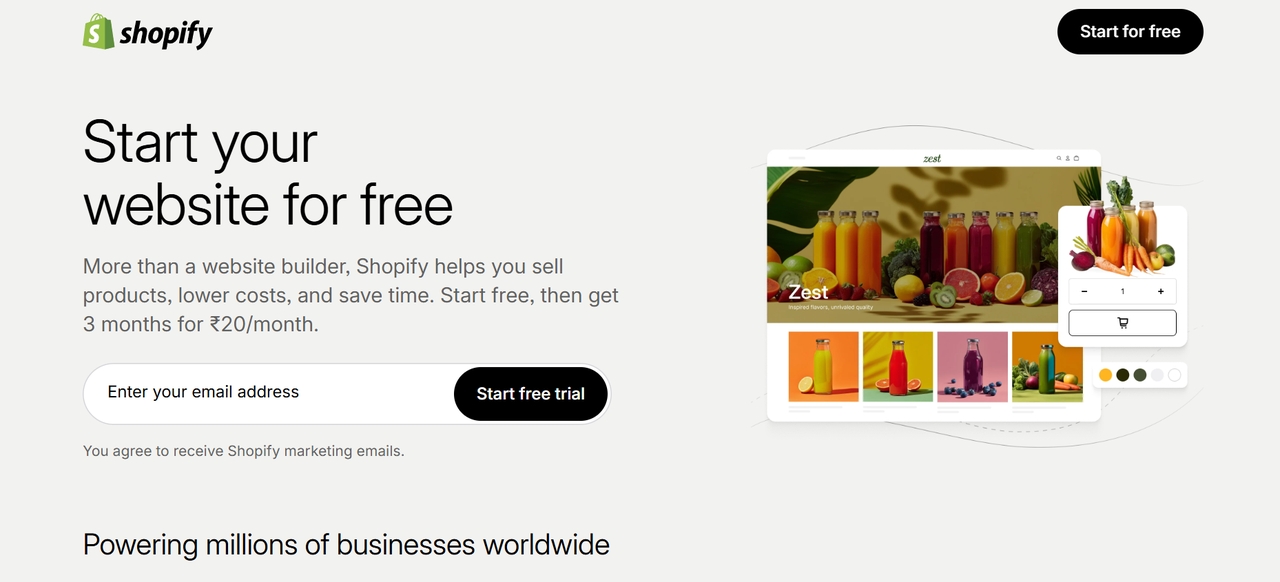
Shopify is one of the leading e-commerce website builders that assists businesses of all sizes. The website builder makes it easier to create and manage online stores. Additionally, users can easily scale their stores as their business expands. The website builder does not demand technical knowledge, making it suitable for new users. It has built-in features that assist users with payments, inventory management, and marketing. These features make it easier to sell through various channels. The website builder is reliable due to its cloud-based services. Shopify is flexible enough to cater to various business needs.
Key Features
-
World-class secure checkout and payment processing.
-
Massive ecosystem of apps for shipping and inventory.
-
Point-of-Sale (POS) integration for physical stores.
-
Advanced analytics to track your sales growth daily.
Pros
-
Handles high volume without ever slowing down.
-
Easy to sync with Amazon, eBay, and social media.
-
Best-in-class security for sensitive customer data.
Cons
-
Monthly fees start higher, especially for advanced plans.
-
Extra transaction costs apply if you skip Shopify Payments.
- Webflow: best for advanced design and no-code professionals
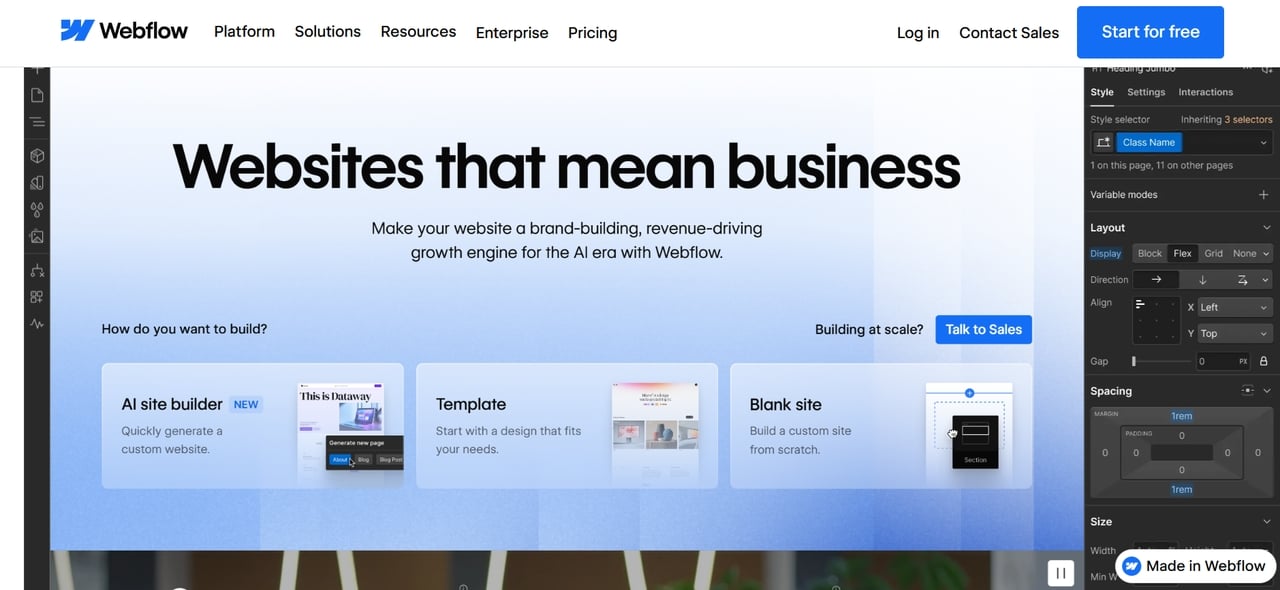
Webflow is often regarded as the best website to make a website. It is best suited for designers and no-code professionals, as it allows for full control over the design process. It combines visual design with clean code generation. This allows users to build responsive and high-performance websites easily. Webflow has built-in tools for CMS, hosting, and SEO. These features make it easier for professionals to design, launch, and run websites without having to rely on developers or complicated coding processes.
Key Features
-
Complete control over box model and CSS properties.
-
Logic-based workflows for custom site interactions.
-
CMS for managing large amounts of dynamic content.
-
High-end hosting powered by Amazon Web Services.
Pros
-
Advanced design flexibility with pixel-perfect control.
-
Exports clean code if you ever want to leave.
-
Exceptional performance and SEO capabilities.
Cons
-
Steep learning curve for beginners.
-
Costs add up for bigger sites or more features.
- Framer: best for interactive and modern web experiences
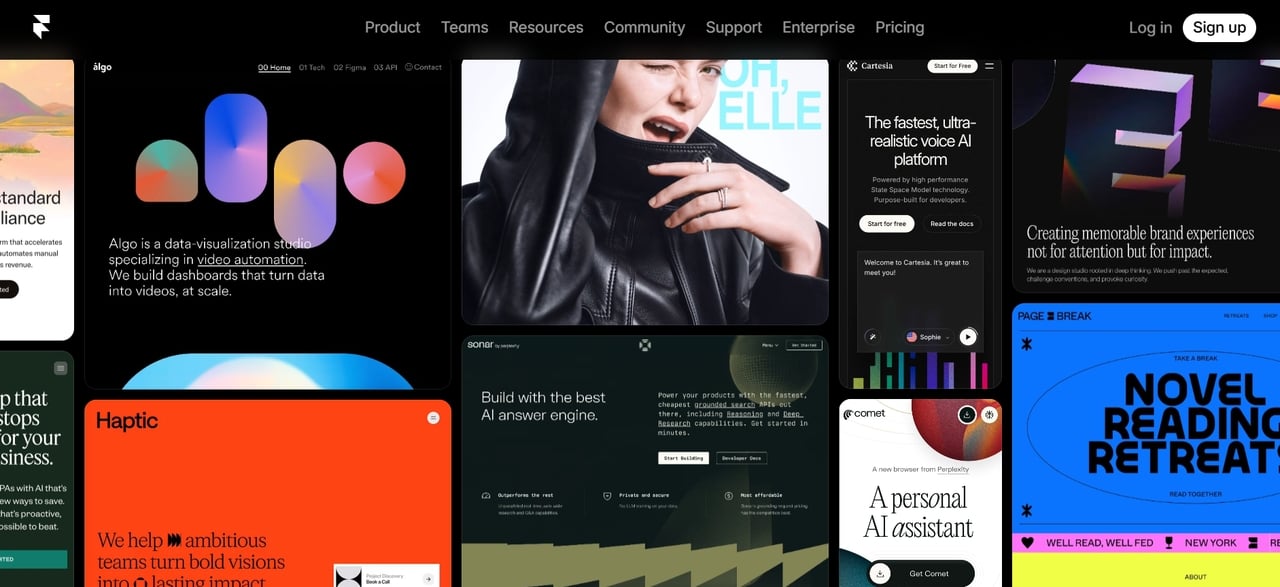
Framer is a modern best site creator for building interactive and visually appealing websites. It enables designers and creators to bring ideas to life as live sites with an easy-to-use interface and animation tools. You build with a visual canvas that supports complex interactions without code. Great for startups, product pages, portfolios, or teams craving dynamic experiences in 2026. It turns static sites into engaging stories that stand out.
Key Features
-
Figma-to-Web import functionality for designers.
-
Advanced scroll-based animations and transitions.
-
AI-powered localization for different languages.
-
Built-in CMS that is very easy to manage.
Pros
-
Excellent for modern, interactive website design.
-
Easy-to-use interface for designers and beginners.
-
Real-time preview speeds up workflow.
Cons
-
Limited advanced backend functionality.
-
Not ideal for complex e-commerce needs.
The best website makers at a glance
Finding the right fit is easier when you can see the facts side-by-side. Use this quick comparison to find the best website builder for your budget, skill level, and business goals in 2026.
| Website Builder | Starting Price | Ideal Users |
|---|---|---|
| Enter Pro | Free plan available, paid plans start around $18/month | Beginners, creators, startups, SMB |
| Wix | Free plan available, paid plans start around $17/month | Small businesses, portfolios |
| Squarespace | Plans start around $16/month | Designers, photographers |
| Hostinger | Plans start around $2.99–$3.99/month | Small businesses, beginners |
| Shopify | Plans start around $29/month | Ecommerce brands |
| Webflow | Free plan available, paid plans start around $14/month | Designers, developers |
| Framer | Free plan available, paid plans start around $10/month | Product teams, startups |
Bonus: How to build a website effortlessly using Enter Pro
Want to skip manual work and let the most advanced AI do heavy lifting? Here is how you can go from zero to a live, full-stack website in just three simple steps using Enter Pro's free site builder.
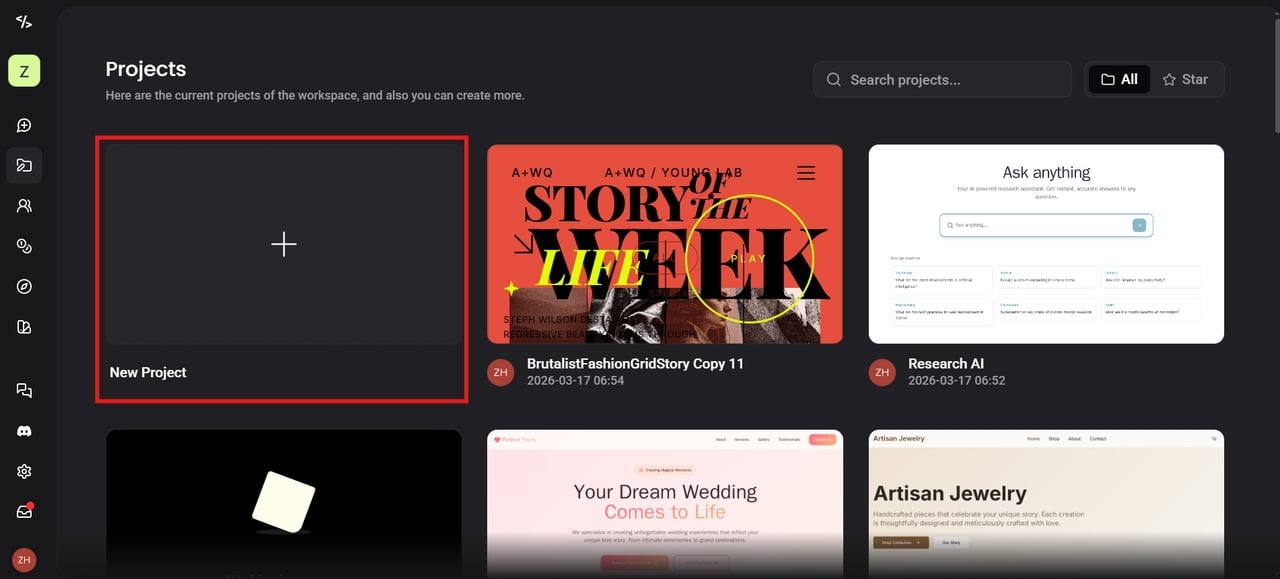
Step 1: Log in and access the dashboard
Sign up for free at Enter pro or log in if you already have an account. Once inside, you land on a clean, friendly dashboard. Click "New Project" to begin. It takes seconds to get started and feels welcoming right away.
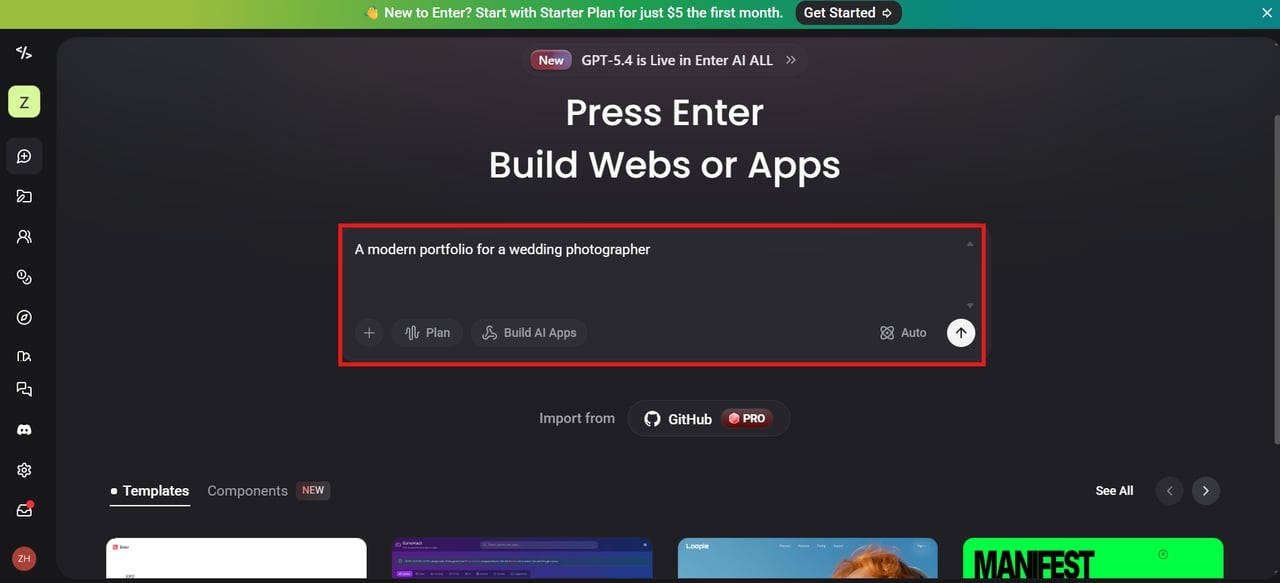
Step 2: Describe your website, and start building
This is where magic happens. Type a short description of what you need—like "A modern portfolio for a wedding photographer" or "A SaaS landing page with a waitlist." Enter Pro uses frontier models to design your layout, write your copy, and even set up your backend database instantly. When you're done with your description, just hit the "Build" button.
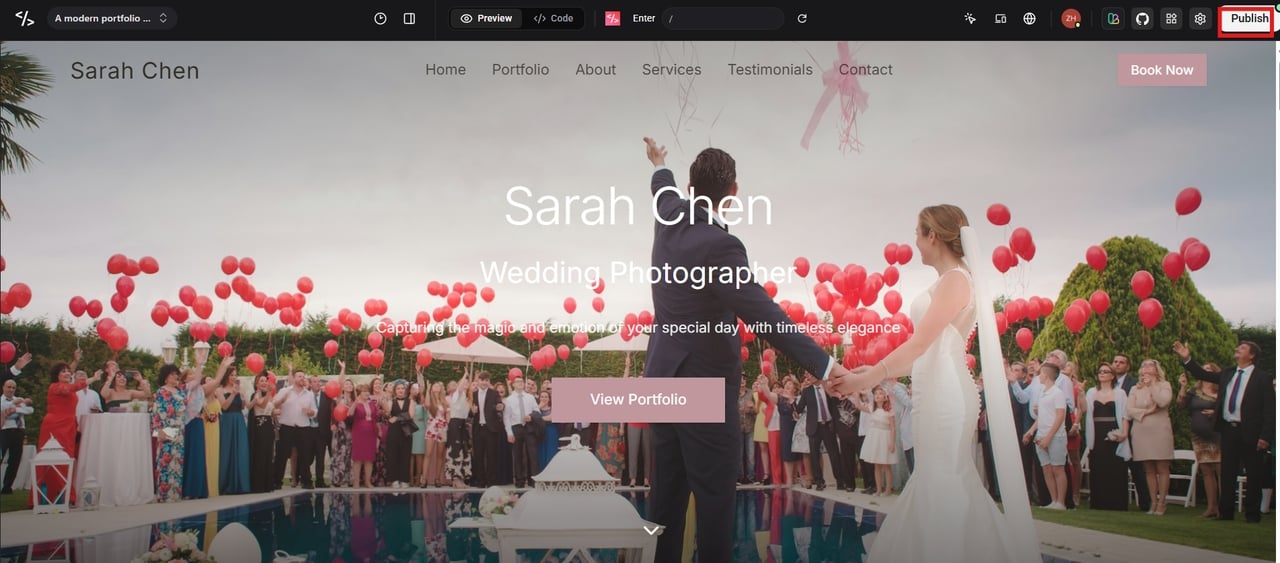
Step 3: Review the website and publish
Take a look at the website as it appears in the visual editor. Edit text, swap images, adjust colors, or add sections with simple clicks. Preview how it looks on mobile and desktop. When everything looks good, click "Publish." Enter Pro handles hosting and gives you a free subdomain—or connect your custom domain in one click. Your site is live!
Conclusion
Choosing the right website builder hinges on what you want to achieve, how much you're willing to spend, and your own technical know-how. Whether you're after a design-centric platform or a robust e-commerce solution, each option has its own set of advantages. We've reviewed the seven best platforms currently available. Among them, Enter Pro stands out by combining speed, AI automation, and full-stack capabilities in one place. It simplifies the entire process, making it ideal for beginners and professionals alike. If you want a fast, modern, and scalable way to launch your site, Enter Pro is a strong choice in 2026.
FAQs
- What is the best site to build a website without coding?
The best website to build without coding should be simple, fast, and flexible. Enter Pro is the best free AI website builder option since it allows no-code website building with full-stack and responsive features. It allows users to build, launch, and manage websites easily without the need to know how to code.
- Which is the best free website builder for beginners?
Enter Pro is the best free website creator for newcomers who want to see results instantly. Its free version is perfect for learning how AI-driven design works and testing out different layouts without any risk. When you're ready to ditch the platform's branding or use your own custom domain, moving up to a paid plan is a breeze.
- Which platform is the best web builder for e-commerce websites?
Shopify is one of the best web builders for e-commerce because it has so many great tools for selling. Enter Pro can also help with e-commerce projects, especially for people who want to set things up more quickly with the help of AI.
- Do I need professional developers when using the best website builder?
Usually, no. These platforms are designed so that anyone can manage a site alone. Tools like Wix, Squarespace, and Hostinger make site building easy. Enter Pro lets you build full-stack, responsive sites with no-code tools, drag-and-drop editing, and AI automation, so you can create professional websites quickly without coding.
- What are the limitations of website builders?
The limitations of website builders include the possibility of limited customization and functionality. They may offer restricted scalability for large sites. The options available for the backend or database are also limited with website builders. Users also rely on the hosting provided by the website builders. Some third-party integrations might not be available, which could be a problem for complicated projects.