Bolt New Review 2026: Is This AI App Builder Worth the Hype?
Wondering what is Bolt new and if it can replace web developers? Read our in-depth review of Bolt new pricing, features, pros, cons, and the reality of AI-generated code.
The world of software development is evolving at breakneck speed. The explosion of AI-powered tools has fundamentally shifted how we build applications, empowering anyone with a spark of an idea to become a creator. At the forefront of this shift is Bolt.new.
So, exactly what is Bolt.new? It is an AI-powered web development platform created by StackBlitz. It uses a special technology called WebContainers. This allows users to write a simple text prompt, run the code, and deploy full-stack applications entirely inside their web browser. You do not need to download heavy software or configure complicated servers.
While the Bolt.new AI is fantastic for fast prototyping and building visual layouts, but it is not perfect. Users often hit a hard wall with complex backend logic, scaling up, and deep database integrations. In this in-depth review, we will break down the realities of Bolt coding. Let's dive into how this tool actually performs under pressure, the common bugs developers face, and why platforms like Enter Pro are emerging as the ultimate alternative for bringing serious, production-ready projects to life.
How Does Bolt.new AI Work?
To understand this tool, you need to know how it is built. The platform combines two very powerful technologies. First, it uses Anthropic's Claude large language models to understand human text and write the code. Second, it uses StackBlitz's in-browser capabilities. Instead of just giving you a snippet of code that you have to copy and paste somewhere else, the AI actually builds a live computer environment inside your browser tab. It writes the code, installs the required packages, and runs the application right in front of your eyes.
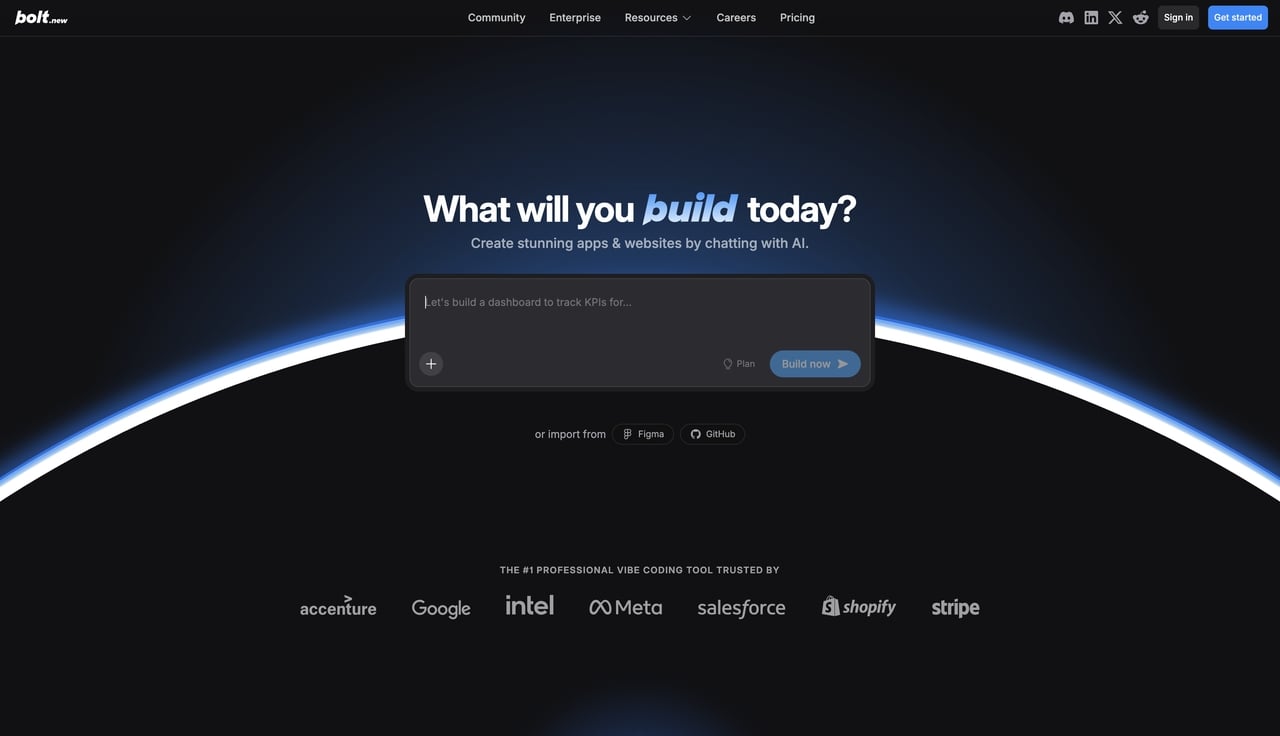
The process of building an app is broken down into a few highly simplified steps. Here is exactly how you use it:
-
Enter Your Prompt: Open the website and type your idea into the chat box using natural, everyday language.
-
Live Preview Generation: Wait a few moments. The AI will read your prompt, create the files, and show you a live, working preview of your app on the right side of your screen.
-
Run Test Iterations: You can chat with the AI to ask for changes. As you make requests, you can run Bolt.new test code directly in the browser to see if the new features work properly without needing a local server.
Top Features of the Bolt Coding Experience
-
When looking at the platform, several key tools stand out. Here are the main features you can expect to use.
-
Browser-Based IDE & Zero Setup: This feature eliminates the need for local computer configuration. It provides a complete coding workspace that is ready right out of the box, meaning you do not have to perform any manual package installations or software updates.
-
Natural Language to Full-Stack App: This capability seamlessly handles framework generation and database integrations. It can automatically set up popular coding frameworks like React and Tailwind CSS, and effortlessly connect to databases like PostgreSQL or Supabase.
-
Bolt 2.0 Upgrades & Deployment: This latest iteration highlights several major improvements over the original version. It features new autonomous debugging to help fix errors, direct Figma file imports so the AI can copy your designs, and simple one-click deployment to hosting platforms like Netlify.
Testing Bolt.new: The Good, The Bad, and The Buggy
- To give you a real, honest review, we looked at actual developer tests. We also analyzed hundreds of user reviews from sites like Trustpilot to see how the tool performs in the real world.
The Pros (Initial Scaffolding)
In practical tests, developers asked the AI to build an e-commerce prototype. The goal was to create a product page with a grid of items, a sticky filtering menu on the left, and a sorting dropdown menu on the top.
For this initial setup, the Bolt code was surprisingly accurate. It successfully generated a fast MVP (Minimum Viable Product). The grid looked great, the layout was clean, and it happened in just a few minutes. If you need to generate a fast landing page, an early-stage mockup, or a visual demo to show investors, this tool is incredibly impressive and fast.
The Cons (The Refinement Wall)
However, the major problems begin during the refinement phase. This is when you ask the AI to make specific, complex changes. In the e-commerce test, developers asked the AI to fix image loading errors, add specific mobile responsiveness rules, and include complex Framer Motion animations.
When apps scale to this level, the AI starts to struggle. It often hallucinates, which means it confidently writes code that does not actually work. Sometimes, it even deletes working files by mistake. When an error occurs, the AI tries to fix it but often gets stuck in endless debugging loops where the same error keeps recurring. Furthermore, user reviews in 2026 frequently cite poor customer support responses. When users lose their work or face account issues, getting help from a real human is very difficult.
Bolt.new Pricing and The "Token Trap" Explained
Before you start building, you need to understand how much this tool really costs.
Is Bolt.new Free?
A very common question: Is Bolt.new free? The short answer is yes. There is a free tier available for beginners. However, it is heavily restricted. Your daily usage is capped at around 300k to 1 million tokens per month. Additionally, anything you publish on the free tier includes visible platform watermarks. If you want to do any serious work, you have to pay.
Paid Tiers Breakdown
If you decide to upgrade, you will enter a consumption-based pricing model.
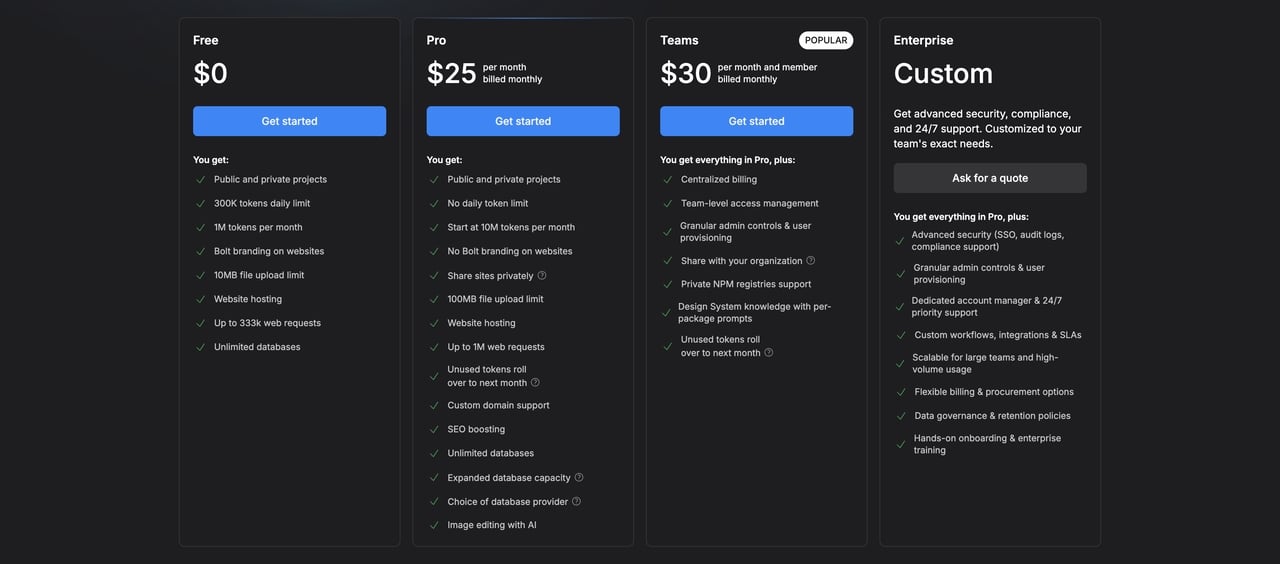
Free Tier: $0/month. This entry-level plan offers a strict limit of 1 million tokens per month (with a 300,000 daily cap) for basic interface testing. It is meant to let you look around the workspace, test the environment, and try a few simple prompts, but it is not enough to build and debug a large, complex product.
Pro Tier: $25/month for 10 million tokens. This plan is suitable for solo developers building real applications. When an app grows large, the AI has to "read" the entire codebase every time you request a change. This consumes a lot of tokens quickly during debugging, which is why the Pro tier provides a much larger monthly allowance, removes daily limits, and lets unused tokens roll over to the next month.
Teams Tier: $30/month per member. This plan is designed for small agencies and product groups working together. It includes everything in the Pro plan, plus centralized billing, team-level access management, and shared knowledge of the design system. If you have multiple people collaborating on the same codebase, this tier keeps everything organized.
Enterprise Tier: Custom pricing. This plan is designed specifically for large organizations with custom needs. It includes everything from the lower-tier team plans, plus expanded usage limits, advanced security features such as Single Sign-On (SSO), audit logs, data governance policies, and a dedicated account manager with 24/7 priority support. You must request a quote from their sales team to get a specific price tailored to your exact needs.
The Token Trap
This brings us to the biggest controversy surrounding Bolt AI pricing. Many users call it the "Token Trap." Remember those debugging loops we mentioned earlier? When the AI makes a mistake and tries to fix it over and over again, it burns through your tokens rapidly. You are charged for the AI's mistakes. Many developers report aggressively consuming millions of tokens just trying to fix one single authentication bug. Because paid tokens expire monthly, you can quickly run out of your allowance, forcing you to buy more tokens just to finish your project. You must monitor your usage very closely.
Quick View: Bolt.new vs. Top Alternatives in 2026
While the platform sets an impressive baseline for browser-based AI scaffolding, it is not the only option. Other tools—and expert custom development teams—fill in the critical gaps for stability, predictable pricing, and true production readiness. Here is a fast way to compare the landscape before diving into the details.
| Platform/Solution | Best For | Pricing Model | Code Ownership/Export |
|---|---|---|---|
| Bolt.new | Fast browser-based AI scaffolding & full-stack apps. | Token-based (Pro: $25/mo) | Export to GitHub/ZIP. |
| Enter Pro | Enterprise-grade, scalable, custom web & app development. | Credit-based tiers (Pro: $25/mo) | Full ownership, production-ready codebase. |
| Trickle | Predictable prototyping without token anxiety. | Flat monthly subscription ($20/mo) | Standard exports. |
| Lovable | Design-forward, highly polished UI web apps. | Credit-based tiers | Full stack with GitHub sync. |
| Replit | Developers wanting a collaborative cloud IDE. | Monthly subscription + compute | Full Git/SSH access. |
| v0 by Vercel | Frontend devs building production React components. | Monthly credit tiers | Downloadable React code. |
| Cursor | Pro engineers using AI as an IDE co-pilot. | Monthly subscription | Local files on your PC. |
| Banani | Hi-fi interactive prototyping before development. | Credit-based tiers | Export to Figma/HTML/CSS. |
Top Alternatives to Bolt .new in 2026
If the token limits and frustrating debugging loops are too restrictive for your project's scope, you should look at other options. Depending on your technical skills and your end goals, these alternatives offer better reliability and specific features.
- Enter Pro
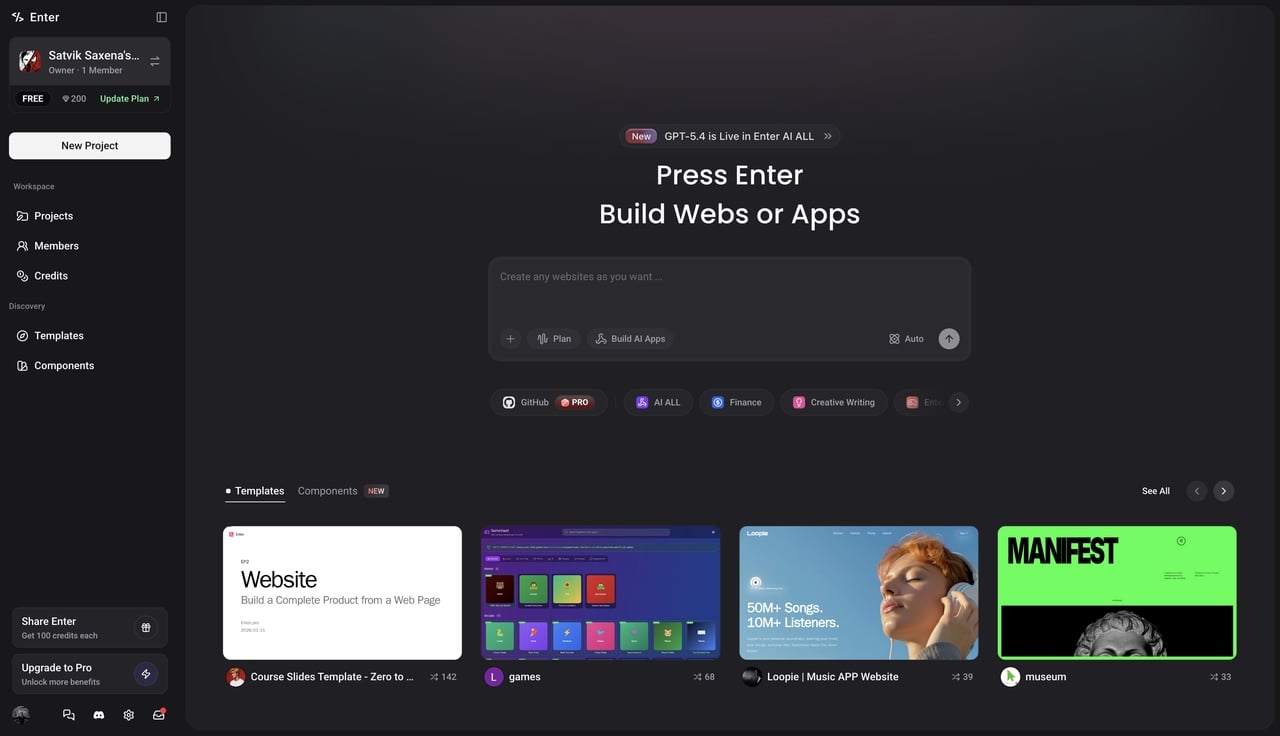
AI tools are fantastic for wireframing a basic idea, but taking a real app to market requires secure, scalable, and completely bug-free code.** **Enter Pro provides the expert engineering team needed to turn fragile AI drafts into highly robust software products.
-
Ideal for: Business founders, enterprise companies, and brands needing highly scalable, secure, and custom applications.
-
Why choose Enter over Bolt.new: You receive full code ownership, guaranteed backend stability, and expert human engineering. You will never have to deal with AI hallucinations, unpredictable token costs, or endless debugging loops. The code is built right the first time.
- Trickle
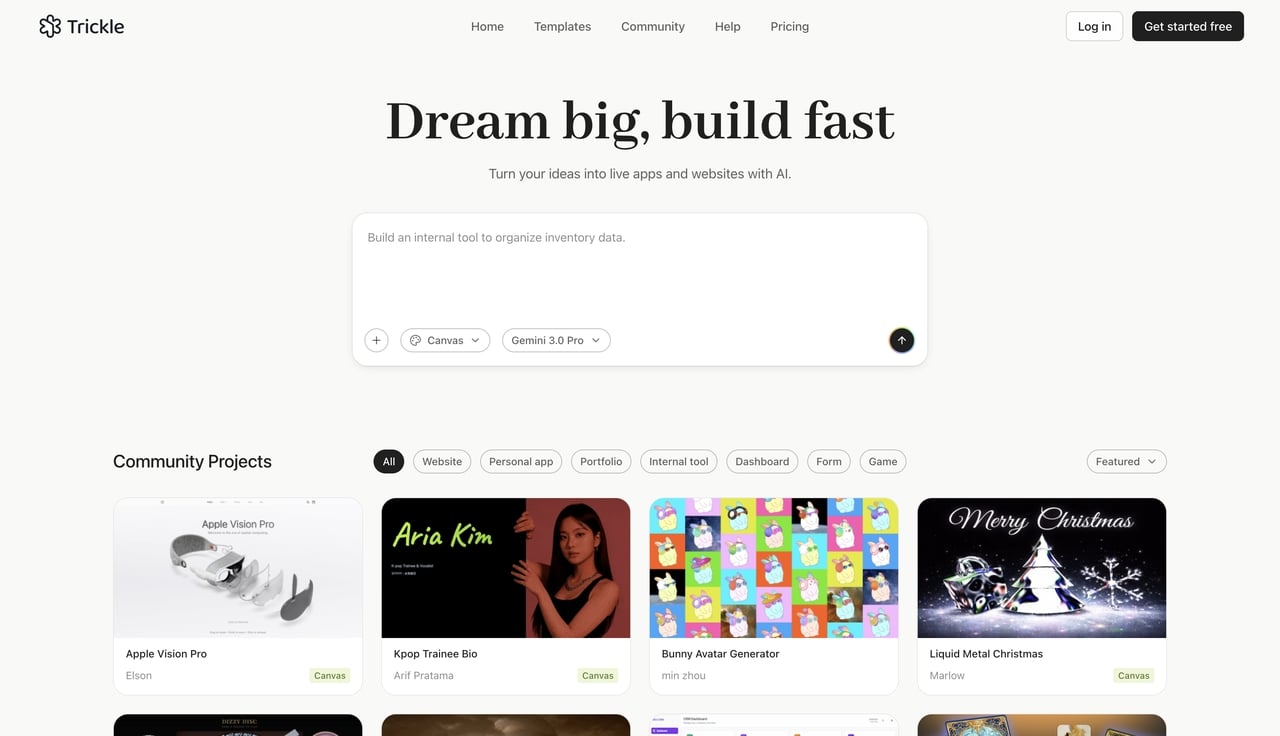
Trickle is a streamlined AI builder that focuses heavily on turning natural language into working web applications. It removes the stress of managing complex cloud deployments or constantly monitoring usage meters.
-
Ideal for: Non-technical product managers and content creators looking for a predictable prototyping experience.
-
Why choose Trickle over Bolt.new: It offers a simple, flat monthly subscription of $20 per month. This flat rate completely eliminates the token anxiety associated with consumption-based pricing models. You can build without worrying about hidden costs.
- Lovable
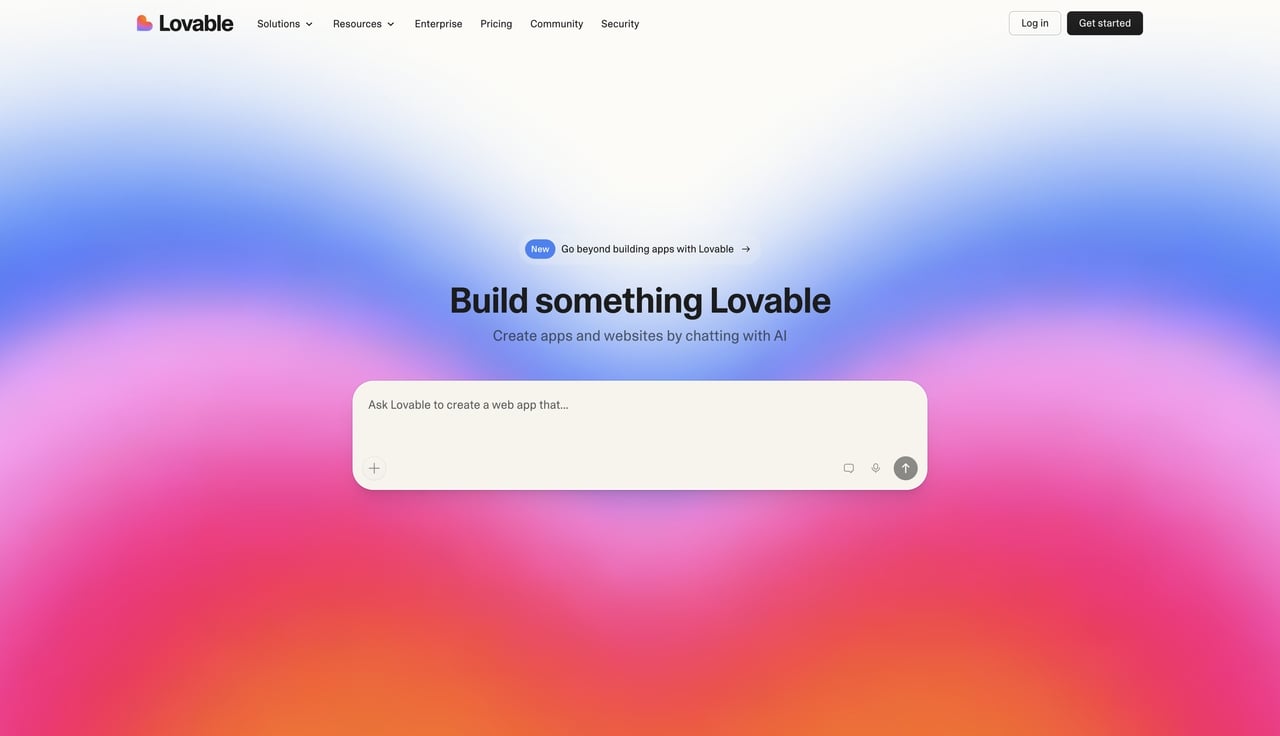
Lovable is an AI-powered app builder that leans heavily into premium design aesthetics. It generates visually stunning frontends and modern user interface patterns straight from your text prompts.
-
Ideal for: Design-conscious builders, marketing teams, and creators who prioritize branding and visual polish.
-
Why choose Lovable over Bolt.new: It produces much higher-fidelity UI designs and highly polished frontend web apps. If you want your app to look like it was designed by a professional graphic artist right out of the gate, Lovable offers better standard outputs.
- Replit (with Replit AI)
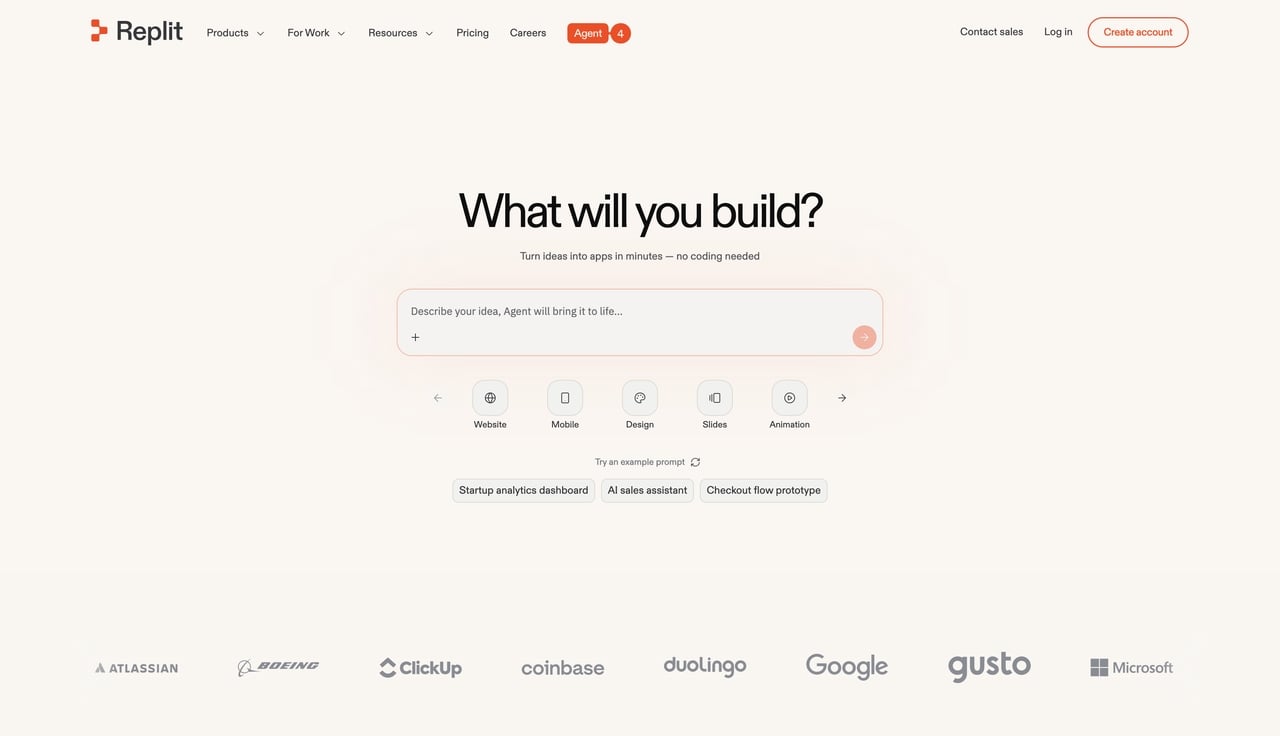
Replit is a massive, established cloud-based IDE ecosystem. It features a built-in AI agent that assists developers in writing, running, and debugging code in a fully collaborative, persistent cloud environment.
-
Ideal for: Traditional developers and coding students who want a collaborative cloud IDE rather than just a prompt-driven chat box.
-
Why choose Replit over Bolt.new: It provides full Git and SSH access, much better environment persistence, and a highly robust platform for long-term project management. It is built for actual coding, not just scaffolding.
- v0 by Vercel
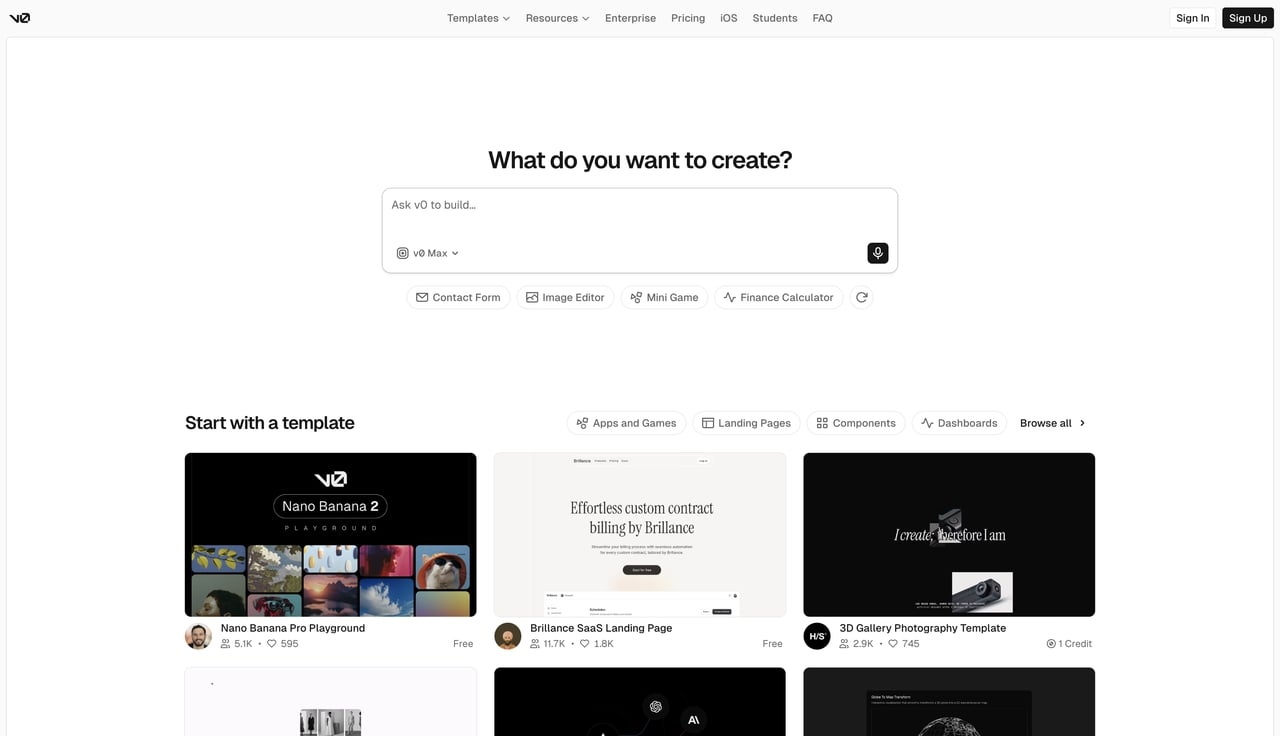
Created by the famous team behind Next.js, v0 specializes purely in generating production-ready frontend code. Users prompt the AI, and it returns highly functional, accessible React components styled beautifully with Tailwind CSS.
-
Ideal for: Frontend developers and UI engineers building modern user interfaces for existing projects.
-
Why choose v0 by Vercel over Bolt.new: Instead of generating whole, sometimes messy full-stack applications, it delivers clean, isolated React components. These components plug perfectly and safely into your existing professional codebases.
- Cursor
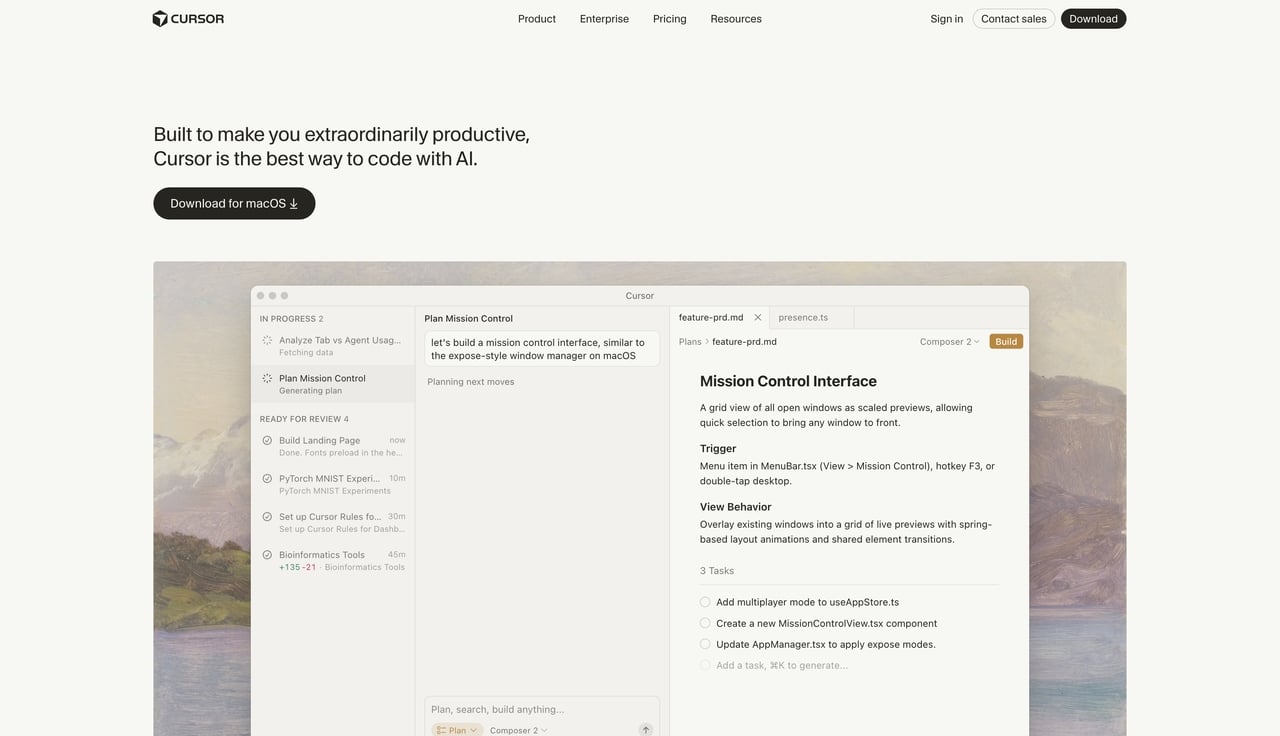
Cursor is an actual downloaded software application. It is a fork of the popular VS Code editor that deeply integrates advanced AI models (like Claude and GPT-4) directly into your local development workflow on your own computer.
-
Ideal for: Professional software engineers who are using AI as an IDE co-pilot to speed up their daily work.
-
Why choose Cursor over Bolt.new: It operates securely on your local machine with your local files. This offers unparalleled context awareness for massive, pre-existing codebases, giving professional developers massive productivity boosts without sacrificing control.
- Banani
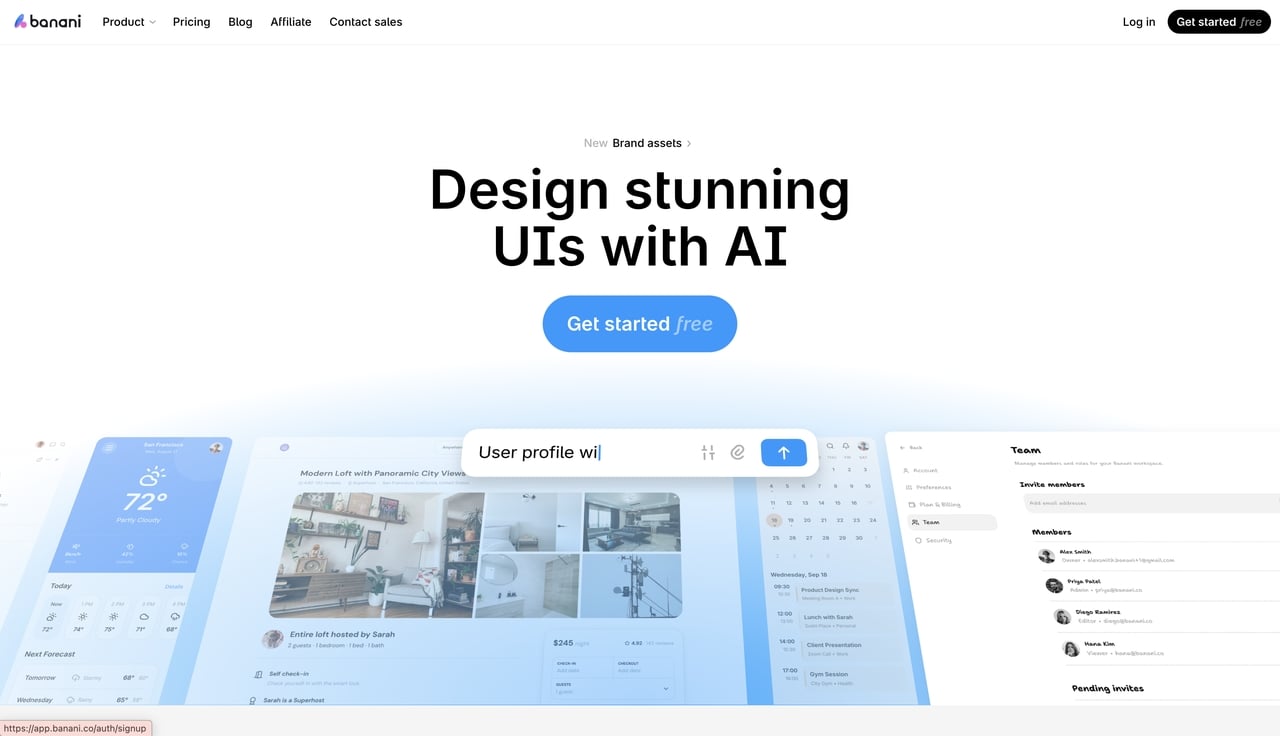
Banani is a dedicated AI prototyping tool. It excels at converting simple text prompts, uploaded images, or basic screenshots into editable, high-fidelity UI wireframes and Figma files.
-
Ideal for: Product managers, designers, and non-technical founders looking to lock in interactive prototypes before any actual coding begins.
-
Why choose Banani over Bolt.new: It allows you to perfect your visual design and user flow first. You can finalize exactly how the app will look without wasting expensive AI tokens on code generation that you are not fully ready for yet.
Conclusion
AI coding assistants play a vital role in modern software development. They help teams transform rough ideas into functional applications faster than ever before. Whether you need a quick visual layout or a basic full-stack mockup, there is an AI solution to fit your workflow. In this review, we explored Bolt.new and 7 top alternative tools, with each offering unique capabilities depending on your specific technical skills and project complexity.
While browser-based tools are incredible for fast prototyping, turning those early drafts into secure, scalable software requires the right partner. As these technologies evolve, expert platforms like Enter Pro provide the professional engineering needed to accelerate your transition from a basic AI concept to a fully working product. So, why wait? Partner with Enter Pro and bring your innovative app ideas to life today.
FAQs
- Exactly what is Bolt.new, and can it completely replace human developers?
Bolt.new is an AI-powered, browser-based coding environment designed to build full-stack web applications from simple text prompts. While Bolt.new AI significantly accelerates the initial project scaffolding process, it cannot completely replace human developers. The AI currently struggles with deep backend architecture, complex custom logic, and secure enterprise-level scaling, making human engineering essential for production-ready software. For enterprise deployments, leveraging an advanced tool like Enter Pro's native AI agent builder ensures reliable execution.
- Is Bolt.new free to use for beginners, or do I need a paid plan?
Yes, Bolt.new offers a free tier for beginners that provides a daily limit of AI tokens for practice and experimentation. However, this free version adds visible watermarks to generated projects and severely limits total monthly usage. Any serious, sustained application development will require upgrading to a paid subscription plan.
- How does Bolt AI pricing work, and what is the exact Bolt new pricing for Pro users?
Bolt AI pricing operates on a consumption-based token model, meaning every time the AI generates code or attempts to fix a bug, it deducts tokens from the user's account balance. The new Bolt pricing for the standard Pro tier currently starts at $25 per month and includes an allowance of 10 million tokens that expire at the end of each billing cycle.
- Can I run a Bolt.new test code directly in my browser without setting up a local server?
Yes, developers can easily run Bolt.new test code directly inside a web browser. Because Bolt.new uses StackBlitz WebContainers technology, users can write, edit, and execute code natively in the browser window, allowing them to view live application changes instantly without downloading software or setting up a local testing environment.
- Is Bolt coding reliable for large projects, or should I export the Bolt code to a custom development team?
While the Bolt 2.0 upgrades introduced improved debugging capabilities and better support for larger files, Bolt coding is still not entirely reliable for complex, large-scale enterprise applications. For major business projects, it is highly recommended to use Bolt.new strictly for early-stage prototyping, export the Bolt code, and then hand the codebase off to a professional custom software development team for secure, final execution.