
12 Best Linktree Alternatives for Creators and Businesses in 2026
Looking for a Linktree alternative in 2026? We list 12 free and paid link-in-bio tools on branding, pricing, and features to find the best fit for you.
If you're looking for Linktree alternatives, you've probably hit one of three walls: your page looks like everyone else's, you can't sell directly from it, or the price jumped once you needed more than a handful of basic links. I put 12 Linktree alternatives, free and paid, and compared their free-plan limits, pricing, and analytics, so you can pick the right one for how you actually use your bio link. So, what are the best Linktree alternatives? It depends on whether your page needs to look unique, sell products, track campaigns, or simply stay free, and the breakdown below is organized around exactly those needs.
Why look for a Linktree alternative?
Linktree is still the default link-in-bio tool, and for a simple list of links it works fine. People usually switch for a specific reason: a free-plan limit, a feature locked behind a paid tier, or a page that no longer fits the brand.
You want a page that looks like your brand
- Recognizable templates: Linktree's free themes are recognizable at a glance. Button styles, fonts, and layouts are limited, so a free Linktree page tends to look like thousands of others.
- Branding sits behind a paywall: Custom themes and removing the Linktree logo are reserved for paid plans, so the free version always carries someone else's branding.
- What "on-brand" means: your own colors, fonts, logo, and layout, and ideally your own domain instead of a linktr.ee address.
You want to sell directly from your bio
- Linking out vs. selling: A free Linktree page mostly links out to other sites. Taking payments, selling digital products, or collecting bookings requires a paid plan.
- Tools with checkout built in: If selling is the main job of your bio link, Stan Store, Beacons, Taplink, and Bio Sites all let visitors pay without leaving the page.
You need better analytics or your own domain
- Basic free analytics: Free plans on most link-in-bio tools show total views and clicks. Click-level detail, referrers, and UTM tracking are usually paid features.
- Someone else's domain: A linktr.ee URL keeps your traffic on Linktree's domain, not yours.
- Tools that fix this: Carrd and Campsite offer custom domains on low-cost plans, and SeedProd puts the page on your own WordPress site.
You want lower or more predictable pricing
- Cheaper paid tiers exist: Carrd's paid plans start at $9 per year, and Lnk.Bio sells one-time lifetime upgrades instead of a subscription.
- Not every tool has a free plan: Stan Store and Shorby only offer free trials, so they only make sense if you'll use their paid features.
How I evaluated these Linktree alternatives
I built the same page on every tool: a profile photo, a short bio, six links, and one product or email sign-up form. I added each page to a real Instagram and TikTok bio and checked it on an iPhone and an Android phone, since almost all link-in-bio traffic is mobile.
I evaluated each tool on:
- Free plan: how many links, themes, and analytics you get without paying, and whether the tool's branding stays on the page.
- Paid price: the cheapest paid tier and what it actually unlocks.
- Analytics: clicks only, or deeper data such as UTM tracking, referrers, and conversions.
- Selling features: checkout, digital products, bookings, payments, and email capture.
- Ease of setup: how quickly I could go from sign-up to a published page that looked the way I wanted.
There's no single winner. The best Linktree alternative depends on what your page needs to do, so each entry has a clear "Best for" line rather than a score.
Quick comparison: Best Linktree alternatives at a glance
Here's how all 12 tools compare to the criteria above. Most free Linktree alternatives now include unlimited links, so if you're short-listing free Linktree alternatives 2026, you'll have more good options than ever.
Note: Prices were checked in October 2026 and may change; check the official site before subscribing.
| Tool | Free plan | Paid from | Analytics | Best for |
|---|---|---|---|---|
| Beacons | Yes | $10/month | Built-in; deeper on paid plans | Creators who monetize |
| Carrd | Yes (3 sites) | $9/year | Analytics on Pro Standard and up | Design control on a budget |
| Stan Store | No (14-day trial) | $29/month | Sales and traffic stats | Selling digital products |
| Enter Pro | No | Check on the official site | Google Analytics integration | Full custom page or mini-site |
| Campsite | Yes | $7/month | Clicks, referrers, devices, and events on Pro | Clean design and analytics |
| Lnk.Bio | Yes | $0.99/month | Basic click stats | No subscription |
| Taplink | Yes | $4/month | Click analytics on Pro | Pages with payments |
| Later Link in Bio | No (14-day trial) | $18.75/month | Later analytics | Instagram schedulers |
| Bio Sites | Yes (free only) | Free | Built-in insights | Free no-frills page |
| Shorby | No (14-day trial) | $15/month | Clicks + retargeting pixels | Messaging and feeds |
| Pallyy | Free plan has no bio link | $25/month | Clicks and impressions | Social media teams |
| SeedProd | Free Lite plugin | $79/year | Via WordPress / Google Analytics | WordPress sites |
The 12 best Linktree alternatives in 2026
The tools below range from creator storefronts and design-first builders to budget picks and link pages bundled with a social scheduler. Each review covers key features, pricing, who it's best for, and the pros and cons I found while building the same test page.
1. Beacons - Best for creators who monetize
Beacons is a mobile-first creator platform that adds a storefront, email capture, and a media kit on top of the link page, making it one of the most complete options for creators who earn from products and brand deals.
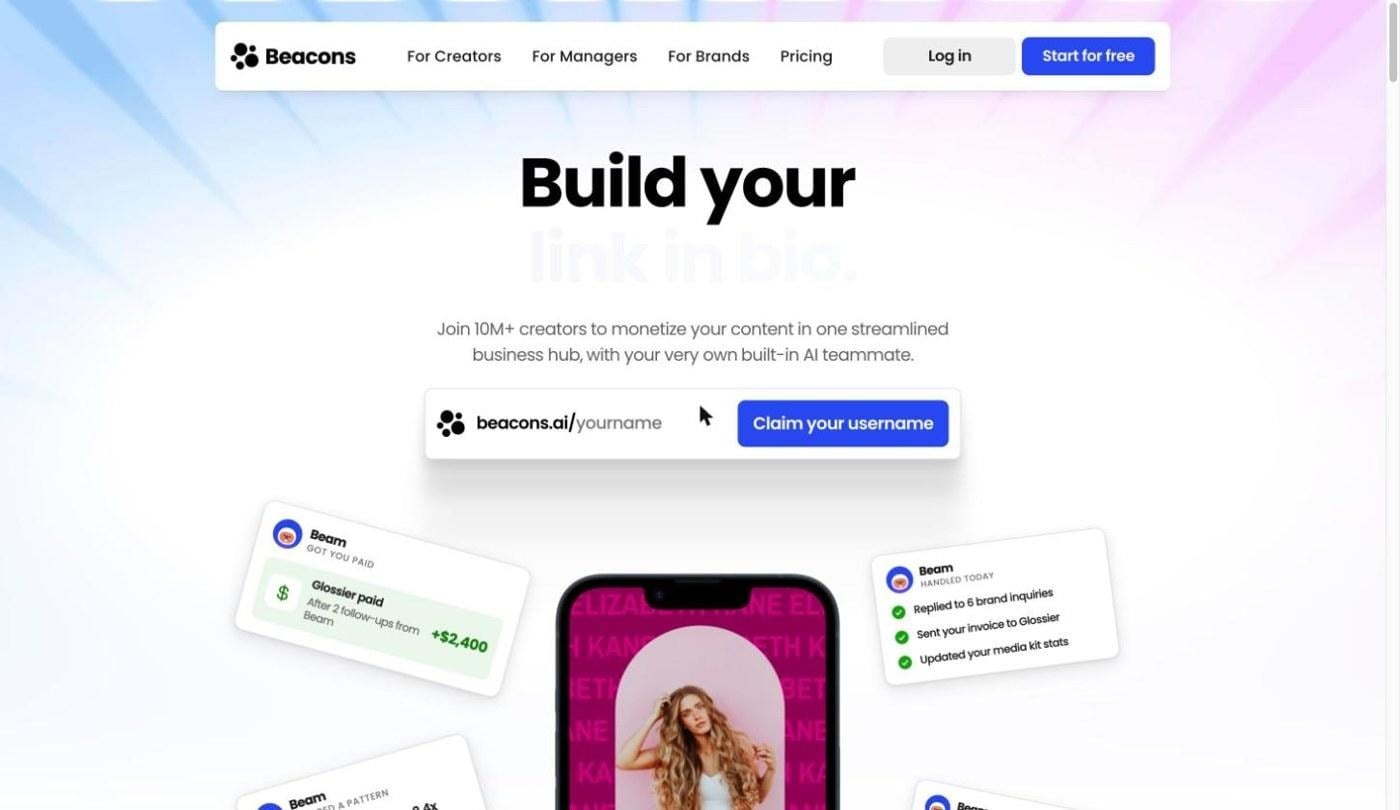
- Key features: Beacons includes a storefront for digital products and services, email capture, a media kit generator, and an AI page builder. It also integrates with Shopify, Etsy, Mailchimp, and Patreon.
- Pricing: Creator is $10/month. Because prices may change, please go to the official website to confirm the latest prices before subscribing.
- Best for: Creators selling products, services, or brand deals from their bio.
Pros
- The free plan is usable day to day: I published a full page with a storefront and email capture without paying.
- Selling and email tools in one place: Adding a digital product and an email sign-up block took a few clicks, with no third-party store needed.
- Wide range of integrations: Connecting a Shopify or Etsy shop pulls existing products onto the page.
Cons
- Feature-dense for simple pages: If all you want is a short list of links, the editor has far more options than you need.
2. Carrd - Best for full design control on a budget
Carrd is a one-page website builder that works very well as a link-in-bio page. You place elements anywhere on the page, so it's the easiest way to build a link page that doesn't look like a template.
- Key features: Carrd offers free-form element placement and a wide choice of fonts. Forms, widgets and custom domains arrive from Pro Standard, and Pro Plus supports up to 25 sites.
- Pricing: Pro Lite is $9/year. Because prices may change, please go to the official website to confirm the latest prices before subscribing.
- Best for: Anyone who wants a page that looks unique and doesn't mind spending a little more time on setup.
Pros
- The cheapest paid plans on the list: Every paid tier costs less per year than some tools charge per month.
- The most design freedom here: I could match my test page to a brand style guide closely, down to spacing and font choice.
- An affordable custom domain: Pro Standard puts your page on your own domain for under $20 a year.
Cons
- No built-in checkout: Selling means linking out to an external store or payment page.
- Slower to start: The blank-canvas editor took longer to get right than the template-based tools.
3. Stan Store - Best for selling digital products
Stan Store is a link-in-bio storefront for creators who sell courses, coaching, and downloads, with checkout built into the page itself.
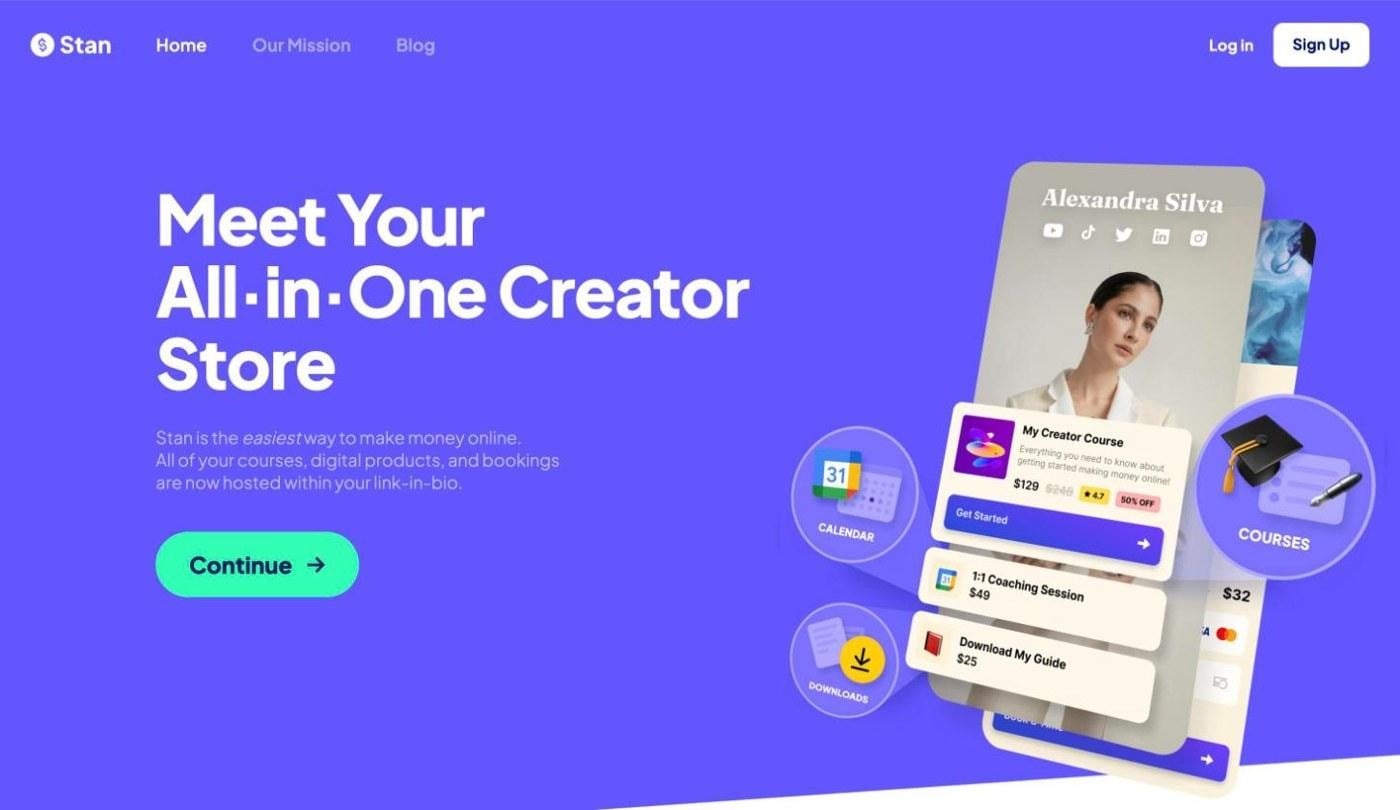
- Key features: Stan Store offers one-tap checkout on the page, course hosting, booking for coaching calls, and digital downloads. Creator Pro adds email marketing flows, discount codes, upsells, and affiliate links.
- Pricing: Creator is $29/month. Because prices may change, please go to the official website to confirm the latest prices before subscribing.
- Best for: Creators with a product or service to sell from their bio.
Pros
- Buyers check out without leaving the bio page: The product block goes straight from Instagram to payment in one flow.
- Courses, bookings, and downloads in one place: I didn't need separate tools for a coaching calendar and a digital download.
Cons
- Rigid templates: Layout options are limited compared to design-first tools.
4. Enter Pro - Best for a fully custom link-in-bio page or mini-site
Enter Pro takes a different approach from every other tool on this list. Instead of filling in a link-in-bio template, you describe the page you want in plain language, and Enter Pro builds it, so the layout, branding, and features aren't limited to a fixed stack of buttons. No coding is needed, and because it's an AI website builder, your link page can grow into a full website later.
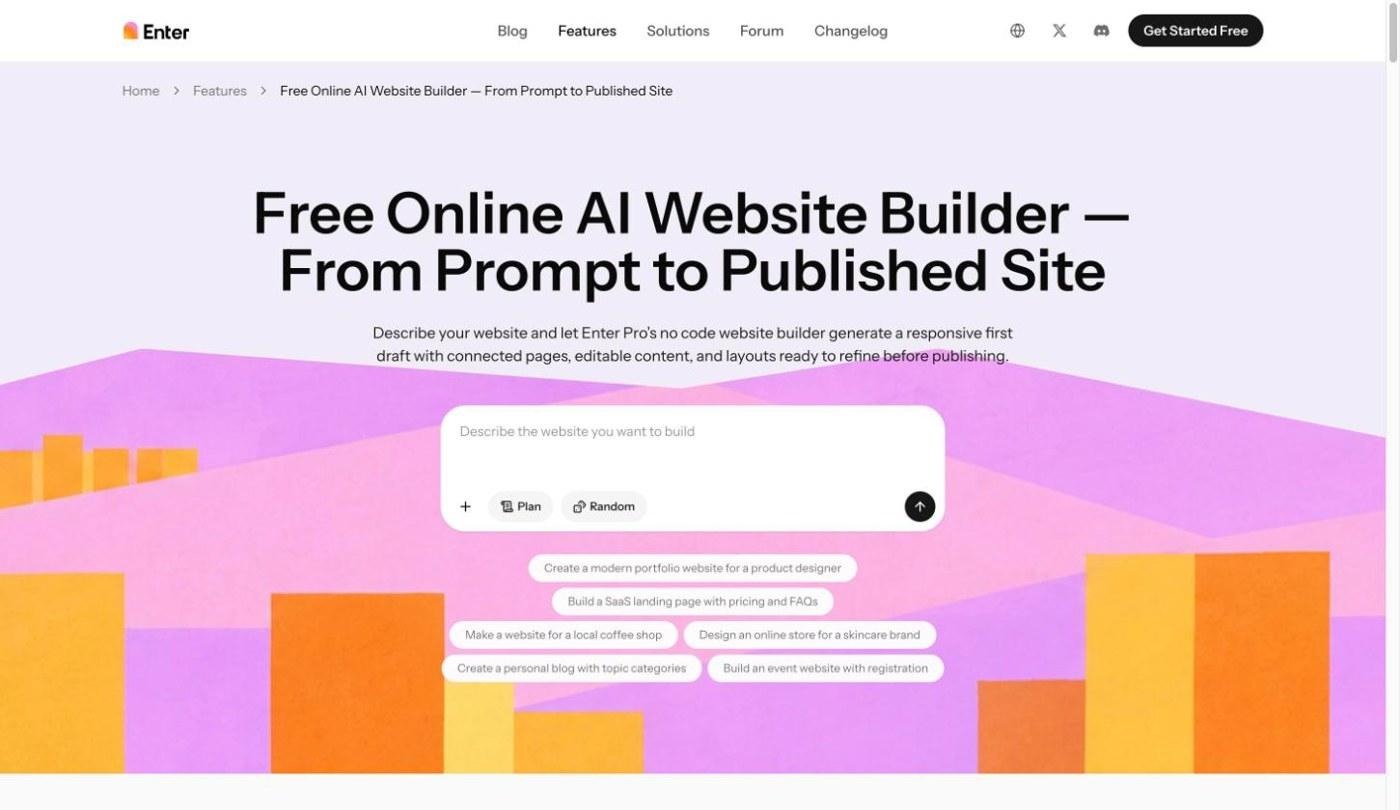
- Key features: Enter Pro generates a page from a prompt and offers premade website templates. Its visual editor lets you make click-to-edit changes, and the page can include forms and integrations such as Stripe and Google Analytics.
- Pricing: Check the current plans on Enter Pro's official site before subscribing.
- Best for: Creators and small businesses who want a page that doesn't look like a template, or a link page that can grow into a full site.
Pros
- No code needed: I described my test page, including links, bio, brand colors, and a sign-up form, in plain language.
- Any layout: The page isn't limited to a vertical list of buttons, so it can look like a small branded landing page.
- Premade website templates: If you'd rather not start from a prompt, the website templates give you a faster starting point.
- Room to grow: You can add pages, a shop, or sign-up forms later without moving to a different tool.
Cons
- Credit-based usage: The free credits cover a first build, but ongoing editing and new pages need more credits or a paid plan.
How to build a link-in-bio page with Enter Pro
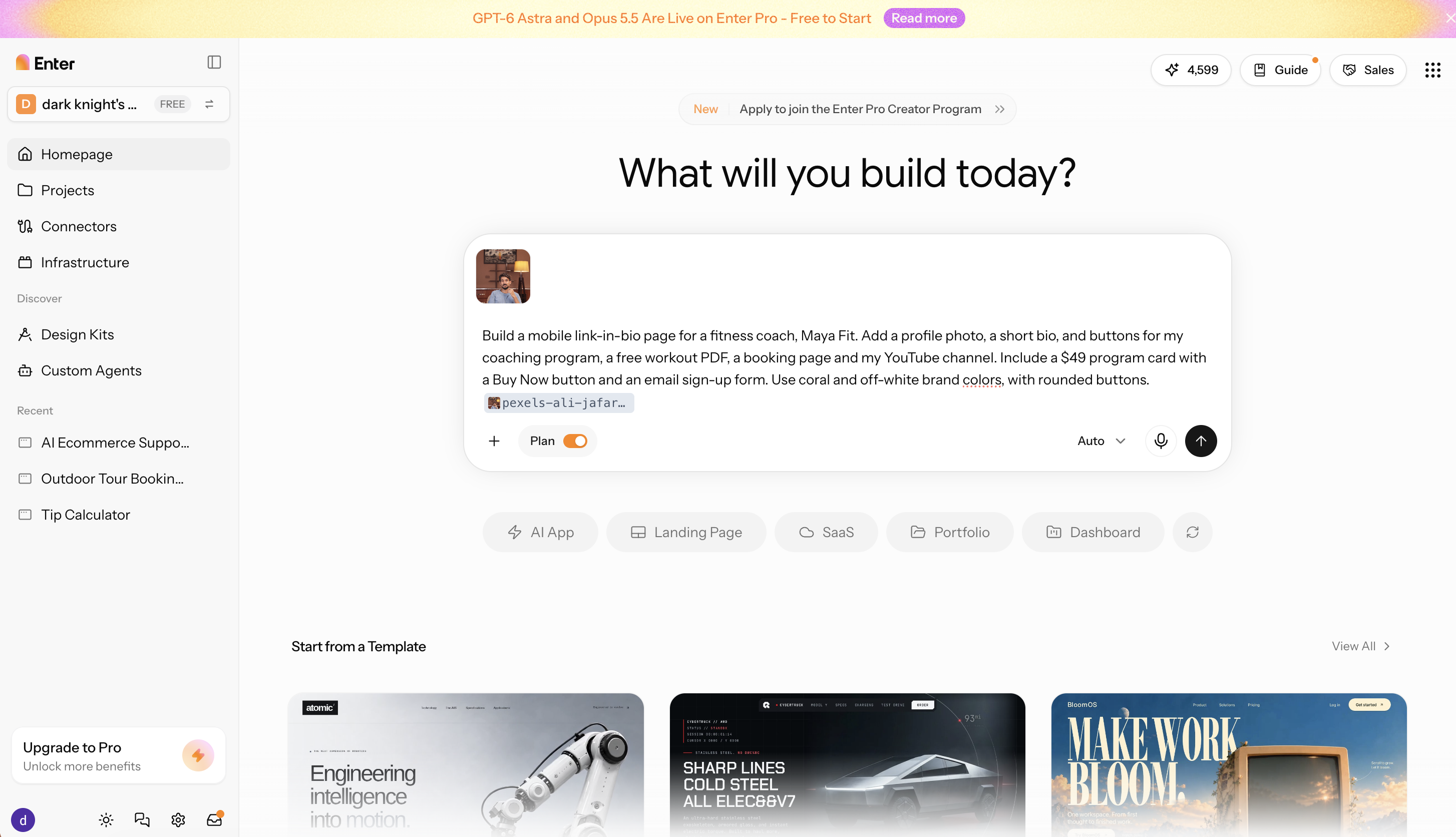
Step 1: Describe your page
Enter your links, profile photo, short bio, brand colors, and any product or sign-up form you want on the page. For example: Build a mobile link-in-bio page for a fitness coach, Maya Fit. Add a profile photo, a short bio, and buttons for my coaching program, a free workout PDF, a booking page, and my YouTube channel. Include a $49 program card with a Buy Now button and an email sign-up form. Use coral and off-white brand colors, with rounded buttons.
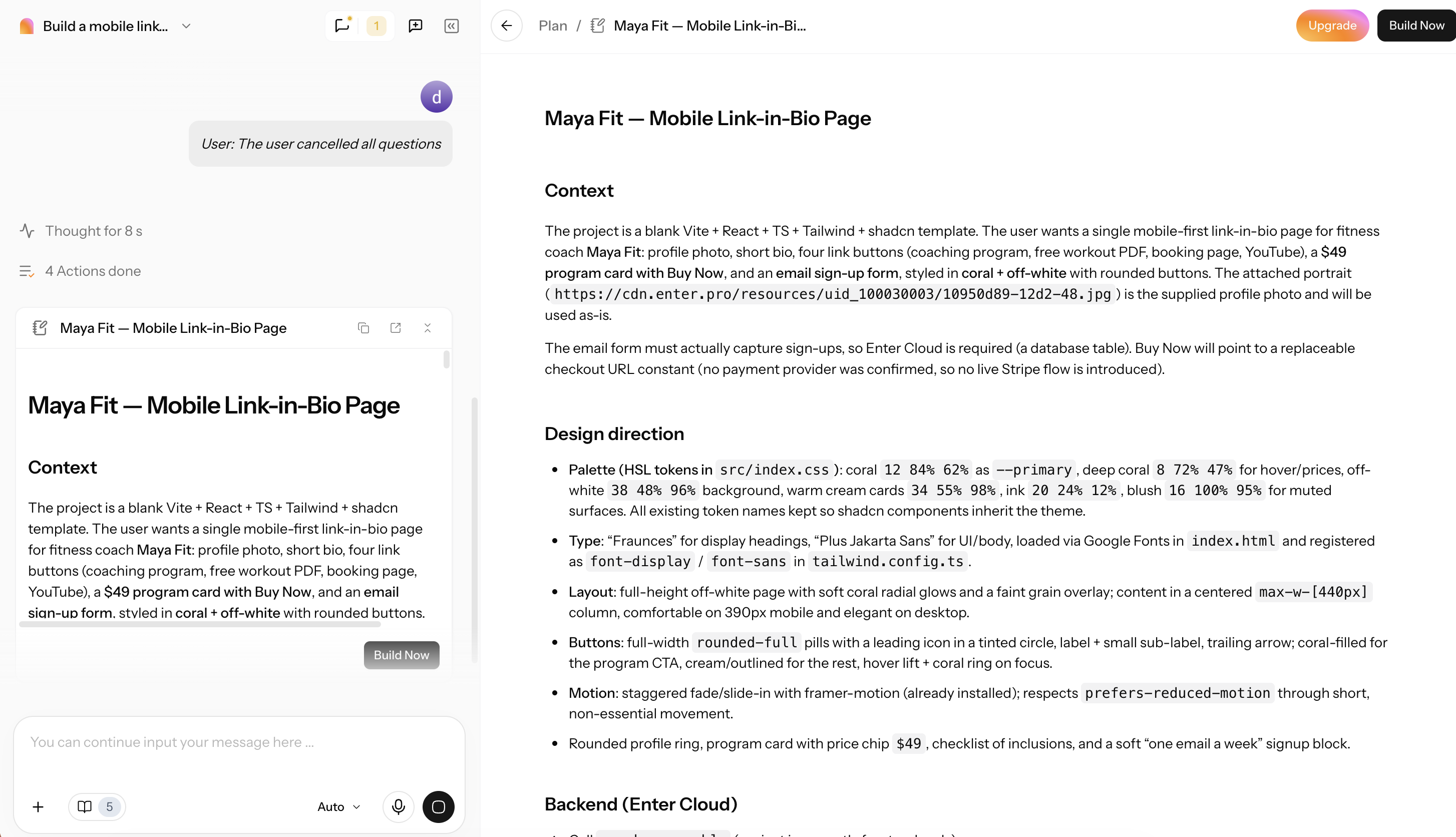
Step 2: Generate the page
Let Enter Pro build the page, then review the result on both desktop and mobile view.
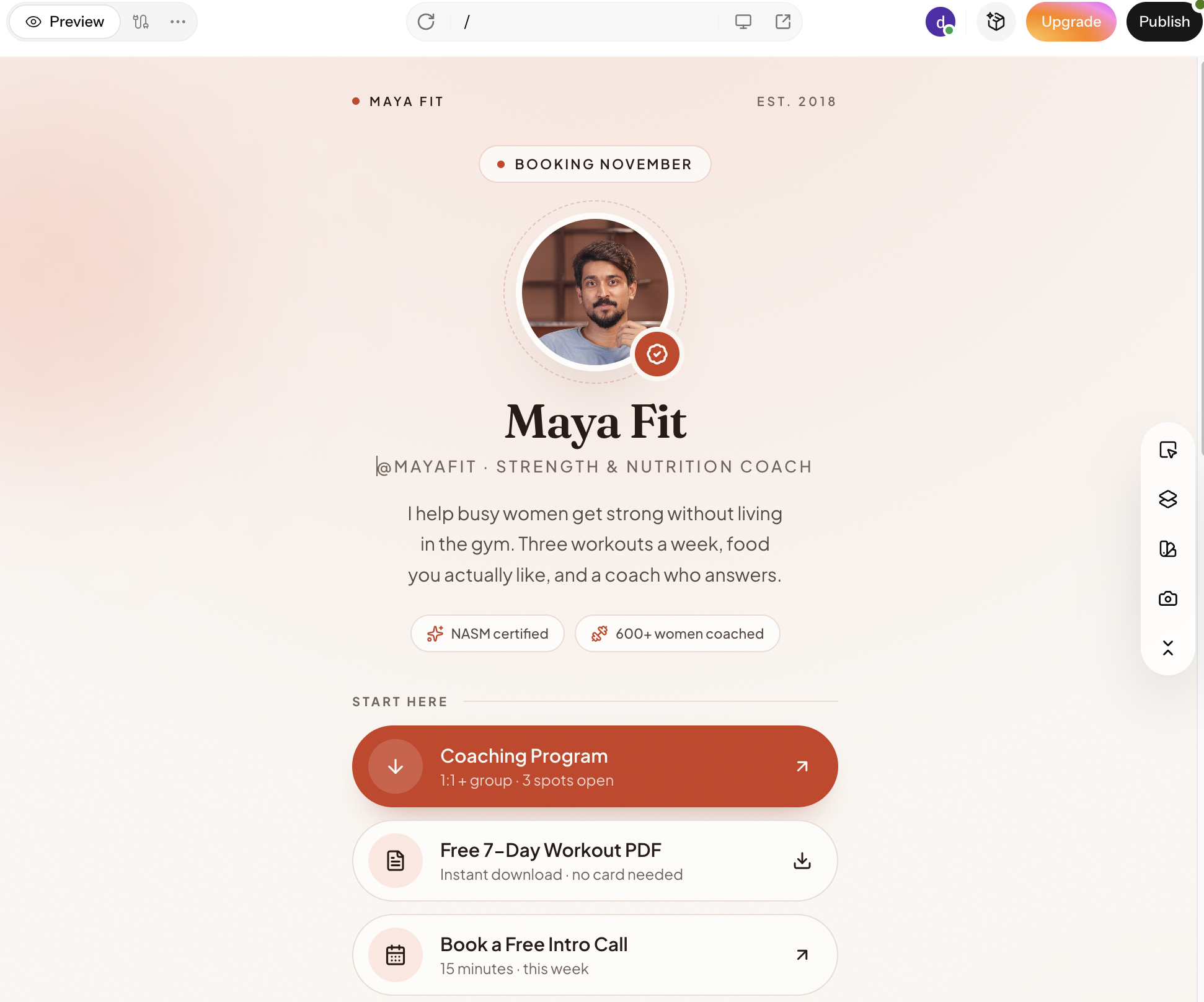
Step 3: Customize and publish the site
Adjust the layout and content in the visual editor, publish the page, and paste the URL into your Instagram or TikTok bio.
5. Campsite - Best for clean design and analytics
Campsite is a design-focused link page with real click tracking: polished themes out of the box, plus the analytics detail most free tools lack on its paid plan.
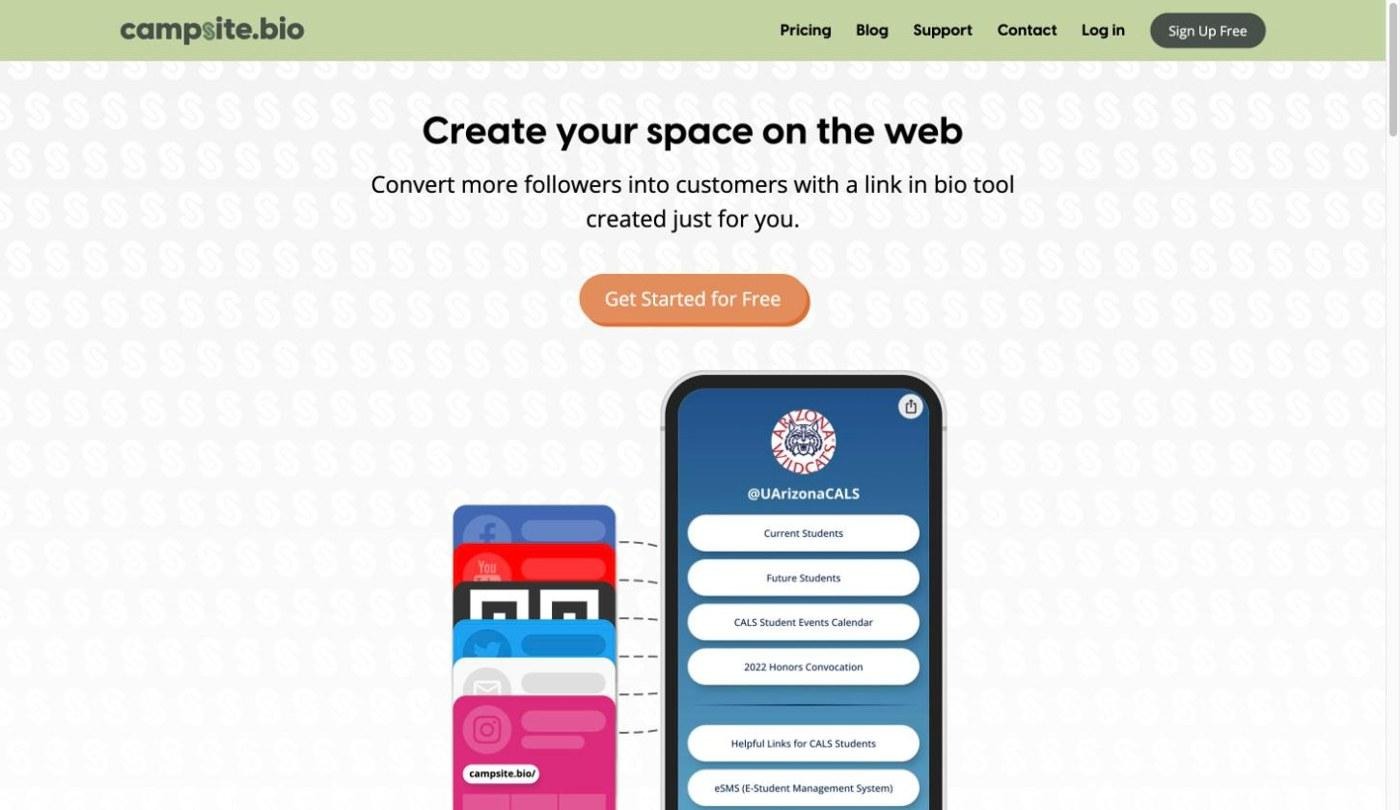
- Key features: Campsite offers a large library of fonts, icons, and themes. Pro adds location, referrer, device, and event analytics, plus email opt-in forms.
- Pricing: Pro is $7/month. Because prices may change, please go to the official website to confirm the latest prices before subscribing.
- Best for: Creators and brands who want strong analytics without a complex builder.
Pros
- A strong free plan: My test page looked finished on the free tier without any customization work.
- Campaign tracking on Pro: Referrer and event data made it easy to see which social channel sent the clicks.
- Polished themes out of the box: The default themes looked closer to a designed page than most free templates.
Cons
- No built-in way to sell products: You'll need to link out to a store.
6. Lnk.Bio - Best one-time payment option
Lnk.Bio is the budget pick, with unlimited links on the free plan and paid upgrades sold as one-time lifetime payments instead of a subscription.
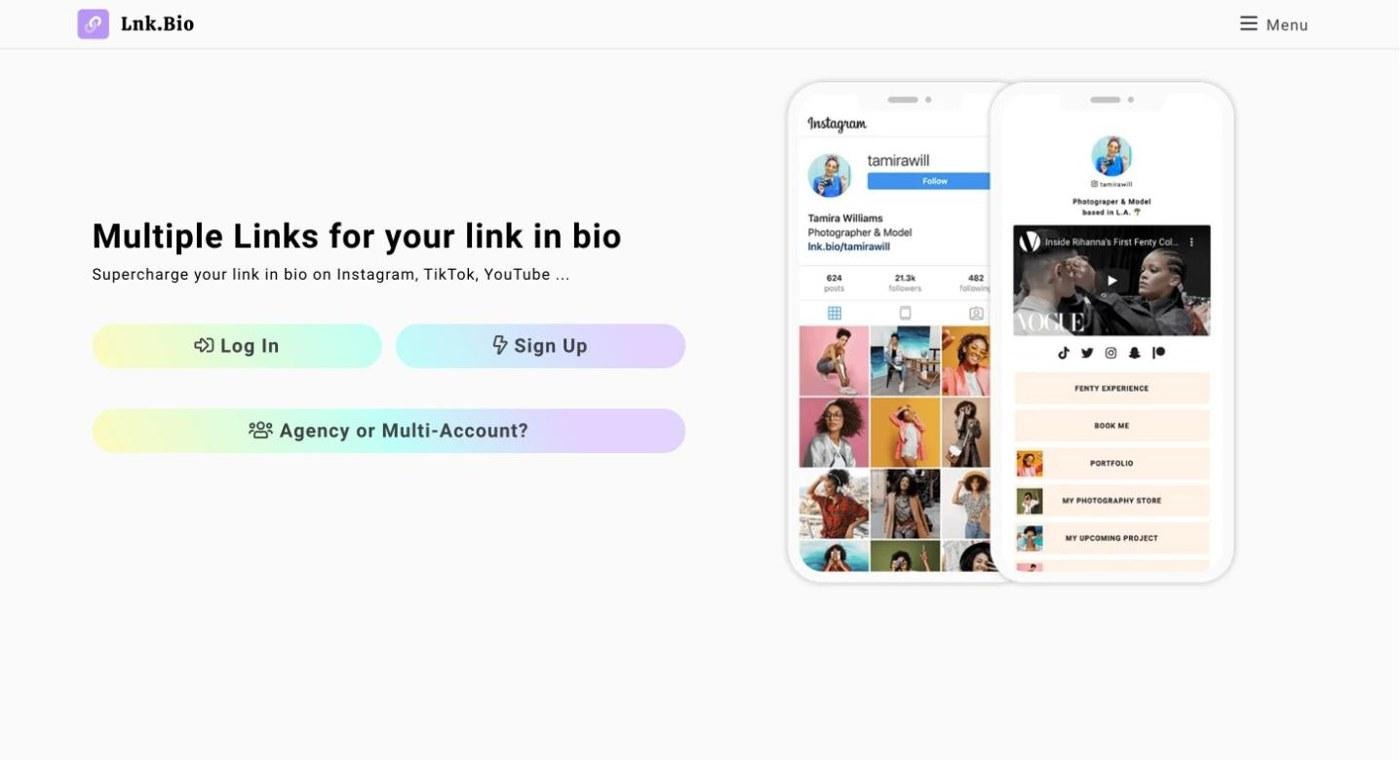
- Key features: Lnk.Bio includes unlimited links, click counts, QR code generation and embedded media on every plan. Link scheduling and deeper customization come with the paid upgrades.
- Pricing: Mini is $0.99/month, and Unique is a one-time payment of $24.99. Because prices may change, please go to the official website to confirm the latest prices before subscribing.
- Best for: People who want a simple page with no ongoing subscription.
Pros
- Unlimited links for free: I added all six test links and more without hitting a cap.
- A lifetime payment option: You pay once and never get another bill.
- Low total cost: Over a few years, the one-time price works out cheaper than almost any subscription.
Cons
- No selling features or deep integrations: It's a link page and not much more.
7. Taplink - Best for block-based pages with payments
Taplink is a block-based page builder for sellers who want to take payments and start chat conversations from their bio, using blocks such as forms, timers, galleries, and menus.
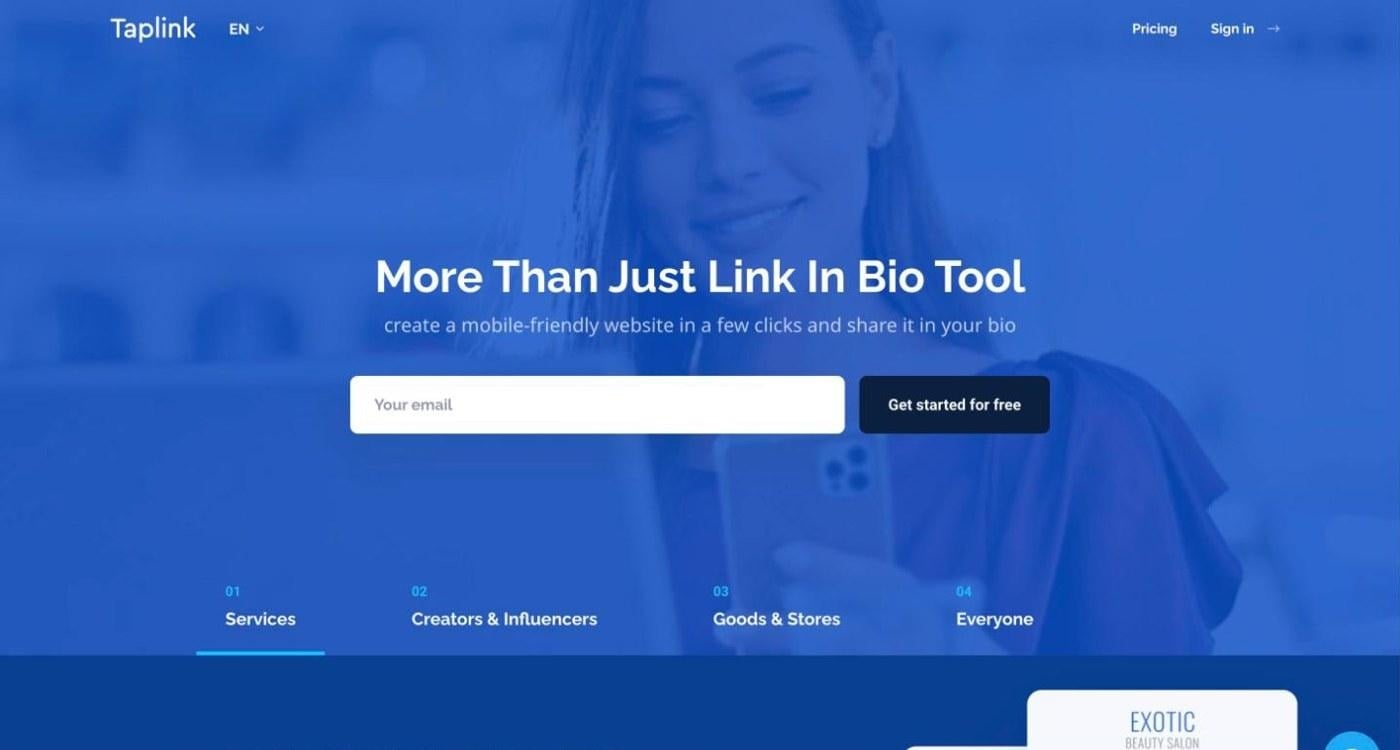
- Key features: Taplink offers unlimited links and basic blocks on the free plan. Pro adds custom design, link click analytics, smart links, and scheduled blocks. Business adds online payments, a custom domain, a countdown timer, internal pages and a CRM.
- Pricing: Pro is $4/month. Because prices may change, please go to the official website to confirm the latest prices before subscribing.
- Best for: Small businesses that want a mini storefront, menu, or booking page.
Pros
- Payments directly on the page: On the Business plan, visitors can pay without leaving your link page.
- Messaging buttons for chat-based sales: WhatsApp and Telegram buttons suit businesses that close sales in chat.
- A large block library: I could add a menu, a form, and a gallery without any workarounds.
Cons
- More setup than a plain link list: Blocks take longer to arrange than a simple stack of buttons.
8. Later Link in Bio - Best for Instagram schedulers
Later Link in Bio turns your Instagram grid into a clickable page where each post links to its own destination, managed inside Later's scheduler.
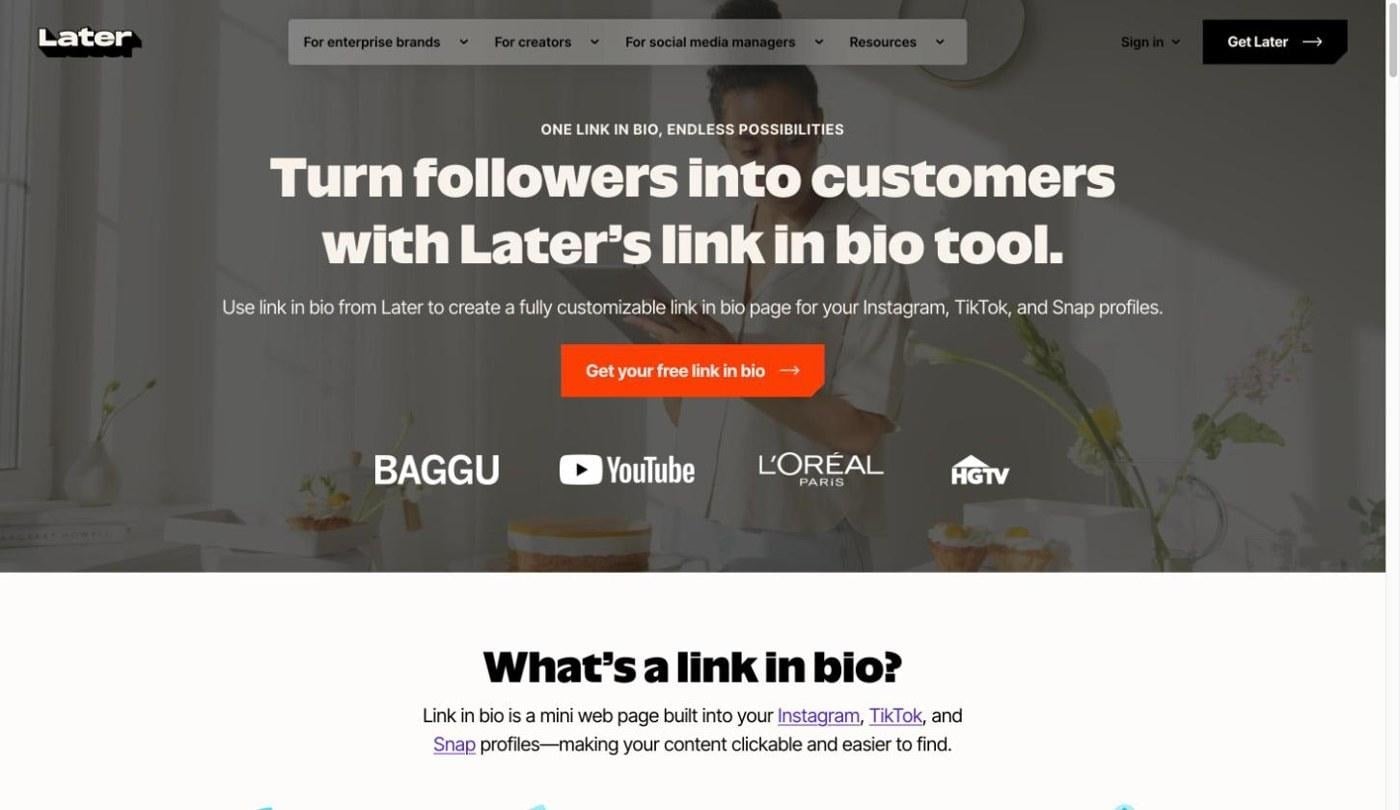
- Key features: Later Link in Bio creates a shoppable, clickable version of your Instagram grid, with multiple links per post. You manage it alongside your scheduled posts in Later.
- Pricing: Starter is $18.75/month (billed annually). Because prices may change, please go to the official website to confirm the latest prices before subscribing.
- Best for: Teams already planning Instagram content in Later.
Pros
- Each post links to its own destination: Followers tap the post they saw instead of hunting through a list.
- No extra tool to manage: If you already schedule in later, the link page updates as you publish.
Cons
- Very little customization: The page mirrors your grid, so design options are minimal.
9. Bio Sites - Best free no-frills page
Bio Sites is a completely free link-in-bio page from Squarespace, with payments built in and no Squarespace subscription required.
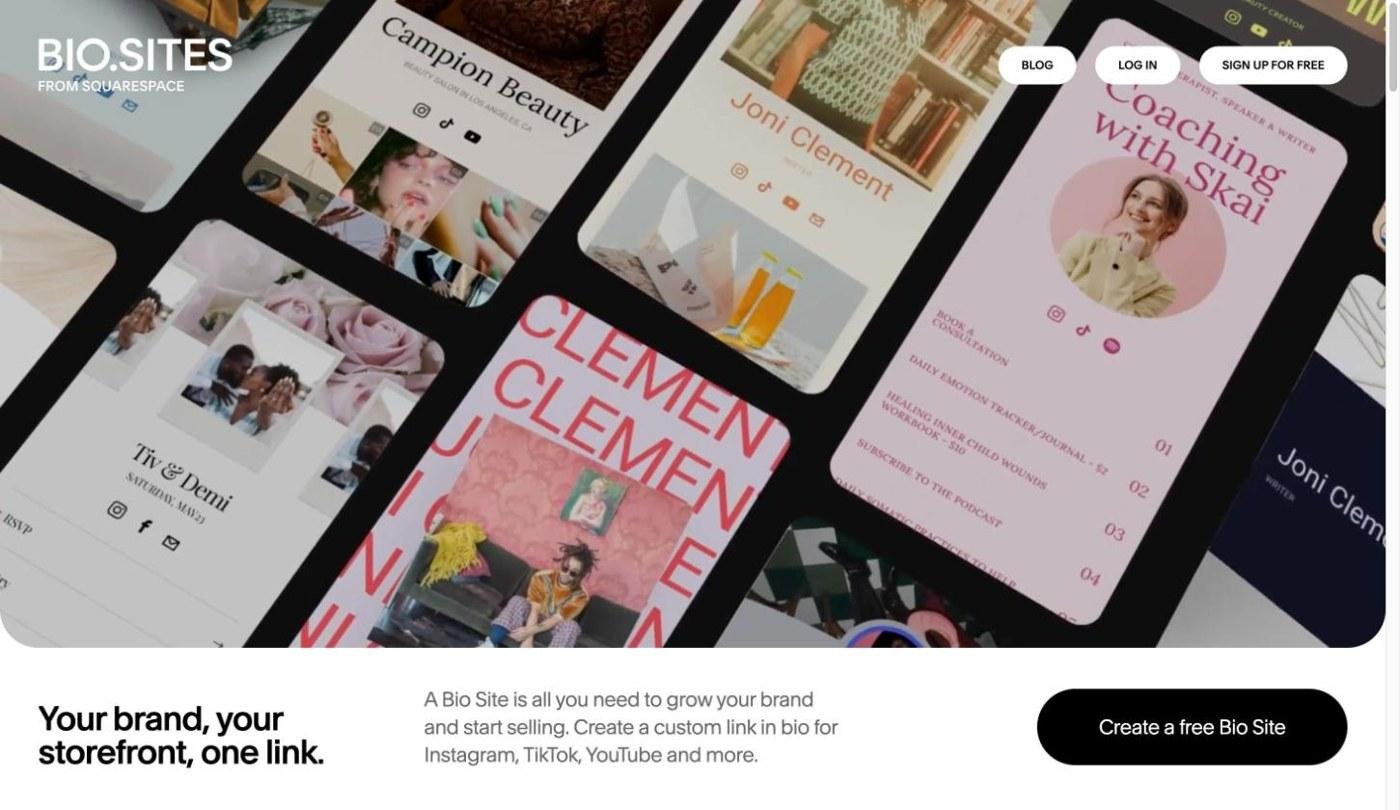
- Key features: Bio Sites includes unlimited links and Stripe or PayPal payments for products, bookings, tips and crowdfunding. Insights are built in, and you can create up to 10 Bio Sites per account.
- Pricing: Bio Sites is free.
- Best for: Getting a simple page live today without comparing paid plans.
Pros
- Completely free: There's no paid tier to upsell you, and no Squarespace subscription is required.
- Payments built in: Connecting Stripe or PayPal lets you sell or accept tips from the page.
Cons
- Few integrations: It doesn't connect to the wider marketing stack the way paid tools do.
10. Shorby - Best for messaging and auto-updating feeds
Shorby is a link page built around messenger buttons and feeds that update themselves, pulling in your latest videos, episodes, or products automatically.
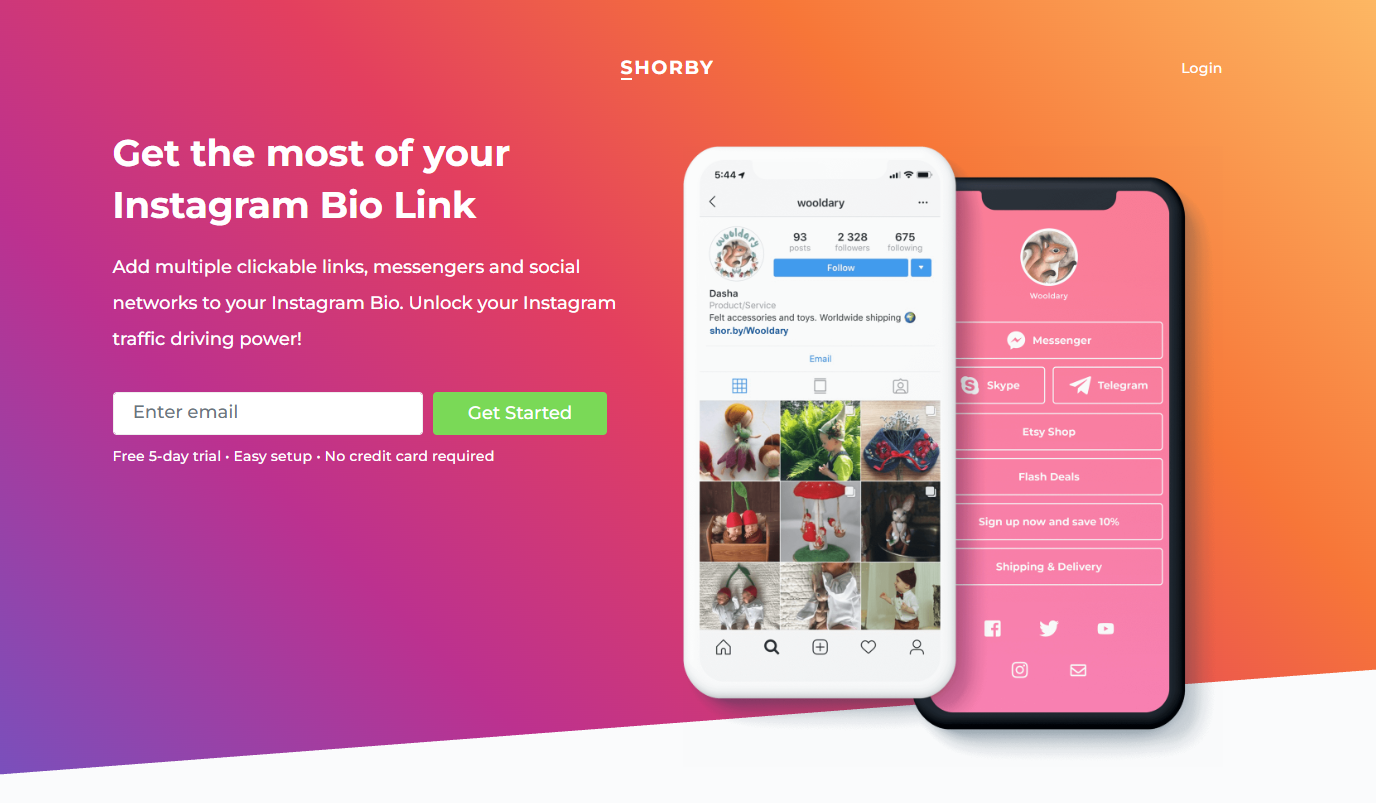
- Key features: Shorby offers WhatsApp, Telegram, Viber, and Messenger buttons and auto-updating feeds from sources such as YouTube, Shopify, Apple Podcasts, and WordPress. It also supports retargeting pixels for ad audiences.
- Pricing: Rocket is $15/month. Because prices may change, please go to the official website to confirm the latest prices before subscribing.
- Best for: Frequent publishers and businesses that sell through chat apps.
Pros
- Links refresh automatically as you publish: A new video or product appears on the page without manual updates.
- Messenger buttons for direct conversations: Visitors can start a WhatsApp or Telegram chat in one tap.
Cons
- No free plan: You'll pay at the end of the trial.
11. Pallyy - Best for social media teams
Pallyy is a social media management suite with a link-in-bio page included on its paid plans, alongside scheduling, a social inbox, and analytics.
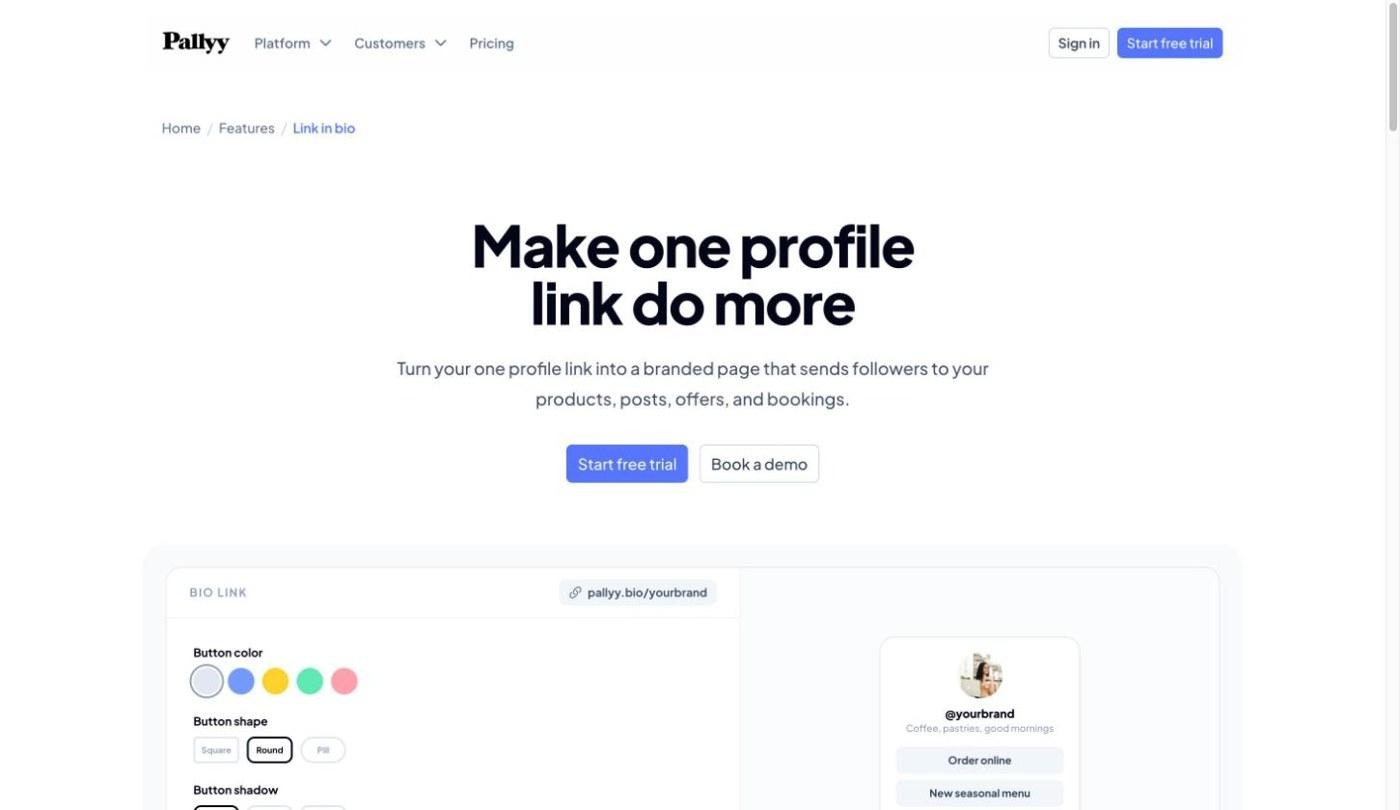
- Key features: Pallyy offers a link page with text buttons or Instagram-style image tiles, click and impression analytics, a custom URL, and branding removal. The full suite adds post scheduling, a social inbox, and analytics.
- Pricing: Pro is $25/month. Because prices may change, please go to the official website to confirm the latest prices before subscribing.
- Best for: Teams manage several social accounts every day.
Pros
- Scheduling, inbox, and analytics in one place: The link page sits next to the tools a social team already uses.
- Grid or button layouts: You can show your Instagram posts as tappable tiles or keep a simple list.
Cons
- Overkill if you only need a link page: You're paying for a full social media suite.
12. SeedProd - Best for WordPress sites
SeedProd is a WordPress landing-page plugin that hosts your bio page on your own website, so every visit counts toward your own domain.
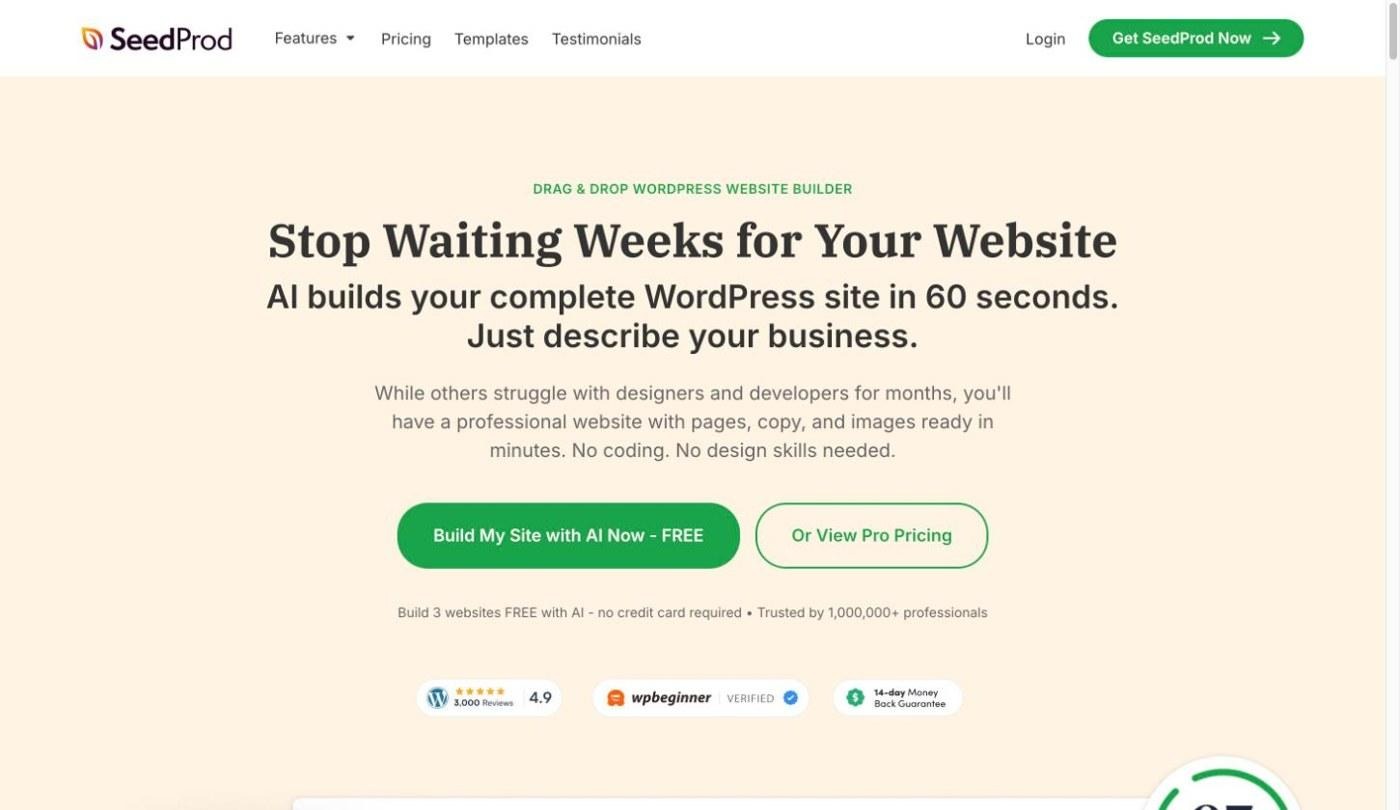
- Key features: SeedProd offers drag-and-drop landing pages on your WordPress domain, so traffic and analytics stay on your own site.
- Pricing: Basic is $79/year. Because prices may change, please go to the official website to confirm the latest prices before subscribing.
- Best for: Businesses already running a WordPress site.
Pros
- The bio page lives on your own domain: Visits build your own site's traffic instead of another platform's.
- Works with your existing setup: It uses the WordPress theme and analytics you already have.
Cons
- Requires a WordPress site: It isn't an option if you don't already run one.
How to choose the right Linktree alternative
If you mainly want the best free Linktree alternatives, start with the first option below; if you're comparing Linktree alternatives for business, look at the selling and custom-page options.
- Want it free with unlimited links: Lnk.Bio or Campsite.
- Want full design control on a budget: Carrd.
- Want to sell digital products: Stan Store or Beacons.
- Want a custom page or mini-site, not a template: Enter Pro.
- Want link-in-bio inside your scheduler: Later or Pallyy.
- Already on WordPress: SeedProd.
- Want an easy tool: Bio Sites is the quickest free page to set up, and Enter Pro is the easiest way to get a fully custom page without designing it yourself.
Conclusion
The best Linktree alternatives depend on what your bio link has to do. If you want to stay free, Lnk.Bio, Campsite, and Bio Sites are the strongest free alternatives to Linktree, and Carrd gives you the most design control for a few dollars a year. Creators who sell should look at Stan Store or Beacons, sellers who close deals in chat will get more from Taplink or Shorby; and social teams already scheduling in Later or Pallyy can keep their link page in the same tool. WordPress sites can use SeedProd to keep everything on their own domain. If you want a page that doesn't look like any of these templates, Enter Pro can build a custom link-in-bio page or mini-site from a simple prompt. Try it today with ease!
FAQs about Linktree alternatives
What are the best Linktree alternatives for Instagram?
Later Link in Bio is built specifically for Instagram, turning your grid into clickable posts that each link to their own page. Beacons and Campsite also work well for Instagram creators, with Beacons better for selling and Campsite better for tracking clicks.
What are the best Linktree alternatives for small businesses?
The top alternatives to Linktree for small businesses are Taplink for pages with payments and chat buttons, Stan Store for selling digital products, and SeedProd for businesses that already run a WordPress site. Businesses that want a branded page that can grow into a full website can build one with Enter Pro.
Can I use a custom domain with a Linktree alternative?
Yes. Carrd (Pro Standard), Campsite (Pro), Beacons (Creator), Shorby (Pro), and Taplink (Business) all support custom domains on paid plans. SeedProd and Enter Pro go a step further by putting the page on your own website.
Do Linktree alternatives include analytics?
Most do, but the depth varies. Free plans usually show views and clicks, while paid plans add referrers, devices, events, or campaign tracking. Campsite and Shorby offer some of the most detailed analytics among the dedicated link-in-bio tools.
Can I sell products from a link-in-bio page?
Yes. Stan Store, Beacons, Taplink (Business plan), and Bio Sites let visitors pay directly on the page. Carrd and Lnk.Bio don't include checkout, so you would link out to a separate store instead.
Is there a Linktree alternative with a one-time payment?
Lnk.Bio is the main option, with paid upgrades sold as one-time lifetime payments instead of a subscription. Carrd isn't one-time, but its yearly pricing is low enough to compete on total cost.
Can I build my own link-in-bio page without coding?
Yes. Every tool on this list works without code, but most limit you to a template. With Enter Pro, you describe the page you want in plain language, and it builds a custom page you can edit visually and expand into a full website.