Prototyping Tools: Top 7 Options to Create Interactive UI
Discover the 7 best prototyping tools to create interactive UI/UX designs faster. Learn how Enter Pro is different and can help streamline the workflow.
Visualize and demonstrate the functionality, layout, and user experience of your digital products with prototyping tools. Instead of relying on static designs, prototyping allows designers to create interactive models of websites, apps, or software interfaces that simulate real user interactions. Whether you opt for all-in-one design tools or AI-powered options like Enter Pro, these tools streamline your workflow and help you create interactive user experiences. In this guide, we'll explore the top 7 prototype tools that will help you create successful demonstrations. Start with these tools and bring your ideas to life.
The basics: What are prototyping tools
Before we unwrap the list of the best prototyping tools, let's first cover the basics to give you a clear idea.
Prototyping tools are software platforms that enable designers to create interactive representations of digital interfaces. These tools allow designers to test layouts, navigation patterns, and user flows before a product moves into development. Prototyping typically happens after the initial design phase and helps transform static designs into clickable or interactive experiences.
Types of prototyping tools
Prototype tools can be further categorized by level of detail, functionality, and the stage of the design process they support. A few of them are mentioned below.
- Low-fidelity prototyping tools
These are used to create simple, basic representations of a user interface. These prototypes focus mainly on structure, layout, and content placement rather than visual design or interactions.
- High-fidelity prototyping tools
High-fidelity prototyping tools allow designers to create detailed and visually realistic prototypes that closely resemble the final product. These tools include advanced design features such as colors, typography, images, animations, and interactive transitions.
- Interactive prototyping tools
Interactive prototyping tools focus on creating dynamic user experiences where users can interact with the interface through clicks, gestures, or navigation flows. These tools simulate real product interactions, allowing designers to demonstrate how users move through screens or perform tasks within the application.
- AI prototyping tools
AI prototyping tools are a newer category that uses artificial intelligence to automate parts of the design process. These tools help generate UI components, layouts, or even entire prototypes using prompts or design suggestions. AI tools can significantly reduce the time needed to create prototypes and help designers move from concept to working interface faster.
What are the benefits of using a prototyping tool
- Faster Design Iterations
One of the biggest advantages of prototype tooling is the ability to iterate quickly on design ideas. Designers can experiment with different layouts, interactions, and user flows without needing to code or rebuild the interface each time.
- Better Collaboration
Modern prototyping tools support real-time collaboration, allowing multiple team members to work on the same project simultaneously. Designers, developers, product managers, and stakeholders can review prototypes, add comments, and suggest improvements directly within the tool.
- Early User Testing
Prototypes enable testing product ideas with real users before development begins. Instead of relying only on assumptions, designers can observe how users interact with the interface and identify potential usability issues. Early feedback allows teams to refine the design before investing time and resources into development.
- Improved Communication
Prototypes provide a visual and interactive representation of a product, making it easier for stakeholders to understand the design concept. Static images or design documents can sometimes make it difficult for stakeholders to imagine how a product will function.
- Reduced Development Costs
Prototyping, unarguably, reduces development costs by demonstrating the future outlook of your digital product. With these tools, you can identify potential issues early in the design phase, thus reducing the risk of launching a poorly designed product.
Top 7 prototyping tools every designer must know
- Enter Pro
Enter Pro is an AI Dev Agent designed to simplify and accelerate the process of creating digital products. While traditional prototyping tools require designers to manually build layouts, link screens, and simulate interactions, Enter Pro enhances this process by using artificial intelligence to help generate UI elements, workflows, and even working prototypes from simple inputs.
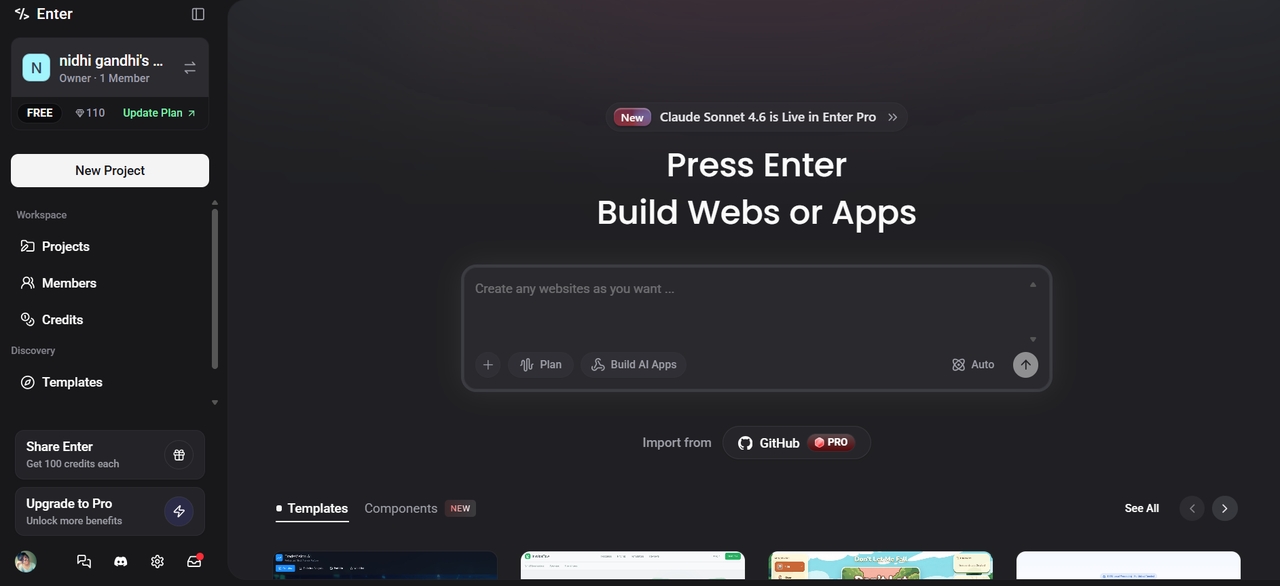
How Enter Pro can help streamline the prototyping workflow
Counted among the best free prototyping tools, Enter Pro provides several capabilities that help designers and developers build prototypes more efficiently.
- Convert UI ideas to working prototypes
One of the key capabilities of Enter Pro is its ability to transform design concepts into functional prototypes quickly. Designers can input interface ideas or describe a product feature, and the platform helps generate a structured UI prototype that reflects those requirements.
- Generate UI components with prompts
This AI app builder** **supports prompt-based UI generation, allowing designers to create interface elements using simple descriptions. Instead of manually building buttons, forms, navigation menus, or cards, designers can request these components through prompts.
- Automate front-end code generation
Another powerful capability of Enter Pro is automated front-end code generation. Once a prototype or UI layout is created, the platform can generate corresponding front-end code that developers can use as a starting point for implementation. This feature helps bridge the gap between design and development by ensuring that the visual prototype can be translated into functional code more efficiently.
Key features of Enter Pro
-
Easy-to-use interface: Enter Pro focuses on usability so that both technical and non-technical users can build applications efficiently. The platform uses natural language prompts, visual editing tools, and intuitive controls to simplify the development process.
-
**Visual editor for precision control: **The Visual Editor provides real-time control over the interface design. Users can click on elements directly within the canvas to adjust styles, layouts, and functionality.
-
Collaborative workspace: Enter Pro supports team collaboration through shared workspaces. Teams can invite members to collaborate on projects, review generated code, and contribute ideas.
- Figma
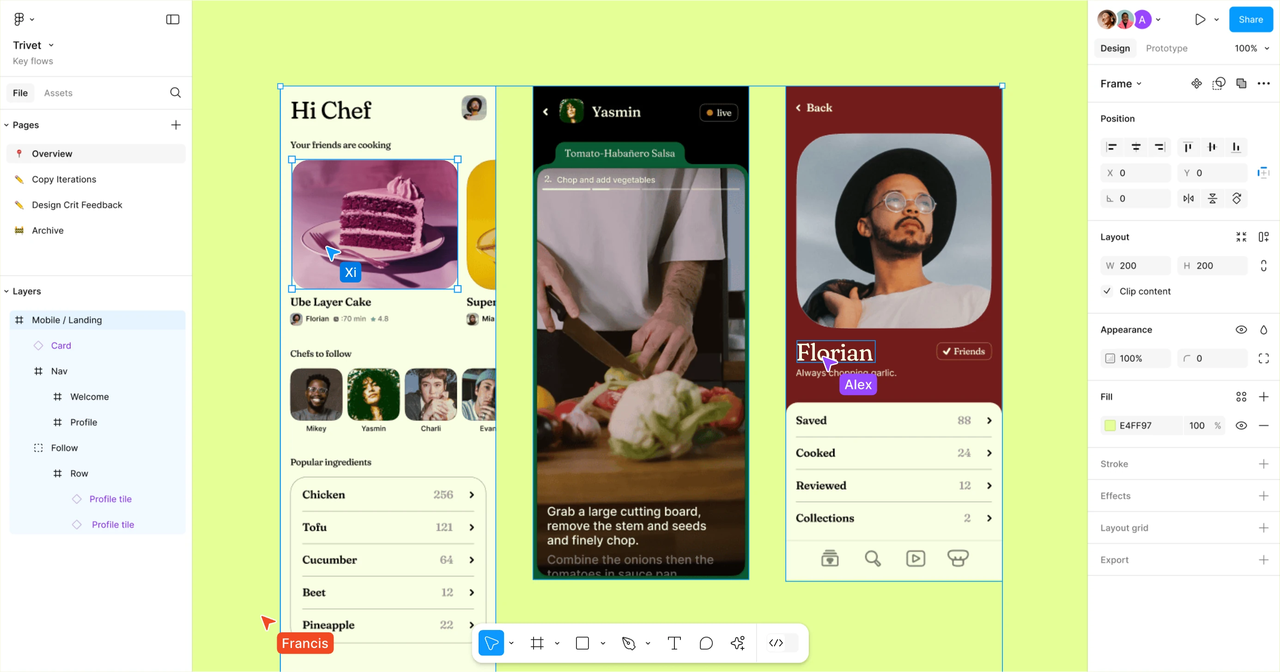
Figma is one of the most widely used design and rapid prototyping tools today. It is a cloud-based tool that allows multiple users to collaborate on the same design file in real time. Designers can create layouts, design systems, and interactive prototypes directly within the platform. Figma is particularly popular among remote teams because it works directly in the browser.
Key features
-
Real-time collaboration: Multiple team members can work on the same design file simultaneously, with live cursor tracking and instant updates.
-
Interactive prototyping: Designers can link frames together and simulate user interactions like clicks, hover states, and transitions.
-
Component-based design system: Reusable components allow teams to maintain consistent design elements across projects.
-
Extensive plugin ecosystem: Figma supports numerous plugins that add functionality such as icon libraries, accessibility tools, and design automation.
Best For: Remote design teams and collaborative projects
- Sketch
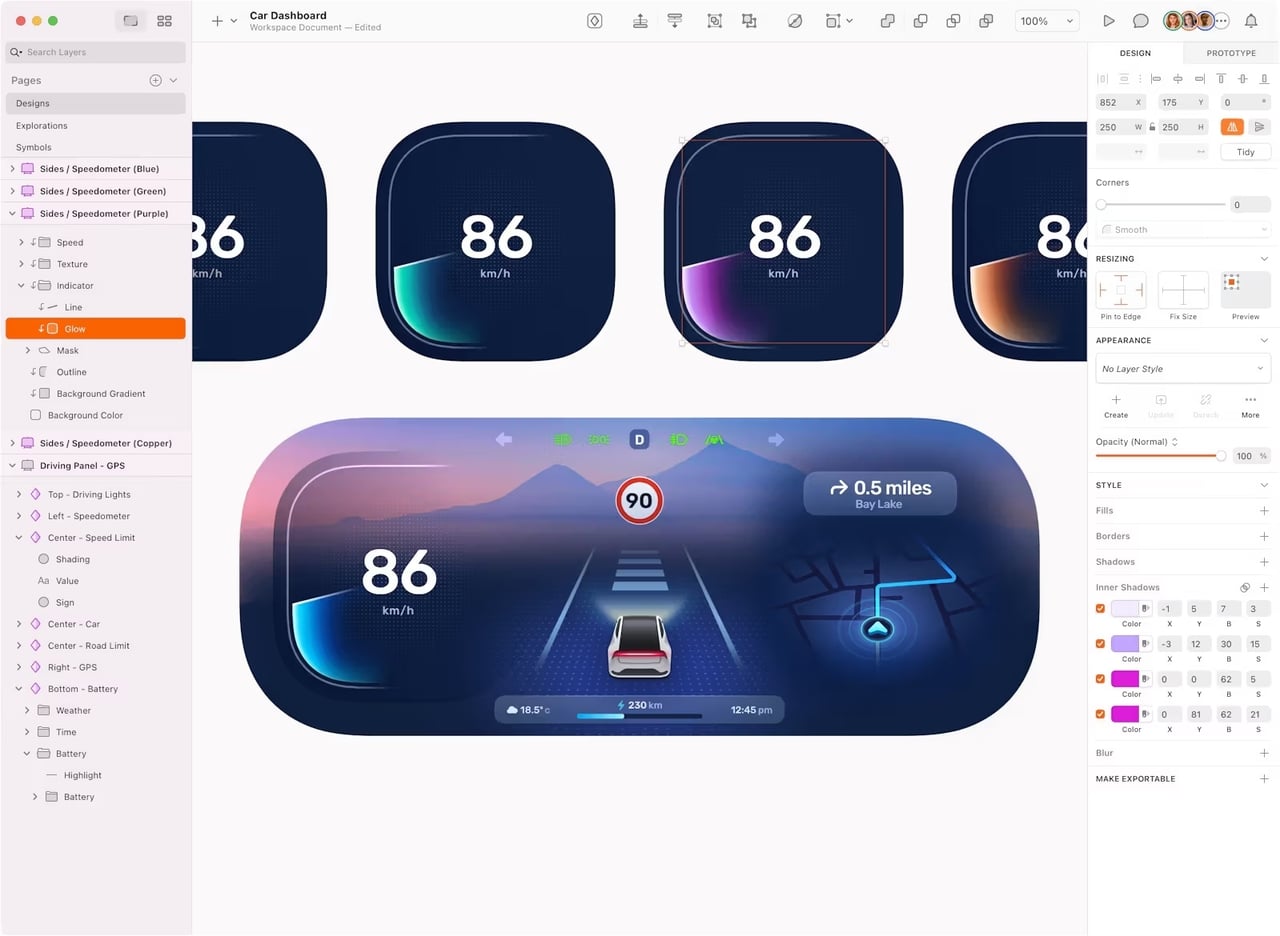
Sketch is a vector-based UI design tool for macOS that has been widely used by designers for many years. It provides powerful tools for creating interfaces and linking screens together to simulate user flows. Although Sketch originally focused on design, it now supports prototyping features and collaboration tools as well. Being one of the best UI prototyping tools, Sketch doesn't come with a steep learning curve, which eventually makes it ideal for beginners with little or no technical experience.
Key features
-
Reusable components and symbols: Sketch allows designers to create reusable components called symbols, which help maintain consistency across multiple screens and projects.
-
Plugin integrations: Sketch supports a large ecosystem of third-party plugins that extend its functionality.
-
Interactive screen linking: The tool enables designers to link different artboards (screens) together to create interactive prototypes.
-
Lightweight design interface: It is known for its clean and lightweight interface, which makes it easy for designers to focus on creating UI layouts without unnecessary complexity.
Best for: Designers working within the Apple ecosystem
- Proto.io
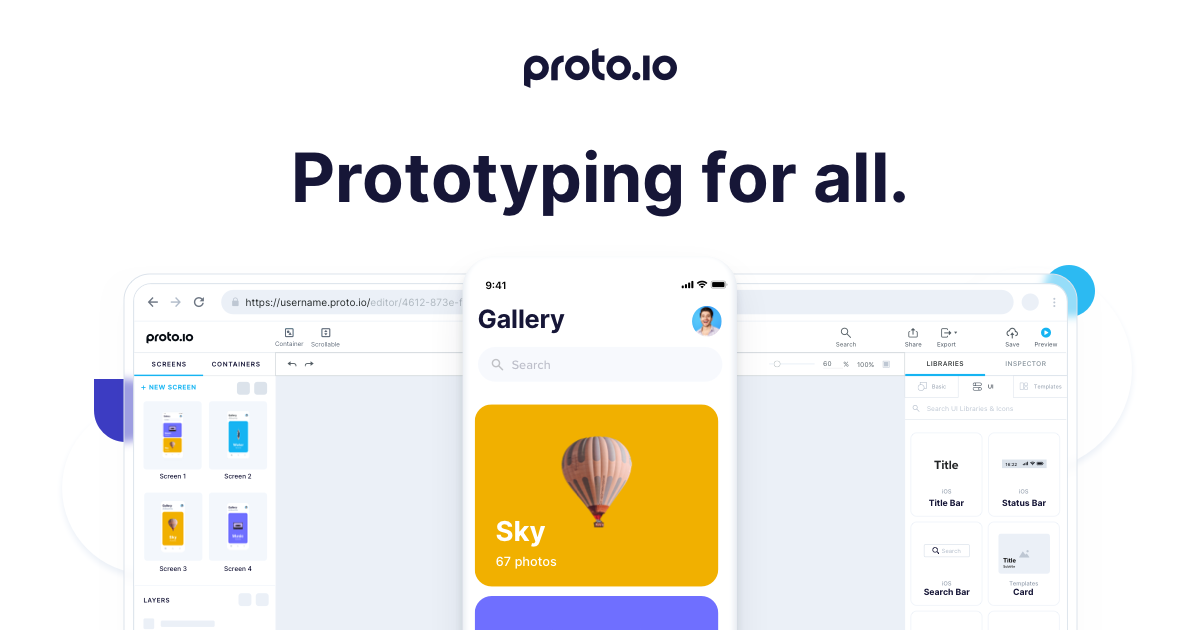
Proto.io is a web-based platform that allows designers to build highly interactive prototypes without coding. It offers a large library of UI components and animation tools, making it easy to simulate real mobile app experiences. Proto.io gives you a variety of drag-and-drop UI web components, templates, icon libraries, digital assets, and audio/video integrations.
Key features
-
Drag-and-drop design interface: It comes with an easy drag-and-drop editor, which eventually makes this prototype tool ideal for beginners and newbies.
-
Mobile UI component library: The platform includes a comprehensive mobile UI component library with prebuilt elements commonly used in mobile applications.
-
Timeline-based animations: Proto.io supports timeline-based animation tools that allow designers to create smooth transitions and dynamic visual effects.
-
Interactive gestures: The tool allows designers to add interactive gestures such as taps, swipes, scrolling, and dragging to their prototypes.
Best for: Enterprise teams and individuals wanting code-free, interactive prototypes
- Balsamiq
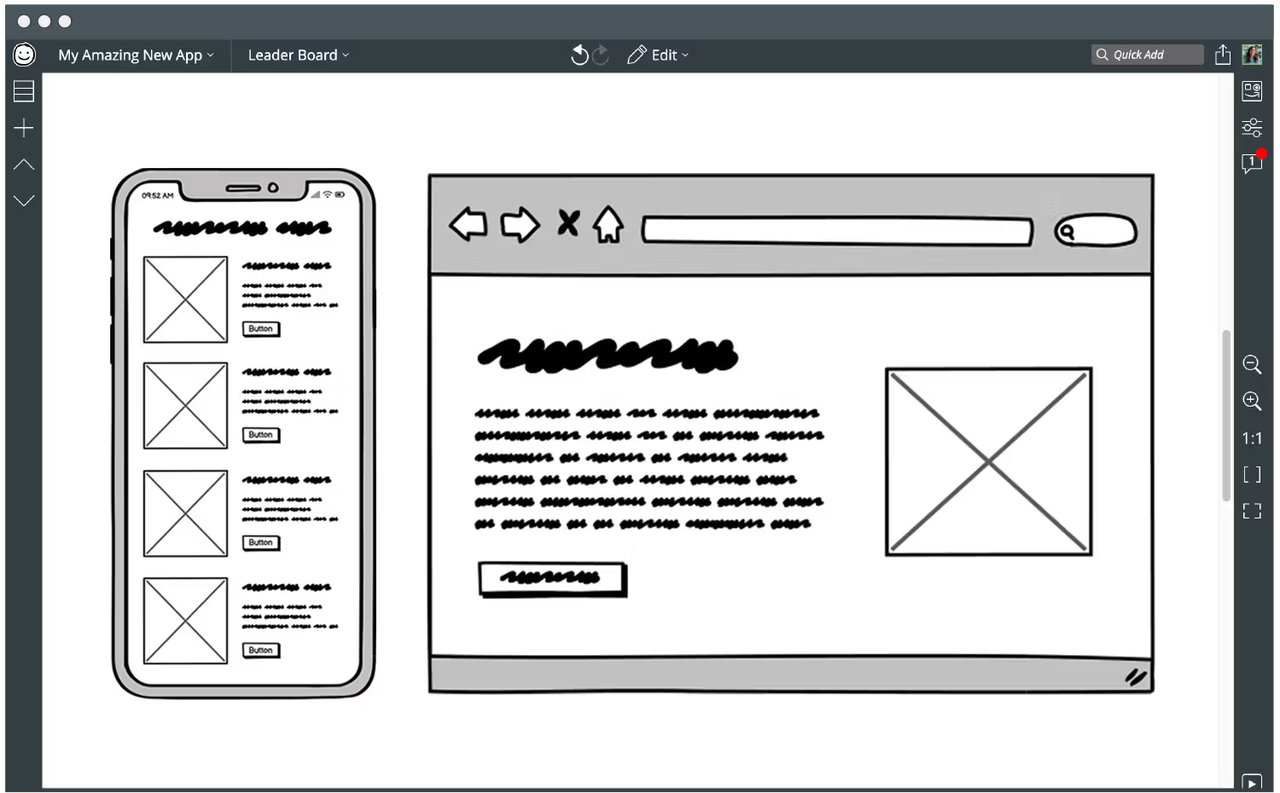
Balsamiq is a low-fidelity wireframing tool designed to help teams quickly create rough interface layouts. It intentionally uses a sketch-style design approach to keep the focus on structure and functionality. This tool is ideal for early-stage design brainstorming.
Key features
-
Simple drag-and-drop interface: Balsamiq offers an intuitive drag-and-drop interface that allows users to quickly build wireframes without needing advanced design skills.
-
Prebuilt wireframe components: The tool includes a wide range of prebuilt wireframe components, including navigation bars, forms, icons, buttons, and content placeholders.
-
Quick layout creation: Balsamiq is designed for rapid wireframing, allowing teams to create interface layouts in minutes.
-
Easy collaboration: It provides simple collaboration features that allow teams to share wireframes and gather feedback easily.
Best for: Early-stage product ideation and wireframing
- Fluid UI
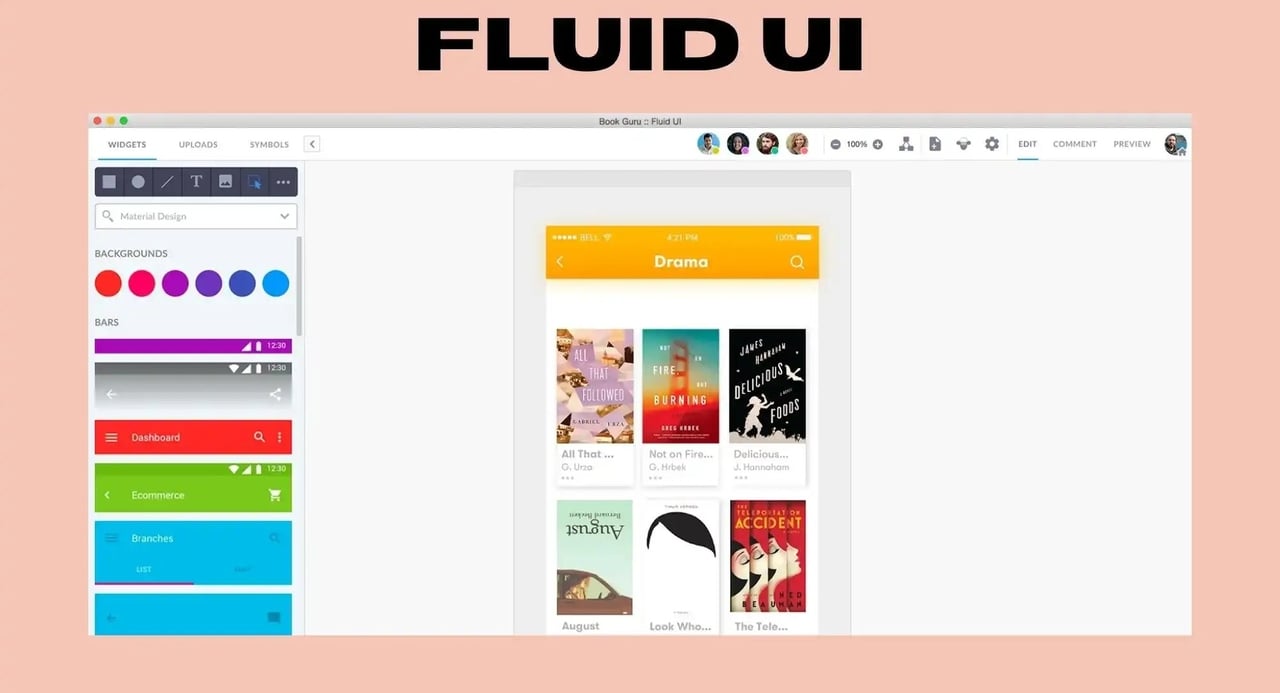
One of the leading rapid prototype tooling platforms, Fluid UI features an array of ready-to-use templates with 2000+ components, thus offering endless creative possibilities. With its simple interface, personal libraries, and free trial option, Fluid UI stands as one of the best choices for both newbies and professional designers.
Key features
-
Drag-and-drop interface builder: Fluid UI offers an intuitive drag-and-drop editor that allows users to build interface layouts quickly.
-
Extensive UI component library: The platform provides a large library of prebuilt UI components for both web and mobile applications.
-
Interactive prototyping: Fluid UI allows designers to create clickable and interactive prototypes by linking different screens together.
Best for: Distributed teams looking for quick turnarounds and real-time collaboration
- Justinmind
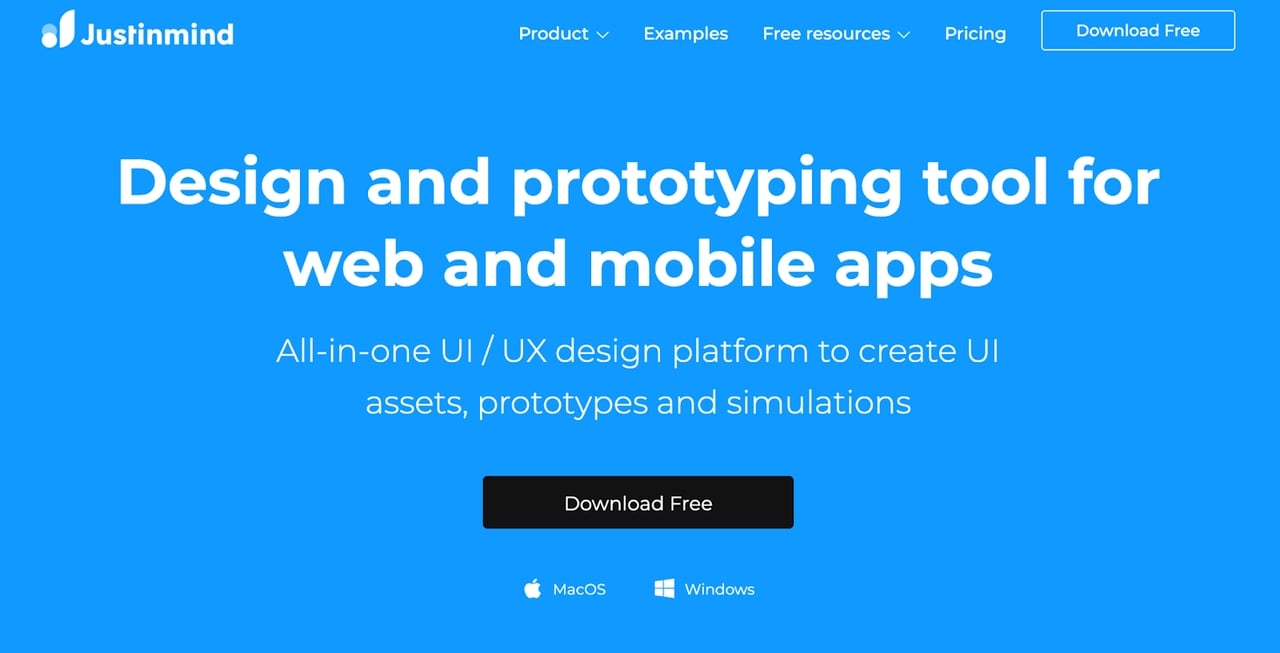
Justinmind is a prototyping tool that allows designers to build high-fidelity interactive prototypes for both web and mobile applications. It offers powerful interaction capabilities and simulation features that allow teams to test realistic user experiences.
Key features
-
Interactive UI simulations: With Justinmind, designers can connect different screens, add buttons, menus, forms, and gestures to mimic how users will interact with the final product.
-
Responsive design support: The tool offers responsive design support, thus allowing designers to create interfaces that adapt to different screen sizes and devices.
-
Collaboration and sharing tools: Justinmind includes collaboration features that allow teams to work together on prototypes and share feedback efficiently.
-
User testing integrations: It allows designers to integrate prototypes with user testing tools so they can evaluate how real users interact with the interface.
Best for: Design teams building detailed product prototypes
Conclusion
Prototyping tools play a vital role in the UI/UX design process by helping designers transform ideas into interactive experiences before development begins. Throughout the guide, we explored the top 7 prototyping tools that help designers create interactive UI designs efficiently. Each tool offers unique capabilities depending on the stage of design and the complexity of the project. As design technologies continue to evolve, AI-powered platforms are changing the way prototypes are created. Tools like Enter Pro introduce intelligent automation that can generate UI components, assist with app development, and accelerate the transition from concept to working product. So, why wait? Start with Enter Pro and bring innovative product ideas to life.
FAQs
What are the 5 stages of prototyping?
The prototyping process typically includes five stages, including idea and concept development, wireframing, mockup creation, interactive prototyping, and user testing and refinement. These stages help teams refine product ideas and ensure the interface meets user expectations before development begins.
Which prototyping tool is best for beginners?
The best tool depends on your project complexity, expectations, and the willingness to spend money. Always look for a tool that offers simple interfaces and easy learning curves. If you are looking for the easy-to-use, AI-powered option, your search ends with Enter. Instead of building every component manually, users can simply describe their UI concept and let the platform generate the structure and elements automatically.
What is the difference between wireframing and prototyping?
Wireframing focuses on the basic structure of an interface. It outlines the placement of elements such as buttons, menus, images, and text without focusing on visual design or interactions. Prototyping, on the other hand, involves creating interactive versions of the design. Designers connect screens, add animations, and simulate user flows so stakeholders can experience how the product will function.
Which tool is best for prototyping?
The best prototyping tool depends on the type of project and the level of interaction required. AI-driven platforms like Enter Pro are changing the way prototypes are built. Instead of manually designing every screen, designers can use AI to generate UI components, automate front-end code, and quickly turn ideas into functional prototypes.