
Sell Photos Online: 15 Best Places for You to Choose
Learn where and how to sell your photos online. Compare 15 places by commission, payout, and effort, and see how to launch your own photo store quickly.
You can sell photos online in four ways: license them through stock marketplaces, sell prints or digital downloads on art marketplaces, deliver paid client galleries, or open a store under your own name. Below are 15 verified places to do it, how to decide between them, how to sell your photos online profitably rather than just list them, and how a tool like Enter Pro lets you build your own storefront once a marketplace stops being enough.
Where to sell photos online: 15 best places
Every commission and fee figure below comes from each platform's own help pages, pricing pages, or official blog, pulled in October 2026. Rates change often enough that it's worth re-checking the source link before you commit to a platform.
| Platform | Best for | Contributor share | Payout minimum | Exclusivity |
|---|---|---|---|---|
| Adobe Stock | Creative Cloud users | 33% standard royalty | $25 | Not required |
| Shutterstock | High-volume uploaders | 15–40% across six levels, reset every January 1 | $25 (Terms of Service base; customizable from $35+ in dashboard) | Not required |
| Alamy | Editorial and niche subjects | 15% (Bronze) to 50% (Platinum, exclusive) | $75 cleared balance | Optional, required for Platinum |
| iStock | Getty-network reach | 15% non-exclusive; 25–45% exclusive | $100 | Optional, higher rate with exclusivity |
| Getty Images | Editorial and commercial licensing at scale | Invite-only via iStock; 20% standard RF / 25% editorial | $100 | Typically exclusive |
| Dreamstime | Building a long-term library | 25% non-exclusive, 27.5% exclusive, up to 60% for seasoned exclusive contributors | $100 | Optional |
| Stocksy | Curated, artistic work | 50% standard license, 75% extended license | $100 | Required (co-op membership) |
| 500px | Community-driven exposure | 25% non-exclusive; 60% exclusive on free plan, 100% exclusive on paid plans | $30 | Optional |
| Etsy | Prints, downloads, niche buyers | $0.20 per listing plus 6.5% transaction fee plus payment processing | No minimum for scheduled deposits ($25 USD for daily disbursements; varies by currency) | Not applicable |
| Fine Art America | Print-on-demand without inventory | You set your price; FAA adds its own markup for production and shipping | No minimum ($0 threshold; paid after 30-day return window) | Not required |
| Picfair | Testing the waters for free | You keep 100% of your set price; Picfair adds a 20% buyer commission on top | No minimum (cash out per sale via PayPal, Wise, or UK bank) | Not required |
| SmugMug | Photographers who want pricing control | You keep roughly 85% of the markup you add over SmugMug's base print price | $5 on-demand request ($500 for automatic monthly payout) | Not required |
| Zenfolio | Client galleries plus storefront | Plans from $7–$40/month plus a 7% commerce fee per order | No minimum via Stripe, PayPal, or ACH ($500 minimum for mailed check) | Not required |
| ShootProof | Event and wedding delivery | Plans from free to $60/month; ShootProof states it takes no commission | No minimum for standard bank transfers ($1.50 fee minimum for Instant Payouts) | Not required |
| Foap | Mobile shooters and brand missions | 50/50 split per sale ($5 earned per $10 marketplace sale) | $50 (manual withdrawal via PayPal) | Not required |
Adobe Stock
If you already live inside Creative Cloud, Adobe Stock is the path of least resistance, it's built into the same ecosystem, so your images, vectors, and footage license out to marketers, designers, and businesses without leaving Lightroom or Photoshop. Once approved, your work sits in search results next to millions of other contributors' files.
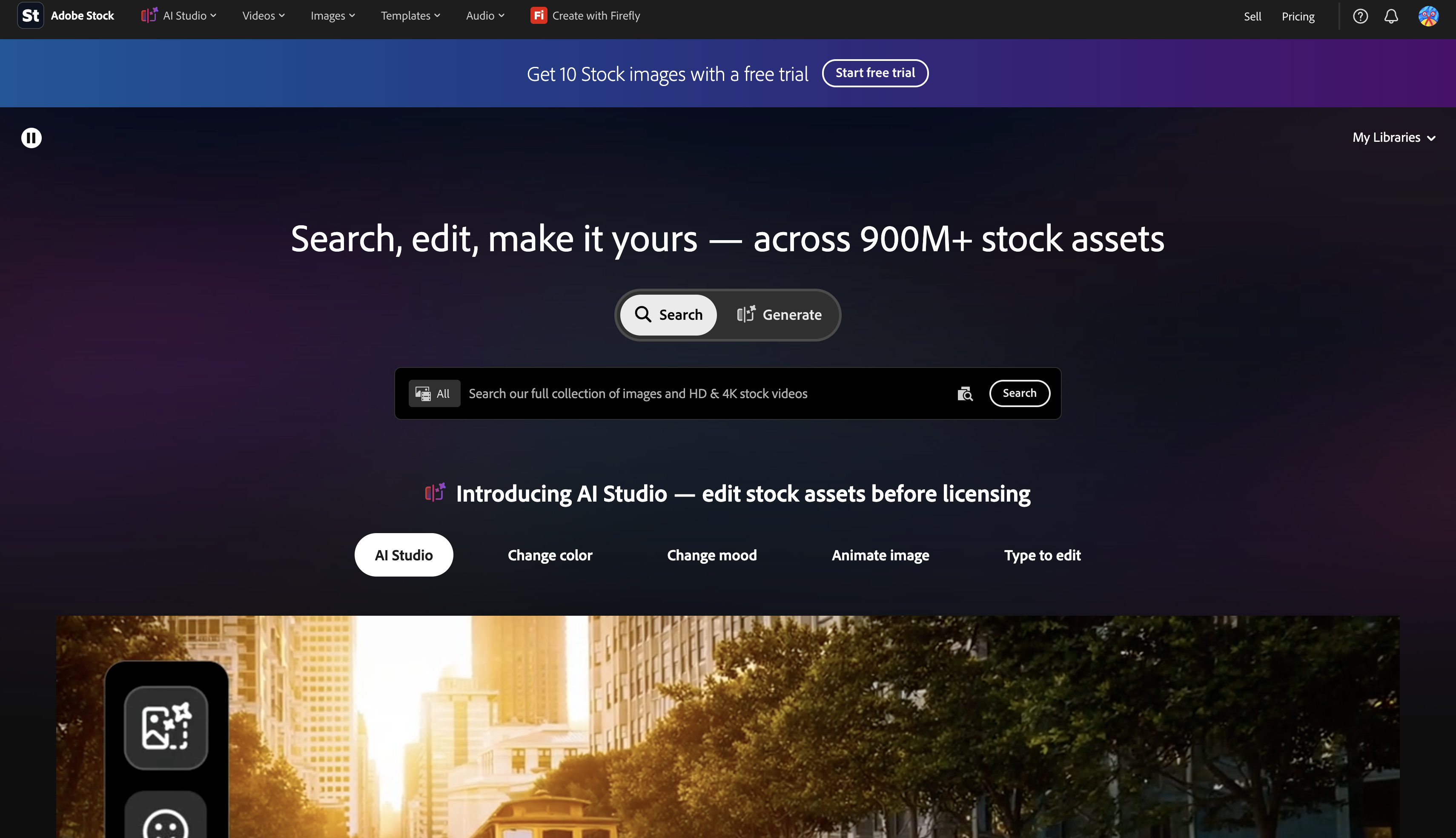
Best for: photographers already using Lightroom or Photoshop, who want royalty income without leaving their existing editing workflow.
Fee/commission (as of October 2026): a flat 35% standard royalty on photos.
Pros:
- Flat rate with no tiers to track
- Seamless Lightroom/Photoshop submission
- Non-exclusive, sell the same images elsewhere too
Cons:
- 33% is lower than several niche competitors' top tiers
- First-time approval can be strict on editorial standards
Shutterstock
Few stock libraries move as much volume as Shutterstock, and its royalty structure is built to reward contributors who keep uploading rather than those who submit once and disappear. Buyers here span advertising, publishing, and e-commerce, which makes it one of the easier places for a new contributor to actually get noticed.
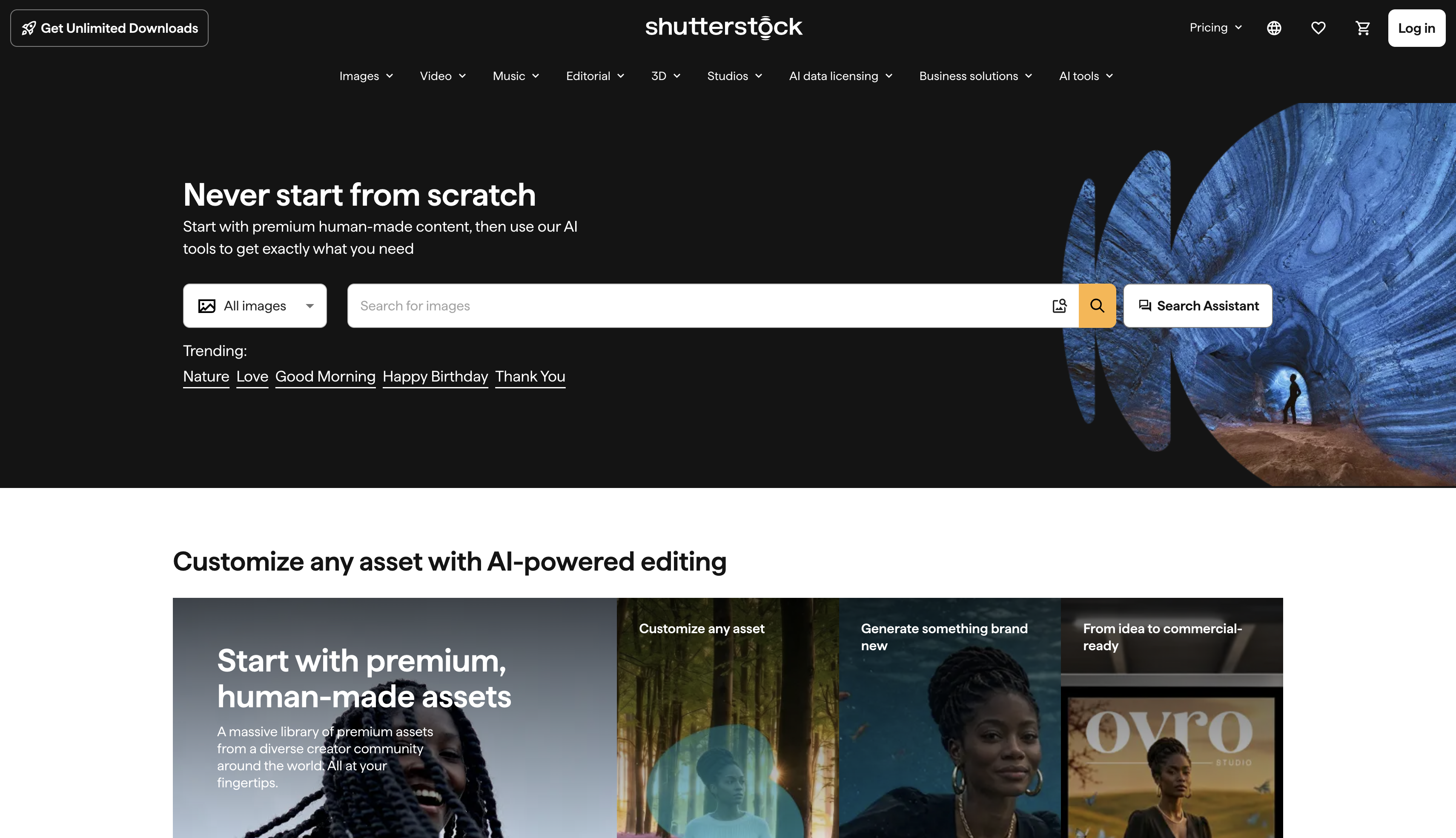
Best for: contributors planning to upload consistently over time rather than a one-time batch, since tiers reward volume.
Fee/commission (as of October 2026): 15–40% across six levels based on download volume, with levels resetting annually on January 1.
Pros:
- Large, consistent buyer traffic
- Clear path to higher tiers with consistent uploads
- No exclusivity required, so your portfolio stays flexible
Cons:
- Entry-level rate (15%) is low until volume builds
- Annual reset means last year's tier doesn't carry over
Alamy
What sets Alamy apart is what it accepts, niche, unconventional, and documentary-style subjects that bigger agencies tend to pass on. Its buyer base runs from small businesses to major media outlets, and the site overhauled its commission tiers recently, so the numbers below reflect that newer structure.
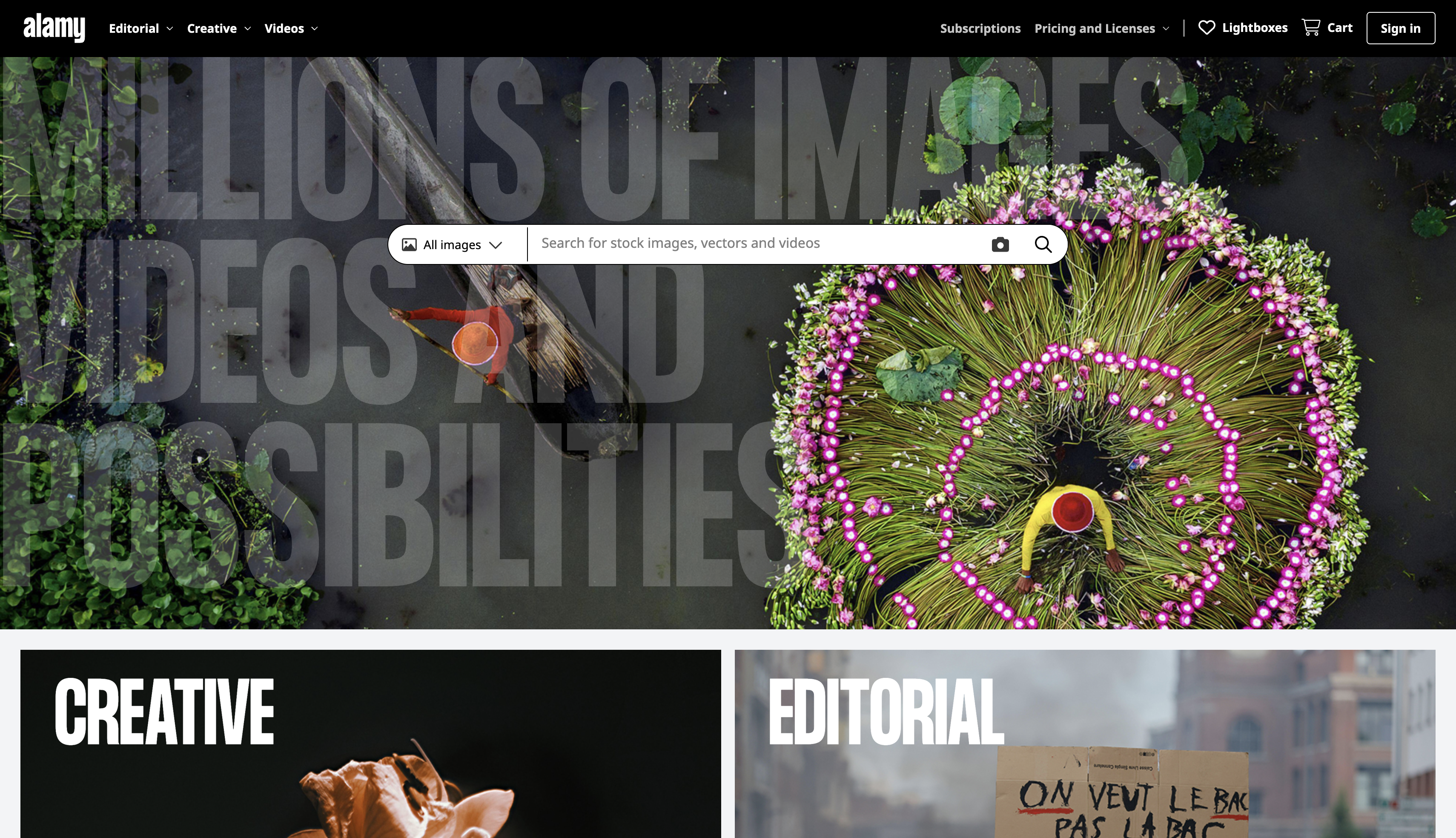
Best for: photographers with a specific beat, local landmarks, niche industries, or documentary work, that broader stock sites turn down.
Fee/commission (as of October 2026): Bronze 15% (under $250), Silver 20% ($250–$3,000), Gold 40% ($3,000–$25,000), Platinum 50% (exclusive, $25,000+), under the tier structure introduced on 1 September 2026. The payout threshold also rose to $75.
Pros:
- Accepts niche and editorial subjects other sites reject
- Non-exclusive contributors can still reach 40% at Gold
- Broad commercial and editorial buyer base
Cons:
- Entry Bronze/Silver tiers (15–20%) are modest
- Platinum's 50% needs both exclusivity and $25,000 in sales
iStock
iStock exists as Getty Images' side door: the entry bar sits lower than Getty's own, but your work still reaches the same buyer network once it's approved. It's a reasonable starting point for photographers chasing a recognizable brand name without waiting on an invitation first.
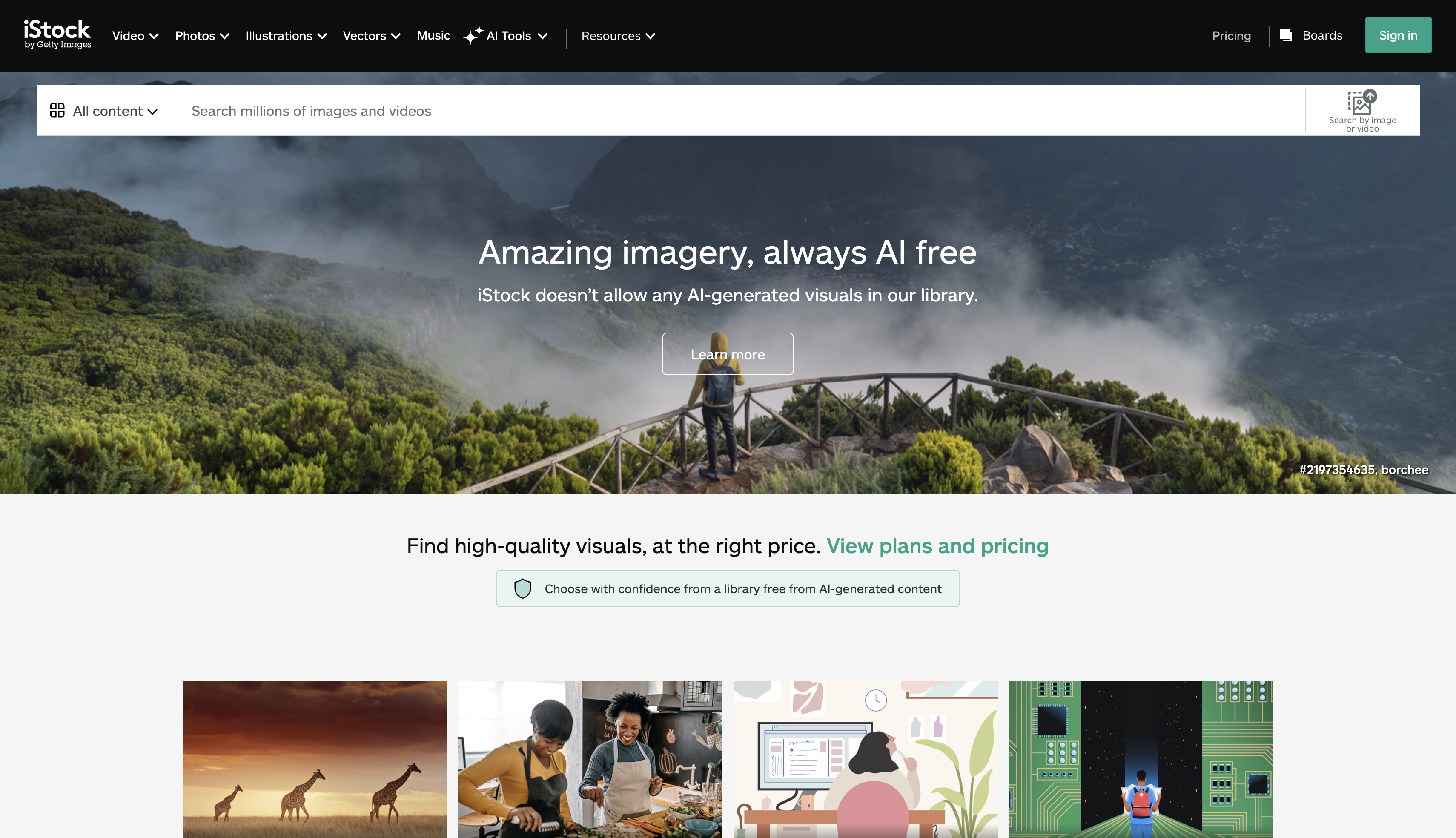
Best for: photographers who want visibility inside the Getty buyer network without waiting for an invitation.
Fee/commission (as of October 2026): around 15% for non-exclusive contributors, rising with exclusivity and download volume.
Pros:
- Distribution inside the Getty Images buyer network
- Exclusivity path available for a higher share
- Backed by one of the most recognized stock brands
Cons:
- Non-exclusive rate is among the lowest on this list
- Approval standards can be strict for first-time contributors
Getty Images
Getty Images barely needs an introduction, it's one of the most recognized editorial and commercial agencies around, supplying publishers, brands, and news outlets worldwide. Getting in isn't straightforward, though: entry is mostly by invitation, usually extended once you've already built a solid sales record on iStock.
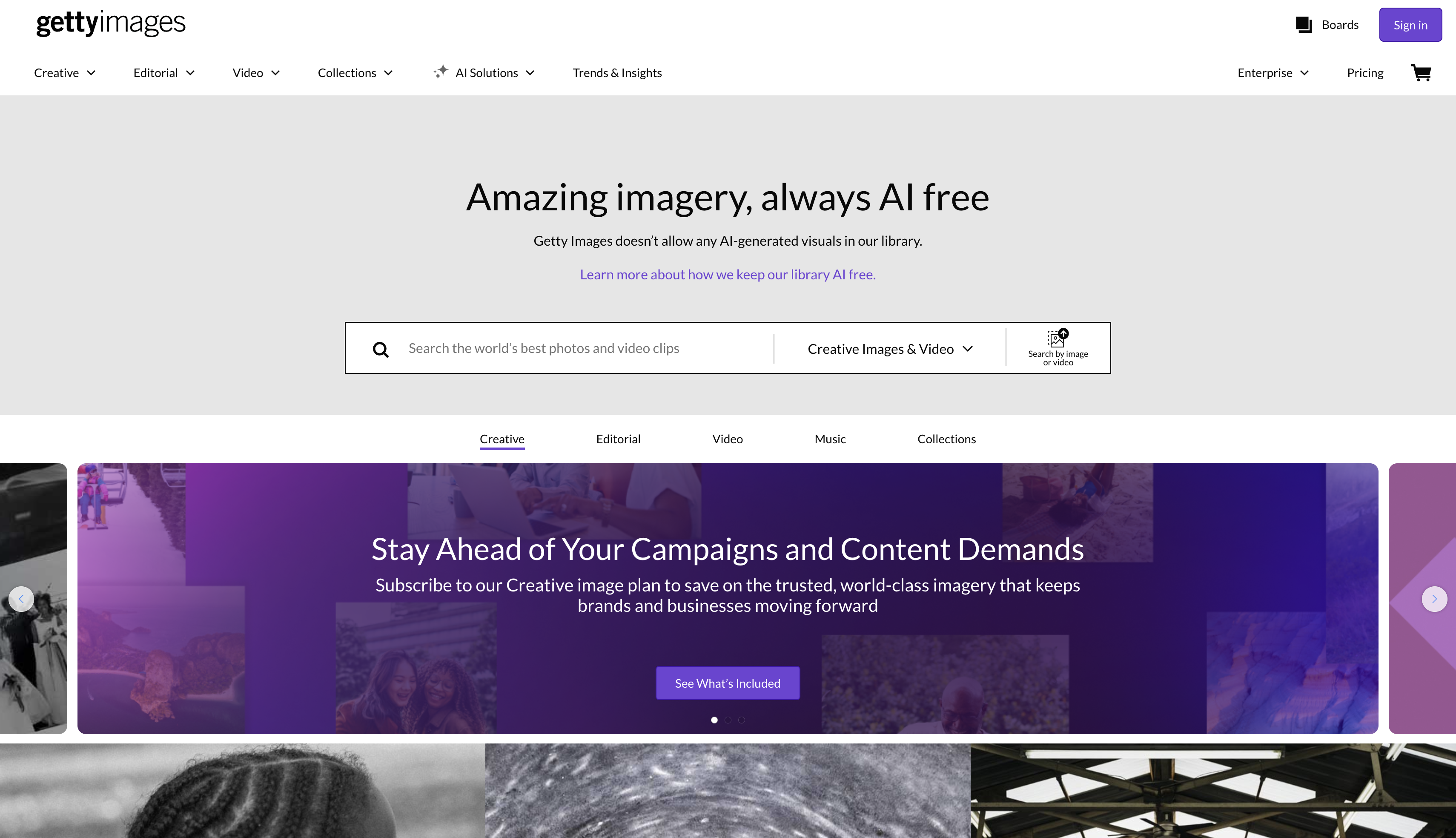
Best for: photographers with an established, high-quality portfolio already selling well elsewhere.
Fee/commission (as of October 2026): 15% for non-exclusive and 20% for exclusive photo contributors on Getty Images.
Pros:
- Strongest brand recognition on this list
- Access to high-value editorial and commercial buyers
- Premium pricing power compared to volume stock sites
Cons:
- No open application, invitation only
- Submissions generally must be exclusive
Dreamstime
With more than 30 million users, Dreamstime has been around long enough to build a loyal base, and its submission process is forgiving; a rejected image can simply be re-edited and resubmitted rather than scrapped. The buyer mix here is commercial, editorial, and everyday users after a library they can count on.
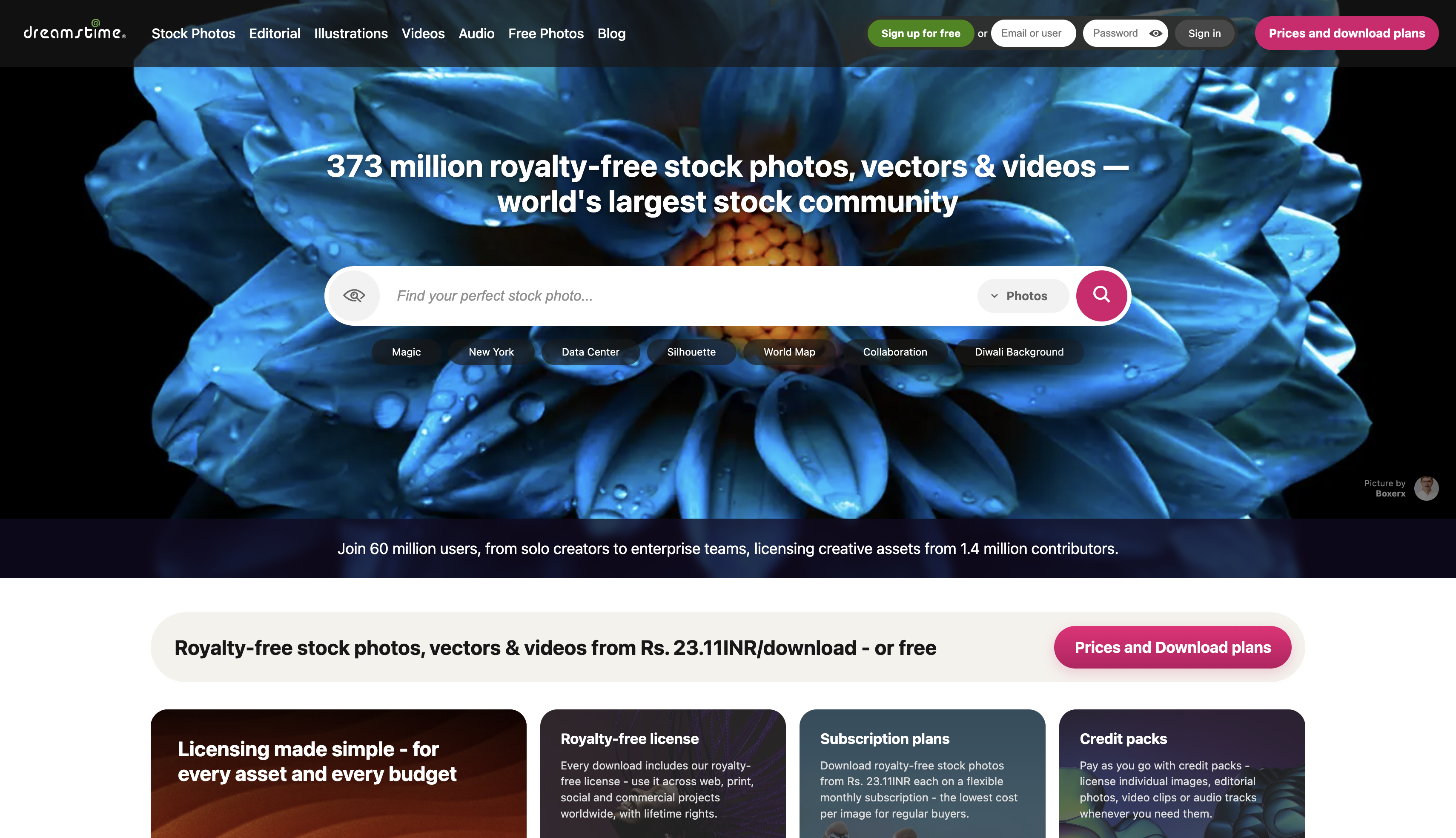
Best for: photographers building a library gradually over time, since rejected images can be fixed and resubmitted rather than discarded.
Fee/commission (as of October 2026): 25% non-exclusive, 27.5% exclusive, rising to 60% for seasoned exclusive contributors.
Pros:
- Rejected images can be re-edited and resubmitted
- Exclusive rate climbs meaningfully with tenure
- Large existing user base (30M+) for exposure
Cons:
- Entry-level non-exclusive rate (25%) is mid-pack
- Reaching the 60% tier takes sustained volume
Stocksy
Stocksy runs differently from most stock sites on this list: it's a photographer-owned cooperative, and the library stays small and artistic on purpose rather than chasing volume. Because members share in the co-op's profits collectively, getting accepted matters more here than almost anywhere else on this page.
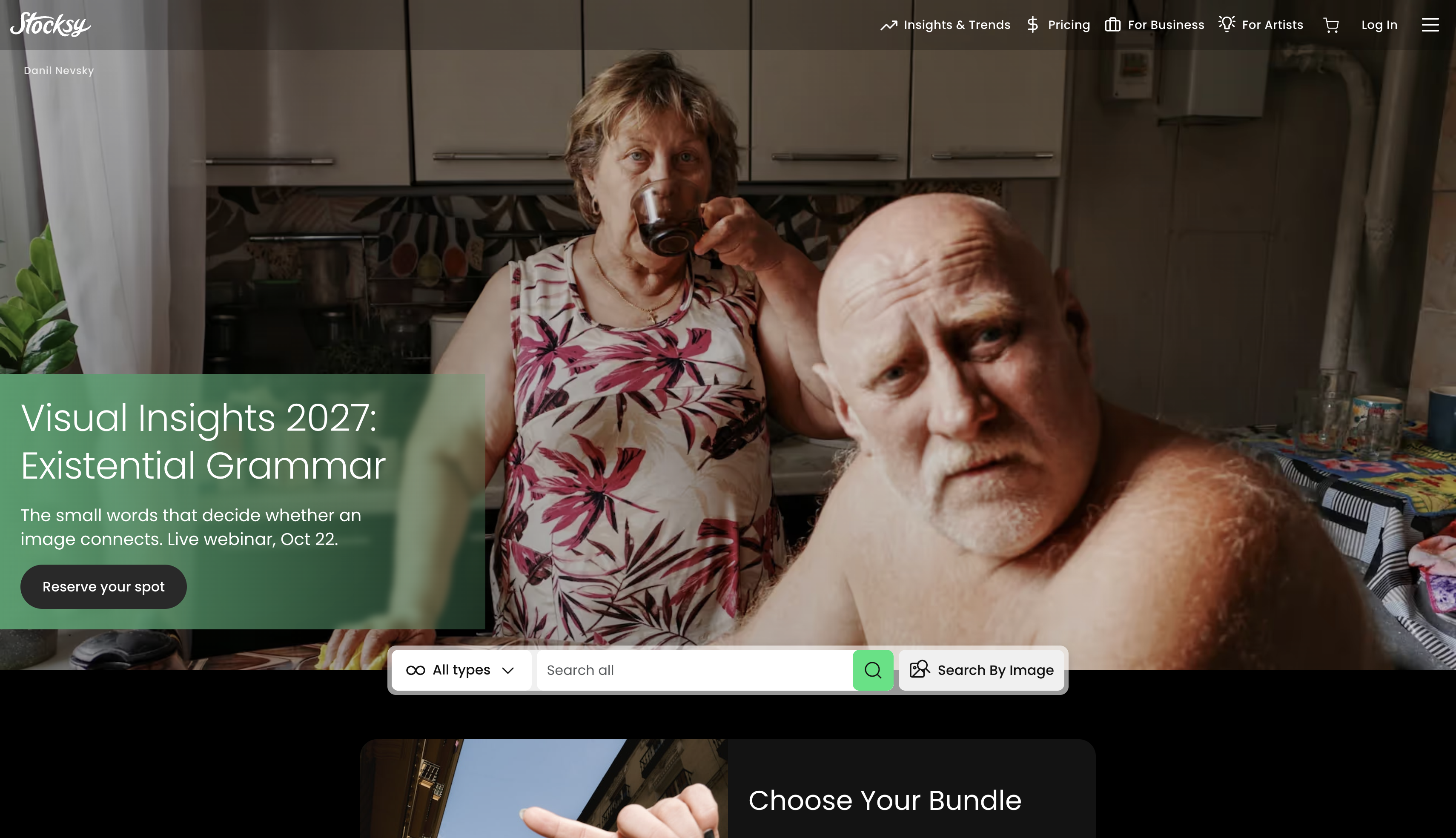
Best for: photographers with a distinctive, consistent visual style who don't mind a selective, exclusive-only application process.
Fee/commission (as of October 2026): 50% on standard licenses, 75% on extended licenses.
Pros:
- Highest standard-license share on this list
- Co-op structure, so members share in profits
- Curated library means less price competition per image
Cons:
- Acceptance rate is famously low (commonly cited under 30%)
- Exclusivity is required once accepted
500px
500px started as a photography community before it became a licensing marketplace, and that dual identity still shows: you get social feedback on your work alongside actual sales. Going exclusive bumps your share considerably, and paying for membership unlocks the platform's highest payout tiers on top of that.
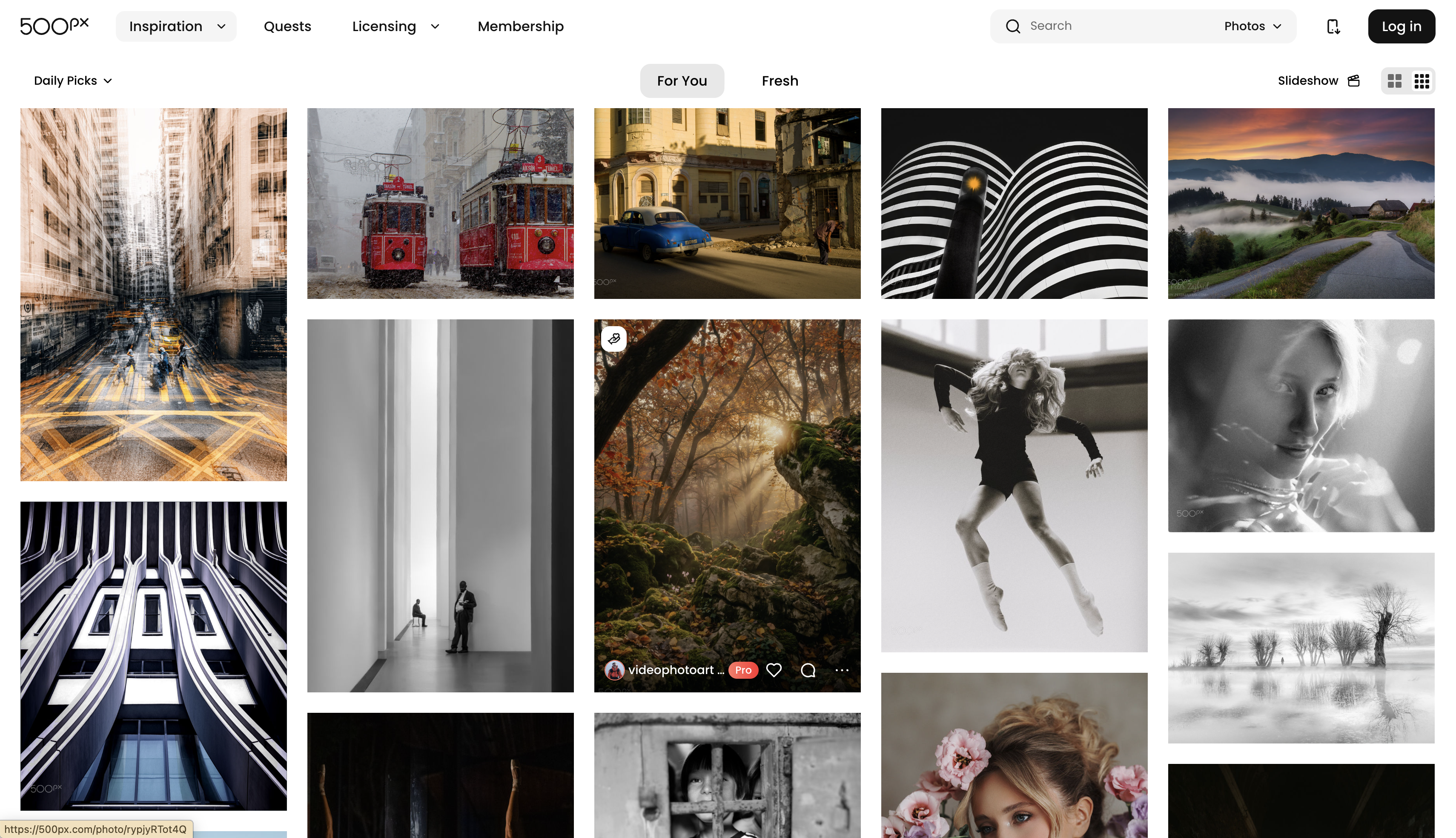
Best for: photographers who want community feedback and portfolio exposure alongside sales, not just a licensing transaction.
Fee/commission (as of October 2026): 25% non-exclusive; 60% exclusive on the free plan, rising to 100% exclusive for paid-plan members.
Pros:
- Paid-plan members keep 100% on exclusive images
- Doubles as a community and portfolio platform
- Non-exclusive option keeps your work listed elsewhere too
Cons:
- Non-exclusive rate (25%) is only mid-range
- Best earnings require a paid membership
Etsy
Etsy isn't a photography site at all, which is exactly its appeal, the buyer base is massive and extends well past anyone searching for stock images specifically. Photographers list prints, framed work, and digital downloads here, setting their own prices and running their own shop page and branding from day one.
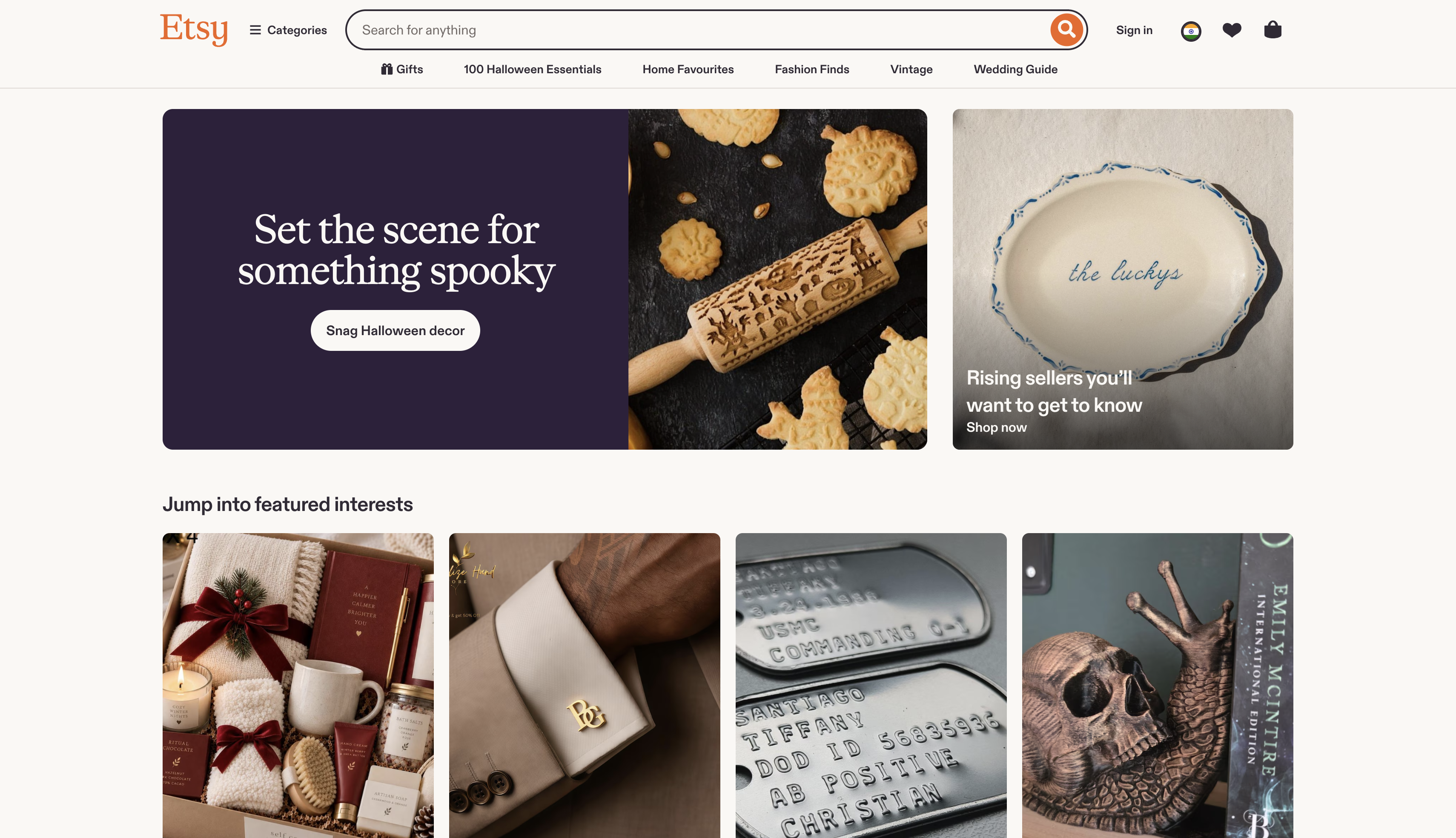
Best for: sellers who want full pricing control and a ready-made consumer audience, without a dedicated photography platform.
Fee/commission (as of October 2026): $0.20 per listing plus a 6.5% transaction fee plus payment processing, which varies by country.
Pros:
- Full control over pricing and product type
- Large, ready-made buyer base outside photography
- No editorial approval needed to start selling
Cons:
- Listing fees apply whether or not an item sells
- Payment processing fees vary and aren't listed in one place
Fine Art America
Think of Fine Art America as the fulfillment layer you don't have to build yourself: it prints and ships canvas, apparel, and home decor featuring your photos while you stay out of inventory and shipping entirely. You set the base price, and the platform tacks its own markup on top of whatever you choose.
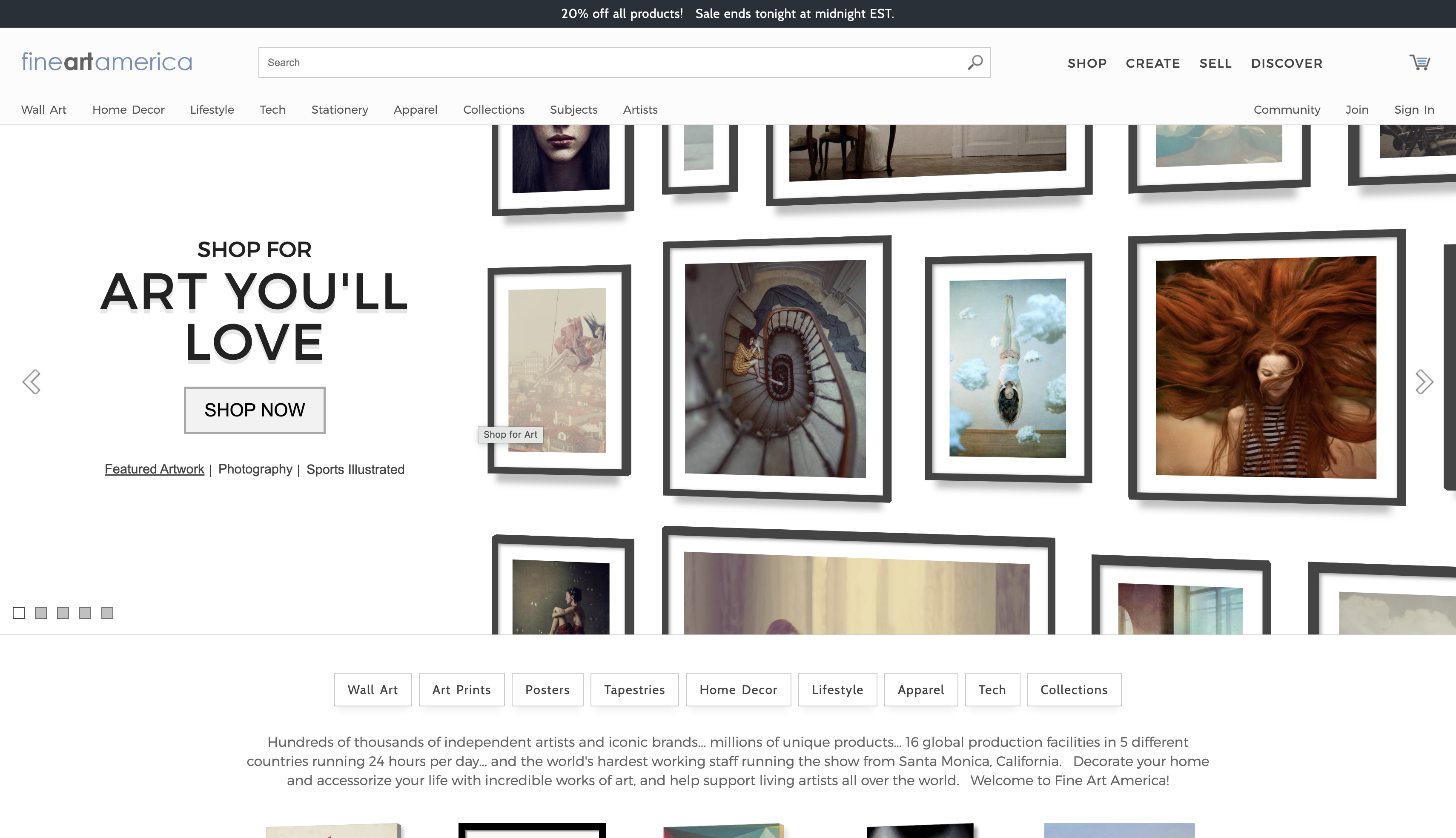
Best for: photographers who want to sell physical products without fulfillment logistics or production costs.
Fee/commission (as of October 2026): you set your own price, and Fine Art America adds its own production markup on top rather than taking a flat percentage.
Pros:
- No inventory or shipping to manage yourself
- You choose your own base price
- Wide range of product types (prints, apparel, home decor)
Cons:
- No open editorial review, so quality control is on you
- The exact production markup varies by product type
Picfair
Picfair hands pricing control back to the photographer; you set your own rates on prints and digital downloads instead of working around a platform-fixed number. Because the entry-level plan costs nothing, it's one of the easiest places on this list to test selling without committing to anything upfront.
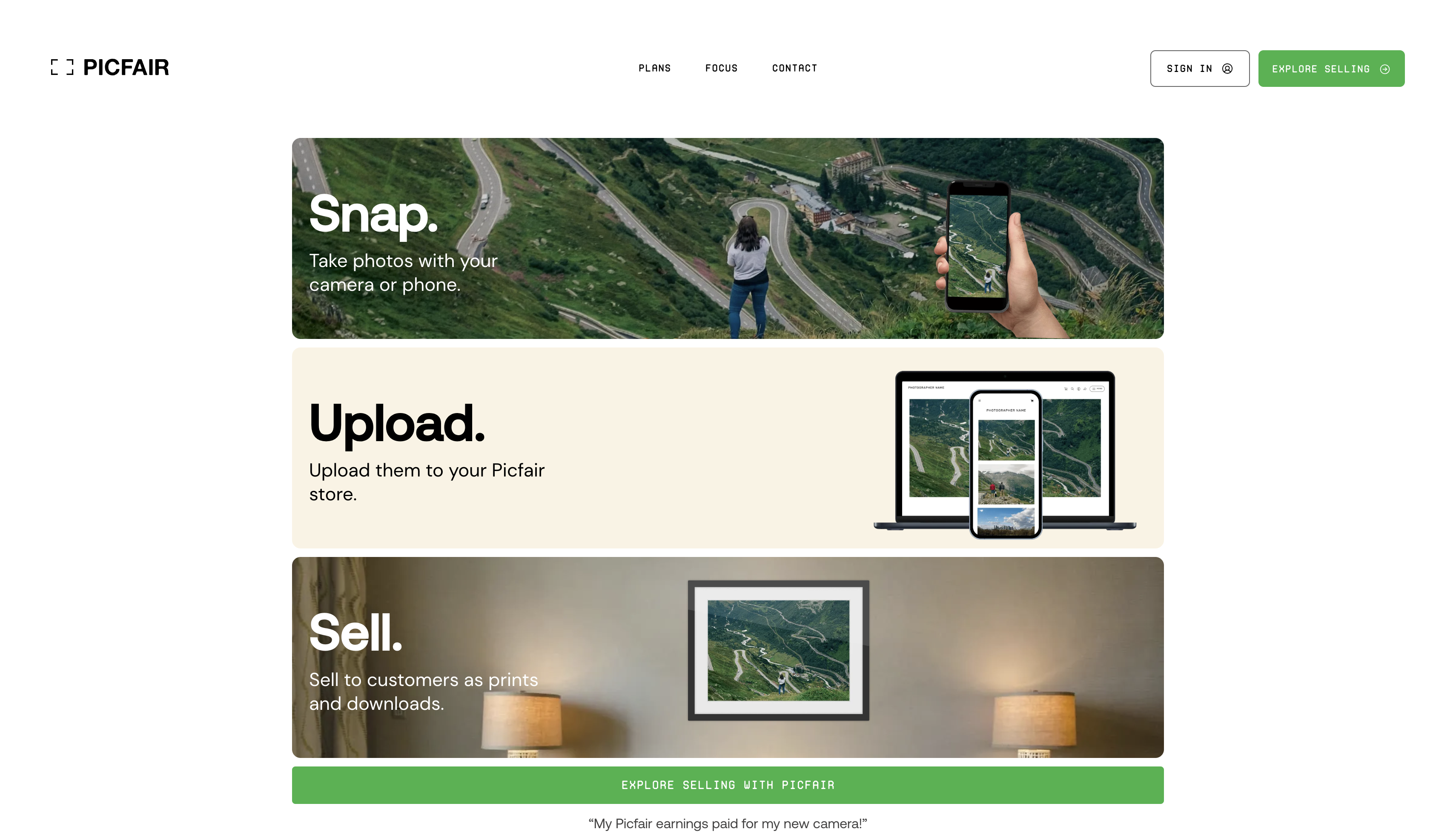
Best for: photographers who want to test selling without committing to a paid plan first.
Fee/commission (as of October 2026): Lite is free for up to 20 images; Plus runs $5–$5.99/month for up to 10,000 images.
Pros:
- Free tier to test selling before upgrading
- Full control over your own pricing
- Photographer-owned platform, not a big-box stock agency
Cons:
- Smaller audience compared to major stock agencies
- Less brand recognition among buyers than Adobe Stock or Shutterstock
SmugMug
SmugMug's pitch is a storefront that looks built from scratch without actually requiring you to build one; it's a hosted portfolio and print-sales platform with a polished, branded feel out of the box. You add a markup over its base print cost on every order, and production and fulfillment stay on SmugMug's side entirely.
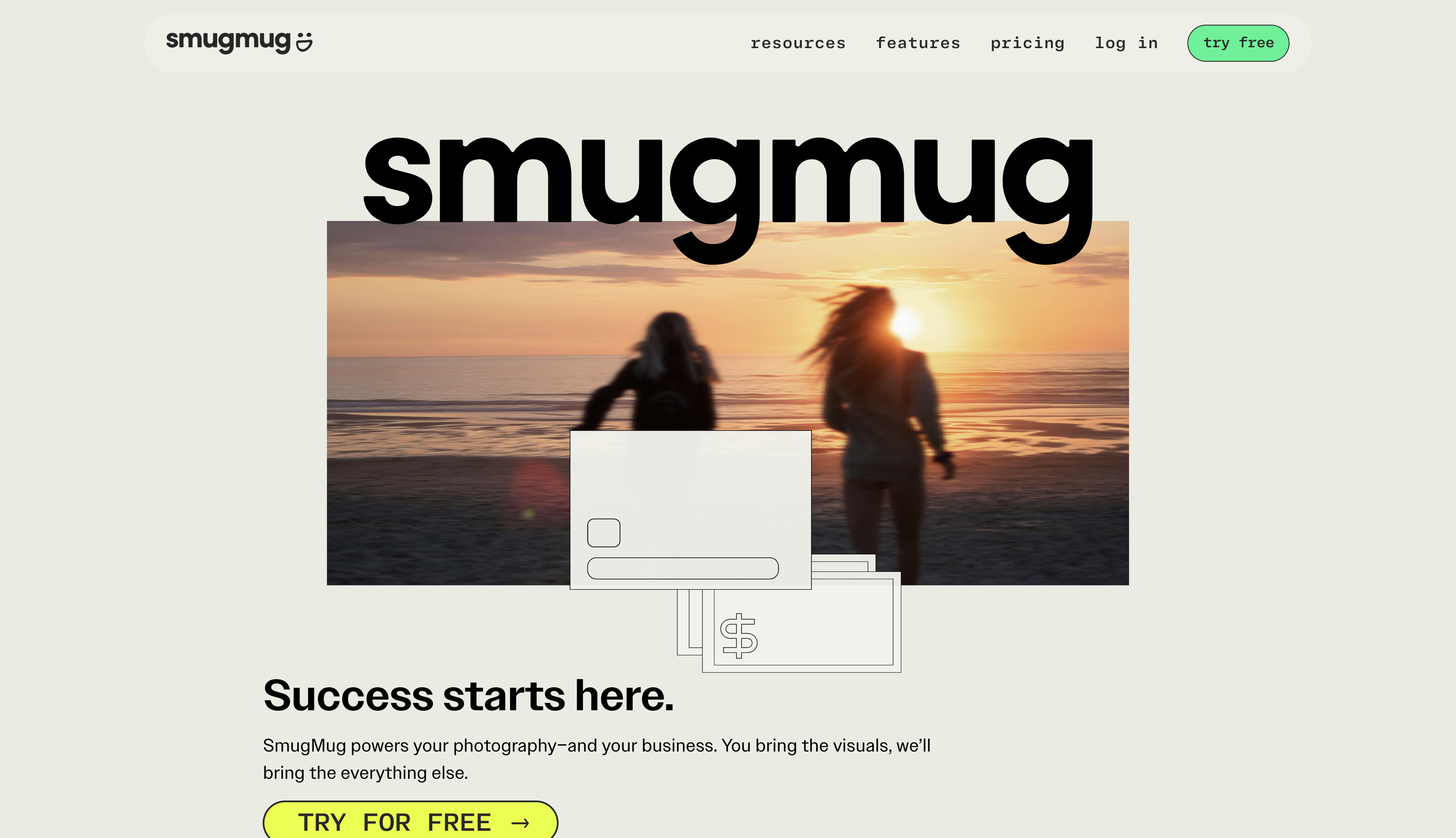
Best for: photographers who want a polished, branded storefront without building one from scratch.
Fee/commission (as of October 2026): you keep roughly 85% of the markup you add above SmugMug's base print price.
Pros:
- You keep most of whatever markup you set
- Polished, ready-made storefront templates
- Unlimited storage with RAW file support on most plans
Cons:
- Requires a paid plan before you can sell
- Less pricing transparency than a flat commission model
Zenfolio
Zenfolio bundles a lot into one subscription: booking tools, proofing, and a storefront for print or digital sales all live under the same roof. It's aimed squarely at working photographers who already deliver finished galleries to paying clients and want to sell extra prints or downloads without switching platforms.
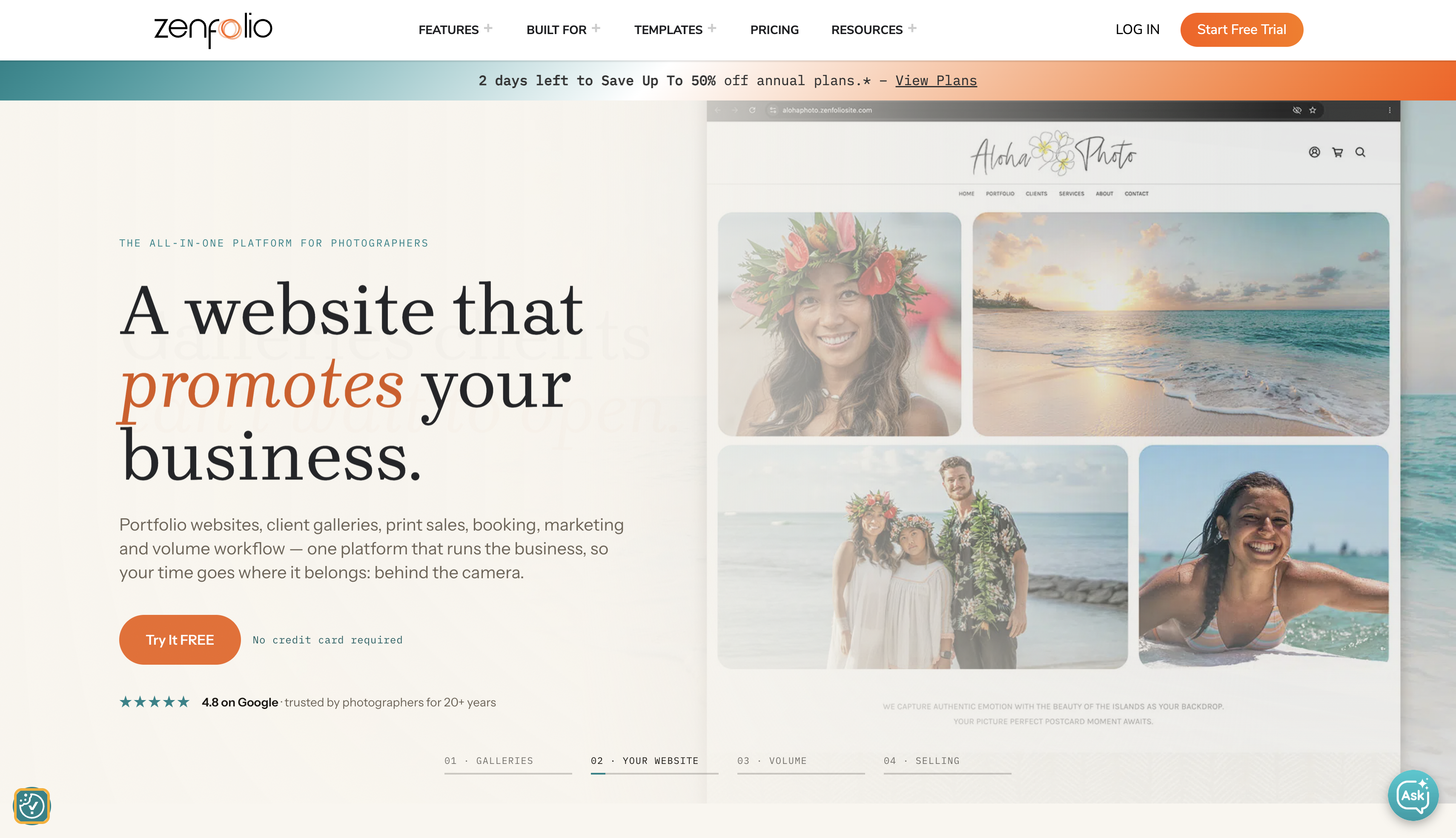
Best for: photographers running client sessions who also want to sell prints and downloads from the same platform.
Fee/commission (as of October 2026): plans run $7–$40/month plus a 7% commerce fee per order.
Pros:
- Built-in booking and client gallery tools
- Clear, published fee structure
- Combines proofing, booking, and sales in one subscription
Cons:
- 7% commerce fee applies on top of the subscription
- Lower-tier plans limit storage and features
ShootProof
ShootProof was built with event and wedding photographers in mind specifically, handling proofing, invoicing, and digital or print delivery under one roof. Rather than taking a percentage of what you sell, it scales its plans by storage and features instead, so your sales figures stay entirely yours.
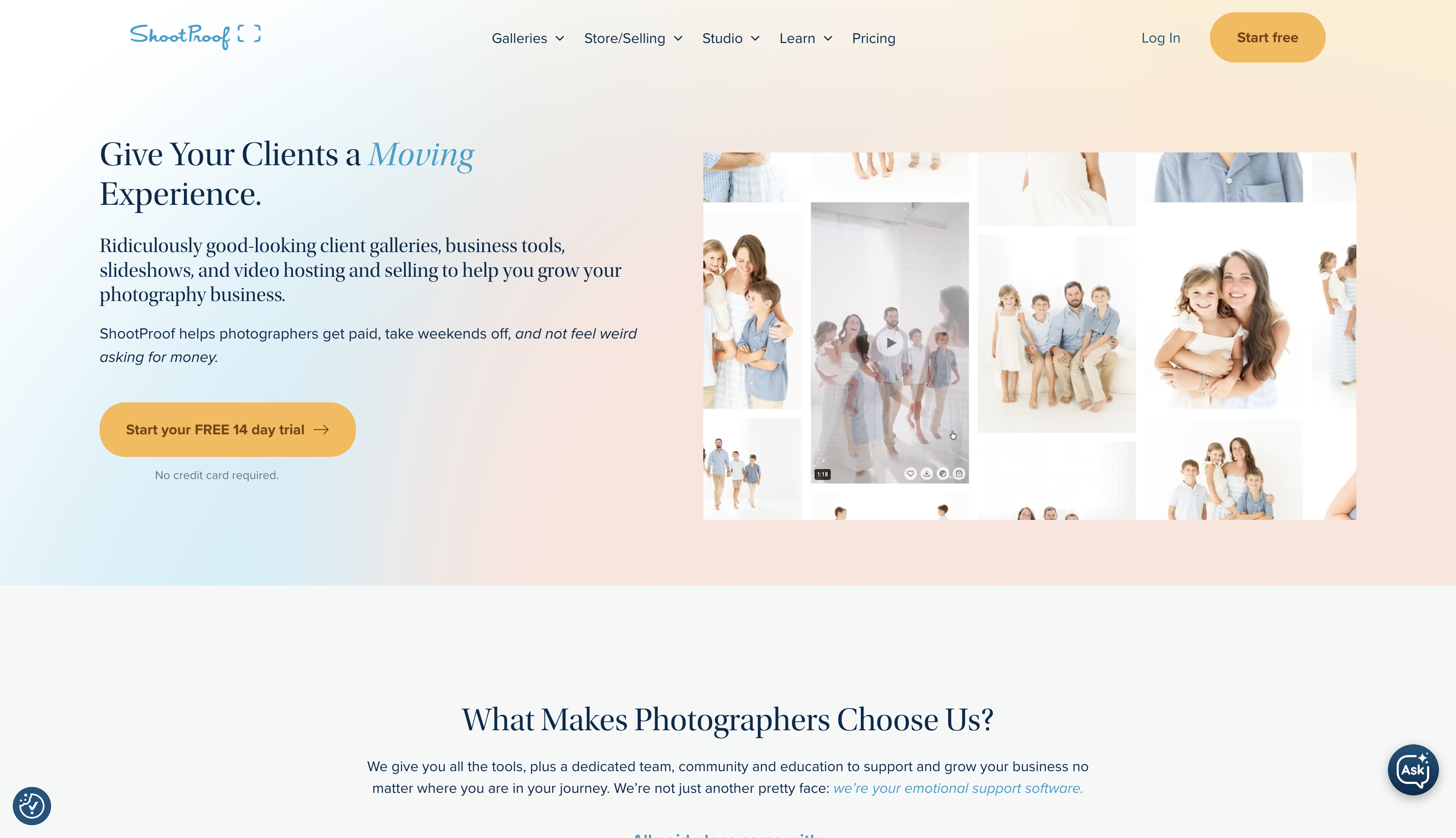
Best for: photographers who want zero commission on print and digital sales, especially event and wedding shooters.
Fee/commission (as of October 2026): plans run $0–$60/month, with no commission taken on sales.
Pros:
- No commission on any print or digital sale
- Built specifically for event/wedding delivery workflows
- Free plan available to test before committing
Cons:
- Features scale with plan price, so higher volume costs more
- Less suited to building a general stock or art portfolio
Foap
Foap flips the usual contributor model: brands post photo and video "missions" with specific creative briefs, and you submit straight from a phone instead of uploading through a traditional portal. It's a natural fit for mobile shooters who don't have, or need, a DSLR-based portfolio behind them.
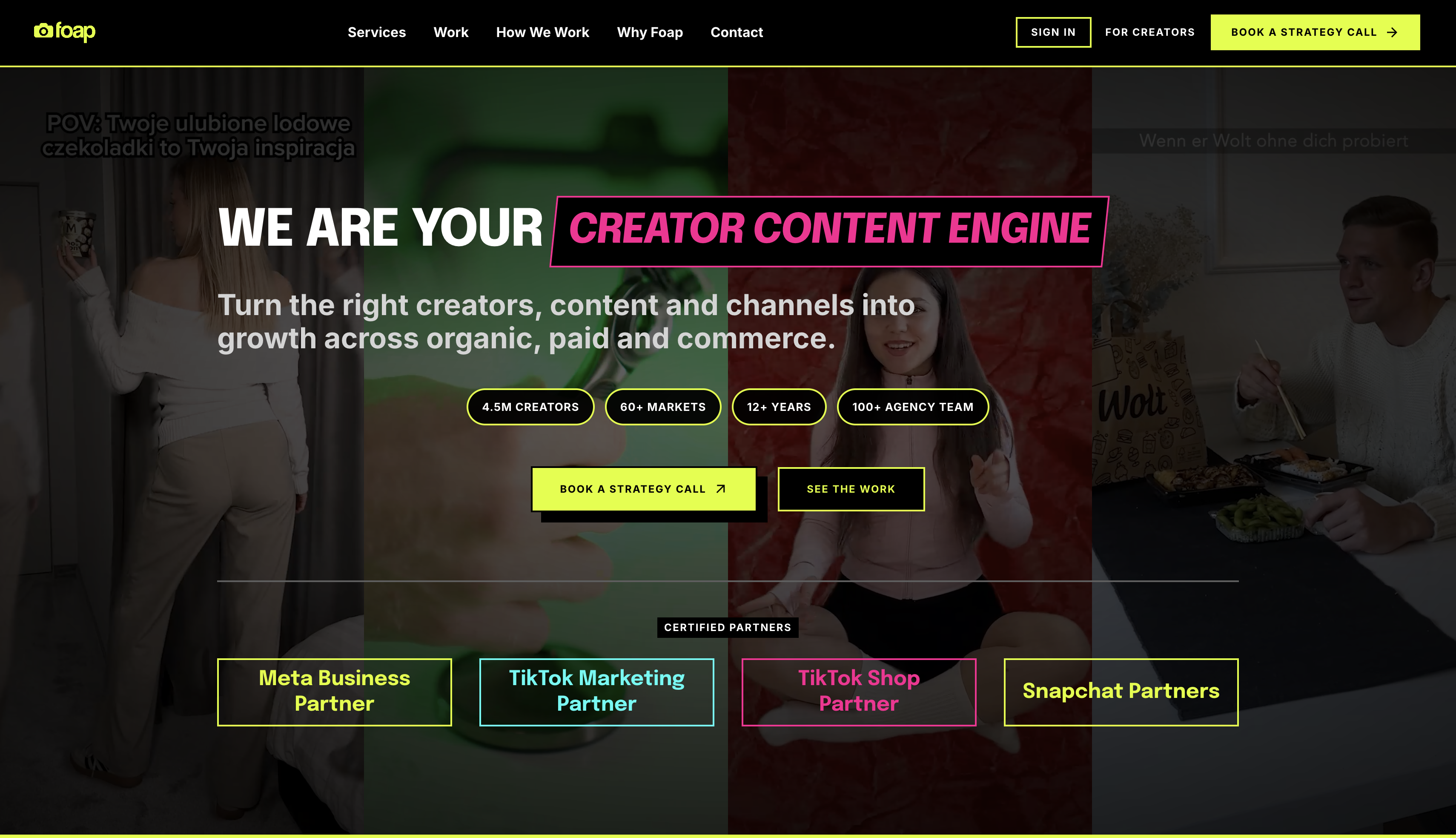
Best for: mobile shooters without a DSLR portfolio who want to sell through brand-specific missions.
Fee/commission (as of October 2026): roughly a 50/50 split per standard sale, with mission payouts set separately by the brand.
Pros:
- No professional camera required to participate
- Brand missions can pay more than a standard sale
- Low barrier to entry, mobile upload only
Cons:
- Per-photo earnings are modest outside mission payouts
- Less suited to building a long-term stock portfolio
How to pick the best place to sell photos online
The best place to sell photos online depends less on commission percentage and more on how much control, upfront effort, and audience reach you're trading for it.
| Your goal | Platform type that fits |
|---|---|
| Passive income from an existing library | Stock marketplaces (Adobe Stock, Shutterstock, Alamy, Dreamstime) |
| Selling prints or downloads you price yourself | Print and art marketplaces (Etsy, Fine Art America, Picfair) |
| Delivering paid galleries to clients | Client gallery platforms (ShootProof, Zenfolio, SmugMug) |
| Full control over brand, pricing, and customer data | Your own store |
What "free" actually means
A platform being free to join isn't the same as free to earn on. Adobe Stock, Shutterstock, Alamy, Dreamstime, 500px, and the Picfair Lite plan cost nothing upfront and take their cut from each sale instead. Etsy charges per listing regardless of whether it sells. Zenfolio and SmugMug require a paid plan before you can sell at all. If you want to sell photos online for free with zero recurring cost, the commission-based stock sites are the only category that fits.
Before uploading anywhere, check three things: whether the platform requires exclusivity (locking your best work to one site caps where else you can earn from it), how long approval typically takes (stock sites can hold first submissions for several days), and the payout threshold (Alamy's recently moved to $75, which matters if you only sell occasionally).
Marketplaces bring you a built-in audience you didn't have to build yourself, but they also control your pricing, your branding, and your access to the buyer. An established photography portfolio that lives on your own domain solves the opposite problem: full control, but you supply the traffic.
How to sell photos online and make money
Getting listed is the easy part. What actually determines whether you sell photos online and make money is pricing, licensing, and making sure the right photos reach the right buyers.
How to price photos for digital downloads and prints
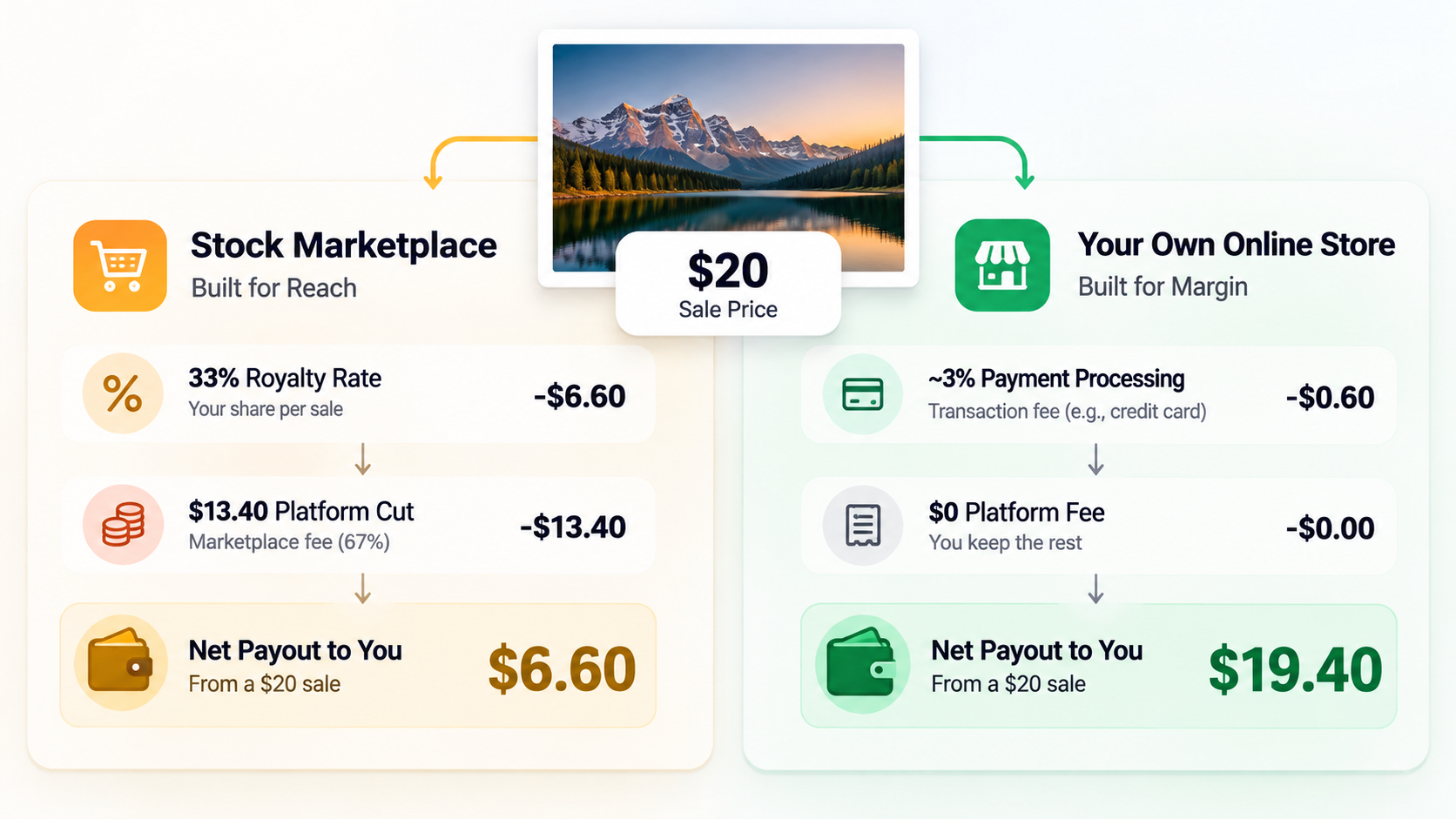
A digital download with a standard license commonly sells for $5–$25, while a print-ready or extended-license file can run $25–$150 depending on resolution and usage rights. Commission changes what that price means to you: a $20 download at Adobe Stock's 33% nets about $6.60, while the same file sold through your own store nets closer to $20 minus payment processing. That gap is why many photographers treat marketplaces as reach and their own store as margin, rather than picking one over the other.
Licenses, model releases, and copyright basics
Most stock sales use a royalty-free commercial license, letting a buyer reuse the image repeatedly without paying again, versus an extended license for higher-volume or resale use. You keep copyright either way; You're licensing use, not ownership, unless a platform's exclusivity terms say otherwise. Any recognizable person in a commercial photo needs a signed model release, and prominent private property can need one too; editorial-only images (news, commentary) typically skip both but can't later be sold for advertising.
Which photos sell best
People in natural, everyday settings; workplace and technology scenes; travel and landscape shots; food and lifestyle images; and seasonal content show up repeatedly across stock licensing data as the categories with steadiest demand. Niche subjects a specific sport, a regional landmark, an underserved profession sell in smaller volume but face less competition in the searches buyers actually run.
Keywords, metadata, and upload quality
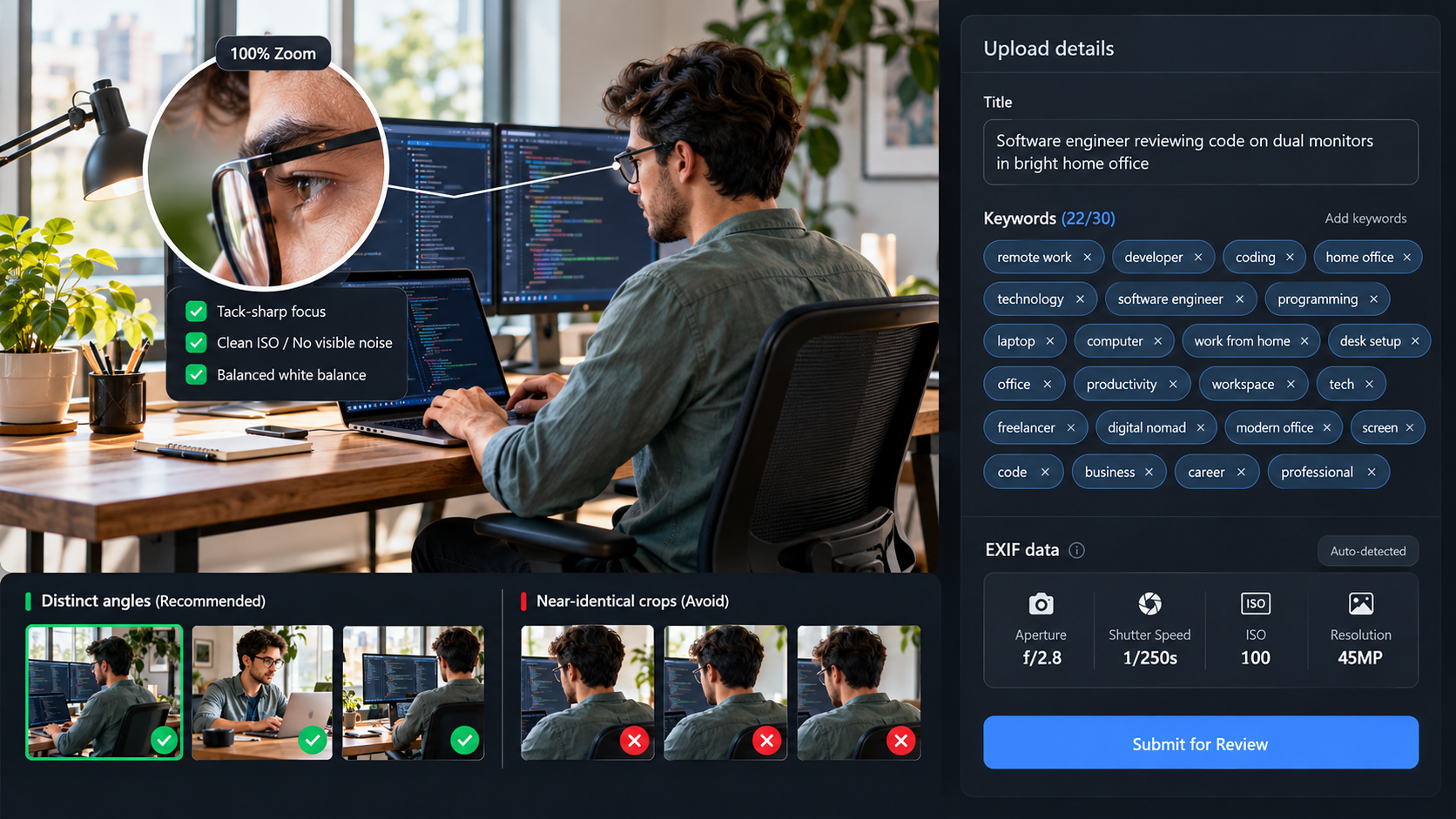
Buyers find images by searching keywords, not browsing, so accurate titles, 15–30 relevant keywords, and clean EXIF data matter as much as the shot itself. Most rejections come down to technical issues rather than taste: visible noise, soft focus, poor white balance, or near-duplicate variations submitted in bulk. One pattern worth knowing early: reviewers notice repetition fast, so three strong, distinct edits of a scene outperform ten minor crops of the same frame.
Sell your photos online with your own store using Enter Pro
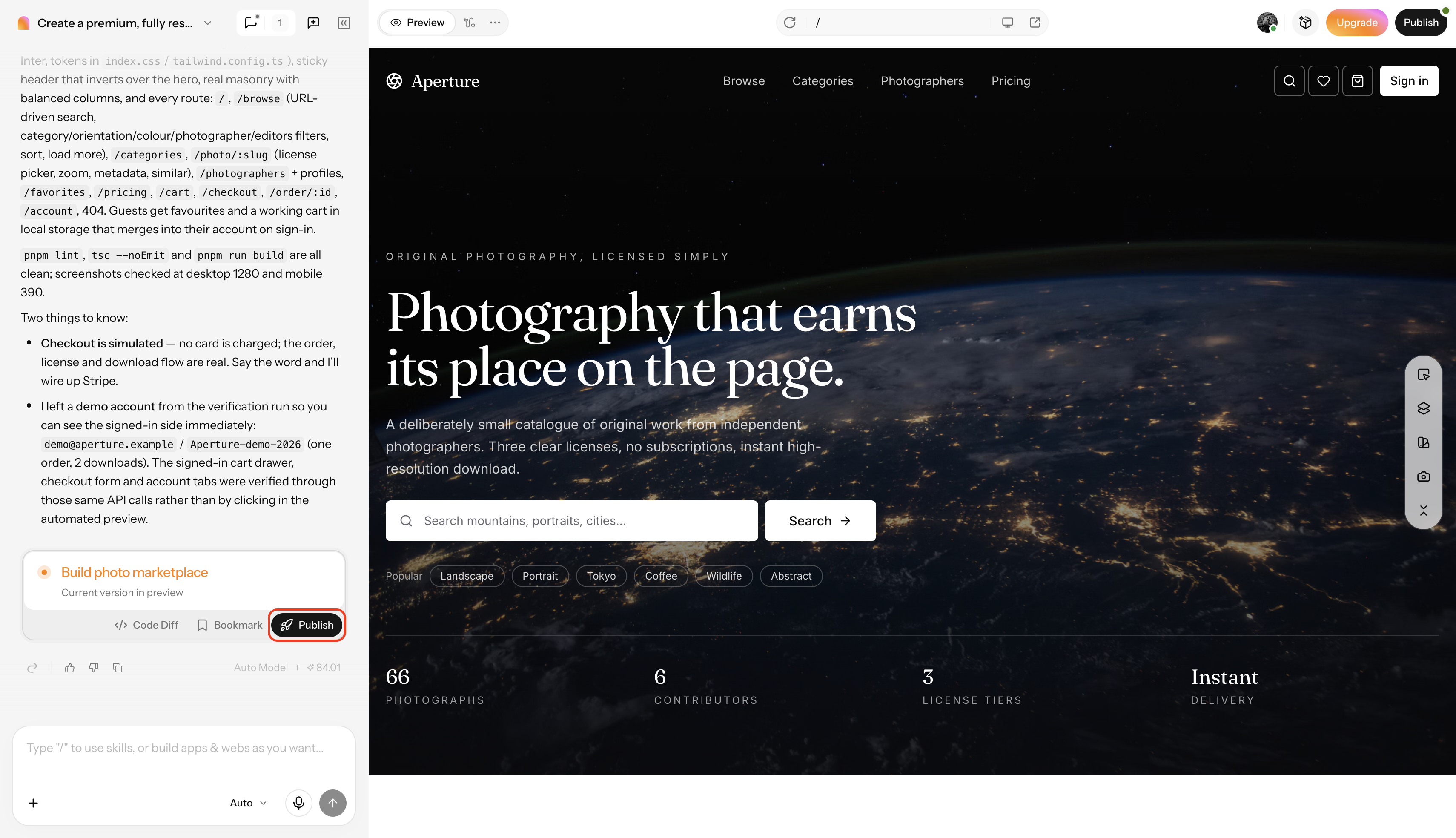
Marketplaces are good at finding you buyers you don't already have, but they also set the price ceiling, keep the customer relationship, and put your work next to thousands of competing images. Once you have a following, a client list, or simply want your pricing and brand under your own control, the logical next step is a store you own outright. Enter Pro builds that store from a plain-language description of what you shoot and how you want to sell it, without requiring you to write or manage code.
Building a Photo Selling Site →
Key features of Enter Pro for photo selling site building
- Gallery-first site generation: Describe your style and niche, and Enter Pro's photography website builder generates a gallery-led layout built around your images instead of a generic template.
- Store and checkout setup: The ecommerce website builder adds product pages so you can list prints, digital downloads, or bundled packages, and confirm your preferred payment and digital-delivery setup directly with the product team before you publish.
- Portfolio layouts: Choose a design portfolio website structure built to keep image quality the focal point rather than competing with navigation clutter.
- Visual editing: Fine-tune text, images, and page sections through the built-in Visual Editor after the initial build, without writing code yourself.
- Mobile-ready pages: Layouts adapt automatically to phone and tablet screens, which matters given how many print and download buyers browse on mobile.
Step-by-step guide to building your photo selling site
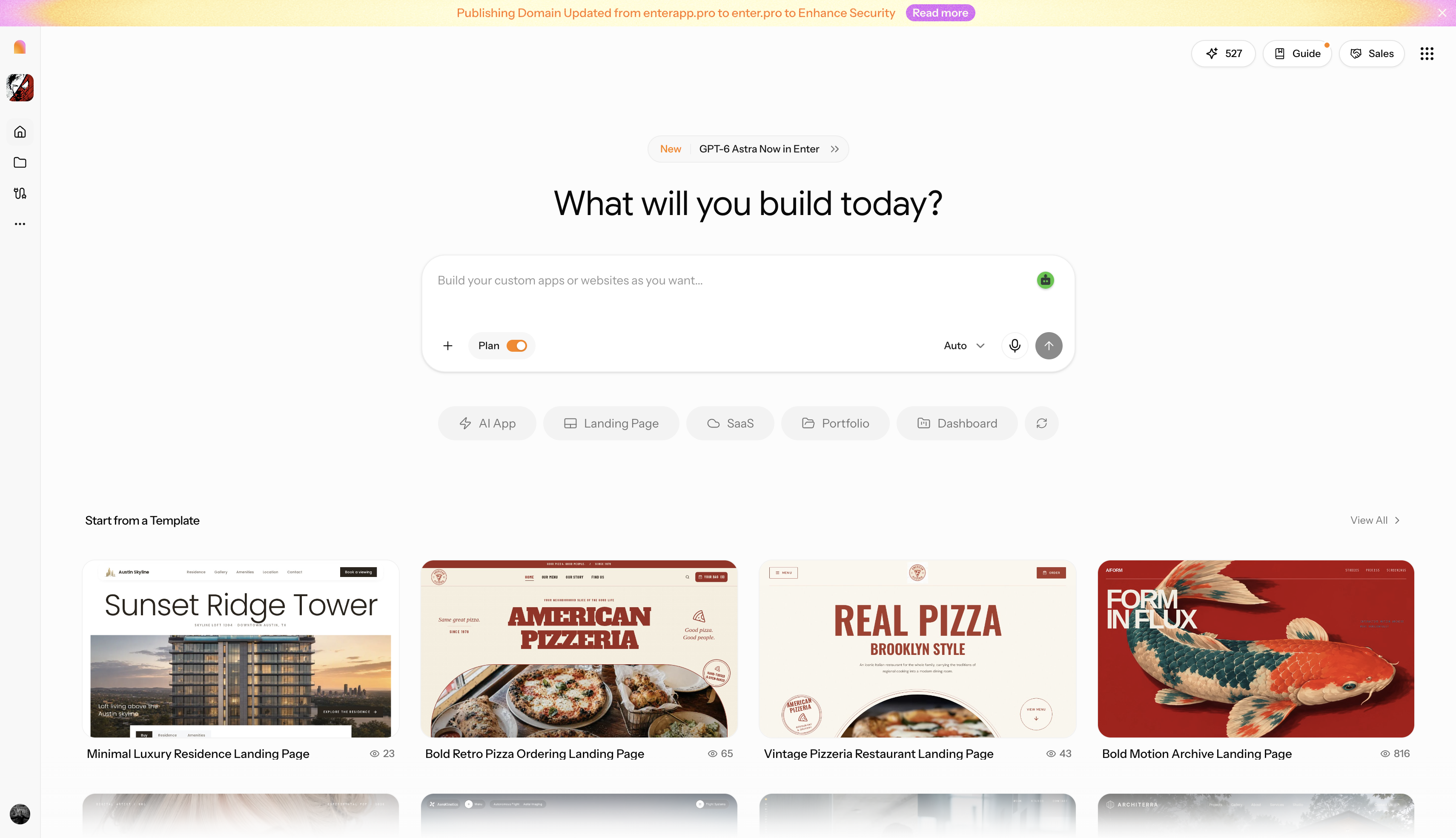
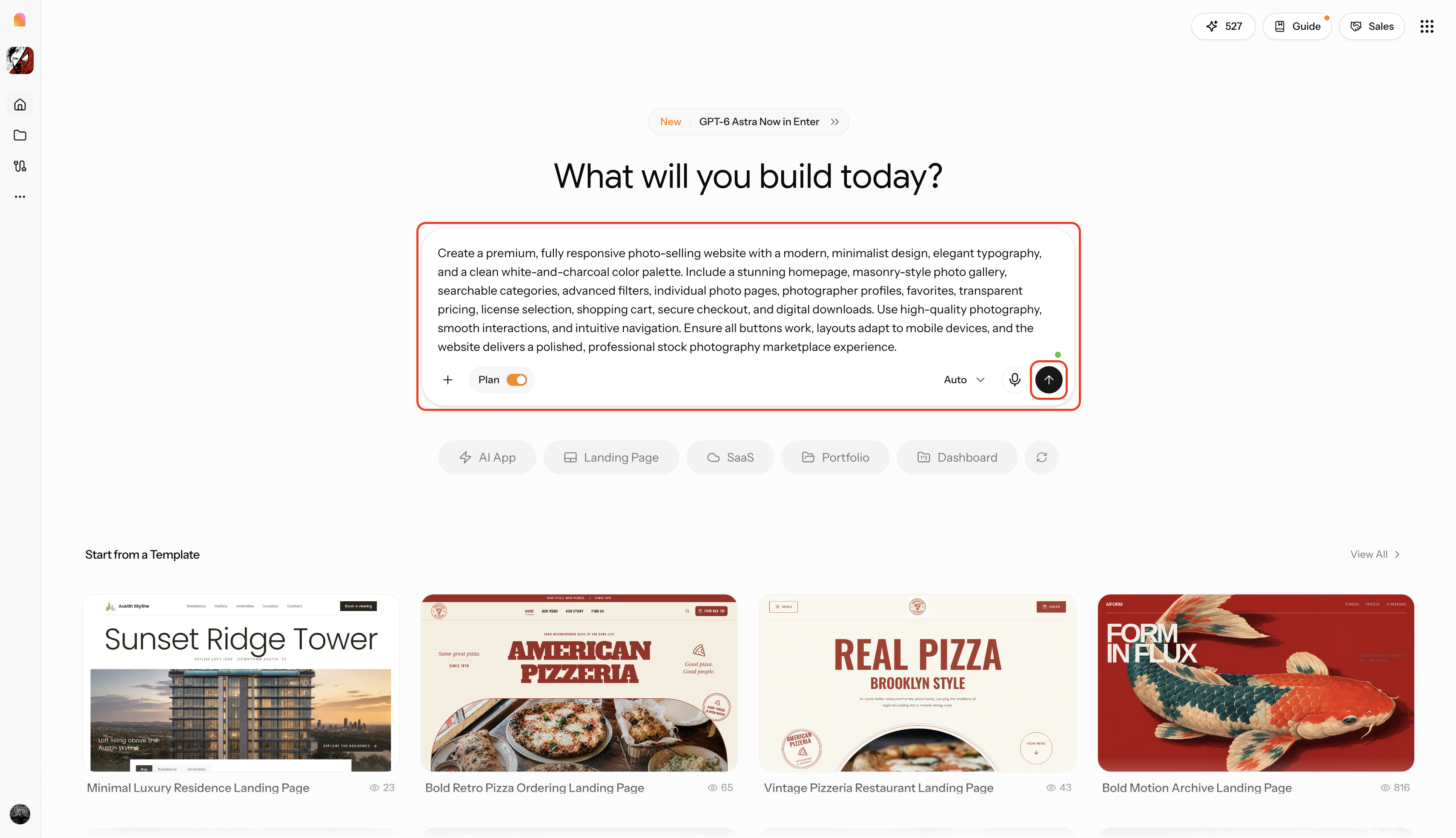
Step 1: Launch Enter Pro and input the project prompt
Define your niche, the products you want to sell (prints, digital downloads, bundles), and your styling preferences entirely in natural language. You can upload a screenshot of a gallery or storefront you like to guide the AI's structural and aesthetic understanding from the start.
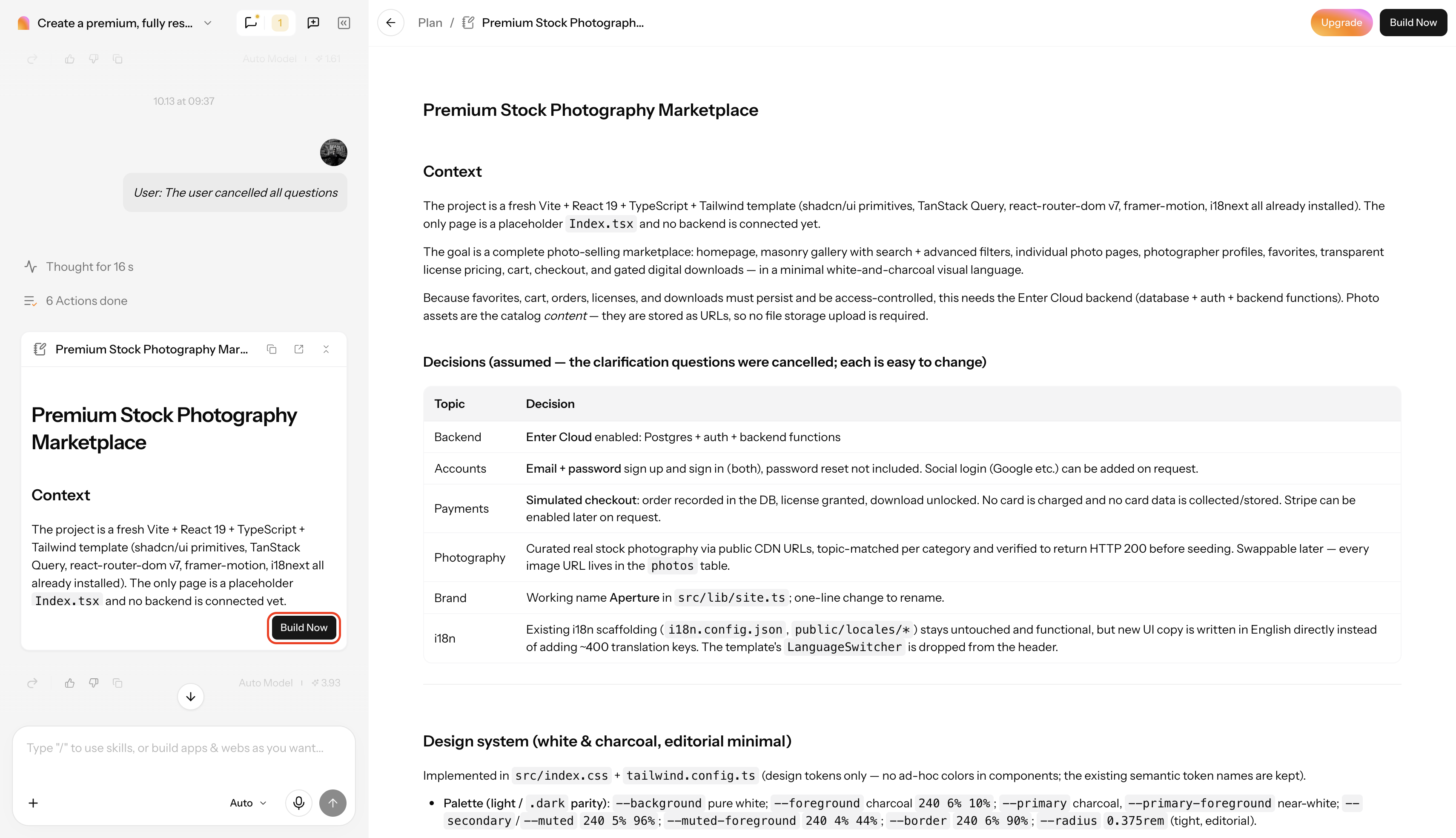
Step 2: Review the implementation plan and build
Review the AI-generated plan outlining the site's gallery structure, design direction, and store pages, then click "Build Now" to generate the full site.
Step 3: Edit and publish the site
Refine the generated site by editing with simple prompt descriptions or the visual editor. Once you're satisfied, publish the storefront live to the web with a single click, or export the structured source files to your own machine.
Building a Photo Selling Site →
Conclusion
There's no single right way to sell your photos online, a stock marketplace earns you reach you couldn't build alone, a print or art marketplace hands you pricing control with less built-in traffic, and a client gallery platform fits work you've already been paid to shoot. Most photographers who make real income use more than one at once, treating marketplaces as discovery and their own site as where margin and brand control live. When you're ready for that last option, Enter Pro turns a plain description of your work into a storefront you own outright.
FAQs about selling photos online
What is the best place to sell photos online?
It depends on the goal: Adobe Stock and Shutterstock suit volume-based passive income, Etsy and Fine Art America suit sellers who want to set their own prices, and your own store, built with a tool like Enter Pro, suits anyone focused on a long-term brand rather than a one-off sale.
Which website pays photographers the most?
Rate alone is misleading: Alamy's Platinum tier pays 50% but requires exclusivity and $25,000 in annual sales, while 500px pays up to 100% to paid-plan members on exclusive images. The platform that pays the most is whichever one matches your volume and exclusivity comfort level, not the one with the highest advertised number.
Do I need my own website to sell my photos online?
No, stock and print marketplaces let you start without building anything. A website earns its keep once you want a larger share of each sale, a repeat customer list, or to stop competing directly against other contributors on the same page. A tool like Enter Pro lets you build that storefront from a plain-language description instead of hiring a developer.
Can I sell the same photos on more than one platform?
Yes, as long as none of the platforms require exclusivity. Most stock sites, including Adobe Stock and Shutterstock, allow non-exclusive submissions, so the same edited file can be listed across several marketplaces at once.
What kinds of photos sell best online?
Lifestyle and everyday-people shots, workplace and technology scenes, travel and landscape images, food photography, and seasonal content consistently perform well, because they match the volume of commercial and editorial searches buyers run.
Can I sell photos taken on my phone?
Some platforms, including Foap and certain Etsy shops, accept phone photos outright. Larger stock agencies expect resolution and technical quality that modern flagship phones can sometimes meet but older or budget devices usually can't, check each platform's minimum requirement first.
How much should I charge when I sell my photos online?
Digital downloads typically run $5–$25 depending on resolution and license type, while print-ready or extended-license files often run $25–$150. Factor in commission before setting a price, since a 33% cut on a $20 file nets far less than selling the same file directly.
Do I need a model release to sell photos of people?
Yes, for commercial use, advertising, product marketing, or business-intended stock licensing requires a signed release from any recognizable person in frame. Editorial use, like news or commentary, is typically exempt, but editorial images can't later be sold for advertising without one.