Top 10 Web Development Tools for Modern Developers (2026)
Learn how web development tools simplify coding, improve collaboration, and support scalable web application development for modern developers and teams.
Discover the best web development tools and web application development tools in 2026 that can facilitate your modern development. The following article provides insight into critical tools for frontend, backend, DevOps, and design processes. Make sure to use tools that help developers create efficient applications quickly and securely.
Understanding web development tools in 2026
In 2026, web development tools will be developed into highly efficient ecosystems, which will make the web development process much easier from the coding stage to the implementation stage. Developers use modern web development tools, such as intelligent code editors, frontend frameworks, and cloud platforms, to build scalable applications. Popular web application development tools are equipped with artificial intelligence capabilities to automate and collaborate during web development processes, and even debug code. Web application development tools also prioritize performance and security when creating responsive, user-friendly web apps.

Why developers rely on web app development tools today
Today, Web app development tools play a significant role in speeding up development and improving coding efficiency. Automation of processes, real-time teamwork, and deployment are made possible by these tools. Utilization of such tools helps web developers speed up their processes when developing their apps.
Key benefits include:
-
Faster project delivery: With the use of web application development software, developers can complete their projects faster due to automation and optimized processes.
-
Improved collaboration: Web application development tools enable real-time collaboration, version control, and seamless communication among development teams across projects.
-
Better debugging and testing: Advanced web development tools offer integrated debugging and testing capabilities, improving code quality and speeding issue resolution.
-
Scalable architecture support: Development tools for web development help build flexible and scalable architectures that support growing user demands and application performance.
Types of web application development tools explained
There are various types of web application development tools, including frontend, backend, DevOps, and version control software used in developing modern web applications.
- Frontend UI tools:
Tools for front-end web application development help develop responsive and interactive designs for web applications. Such tools help to design appealing designs, improve the user experience, and make the application perform optimally across various devices.
Examples: React, Vue.js, Angular, Svelte, Bootstrap
- Backend logic tools:
Backend development tools deal with server-side operations, databases, and API services of web applications. They perform tasks like authentication, handling business logic, processing information, and ensuring secure communication between the server and the client.
Examples: Node.js, Django, Laravel, Spring Boot, Express.js
- DevOps deployment tools:
DevOps web application development software makes deployment, monitoring, and management easy by ensuring that there are no mistakes and that the applications are deployed faster in order to improve performance.
Examples: Docker, Kubernetes, Jenkins, GitHub Actions, Terraform
- Version control tools:
Version control web application development tools monitor changes in source code and aid collaboration during software development. They assist in recording the evolution of projects, branching and merging code, and improving collaboration in large-scale software development initiatives.
Examples: Git, GitHub, GitLab, Bitbucket, Azure DevOps
Top 10 web development tools for modern developers
Essential web development tools used in modern workflows for faster, scalable, and optimized web app development.
- Enter Pro
Enter Pro is the latest and most sophisticated integrated web application development suite that combines development, deployment, automation, and scalability under one roof. Differing from other web application development suites, Enter Pro does not require several other systems to be utilized, since everything needed for efficient work is already provided in one place. Enter Pro enables rapid development, minimizes process complexity, and delivers ready-to-go applications.
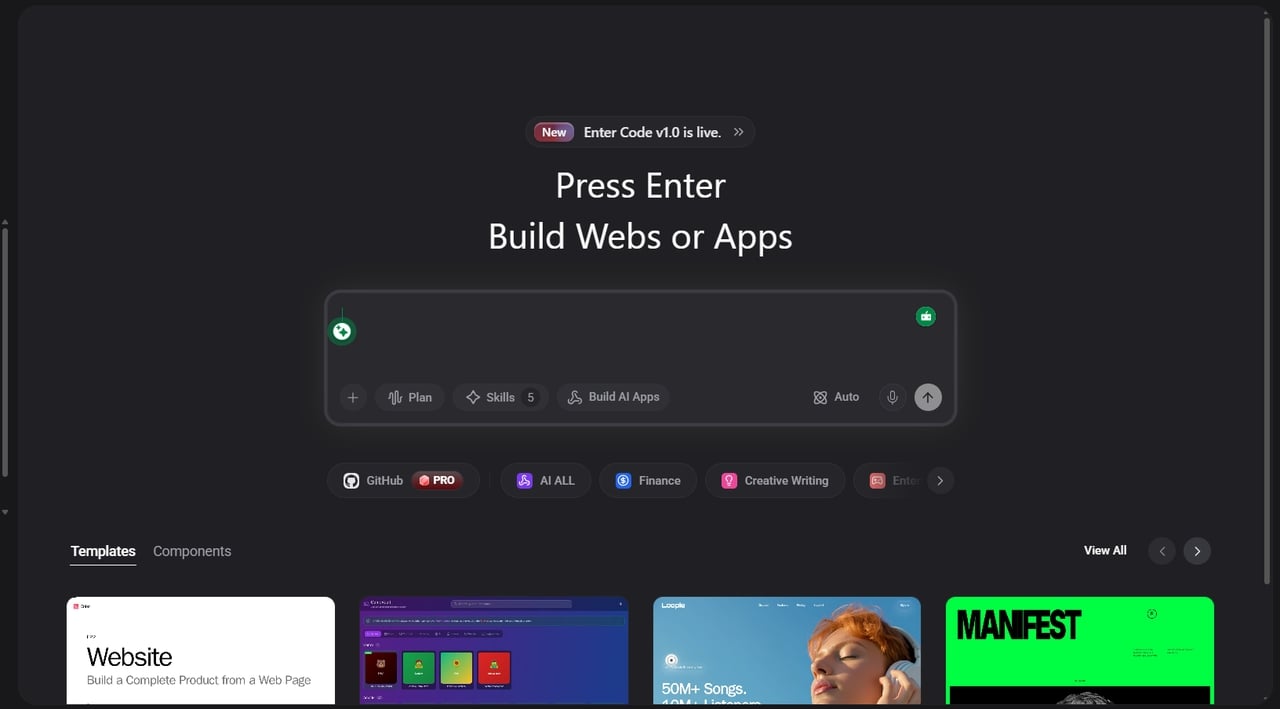
Best for: Complete web development, automation, deployment, and application development.
Key features:
-
**All-in-one lifecycle platform: **With Enter Pro, coding, testing, deployment, and scaling are done through the same web application development platform, saving time and increasing efficiency.
-
Automation for faster development: Through automation of coding, testing, and deployment by the use of CI/CD workflows, Enter Pro enables developers to save time and develop faster web apps.
-
Modern framework integration: One of the features of Enter Pro is that it provides support for integration with contemporary frameworks, both front-end and back-end.
-
Scalable enterprise-ready system: Designed for use in developing enterprise-grade web applications, Enter Pro can handle large-scale deployments efficiently.
-
Simple interface for all users: Its intuitive interface simplifies development workflows, allowing beginners and professionals to build and manage applications with ease and speed.
- Visual Studio Code
Visual Studio Code is one of the best web development software applications. It is recognized for its fast execution and extensive capabilities. Features include smart code completion, debugging, an extension marketplace, and Git integration. Programmers can use it for both frontend and backend applications because of its versatility and speed. It has become an industry-standard integrated development environment.
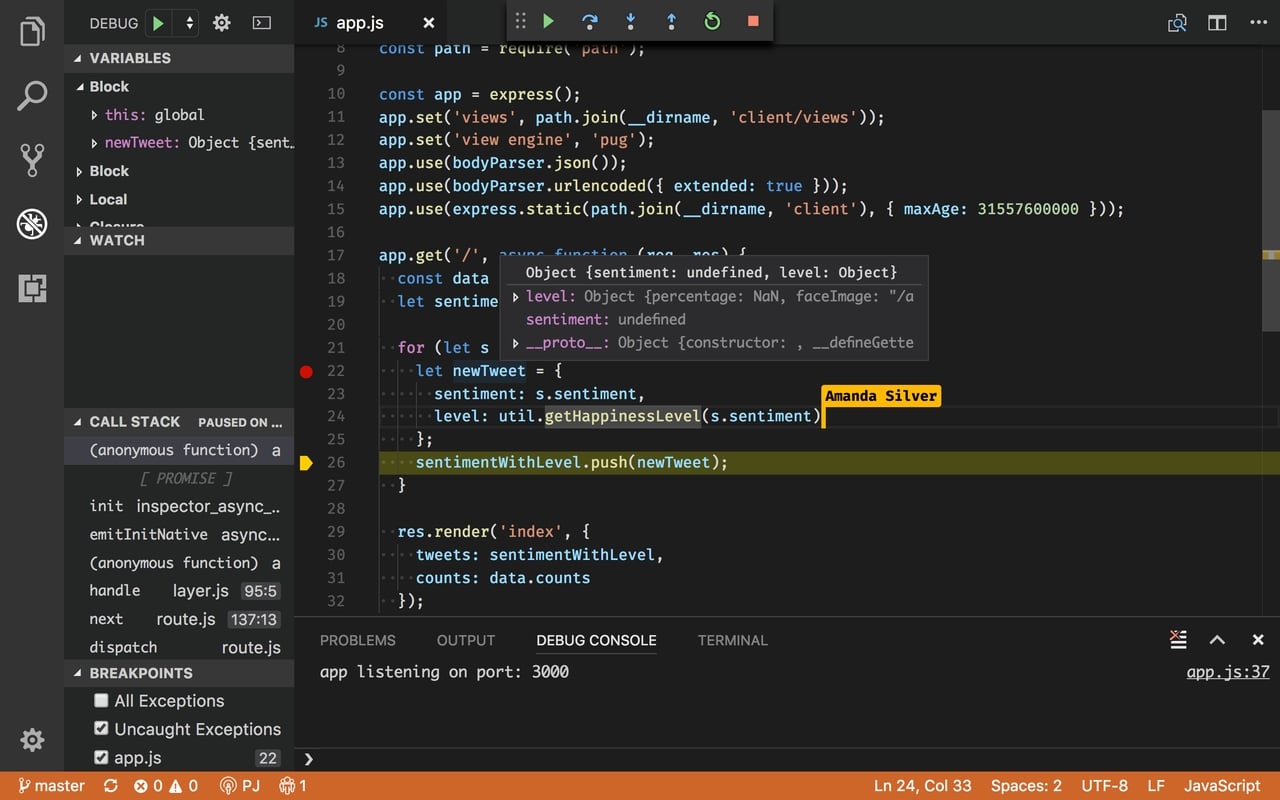
Best for: Rapid coding, debugging, and full-stack web application development
Key features:
-
Visual Studio Code offers intelligent code completion with built-in IntelliSense for faster and more accurate coding.
-
t includes an integrated debugger that helps developers identify and fix errors efficiently.
-
The extension marketplace provides thousands of plugins for different programming languages and workflows.
-
Git support is built directly into the editor for smooth version control management.
-
Its lightweight architecture delivers fast performance even for large-scale development projects.
- GitHub
GitHub is a web application that helps developers build applications by enabling and facilitating collaboration. Developers can use GitHub to manage repositories, track code changes, and collaborate via pull requests and issues. GitHub is also incorporated with CI/CD pipelines.
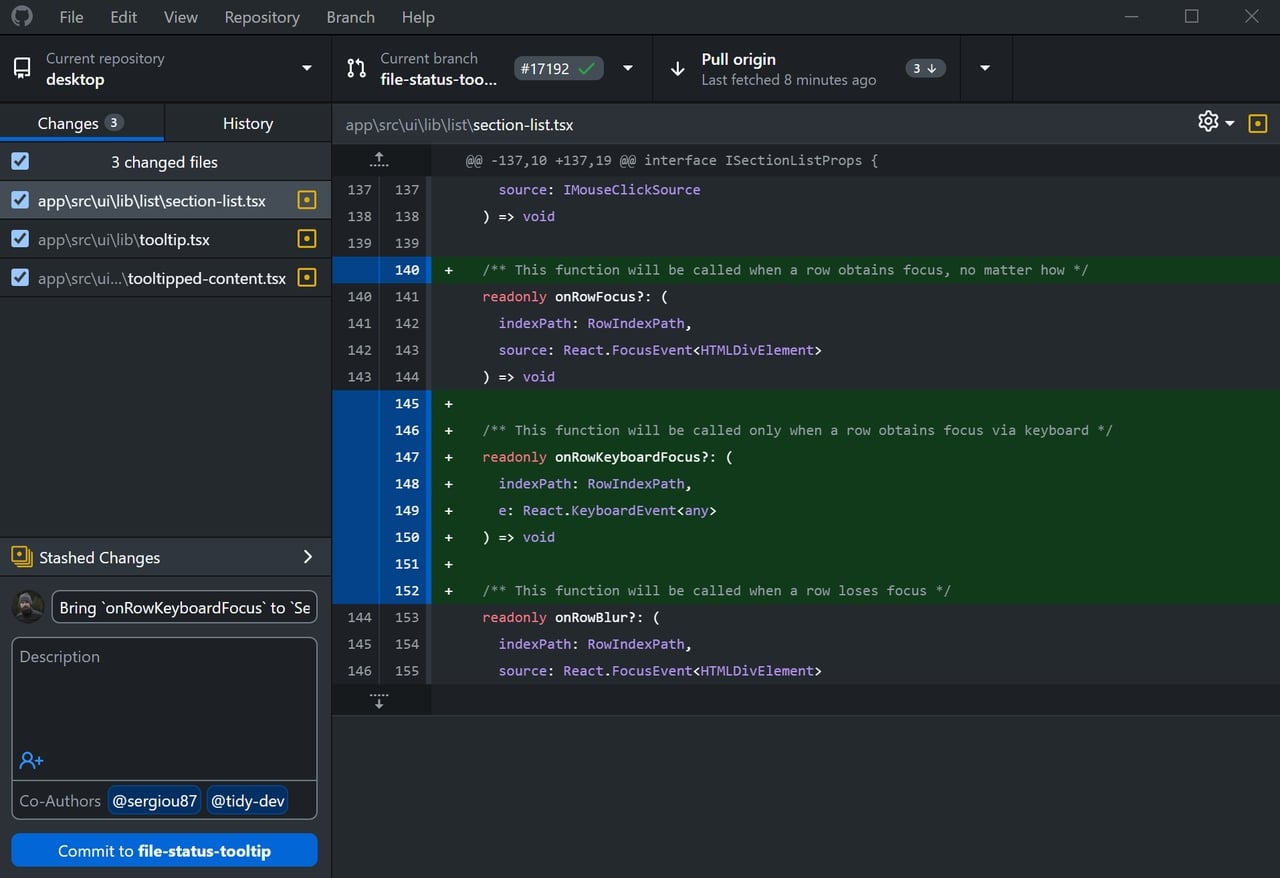
Best for: Version control, team collaboration, and open-source project management
Key features:
-
GitHub provides distributed version control using Git for tracking source code changes.
-
Pull requests allow teams to review, discuss, and merge code collaboratively.
-
Issue tracking tools help developers organize bugs, tasks, and feature requests efficiently.
-
GitHub Actions supports CI/CD automation for testing and deployment workflows.
-
Repository hosting enables secure cloud-based storage and management of development projects.
- Bootstrap
Bootstrap is an extremely popular front-end development framework that assists in creating mobile-first websites very efficiently. Bootstrap includes a number of UI elements that are predefined, such as grids, buttons, and forms, which help developers save a lot of time while designing interfaces. Cross-browser consistency and compatibility are assured in Bootstrap.
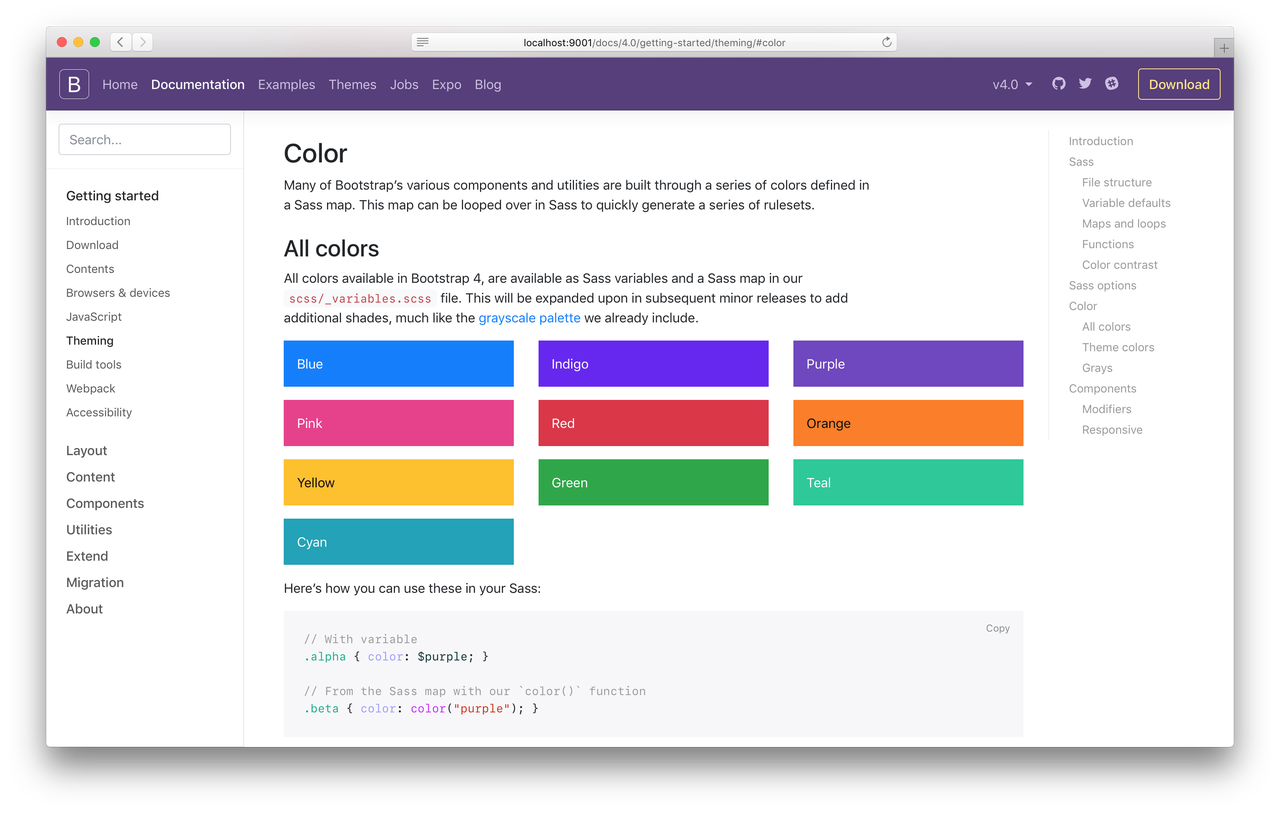
Best for: Responsive UI design and rapid frontend development
Key features:
-
Bootstrap includes a responsive grid system for building mobile-friendly layouts quickly.
-
It provides pre-designed UI components such as buttons, forms, and navigation bars.
-
Built-in utility classes help developers style elements without writing extensive CSS.
-
Bootstrap ensures cross-browser compatibility across modern web browsers and devices.
-
Customizable themes allow developers to adapt designs according to project requirements.
- Node.js
Node.js is a great technology that makes it possible to run JavaScript code in the back end. Node.js is built with event-driven architecture and is perfect for working with large volumes of requests as well as building real-time web applications. Developers use Node.js to build back ends and modern tools and platforms for full-stack development.
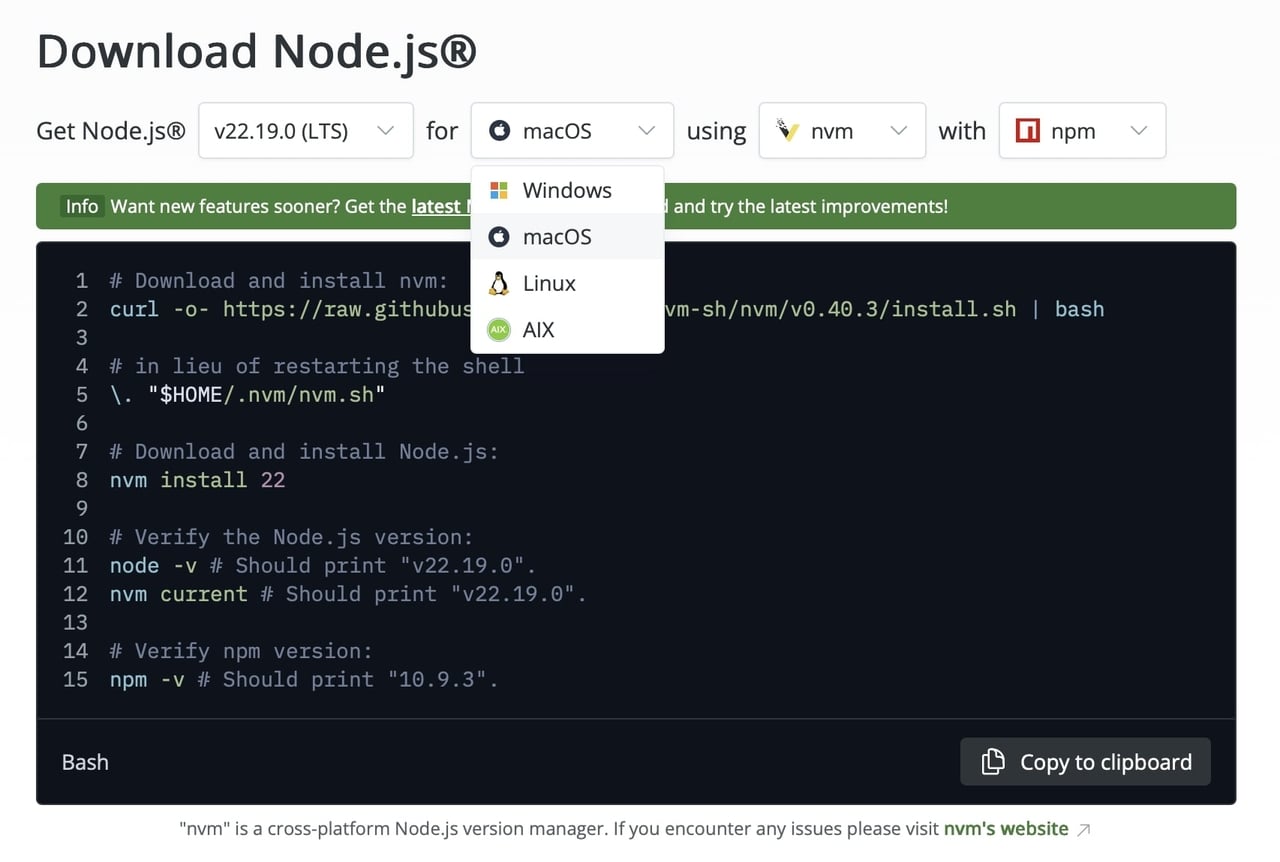
Best for: Scalable backend development and real-time web applications
Key features:
-
Node.js uses an event-driven architecture for handling multiple requests efficiently.
-
Its non-blocking I/O model improves application speed and scalability.
-
Developers can use JavaScript for both frontend and backend development.
-
Node Package Manager (NPM) provides access to a large ecosystem of reusable packages.
-
Node.js supports real-time applications such as chat platforms and live streaming services.
- React
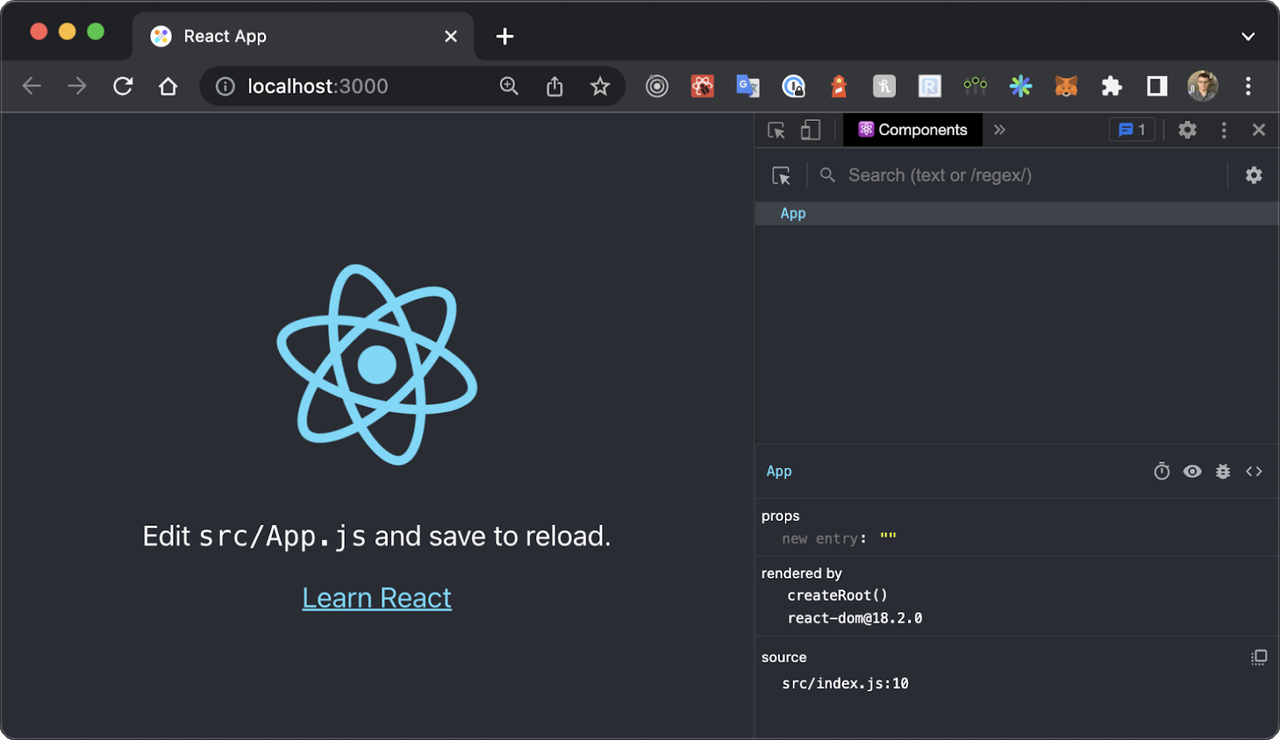
React is a leading frontend web development tool used for building dynamic and interactive user interfaces. It uses a component-based structure and virtual DOM to improve performance and reusability. React is widely used in modern web application development tools ecosystems for building single-page applications and scalable UI-driven platforms.
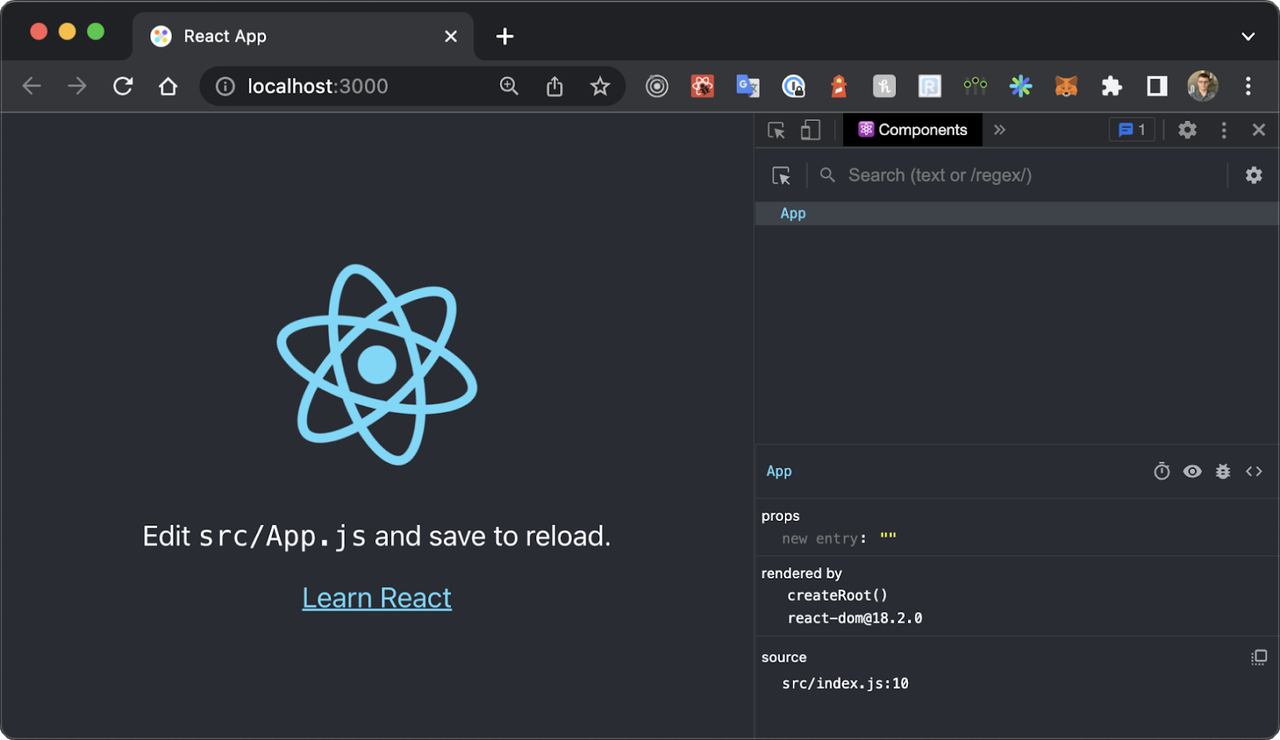
Best for: Dynamic UI development and single-page web applications
Key features:
-
React uses reusable components to simplify the development of complex user interfaces.
-
The virtual DOM improves rendering performance and application responsiveness.
-
React supports single-page application development with smooth user interactions.
-
One-way data binding helps maintain predictable application behavior and state management.
-
A large ecosystem of libraries and tools extends React’s frontend development capabilities.
- Docker
Docker is a DevOps-oriented tool designed for developing web applications. Applications along with their dependency libraries are encapsulated into portable containers using Docker, ensuring uniform application performance. Developers make use of Docker to ensure seamless development and deployment, scalable development, and environment-free development.
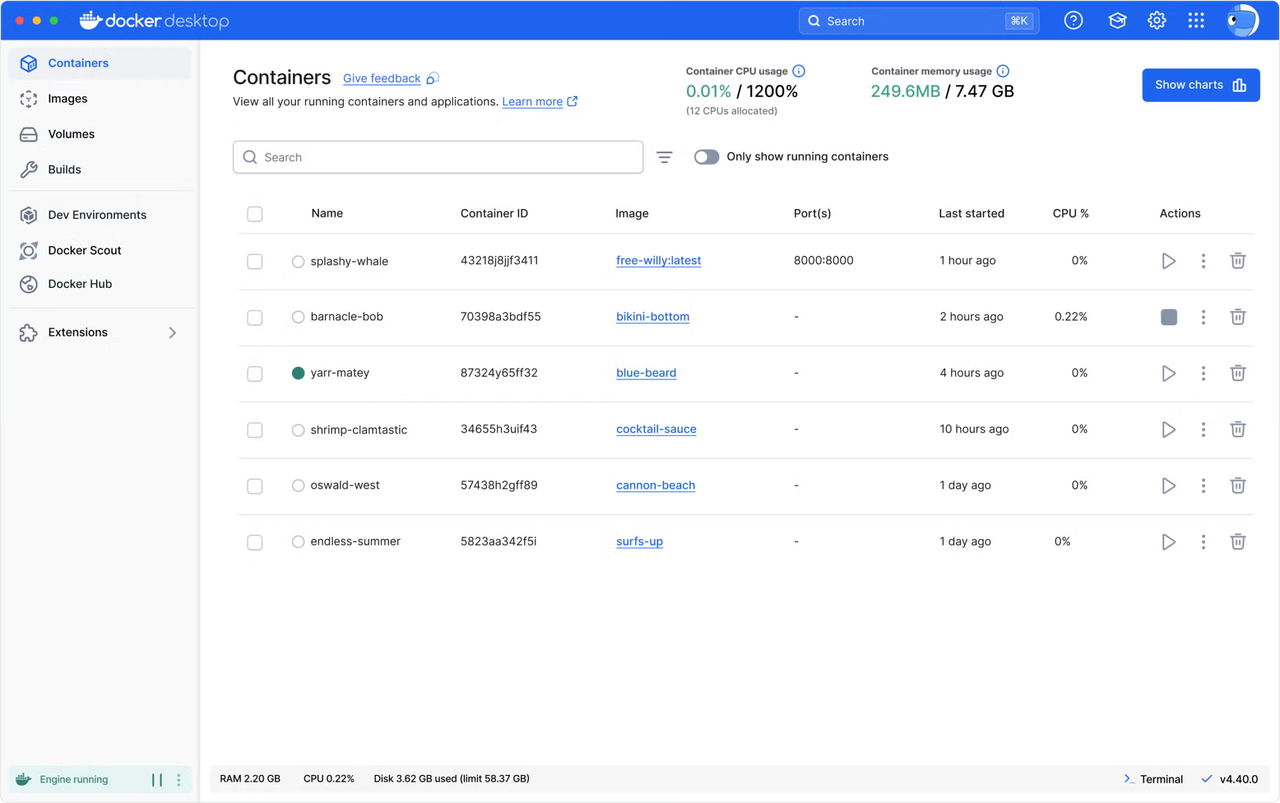
Best for: Application containerization and consistent deployment across environments
Key features:
-
Docker packages applications and dependencies into lightweight portable containers.
-
Containers ensure consistent performance across development, testing, and production environments.
-
Docker Compose simplifies the management of multi-container applications.
-
Its isolation capabilities improve application security and deployment reliability.
-
Docker supports scalable microservices architectures for modern application development.
- Webpack
Webpack is the best module bundler that is utilized in web application development tool ecosystems to optimize the frontend assets. Webpack combines JavaScript code, CSS, and images into optimal files. Webpack is used by developers for dependency management purposes, which makes it an essential part of web development tool ecosystems.
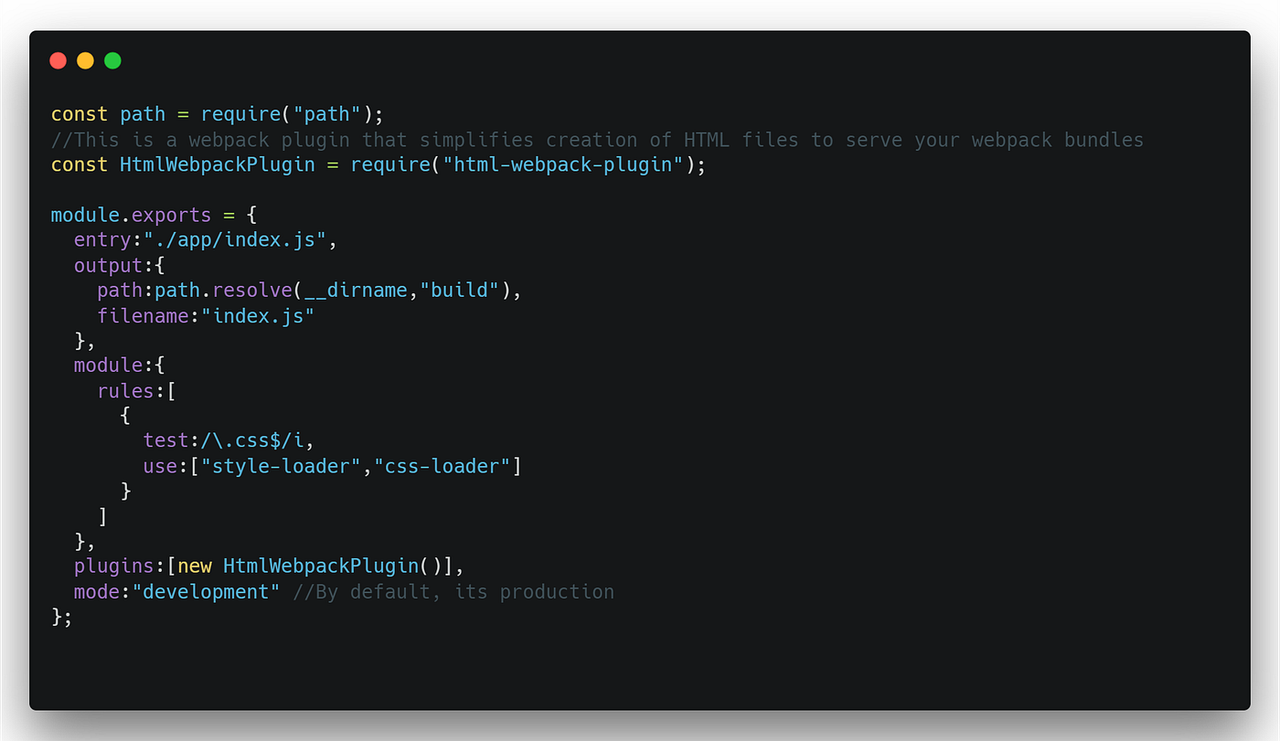
Best for: Asset bundling and frontend performance optimization
Key features:
-
Webpack bundles JavaScript, CSS, and image assets into optimized output files.
-
It supports module dependency management for large-scale frontend projects.
-
Loaders allow developers to process different file types during the build process.
-
Code splitting improves application performance by loading resources only when needed.
-
Webpack includes plugin support for automation and build customization tasks.
- Postman
Postman is an extensively used API testing tool for web development, which makes API integrations easy. This tool enables developers to perform API endpoint tests, requests, and response analysis without needing any programming skills. Postman automates and collaborates on API processes, thus becoming an integral part of modern-day web development toolkits.
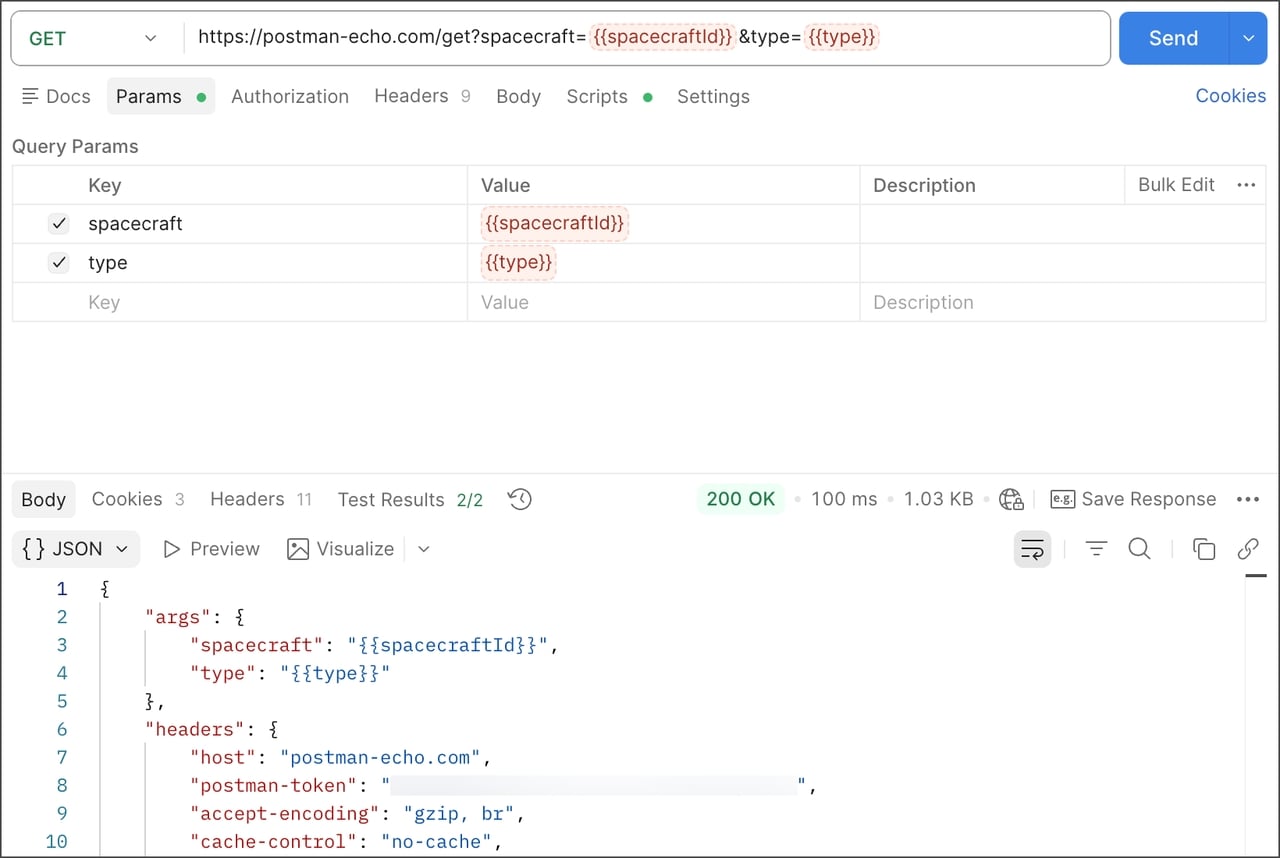
Best for: API testing, debugging, and backend integration workflows
Key features:
-
Postman allows developers to test API endpoints without writing custom scripts.
-
It provides automated API testing tools for validating backend functionality.
-
Request collections help organize and manage multiple API workflows efficiently.
-
Collaboration features enable teams to share APIs, documentation, and test results.
-
Response monitoring tools simplify debugging and performance analysis for APIs.
- Figma
Figma is a cloud-based UI/UX web development tool used for collaborative design and prototyping. It enables real-time collaboration between designers and developers, helping create wireframes and interactive interfaces. Figma streamlines design-to-development workflows, making it essential in modern web app development tool environments for product and interface design.
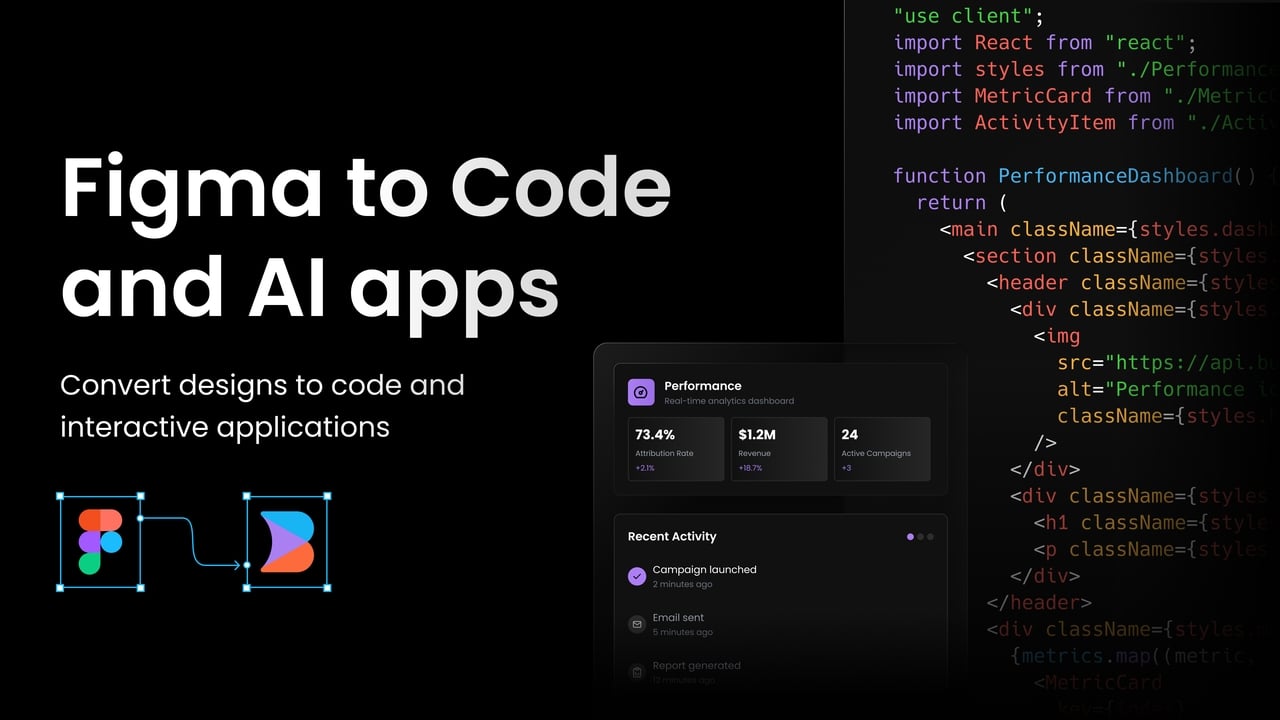
Best for: UI/UX design, prototyping, and real-time collaboration
Key features:
-
Figma enables real-time collaboration between designers and developers on shared projects.
-
Its cloud-based platform allows users to access designs from any device or browser.
-
Interactive prototyping tools help teams visualize user flows and interface behavior.
-
Reusable design components improve consistency across UI and UX projects.
-
Developer handoff features simplify the transition from design to implementation.
How to choose the right web development tools for your needs
Choosing the right web development tools depends on project needs, budget, and scalability.
-
Project complexity: The selected software tools should align with the scale of your development process and technical demands, thereby providing seamless performance, easy maintainability, and support for both basic and advanced approaches to web development.
-
Team collaboration requirements: The developer tools you choose should allow for better collaboration between all the members of the team, allowing you to enhance efficiency in your development processes.
-
Budget and scalability: You should go for cost-effective software tools that will allow you to expand your project in terms of traffic, features, and size without any performance-related problems.
-
Integration with existing systems: Ensure development tools easily integrate with your existing tech stack, APIs, and infrastructure for seamless workflow and reduced compatibility issues.
Future trends in web application development tools
Web development tools are evolving with AI, cloud, and automation driving innovation.
-
**AI-powered automation: **AI-driven web development tools automate coding, testing, debugging, and deployment processes, helping developers save time, reduce errors, and build high-quality applications faster with intelligent assistance across the entire development lifecycle.
-
Low-code and no-code platforms: These platforms enable users to build web applications with minimal coding effort, accelerating development speed, reducing complexity, and allowing both developers and non-technical users to create functional applications easily.
-
Cloud-based development environments: Cloud-based tools enable developers to develop, test, and deploy applications in real time, with the ability to collaborate and access resources.
-
Enhanced security and performance tools: With improved security being the aim of many contemporary tools, the need for performance optimization becomes more critical than ever before.
Developers adopting these innovations will gain a strong competitive edge in modern web development.
Conclusion
Selecting the appropriate web development tool is necessary to develop contemporary, scalable, and high-performing applications. Although there are plenty of web development software platforms that offer outstanding capabilities for developing, testing, and deploying applications, Enter Pro is an exceptional example, as it provides all the functionality of other platforms in one place. Therefore, it is the most suitable web application development tool.
FAQ's
- How do web app development tools support CI/CD pipelines?
Through CI/CD processes, web application development tools automate web apps using continuous integration, testing, and deployment. Enter Pro offers additional advantages by automating everything, making the delivery of web applications more efficient.
- What is the best web development tool for beginners?
The best choice for new web developers is Visual Studio Code due to its user-friendly interface. Another choice would be Enter Pro, which is best for web development in general.
- How do web development tools improve productivity?
Web development tools can increase productivity since they automate tasks such as coding, testing, debugging, and deployment. Enter Pro increases efficiency even more with a one-stop shop that eliminates the need to switch between tools and speeds up development.
- How do web application development tools support microservices?
With microservices development, web app tools can come in handy with their containerization capabilities, APIs, and modular deployment. The Enter Pro tool helps users effectively manage microservices, offering automatic scaling and deployment.
- What are low-code tools in web app development?
The low-code web app development tools enable users to develop their applications without much coding using a visual interface and pre-built components.