What is WordPress? The Ultimate Beginner's Guide
Wondering what WordPress is? Discover how to build your first website with our complete 2026 beginner's guide. Also, learn how to use Enter's AI Vibe Coding Agent.
WordPress powers over 40% of all websites. Yet, scaling a WordPress website comes with a steep learning curve. We'll explore the basics of what WordPress is and reveal how AI dev agents like Enter Pro eliminate manual coding entirely. [226 characters]
What is WordPress?
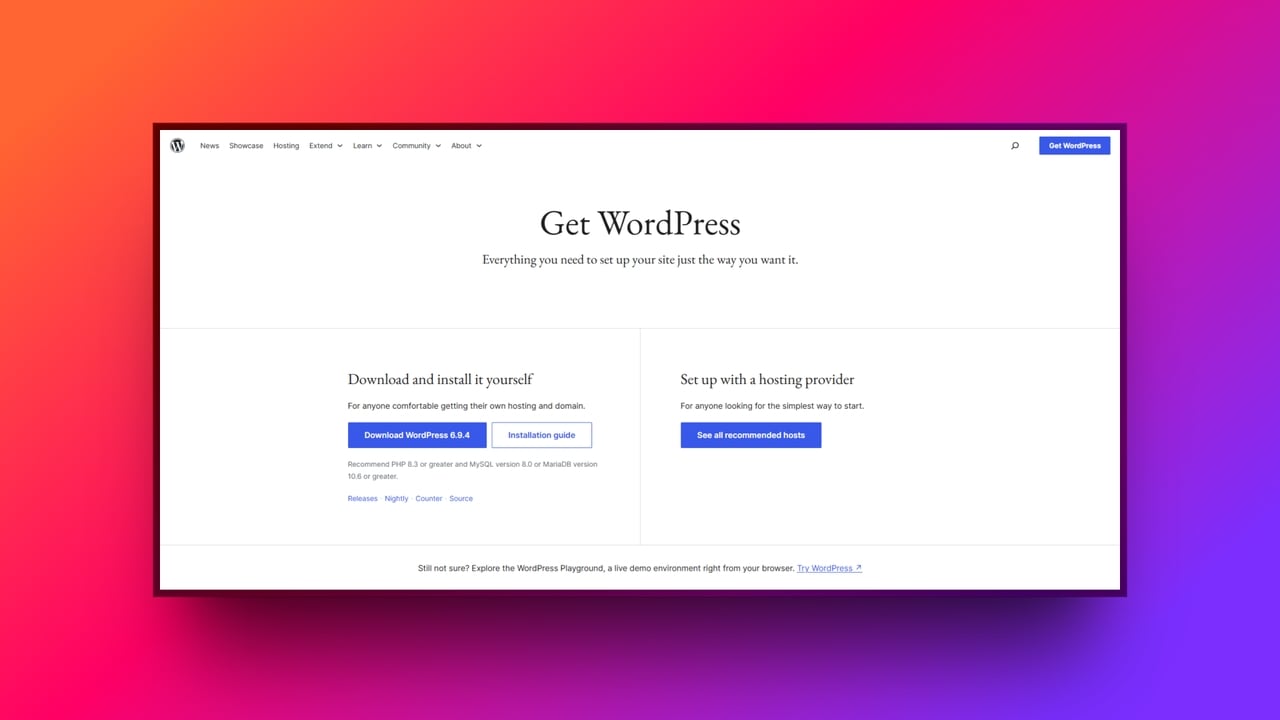
At its core, WordPress is a powerful, open-source Content Management System (CMS). If you are unfamiliar with the term, a CMS is simply a software tool that allows you to build, manage, and modify website content without needing to know how to write code from scratch.
Instead of programming individual HTML pages, the CMS provides a user-friendly interface to handle all the technical heavy lifting. The platform has come a long way since its humble beginnings. Launched in 2003, WordPress originally started as a simple, bare-bones blogging platform designed for writers to share their thoughts online.
However, thanks to its open-source nature and a passionate community of contributors, it rapidly evolved. Today, it has transformed into a massive, versatile website builder capable of powering everything from small personal portfolios to complex enterprise applications and global e-commerce stores. It truly changed how we create on the web.
How does WordPress work?
If you are wondering how WordPress works behind the scenes, it boils down to two core technologies acting as the engine and the brain of your website in a beginner-friendly way:
-
PHP (the engine): This is the powerful scripting language that handles all the complex logic. Every time a visitor clicks a link, PHP dynamically builds the web page on the fly, so they see the right content.
-
MySQL (the brain/database): This is the secure storage vault where all of your actual content is stored. Every blog post text, user profile data, password, and configuration setting lives safely inside this database.
Themes and plugins
To keep things simple and organized, WordPress intentionally separates your website's visual presentation from its core functionality:
-
Themes dictate the look and feel: Changing a theme instantly updates your colors, typography, and page layout with a single click, completely overhauling your design without losing your content.
-
Plugins act like apps for your phone: Whenever you want to add new features, such as SEO tools, contact forms, or full e-commerce capabilities, you simply install a plugin to do heavy lifting without touching the underlying core code.
The user dashboard
Tying all this together is the intuitive backend interface where you actually build and manage your content. This dashboard empowers website owners to write posts, upload images, and handle all their WordPress for site needs visually. Because of this user-friendly interface, you can control the powerful PHP engine and MySQL database without ever having to touch or understand a single line of database code directly.
What is WordPress used for?
While it started as a simple diary tool, WordPress is used for essentially everything today. It has completely evolved far beyond its blogging origins, transforming into a versatile platform capable of powering almost any digital experience you can imagine.
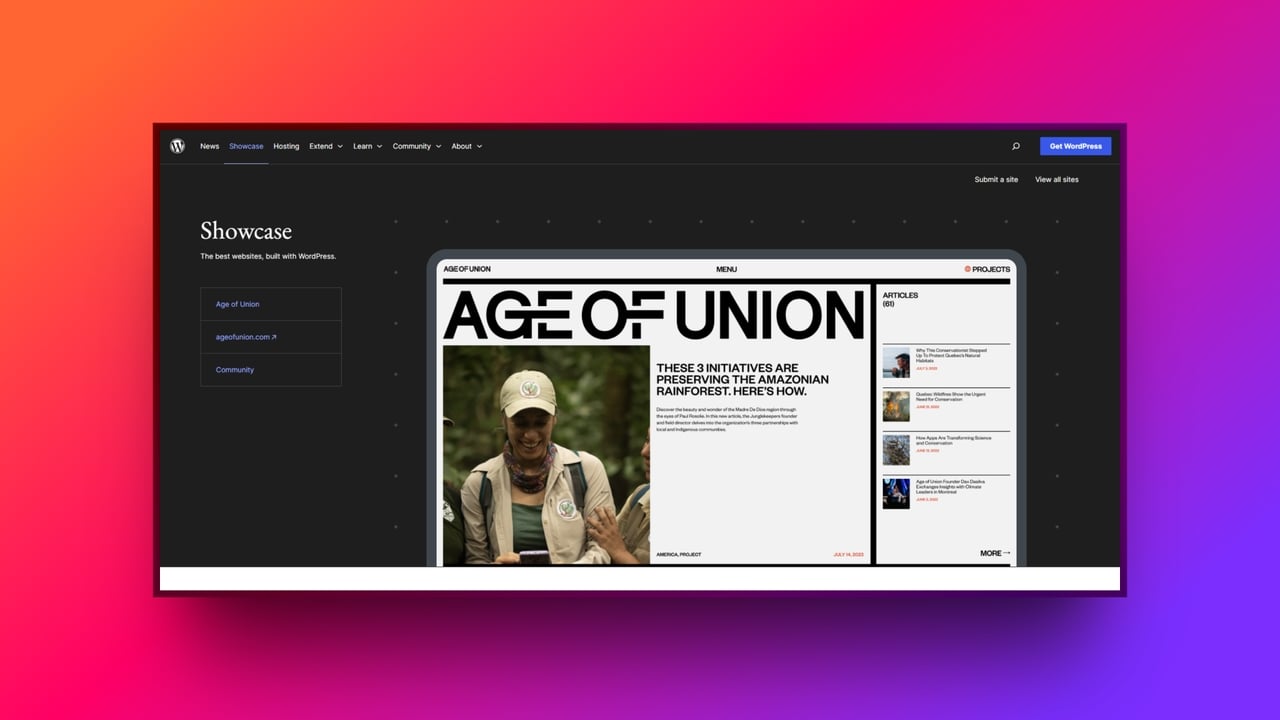
Thanks to its flexible architecture, you can build a vast array of complex WordPress sites, including:
-
E-commerce stores: Using plugins like WooCommerce, you can turn a basic site into a global digital storefront with full inventory management and secure checkouts.
-
Professional business portfolios: Agencies, freelancers, and corporations use them to create high-fidelity, visually stunning portfolios to showcase their work and attract clients.
-
Membership and subscription platforms: You can easily restrict content, charge recurring monthly fees, and build exclusive private community hubs.
-
News magazines and forums: High-traffic publishers use it to manage thousands of articles daily, while community builders use it to host active, multi-user discussion boards.
Today, both local mom-and-pop shops and massive, global Fortune 500 companies run their entire digital operations on WordPress websites, proving its unmatched reliability and scalability across all industries.
Is WordPress free: WordPress.org vs WordPress.com?
When people ask, "is WordPress free?", the short answer is a resounding yes. The core software itself is 100% free and open-source, built and maintained by a global community of developers. However, the long answer requires understanding the massive difference between the two distinct platforms that share the name:
WordPress.com (the hosted service)
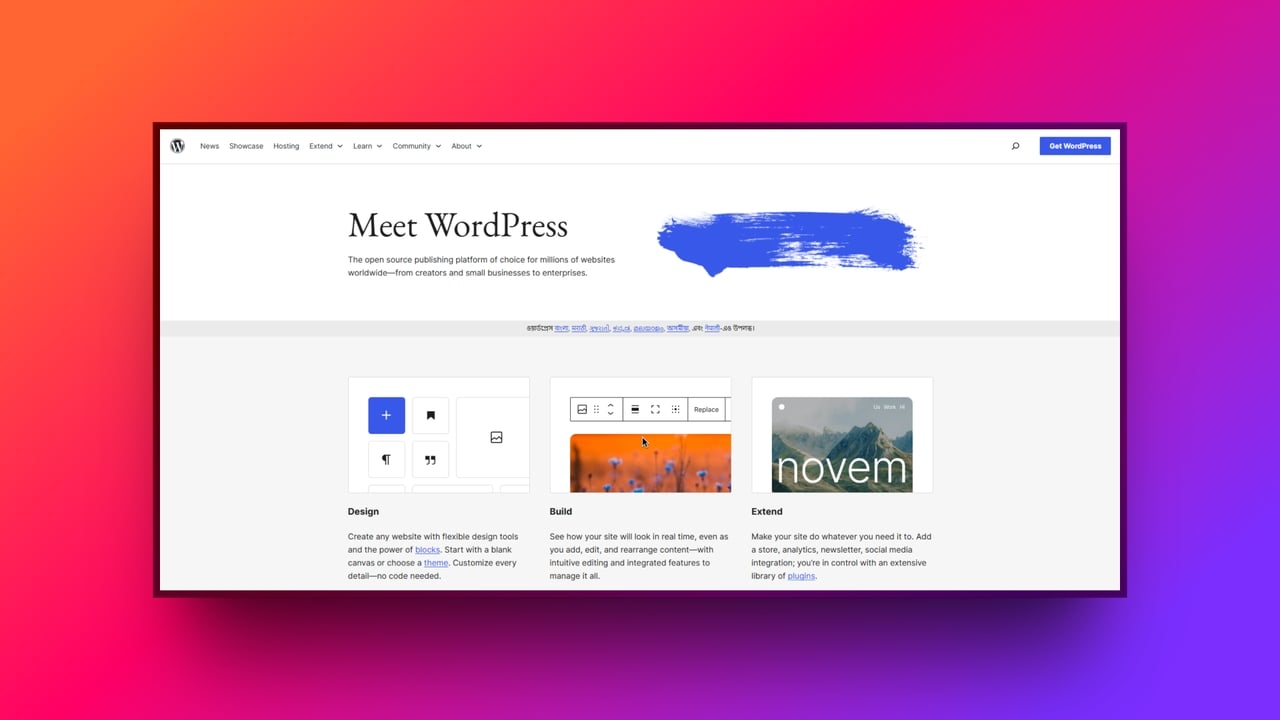
This is the self-hosted version, which most professionals refer to. While WordPress.org software is completely free to download, you must pay a third-party company for your own web hosting and domain name. In exchange, you gain 100% control, total ownership, and unlimited flexibility to modify your site, however you see fit.
WordPress.com (the hosted service)
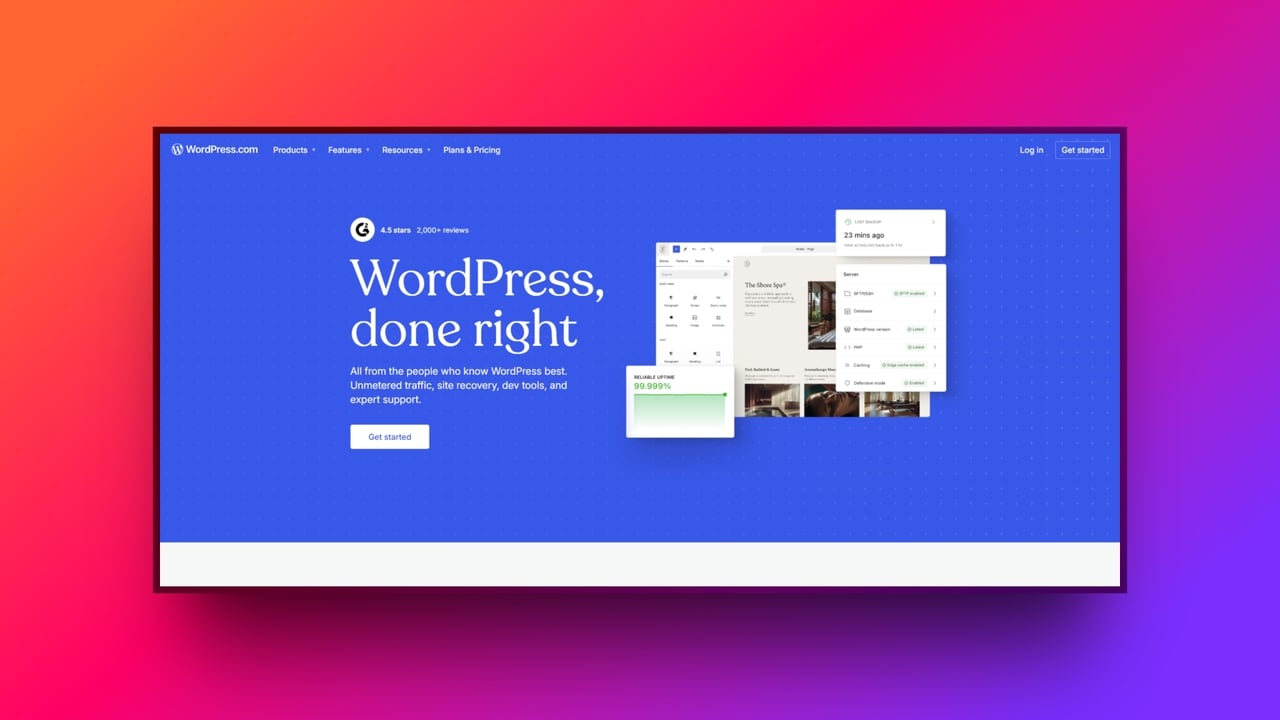
This is a for-profit service that hosts the site for you. While it offers a free tier to get started, it places its own advertisements on your pages and heavily restricts your ability to install custom themes and plugins. To unlock those essential features, you must pay for premium plans.
Recommendation
If you want to build a serious business or ensure true WordPress online site ownership, the self-hosted (.org) version is universally considered the professional standard.
The top 5 benefits of using WordPress
WordPress captured the internet by democratizing web creation. Its massive market share stems from a few core advantages that make powerful, custom websites accessible to absolutely anyone.
Unmatched customization
With thousands of free and premium themes and plugins available, WordPress provides unparalleled flexibility. Anyone can easily tailor their website's design and functionality to perfectly match their unique needs.
SEO-friendly architecture
WordPress is built with clean code that search engines naturally love out of the box. Powerful plugins like Yoast further simplify optimization, making high rankings a breeze for anyone.
Massive community support
Because it is open-source, millions of developers worldwide constantly create helpful tutorials, detailed forums, and free resources. This massive community guarantees you can quickly troubleshoot and solve any issue.
Cost-effective start
While you only pay for your web hosting, the core CMS software remains entirely free. This drastically lowers the financial barrier compared to building a custom website from scratch.
Highly scalable
A basic WordPress site comfortably scales alongside your business. It effortlessly grows from a simple local page into a sprawling WordPress website, reliably handling millions of monthly visitors.
Revolutionizing WordPress development with Enter Pro
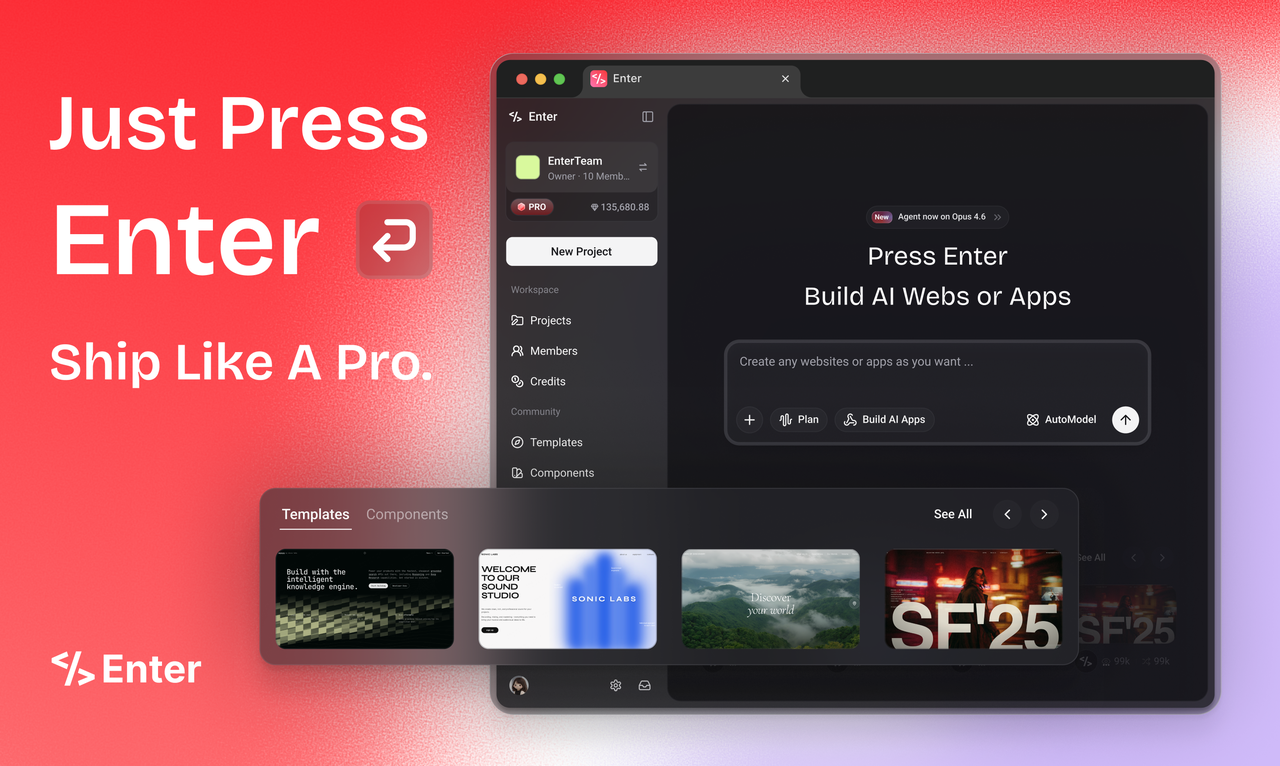
The internet is experiencing a massive paradigm shift, transitioning away from the limitations and bottlenecks of traditional WordPress development and into the lightning-fast era of AI. Enter Pro the steps to lead this charge as the ultimate vibe-coding agent to build websites and apps.
Who is it for?
Enter Pro is purposefully designed to serve modern builders far better than a traditional CMS, specifically empowering:
-
AI-first builders (indie hackers): Users who want to quickly generate production-ready SaaS MVPs with complete code transparency and zero "toy" outputs.
-
Visionary architects (PMs/designers): Non-technical founders who need to break through the "code wall" to build high-fidelity, live prototypes that handle real data without relying on a development team.
-
No-code upgraders: Beginners seeking an ultra-low learning curve and step-by-step guided workflows as a much simpler alternative to complex WordPress dashboards.
How does Enter Pro replace** manual coding?**
Enter Pro vibe coding agent replaces manual coding with the following noteworthy features.
-
Professional apps from scratch: Turn your spoken or written ideas into fully deployed applications instantly. Enter Pro empowers you to build professional-grade, functional web apps with complete backend logic and database structures, all without writing a single line of traditional PHP code.
-
The ultimate template marketplace: Never start from zero. Remix the community's best, highest-performing templates with a single click. Unlike superficial WordPress themes, you receive a complete full-stack clone instantly. Your new template includes the fully configured database, powerful backend logic, and beautiful frontend design.
-
Visual editor for precision control: Stop guessing with vague text prompts or battling clunky, outdated page builders. Simply click any element on your canvas to instantly tweak visual styles and underlying code, blending the exact precision of manual hand-coding with the unmatched speed of AI.
-
**Production-ready integrations: **Skip the notoriously bloated WordPress plugin ecosystem. Enter Pro integrates seamlessly with essential services like Stripe, Supabase, and Google Analytics out of the box. This guarantees your application is immediately ready for real users, live payments, and massive growth.
-
**Model freedom (always best-in-class): **Never suffer from artificial intelligence FOMO again. Enter Pro lets you instantly switch between cutting-edge models like Claude 4.5, GPT 5.2, and Gemini Pro. This freedom guarantees you always have the absolute smartest, most capable brain actively powering your application's code.
-
The ultimate WordPress parallel (100% code ownership): Just like self-hosted WordPress.org, Enter Pro guarantees you retain one hundred percent code ownership. Experience zero vendor lock-in. You can watch the transparent agent workflow in real time, then freely export your entire source code to securely deploy it on your own servers.
Wrapping up
While WordPress remains a legendary foundational tool that democratized the web, the way we build online is fundamentally changing forever. You no longer need to spend countless months learning complex PHP or struggling through traditional WordPress development to bring your ideas to life.
With innovative AI dev agents like Enter Pro, your imagination is the only limit. You can seamlessly transition from a simple text prompt to a fully functional application in minutes. Do not let the code wall stop you. Spin up your first web app using Enter Pro today and experience the incredible speed of vibe coding for yourself.
FAQs
How is building a WordPress online site with ease?
Building a traditional WordPress online site requires manual hosting, theme setup, and plugin management. Enter simplifies this by using AI to generate and deploy full-stack applications directly from text prompts, minimizing manual configuration.
Can Enter Pro build complex web apps or just simple WordPress sites?
Enter Pro goes beyond simple WordPress sites. It generates functional, production-ready web applications, including SaaS MVPs, by building complete backend logic, structuring databases, and integrating essential services such as Stripe and Supabase.
Will I own the code for my app the same way I own self-hosted WordPress websites?
Yes. Similar to self-hosted WordPress websites, Enter Pro ensures complete code ownership. You can export your full source code at any time and deploy it on your own servers, completely avoiding vendor lock-in.
Do I need to buy hosting and a domain first, as I do with WordPress.org?
No upfront hosting is required, unlike WordPress.org. Enter Pro manages the initial compute and server logistics natively, enabling you to build, preview, and deploy live prototypes immediately without any external configuration.