
Wix Reviews: Pricing, Pros, Cons, and Best Alternatives
Explore Wix reviews to learn what Wix is, how its website builder works, its pricing, different use cases, user feedback, and the best Wix alternatives.
Wix Reviews can help you understand what you are actually getting before choosing this website design tool. I spent weeks building and testing different sites to see how Wix performs in real projects. Knowing Wix matters because pricing, customization, templates, and scalability can affect your website long-term. In this guide, I explore whether Wix is a good website builder for your needs. You will learn about its costs, features, strengths, limitations, and alternatives.
What is Wix website maker?
Wix website maker is a cloud-based, drag-and-drop site builder that was established back in 2006 to develop sites without coding. Wix.com is perfect for blogs, portfolios, small business websites, online stores, bookings, nonprofits, and musician pages. It's a combination of site hosting, site design tools, and apps in a single, all-in-one platform for easy management. Wix is a self-hosted platform, which means that it does hosting, in addition to providing site-building tools. The platform is primarily targeted at small to medium businesses and beginners, and not for large enterprise websites.
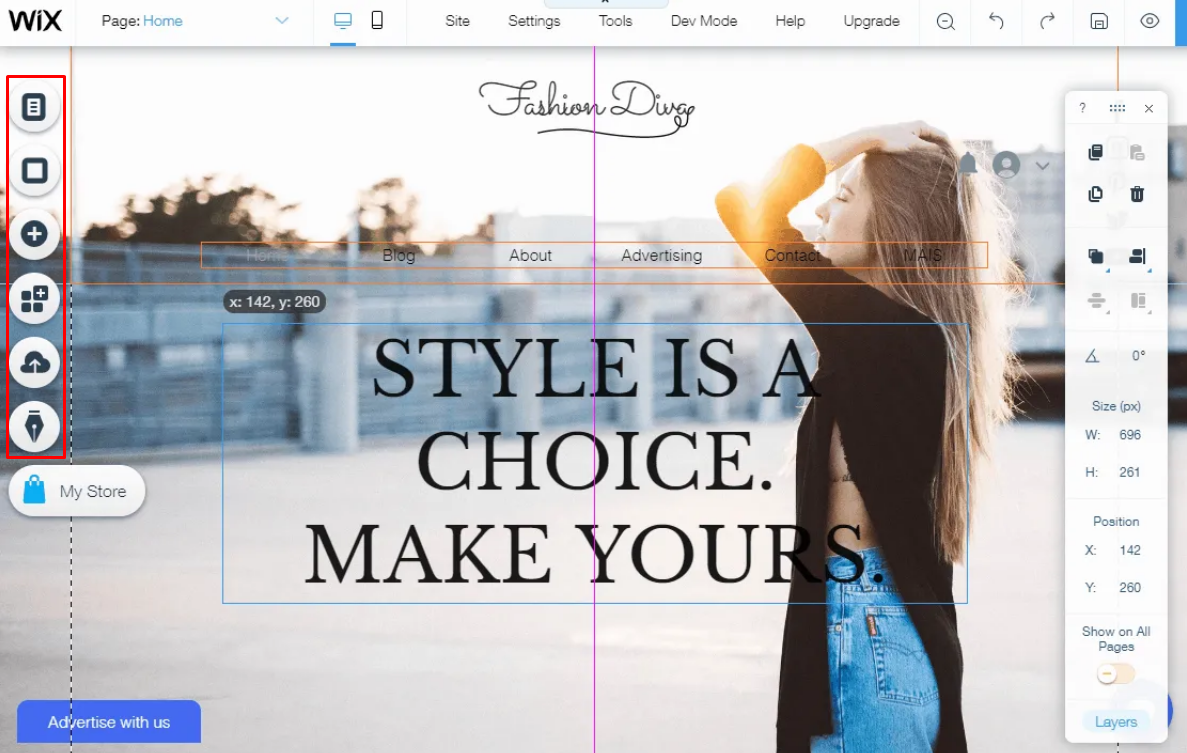
How does Wix work? My setup experience
I wanted to see how Wix works from the beginning, so I used it to set up a website and test its main workflow. My goal was to understand how quickly I could move from an empty account to a usable website. I also wanted to see how much control Wix gives you after its initial setup. Here is how my experience unfolded.
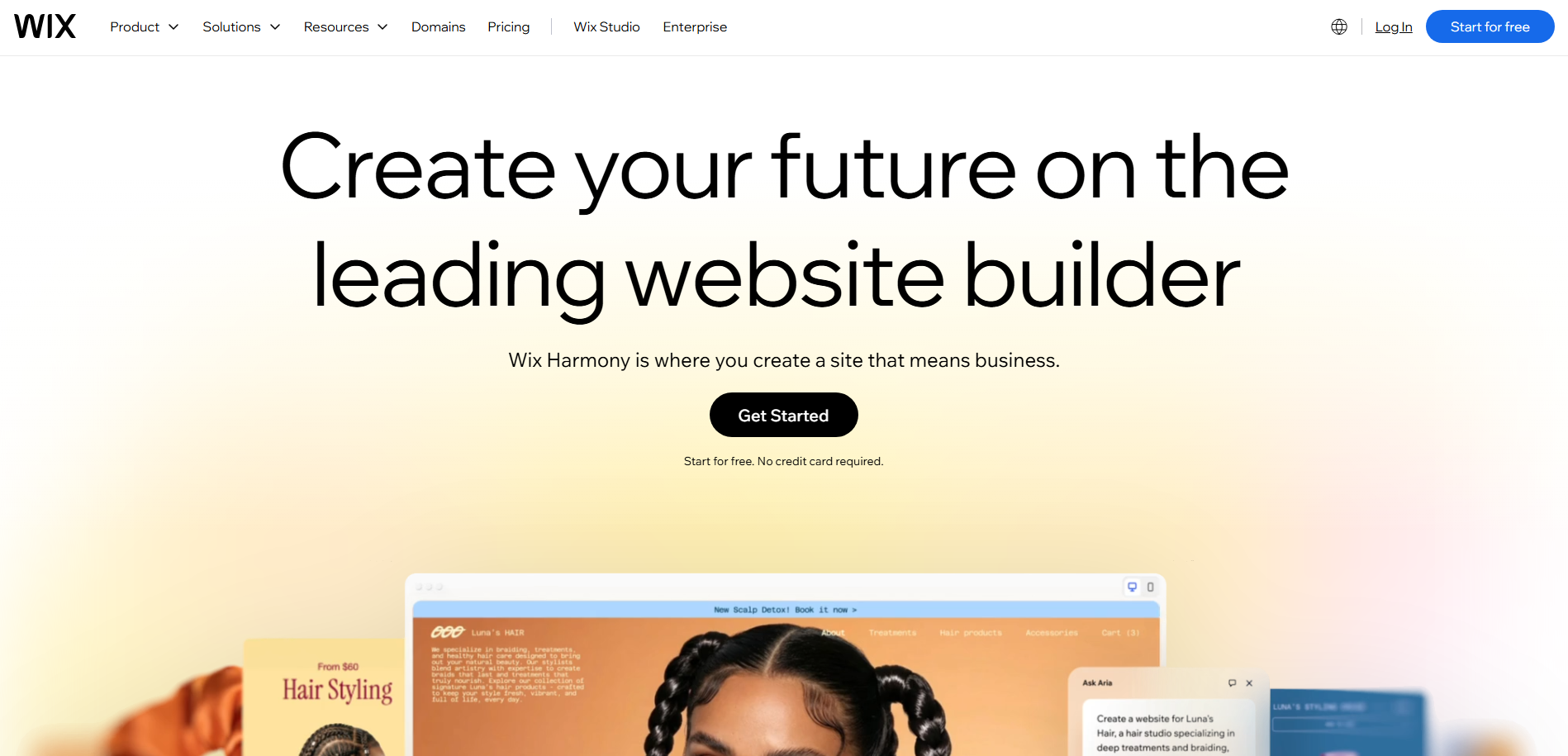
Step 1 – Get started with Wix
I started by visiting Wix and creating an account with my email and password. Wix also lets you sign up through Google or Facebook.
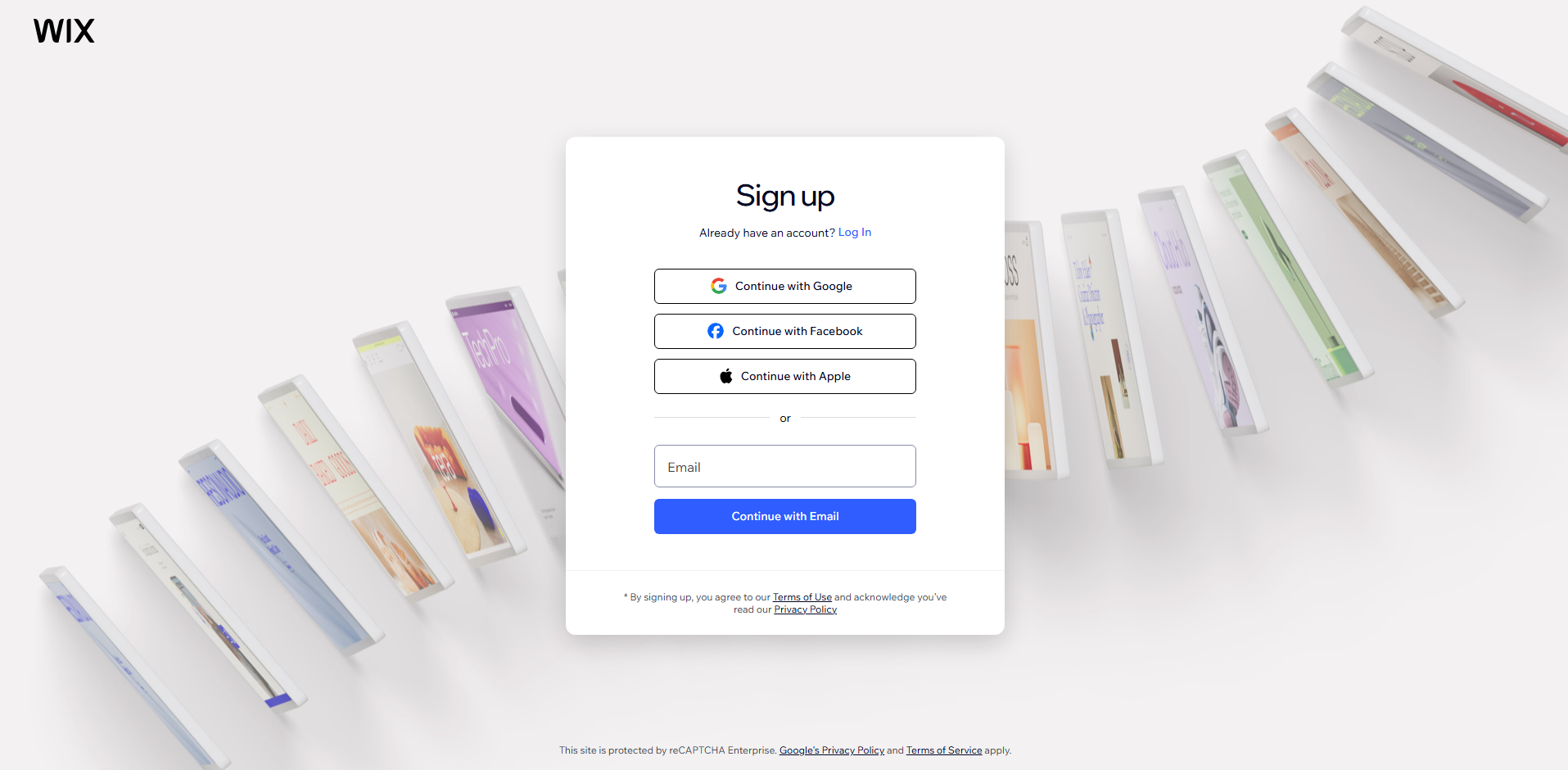
After selecting Start for free, I entered the required details and clicked Sign Up. Wix then asked me for** Bring your site to life** with chat, although I could choose** Skip** and add it later.
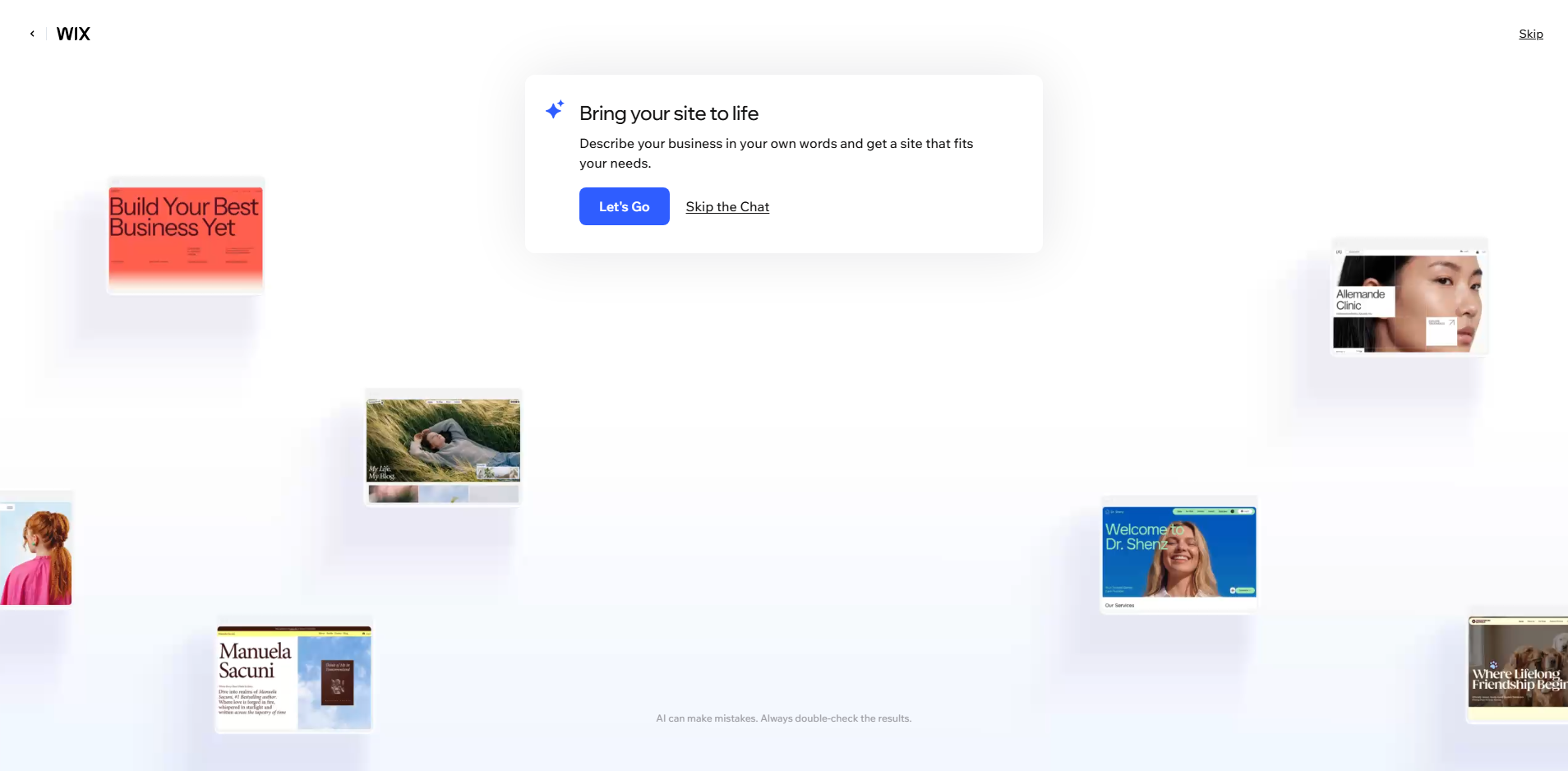
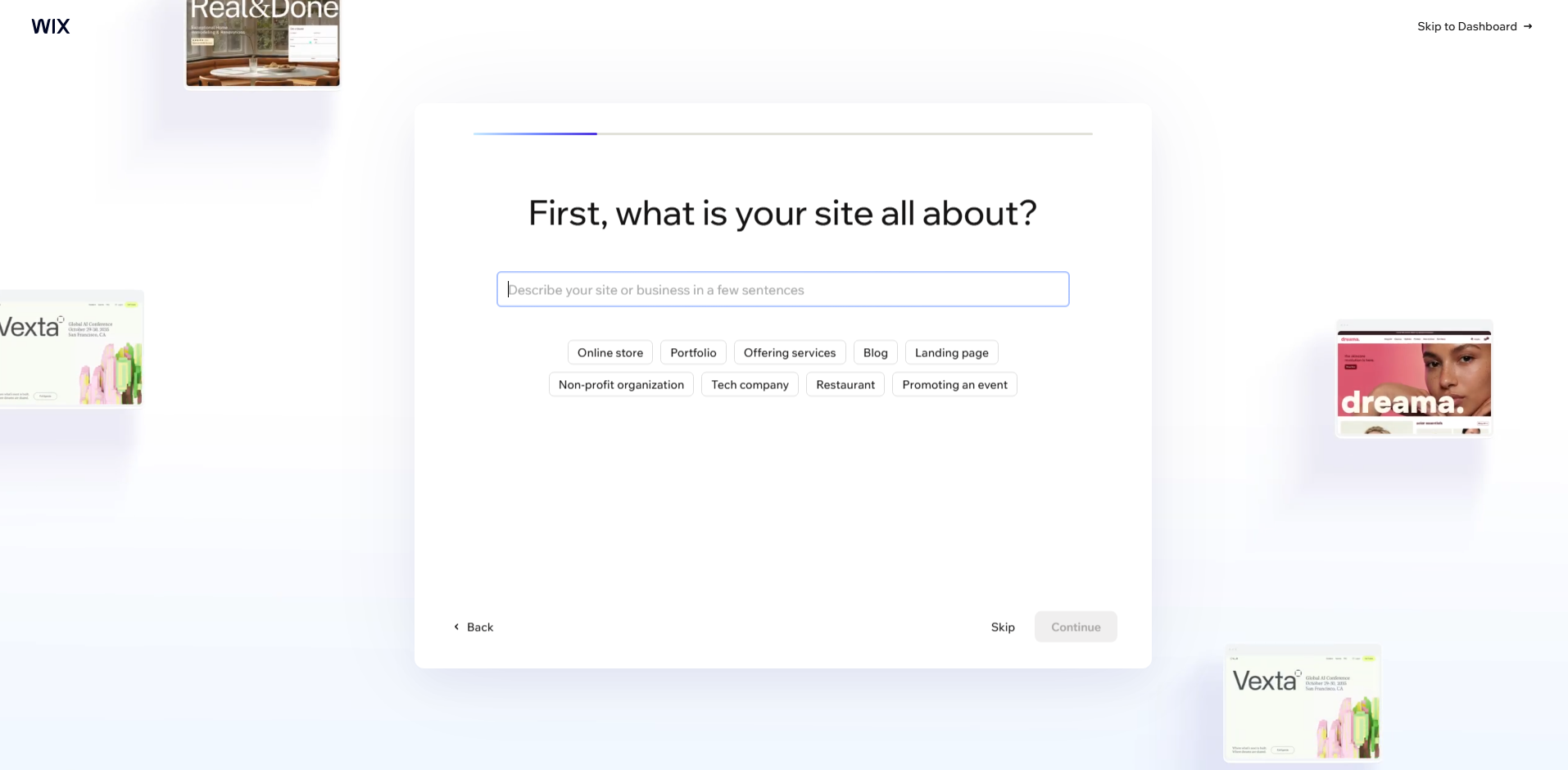
Next, you can enter info on what your site is all about. Like if you own an online store, blog, or tech company, etc. You can also skip to the dashboard, which I did.
Step 2 - Connect domain and get your business email
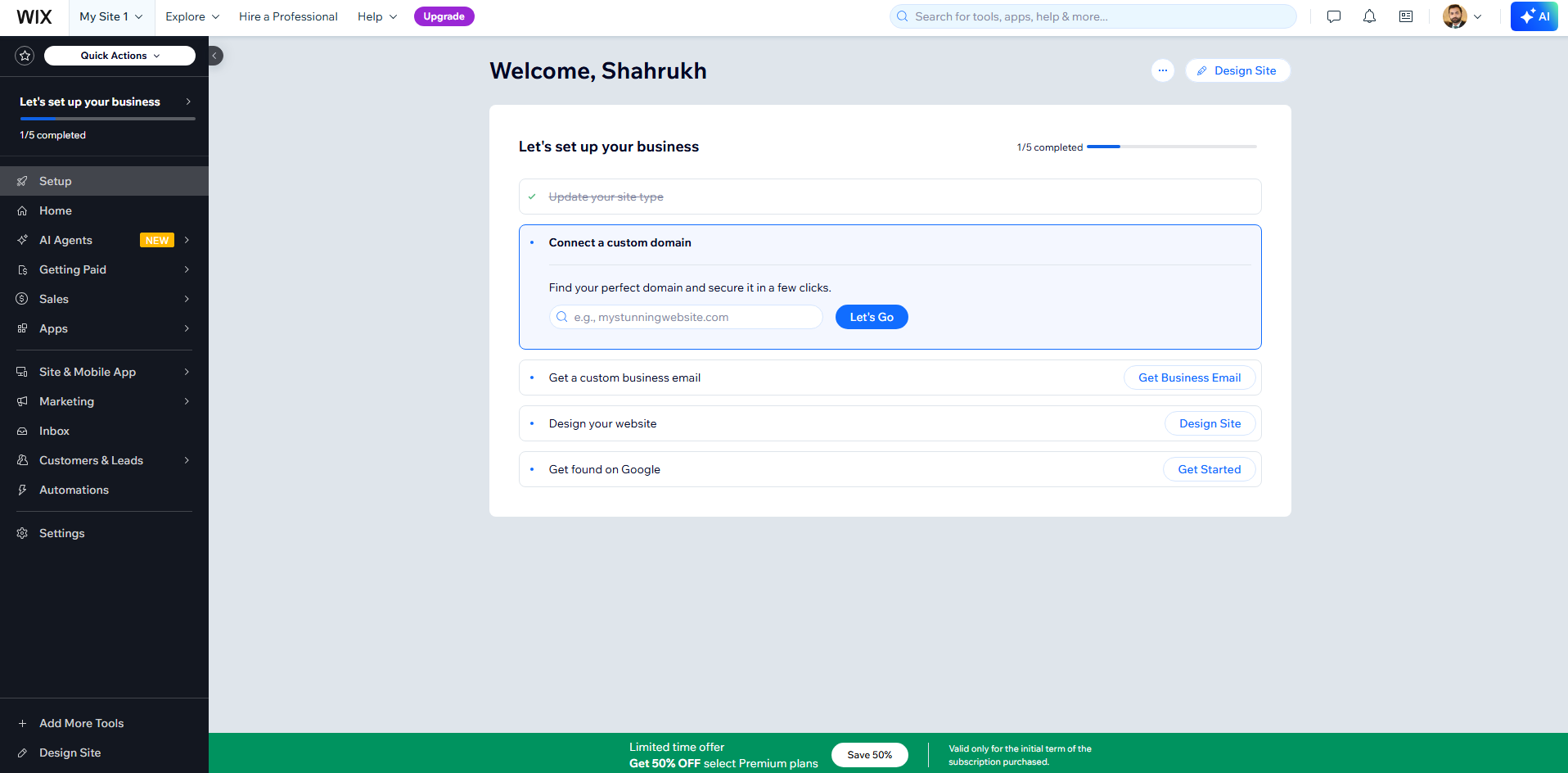
On the new interface, you can connect your domain, and later you can get your business email.
Step 3 - Design your site
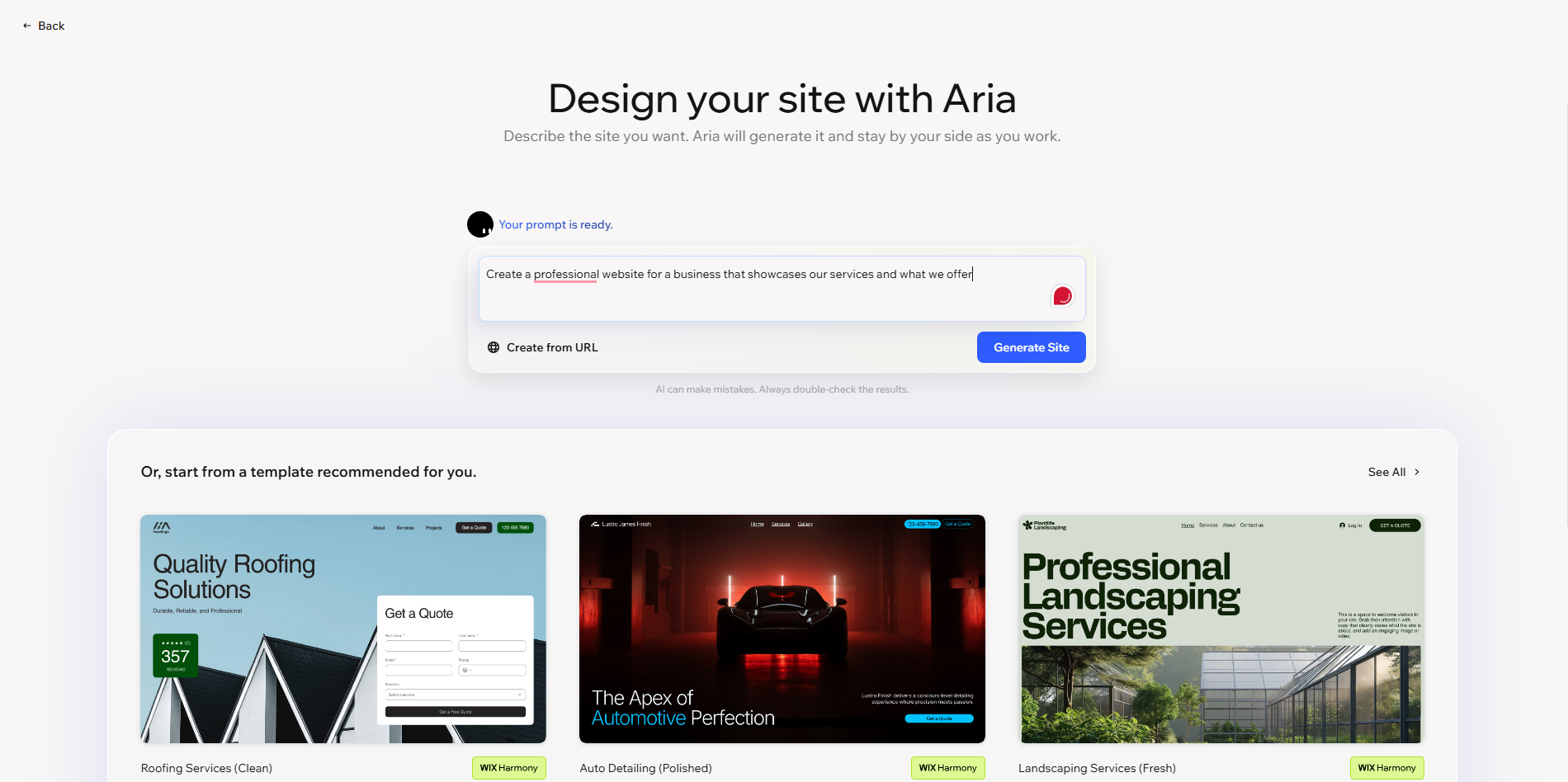
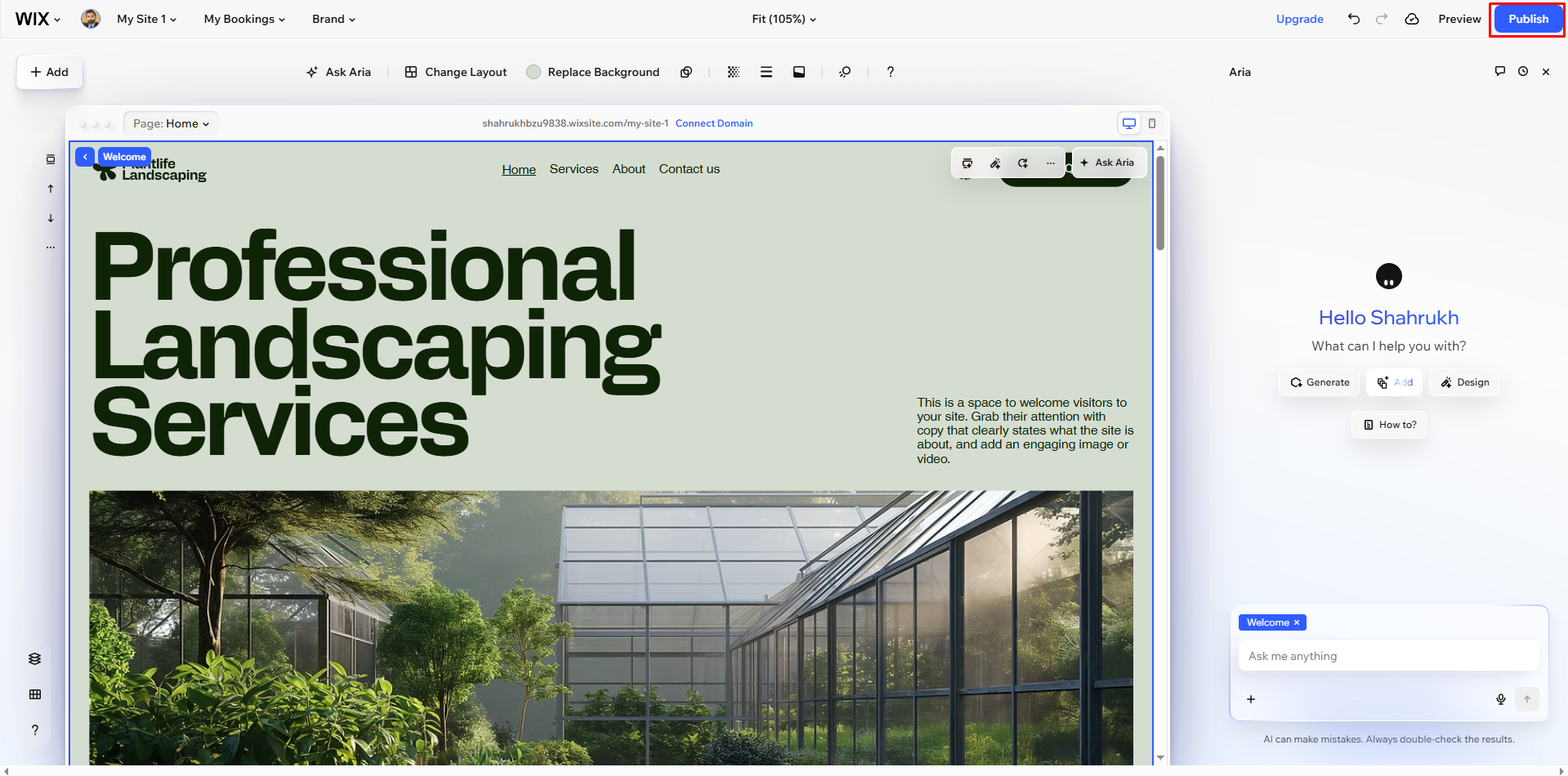
Click on the design of your website on the main interface to start custom website design. Wix allow you to completely design your site using Aria, or you can pick the pre-design template from the bottom as shown in the image below. You can also paste the URL for a reference design to give Aria an idea for custom website building.
Using the Wix settings, you can customize your design with custom images, fonts, backgrounds, animations, etc. Wix gives you full freedom to design a site in the way you like. You can also use AI on the left side to give instructions or references on how you want to change a particular section.
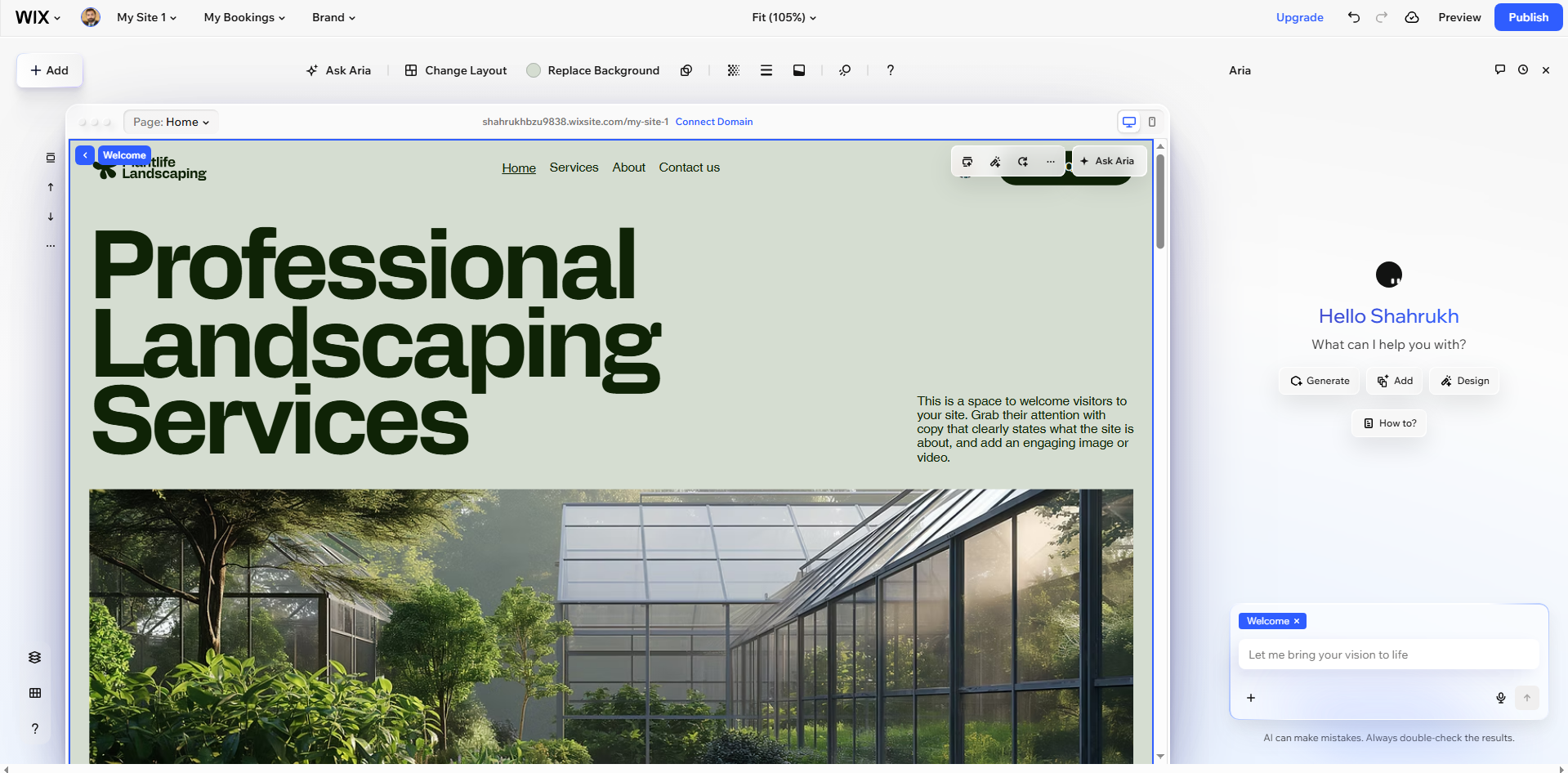
I opened Elements to add text, images, buttons, galleries, forms, social icons, and other components. The drag-and-drop interface let me position these elements without manually editing code. I also connected buttons to specific pages, products, or sections. Then I adjusted colors, fonts, spacing, and layouts to make the design more consistent.
Step 6 – Publish your site
Once the main cuts were made, I did a website preview on desktop and mobile. After all this seemed to be correct, I hit the Publish button in the upper right-hand corner. Wix stated that the website had been launched and shared the link.
Wix website cost - Key Wix plans compared
Wix offers multiple plans, including Free, Light, Core, Business, and Business Elite. You can choose the pricing plan that fits your needs. Let's explore each plan in the table below more comprehensively:
| Feature | Free | Light | Core | Business | Business Elite |
|---|---|---|---|---|---|
| Monthly price | $0 | $17/mo | $29/mo | $39/mo | $159/mo |
| Target use case | Getting started | Basic features | Audience engagement | Brand growth | Enterprise scaling |
| Free domain | ❌ | ✓ (1 year) | ✓ (1 year) | ✓ (1 year) | ✓ (1 year) |
| Storage space | Limited | 2 GB | 50 GB | 100 GB | Unlimited |
| Web hosting | ✓ Reliable | ✓ Multi-cloud | ✓ Multi-cloud | ✓ Multi-cloud | ✓ Multi-cloud |
| E-Commerce capability | ❌ | ❌ | Basic | Standard | Advanced |
| Payment processing | ❌ | ❌ | ✓ | ✓ | ✓ |
| Marketing tools | ❌ | ❌ | Basic suite | Standard suite | Advanced suite |
| Site collaborators | ❌ | 2 | 5 | 10 | 100 |
| Scheduling & services | ❌ | ❌ | ✓ | ✓ | ✓ |
| Developer platform | ❌ | ❌ | ❌ | ❌ | Advanced |
| Design templates | 1000s | 1000s | 1000s | 1000s | 1000s |
| Drag-and-drop editor | ✓ | ✓ | ✓ | ✓ | ✓ |
| AI creation tools | ✓ | ✓ | ✓ | ✓ | ✓ |
| 24/7 customer support | ✓ | ✓ | ✓ | ✓ | ✓ |
| Money-back guarantee | No credit card required | ✓ 14 days | ✓ 14 days | ✓ 14 days | ✓ 14 days |
| Best for whom |
Wix templates and design — My honest take
Wix offers many templates and flexible customization, but my testing revealed some limitations with mobile layouts and redesigns. Let's uncover the facts!
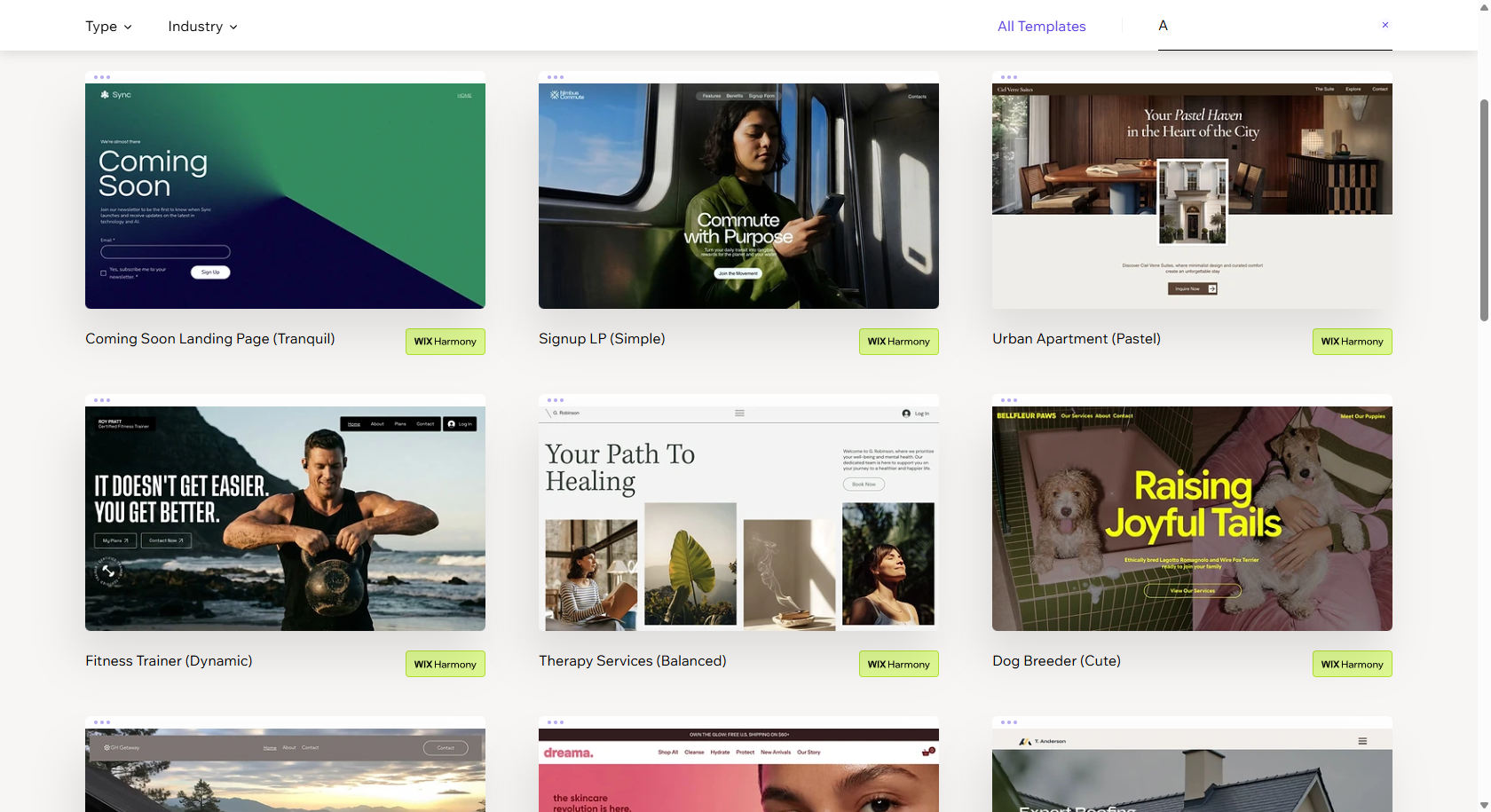
- Template variety: Wix has 2,000+ templates for various industries and website types. I've found great variations; However, quality varies from one design to the next.
- Customization: The drag-and-drop editor provides amazing visual control without coding. But more freedom comes with more manual alignment and design cleanup.
- Template switching: You cannot switch templates after publishing your Wix website. Test designs carefully before publishing, especially for businesses planning future redesigns.
- Mobile experience: Wix adopts an adaptive approach rather than responsive layouts. In testing, I had to manually move or resize elements on the mobile screen at times.
- Overall verdict: Wix works well for beginners, small businesses, portfolios, and visual websites. It suits fewer users needing frequent redesigns or precise responsive control.
| Design criterion | My assessment |
|---|---|
| Template variety | Excellent — 2,000+ options across many industries |
| Template quality | Good to very good, but quality varies |
| Customization | Excellent — unusually flexible for a no-code builder |
| Ease of editing | Very good for beginners |
| Template switching | Weak — major redesigns require more work |
| Mobile design | Good, but requires manual checking and adjustment |
| Best fit | Small businesses, freelancers, portfolios, service websites |
| Main drawback | Too much flexibility can require more design cleanup |
Use Cases of Wix - Who can benefit from Wix?
Wix can support different website needs, from small businesses and online stores to blogs and portfolios. I tested several website types to understand where Wix feels practical, flexible, and easier for everyday users.
Wix for small business
I created a small service-business homepage and discovered Wix is convenient for rapidly introducing some critical features. The booking tools added ease to the appointment process, and contact forms provided visitors with a direct line of communication. The quick launch process helped me to develop a working business website without spending a lot of time on the setup process.

Wix for ecommerce
I created a small store, and I tried out the product pages, checkout, and payment methods. For simple stores with not too many products and regular buying, the experience was robust. But with larger catalogs, you might have to deal with restrictions if more sophisticated organization and ecommerce needs are required.

Wix for blogging
I tried Wix for blogging and used their editor to format regular content, which I found to be easy to use. It had built-in SEO features that allowed me to handle checklist recommendations, meta tags, and vital search settings. This combination allowed for easier routine publishing as well as important optimization tasks within the platform.
Wix for portfolios and creative professionals
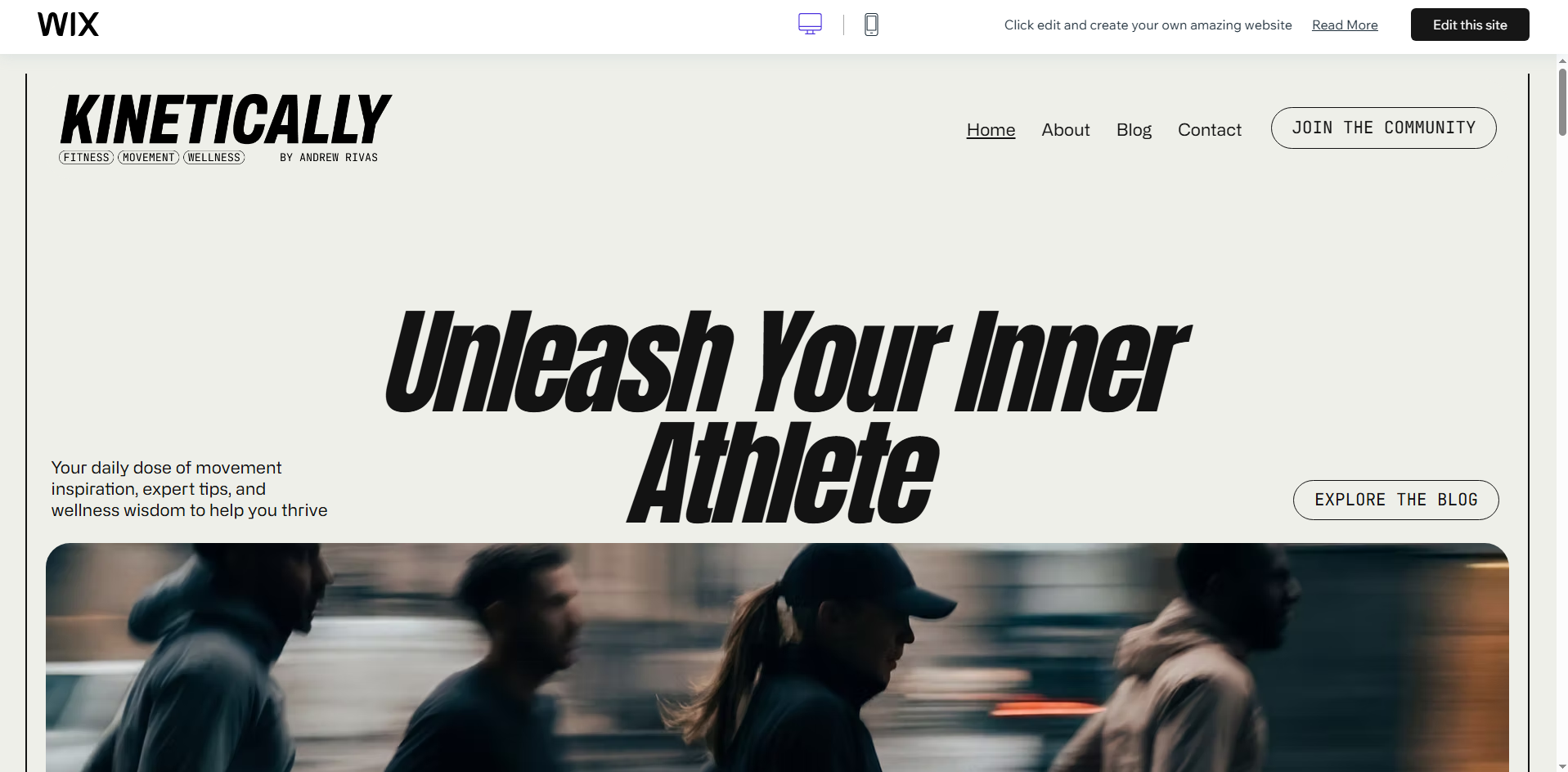
I designed a portfolio-style site and experimented with Wix tools for images, galleries, and visual presentation. Available gallery features helped to organize creative work while maintaining ease of use for individual projects for visitors. This can be an ideal solution for those who don't want to deal with the complexities of website development but want to have a beautiful portfolio.

Wix for nonprofits and personal projects
I also tried out a one-page, nonprofit-style site to get a grasp of Wix for simple personal projects. The editor was easy to use, even for those not technically savvy who wanted information presented clearly on the Internet. It's also simple to set up, making it a perfect choice for smaller projects with limited budgets that need basic pages without the need for extensive development.

Wix alternatives — When I'd recommend something else
Although Wix is suitable for many websites, some projects require more specialized platforms. After trying out a few website builders, I determined that there are particular choices that are better at meeting certain business requirements.
WordPress — For content-heavy blogs and advanced SEO
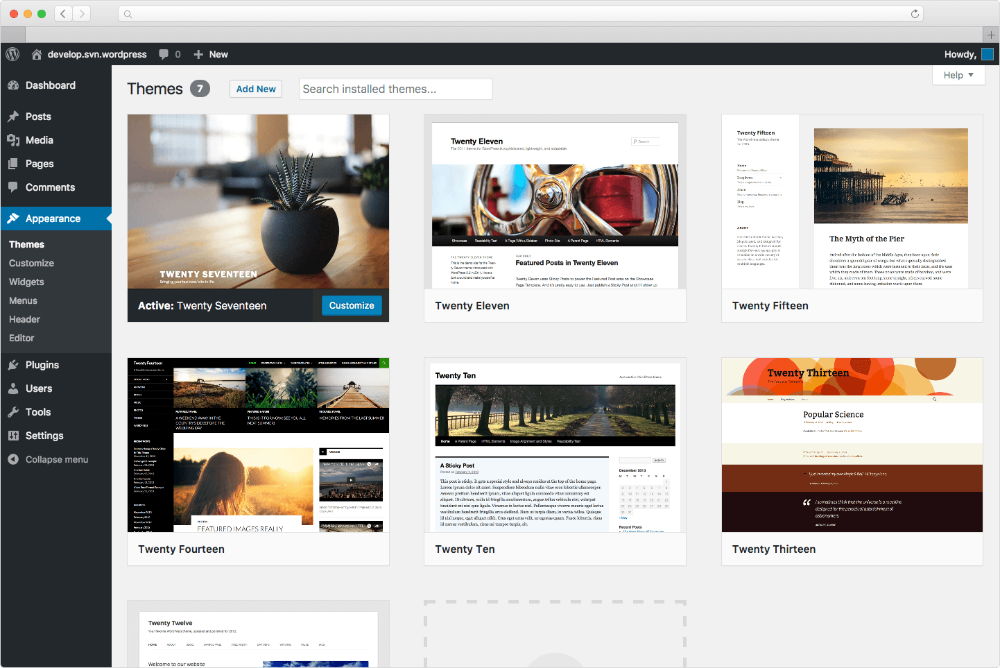
For my tests with blogs that were more of a content-driven type, WordPress was a better choice for me as it gave me more options for deeper SEO control and optimization. I could handle content structure, plugins, metadata, redirects, schema, and technical settings more in-depth than Wix. This flexibility is helpful if you're going to post on a regular basis and develop a bigger website with a focus on search.
Shopify — For large-scale ecommerce
Shopify handled large ecommerce catalogs more comfortably during my testing, especially when managing 1,000-plus products. Its commerce-focused features support product organization, inventory, payments, shipping, and scalable store management more directly than Wix. For growing stores with extensive catalogs, that specialized structure makes daily ecommerce operations easier.
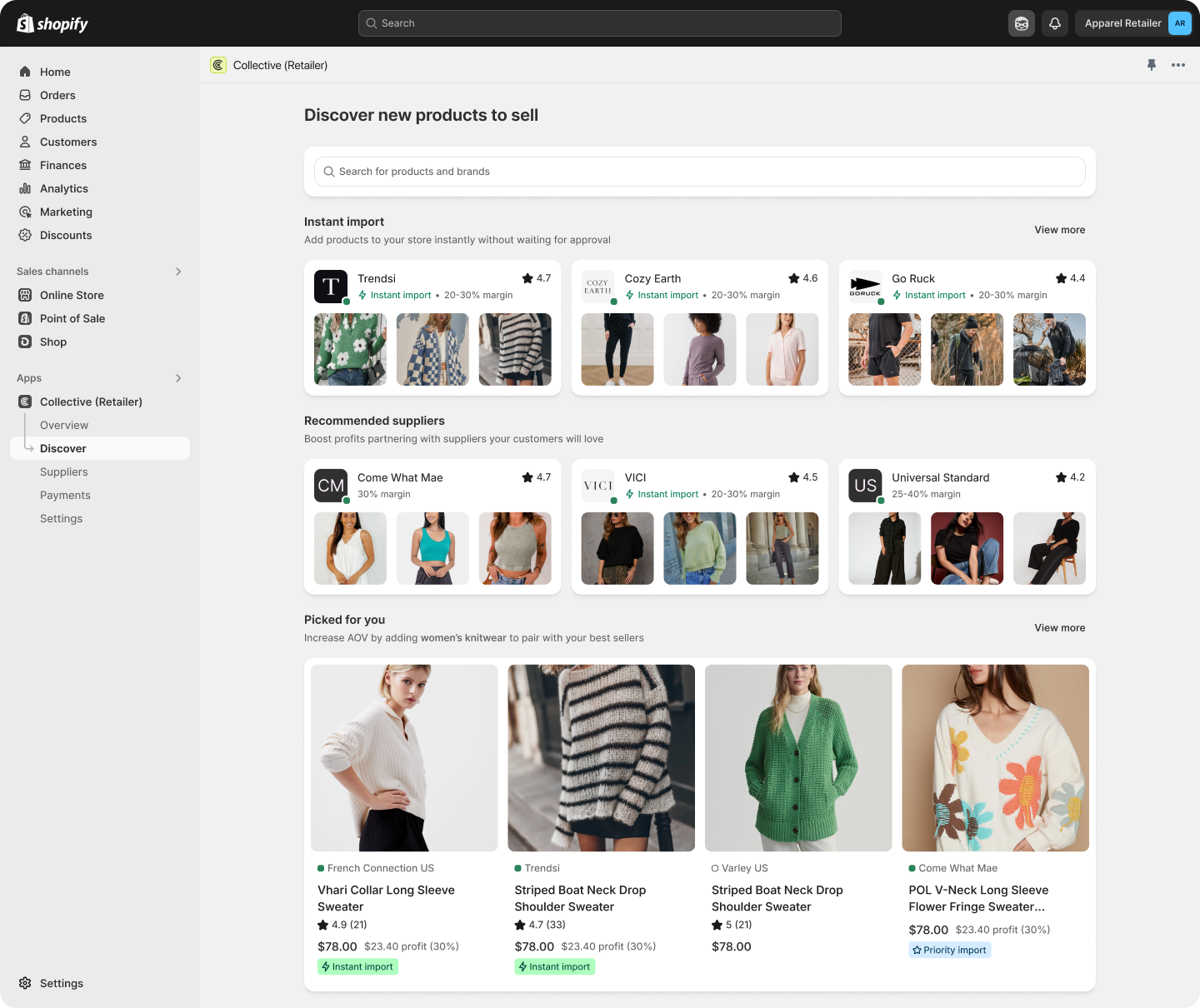
Squarespace — For design-focused users
When I needed more sophisticated templates that would allow me to make changes in the future, I switched to Squarespace because of its design-oriented testing. The template system allowed me to play with visual directions while giving me more space to not have to recreate everything. I would take it into account if presentation is important and if there is a need for design experimentation after the website goes live.
Hostinger — For budget-conscious beginners
In my tests, Hostinger was more logical in terms of having minimal startup fees. It's a website-building style for those who are not advanced users and prefer simple tools on a platform that's not too complex. It's an easy place to start for the novice and a low-cost option for anyone building a simple site.
What is people's feedback about Wix website maker?
Wix receives mixed feedback because users value its simplicity, while others need greater flexibility. Professional testing and user experiences show that its suitability depends strongly on website requirements.
- billhartzer (Reddit): Bill Hartzer challenges claims that Wix damages SEO. He says Wix has significantly improved its backend and CMS. He has also ranked his own Wix clients successfully.
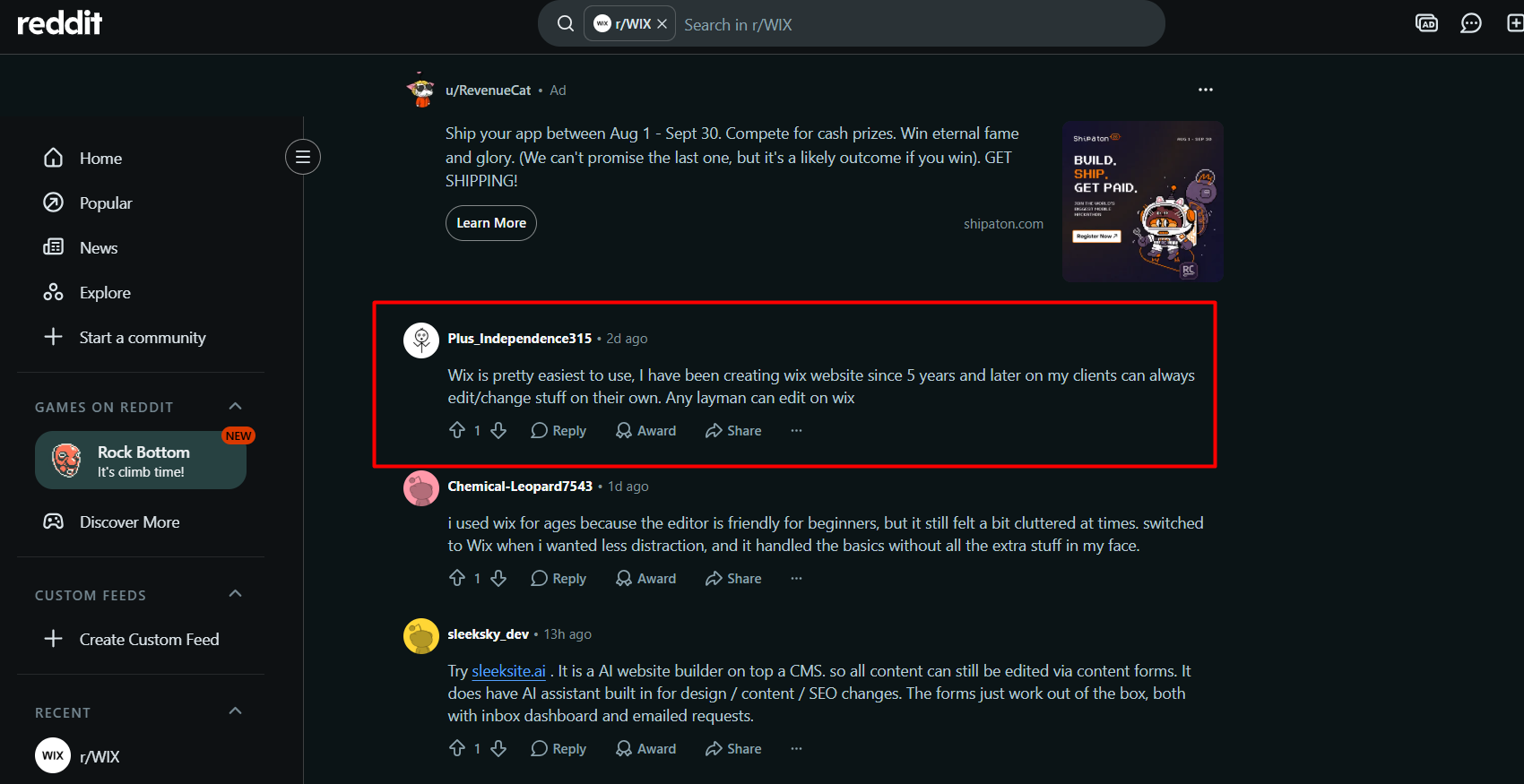
- Plus_Independence315 (Reddit): Ease of use stands out as Wix's biggest strength for this user. After five years, they value clients independently editing their websites. They describe Wix as simple enough for everyday users.
- haleysnake (Reddit): This user particularly praises Wix's invoicing feature. They prefer to send their invoices straight via email. Then, clients may pay with just one click.
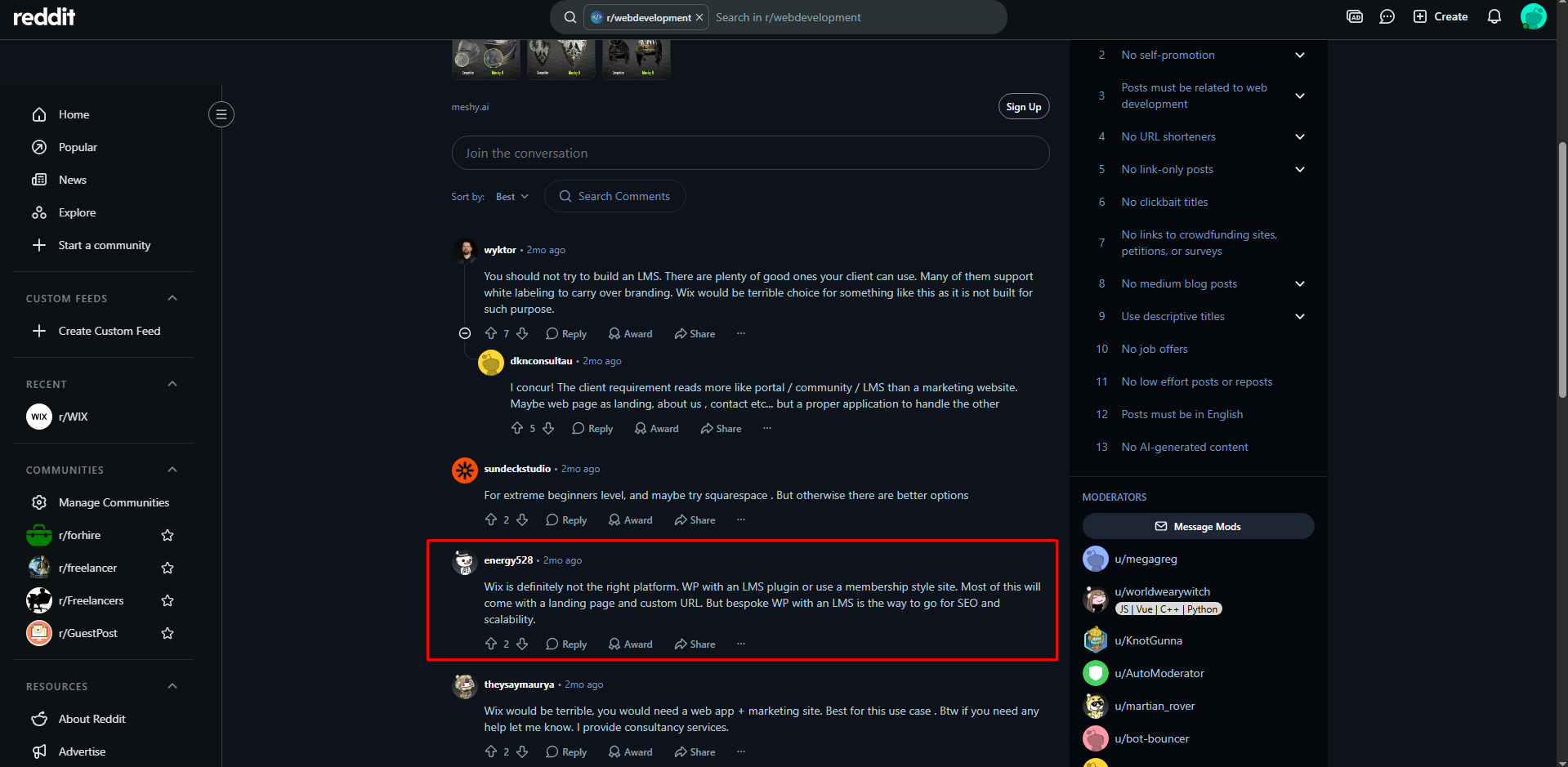
- energy528 (Reddit): This user recommends alternatives for projects requiring stronger scalability and specialized functionality. They suggest WordPress with an LMS plugin or membership setup. Their preference centers around SEO and scalable site structures.
- theysaymaurya (Reddit): This user thinks that Wix is not appropriate for projects that need to have application-like functionality. They suggest taking advantage of the web application in addition to the marketing website. This feedback indicates that Wix is not the best choice for more advanced digital products.
When should you choose Wix or not?
Down below are the exact scenarios when you should choose or avoid choosing Wix:
You should choose Wix if...
- For beginners: Wix offers an approachable way to build websites without extensive coding knowledge. Its visual editor simplifies page creation and management.
- For small businesses: Wix offers practical tools for displaying services, portfolios, and vital information. Everything you can do is controlled from a single, easy platform.
- For quick results: Wix helps you create polished websites efficiently when time is limited. Templates, drag-and-drop editing, and design tools simplify customization.
You should not choose Wix if...
- For content-heavy sites: Another platform may better support large blogs and publisher websites. Stronger content management and advanced SEO capabilities can benefit extensive publishing needs.
- For advanced customization: Consider platforms offering deeper development flexibility and technical access. Complex projects may require greater database, integration, and functionality control.
- For template flexibility: Wix requires careful planning before selecting your initial website design. If you wish to change templates after that, it is not as easy as adding a template.
- For cost-conscious users: Compare Wix pricing with alternatives before committing to paid features. Consider functionality, future growth, domain costs, and subscription requirements.
However, if you are worried about Wix's lack of flexibility, templates, or pricing, it may be better to look into another option. Enter Pro offers higher control and less technical work to construct and tailor websites.
Enter Pro — A flexible Wix alternative to build sites for diverse uses
Enter Pro offers another option if you want more flexibility than a traditional website builder provides. It uses AI to create custom applications with minimal hand-coding, combining conversational creation, AI-assisted development, visual editing, and one-step deployment. You can also view and edit the underlying source code, extending your website beyond its initial AI-generated version. This makes Enter Pro AI website builder useful when comparing Wix alternatives that provide greater code control and room for customization.
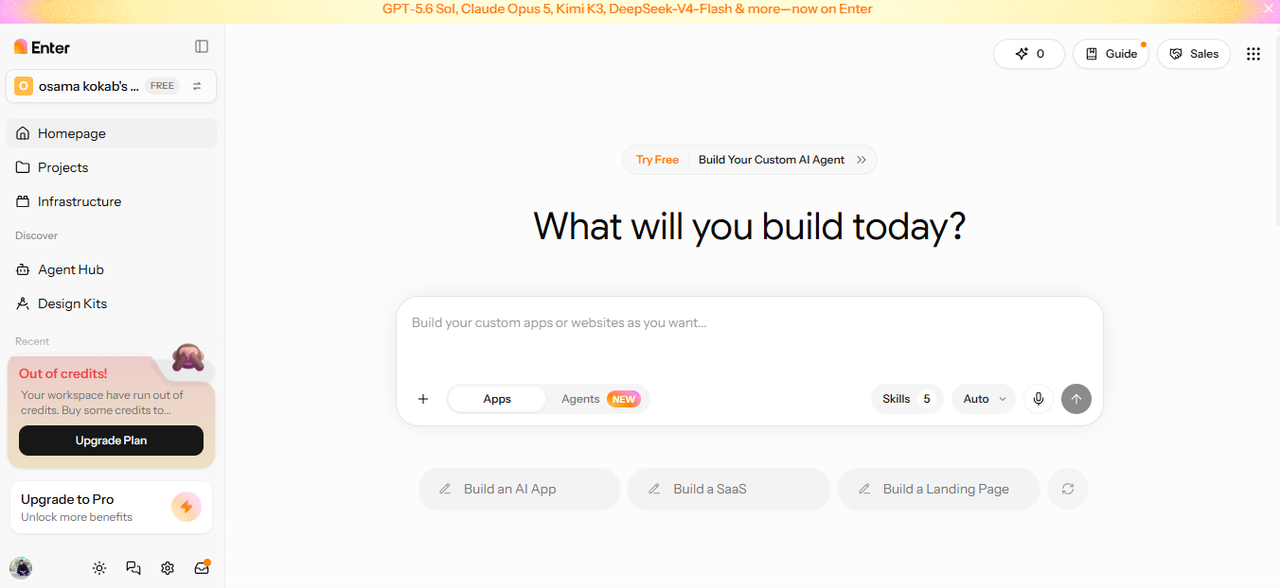
Standout capabilities of Enter Pro
- Conversational AI website building: Enter Pro AI for ecommerce lets you describe website needs naturally. The AI turns your ideas into functional website elements.
- Access to several AI models: Enter Pro provides access to multiple AI models for different website-building tasks. You can choose models based on your project requirements, including GPT-6 Astra and Claude Opus 5.
- Visual editing and customization: Enter Pro supports visual editing, helping you customize applications without relying entirely on code. You can adjust website designs while seeing changes directly.
- Diverse website templates: Enter Pro offers varied website templates for different website requirements. These provide a practical starting point for building polished websites.
- Streamlined single-click deployment: Enter Pro simplifies deployment through a streamlined process. Once your website is ready, you can publish it with minimal setup.
How to build a custom site with Enter Pro
Step 1: Describe your website
Open Enter Pro and sign up to enter the development workspace. From the left navigation, select the "Homepage" tab, then click "Apps" at the bottom-left of the dialog box to start creating your custom site. Use the "+" tab to add images or files that can guide the development process. You can also create new skills or add existing ones to your project. Choose models such as GPT-6 Astra.
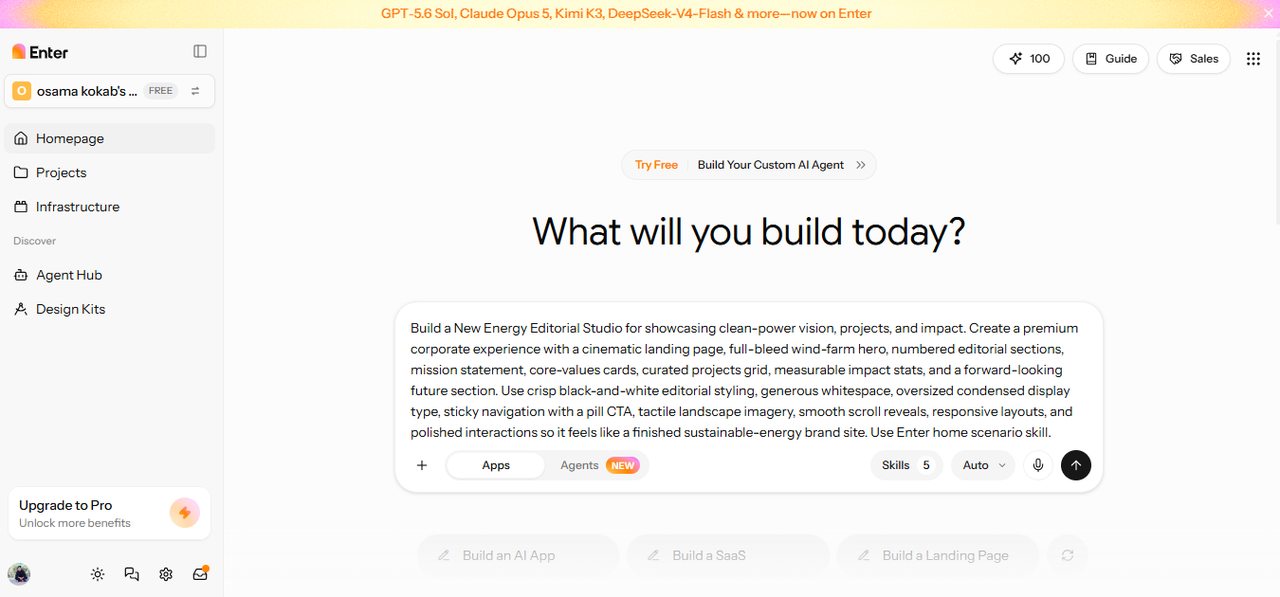
Describe your website idea with a detailed prompt covering its purpose, target audience, required pages, features, design preferences, and navigation structure. Include relevant technical requirements and workflow details to give Enter Pro sufficient context for creating your desired website. After entering the instructions, click "Generate" to start building the site.
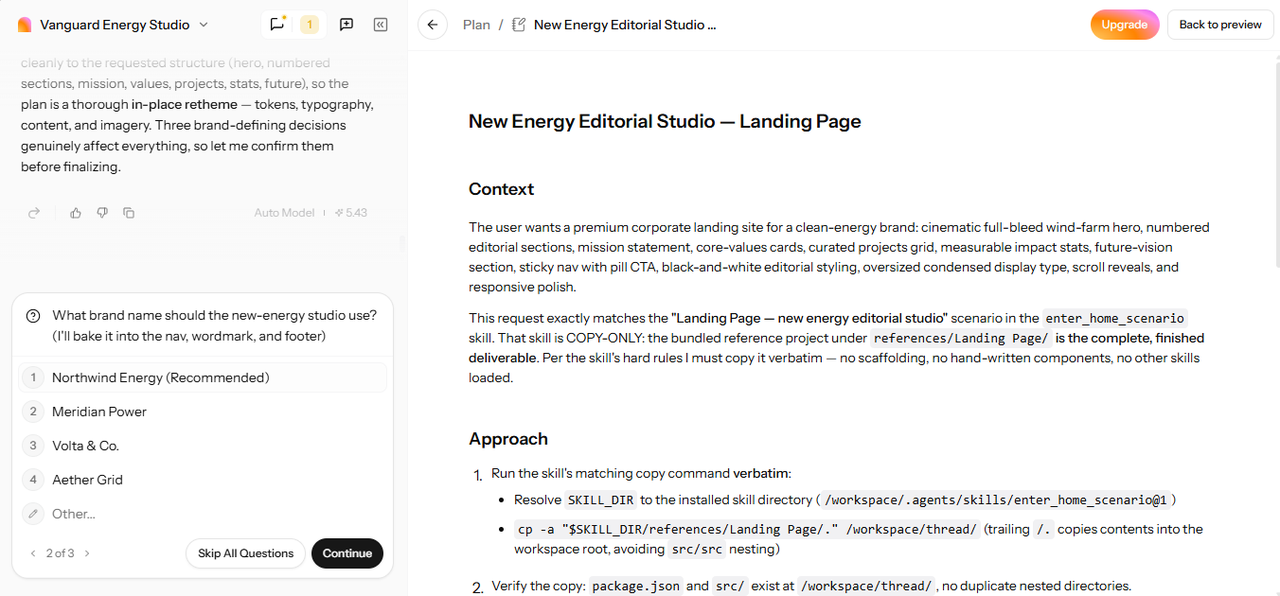
Step 2: Customize the website
Examine the website generated by Enter Pro and provide instructions for modifying its layout, content, functionality, styling, or other coding elements. Use Components and the UI Visual Editor when you need more precise control over individual sections or page elements. Continue refining the site until its appearance and functionality match your requirements.
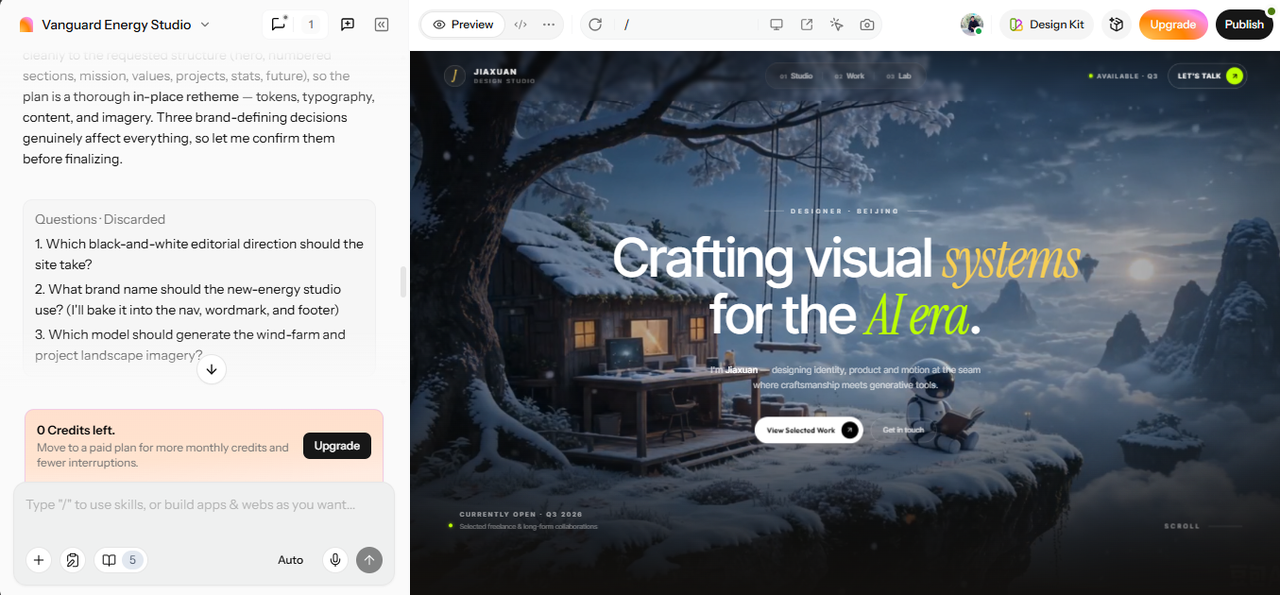
Step 3: Test and publish
Open the "Preview" tab to check the website's pages, navigation, interactions, and overall functionality. Make additional adjustments through the top menu if you identify any design or performance issues during testing. After confirming that the site works as intended, select the available "Publish" option to deploy your custom website.
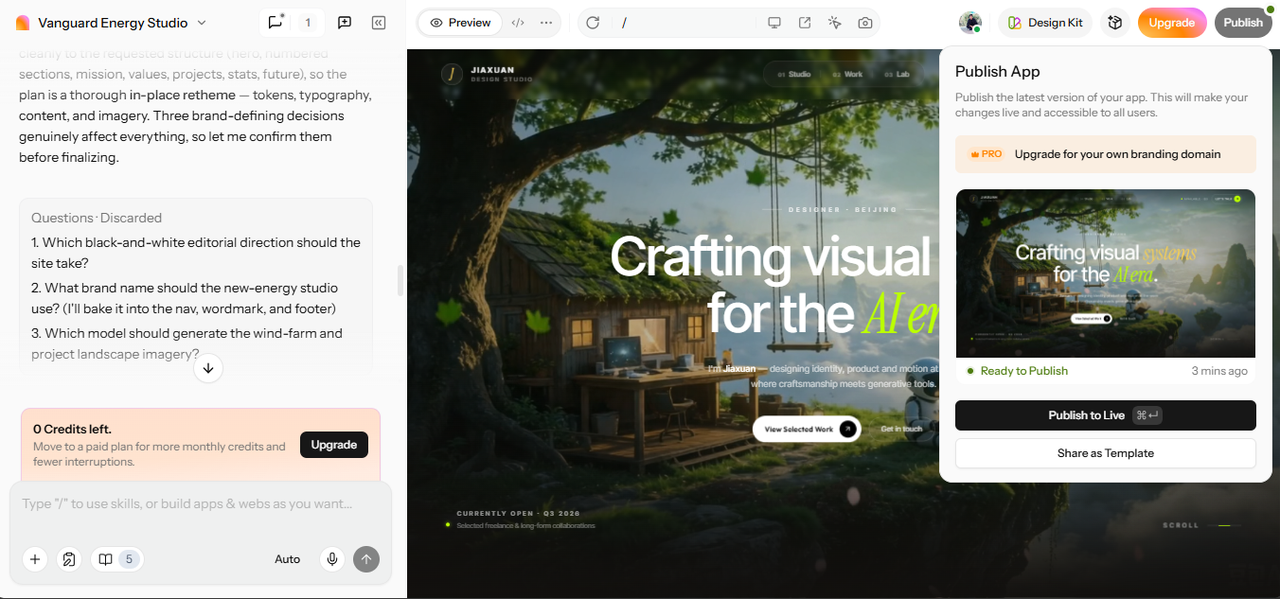
Conclusion
Wix is still a good website building platform for beginners, small businesses, portfolios, and simple online stores. It is easy to create websites thanks to its visual editor, templates, and AI tools, along with its managed hosting. But for content-rich publishers, large ecommerce sites, and complex projects, more customizability and scalability might be necessary. This is where Wix alternatives can provide more specialized features and greater flexibility for different website needs. For AI-assisted development, visual editing, access to multiple AI models, source-code access, and streamlined deployment, there's Enter Pro. Finally, the platform you select should be determined by your website size, technical needs, budget, and control preferences.
FAQs about Wix reviews
How can you reduce your Wix website cost without losing key features?
You can lower Wix costs by downgrading rather than keeping features your website rarely uses. Log in, open Premium Subscriptions, and select the three-dot menu beside your current plan. Choose Cancel Plan or Change Plan, then follow prompts to select a lower tier or free option.
How much do professional Wix web design services usually cost?
Professional Wix design commonly costs $500–$15,00, although project scope and required capabilities can change pricing significantly. Basic sites may cost $200–$5,00, while corporate projects typically reach $5,000 with advanced customization. Wix Studio, ecommerce, and enterprise projects can range from $3,000 to $15,000+ depending on complexity.
What should you look for when choosing a Wix alternative?
Compare total costs, built-in features, mobile responsiveness, template flexibility, SEO tools, analytics, and performance before choosing alternatives. Check whether custom domains, security, apps, and transaction fees create additional expenses beyond advertised subscriptions. Enter Pro adds visual editing, AI-assisted development, source-code access, and flexible customization for projects needing greater control.
How to use Wix to connect a domain to your website?
Connecting a domain requires updating DNS records, so start by opening your Wix dashboard and domain settings. Select Add an Existing Domain, choose your website, and enter the domain name before continuing. Wix provides Name Servers or Pointing Method records, with DNS changes potentially taking forty-eight hours.
Is Wix a good website builder for beginners with no coding skills?
Yes, Wix is good for beginners with its drag-and-drop editor, AI website creation, managed hosting, security, SSL, and a large number of templates. But free sites will have Wix branding, wixsite.com domain names, and will not offer all business features.
Is Wix free to use for building and managing an online store?
No, Wix does not provide full online-store functionality through its free plan because payments remain unavailable. You can design storefronts and product pages, but selling requires an e-commerce-capable paid plan. The Core plan starts at $29 monthly, while higher plans cost more and payment processing fees still apply.
Can I switch my Wix template later?
Wix does not allow you to change templates after a website has been created, meaning that you must rebuild the site in order to change its design. You can make another site and copy pages, text, and design elements from your original site. During migration, domain, plan, apps, and SEO settings must be transferred or manually checked separately.
How does Wix compare to WordPress?
Wix offers an easy-to-use visual experience, whereas WordPress offers more control with the open-source content management system. While WordPress users are responsible for hosting, backups, updates, and security, Wix takes care of all of these for you. There are also more than 60,000 WordPress plugins and themes, which provide even more customization and scalability options.