
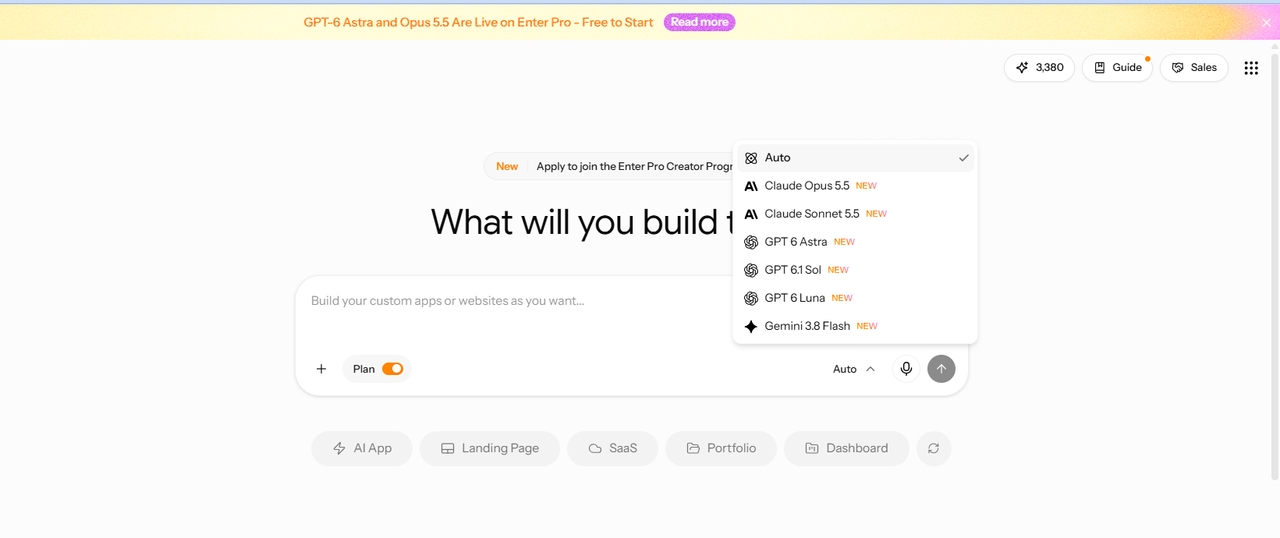
Step 1: Select Your AI Model
Open your Enter Pro workspace and pick a model. GPT, Claude, and Gemini are all available. Each has different strengths, so choose one for planning and generation based on the job.

Describe your sales process in plain English. Enter Pro's custom CRM builder plans, builds, and deploys your CRM in minutes.
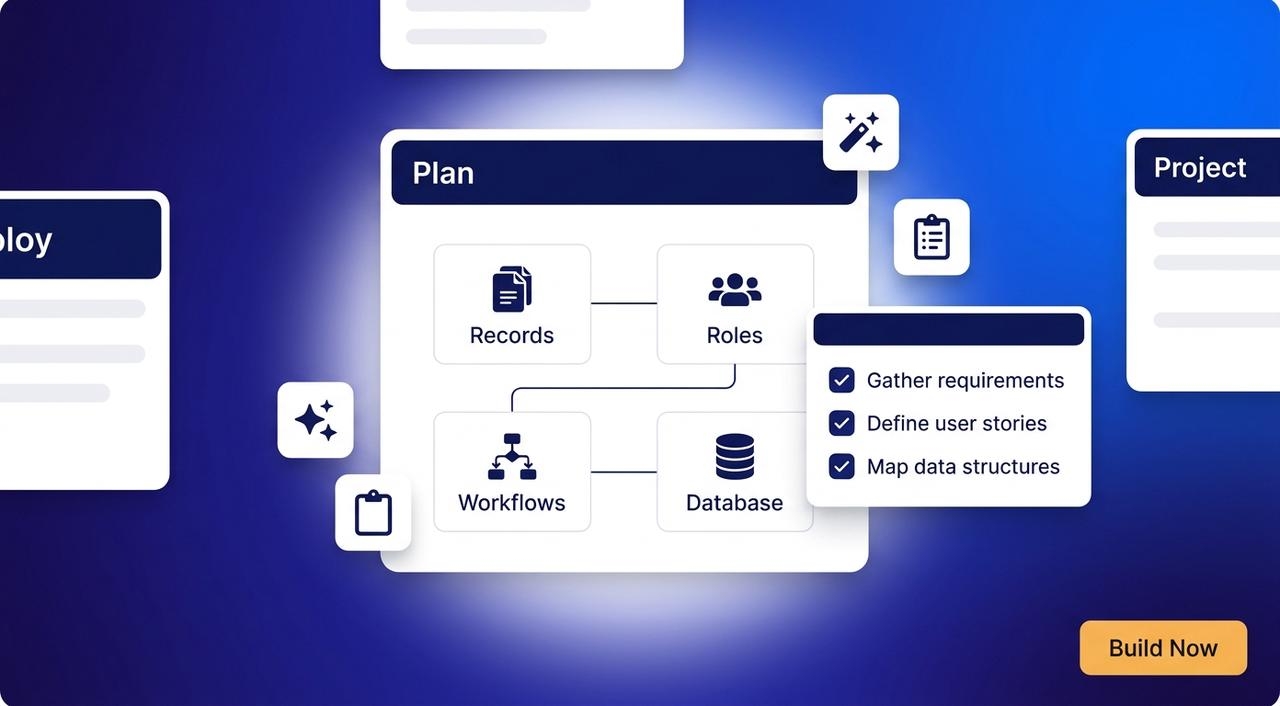
Plan Mode comes first. It maps customer records, user roles, workflows, and the database before any code is written. You see the structure up front, so you can spot what’s missing. Maybe a field your team needs. Maybe a role nobody thought of. Catching gaps now means fewer revisions later.
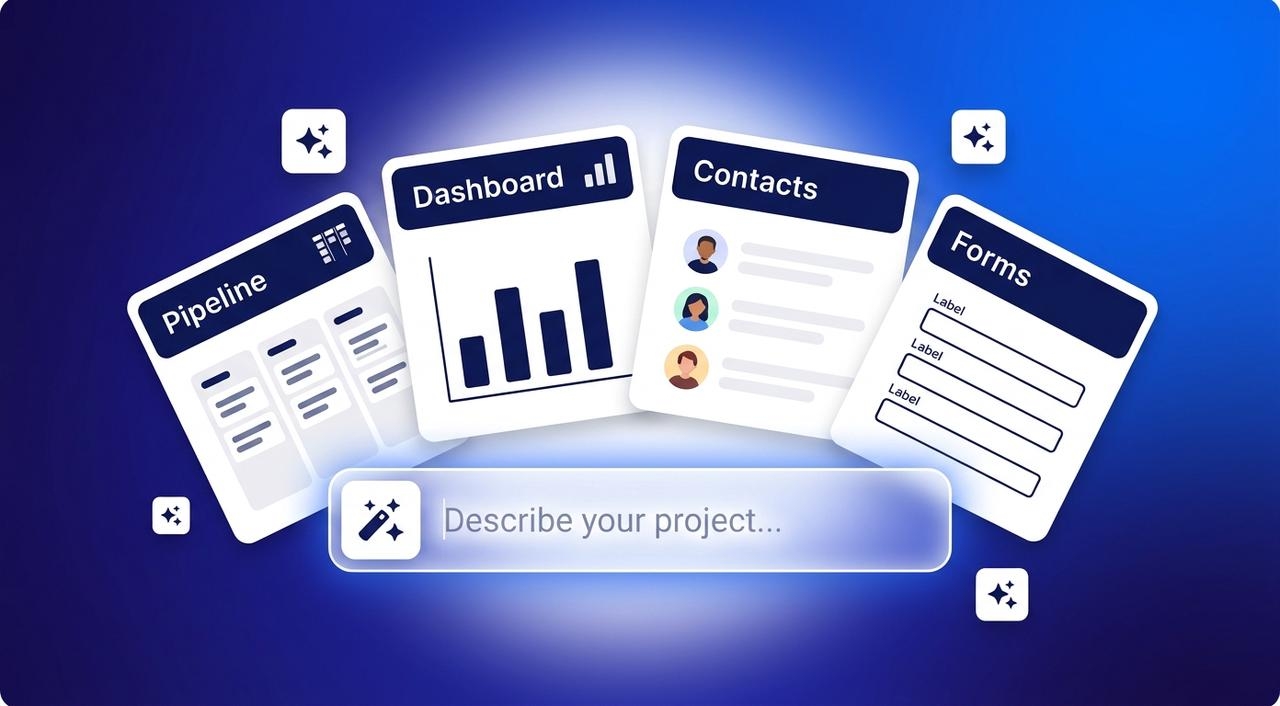
One prompt starts everything. Enter Pro generates the customer database, lead management, sales pipeline, forms, dashboards, and automations. You don’t stitch separate tools together. It all lands in one project, ready to review and test. Need a website builder with CRM built in? Add a contact form and each submission becomes a lead in your pipeline. The AI website builder covers the site side.
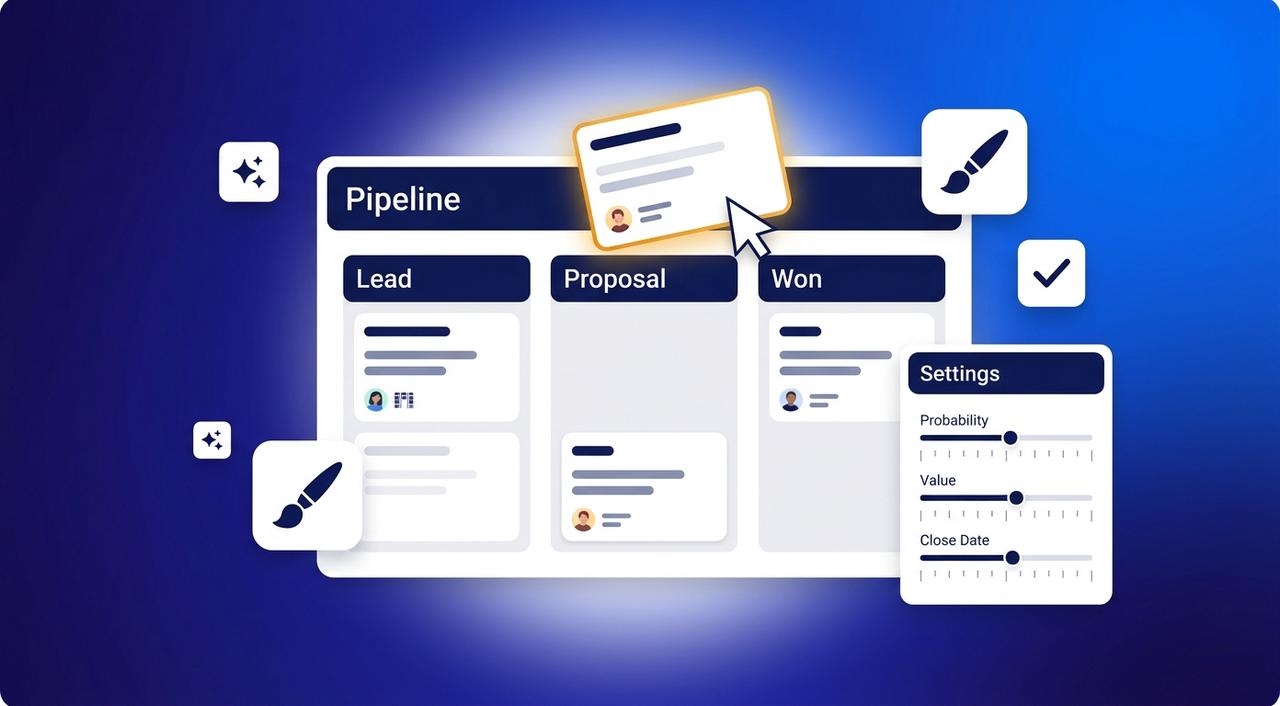
Processes change and your CRM should too. Use the visual editor to edit stages, forms, and layouts live. Click what you want to change and change it. No rebuild is needed, and you don't have to wait on a developer for small tweaks.
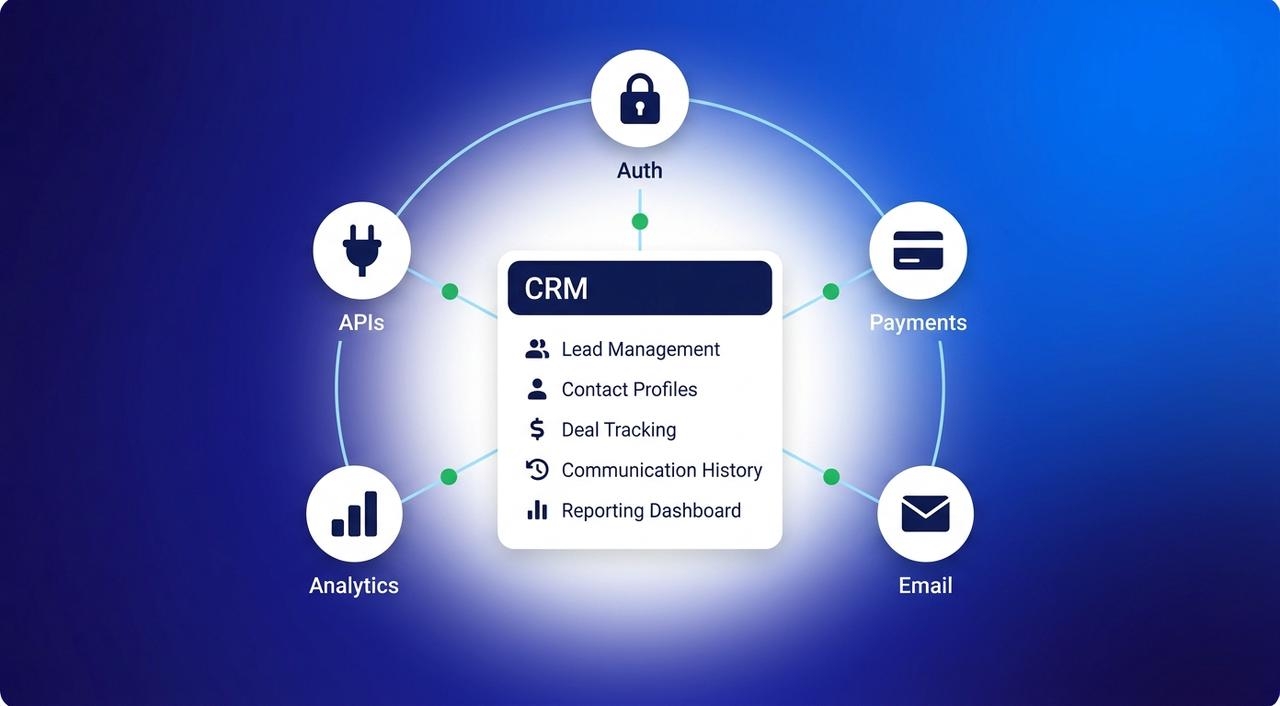
Your team already runs on other tools. Enter Pro connects authentication, payments, email, analytics, and third-party APIs. Customer data flows where it needs to go. The CRM sits inside your stack, not beside it.
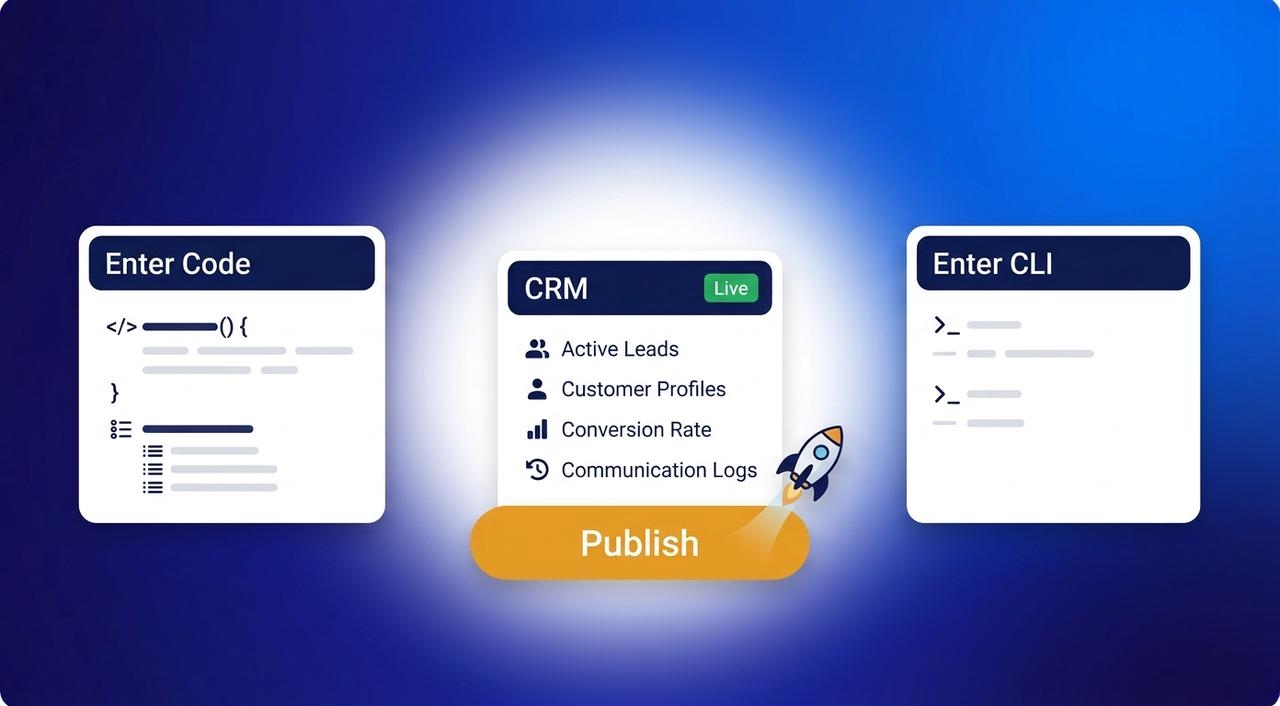
Publish with one click and your CRM is live. Then keep working locally with Enter Code, and automate deployments with Enter CLI. Start simple and add more as the team grows. The code stays yours the whole way.
Building a CRM here takes six steps. You don’t need a developer or a spec document. Just describe your process, check the plan, and refine as you go.
Open your Enter Pro workspace and pick a model. GPT, Claude, and Gemini are all available. Each has different strengths, so choose one for planning and generation based on the job.
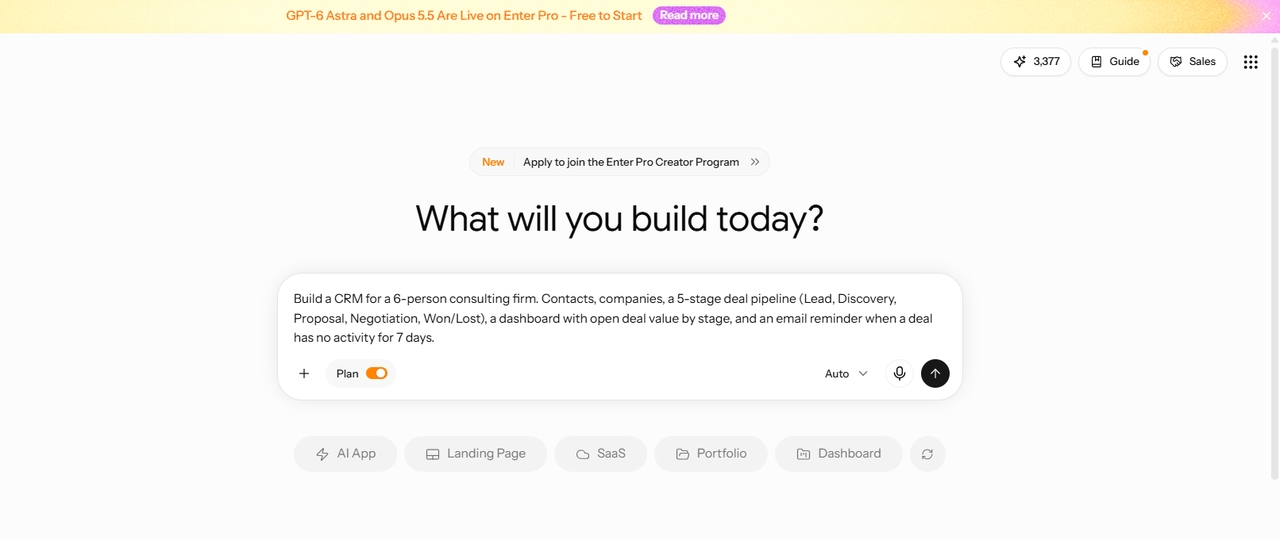
Tell the CRM builder what your team actually does. Cover four things: - The records you track - Your pipeline stages - Who uses the system and what they can access - The dashboards and automations you want More detail gets you a closer first version. Write it the way you’d explain your process to a new hire.
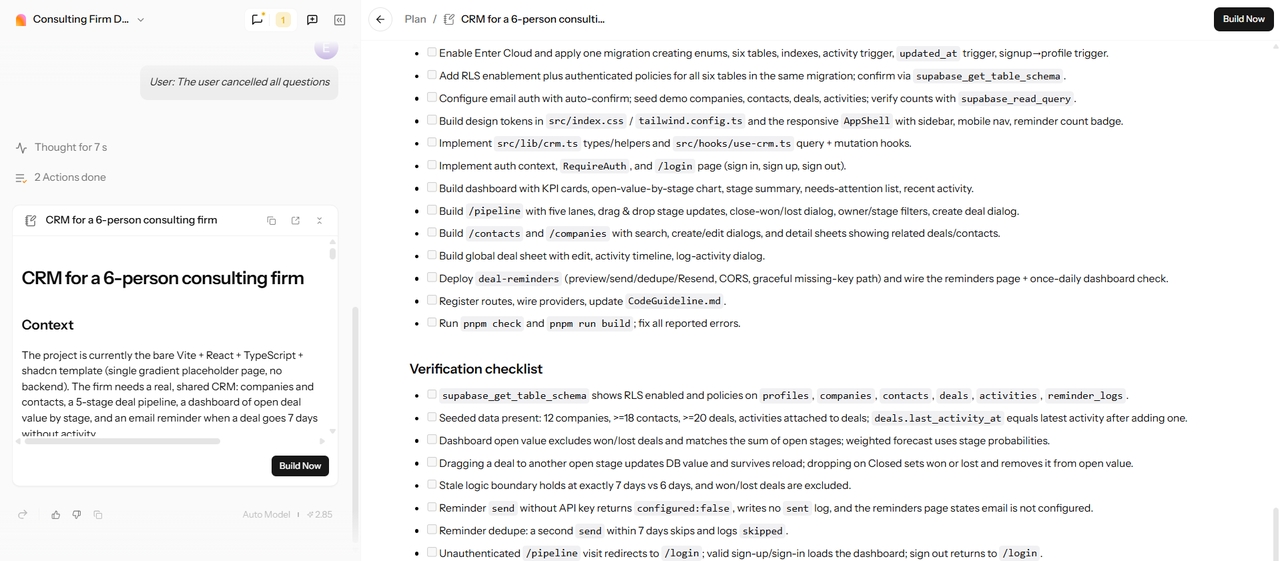
Plan Mode turns your prompt into a structured plan. It covers customer records, workflows, user roles, and database structure. Check it against your real process. Fix it if you think anything is missing. Then click Build Now to get a preview of your CRM.
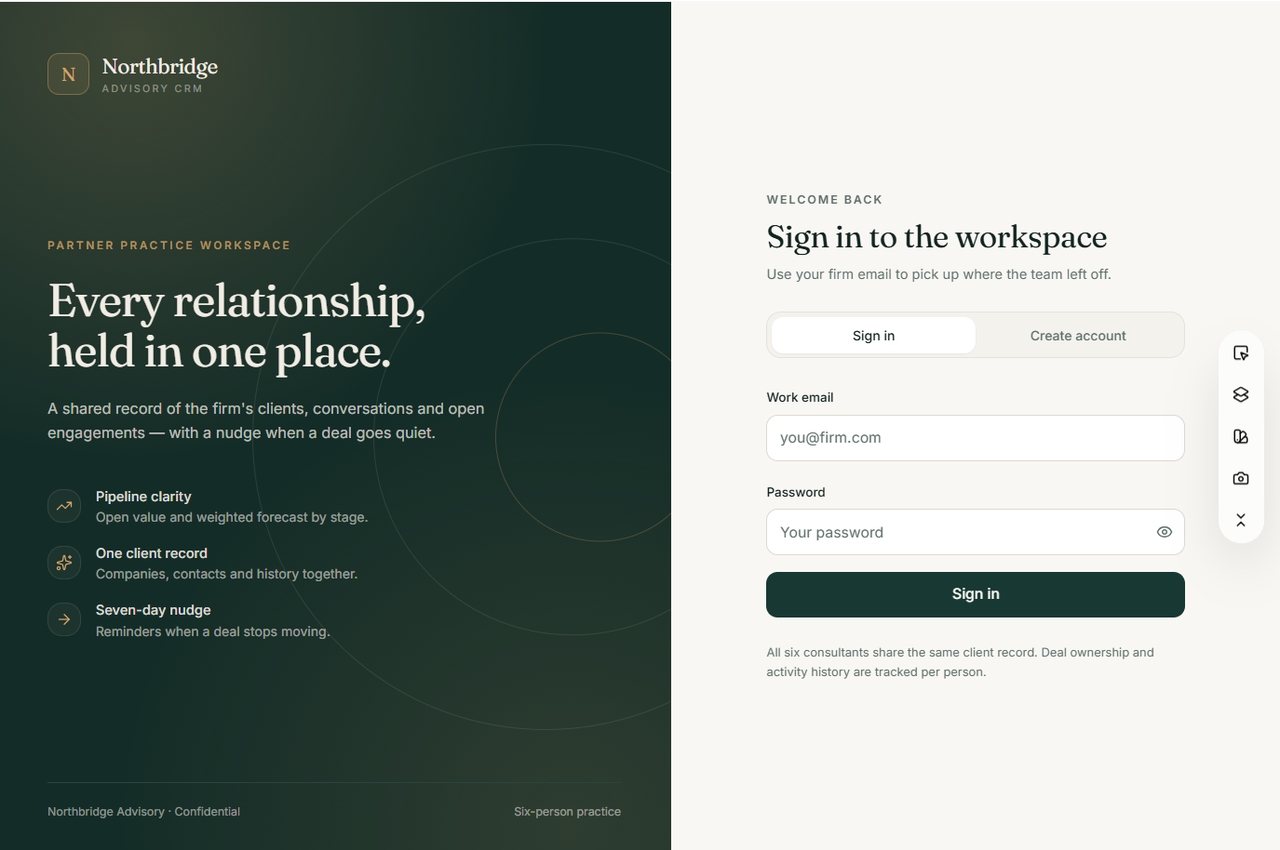
Open the preview and run a real scenario from your daily work. Walk it through from start to finish. Check that the forms, dashboard, and automations behave the way you described.
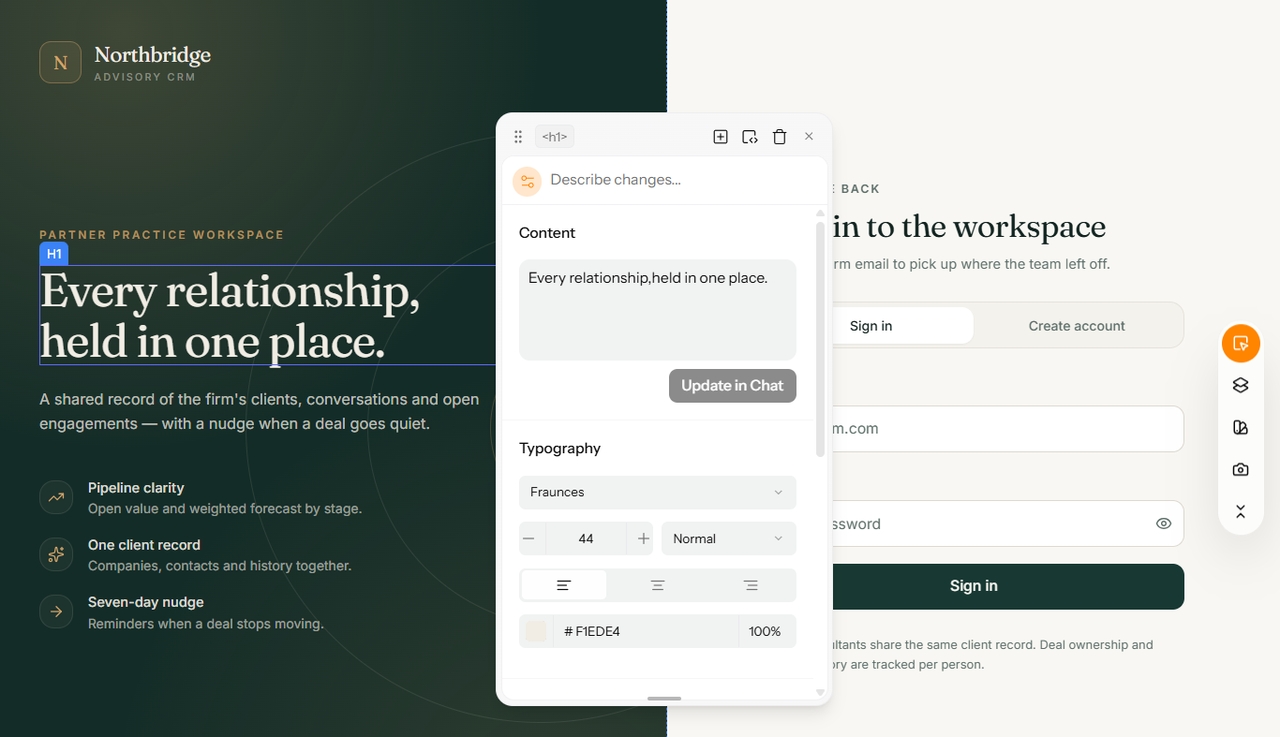
Fix what doesn’t fit without starting over. Adjust stages, fields, and layouts right in the visual editor. Small changes take minutes, not a rebuild.
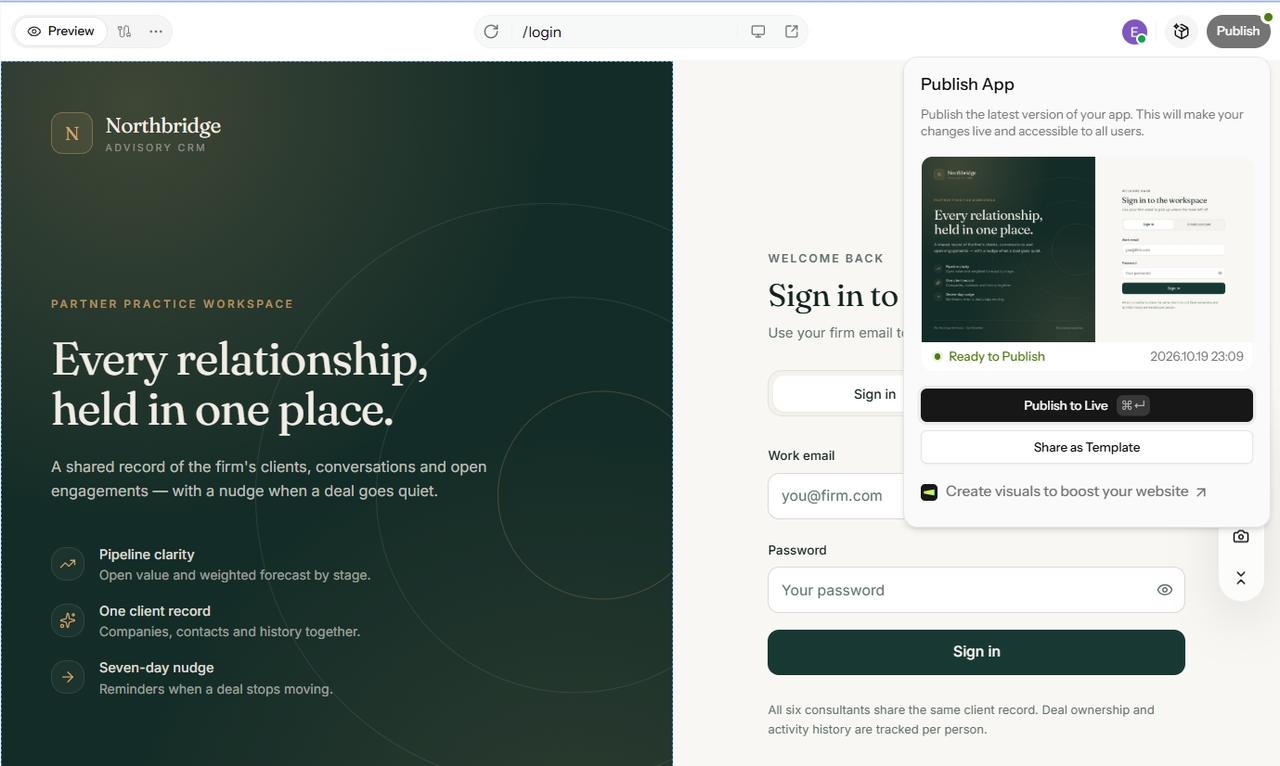
Publish with one click, and you get a live link. As your needs grow, continue locally with Enter Code or automate deployments with Enter CLI. You still keep ownership of the generated code.
Build custom CRM software faster while reducing development time and creating workflows that match your business.

Tailored solutions are better than off-the-shelf tools that force you to conform to their fixed fields. With our software, the process revolves around you. You get to have your pipeline, your customer journey, and your approval steps. So, let our software seamlessly align with your workflow.

Think about the two routes. With a prompt, you describe the system and review what comes back. By hand, you wire up the database, forms, logic, and interface piece by piece. The prompt route skips most of that grunt work. The internal tool builder page shows how the same approach works for dashboards.

Numerous hosted platforms restrict your builds, leaving you with little control. With Enter Pro, you receive the generated code directly, empowering you to customize it with Enter Code. Streamline your process using Enter CLI. This is truly your asset and not just a temporary solution.
A CRM looks different for every team. Here are four ideas to build with Enter Pro.
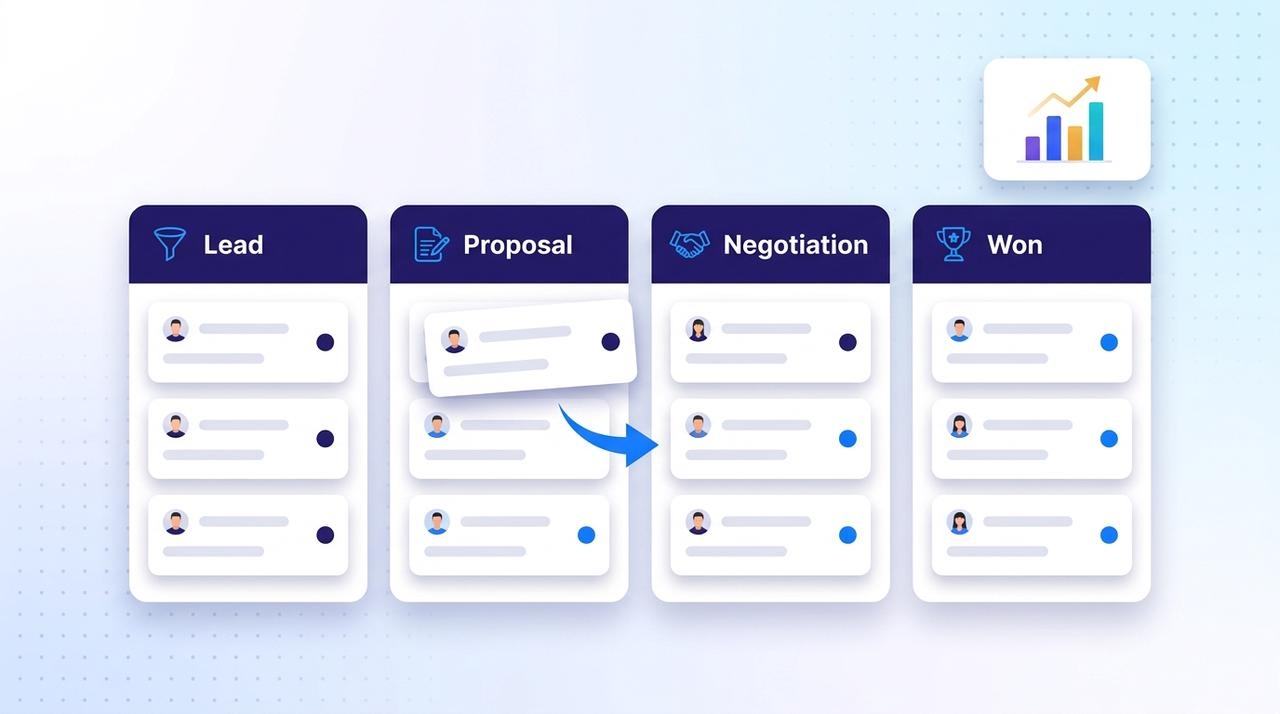
Picture a pipeline board where every lead has a stage and an owner. Leads, opportunities, and deal stages live in one workspace. A reporting dashboard shows what’s open, what’s stalled, and what’s closing. Nobody has to ask for a status update because the whole team sees the same numbers.
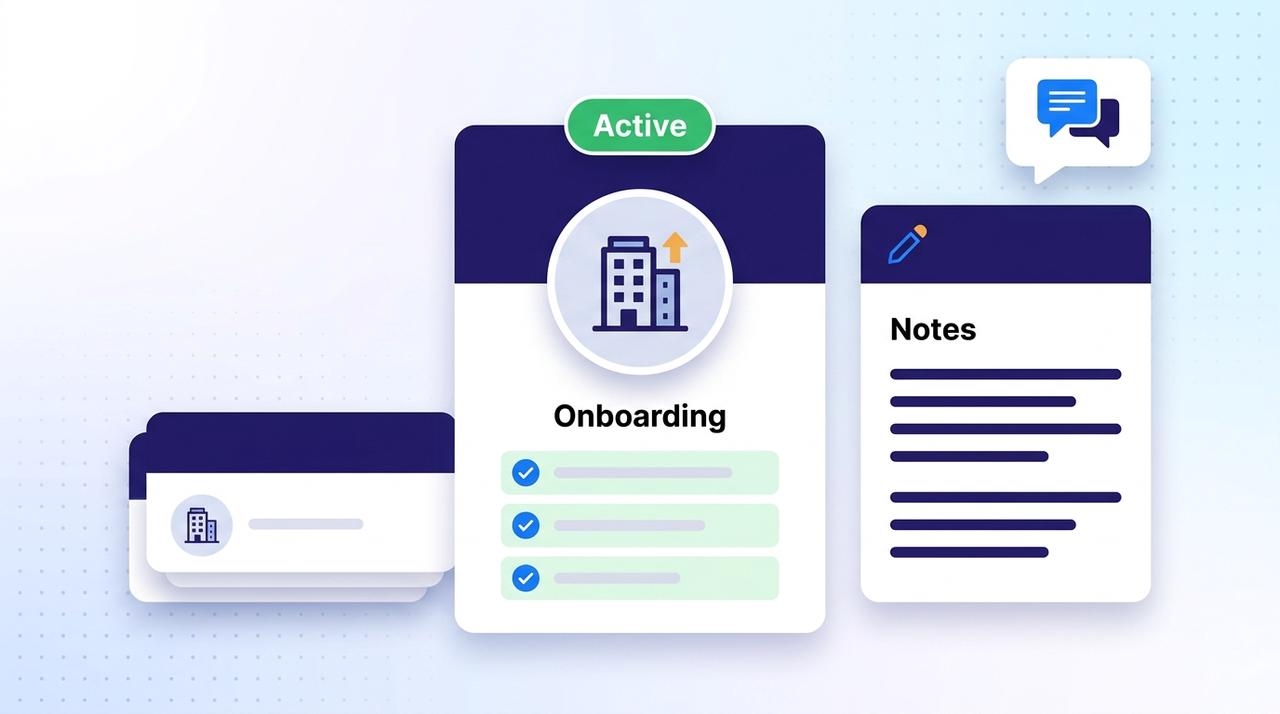
Think of one profile per client. It holds an onboarding checklist, project status, and account notes. If you have a new client, you can begin with the checklist. If a teammate is sick, another team member can access the profile and continue from where things are left off. This way, the client history stays organized in one place, rather than being scattered across different inboxes.
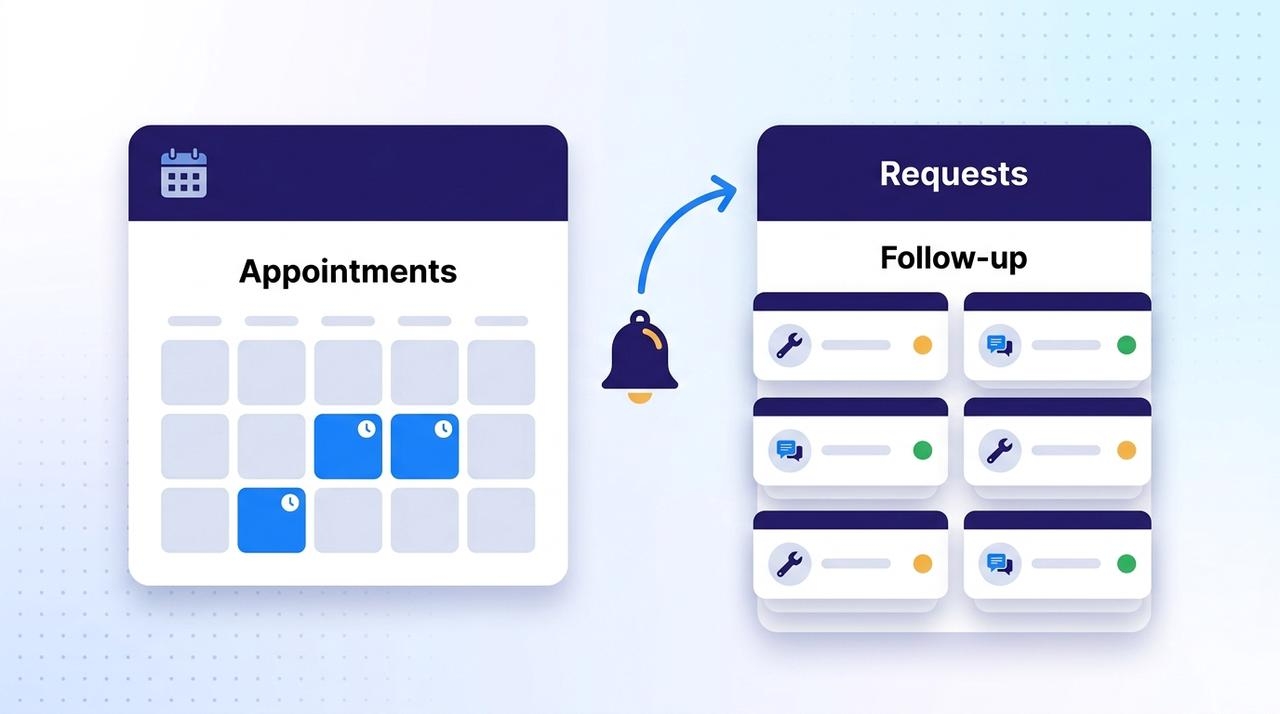
Appointments and support requests sit in one queue. Follow-ups go out automatically after each visit or ticket. Your team sees what’s booked, what’s open, and what needs a reply. Nothing slips through because someone forgot to call back.
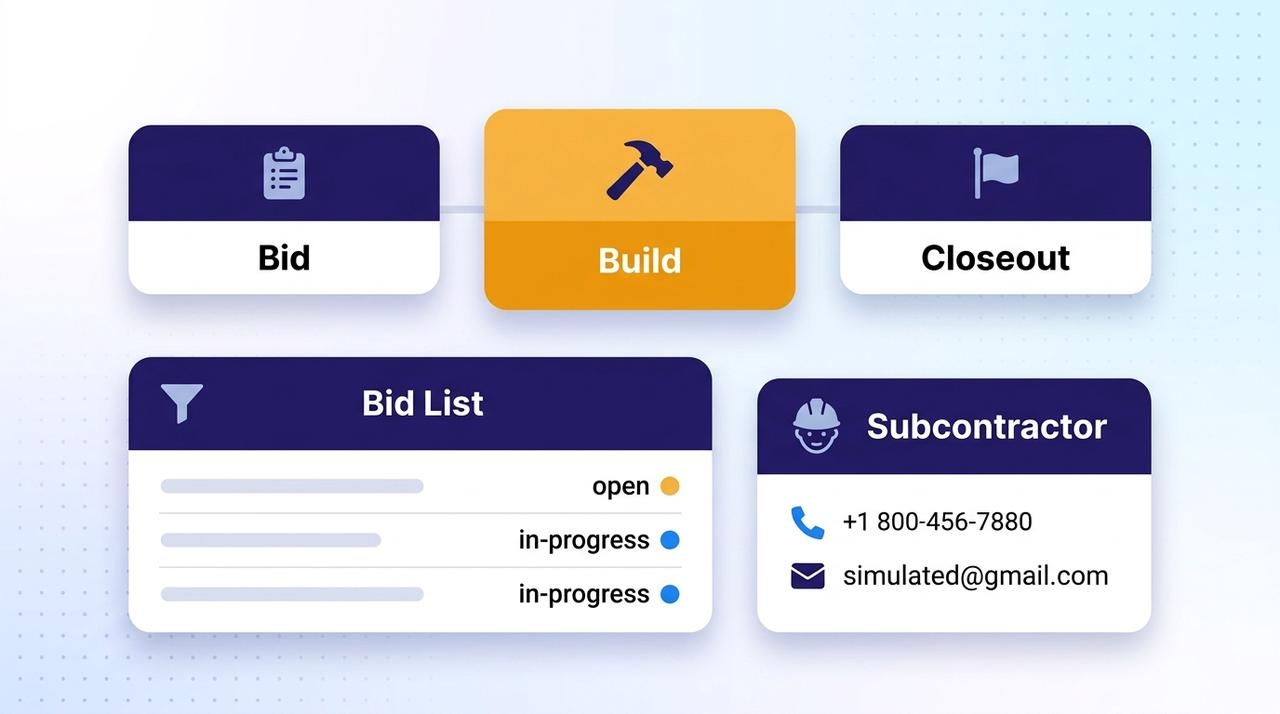
Track bids, job stages, and subcontractor contacts in one system. Each job moves from bid to build to closeout. Each subcontractor’s details stay one click away. It’s built around how your crew actually works, not a fixed construction template.
Read what professionals are saying about their experience with Enter Pro.
We needed a CRM that matched our consulting workflow instead of forcing us to adapt to generic software. Enter Pro helped us build a customized system in far less time than we expected.

Emma Richardson
Operations Director
Building our own CRM sounded complicated until we discovered Enter Pro. The AI-generated customer records, pipelines, and dashboards perfectly matched our sales process.

Lucas Bennet
Sales Manager
Our customer workflows change frequently, so the visual editor has been incredibly valuable. We can update forms, reports, and dashboards without rebuilding the entire application.

Sophia Patel
Product Owner
Instead of paying for expensive CRM development, we built a platform tailored to our business using simple prompts. The results exceeded our expectations.

Daniel Foster
Startup Founder
Our team now manages customer information, service requests, and reporting from one centralized CRM. Everything is easier to organize and much more efficient.

Olivia Brooks
Customer Success Lead
The ability to customize every part of our CRM while maintaining ownership of the code made Enter Pro the right choice for our growing business.

Ethan Carter
Business Consultant
Your team doesn’t need to bend around someone else’s software. Every workaround, extra spreadsheet, and “we’ll fix it later” slows you down. A CRM should work the way you do. With Enter Pro, you describe your process in plain English. You review the plan, test the result, and publish it. If you need a change next month, then edit it visually. If you want to go even further, then the code is all yours. Don’t wait for a developer or a long setup. Start with Enter Pro and see your first version take shape today.
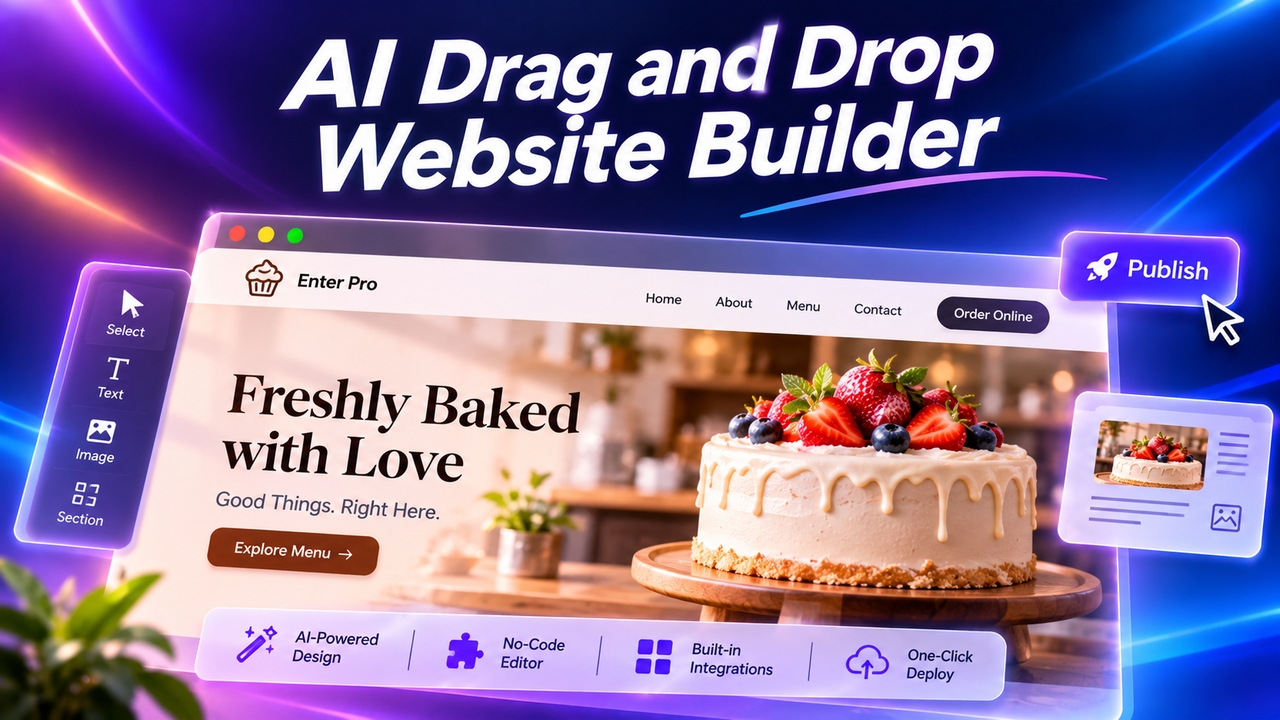
Want an easy drag-and-drop website builder? Enter Pro lets you skip dragging: describe your site, let AI build it, click any element to edit, and publish.
November 11, 2026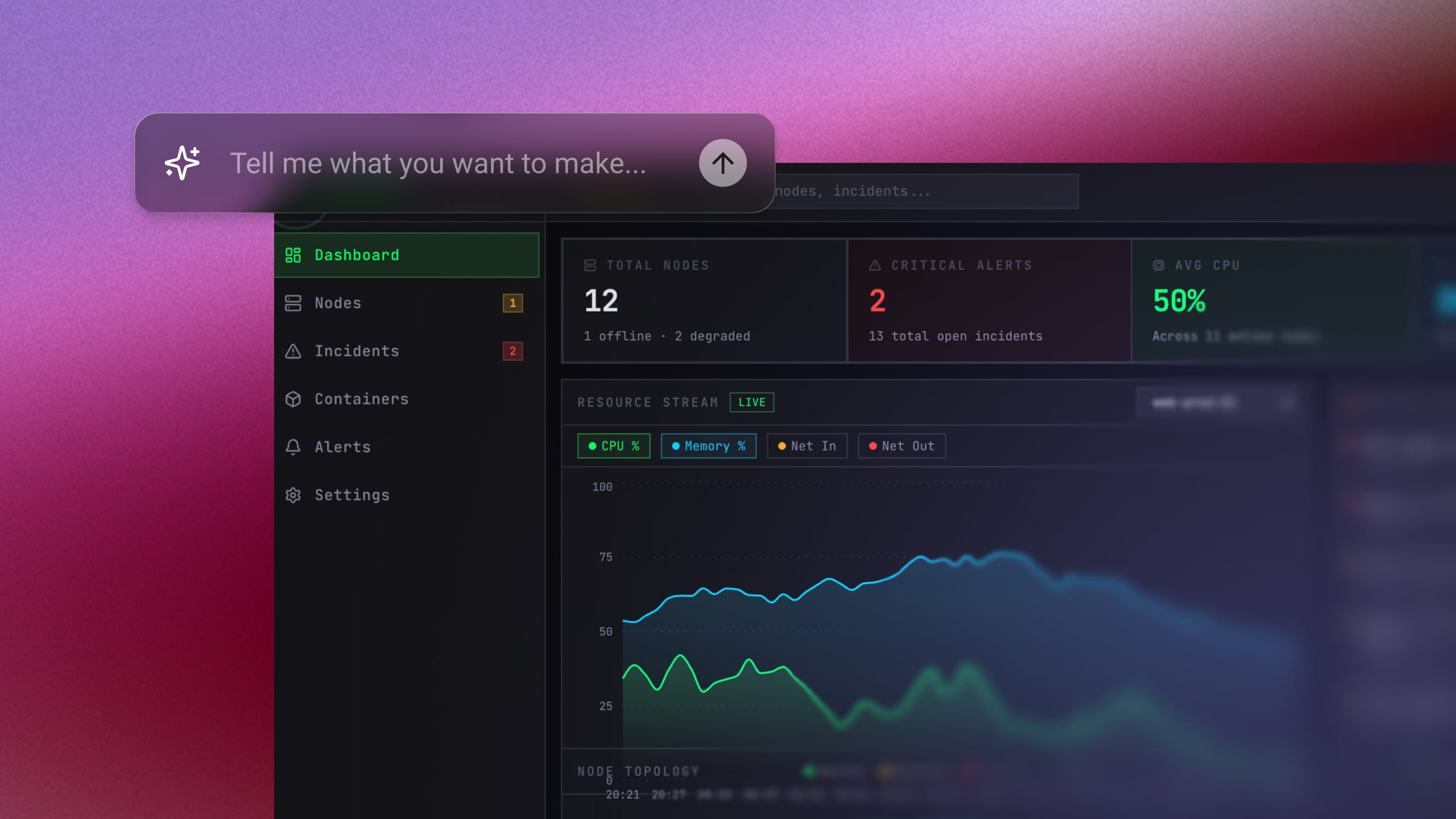
Use an AI MVP builder to turn a simple prompt into a working product. Generate, refine, connect tools, and launch your MVP without a big dev team.
November 6, 2026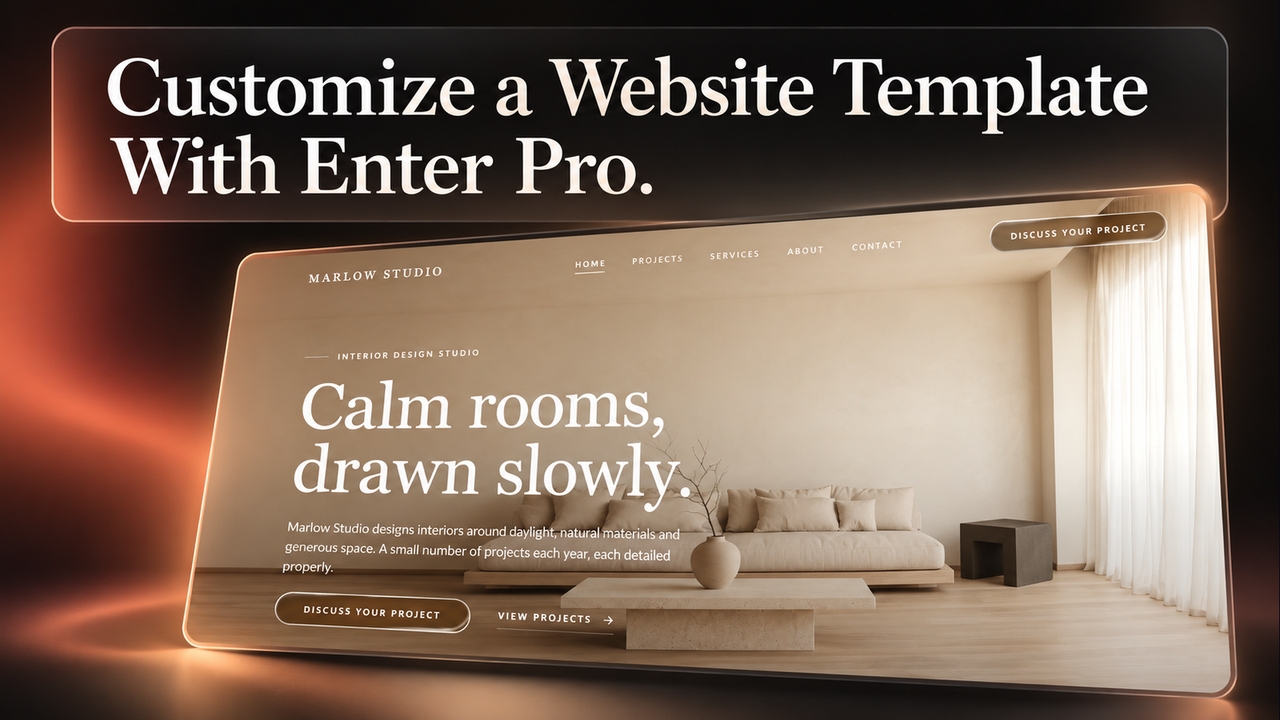
Use Enter Pro website templates to create responsive pages, customize layouts, connect enquiry forms, and publish an editable site that fits your brand.
November 5, 2026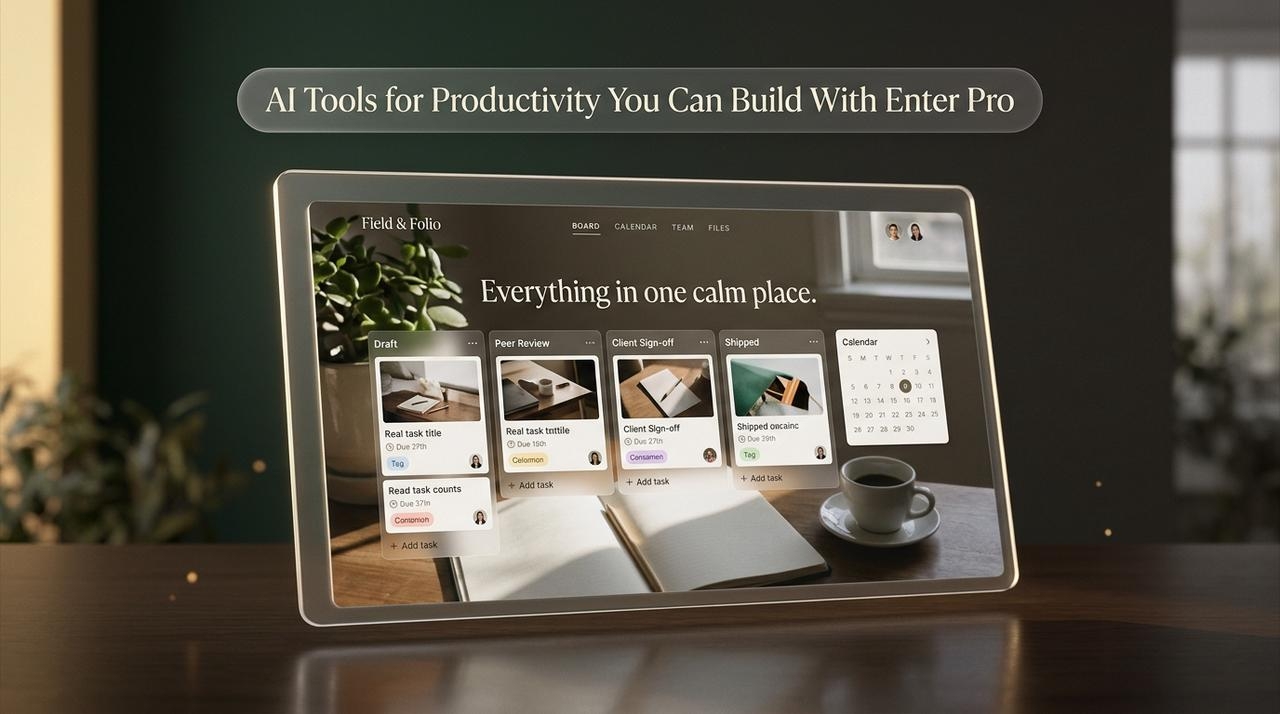
Compare the best AI tools for productivity, then see how Enter Pro lets you build custom work apps with AI for productivity, no coding or extra subscriptions.
November 5, 2026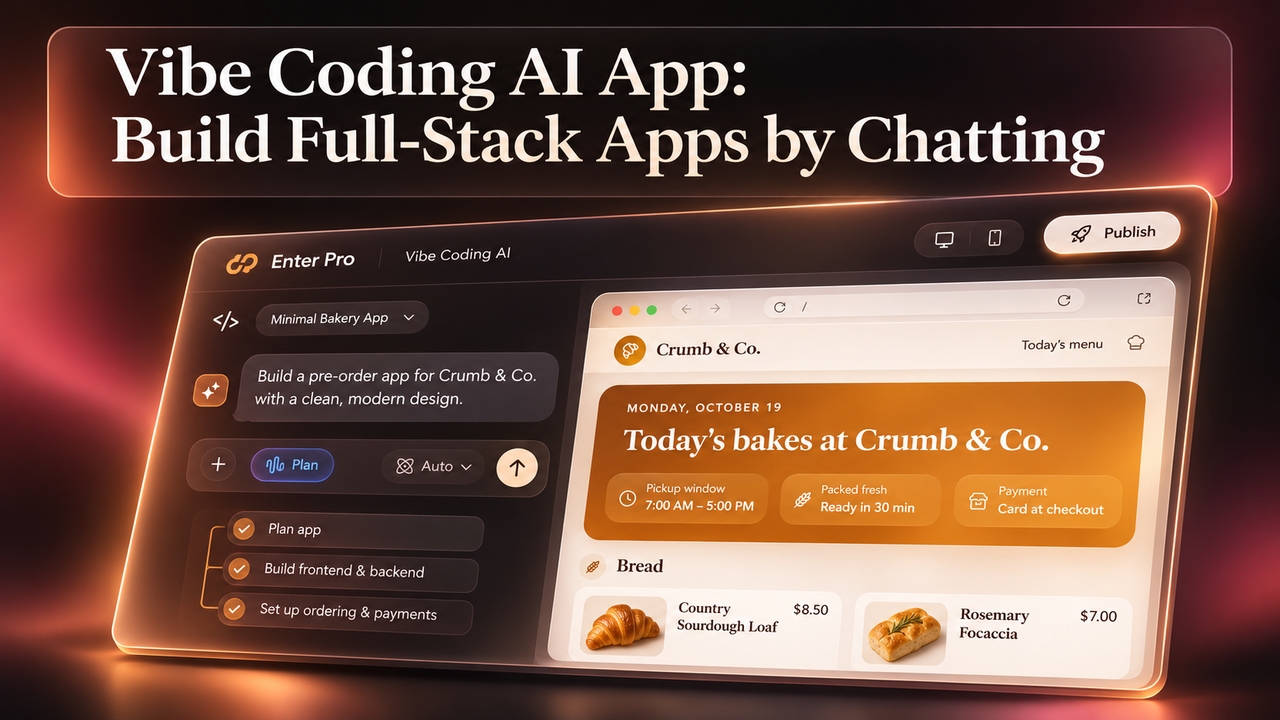
Vibe coding AI that plans before it builds. Describe your app in plain words and Enter Pro creates the frontend, backend, and database. Start for free.
November 5, 2026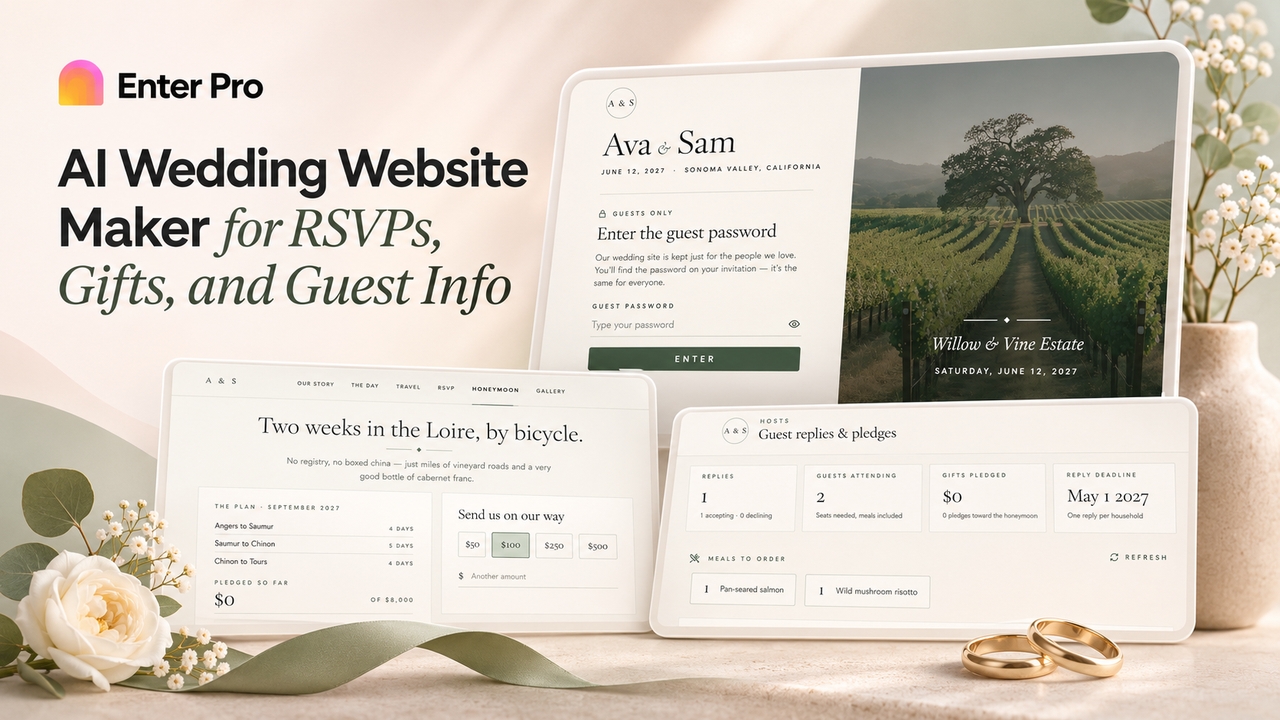
Create a custom wedding site with Enter Pro's free wedding website maker. Add RSVPs, schedules, cash gifts, and password protection, then publish and share.
November 5, 2026