

Start Free
Explore your first website draft before committing to a full launch. Use the generated result to clarify the pages, content, and design direction you actually need.

Describe your website and let Enter Pro’s no code website builder generate a responsive first draft with connected pages, editable content, and layouts ready to refine before publishing.
Move from the first idea to an editable website without configuring a development project or arranging every section manually.
Explore your first website draft before committing to a full launch. Use the generated result to clarify the pages, content, and design direction you actually need.

No need to start with HTML, CSS, or JavaScript. Describe the audience, pages, content, and desired experience in everyday language.

Use the AI-powered website builder to turn a clear brief into a structured first draft. This AI web builder keeps the result editable after generation.

Refine copy, sections, layout, colors, images, spacing, and page order as the website takes shape.

Prepare connected pages that adapt to common desktop, tablet, and mobile browser sizes.

Review navigation, content, links, and the complete page flow. Make focused changes and publish when the website is ready.
Use Enter Pro to make a website with AI, then review and refine the generated result before publishing.
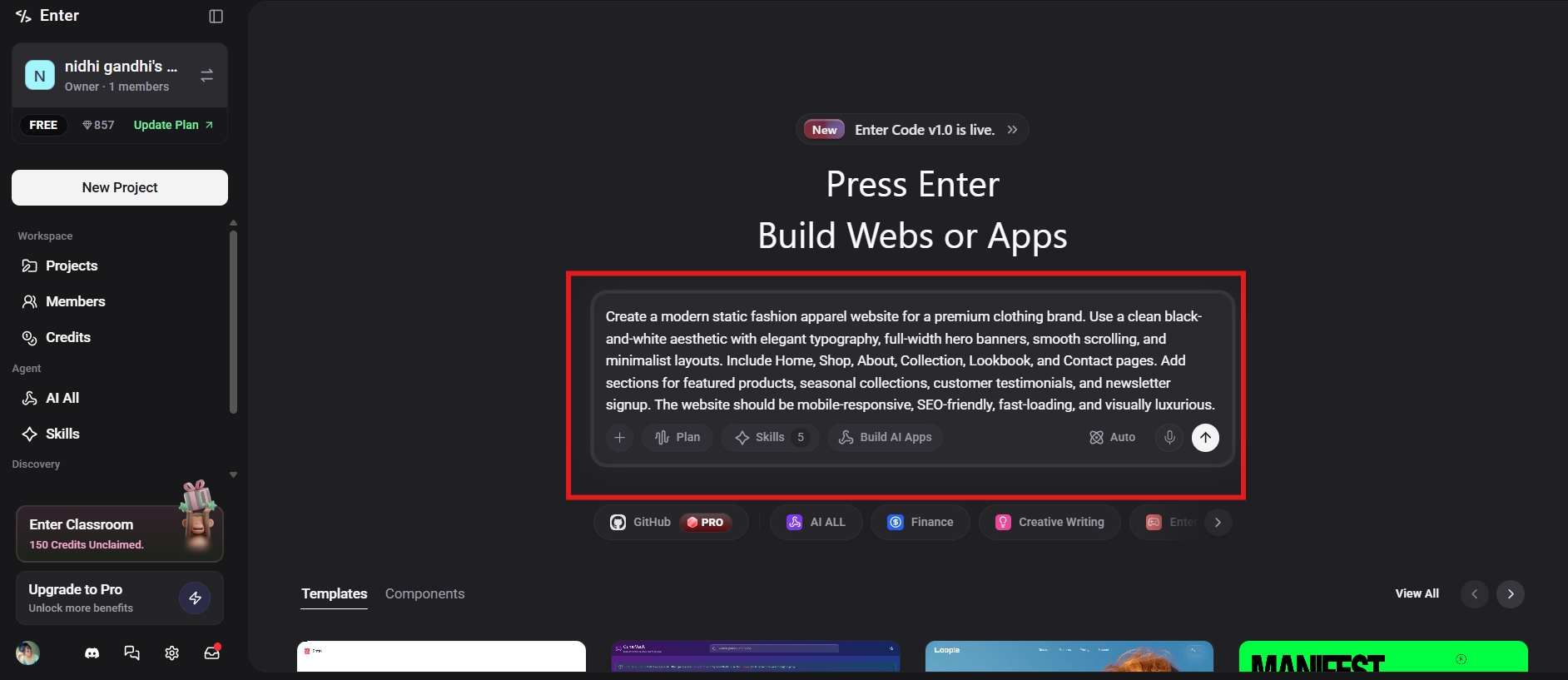
Explain the site’s audience, purpose, required pages, key features, content, and visual direction. A specific brief gives the builder a clearer starting point.
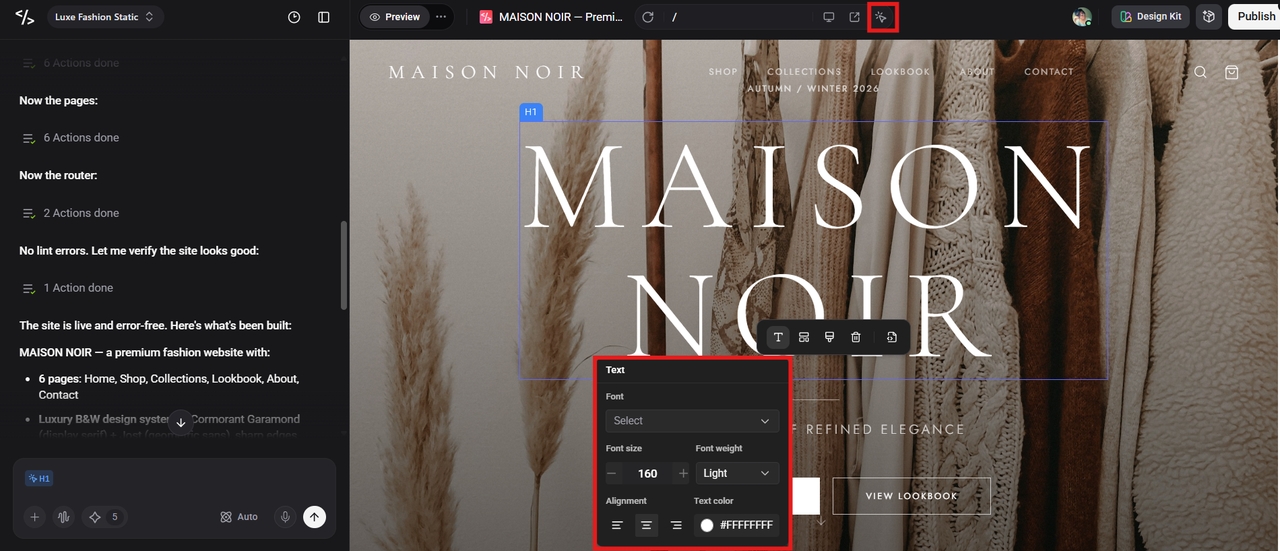
Let the AI website generator create the first version. Review the page structure, navigation, initial copy, and responsive layout instead of accepting the first output blindly.
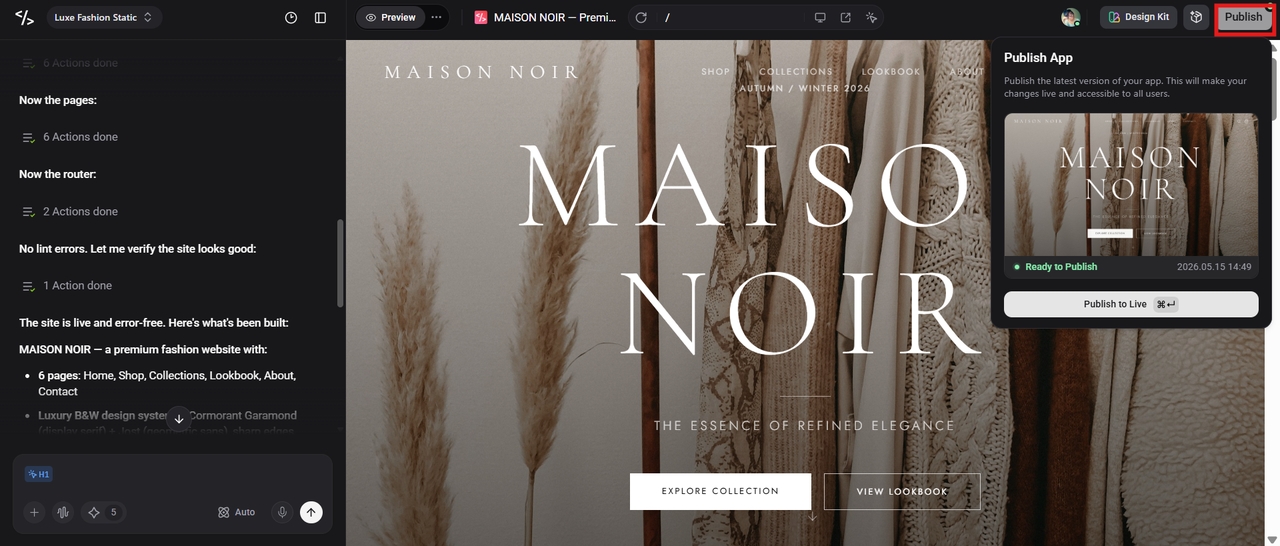
Edit the copy, sections, images, colors, spacing, and interactions. Test important links and page flows, preview the website on different screen sizes, and publish when the result is ready.
Generate, edit, preview, and publish responsive multi-page websites in one workflow while keeping every section editable.
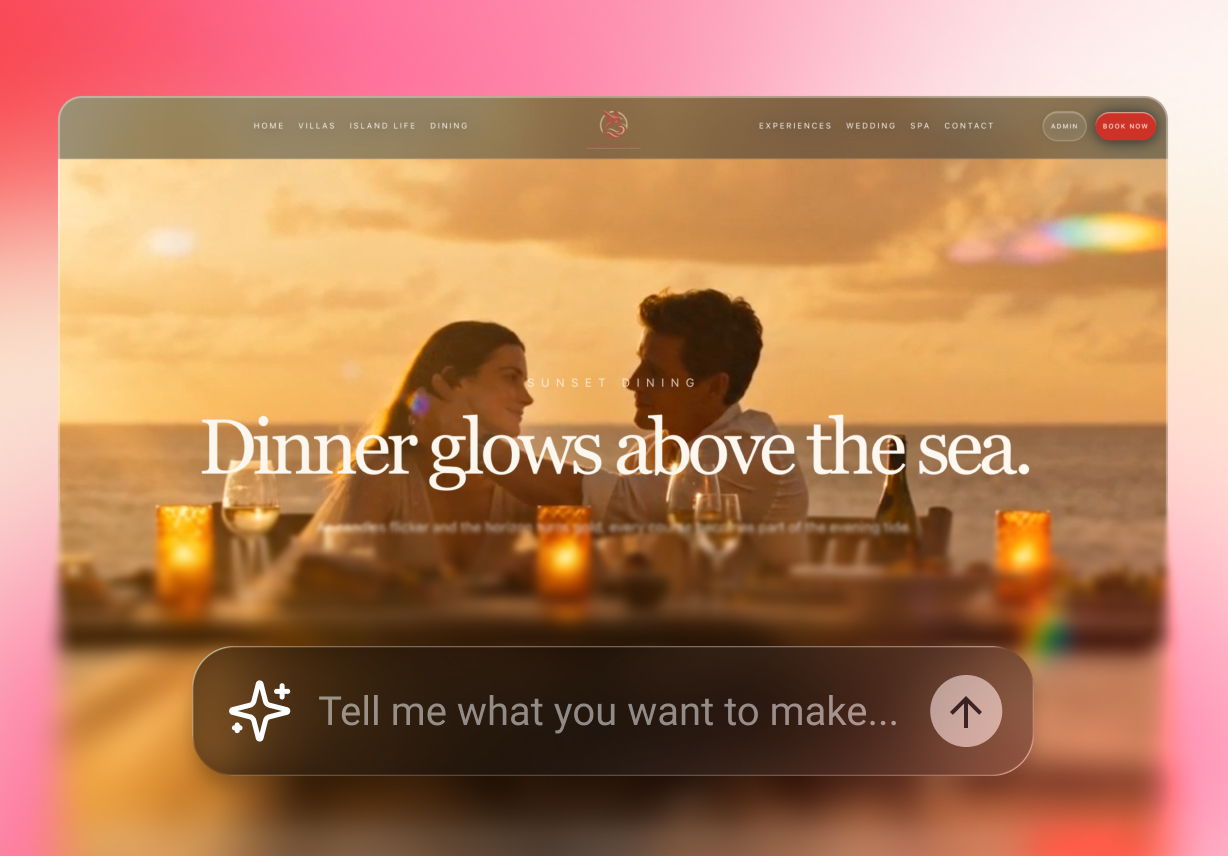
Turn a written brief into a structured website with pages, navigation, sections, and initial content. Describe the site’s goal, audience, page list, visual direction, and key actions to guide the first output. Add real content and examples when they are available instead of relying on generic filler. As the project develops, add pages, reorganize sections, rewrite content, or change the visual direction without rebuilding the website from scratch.
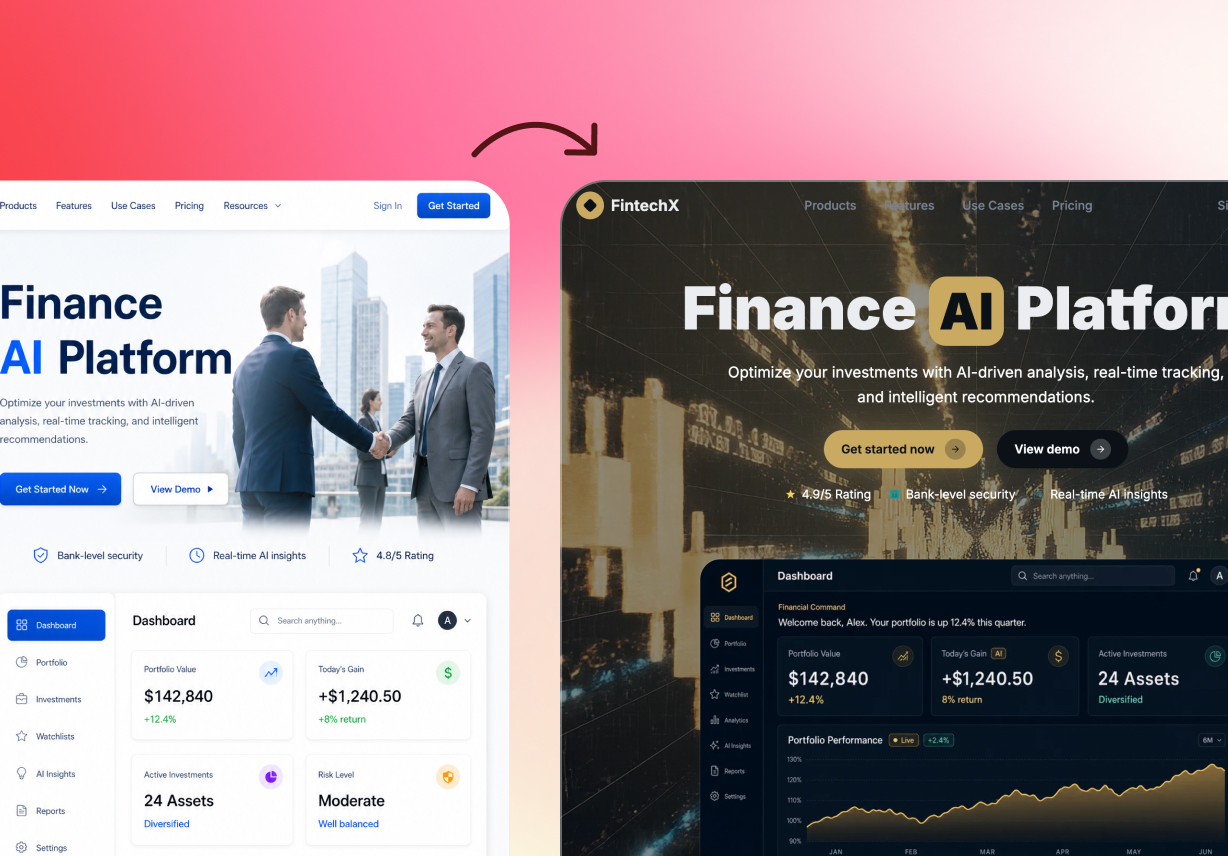
Use the AI website design generator to establish a direction, then adjust copy, images, colors, fonts, spacing, layout, and section order. You can keep what works and refine only the parts that need attention. Select a page element, describe the intended change, and review the updated result in context.
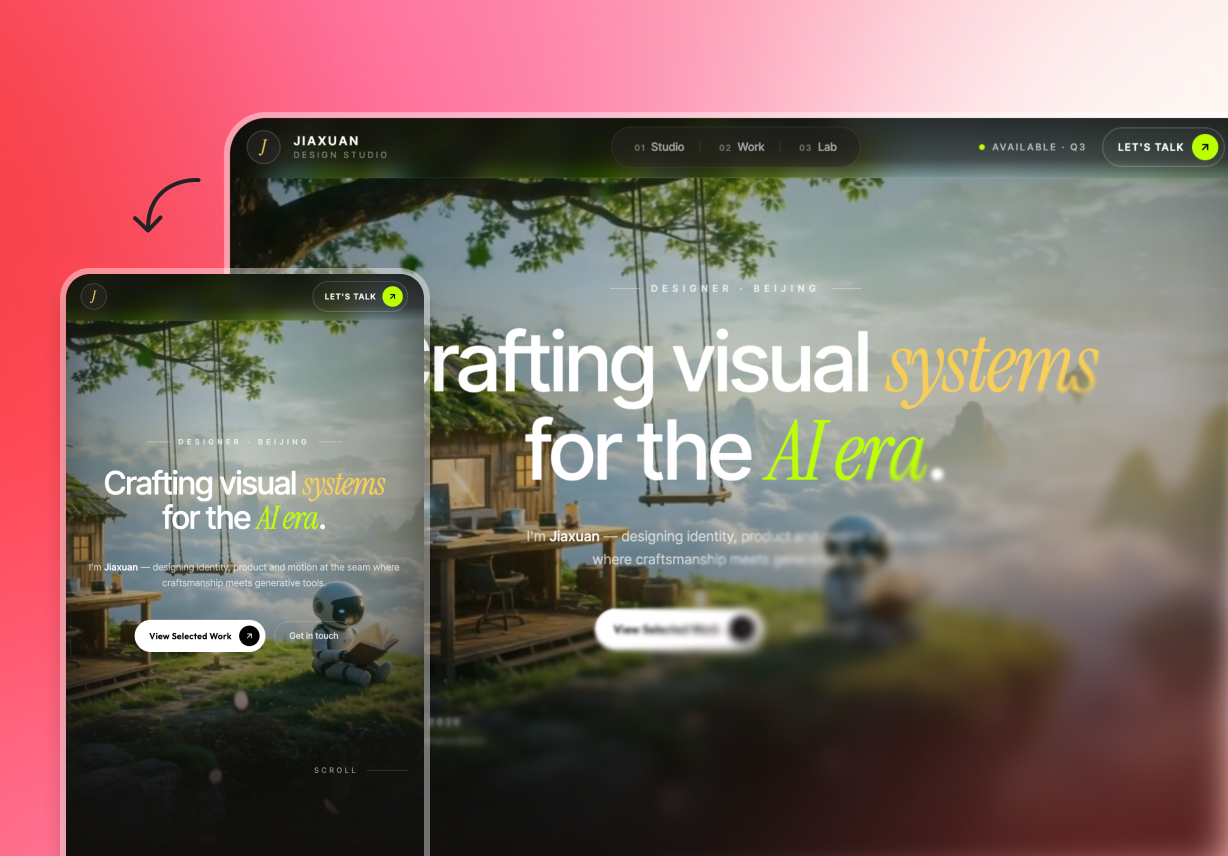
Create connected pages for a complete website instead of a single static image. Review how the layout behaves across common desktop, tablet, and mobile browser sizes, and revise individual sections where needed. Check navigation, heading hierarchy, content width, images, and calls to action on each layout.
Review navigation, links, readability, and the complete user flow before launch. Make focused corrections and publish from the same workspace when the website is ready. Confirm that the final copy, links, page order, and primary call to action match the intended user journey.
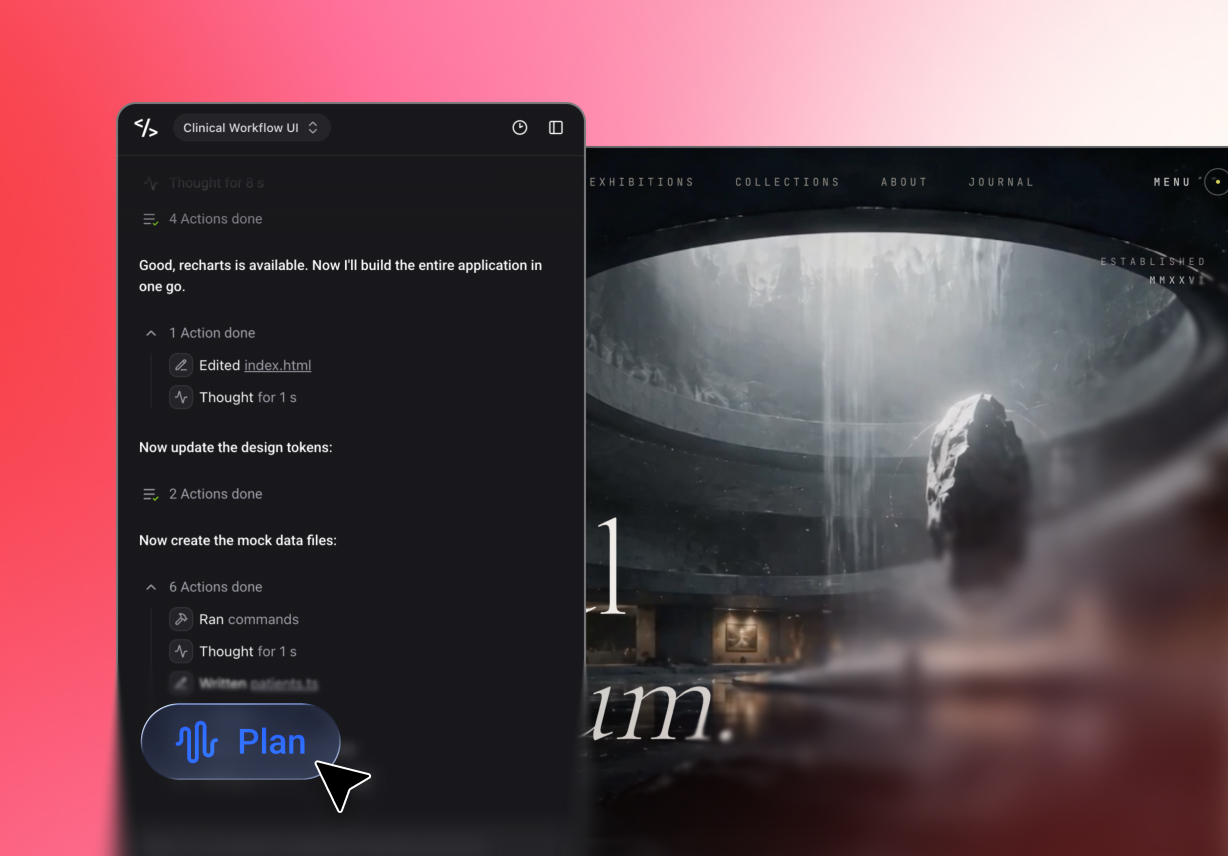
Open real websites created with Enter and use their layouts and content structures to shape a clearer brief.

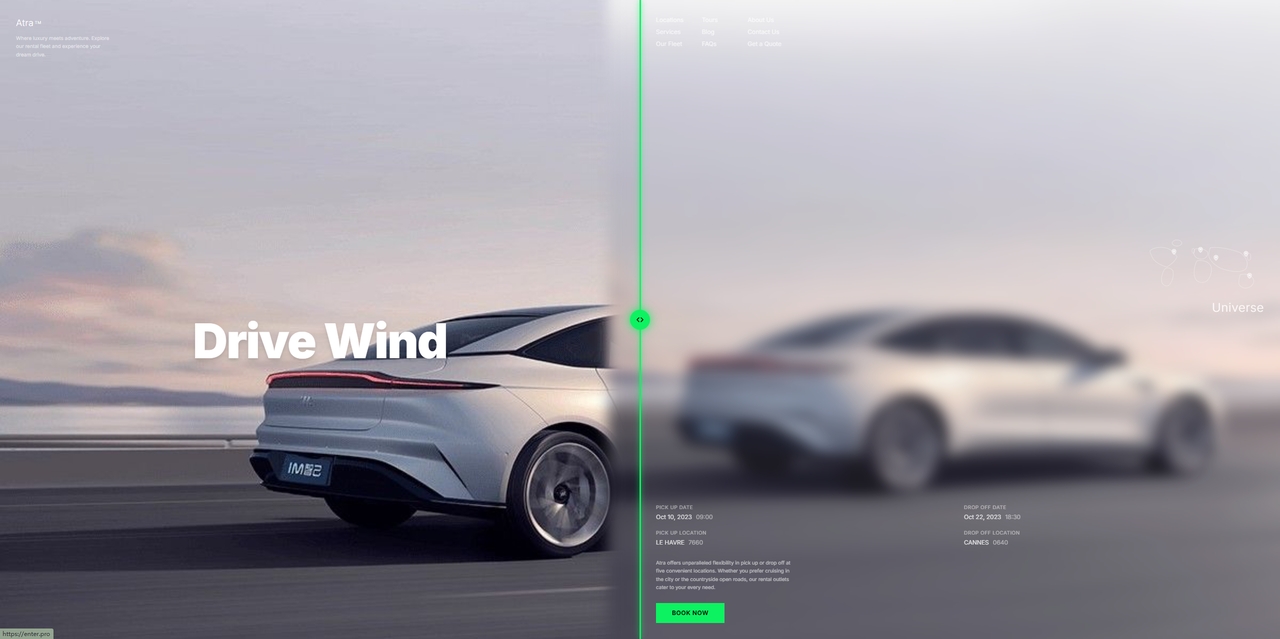
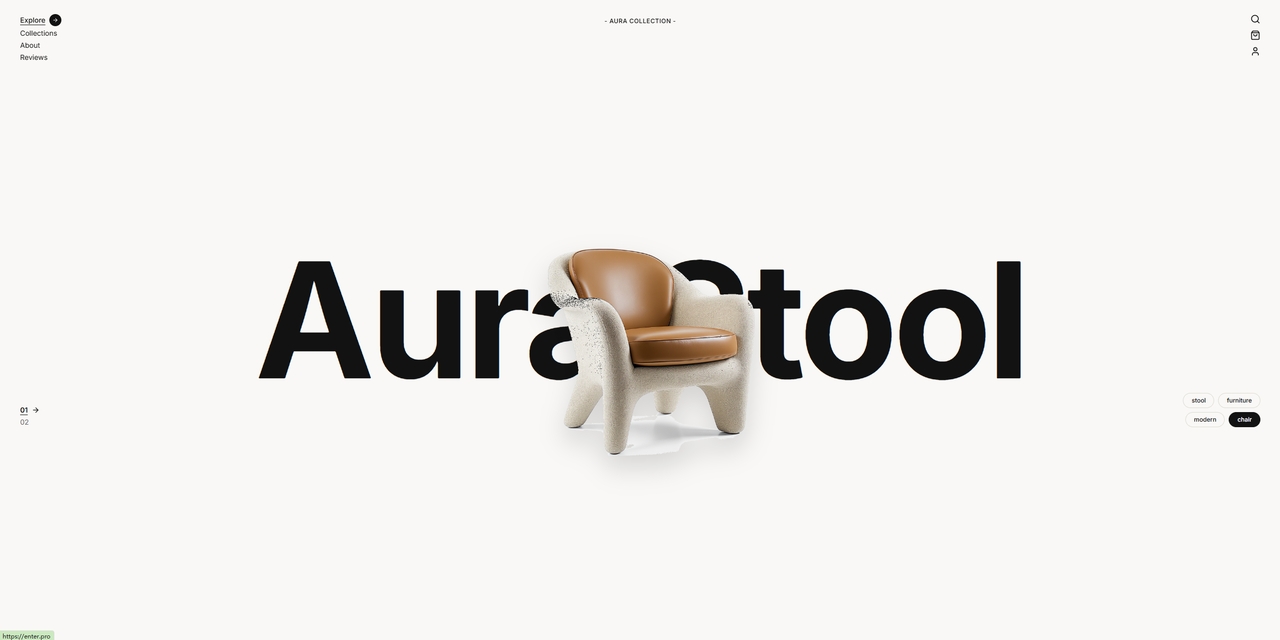
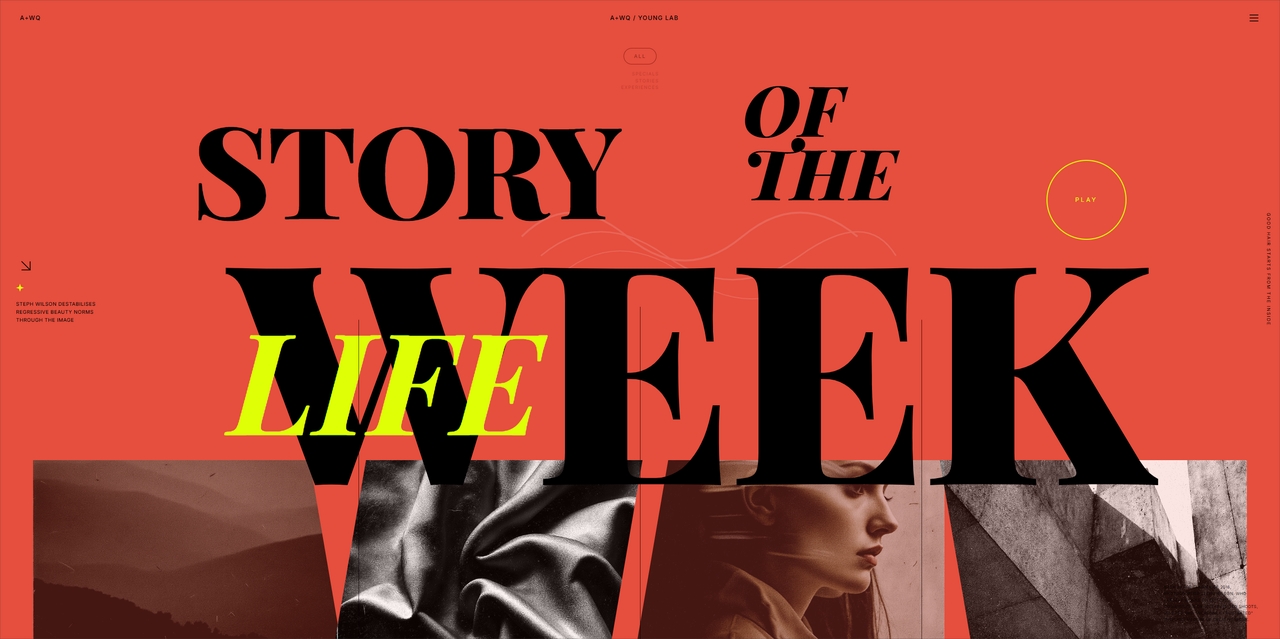

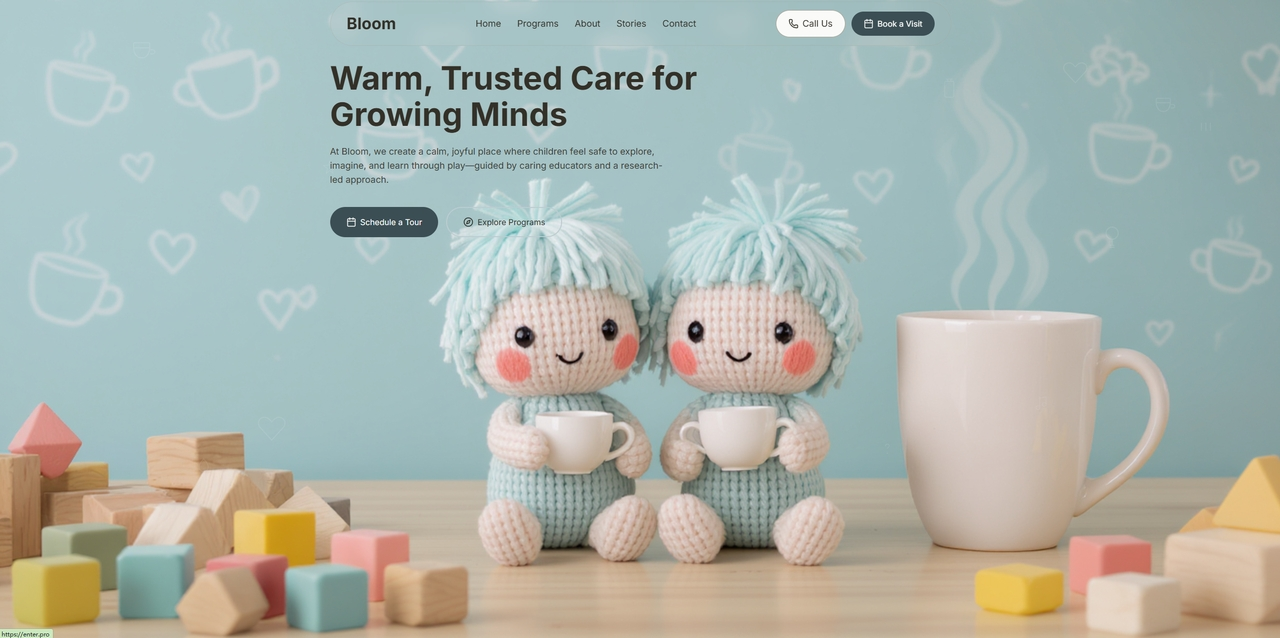

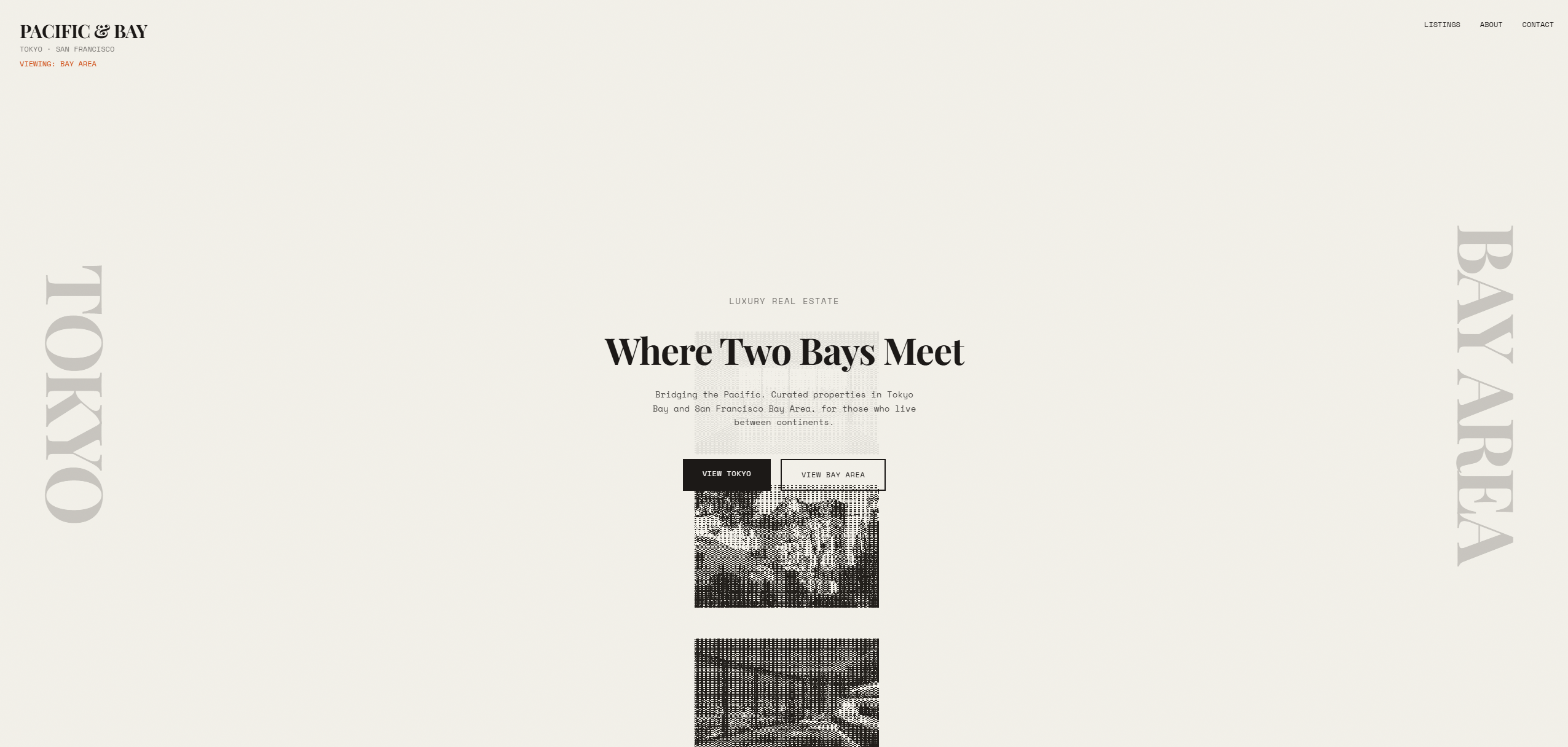
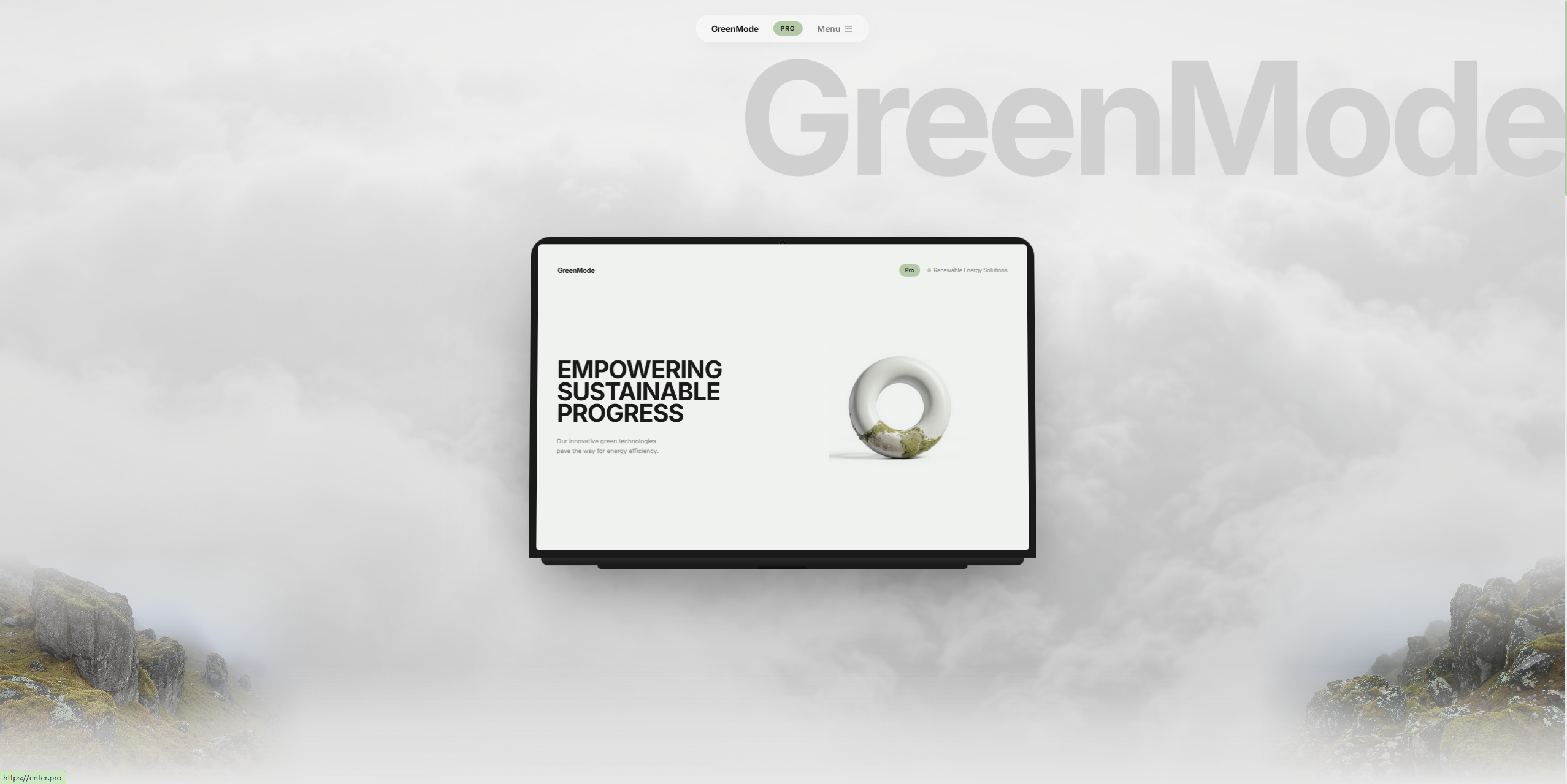

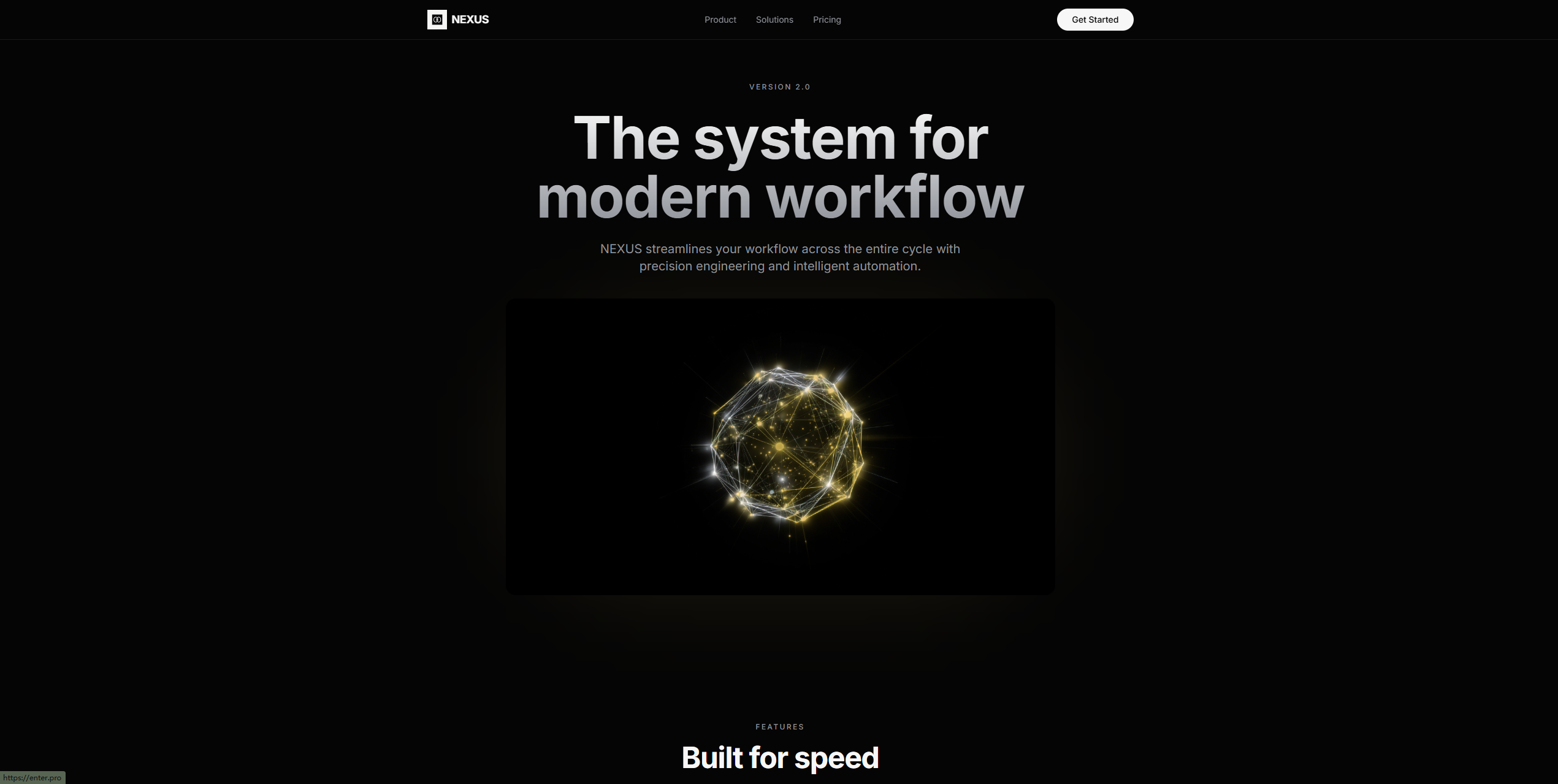
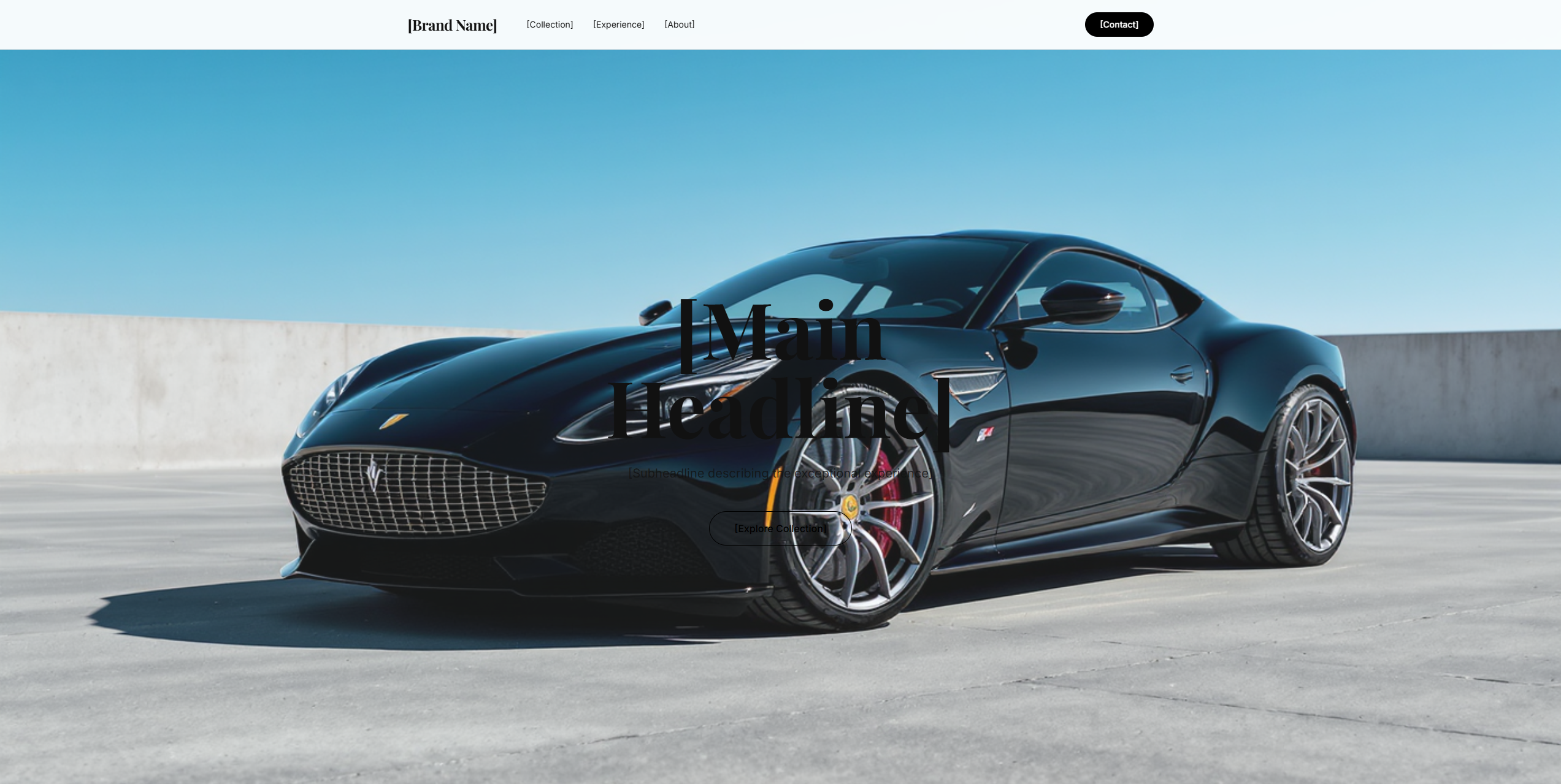
Start with the pages that matter most, then expand the website as your audience, content, and goals become clearer.

Create service pages, team introductions, location details, contact sections, and clear calls to action for a consultant, agency, restaurant, studio, or local business.

Prototype product discovery, category pages, product details, promotional areas, and brand content. Connect commerce services only after confirming the integrations your project requires.

Use the AI website creator to organize projects, case studies, skills, experience, and contact details in a responsive visual structure.

Turn a product brief into a homepage, feature pages, use cases, pricing context, FAQs, and a focused conversion path.

Organize articles, categories, author information, featured content, and newsletter calls to action around readable page layouts.

Build a focused page for a product launch, campaign, waitlist, event, lead magnet, or single offer with one clear next step.
“I wanted to test a business idea before paying for a complete website project. The AI website builder gave me a structured first version that I could actually review and improve.”

Alex Turner
Startup Founder
“I am not a developer, so starting from code was never realistic for me. I described the pages I needed and received a website draft that was much easier to customize.”

Emily Carter
Small Business Owner
“The visual editor made the biggest difference. I could generate the site with AI, then adjust the layout and copy without searching through project files.”

Michael Johnson
Marketing Consultant
“It is not a replacement for careful review, but it removed a lot of repetitive setup. We reached a usable campaign page much faster.”

Sarah Bennett
Growth Marketer
“I used the AI website creator to organize my portfolio and case studies. It gave me a solid structure, and I could still make the final design feel like my own.”

David Martinez
Product Designer
“We needed a website builder site for an early SaaS concept. This web builder helped us turn the idea into something visual enough to discuss and test.”

Jessica Nguyen
Product Manager
Get clear answers about generation, editing, responsive design, and publishing with Enter Pro.
Start with Enter’s free AI website builder, generate a responsive first draft, and refine every page before publishing.
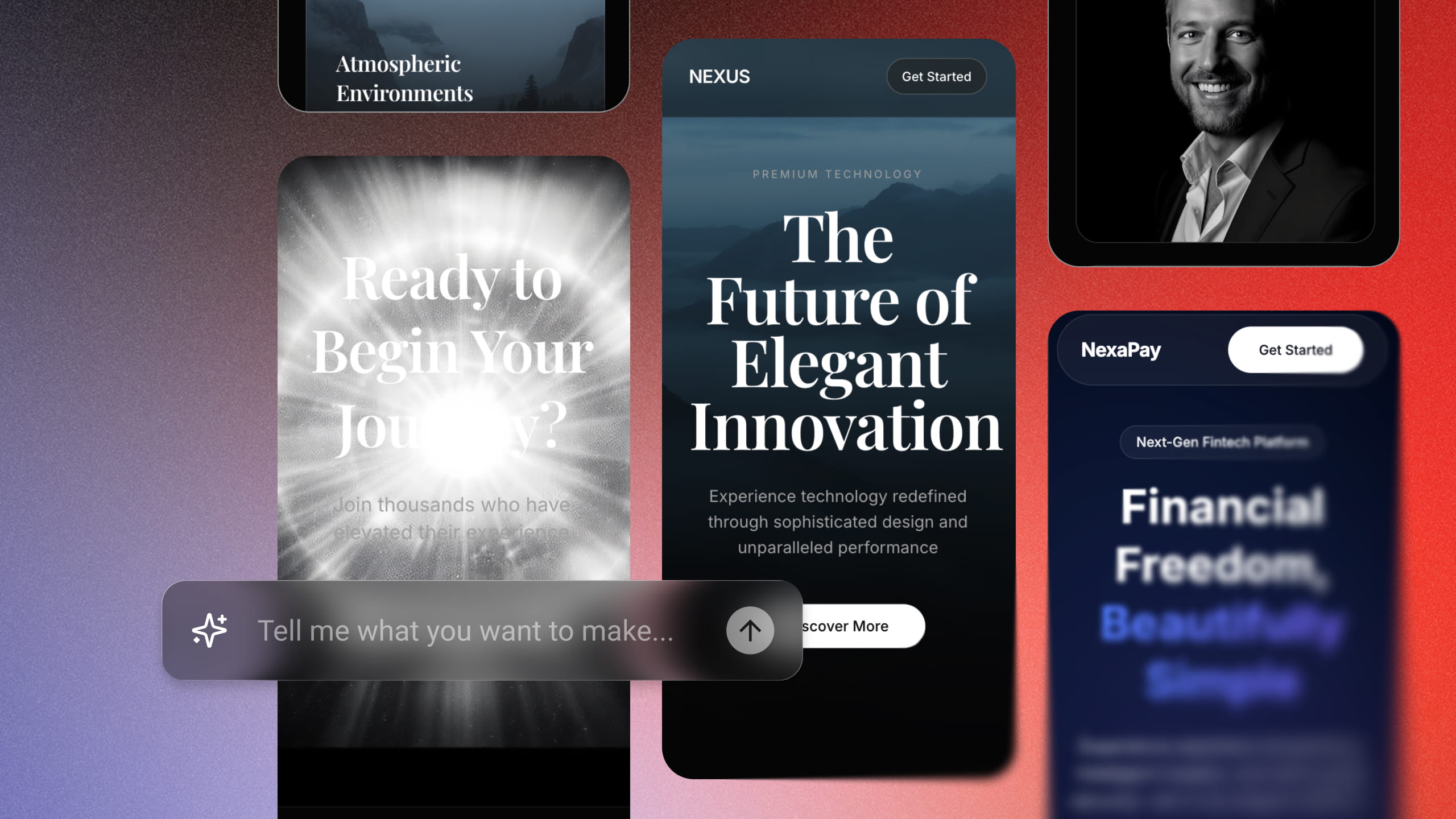
Turn an idea into a responsive React web app with Enter’s AI app builder. Sign up, start with free credits, refine your app, and publish without coding.
September 21, 2026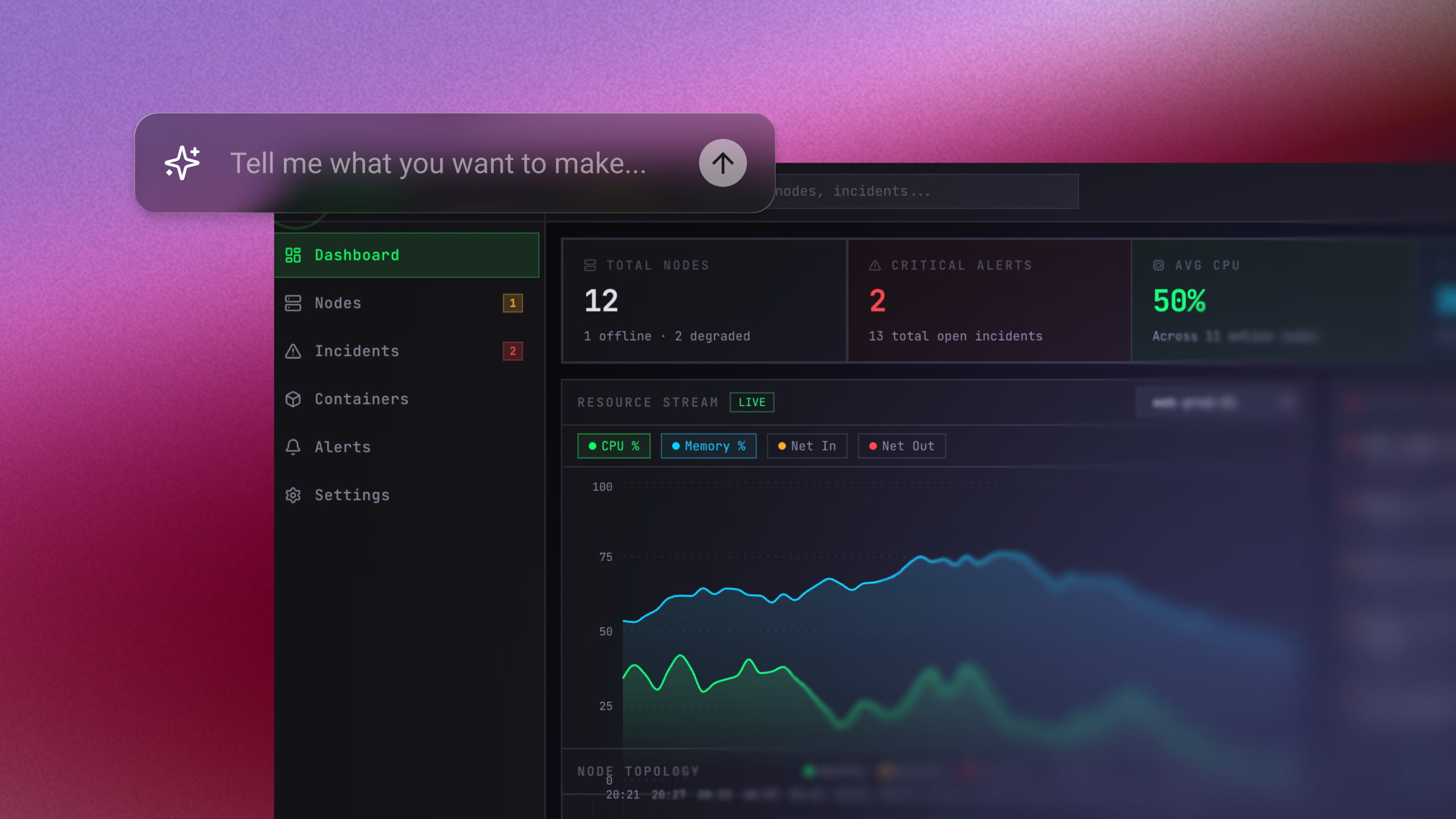
Build a working full-stack MVP in days—no code required. Just enter a single prompt and let AI do the rest. Join 10,000+ founders building for free today.
September 20, 2026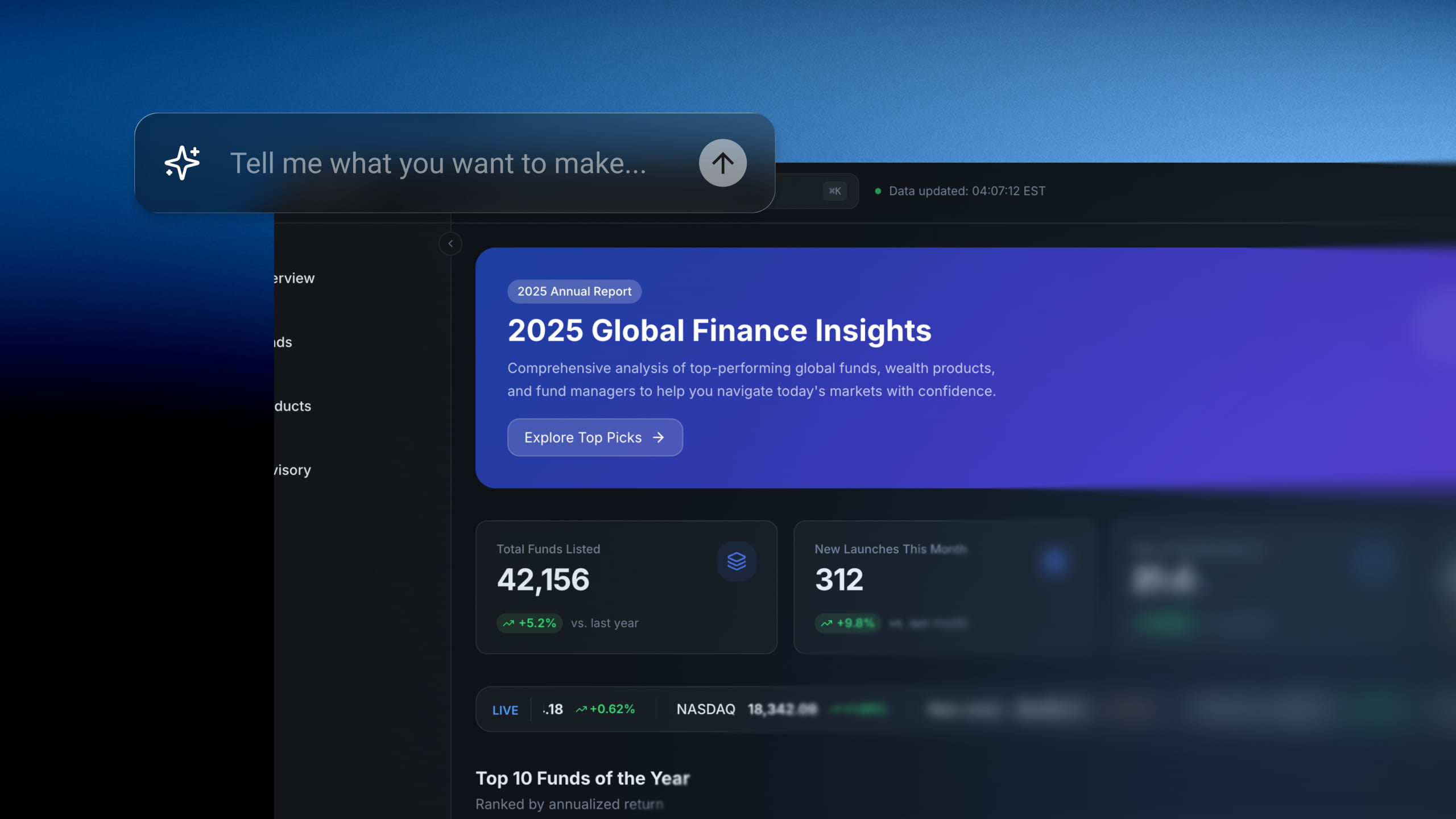
Skip tedious setup times. Describe your internal dashboard or workflow and watch Enter Pro generate it in minutes. No SQL, no widgets to configure.
September 20, 2026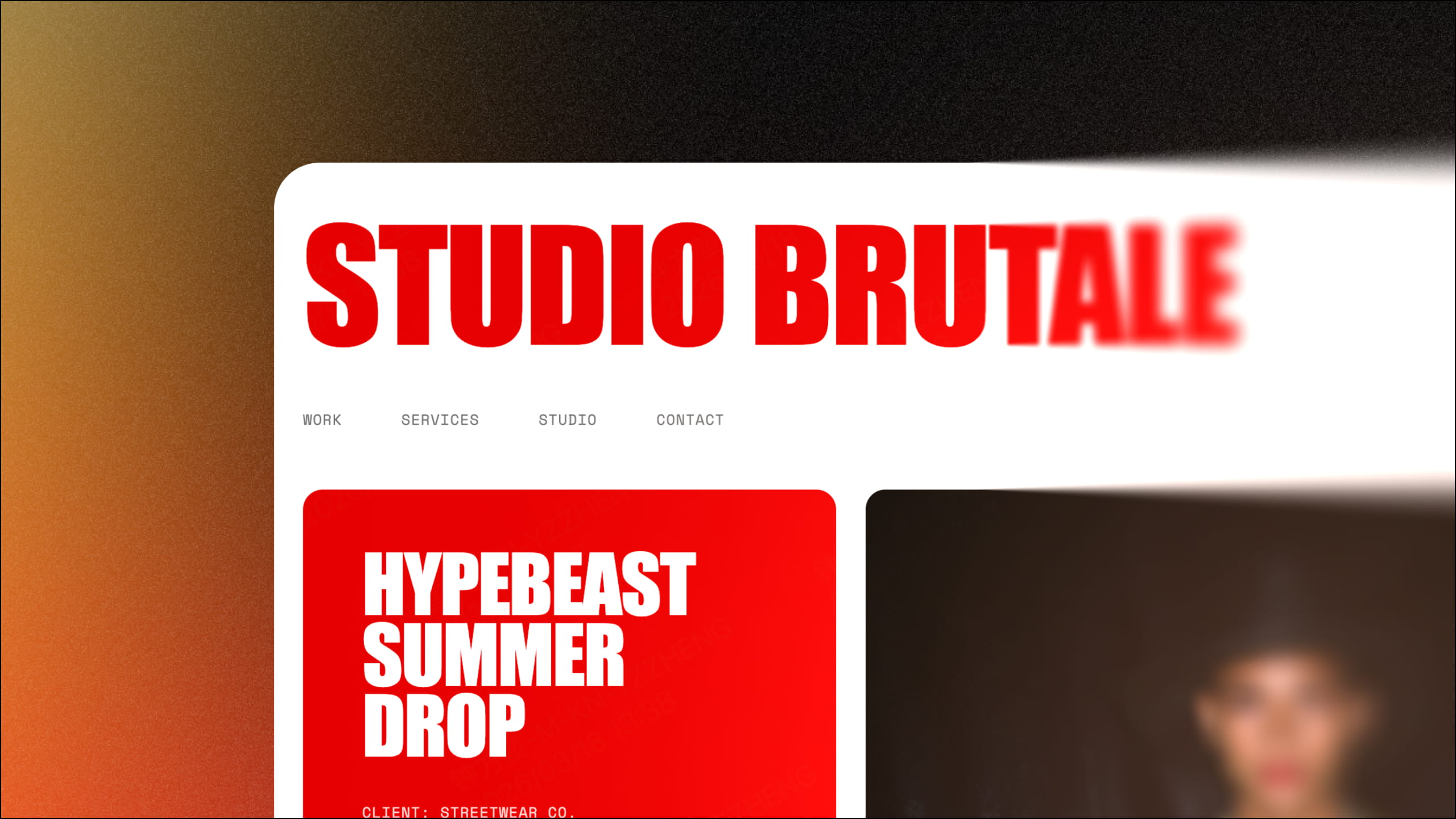
Looking to build the perfect portfolio website for your brand? Discover how Enter helps you build a flawless, AI-powered design portfolio in no time.
September 20, 2026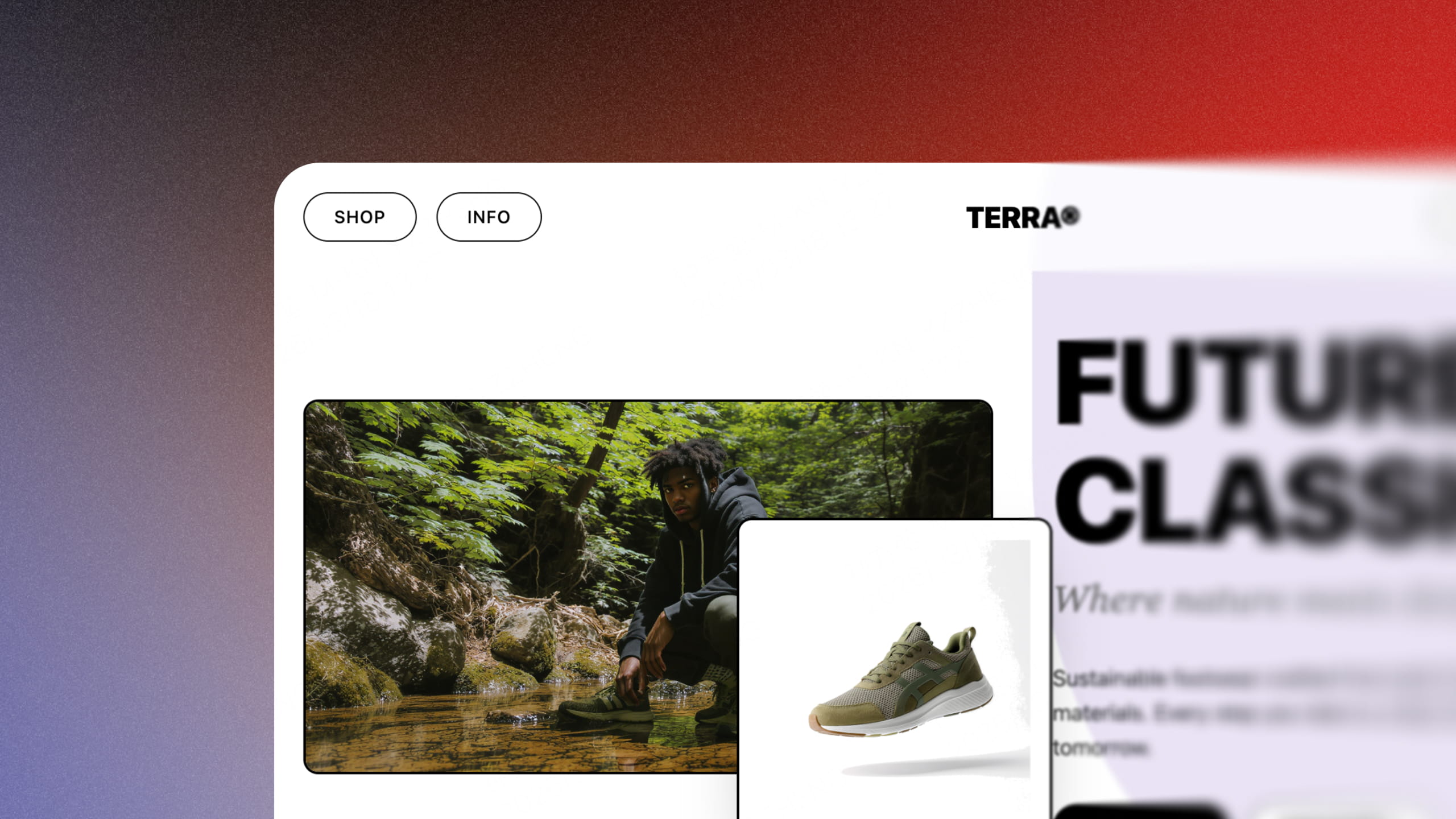
Turn your concept into a high-converting storefront in seconds. Experience how Enter Pro leverages AI to transform your business vision into reality.
September 20, 2026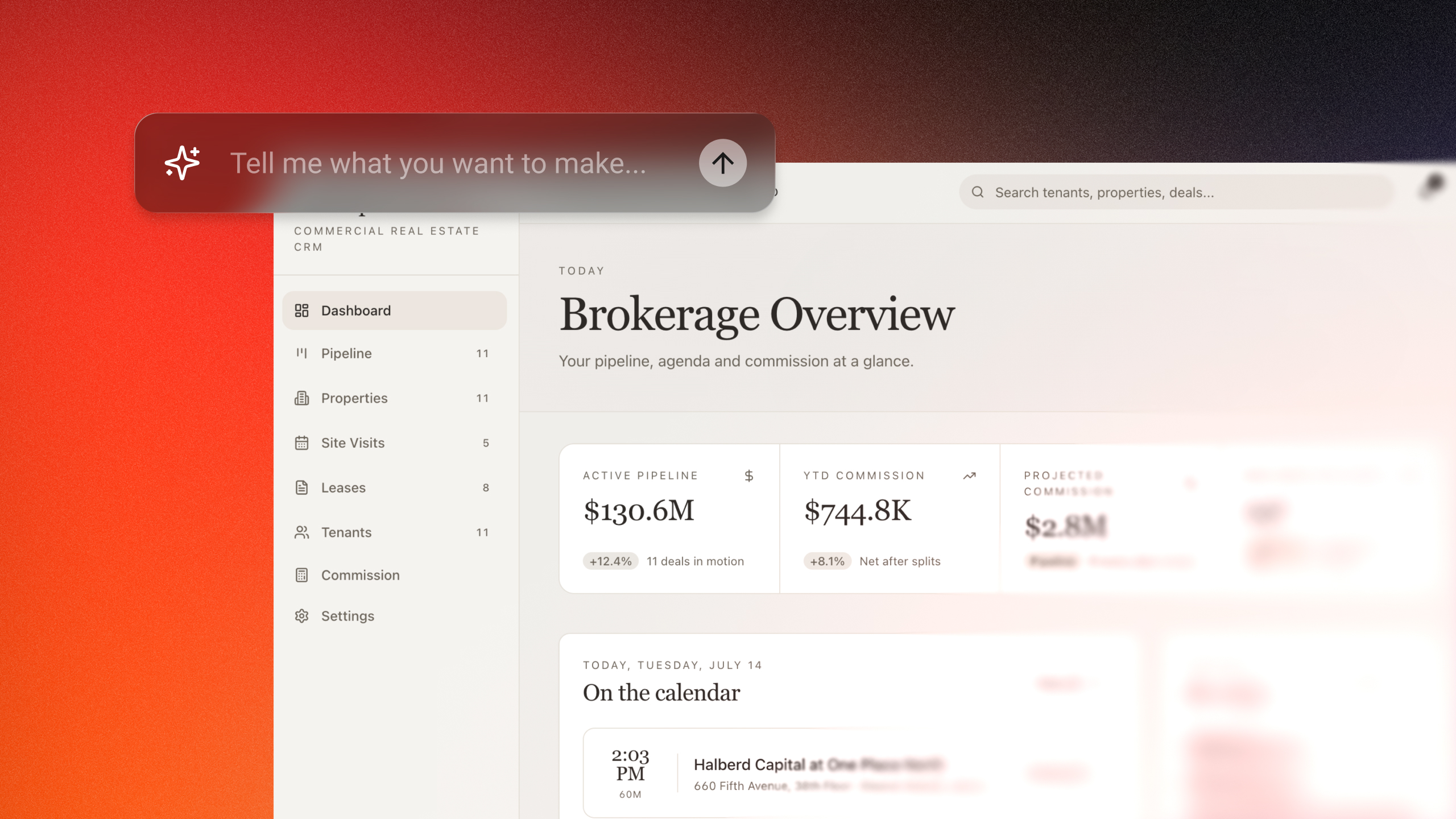
Build custom CRM software without coding using Enter Pro AI CRM builder. Create customer databases, workflows, dashboards, and automations in minutes.
September 20, 2026