
1
Choose and Remix
Select the template closest to Marlow Studio’s page structure. Give Enter Pro the brand, five-page list, gallery content, enquiry fields, and intended submission destination.

Start with a template and make it your own in Enter Pro. Remix a layout, replace sample content, and refine the pages visually while keeping the project editable.
Enter Pro website templates give you an existing layout to adapt around your business. Choose a structure that suits your pages, then replace the sample text, images, and branding. This gives you more time to explain your services, present your work, and guide visitors toward a clear next action across your site.
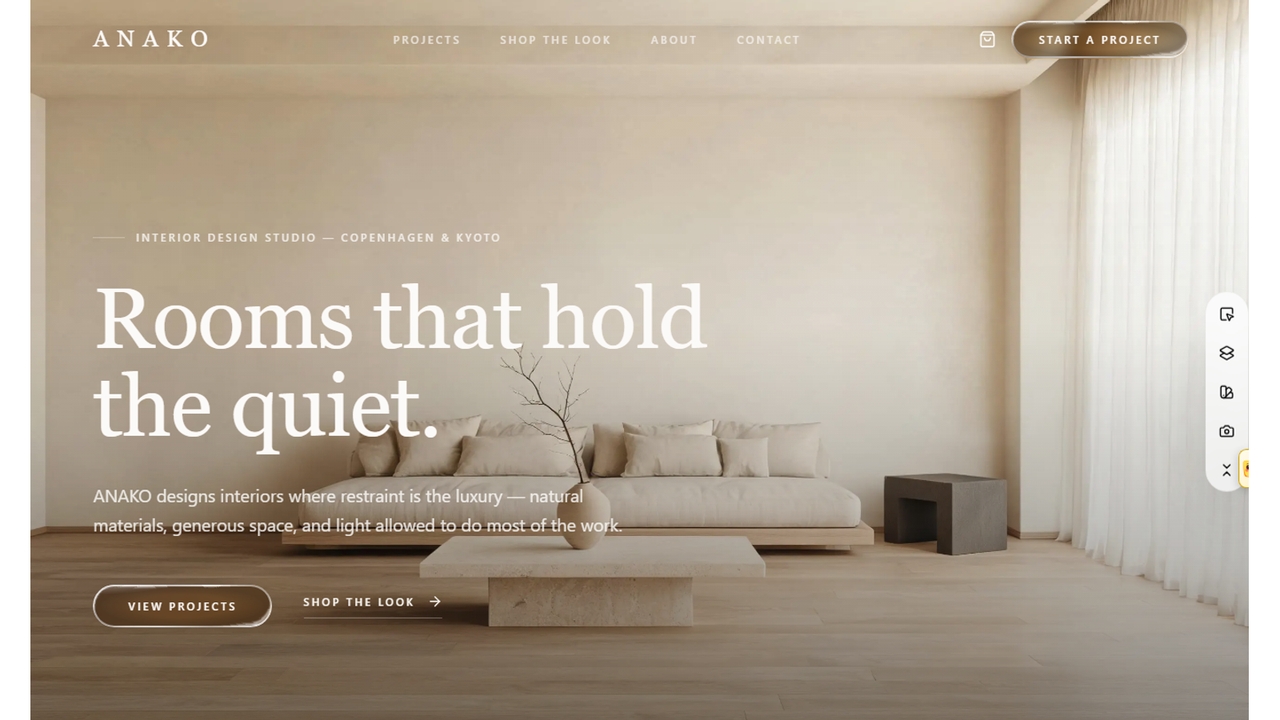
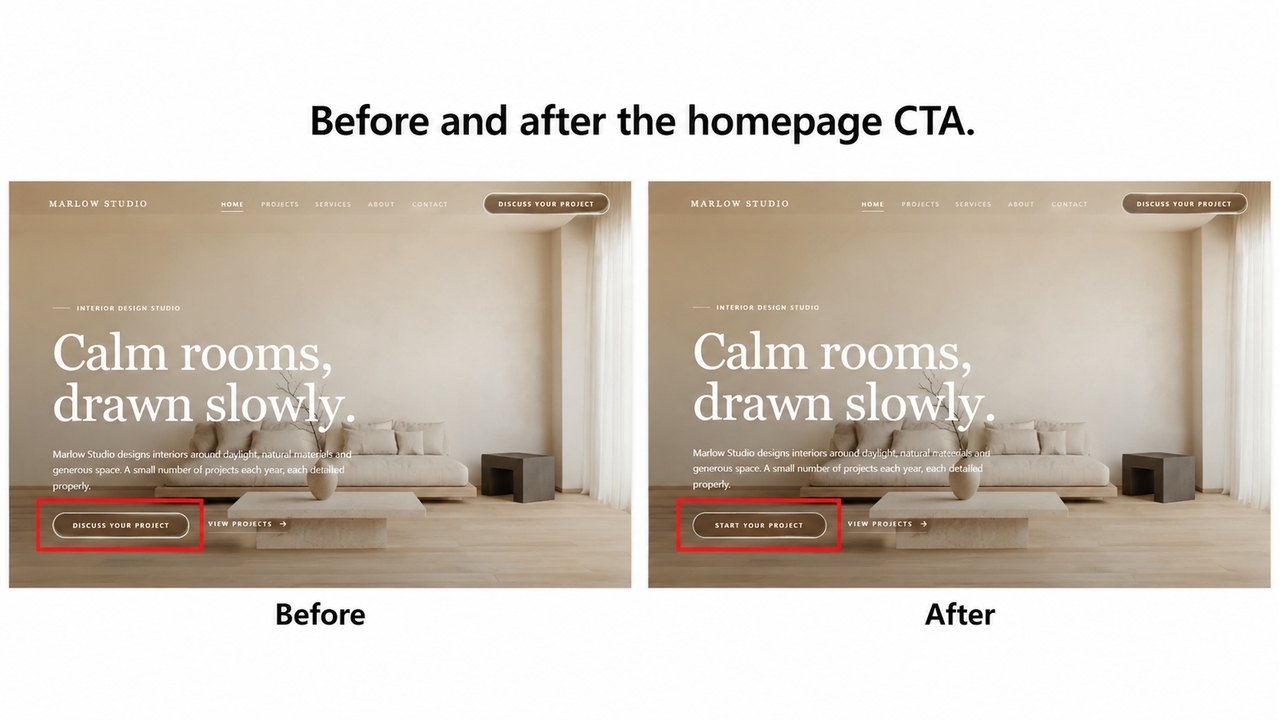
Keep visual editing, responsive review, and functional changes in the same Enter Pro project. Update a heading, adjust spacing, or refine an enquiry form while reviewing the page in context. For a site such as Marlow Studio, this helps you check how branding, navigation, and the contact journey work together before publishing.
Your customized website template remains an editable project as your business changes. Update service descriptions, add new work, or refine the visitor journey without treating the first version as final. Retaining editable code also gives developers a foundation for later customization, making it easier to continue improving the site as its requirements grow.
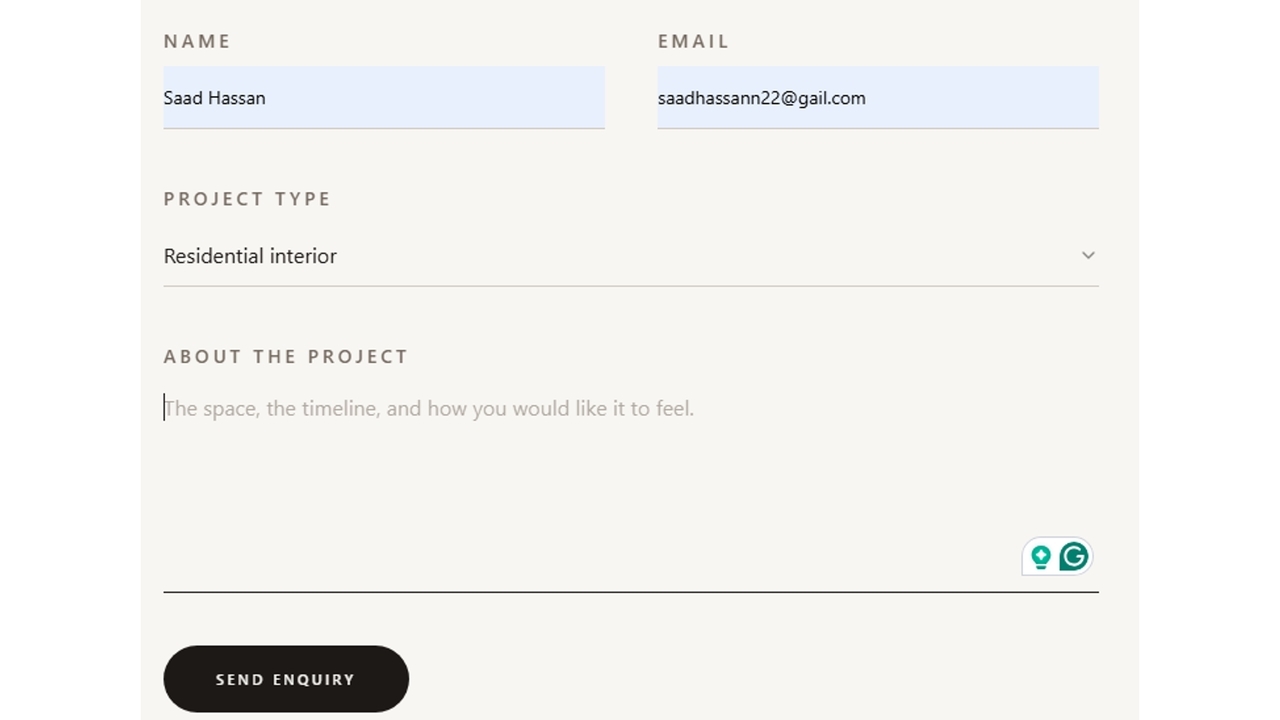
Select the template closest to Marlow Studio’s page structure. Give Enter Pro the brand, five-page list, gallery content, enquiry fields, and intended submission destination.
Replace sample text and images, refine the layouts, and connect the enquiry form to Enter Cloud. Preview the project gallery and contact journey on desktop and a narrow screen.
Open every page, submit a demo enquiry, and inspect its saved record. After checking form errors, mobile navigation, and page metadata, publish Marlow Studio and review the public URL.
Use the gallery approach from Marlow Studio to present projects, roles, and case studies. Enter Pro can retain a useful card or gallery structure while you replace sample projects with your own images and descriptions. Use that flexibility to make each case study explain the work, its scope, and the next action for a potential client.
Adapt listing cards and detail pages to properties, agent information, and viewing enquiries. Give Enter Pro the required filters and enquiry destination.
Create clear menu, location, opening-hours, and reservation sections. Configure the reservation or ordering destination around the restaurant’s actual process. Keep frequently requested information easy to find. If a reservation or order opens another service, make that destination clear and check the complete action after customizing the page.
Enter Pro helped me go from idea to a working MVP in under a week. What used to take months now happens in days. It removed all the usual bottlenecks in development.
Daniel Carter
As a non-technical founder, this completely changed how I build products. I launched my first app and got real users within days. The workflow is smooth and intuitive.
Ethan Walker
The speed is unreal. I can build, test, and iterate without waiting on developers or dealing with complex setups. Strongly recommended!!
Olivia Bennett
Build your own Marlow Studio-style site with Enter Pro. Choose a starting layout, customize it around your content, and publish after checking the complete visitor journey.
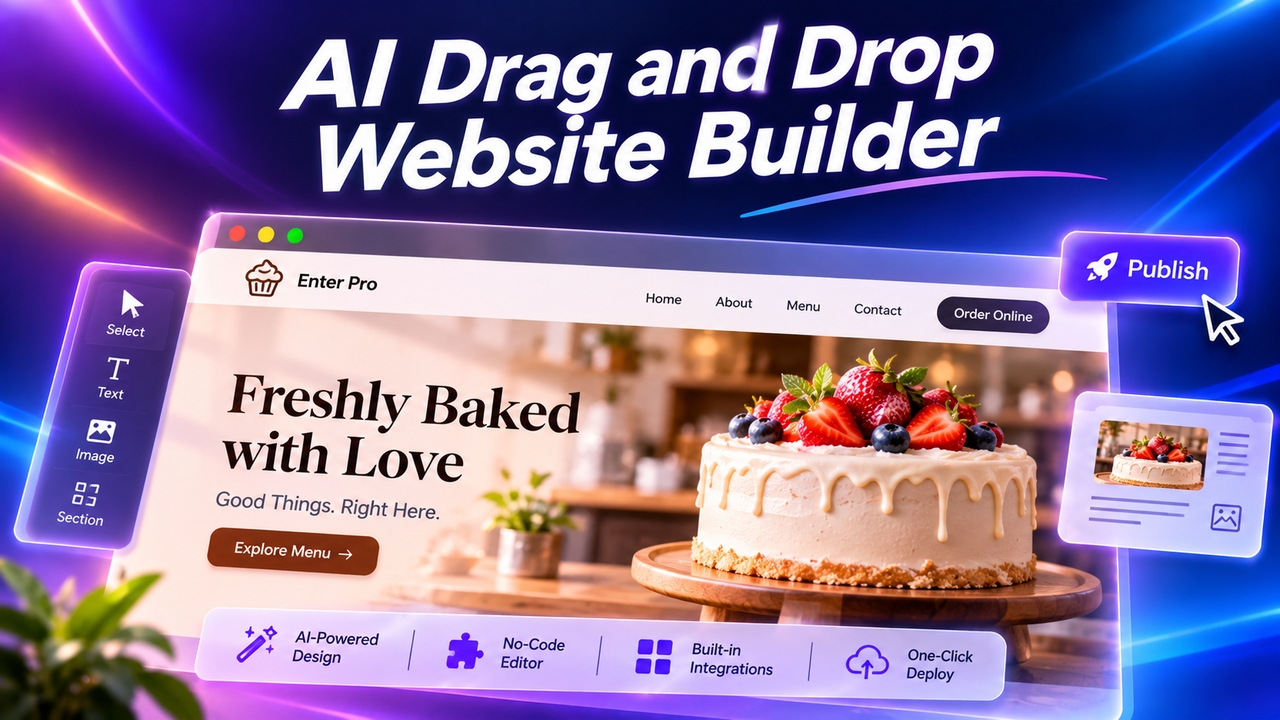
Want an easy drag-and-drop website builder? Enter Pro lets you skip dragging: describe your site, let AI build it, click any element to edit, and publish.
November 11, 2026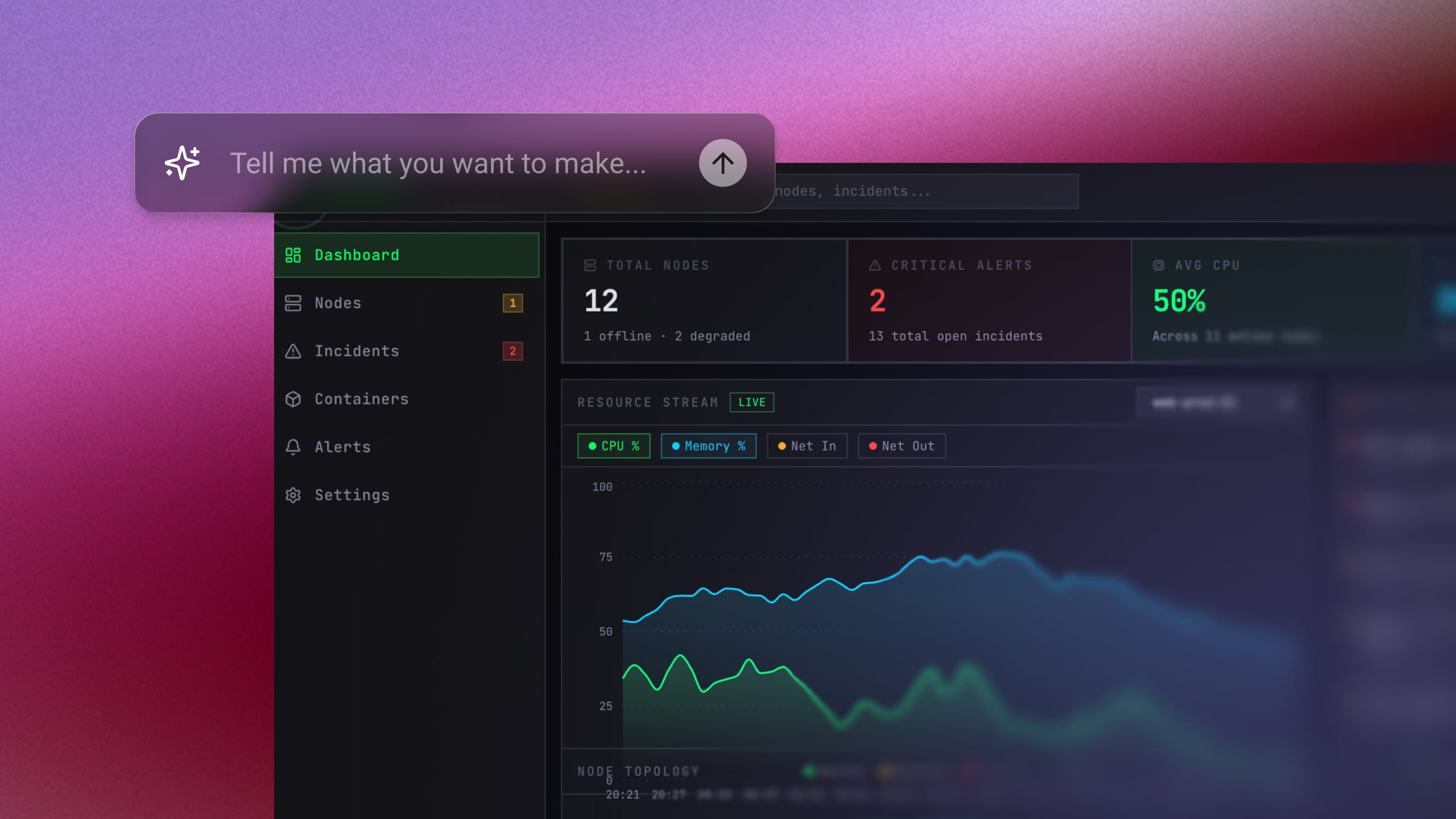
Use an AI MVP builder to turn a simple prompt into a working product. Generate, refine, connect tools, and launch your MVP without a big dev team.
November 6, 2026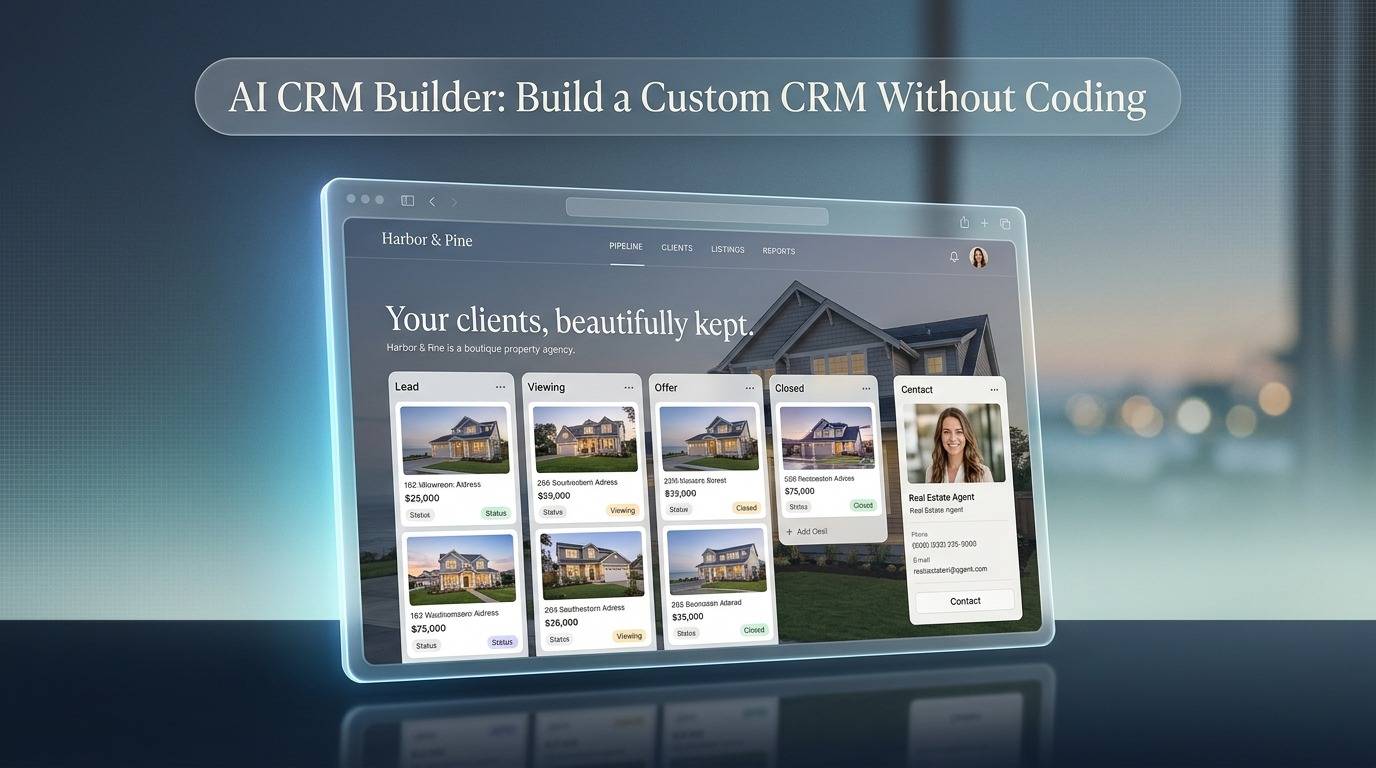
Use Enter Pro’s AI CRM builder to create a custom CRM without code. Build pipelines, dashboards, and automations from one prompt, then deploy in one click.
November 5, 2026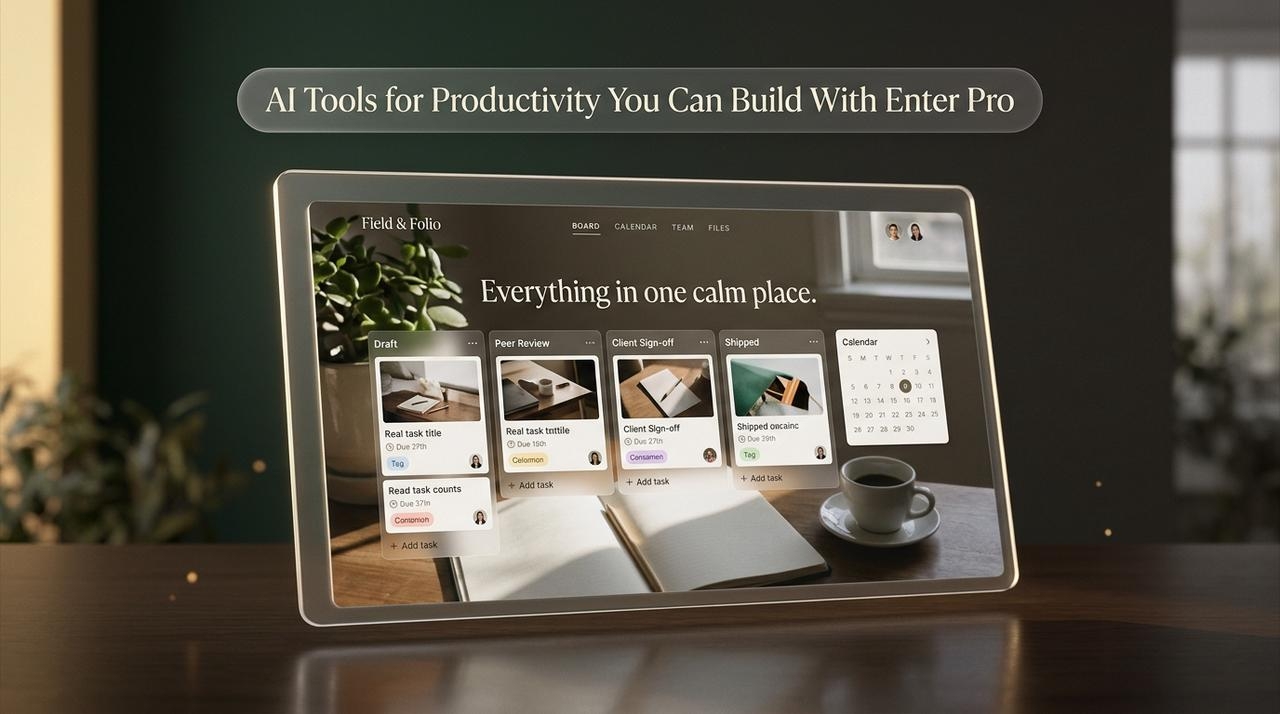
Compare the best AI tools for productivity, then see how Enter Pro lets you build custom work apps with AI for productivity, no coding or extra subscriptions.
November 5, 2026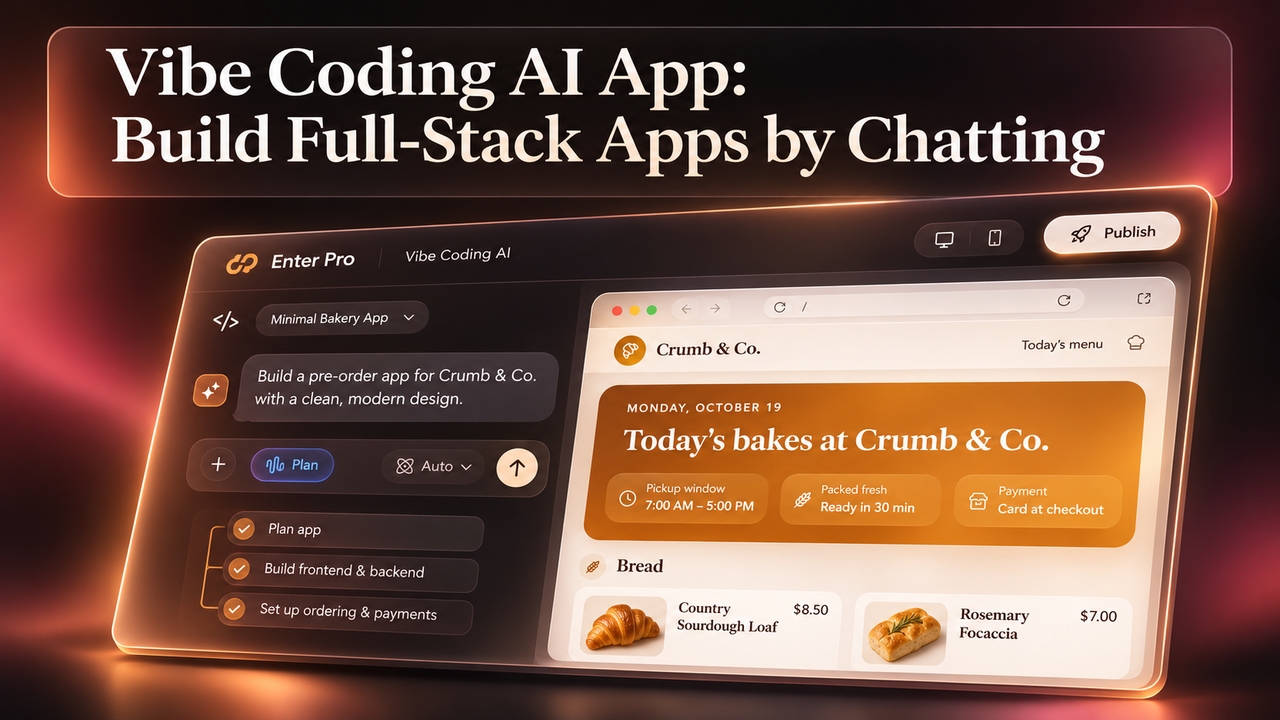
Vibe coding AI that plans before it builds. Describe your app in plain words and Enter Pro creates the frontend, backend, and database. Start for free.
November 5, 2026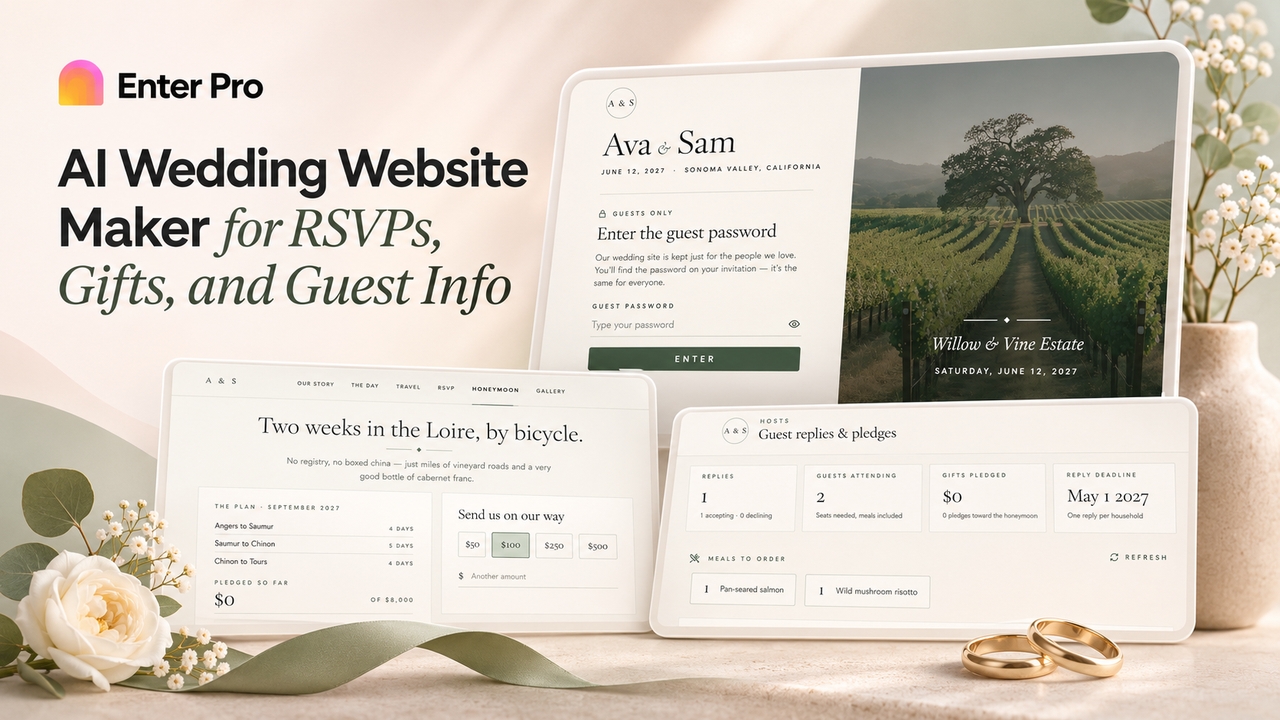
Create a custom wedding site with Enter Pro's free wedding website maker. Add RSVPs, schedules, cash gifts, and password protection, then publish and share.
November 5, 2026