

Start with Free Credits
Create an account and use free credits to explore your first build. You can review the result before deciding whether you need more credits.

Turn your idea into a responsive web app with Enter’s no code AI app builder. Describe what you need, review the generated React app, and refine it before publishing.
Move from a written idea to an editable web app without setting up a project from scratch.
Create an account and use free credits to explore your first build. You can review the result before deciding whether you need more credits.

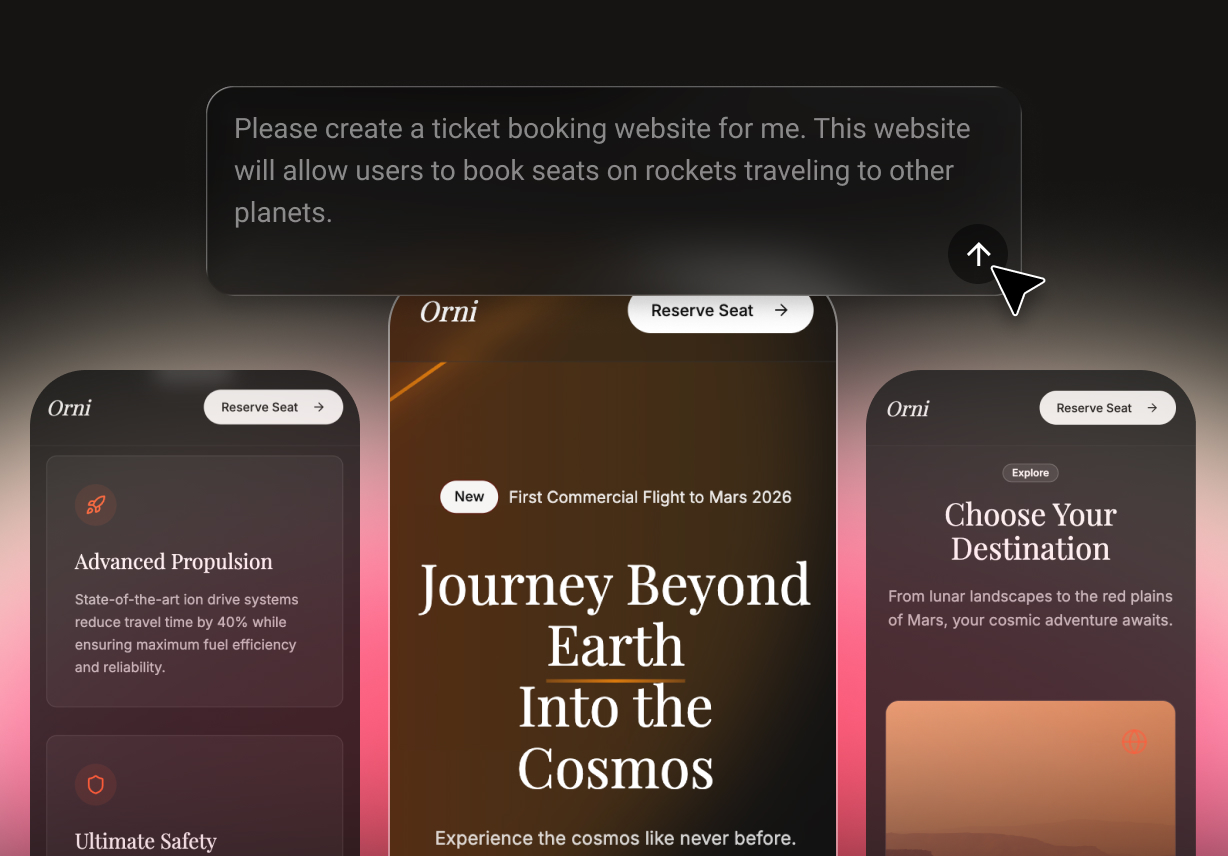
Describe your pages, users, actions, and desired experience in everyday language. Enter turns those requirements into a working web app you can continue refining.

Use the prompt-to-app builder to explain what you want to create. Add context about layouts, content, data, and interactions for a more useful first result.

Review the generated interface and test how each page works. Then describe the changes you want instead of restarting the entire project.

Enter generates a modern project using React, Vite, TypeScript, and Tailwind CSS. This structure makes the output easier to understand, edit, and extend.

Create a web app that adapts to desktop and mobile browser screens. Enter publishes web experiences, not native iOS or Android application packages.
Use Enter to build an app with AI, then refine the generated result before publishing.
Create your Enter account and open the app builder. Your account includes limited free credits so you can begin a first project.
Explain the target users, pages, core actions, content, and visual direction. Include important workflows and data needs to guide the AI app generator.
Preview the generated web app and test its pages and interactions. Request changes, check the responsive layout, and publish when the result is ready.
Enter combines natural-language generation with an editable web project and an iterative building workflow.
Describe your product idea and let the AI-powered app builder create the first working version. The result provides a concrete starting point instead of an empty project.
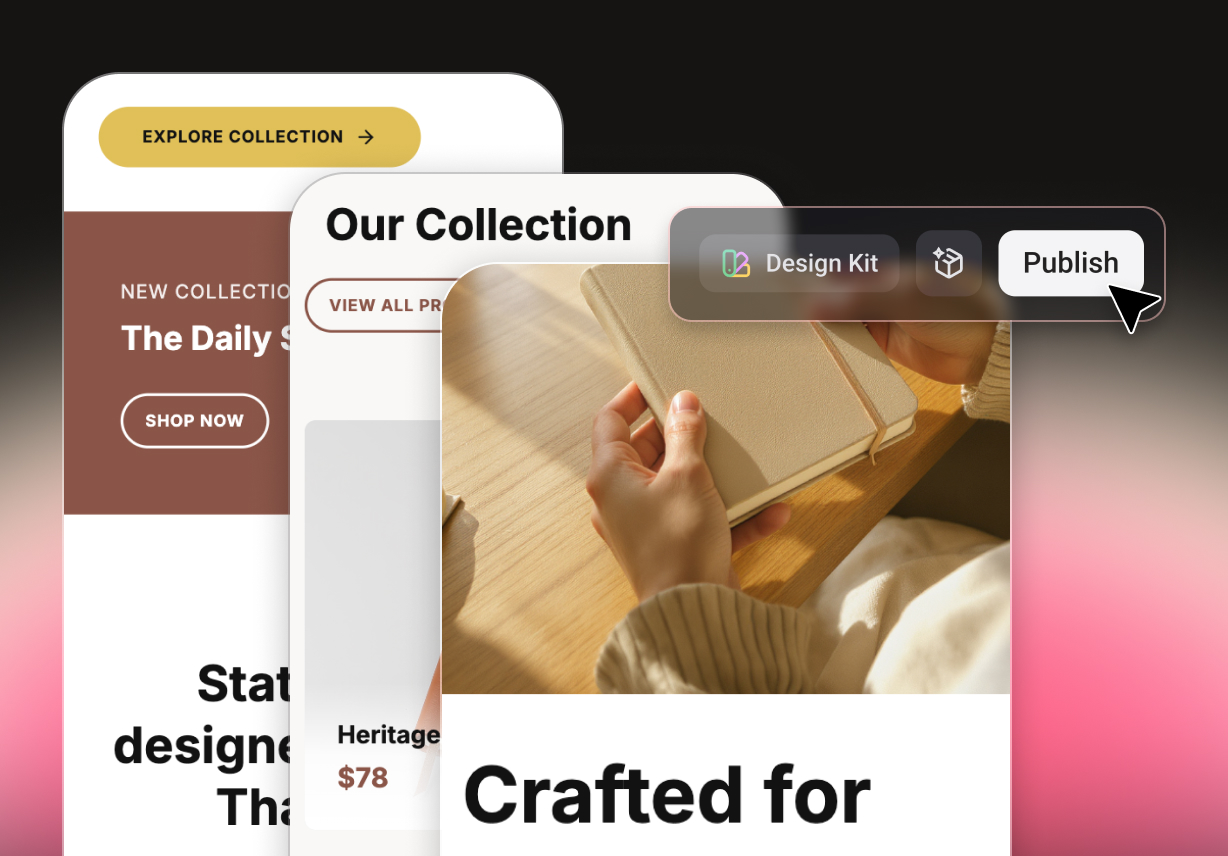
Continue from a project built with React, Vite, TypeScript, and Tailwind CSS. Refine the interface and behavior without replacing the complete build.
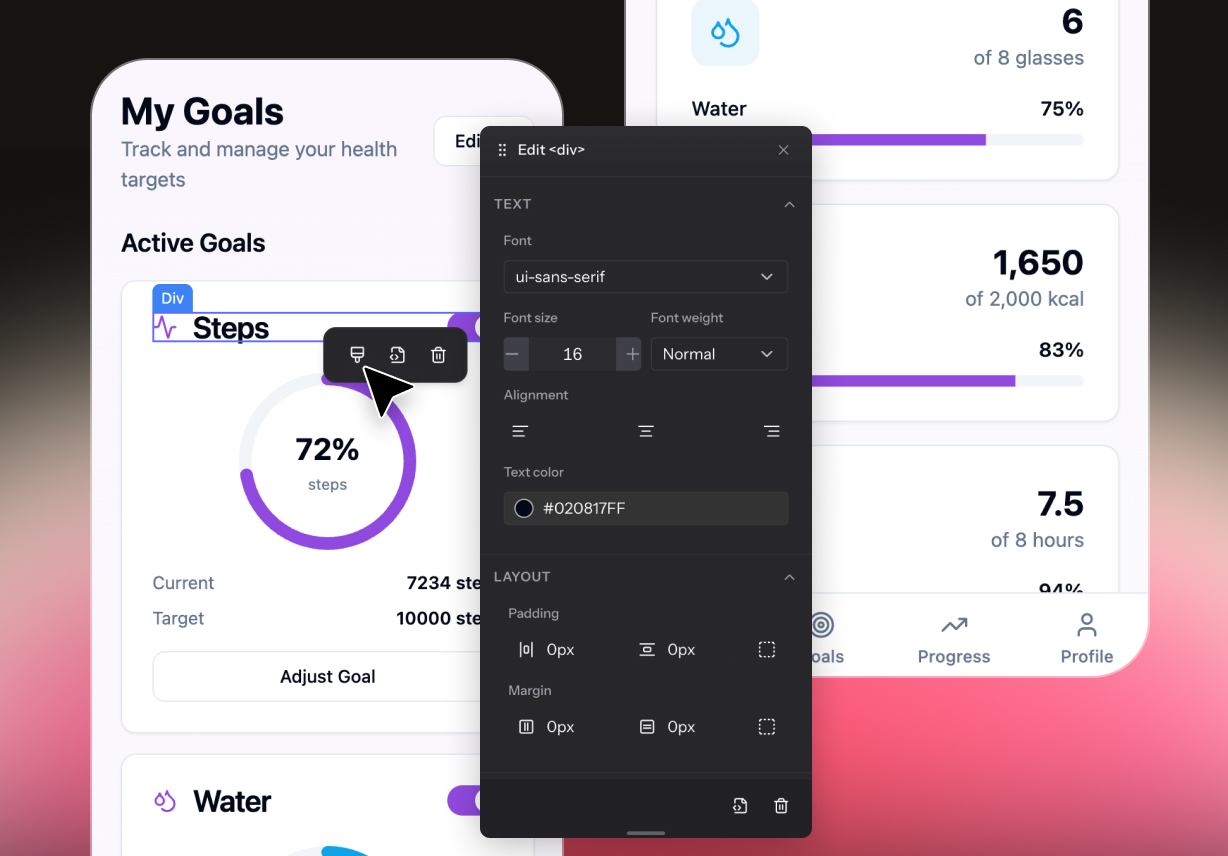
Inspect the current result and describe the next change in plain language. Use each iteration to improve the layout, content, and user flow.
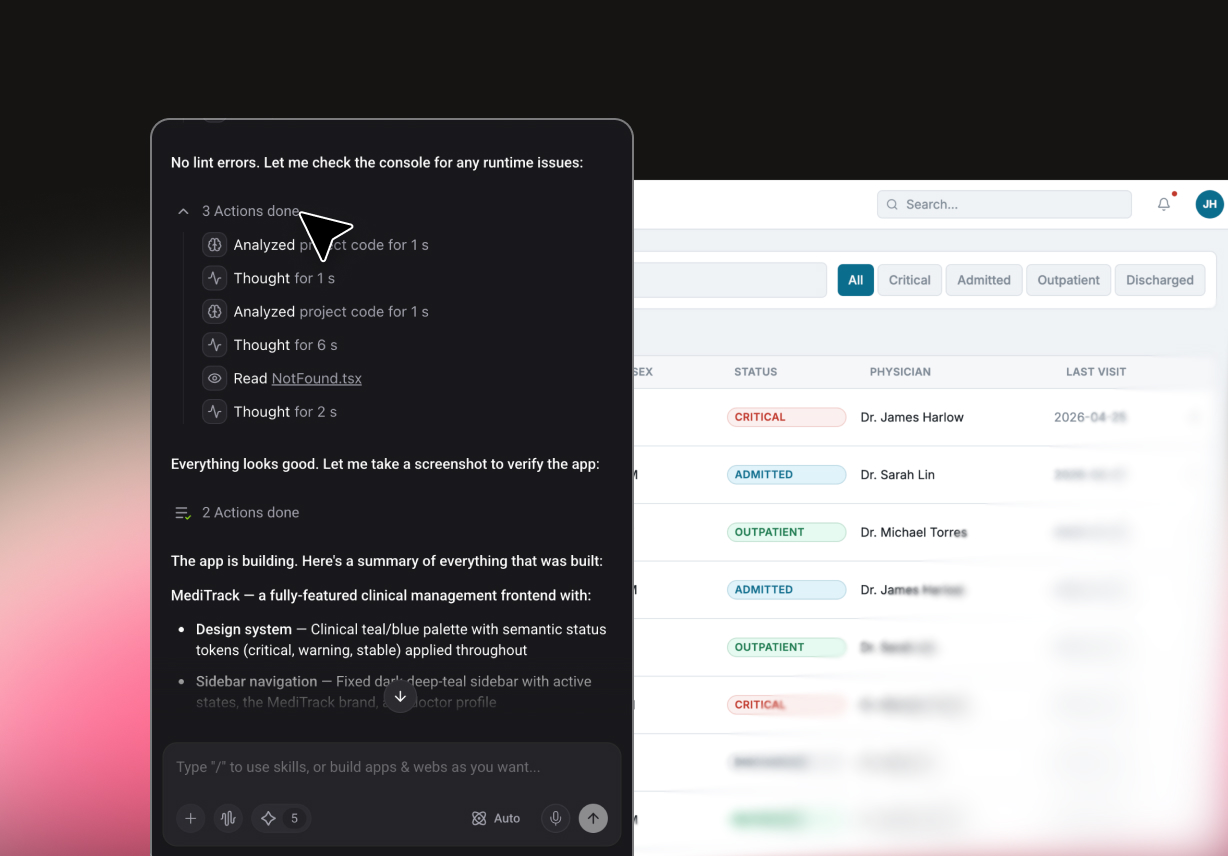
Prepare a browser-based experience that works across common screen sizes. This AI web app builder does not create native App Store or Google Play packages.
Use the same building workflow for prototypes, internal tools, and customer-facing web experiences.

Use the AI app creator for an assistant, content tool, or model-powered workflow. Describe the input, output, controls, and result history you need.

Prototype product lists, filters, detail pages, carts, and account screens in one responsive flow.

Turn lessons or practice ideas into quizzes, study dashboards, and interactive resources. Define the learner journey and feedback before the first generation.

Use the AI app maker to turn a product concept into a testable web experience. Build the essential pages first, then refine the flow around real feedback.

Prototype forms, dashboards, trackers, and approval interfaces for internal teams. Describe user roles and required actions before generating the first version.

Create browser-based tools for text, images, video, or guided user interactions. Specify what users provide and what the app should return.
"I was looking for the best free AI app builder to test a product idea before hiring developers. Enter Pro helped me turn a rough concept into a usable web app draft quickly. Honestly, it is not magic, but it made the first version much easier to build."

Emily Carter
Startup Founder
"As a no-code AI app builder, it works well for mapping pages, user flows, and basic product logic. I could describe what I wanted and get a structured app output to refine. For early product validation, that saved our team a lot of planning time."

Daniel Kim
Product Manager
"I compared tools like Lovable AI app builder, Base44 AI app builder, and other app builder AI platforms. This one felt more straightforward for creating a simple product prototype without too much setup. The editing process after generation was also easy to understand."

Sophia Martinez
UX Designer
"For clients who want to build an app with AI, this is a practical starting point. The AI-powered app builder helps generate screens, workflows, and basic app structure from plain instructions. I still review everything manually, but it speeds up the first draft a lot."

Michael Lee
SaaS Consultant
"We needed an AI web app builder to create an internal workflow tool. The platform helped us outline forms, dashboards, and automation steps without writing code. For simple business apps, it is a useful alternative to starting from scratch."

Rachel Green
Operations Lead
"I used it as an AI mobile app builder to prototype a small customer-facing app. The AI app builder no code workflow made it easier to explain features and get something visual fast. It is especially useful when you need a clear app concept before moving into development."

Arjun Patel
Mobile Product Lead
Choose a focused starting point for the web app you want to create.
Get clear answers about building, editing, and publishing responsive web apps with Enter.
Describe your idea and use Enter to generate a responsive web app you can refine. Create an account, start with free credits, and publish when your project is ready.
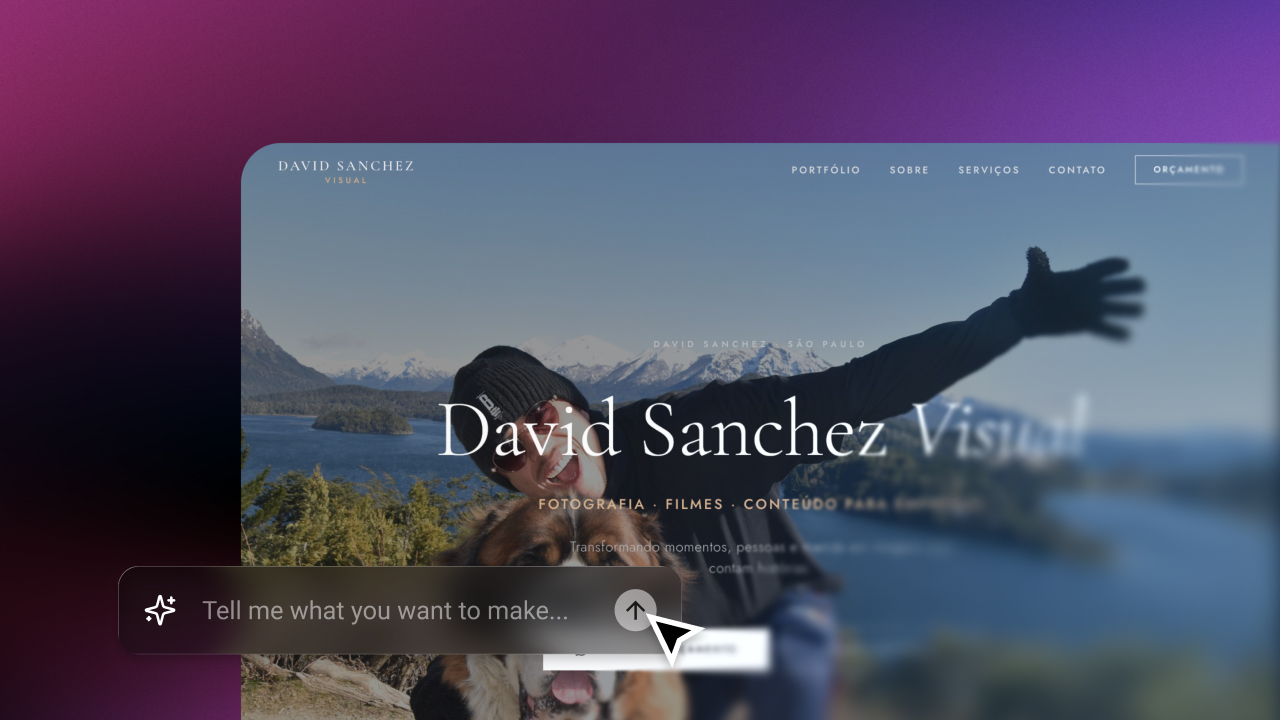
Create a responsive website online from a prompt with Enter’s AI website builder. Customize every page, preview the result, and publish without code.
September 24, 2026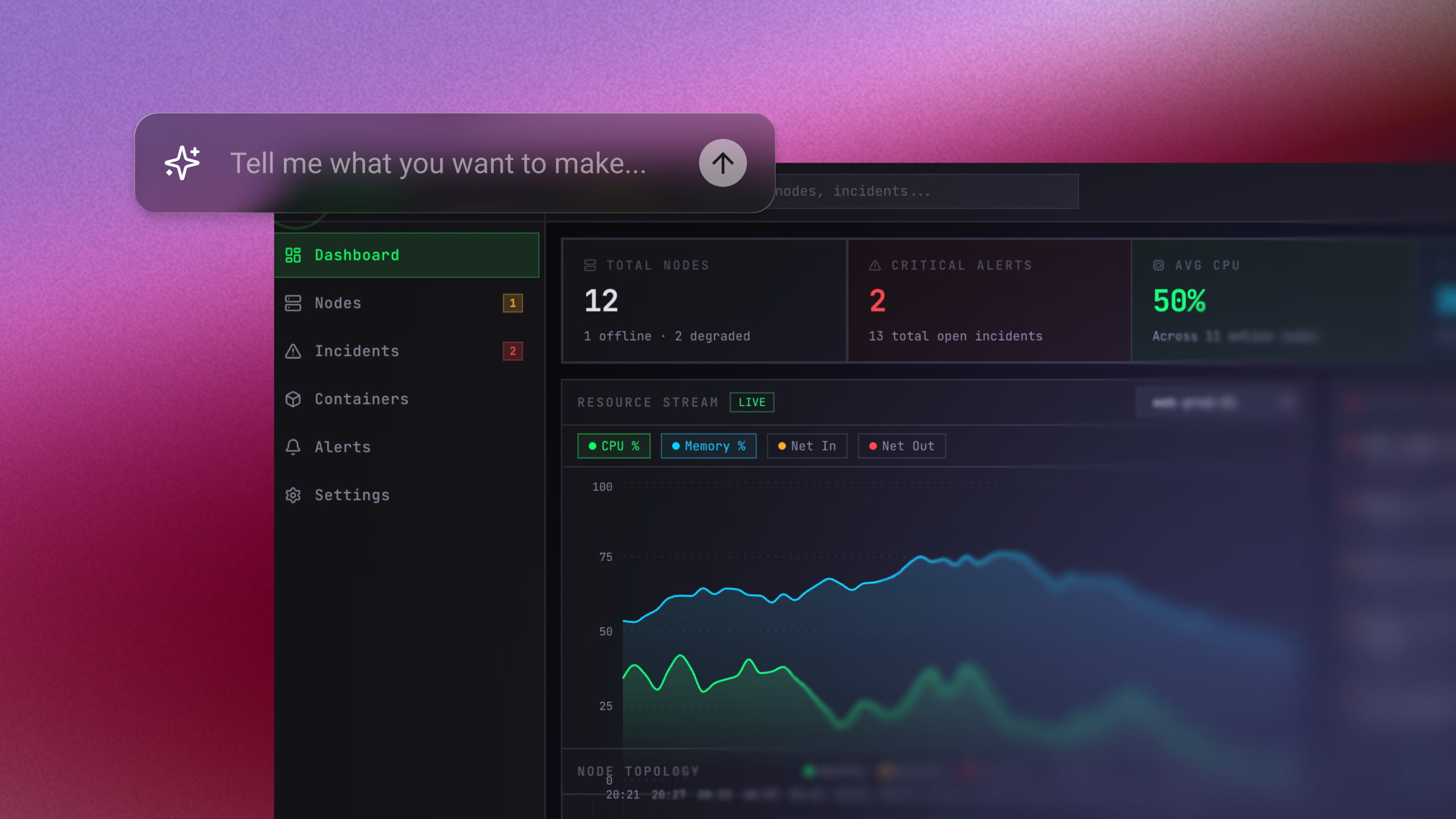
Build a working full-stack MVP in days—no code required. Just enter a single prompt and let AI do the rest. Join 10,000+ founders building for free today.
September 20, 2026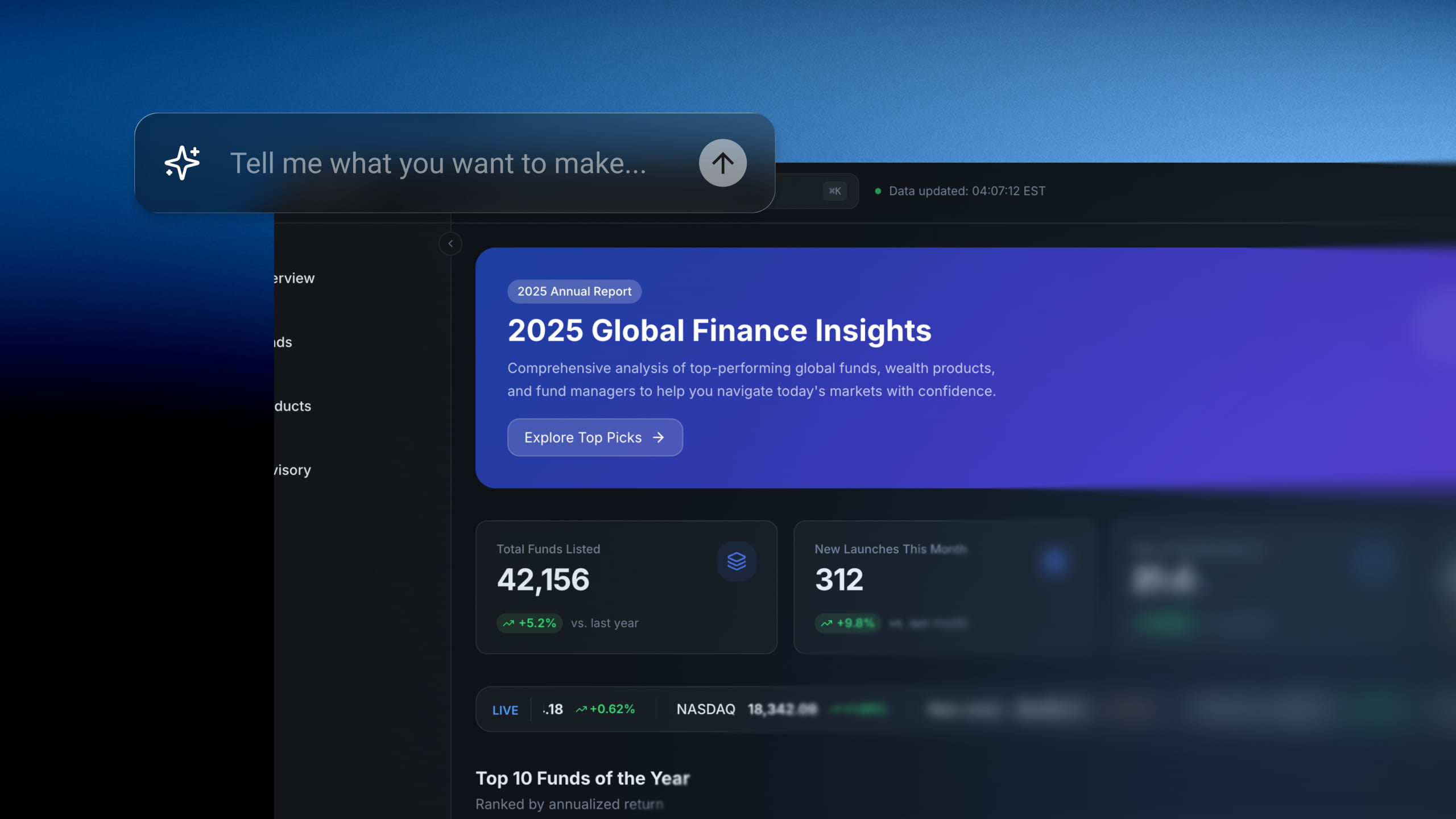
Skip tedious setup times. Describe your internal dashboard or workflow and watch Enter Pro generate it in minutes. No SQL, no widgets to configure.
September 20, 2026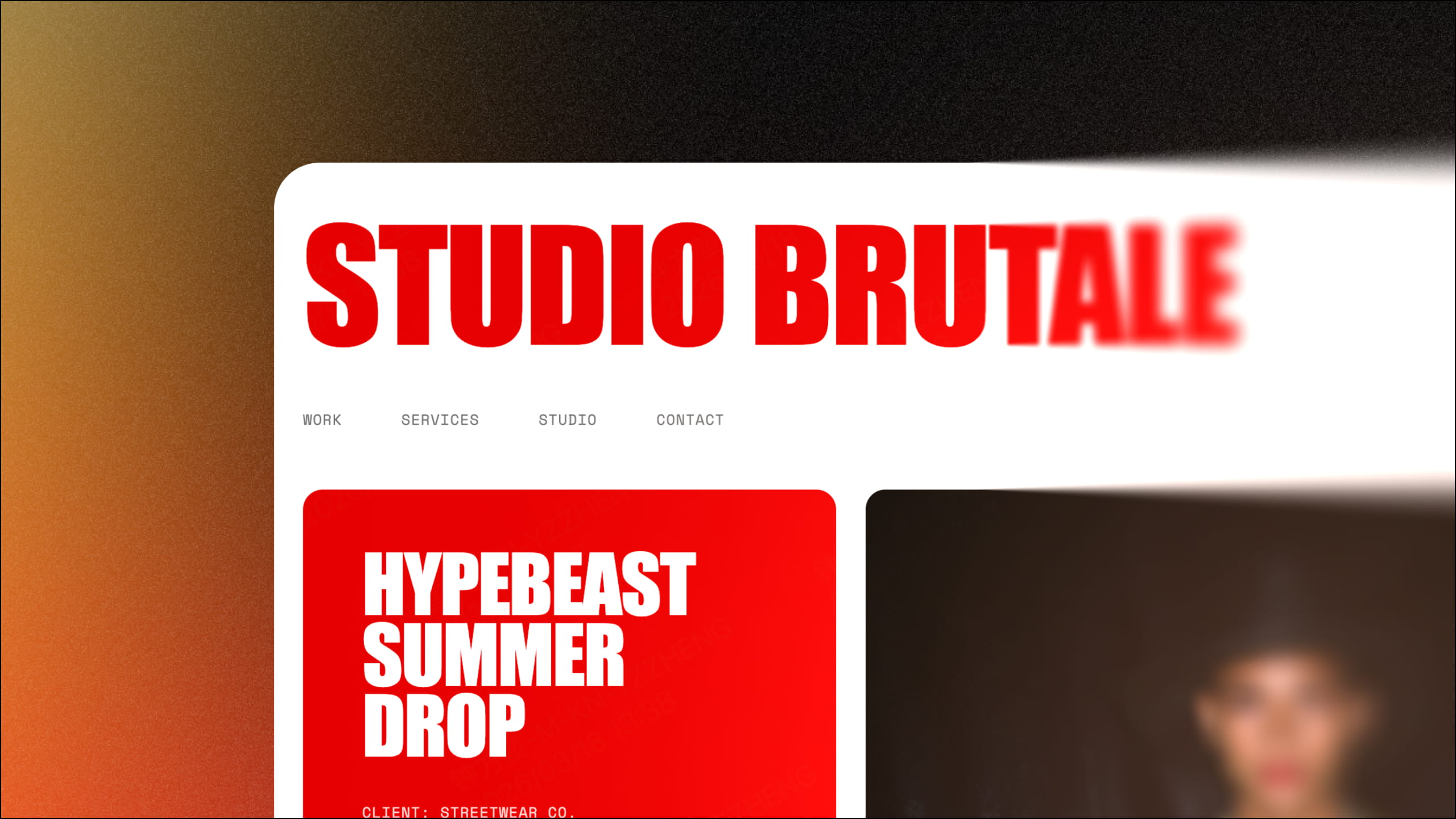
Looking to build the perfect portfolio website for your brand? Discover how Enter helps you build a flawless, AI-powered design portfolio in no time.
September 20, 2026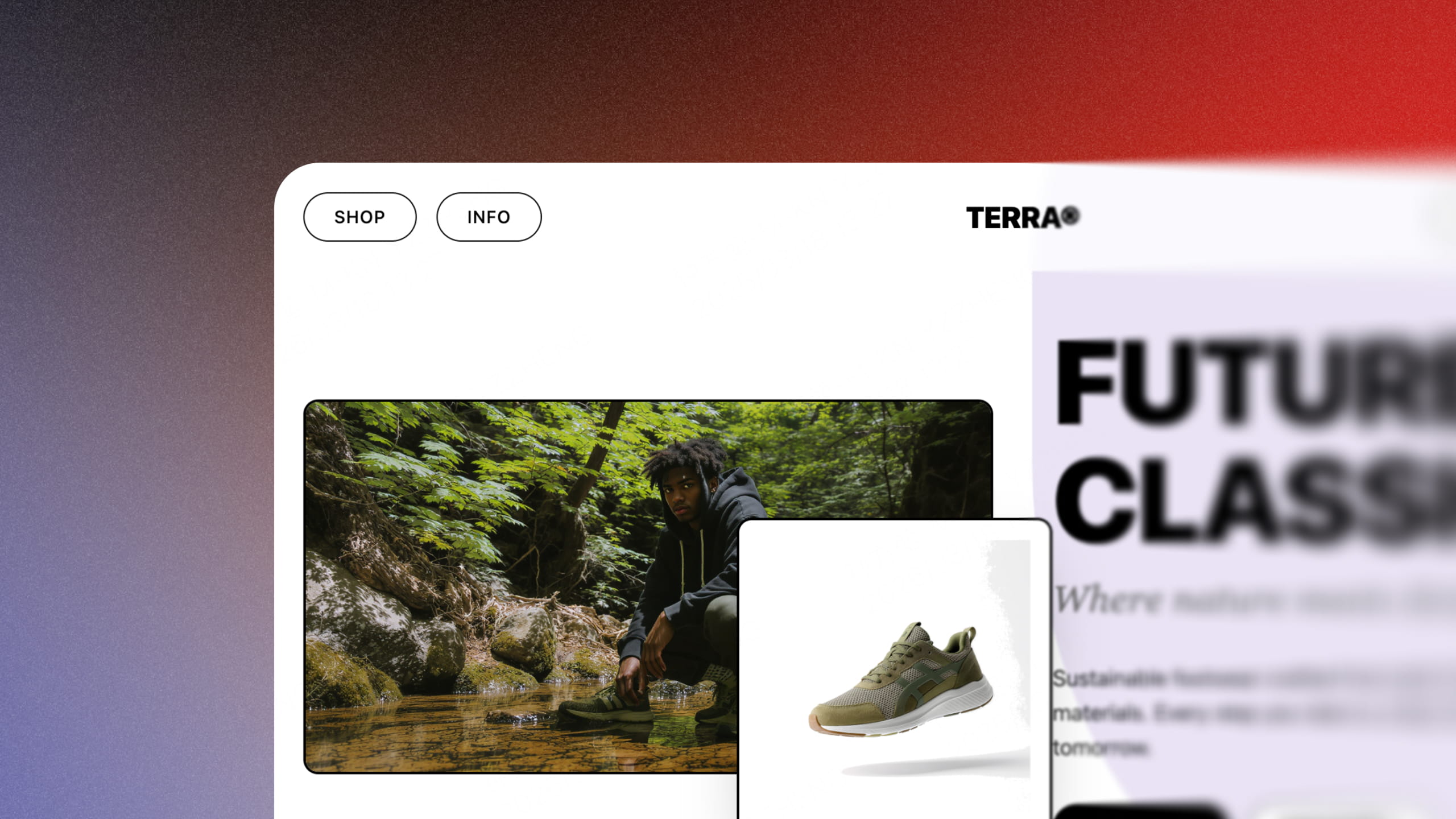
Turn your concept into a high-converting storefront in seconds. Experience how Enter Pro leverages AI to transform your business vision into reality.
September 20, 2026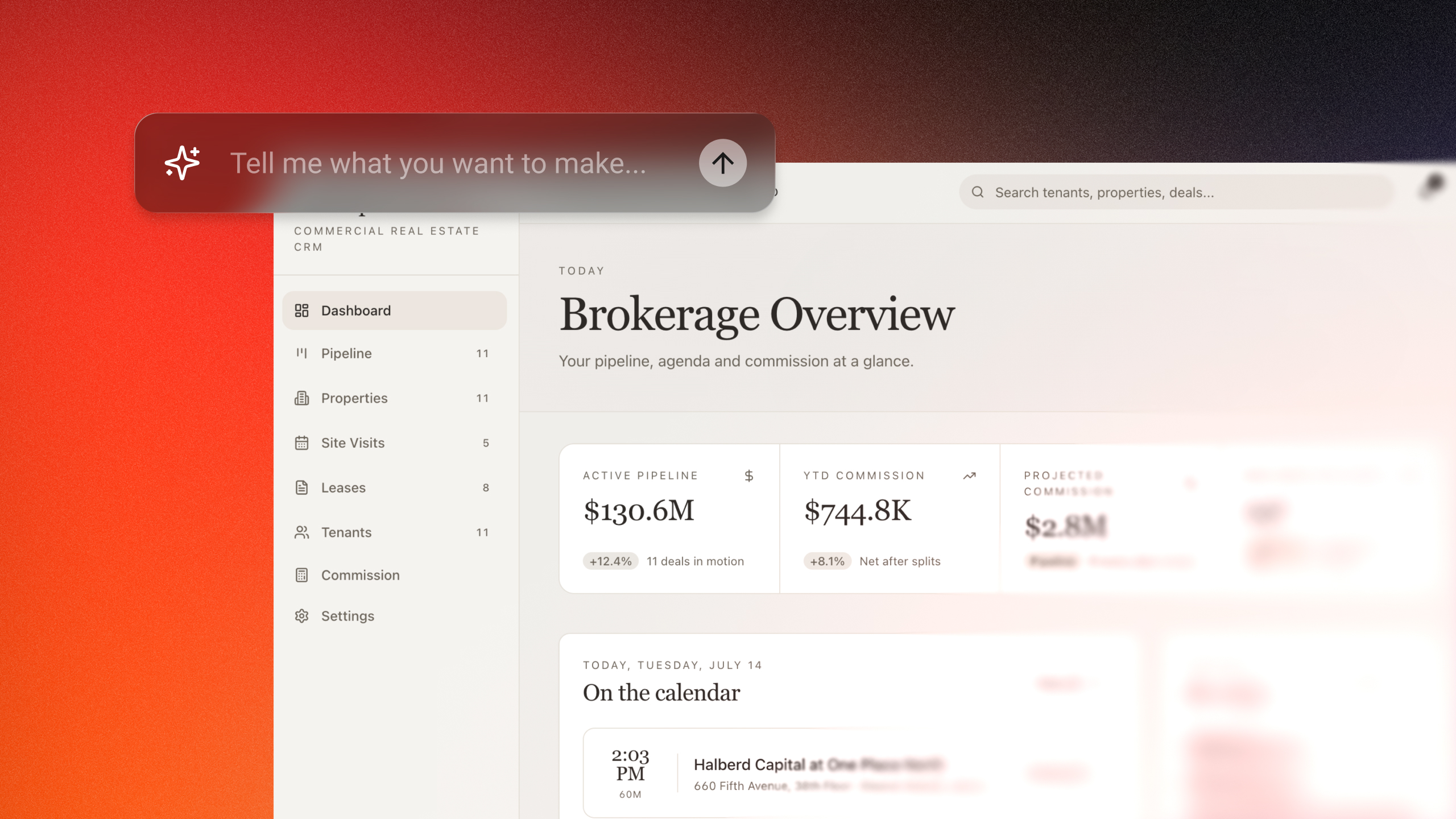
Build custom CRM software without coding using Enter Pro AI CRM builder. Create customer databases, workflows, dashboards, and automations in minutes.
September 20, 2026