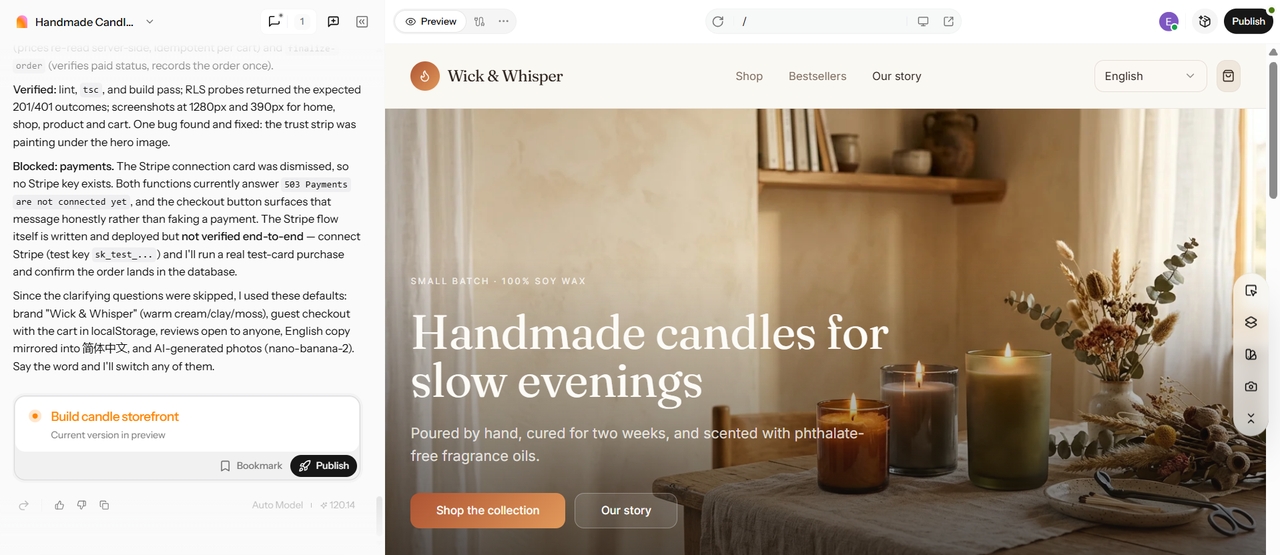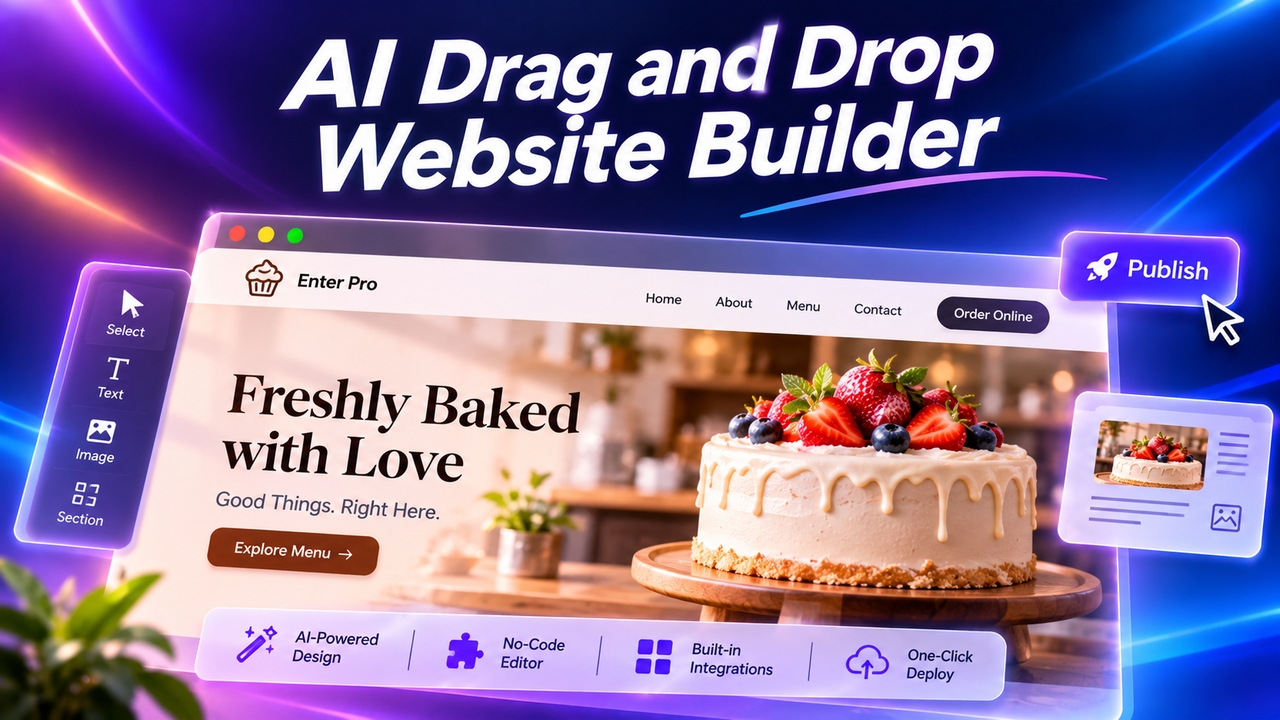





AI Ecommerce Website Builder: Build Your Store by Prompt

Describe your store, and Enter Pro, an ecommerce website builder, generates the catalog, cart, and checkout. Edit visually, then publish.

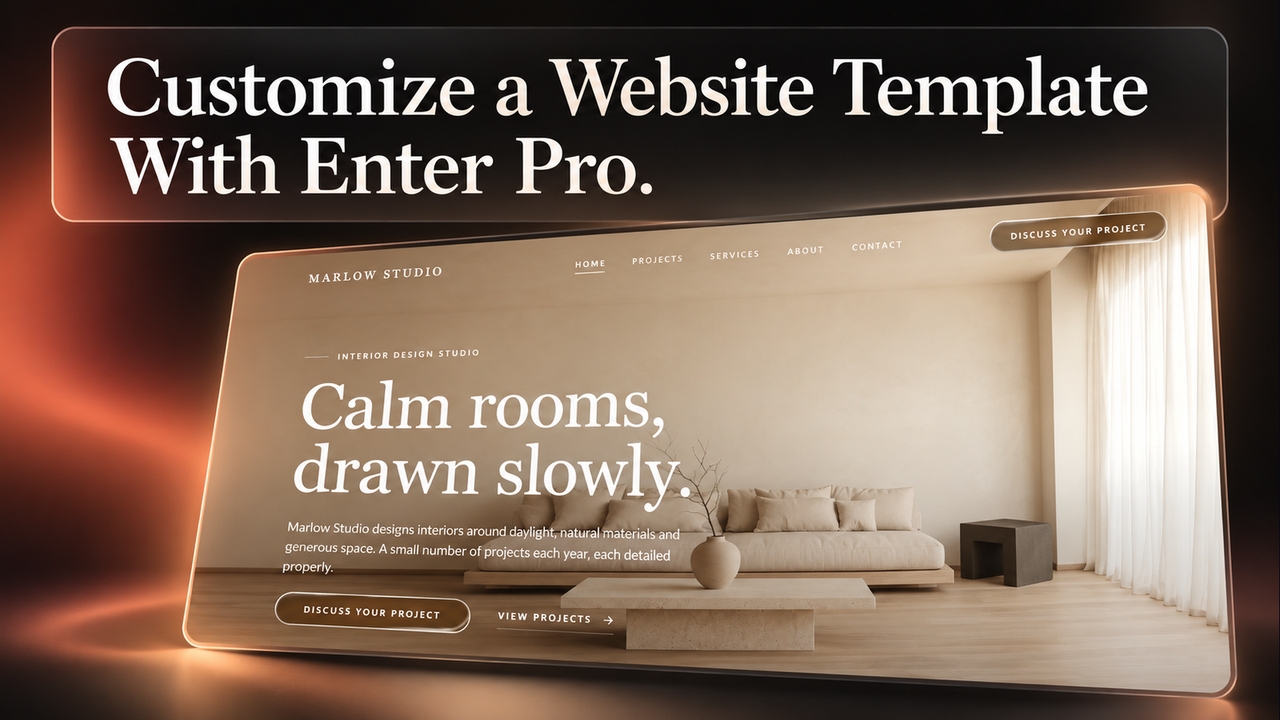
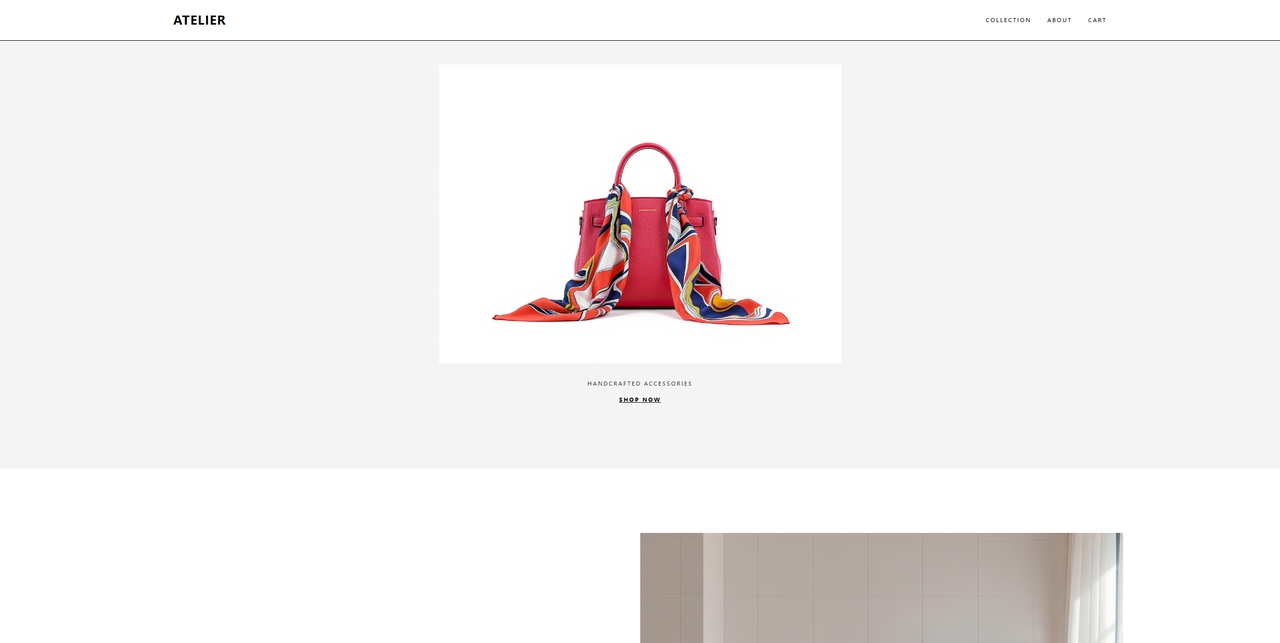
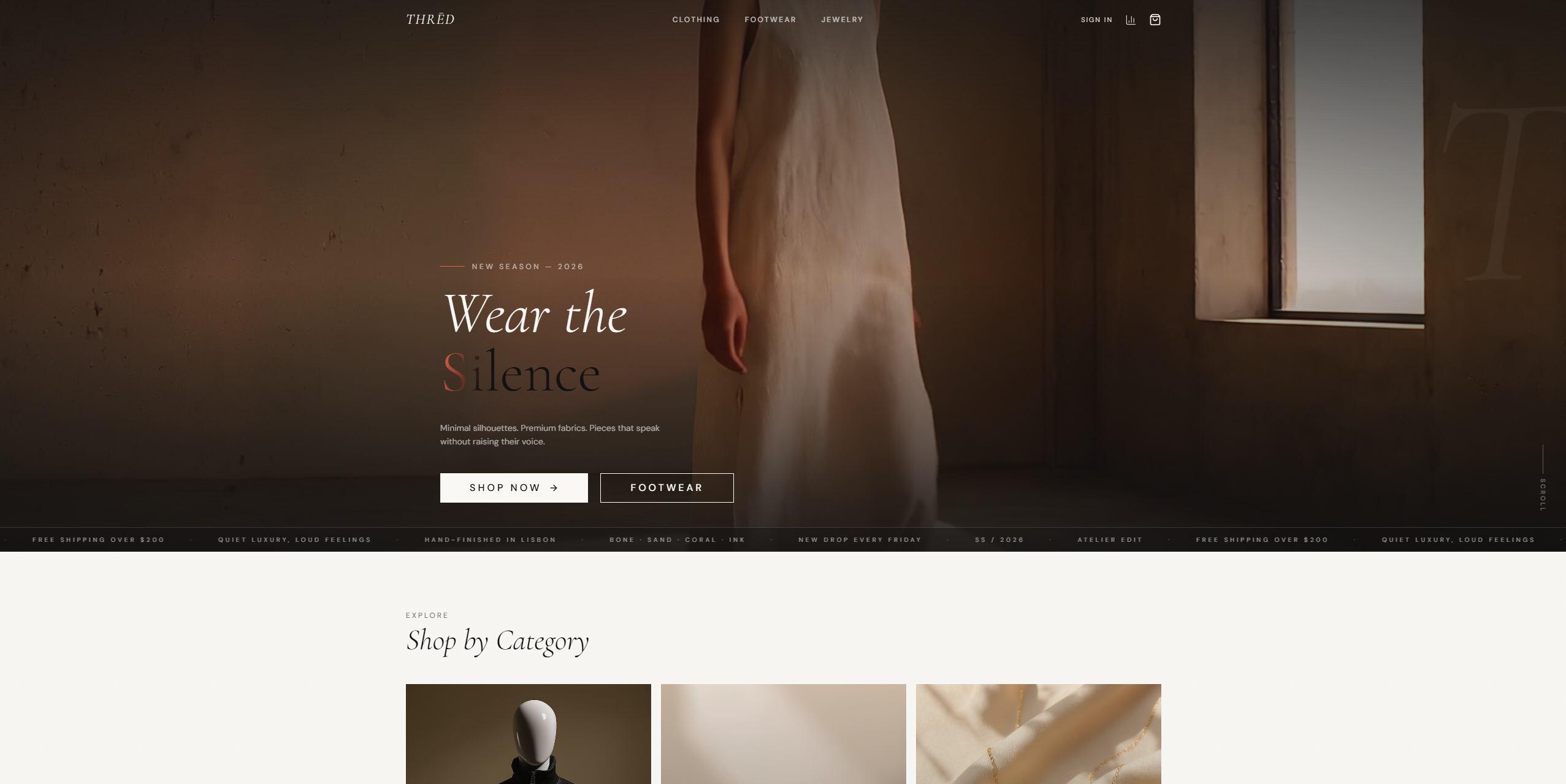
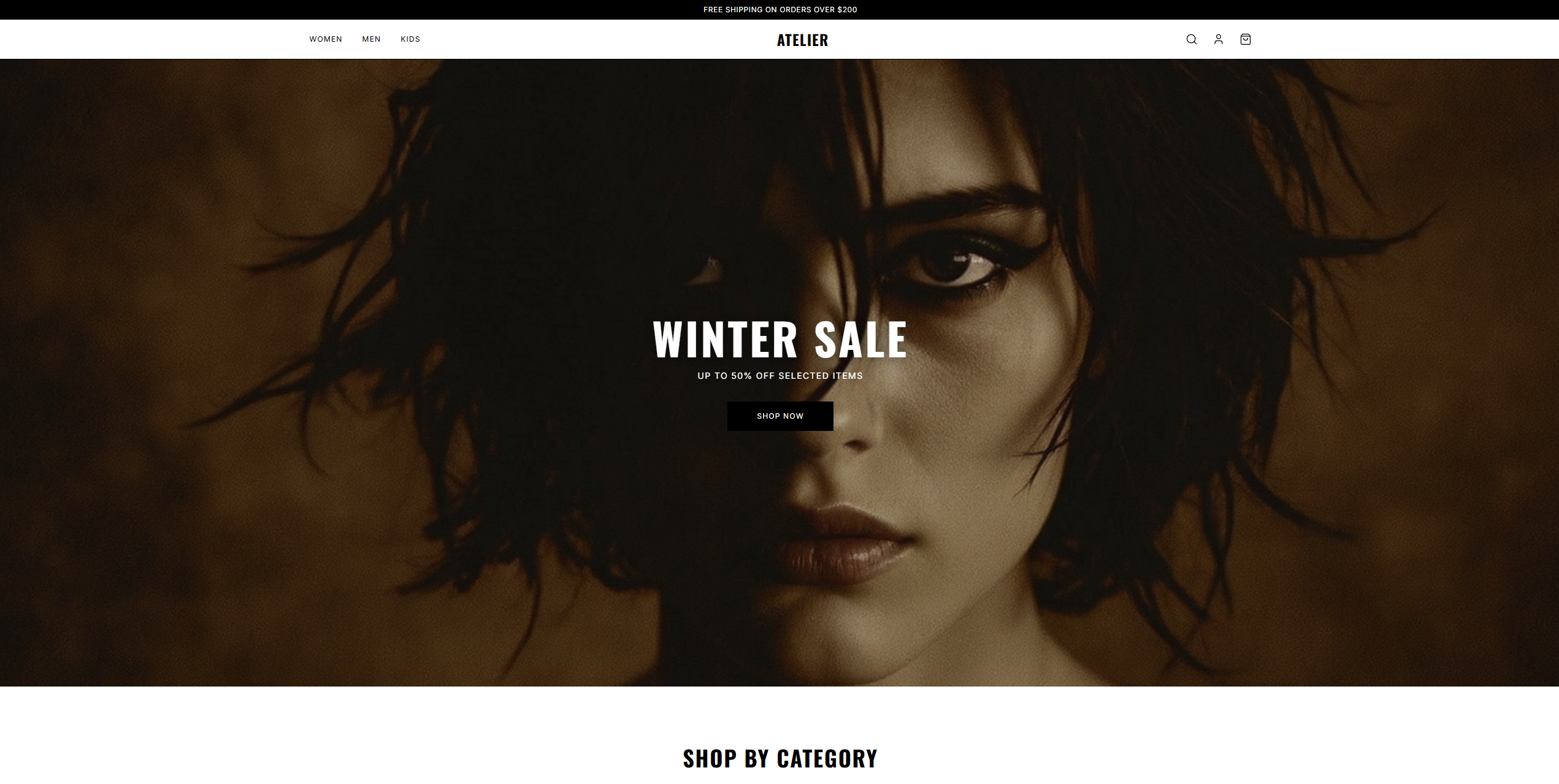
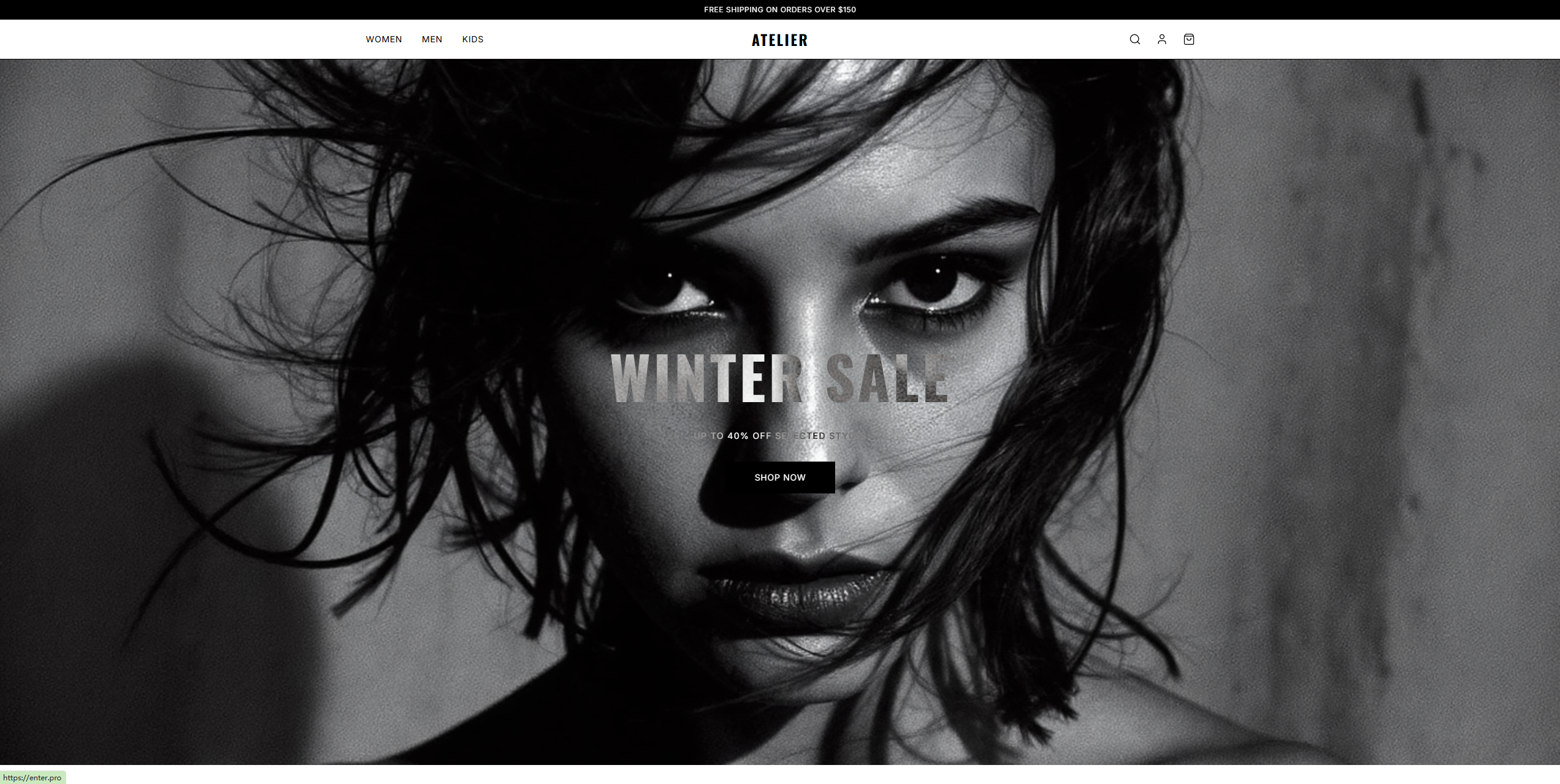
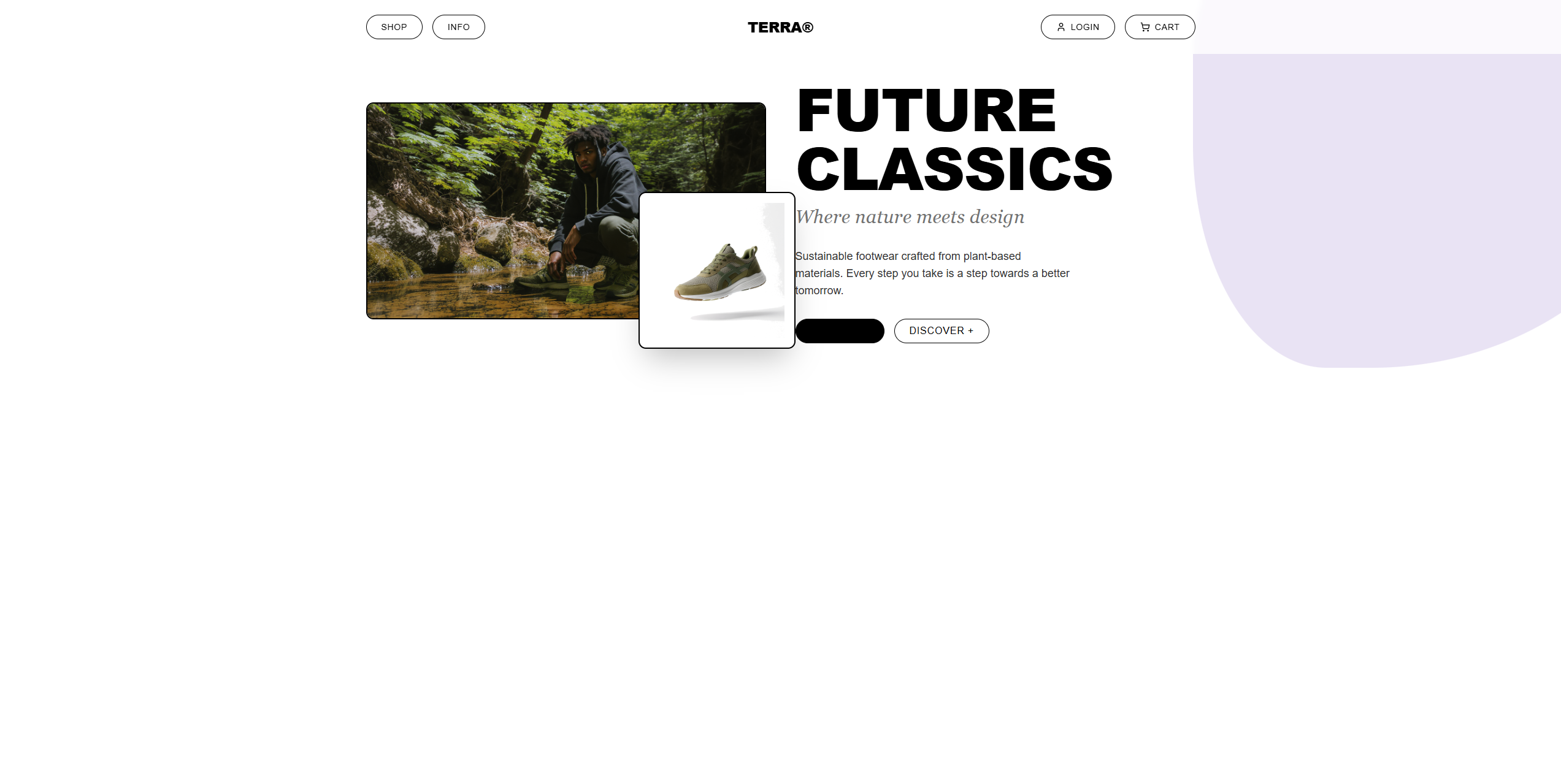
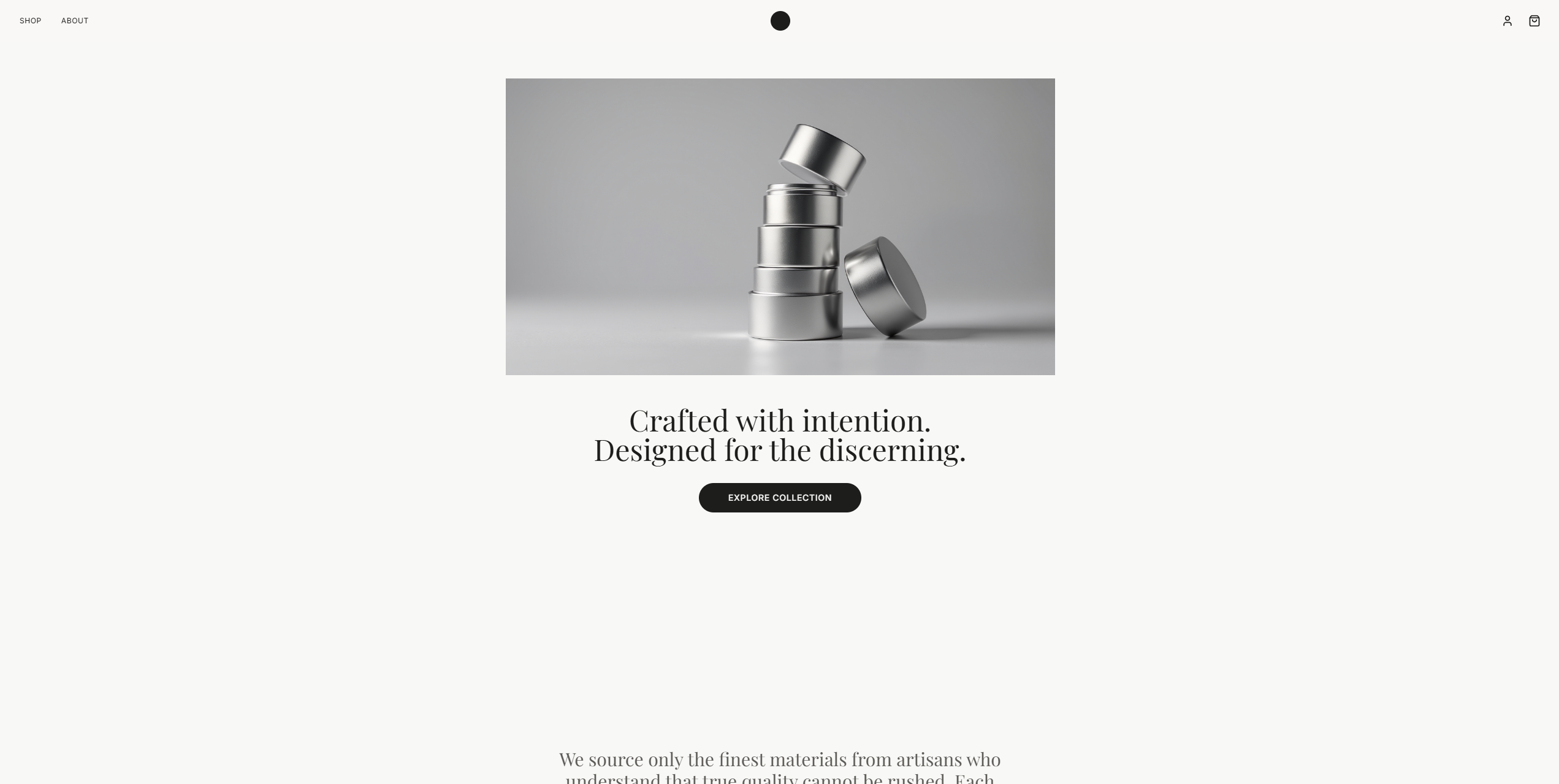
Start with a Premium Template

1777338452368-20260428-090723
1777338478061-20260428-090749
1777338515509-20260428-090822
1777338543559-20260428-090855
1777338452368-20260428-090723
1777338478061-20260428-090749
1777338515509-20260428-090822
1777338543559-20260428-090855
1779106780049-3b5fa61f-78df-4594-aa87-6454b39609a8
1779106838535-78d25bc7-c339-4d58-a78d-6f3f90eaa500
1779106874525-401a769c-6362-4254-af2c-d514203c046d
1779106926844-dc0acbfb-5a64-4b13-a7e0-195f7d1aaad7
1779106780049-3b5fa61f-78df-4594-aa87-6454b39609a8
1779106838535-78d25bc7-c339-4d58-a78d-6f3f90eaa500
1779106874525-401a769c-6362-4254-af2c-d514203c046d
1779106926844-dc0acbfb-5a64-4b13-a7e0-195f7d1aaad7
1779107211660-6c2580c0-b536-4871-9990-67b67e18b049
1779107229287-b1e28d40-c1bf-458e-907a-87dc61cfb91e
1779107255177-d18a5890-1355-45ee-b4b6-0d3493c592b7
1779107241985-d18a5890-1355-45ee-b4b6-0d3493c592b7
1779107211660-6c2580c0-b536-4871-9990-67b67e18b049
1779107229287-b1e28d40-c1bf-458e-907a-87dc61cfb91e
1779107255177-d18a5890-1355-45ee-b4b6-0d3493c592b7
1779107241985-d18a5890-1355-45ee-b4b6-0d3493c592b7

Core Power Behind the Next-Gen Ecommerce Website Maker

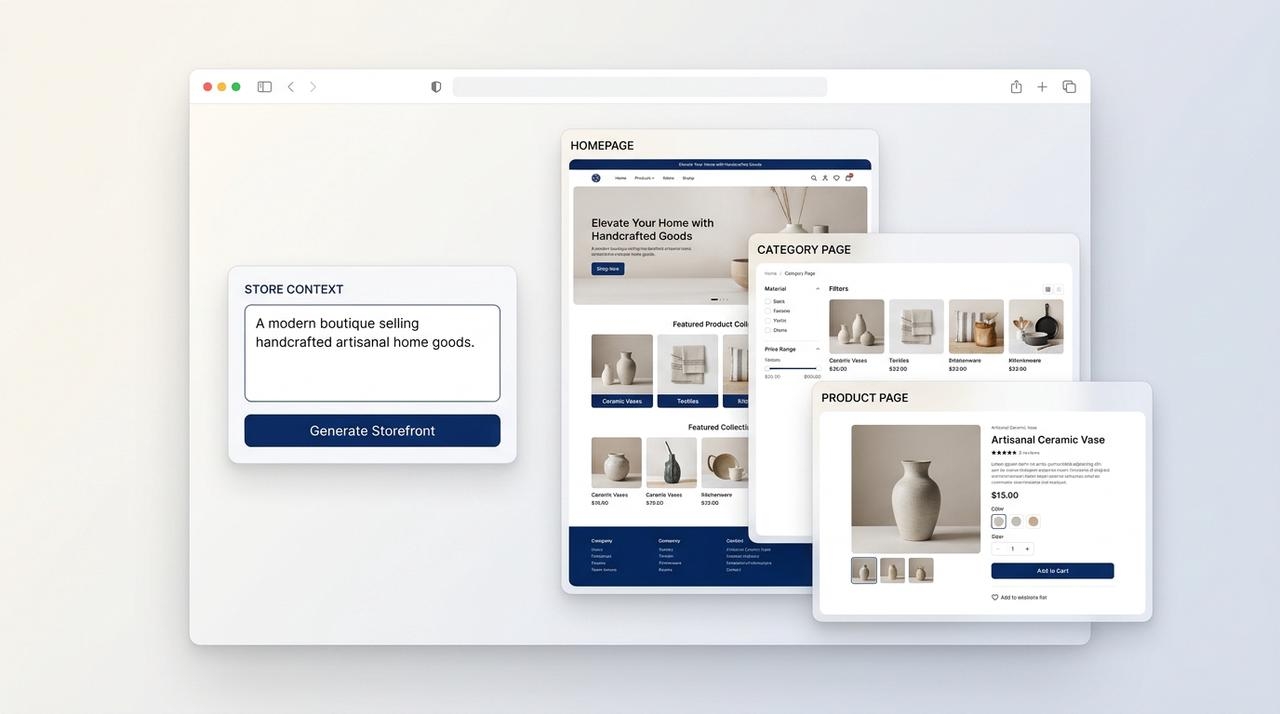
AI-Powered Store Design

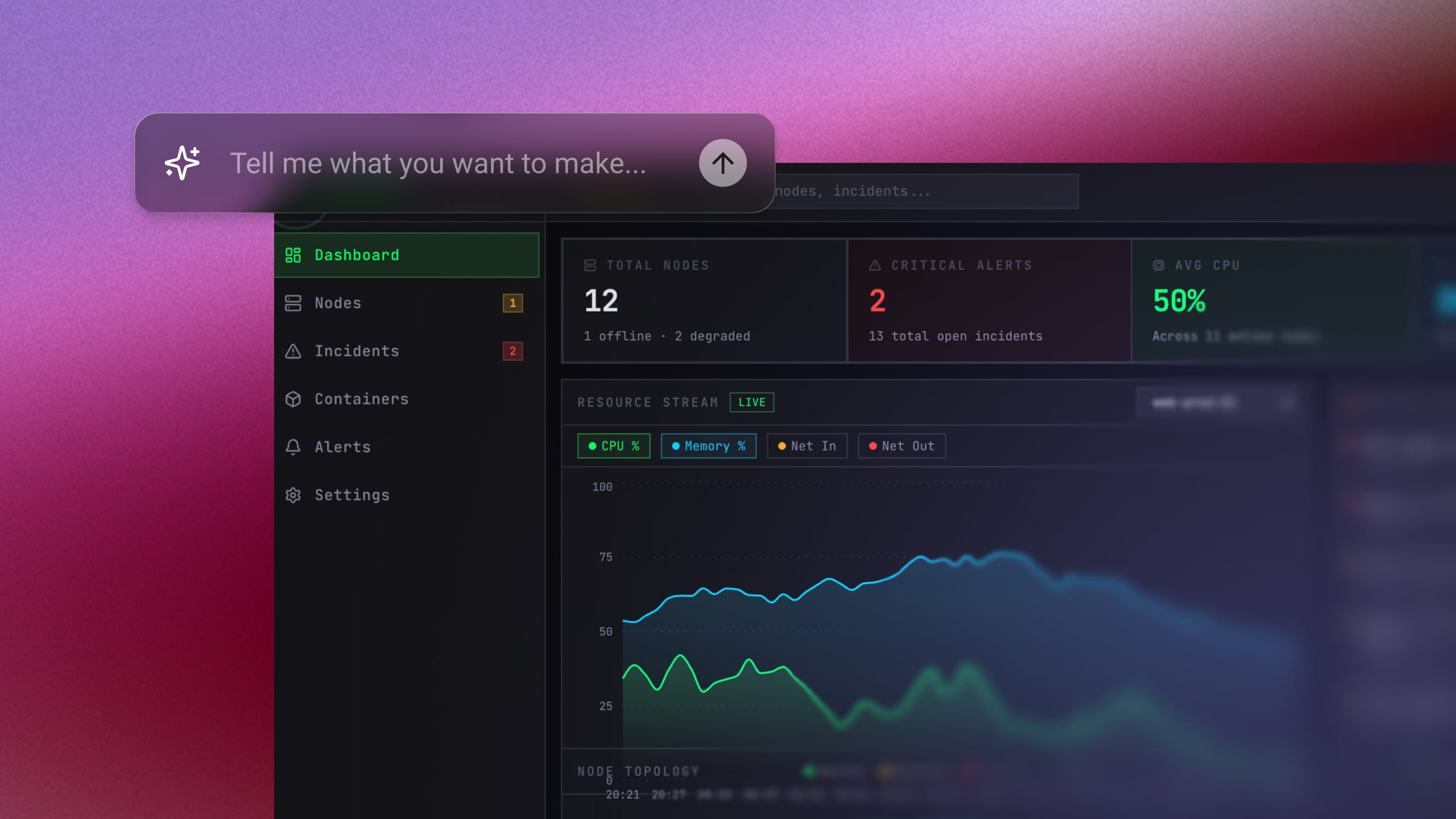
Building a store from scratch means juggling product pages, category sections, and a homepage that all have to work together. Enter Pro handles that for you. Type a few lines about what you sell, and it generates the store layout. You get a full draft to refine, not a blank canvas.

Start for free
AI-Powered Store Design
Responsive Design

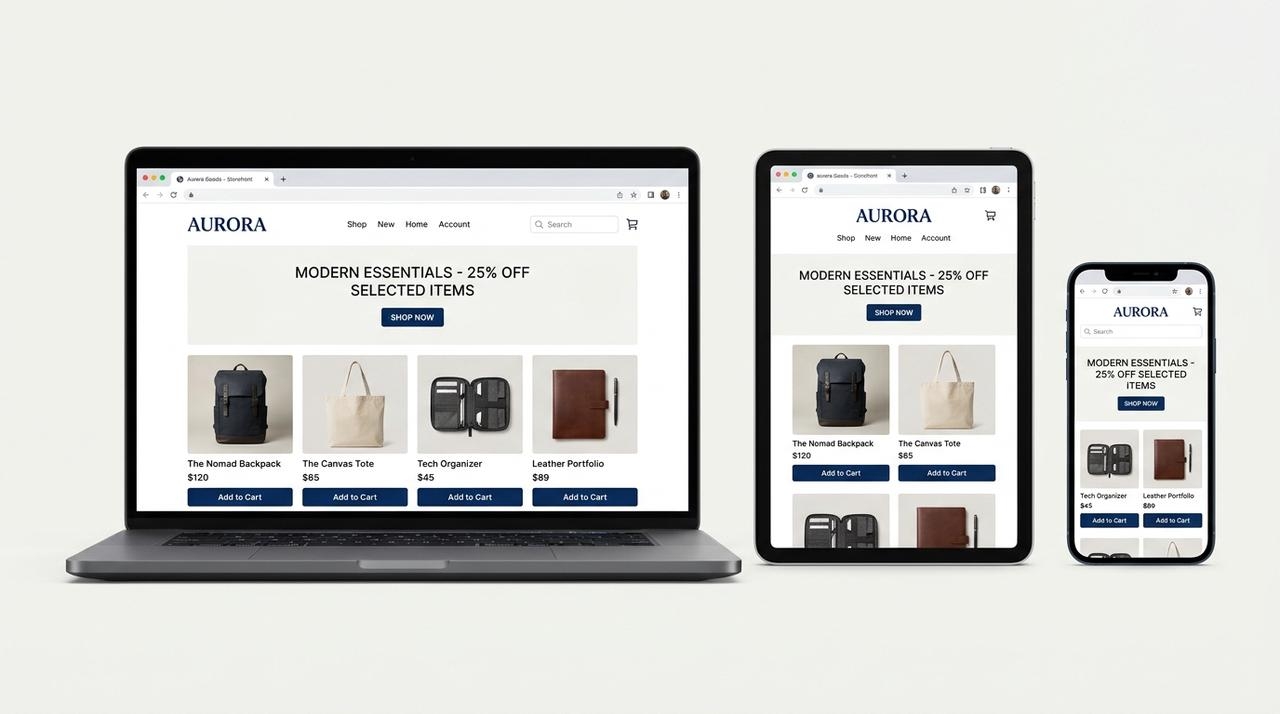
Responsive Design

Shoppers use phones, tablets, laptops, and big monitors. Your store has to look right on all of them. Responsive support keeps images, links, buttons, and banners clear on every screen size. That makes your storefront feel ready for real shopping behavior. Check each size before you publish.

Try Enter now

Cloud Hosting & Backup

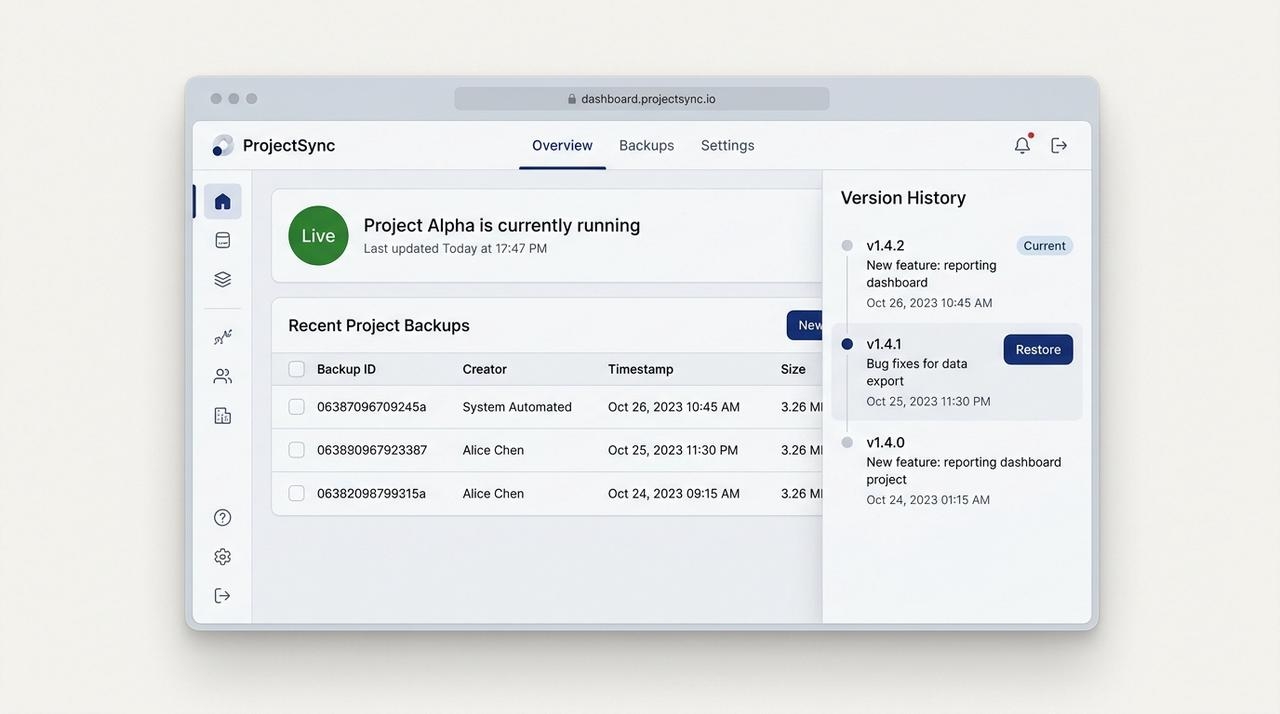
A live store needs a stable home. Cloud hosting keeps yours online. Backups protect your progress. Version tracking makes updates safer, which matters when you change prices, banners, and products often. You can publish with more confidence because the past version is never far away.

Start for free
Cloud Hosting & Backup
Real-Time Collaboration

Real-Time Collaboration

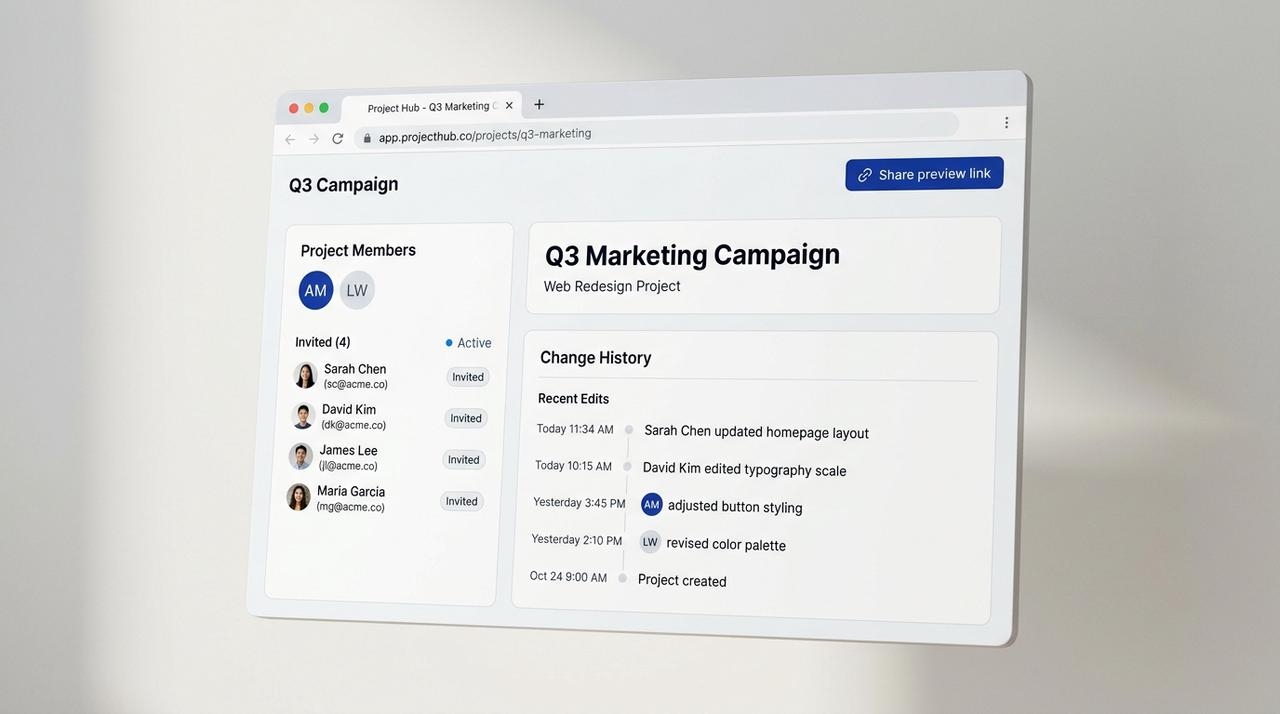
Few stores have just one person behind them. Send a preview link to a co-founder. Work through GitHub. Invite specific members. Check past changes when something looks off. Collaborative coding keeps reviews, feedback, and progress in one place.

Try Enter now

More Smart Tools to Help Grow Your Online Business

Launching is step one. Growing is the job. These tools cover daily work.

Customizable Design

Customizable Design

Your store should look like your brand, not like everyone else’s. Adjust colors, fonts, banners, sections, and product layouts. Want a bold look? Go for it. Want it quiet and minimal? Also fine. You get real freedom for a distinct brand, not a locked theme.

Mobile-Friendly Pages

Mobile-Friendly Pages

Most shoppers browse and buy on their phones. A slow, cramped page loses them fast. Enter Pro helps you build shop pages that stay clear, fast, and easy to use on small screens and on desktop. A good website builder for ecommerce has to get this right.

Multiple Payment Options

Multiple Payment Options

People pay the way they trust. Cards. Digital wallets. Support the common ones, and checkout feels easier for more customers. Stripe handles the payment flow, so you don’t have to wire it up by hand.

Simple Checkout

Simple Checkout

Every extra step costs you a sale. Keep checkout short and easy to follow. Fewer steps help shoppers finish the order, and that gives your store a clear path from browsing to buying.

Order Dashboard

Order Dashboard

Orders pile up fast. One dashboard keeps them in check. Sort by status. Search by customer or order number. Open full details and update progress. Print records. Export to CSV or Excel for accounting and shipping. Daily operations get much easier.

Customer Records

Customer Records

Know who’s buying. Manage customer details, review order history, and check purchase stats. Group customers with tags. Support marketing email activity. Import or export customer data when you need it. Your store runs smoother when you know your repeat buyers.

When to Use a Template and When to Build: 3 Online Stores You Can Make

When choosing an ecommerce website builder for small business, it’s a decision between using a template or building from scratch. Templates are ideal for standard stores, while custom building is better for those needing specific logic. Here are three stores that require custom solutions. For a quicker start, consider using website templates.

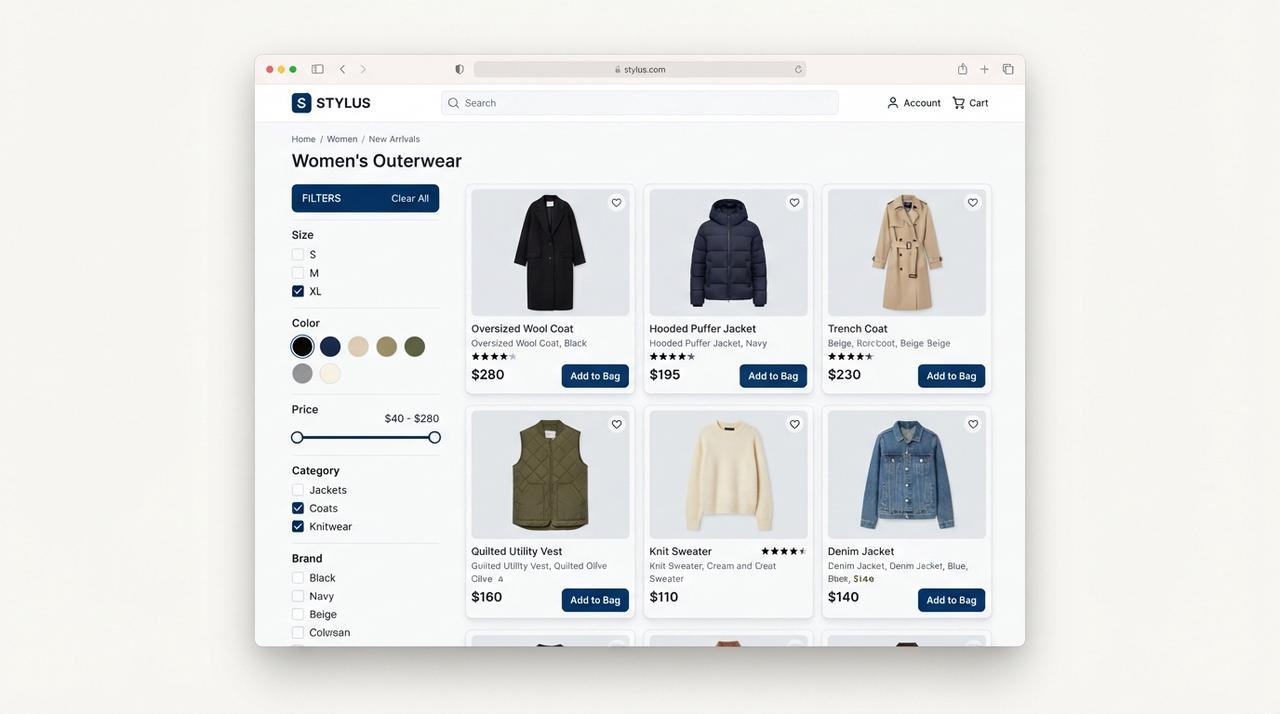
Clothing catalog with size, color, and price filters narrowing the product grid

Case 1: A Clothing Brand Catalog With Filters and Variants

A small fashion label needs shoppers to filter by size, color, and price. A template works fine for a handful of products. It starts to strain once every item comes in five sizes and three colors. Look for real filters, not just categories. Track stock per variant, so a sold-out medium doesn’t hide the whole shirt. Add image zoom on product pages, so shoppers can check the fabric before they buy.

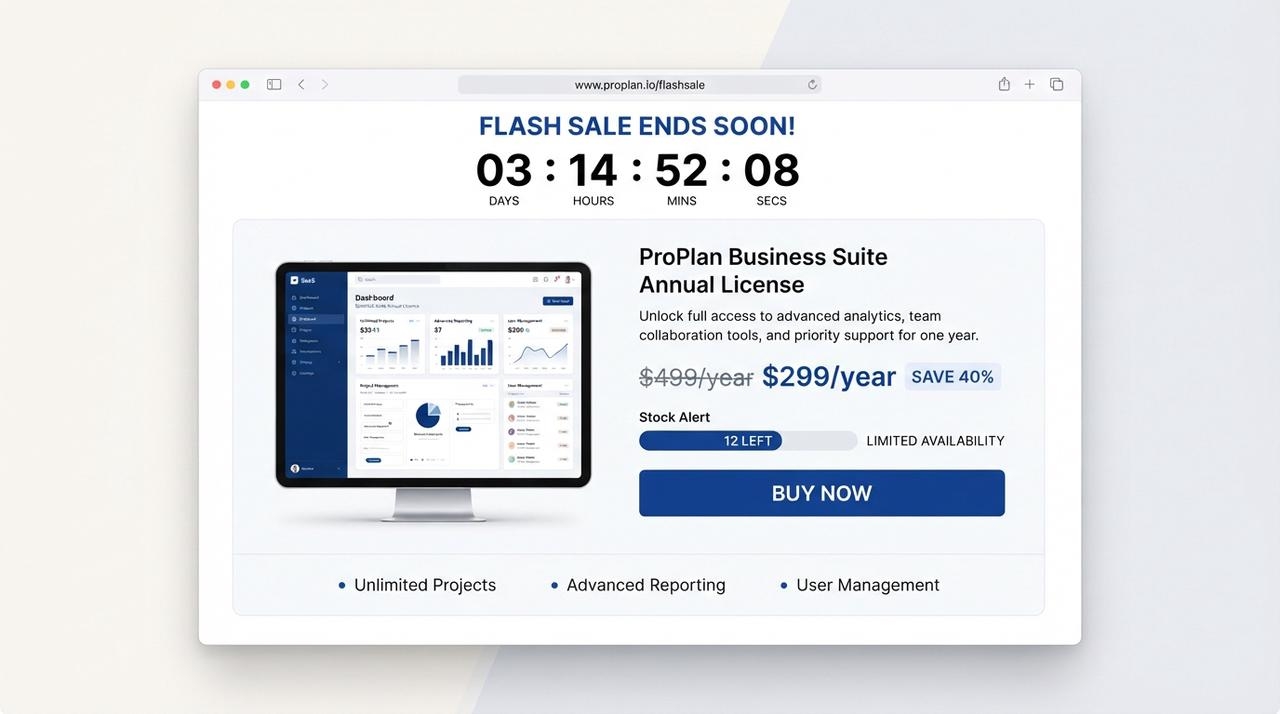
Case 2: A Flash-Sale Store With Stripe Checkout

A seller running timed drops needs a countdown, stock limits, and fast checkout. Basic templates usually struggle here. Countdowns often require an add-on, and stock that doesn’t update per order leads to overselling. You want a live timer and a stock count that drops with every order. Checkout should be short, with cards and digital wallets, so buyers don’t leave mid-drop.

[图片]
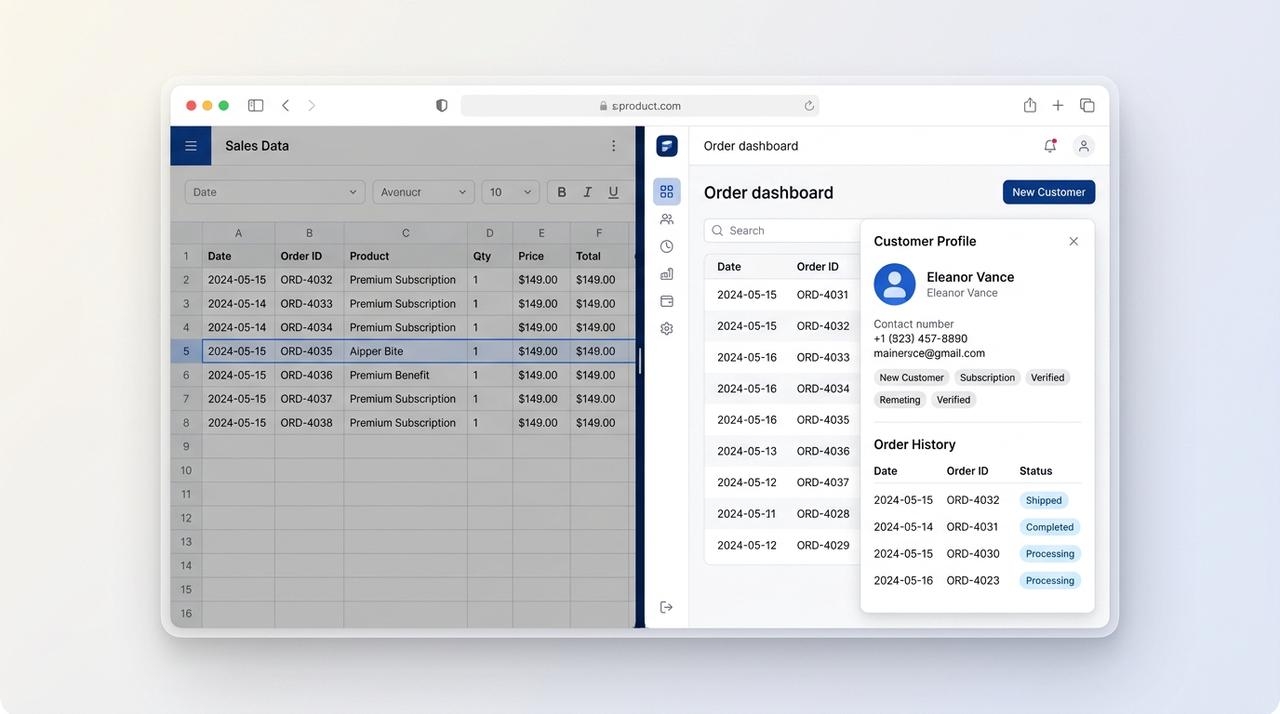
Spreadsheet replaced by a clean order dashboard with a customer card

Case 3: A Back Office for Orders and Customer Records

The storefront is live, but orders and customers sit in spreadsheets. This is where templates fall short most, because a storefront alone doesn’t manage what happens after the sale. You need an order dashboard. You can filter by status and search. CSV or Excel export helps with accounting and shipping. Customer records with tags and order history make repeat buyers easy to spot.

How to Build Your Store With Enter Pro in 6 Steps

Creating a store with Enter Pro usually involves six steps.

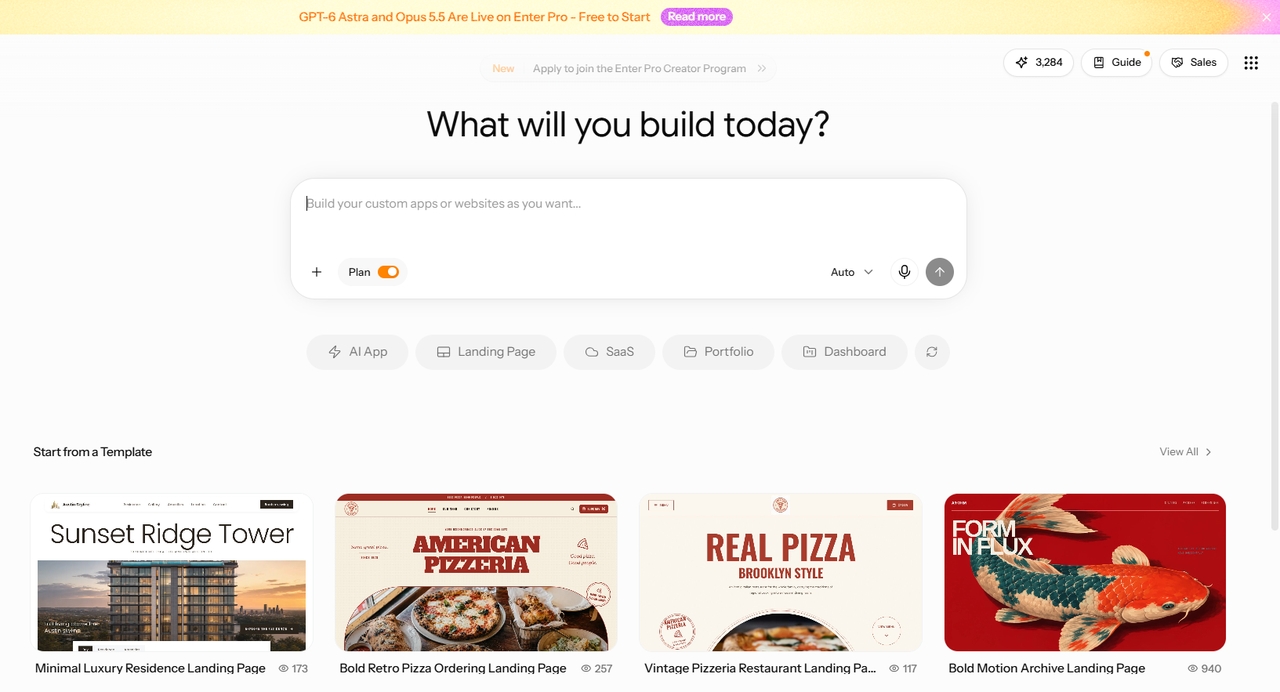
The Enter Pro workspace with templates and a blank project

Open Your Workspace

Head to the workspace. You’ll see premium templates and a blank project. Pick a template if you want a head start. Start empty if you already know what you want. Either way, you’re one click from building.

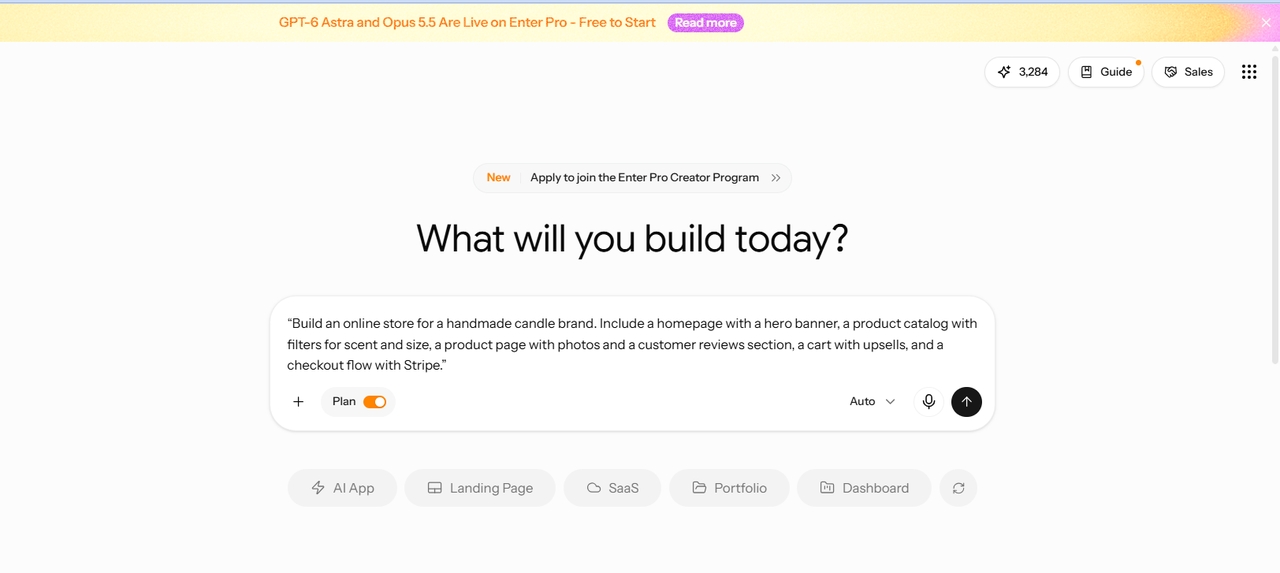
Enter Pro prompt box with that chip typed in

Write Your Store Prompt

Describe the store in plain words. Or tap a chip like “Build a checkout flow with Stripe.” Cover what you sell, which pages you need, and how customers pay. The more detail you give, the closer the first draft lands.

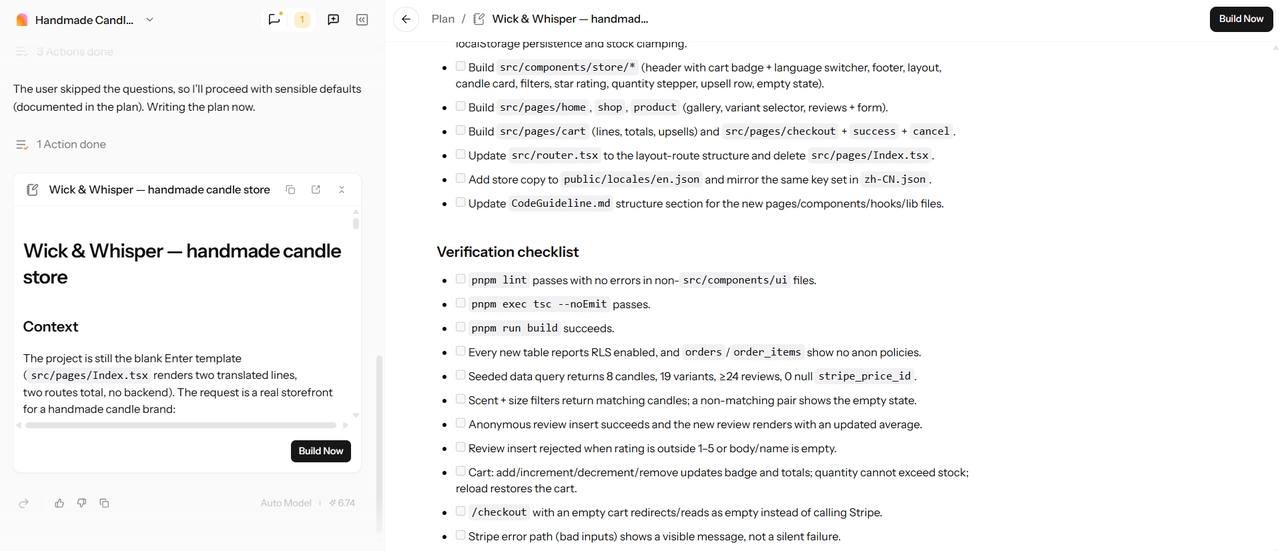
The Plan view shown before building the store

Review the Plan And Click Build Now

Enter Pro shows a plan before it builds. Read it thoroughly. If a page is missing or a feature is off, fix it now. A quick edit here saves you a rebuild later.

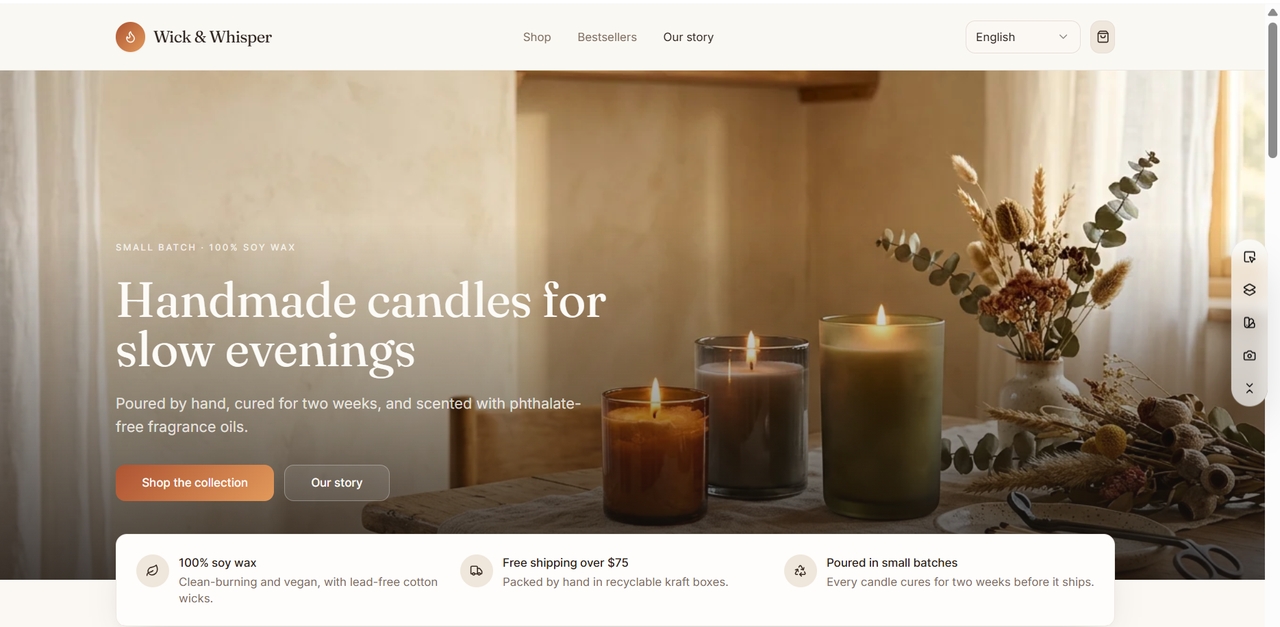
The first preview of the generated store

Let AI Generate the Store

Watch the build run. The first preview shows up fast. Click through it as a shopper would. Check the layout, the product pages, and the path to checkout.

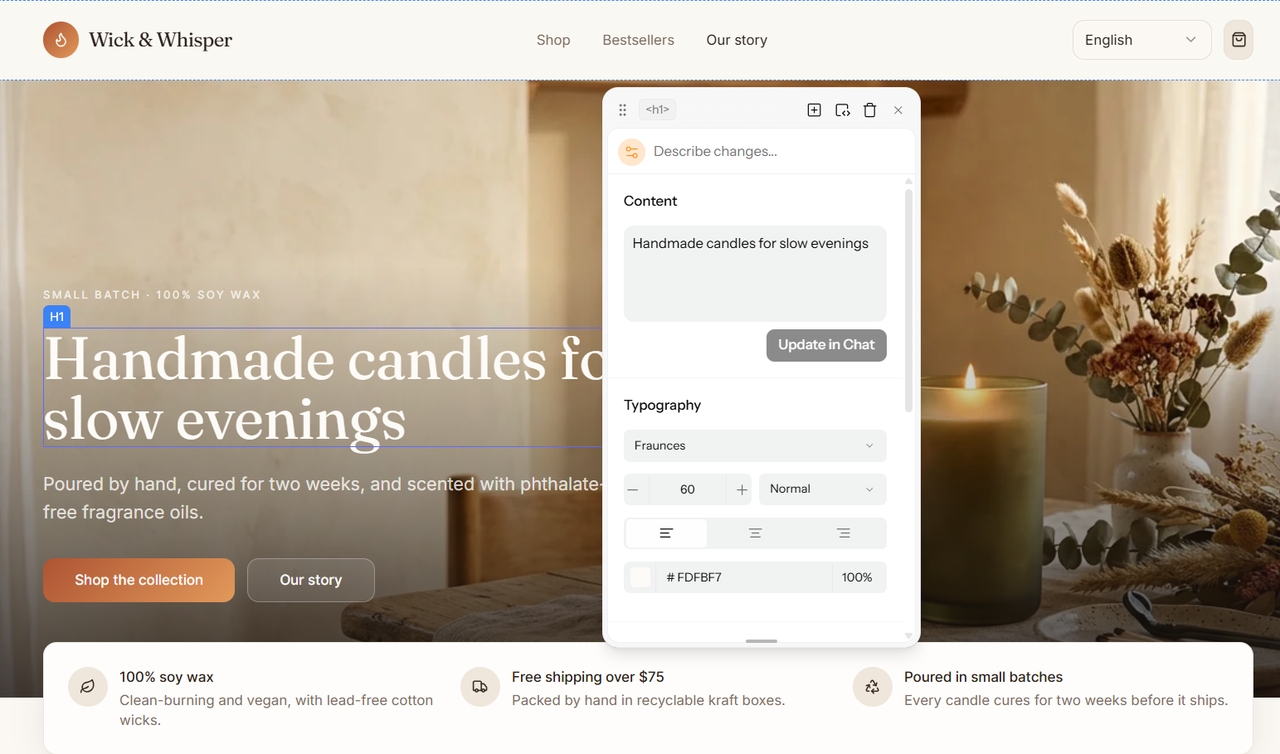
Enter Pro Visual Editor in use

Customize in the Visual Editor

Click a banner or product card right on the canvas. Change text, colors, and layout. No code needed. Tweak until it looks like your brand, not a template. The visual editor does the work.

The Publish action on Enter Pro

Connect Payments and Publish

Set up Stripe so you can take payments. Then hit Publish. Your store gets a live URL you can share right away. Do one test order first, so you know checkout works.

Checkout, Orders, and Real Backends for Your Online Store

A store that looks good isn’t enough. It has to take payments, track orders, and stay online. This is the part templates often skip. Here’s what runs behind your storefront in Enter Pro.

1

Payments and Simple Checkout

Customers can pay by card or digital wallet. The Stripe flow keeps checkout short. Fewer steps help shoppers finish the order.

2

Order Dashboard and Customer Records

Sort orders by status. Search by customer or order number. Print records. Export to CSV or Excel. Customer records hold tags and order history. You can import and export customer data too.

3

Hosting, Backups and Team Collaboration

Your store runs on cloud hosting with backups. Version history makes updates safer. Share preview links, work through GitHub, and invite team members.

4

Own Your Store Code

Template stores are hard to move. Your design, your pages, and your setup live inside one platform. That’s the lock-in. Before you pick any builder, ask where your store really lives and who controls it. Enter Pro works with GitHub and keeps version history, so your project has a record you can follow and isn’t trapped in a single editor.

FAQs

Start Building Your Online Store With Enter Pro

Stop renting a template. Build the store your customers actually shop. You’ve seen the options, the real costs, and what a store needs behind the checkout. Enter Pro is the ecommerce website builder that turns a plain prompt into a live store, with payments, orders, and customer records included. Start free, describe your first product, and see a working draft before your coffee gets cold. Start building your store with Enter Pro now.